This pack is included in the extensions version of Programmer Art x Fresh Animations!
Description
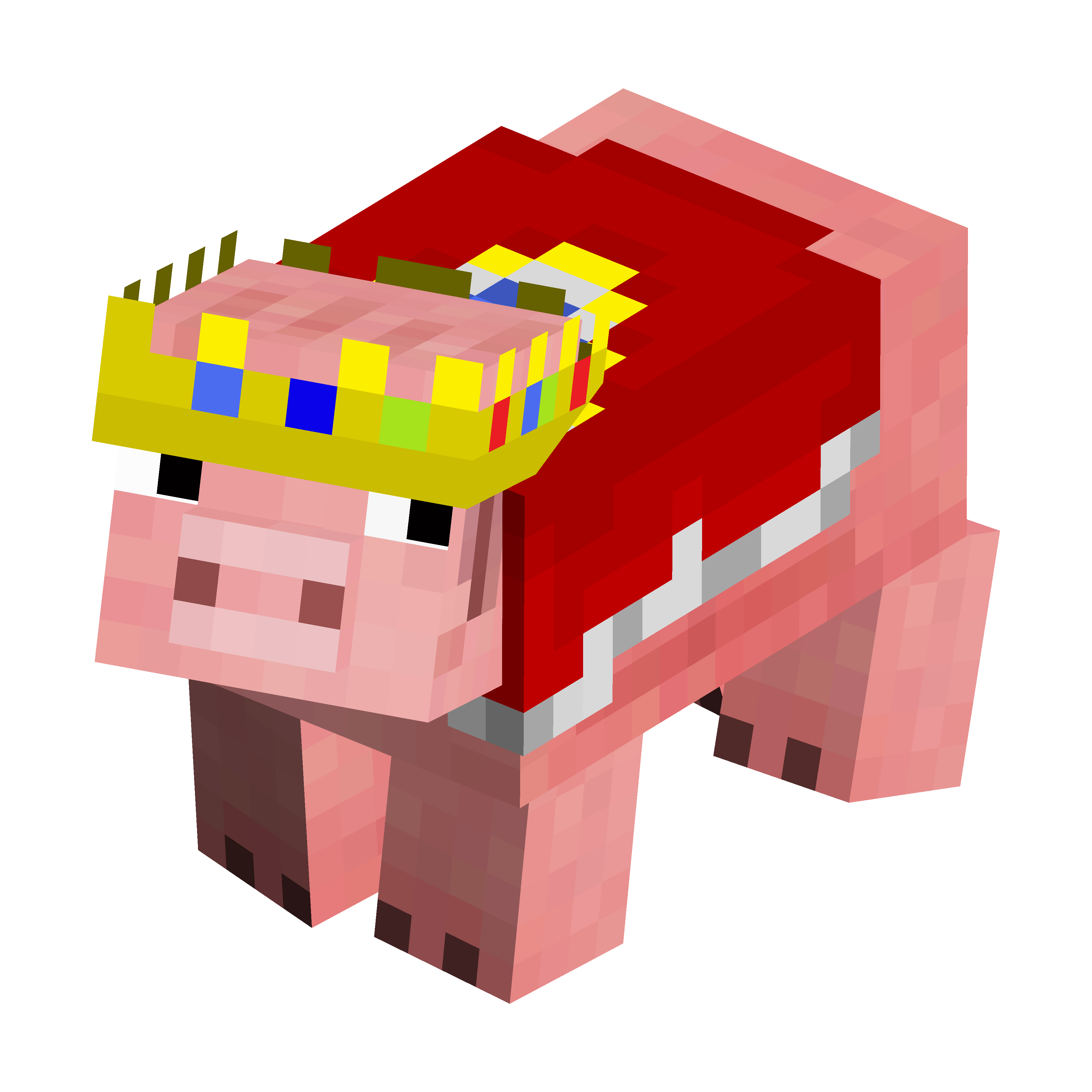
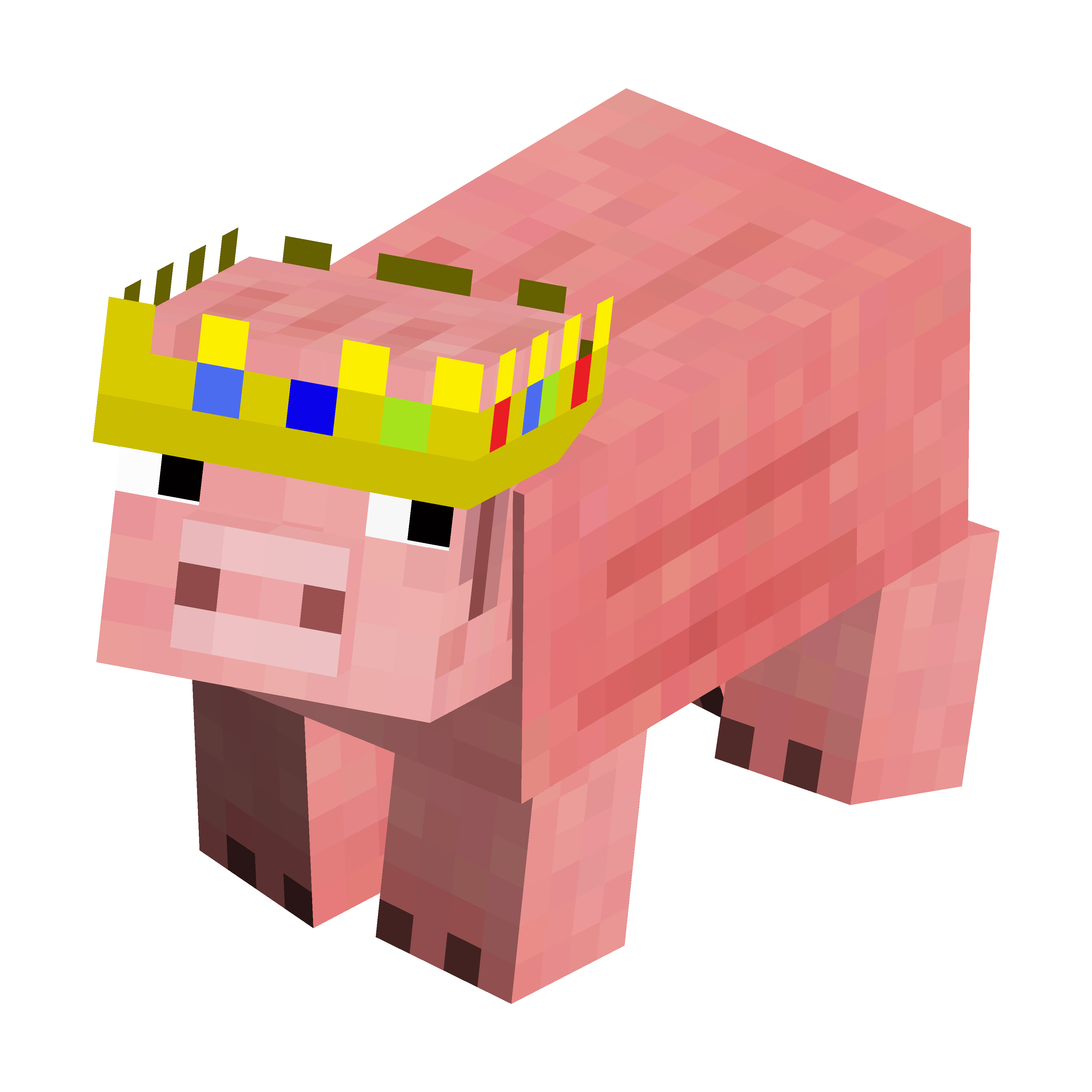
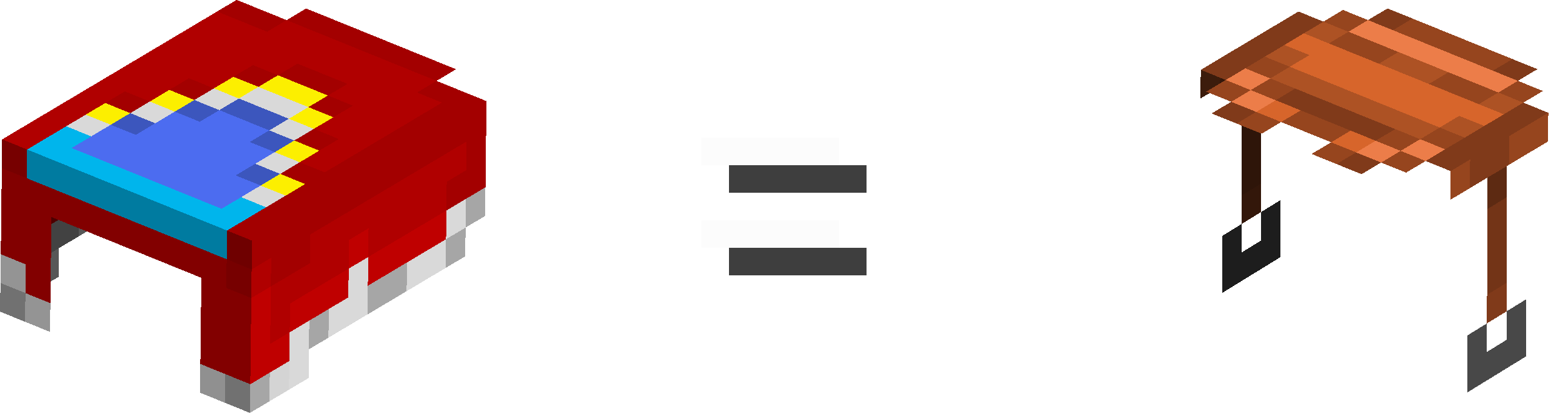
TechnoThePig - Fresh Animations (FreshTechnoThePig) is a FA addon that adds a legendary pig variant to the game. Rename a regular pig to "Legend" to get the custom pig variant. Equip the renamed variant with a saddle to get the cape!
Info
This pack is compatible with Fresh Animations Extensions, meaning that the variants from Fresh Animations Extensions are not ignored and spawn normally.
Notable Features
• Renamed pig variants have a second texture layer on their heads, which allows the crown to render properly. (Same way it is rendered on a player)
Known Issues: None
CHANGELOG
[ v2.2 ] Now works on 26.1.x and 26.2. Updated pack.png
____________________________________________
[ v2.1 ] Small fixes
____________________________________________
[ v2.0 ] Restructuring Update (TL;DR: Code/file cleanup & update support)
PIG:
- !This pack can no longer be used without Fresh Animations!
- With the 1.6 release of the FA Extensions it has become possible to separate the entity model from the entity animations. This allowed for much broader support across Minecraft versions and eliminated the need to include animation files from FA in this addon. This pack is now lighter, a lot less complicated on the inside and works across many Minecraft versions. The issue with saddles on baby pigs rendering incorrectly has been fixed.
____________________________________________
[ v1.0 ] Initial Release!
PIG:
- Modified the pig model by adding a second texture layer to the pig head and adjusting UVs, allowing the crown to render properly.
- Made the renamed variant use a custom model (the one mentioned above) instead of the default one.
- Edited the saddle model to work on versions below 1.21.5
- Created the textures for the custom pig and saddle variants. (duh)
- Added compatibility with FreshAnimationsExtensions. The variants from FreshAnimationsExtensions are not ignored and spawn normally.
(Although when using with FAE versions below 1.5.x the muddy pig variant and regular pig variant spawn chances are reversed & saddles on baby pigs render lower than they should. NO BIGGIE)
Rename a regular pig to "Legend" to get the custom variant.
Equip the renamed variant with a saddle to get the cape.
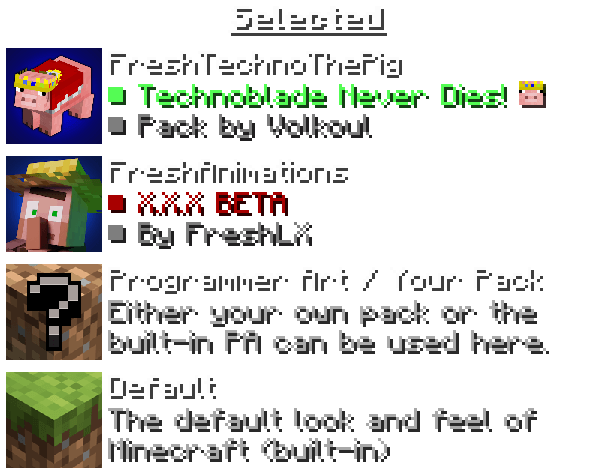
PROPER RESOURCE PACK ORDER
Special Thanks
• GillsBills: For helping me understand how to make a renamed entity use it's own custom model, instead of being bound to the default one. This allowed for just the renamed variants of the same mob to be animated.
• MidniteDemolisher: For helping me understand how to make a renamed entity use it's own custom texture when it also uses it's own custom model. This allowed for the renamed variants of the same mob that are animated to have a specific texture, bound to the custom model.
Terms of Use
_______________________________________________
FreshTechnoThePig: Terms & Conditions
_______________________________________________
!This pack includes edited/modified assets from Fresh Animations!
_______________________________________________
- By continuing to use this resource pack, you agree to be bound by these terms and conditions.
- VOLKOUL is the creator and copyright owner of this resource pack.
- These terms are subject to change at any time.
- These terms only apply if you intend to use the resource pack in your own content you want to share publicly.
- The terms listed on the official project CurseForge and Modrinth pages supersede any license, readme or terms/conditions information provided anywhere else, including in the resource pack files.
- If you use assets from this resource pack in your own, credit is required. Preferably including its name and a link to an official CurseForge or Modrinth page.
- The creator has the final say about which terms apply to your use of this resource pack and its assets.
_______________________________________________
With this resource pack, YOU MAY:
- ✅ Modify the resource pack if it's for personal use only, meaning you cannot share it publicly.
- ✅ Include this resource pack in your mod pack or server.
- ✅ Use this resource pack in forms of content such as videos, live streams, blog posts.
- ✅ Use an edited version of this resource pack in forms of content such as videos, live streams, blog posts, if the edited version is not publicly available.
_______________________________________________
With this resource pack, YOU MAY NOT:
- ❌ Redistribute this resource pack.
- ❌ Port this resource pack or its assets to work on Minecraft Bedrock Edition.
- ❌ Include unedited assets, unless you have permission from the creator.
- ❌ Include assets from this resource pack in a paid product or paid access to a product, unless you have permission from the creator.
_______________________________________________