Mineuniverse
Resource Packs
Technopigs

Technopigs

RESOURCE PACK
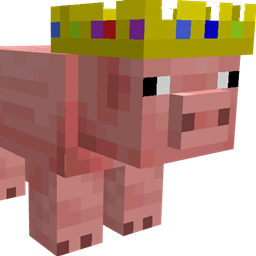
A little resource pack that adds a tribute to the amazing Technoblade
by ffernnlive
Download Claim this project
427 downloads
0 likes
Updated Oct 14, 2026
0 hypes
16x Miscellaneous
Advertisement Remove ads with Premium →

[MOST UP TO DATE VERSIONS AND BEDROCK EDITION VERSION ON MY WEBSITE]

Technopigs


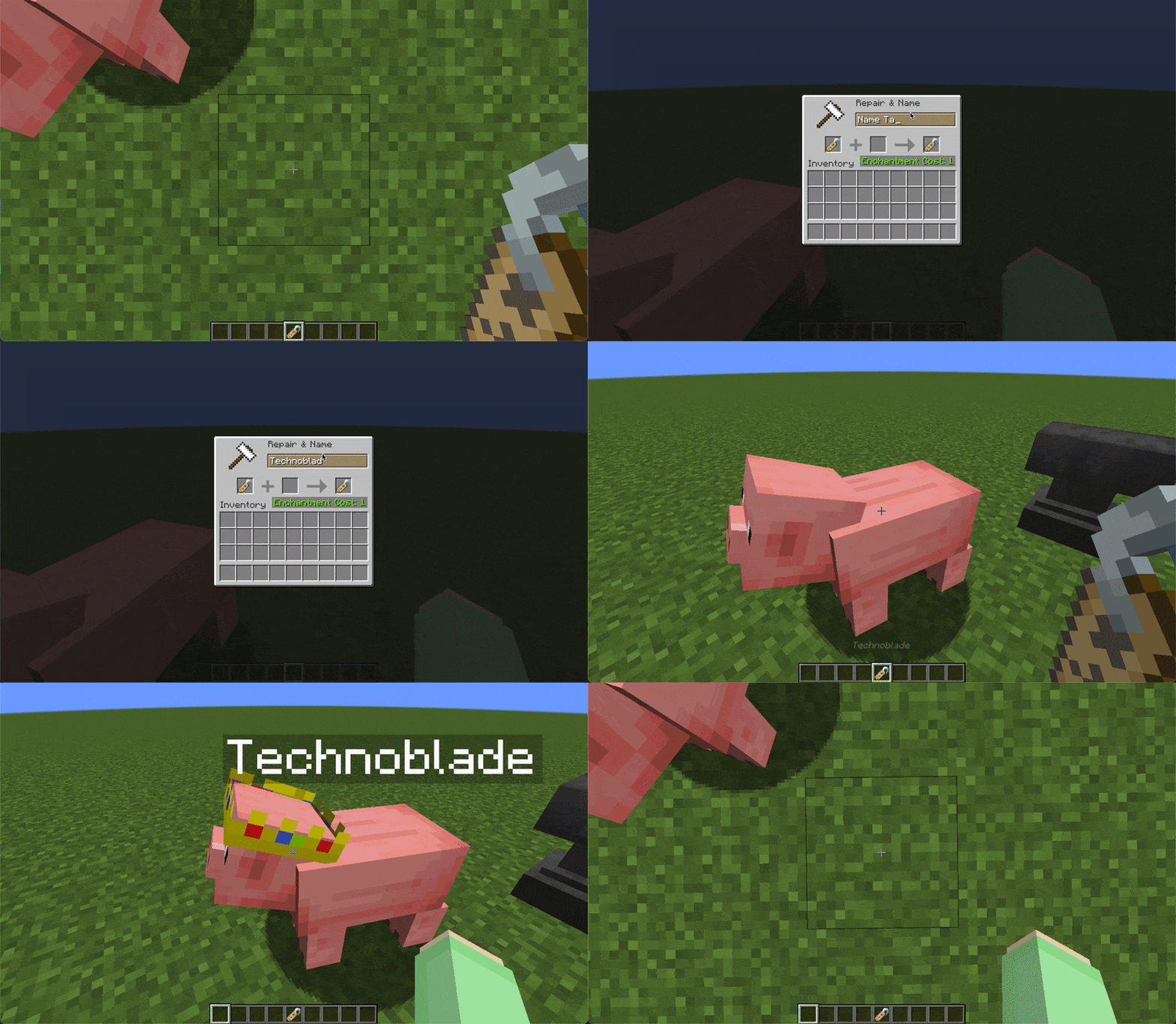
This is a quick resource pack that I whipped up to add the feature that naming a pig "Technoblade" gives it the crown from his skin.

The idea has been suggested a lot on Twitter and elsewhere but I've made this in case Mojang doesn't end up adding it.

Optifine is required or Custom Entity Models and Entity Texture Features if you're using Fabric.

If you're using the Fabric Custom Entity Models mod, you have to make sure "Use assets/minecraft/optifine/cem" is disabled. If you haven't changed any settings you should be fine.

Thanks to u/Codepro5 for creating the bedrock version (no mods needed for beckrock)

Contact me at Fern#2528 on Discord or via the reddit post


Rest in peace king <3


© Copyright 2022 Fern

v1.1.0 for mc1.19
MC 1.19-Snapshot, 1.19.1, 1.19
Release 2022-07-04 Get
v1.0.0 for mc1.8.9
MC 1.8.9
Release 2022-07-02 Get
v1.0.0 for mc1.19
MC 1.19.1, 1.19
Release 2022-07-02 Get

Requirements & install

How to use this resource pack in Minecraft
Resolution
16x
Minecraft
1.8.9 – 1.19.1
Install folder
.minecraft/resourcepacks

How to install resource packs

  1. Download the resource pack .zip file (do not extract it).
  2. In Minecraft open Options → Resource Packs → Open Pack Folder.
  3. Drop the .zip into the resourcepacks folder (.minecraft/resourcepacks).
  4. Move the pack to the Selected column and click Done.
Browse more: 16x resource packs 32x resource packs 64x resource packs 128x resource packs 256x resource packs 512x+ resource packs Resource Packs for 1.19.1 All resource packs
Advertisement Remove ads with Premium →

You Might Also Like