Mineuniverse
Resource Packs
Tahiti: 3D Tools

Tahiti: 3D Tools

RESOURCE PACK
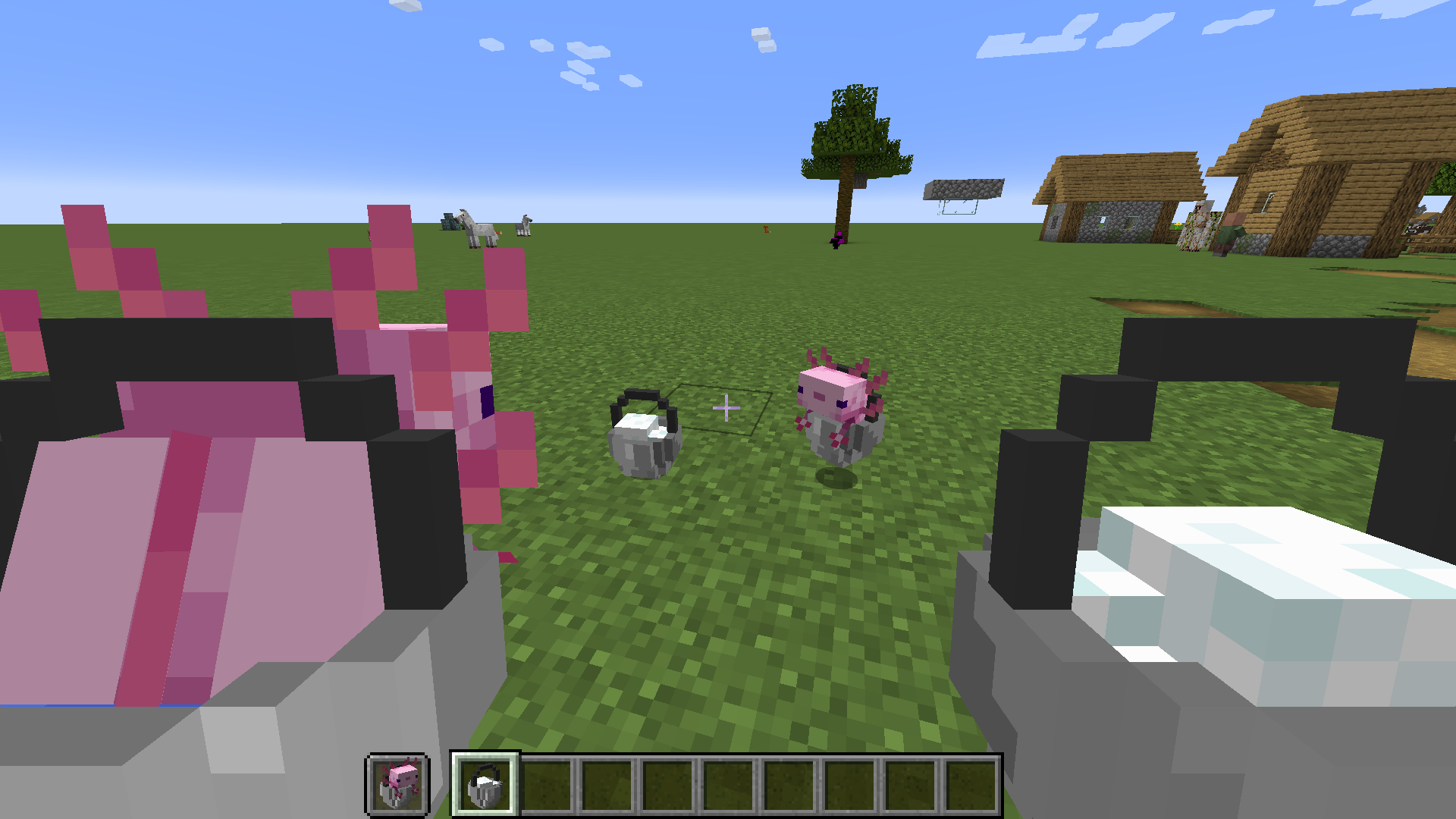
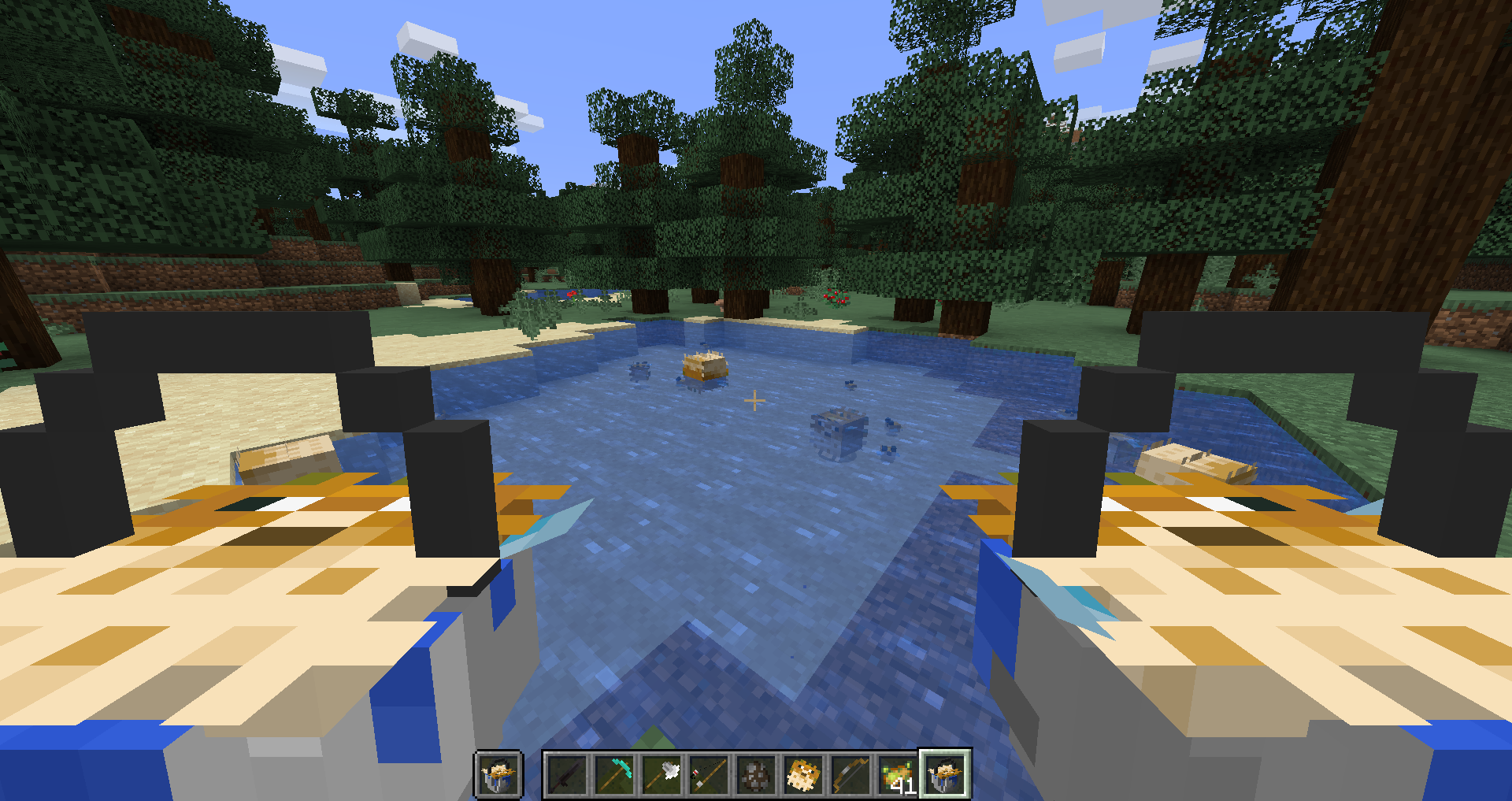
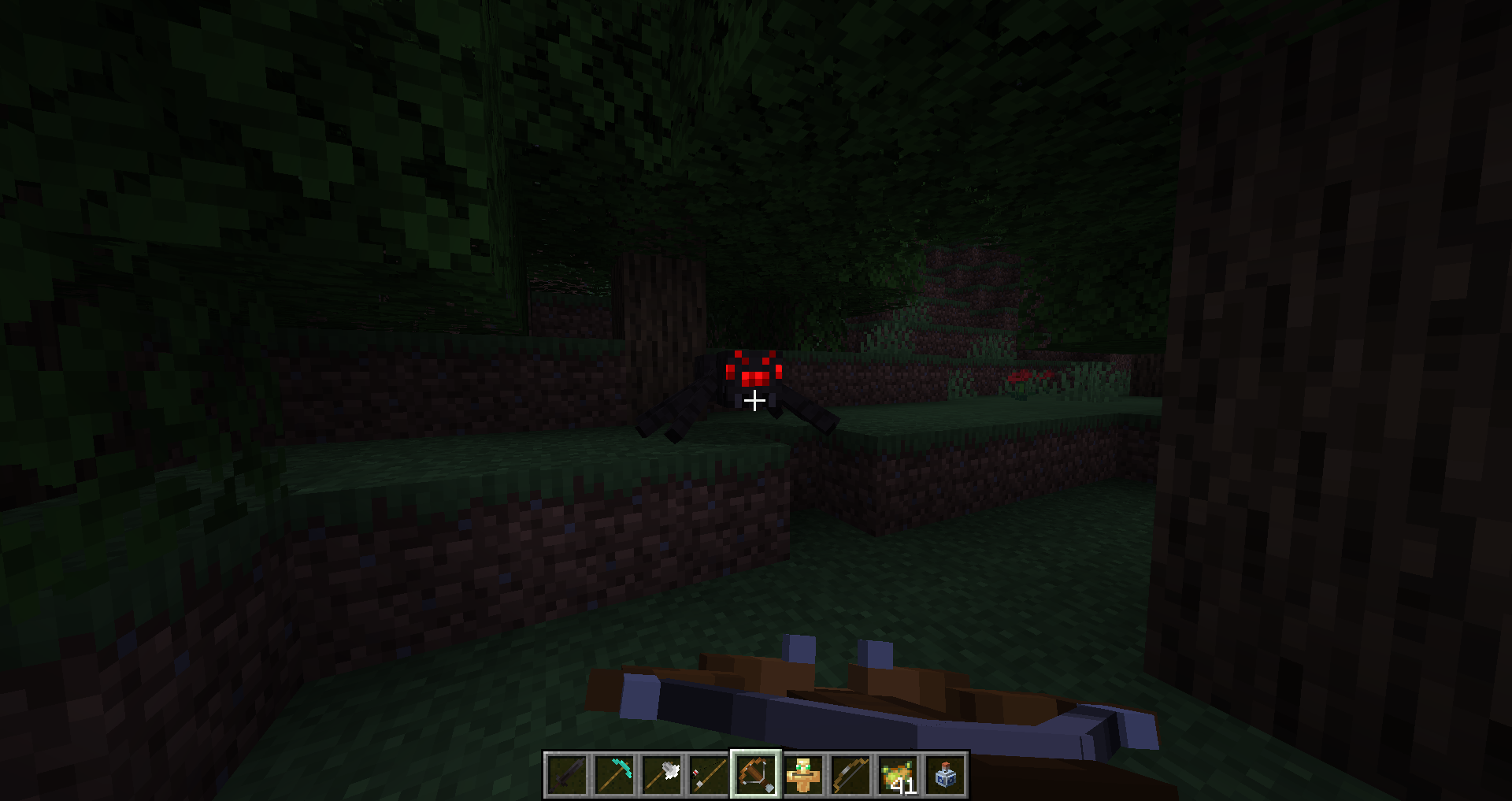
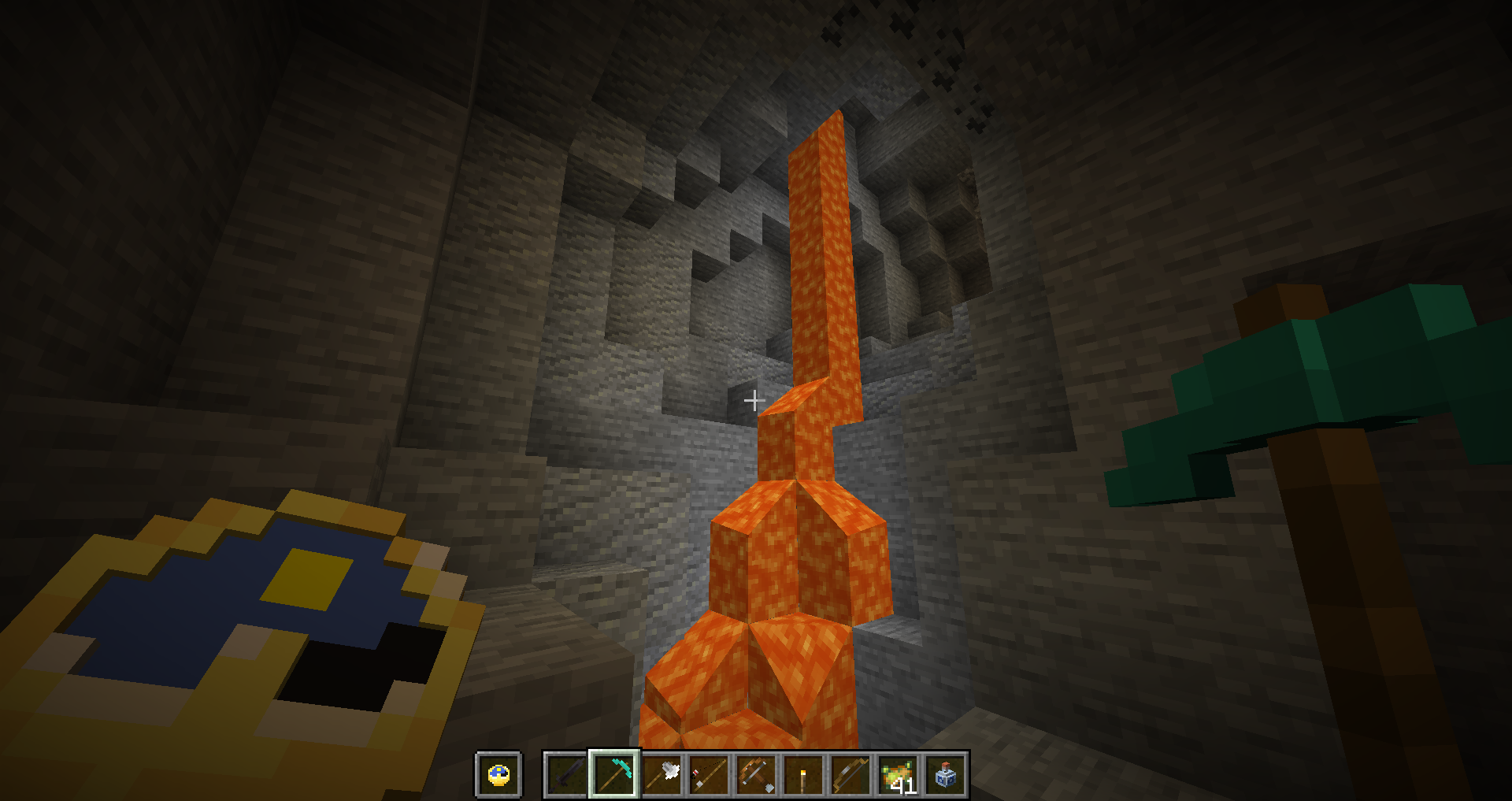
A 3D resource pack with a distinctly vanilla style
by Hammer_64
Download Claim this project
33,024 downloads
0 likes
0 followers
Updated Oct 14, 2026
0 hypes
Follow0
16x Animated Miscellaneous
Advertisement Remove ads with Premium →

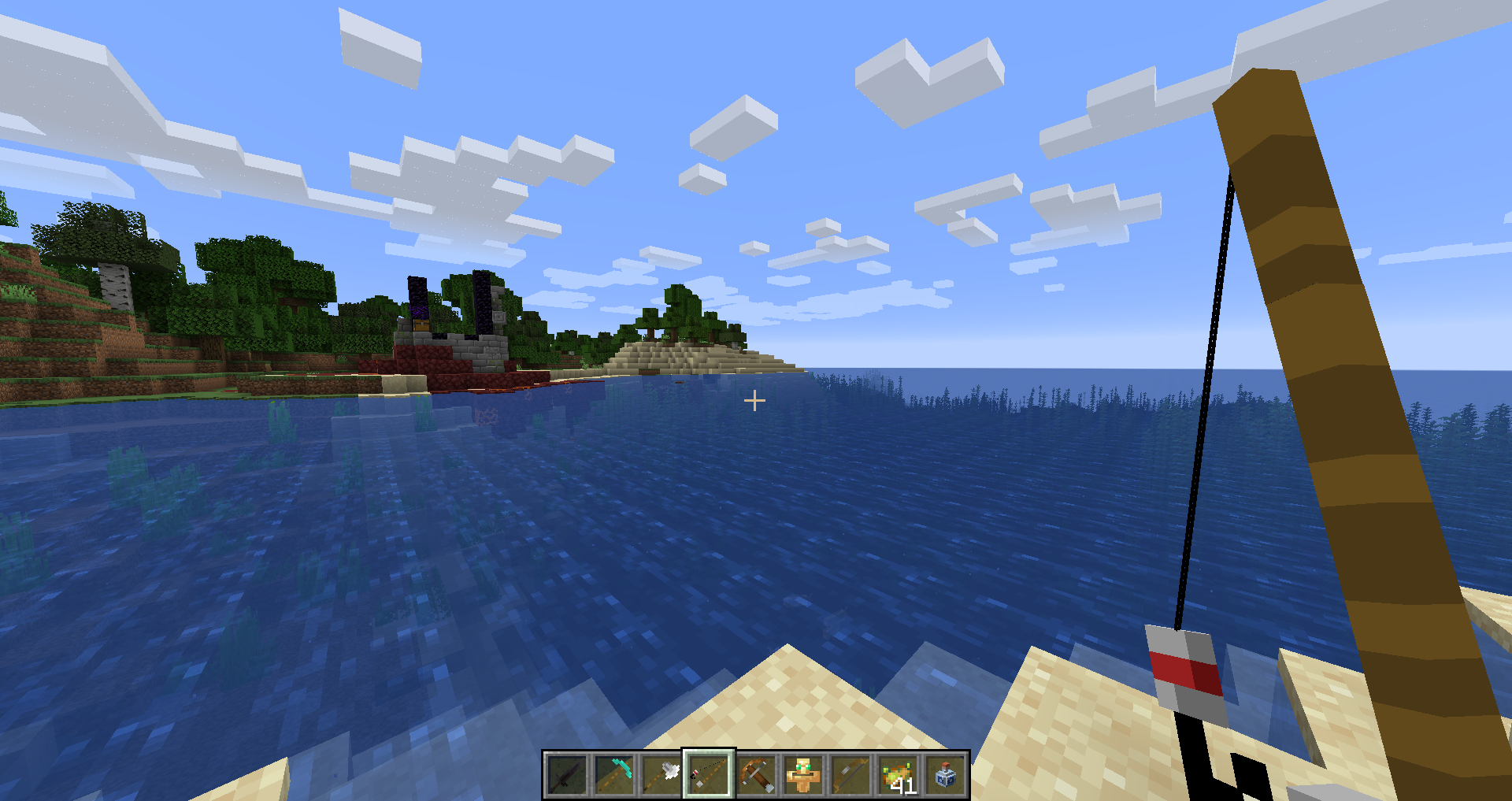
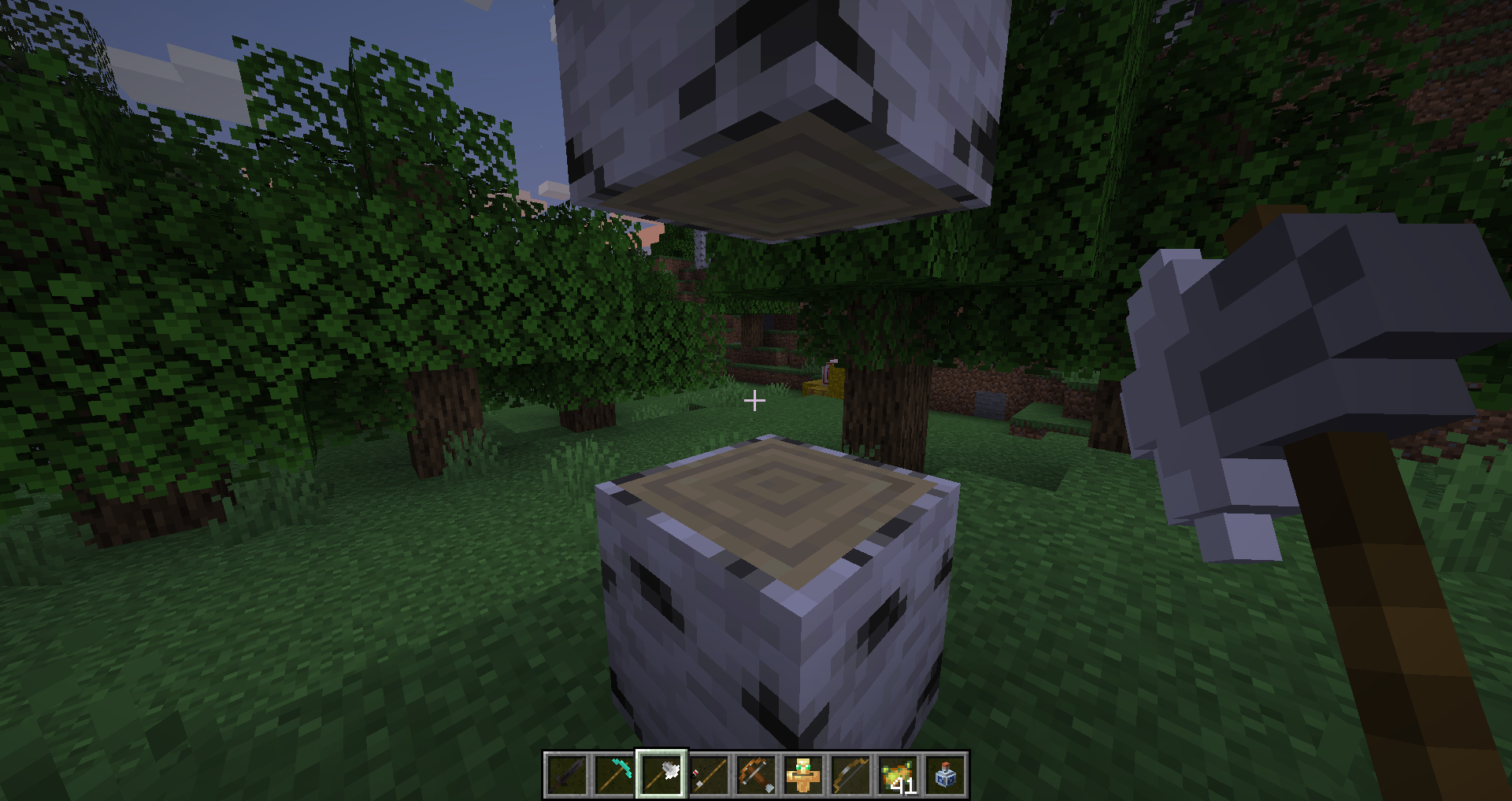
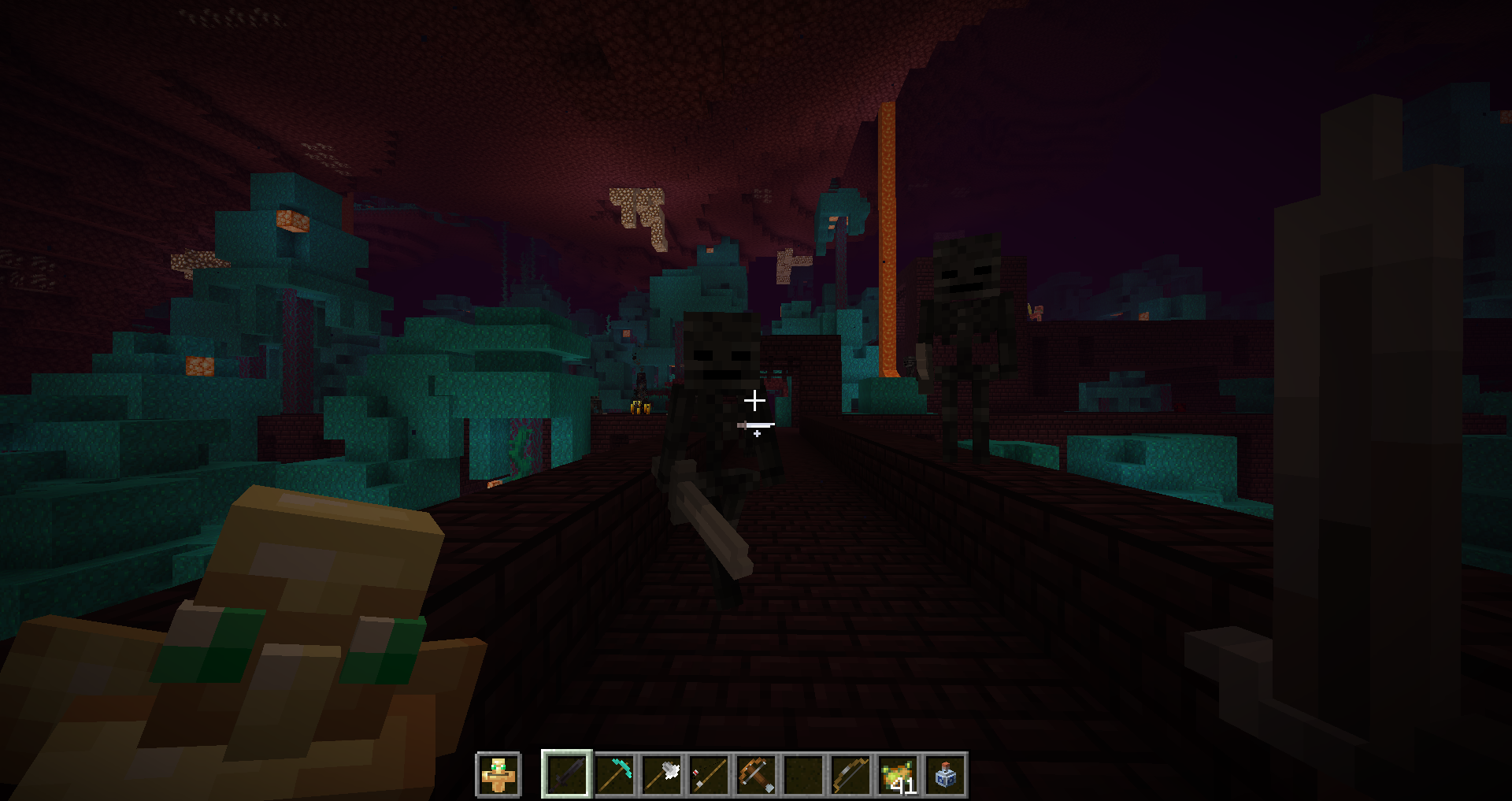
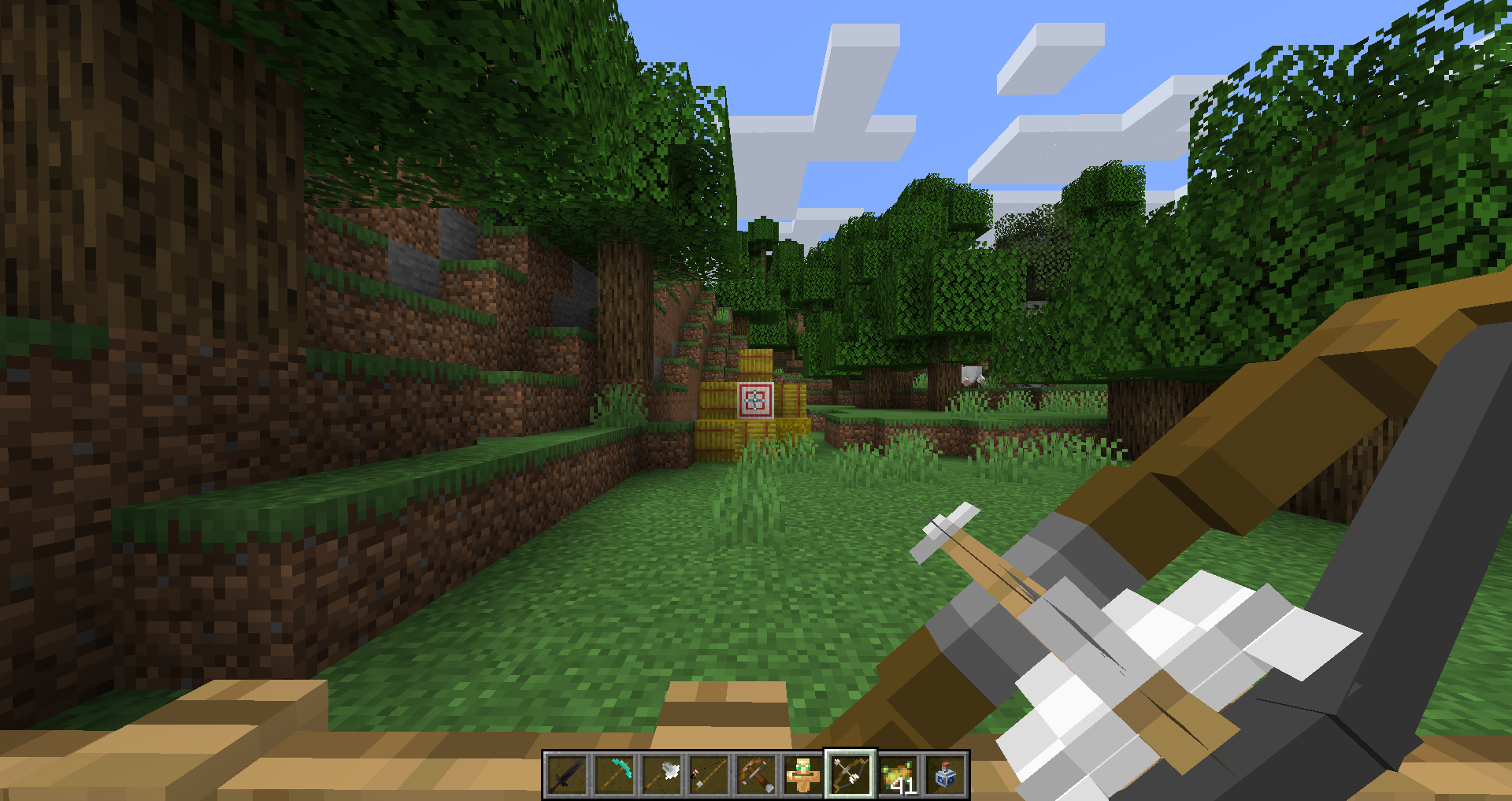
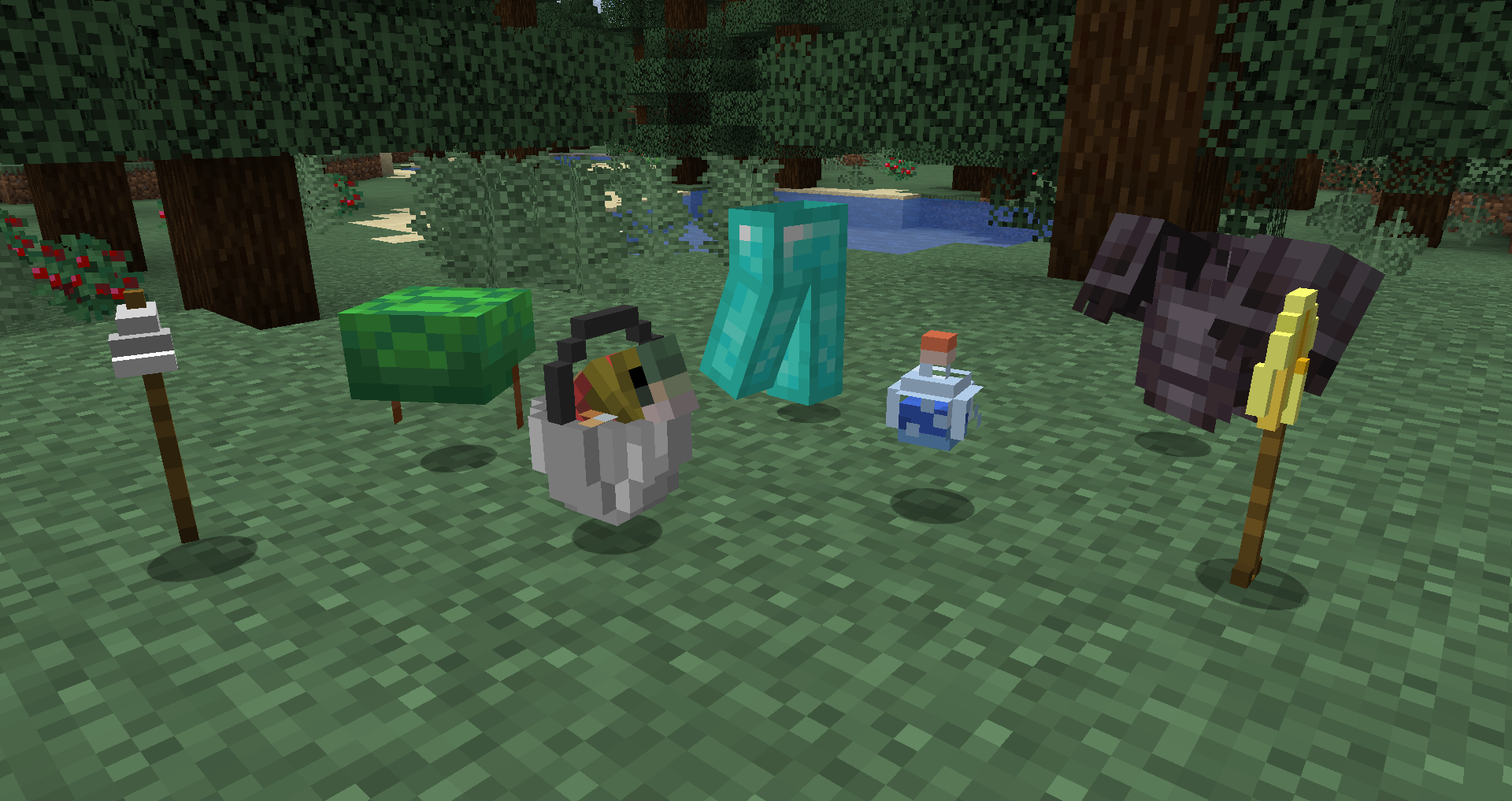
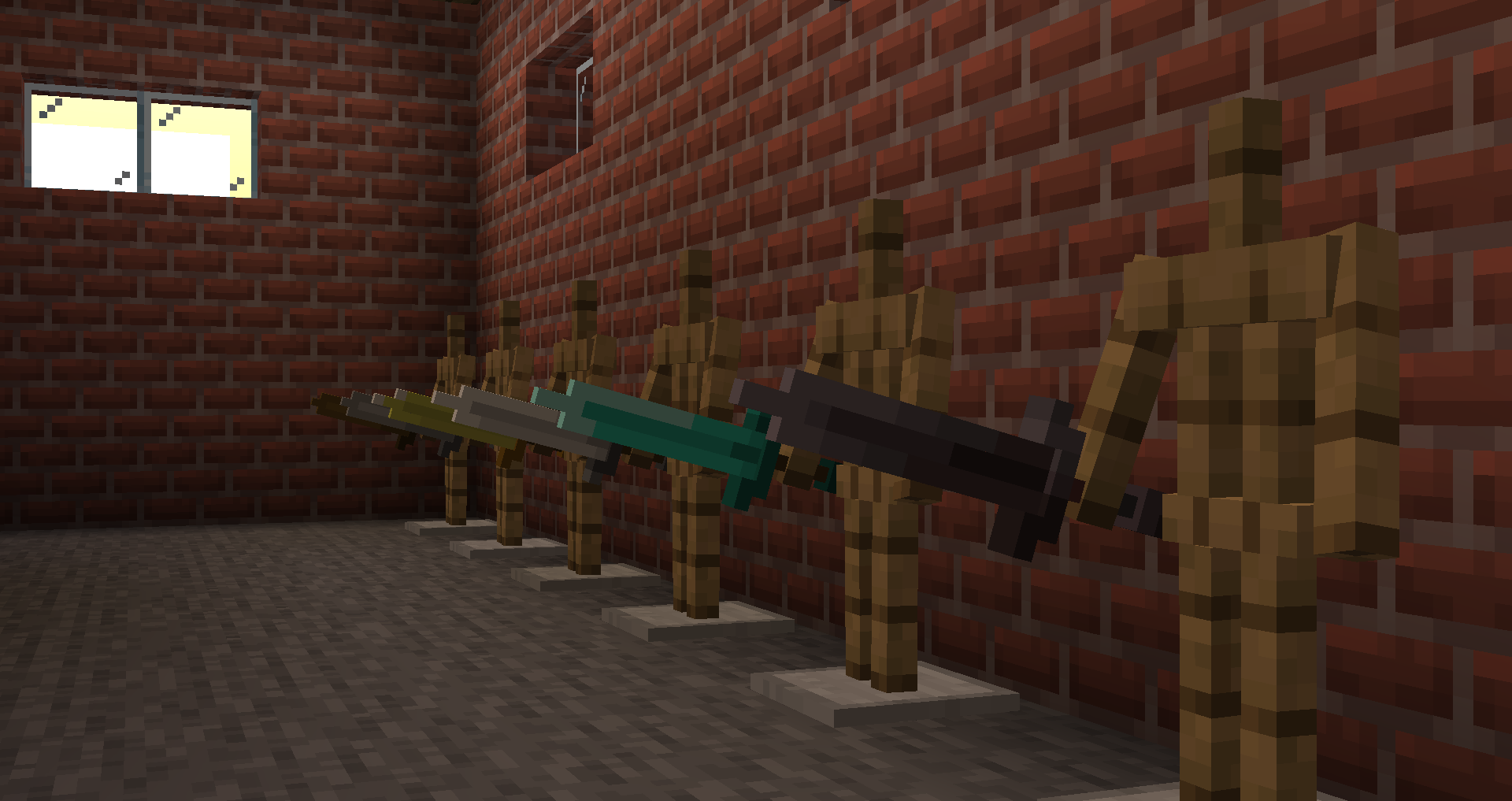
Bring your tools into the third dimension, without abandoning Minecraft's design philosophy! Each tool has been carefully modeled and textured to preserve their chunky aesthetics.


NOTE: Currently, we're focusing on adding 3D models to all of the tools in Vanilla. Once that's out of the way, we'll be rolling out mod support. We're gonna start with Buildcraft, then go from there. If anyone has any recommendations, let us know in the comments!

Tahiti3D v0.1.3
MC 1.17.1, 1.17, 1.17-Snapshot
Beta 2021-09-09 Get
Tahiti 3D v0.1.2
MC 1.16.3, 1.16.1, 1.16.4, 1.16.2
Alpha 2020-12-01 Get
Tahiti 3D v0.1.1
MC 1.16-Snapshot, 1.16.3, 1.15-Snapshot, 1.16.1, 1.15, 1.16, 1.15.2, 1.16.4, 1.16.2, 1.15.1
Beta 2020-11-30 Get
Tahiti 3D v0.1
MC 1.16-Snapshot, 1.16.3, 1.15-Snapshot, 1.16.1, 1.15, 1.16, 1.15.2, 1.16.2, 1.15.1
Alpha 2020-10-08 Get

Requirements & install

How to use this resource pack in Minecraft
Resolution
16x
Minecraft
1.16 – 1.17.1
Install folder
.minecraft/resourcepacks

How to install resource packs

  1. Download the resource pack .zip file (do not extract it).
  2. In Minecraft open Options → Resource Packs → Open Pack Folder.
  3. Drop the .zip into the resourcepacks folder (.minecraft/resourcepacks).
  4. Move the pack to the Selected column and click Done.
Browse more: 16x resource packs 32x resource packs 64x resource packs 128x resource packs 256x resource packs 512x+ resource packs Resource Packs for 1.17.1 All resource packs
Advertisement Remove ads with Premium →

You Might Also Like