Mineuniverse
Resource Packs
Tag a MooBloom pack x Fresh Animations

Tag a MooBloom pack x Fresh Animations

RESOURCE PACK
Now there is 4 cows ! Maybe more.
by Ilmenis
Download Claim this project
Add a badge to your pageLink to Tag a MooBloom pack x Fresh Animations from a README, website or forum post.
Preview: Badge

Badges update automatically and link to the resource pack page on MineUniverse.
779 downloads
0 likes
0 followers
Updated Oct 14, 2026
0 hypes
Follow0
128x Miscellaneous Traditional
Advertisement Remove ads with Premium →


--1.20 is out !--

Requires optifine to work ! 

⚠ Put Fresh Animations ABOVE Tag a MooBloom 


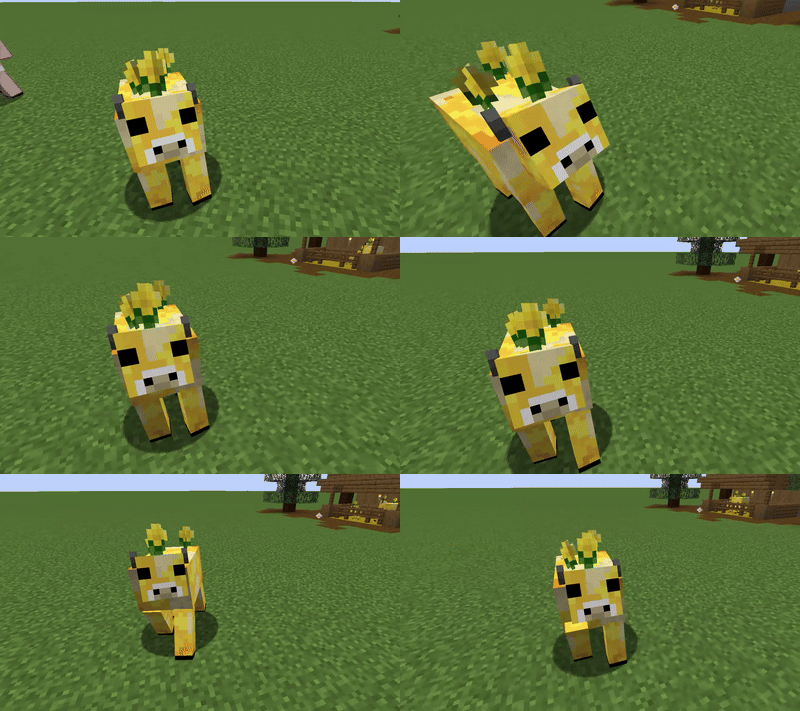
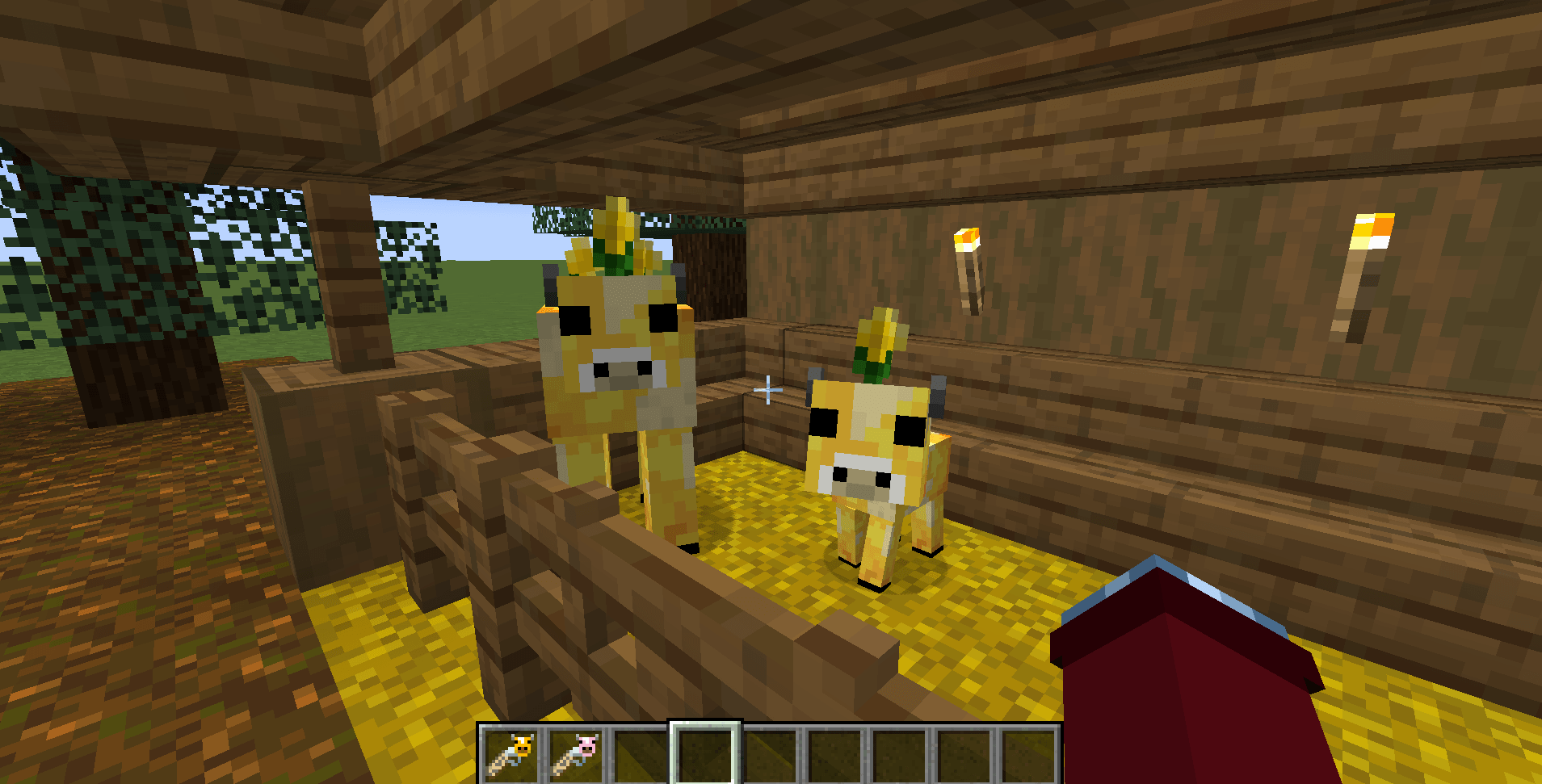
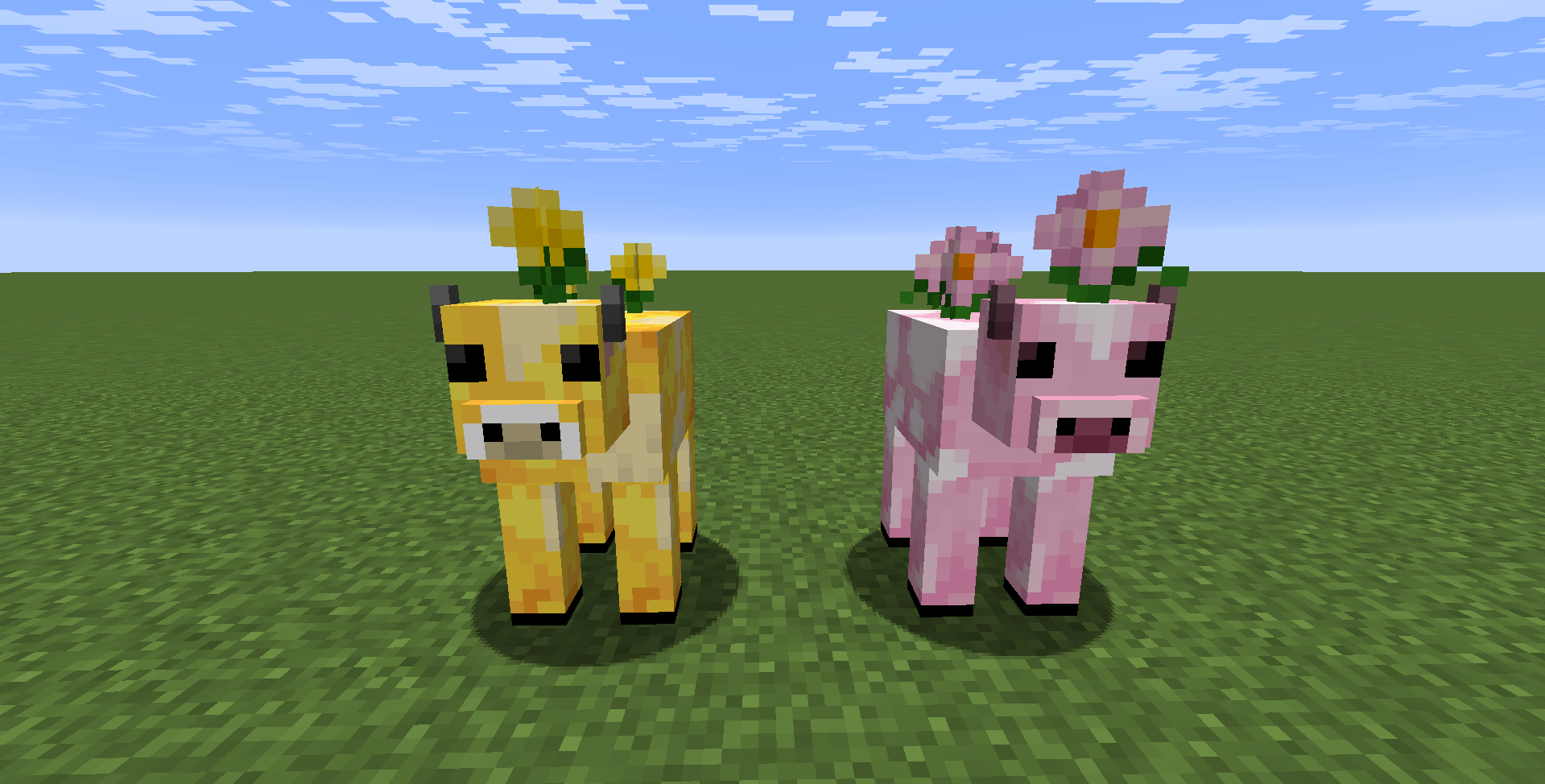
Don't you want a Moobloom in your minecraft world ? I do !

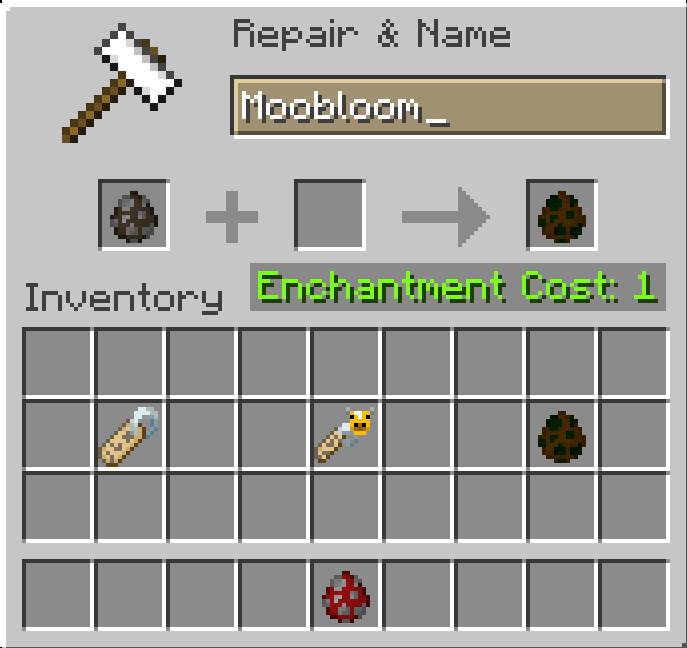
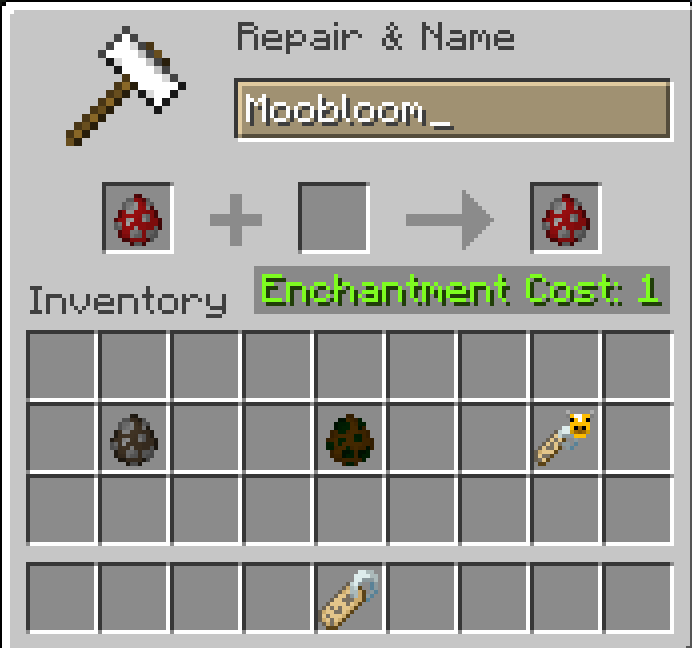
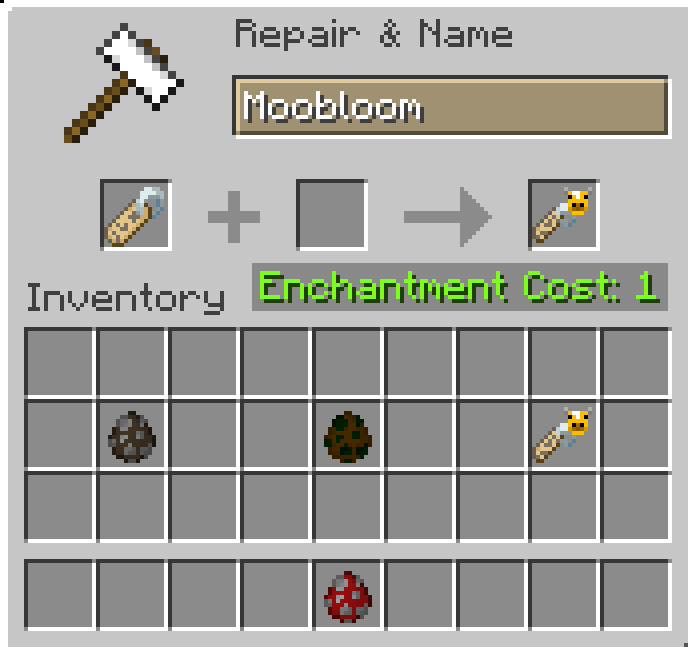
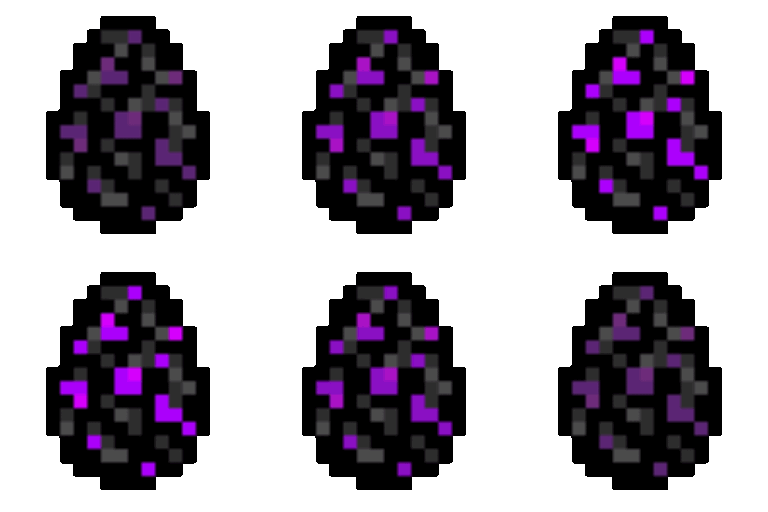
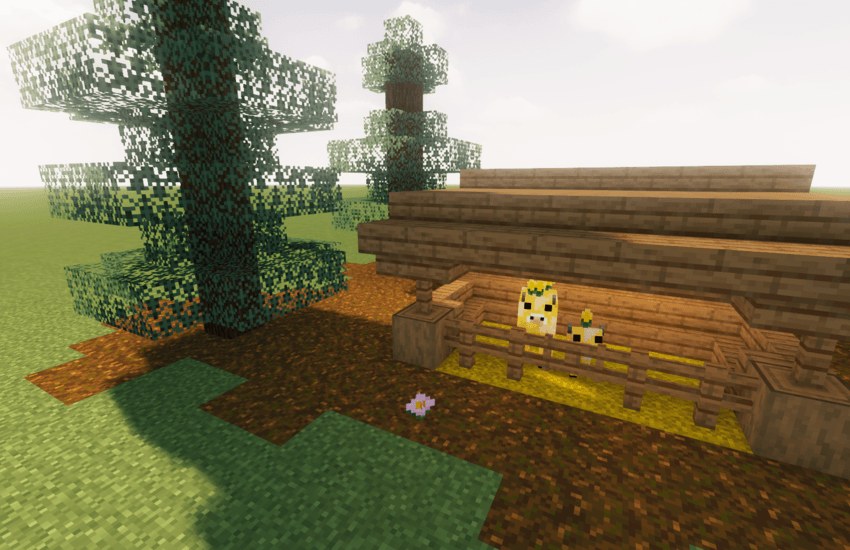
I made this resource pack which allow you to get this splendid new cow into your minecraft world just by naming any cow with a name_tag called Moobloom. You can also get its custom textured egg if you're in creative mod by using this command : /give @p minecraft:cow_spawn_egg{display:{Name:'{"text":"Moobloom"}'}} or by renaming a cow_spawn_egg Moobloom in an anvil (examples in media) .


Now you can have your own Moobloom in your minecraft world !

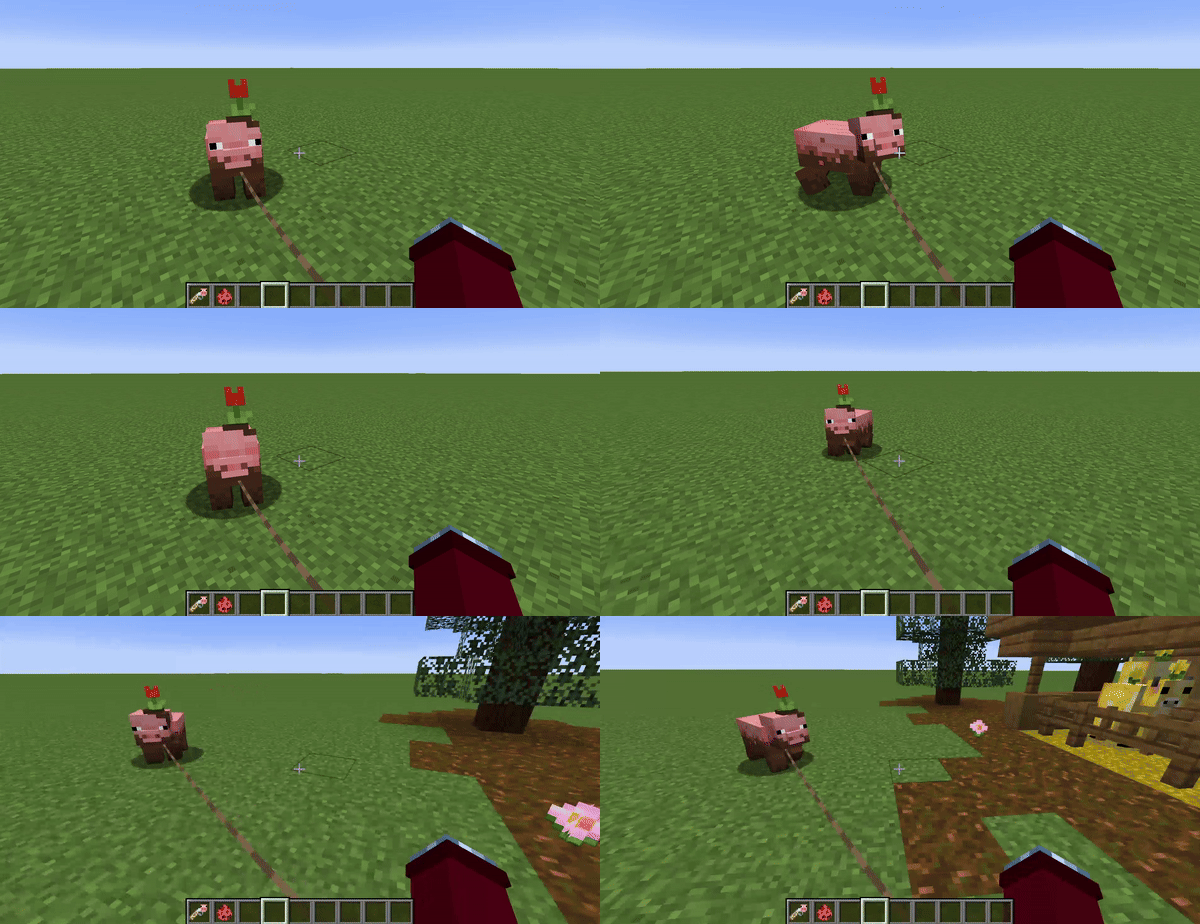
You can also have a Muddy pig (call a pig Muddy) in the [Muddy&Patch] version. And I just found out that we can actually ride pigs :) .

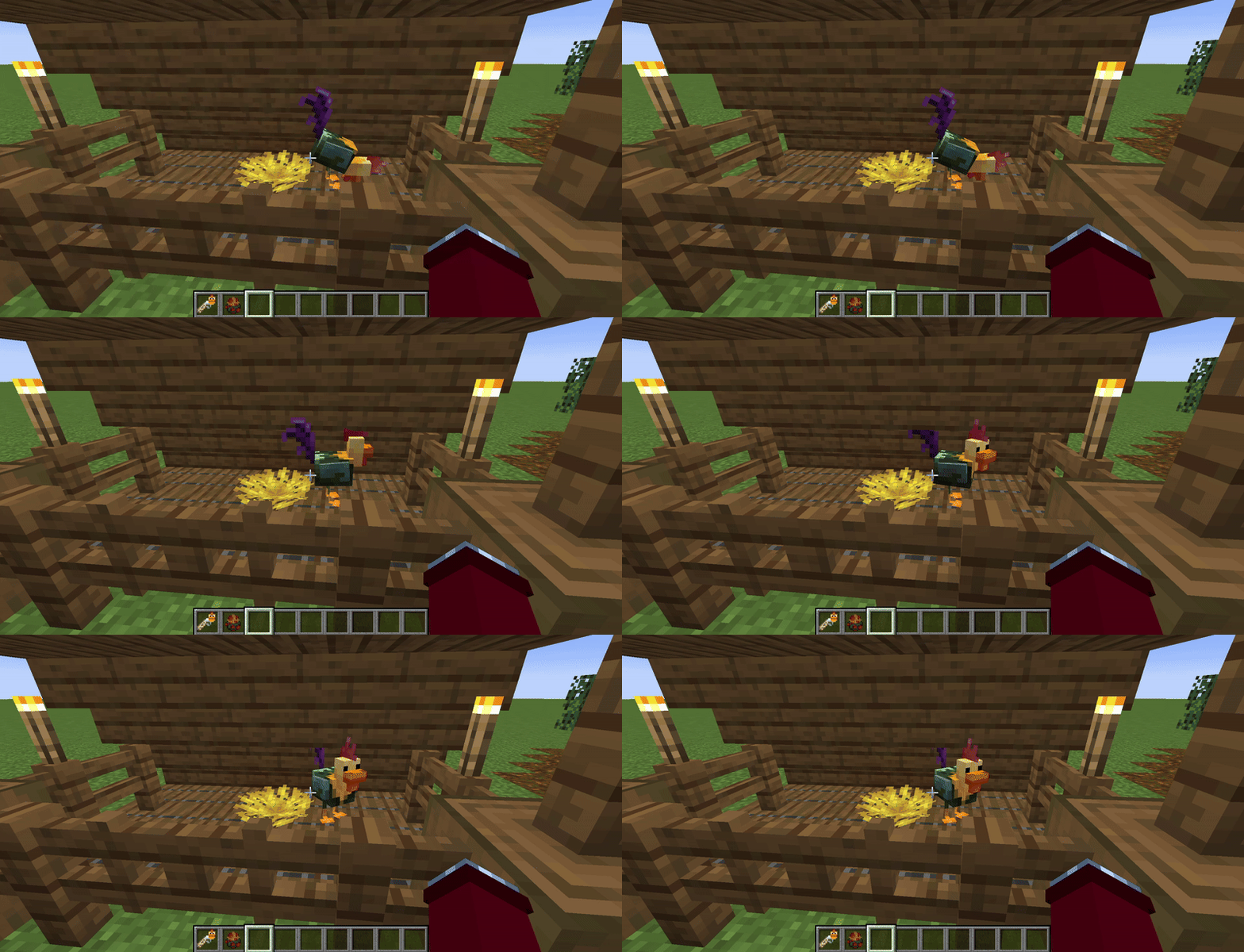
Also don't forget there is a new Fancy chicken (call a chicken Fancy) in the last version !


Sorry for all the bugs in the older versions of my resource pack, the version [Muddy&Patch] yet is really improved now !

In the version [Fancy&Patch] all bugs fixed !


1.21 version is in BÊTA, there is few content yet.

-Cows, pigs and chickens are not supported yet by Optifine and Fresh Animations

-In the 1.21 version name a Red mooshroom Moobloom to have your Moobloom !

-If you managed to find how to have a Moolip in the last versions, it's still the same way ;)

-My pack is also Supported by fresh animations in 1.21 version !


This resource pack is inspired of Pack O' Allay resource pack

[there is now an easter egg for those who knows minecraft earth]


[Fancy&1.20] Tag a Moobloom x Fresh Animations.zip
MC 1.20.2, 1.20.2-Snapshot, 1.20.3-Snapshot, 1.20.3, 1.20.1, 1.20, 1.20.4
Release 2025-07-30 Get
[Bêta 1.21] Tag a MooBloom x Fresh Animations.zip
MC 1.21.6-snapshot, 1.21.8, 1.21.7, 1.21.6
Beta 2025-07-29 Get
[Fancy&Patch] Tag a MooBloom x Fresh Animations.zip
MC 1.19.2
Release 2025-04-09 Get
[Muddy&Patch] Tag a MooBloom x Fresh Animations.zip
MC 1.19.2
Release 2025-04-07 Get
[EASTER-EGG]Tag a MooBloom x Fresh Animations.zip
MC 1.19.2
Release 2025-04-05 Get
[PATCH]Tag a MooBloom x Fresh Animations.zip
MC 1.19.2
Release 2025-04-04 Get
Tag a MooBloom x Fresh Animations.zip
MC 1.19.2
Beta 2025-04-03 Get
Tag a MooBloom pack.zip
MC 1.19.2
Release 2025-04-02 Get

Requirements & install

How to use this resource pack in Minecraft
Resolution
128x
Minecraft
1.20.2 – 1.21.8
Install folder
.minecraft/resourcepacks

How to install resource packs

  1. Download the resource pack .zip file (do not extract it).
  2. In Minecraft open Options → Resource Packs → Open Pack Folder.
  3. Drop the .zip into the resourcepacks folder (.minecraft/resourcepacks).
  4. Move the pack to the Selected column and click Done.

Packs from 128x upwards need more video memory: install a performance mod such as Sodium for smooth frame rates.

Browse more: 16x resource packs 32x resource packs 64x resource packs 128x resource packs 256x resource packs 512x+ resource packs Resource Packs for 1.21.8 All resource packs

More from Ilmenis

Advertisement Remove ads with Premium →

You Might Also Like