Mineuniverse
Resource Packs
Superb Sea Lanterns

Superb Sea Lanterns

RESOURCE PACK
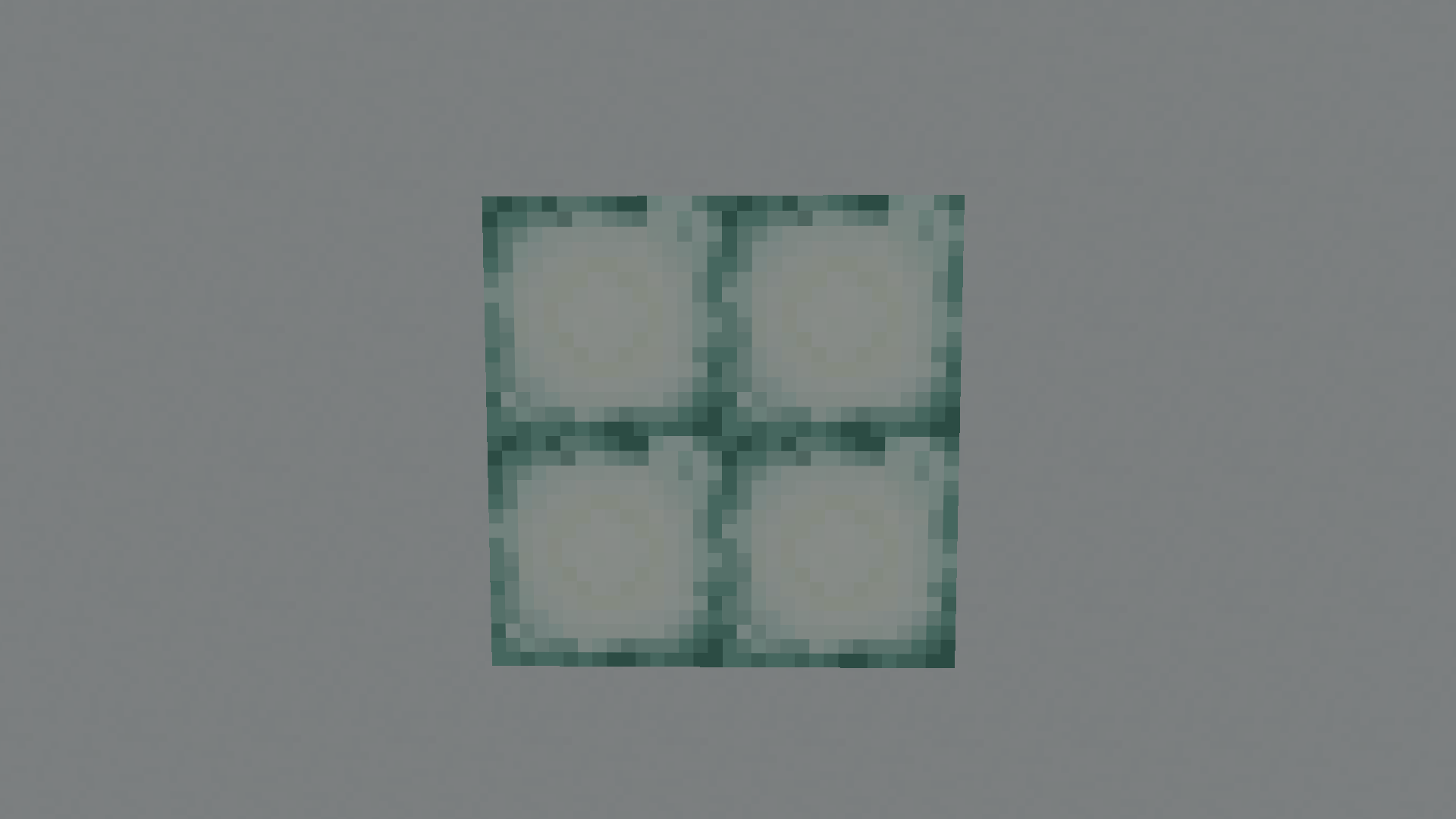
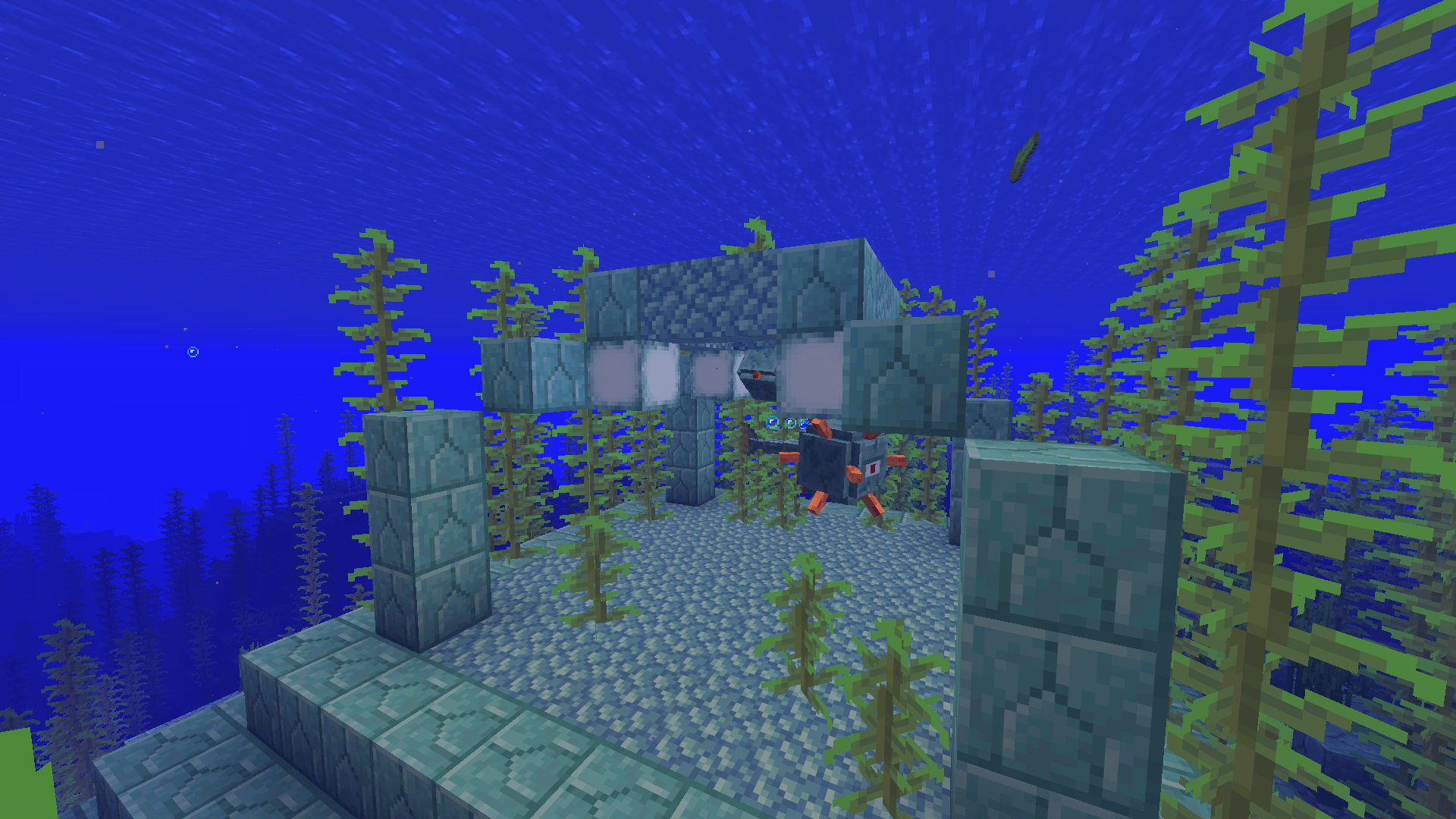
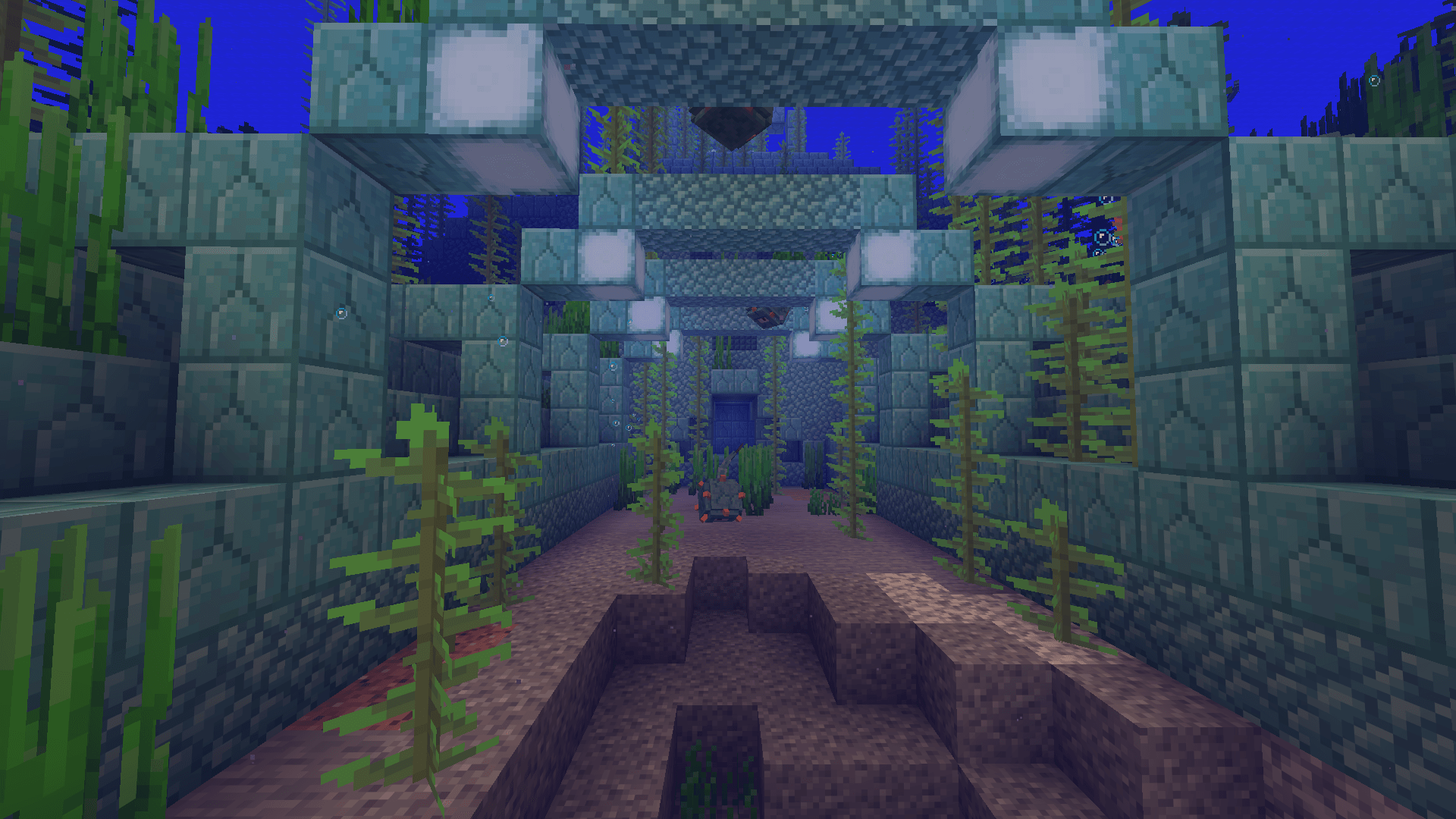
This resource pack replaces the sea lantern texture with a version that has a smoother transition between blocks.
by Made_By_Jesske
Download Claim this project
Add a badge to your pageLink to Superb Sea Lanterns from a README, website or forum post.
Preview: Badge

Badges update automatically and link to the resource pack page on MineUniverse.

497 downloads
0 likes
0 followers
Updated Oct 14, 2026
0 hypes
Follow0
16x Miscellaneous
Advertisement Remove ads with Premium →

This resource pack redesigns the sea lantern texture to include a subtle, integrated border that softens the edges between blocks. Inspired by the natural blending effect of the shroomlight, this change reduces the harsh, grid-like appearance of the original texture. The result is a smoother, more polished look that blends seamlessly in builds while preserving the sea lantern’s bright, clean glow. Perfect for players who want improved visual continuity without altering the block’s overall style or function.


Superb Sea Lanterns 26.3
MC 26.3
Release 2026-09-16 Get
Superb Sea Lanterns 26.2
MC 26.2
Release 2026-06-24 Get
Superb Sea Lanterns 26.1-26.1.2
MC 26.1, 26.1.1, 26.1.2
Release 2026-03-24 Get
Superb Sea Lanterns 1.21.11
MC 1.21.11
Release 2026-02-27 Get
Superb Sea Lanterns 1.21.9-1.21.10
MC 1.21.9, 1.21.10
Release 2026-02-27 Get
Superb Sea Lanterns 1.21.7-1.21.8
MC 1.21.8, 1.21.7
Release 2026-02-27 Get
Superb_Sea_Lanterns_1.21.6
MC 1.21.6
Release 2026-02-27 Get
Superb_Sea_Lanterns_1.21.5
MC 1.21.5
Release 2026-02-27 Get
Superb_Sea_Lanterns_1.21.4
MC 1.21.4
Release 2026-02-27 Get
Superb Sea Lanterns 1.21.2-1.21.3
MC 1.21.3, 1.21.2
Release 2026-02-27 Get
Superb Sea Lanterns 1.21-1.21.1
MC 1.21, 1.21.1
Release 2026-02-27 Get

Requirements & install

How to use this resource pack in Minecraft
Resolution
16x
Minecraft
1.21.9 – 26.3
Install folder
.minecraft/resourcepacks

How to install resource packs

  1. Download the resource pack .zip file (do not extract it).
  2. In Minecraft open Options → Resource Packs → Open Pack Folder.
  3. Drop the .zip into the resourcepacks folder (.minecraft/resourcepacks).
  4. Move the pack to the Selected column and click Done.
Browse more: 16x resource packs 32x resource packs 64x resource packs 128x resource packs 256x resource packs 512x+ resource packs Resource Packs for 26.3 All resource packs

More from Made_By_Jesske

Advertisement Remove ads with Premium →

You Might Also Like