💣 Super TNT Formidibomb Texture Pack
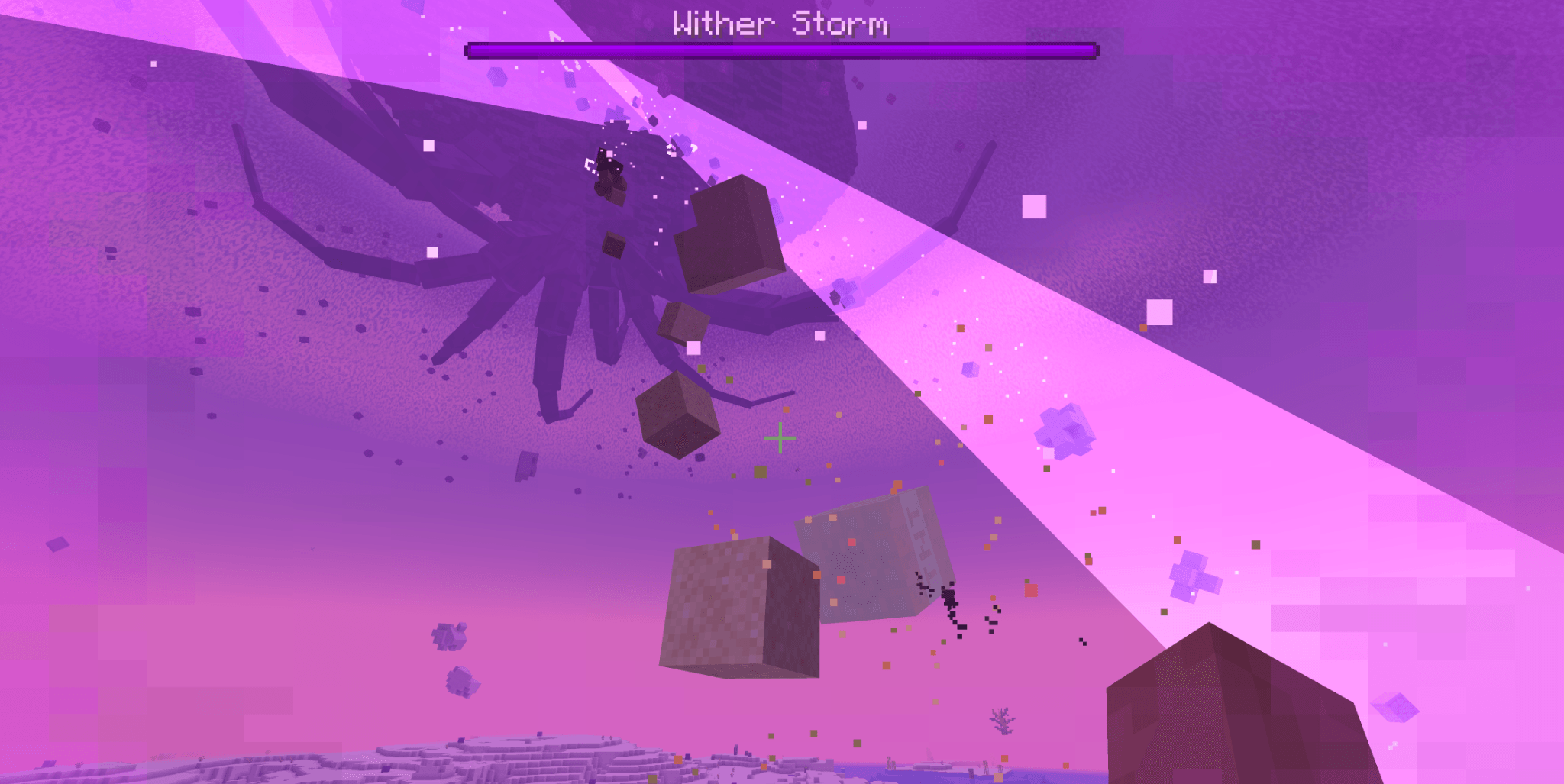
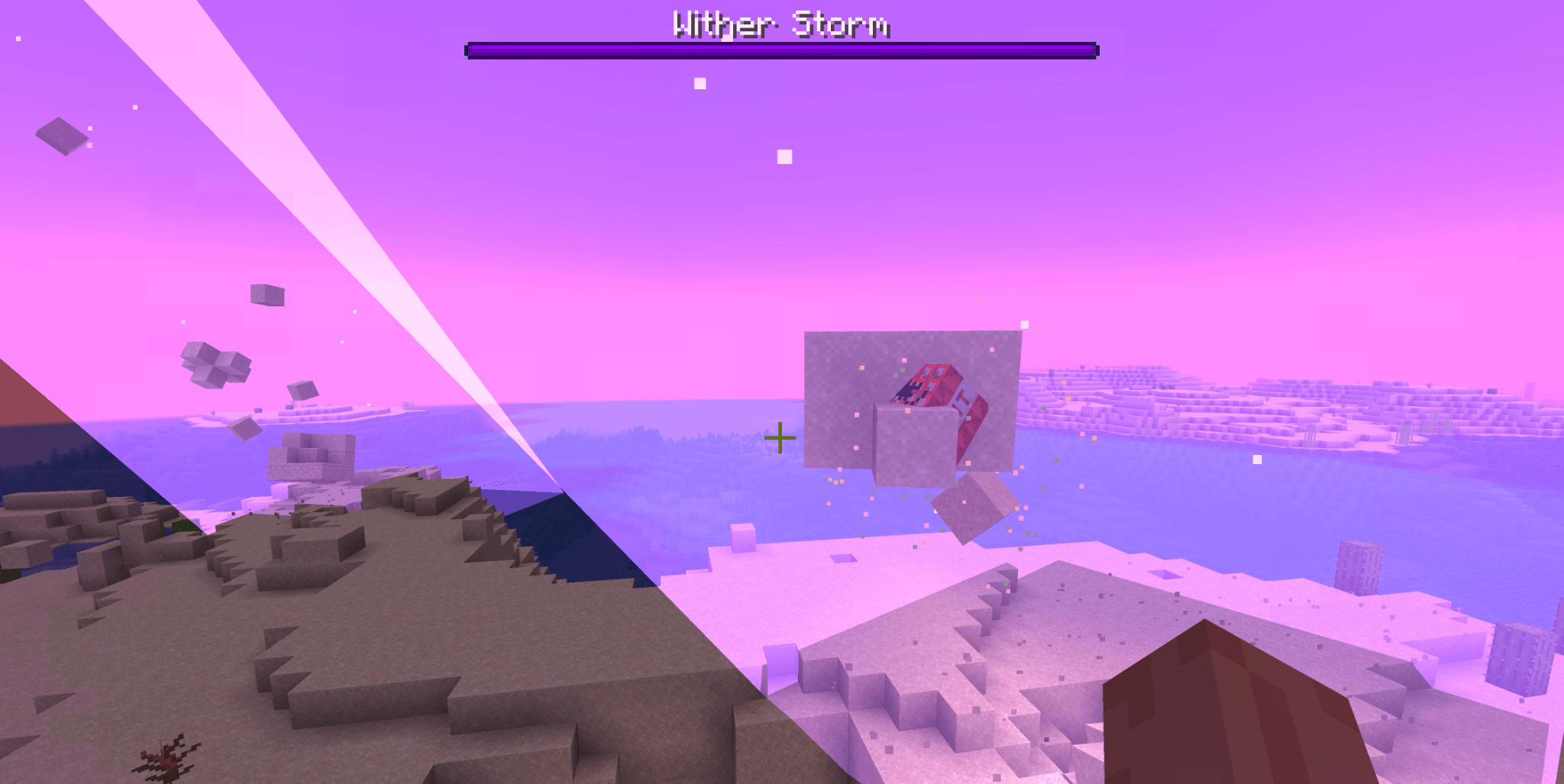
Bring the iconic Super TNT from Minecraft: Story Mode into Cracker's Wither Storm Mod!
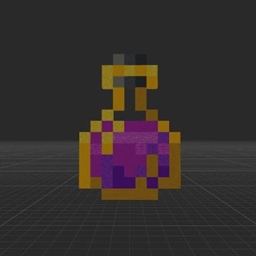
This resource pack replaces the Formidibomb with the Super TNT from Minecraft: Story Mode, giving the legendary explosive the appearance many players remember from the game.
Ever since playing Story Mode, I always wanted to see the Super TNT used as the actual bomb that defeats the Wither Storm. This pack makes that possible by changing the Formidibomb's appearance to match the Super TNT while keeping the original gameplay fully compatible with Cracker's Wither Storm Mod.
✨ Features 💣 Replaces the Formidibomb with the Super TNT. 🎨 Inspired by the Super TNT from Minecraft: Story Mode. ⚡ Works with Cracker's Wither Storm Mod. 🎮 Keeps all original functionality—only the appearance changes. 📖 Why I Made This
One of my favorite moments in Minecraft: Story Mode is using the Super TNT against the Wither Storm. Since Cracker's Wither Storm Mod uses the Formidibomb instead, I wanted to create a resource pack that makes it look like the Super TNT while preserving the mod's mechanics.
I did not recreate the Story Mode crafting recipe (book in the center, gunpowder in the corners, and TNT in the remaining slots), as that would require gameplay changes beyond a texture pack. This pack is focused entirely on the visual experience.
📦 Requirements Minecraft 1.20.1 Cracker's Wither Storm Mod ❤️ Credits Original Super TNT concept from Minecraft: Story Mode. Thanks to the creator of Cracker's Wither Storm Mod for making an incredible recreation of the Wither Storm.