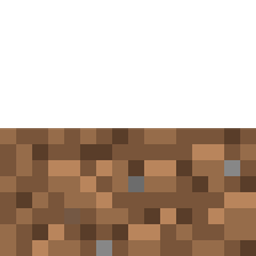
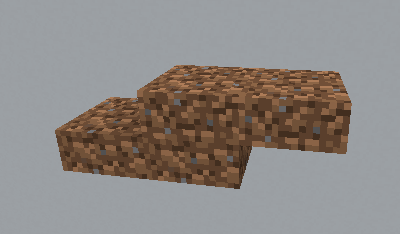
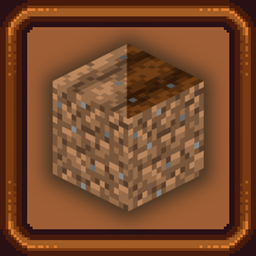
This is a dual Resource Pack and Data Pack. The resource pack gives Petrified Oak Slabs (normally only accessible through creative inventory) the dirt texture. Giving you dirt slabs.
This pack only modifies the models meaning it's fully compatible with whatever packs you use that change dirt textures and it will blend into your world perfectly!
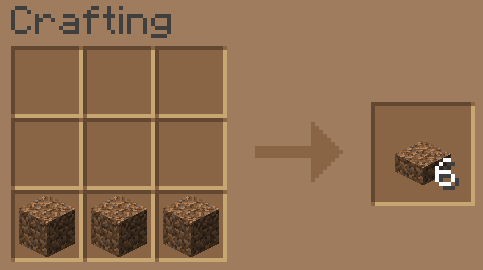
The data pack can be added to your world or server to give Dirt Slabs a survival crafting recipe. Same as making any other slabs.
Rather a plugin instead? Click Here
Only need the resource pack and not the data pack or vice versa? See the "Additional Files" for each version.
Both the resource pack and Data Pack are only tested in 1.18 but should work in any version 1.14+
Some uses for dirt slabs: Dirt that's half the height! duh. Dirt that won't be taken over by grass. Dirt that's harder to break than normal dirt, so you can have a front lawn that isn't afraid of creepers! Gaslighting your friends into believing this has always been in Minecraft and they've just never noticed it before.
If you're here looking to add dirt slabs to your game or server you probably like putting those extra details into your world, so I recommend you check out the Clueless Craft CIT Pack:
Crafting Grid Image taken using the Buzzy Bee GUI Resource Pack