Mineuniverse
Resource Packs
Sun & Moon remover

Sun & Moon remover

RESOURCE PACK
Removes sun & moon textures for skybox incompatibilities between resurcepacks/mods
by DukeWiteque
Download Claim this project
Add a badge to your pageLink to Sun & Moon remover from a README, website or forum post.
Preview: Badge

Badges update automatically and link to the resource pack page on MineUniverse.

2,703 downloads
0 likes
0 followers
Updated Oct 14, 2026
0 hypes
Follow0
16x Miscellaneous
Advertisement Remove ads with Premium →

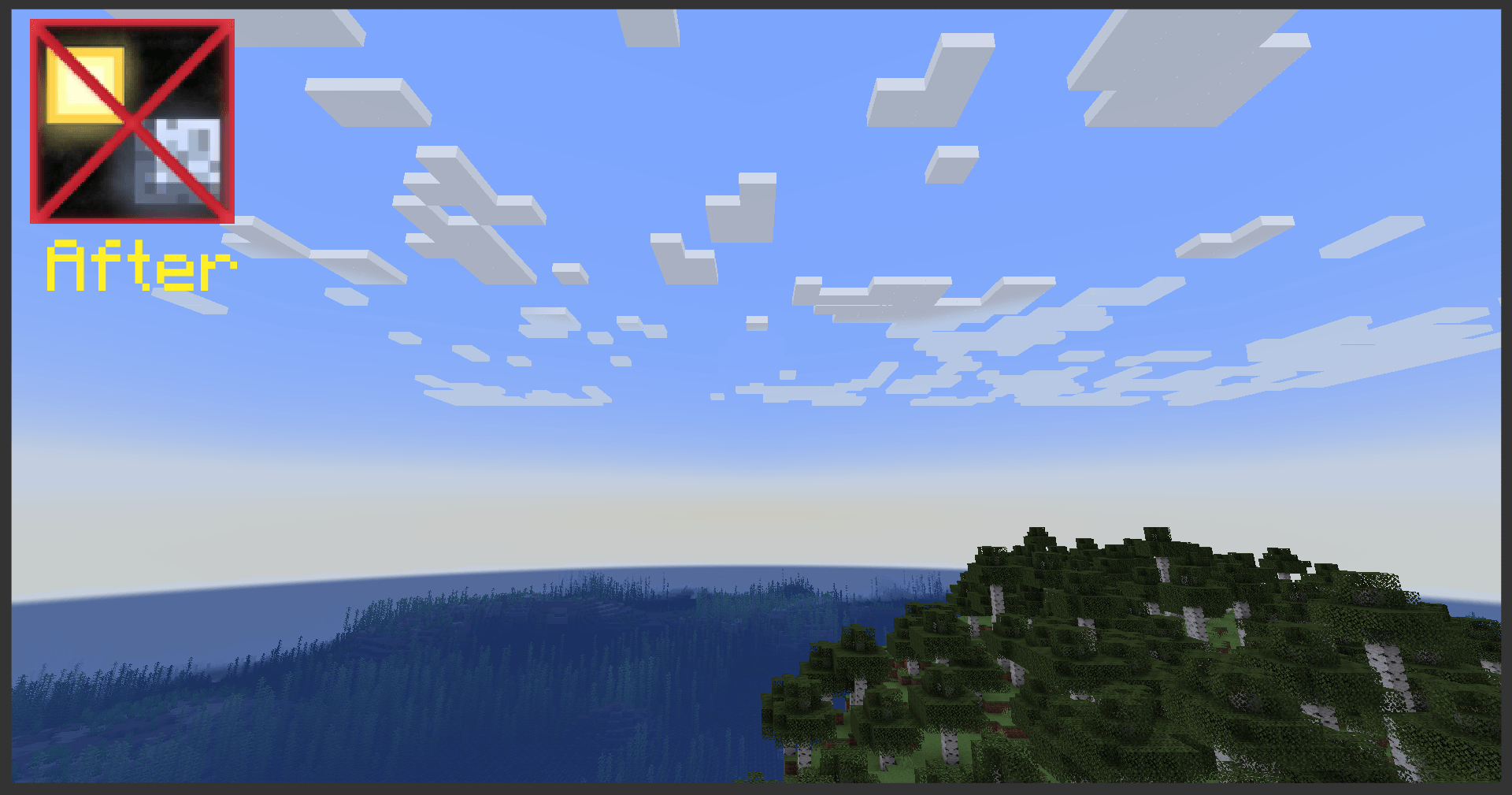
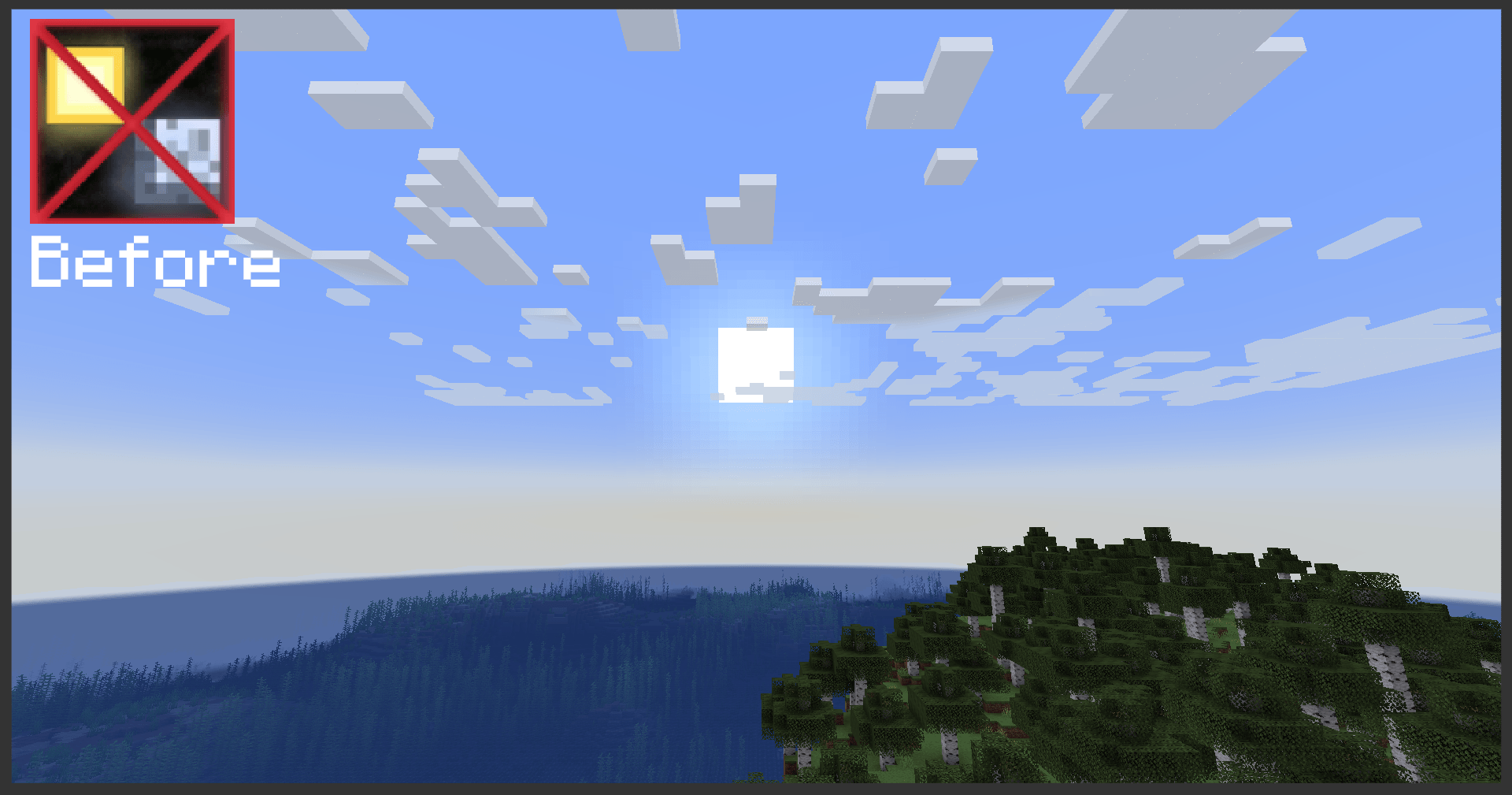
Ever tried to mix & match skybox modifying mods and/or resourcepacks
only to notice mid-game that you have 2 Moons? or 2 Suns?

    This resourcepack is for you!
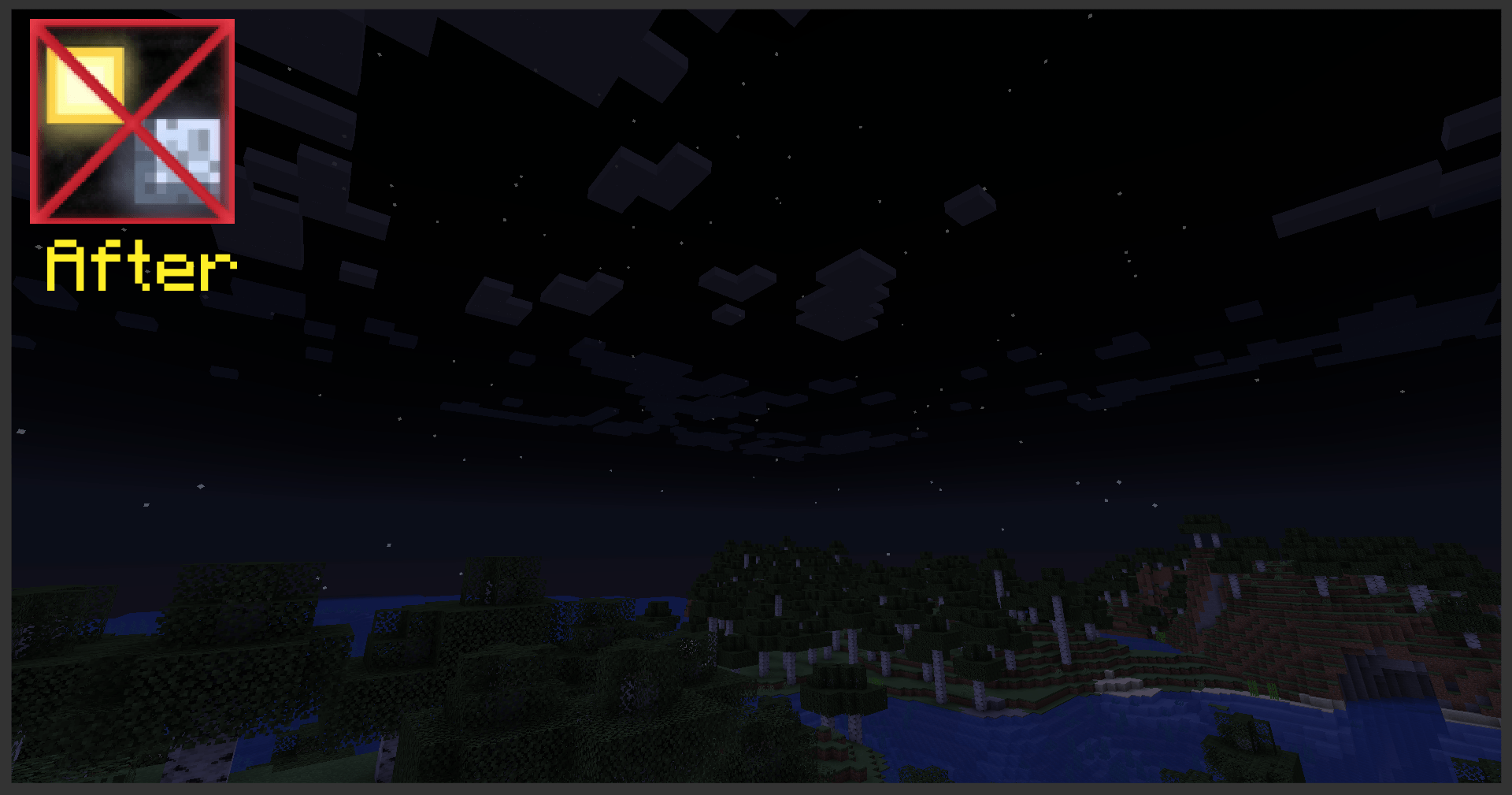
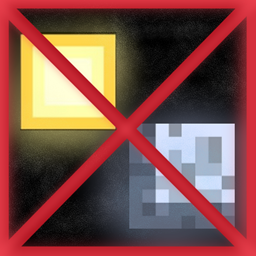
It will entirely remove vanilla Sun & Moon textures


Mod/resourcepack combinations affected:
>Enhanced Celestials + Astrocraft
>Enhanced Celestials + Mahi's better sky
&
probably any other mods that change the skybox 
without replacing vanilla Sun & Moon


I came up with this idea because I happened to stumble upon these weird bugs myself and couldn't find any good solutions other than literally removing the vanilla Sun & Moon, hope it helps!

Moon & Sun remover
MC 1.20.1, 1.20
Release 2024-12-25 Get
Moon & Sun remover
MC 1.19.4
Release 2024-12-25 Get
Moon & Sun remover
MC 1.19.3, 1.19.2, 1.19.1, 1.19
Release 2024-12-25 Get
Moon & Sun remover
MC 1.18.2
Release 2024-12-25 Get
Moon & Sun remover
MC 1.18.1, 1.18
Release 2024-12-25 Get
Moon & Sun remover
MC 1.17.1, 1.17
Release 2024-12-25 Get
Moon & Sun remover
MC 1.16.3, 1.16.5, 1.16.4, 1.16.2
Release 2024-12-25 Get
Moon & Sun remover
MC 1.20.2
Release 2024-12-25 Get
Moon & Sun remover
MC 1.20.3, 1.20.4
Release 2024-12-25 Get
Moon & Sun remover
MC 1.20.5, 1.20.6
Release 2024-12-25 Get
Moon & Sun remover
MC 1.21, 1.21.1
Release 2024-12-25 Get
Moon & Sun remover
MC 1.21.3, 1.21.2
Release 2024-12-25 Get
Moon & Sun remover
MC 1.21.4
Release 2024-12-25 Get

Requirements & install

How to use this resource pack in Minecraft
Resolution
16x
Minecraft
1.20.4 – 1.21.4
Install folder
.minecraft/resourcepacks

How to install resource packs

  1. Download the resource pack .zip file (do not extract it).
  2. In Minecraft open Options → Resource Packs → Open Pack Folder.
  3. Drop the .zip into the resourcepacks folder (.minecraft/resourcepacks).
  4. Move the pack to the Selected column and click Done.
Browse more: 16x resource packs 32x resource packs 64x resource packs 128x resource packs 256x resource packs 512x+ resource packs Resource Packs for 1.21.4 All resource packs

More from DukeWiteque

Advertisement Remove ads with Premium →

You Might Also Like