Badges update automatically and link to the resource pack page on MineUniverse.

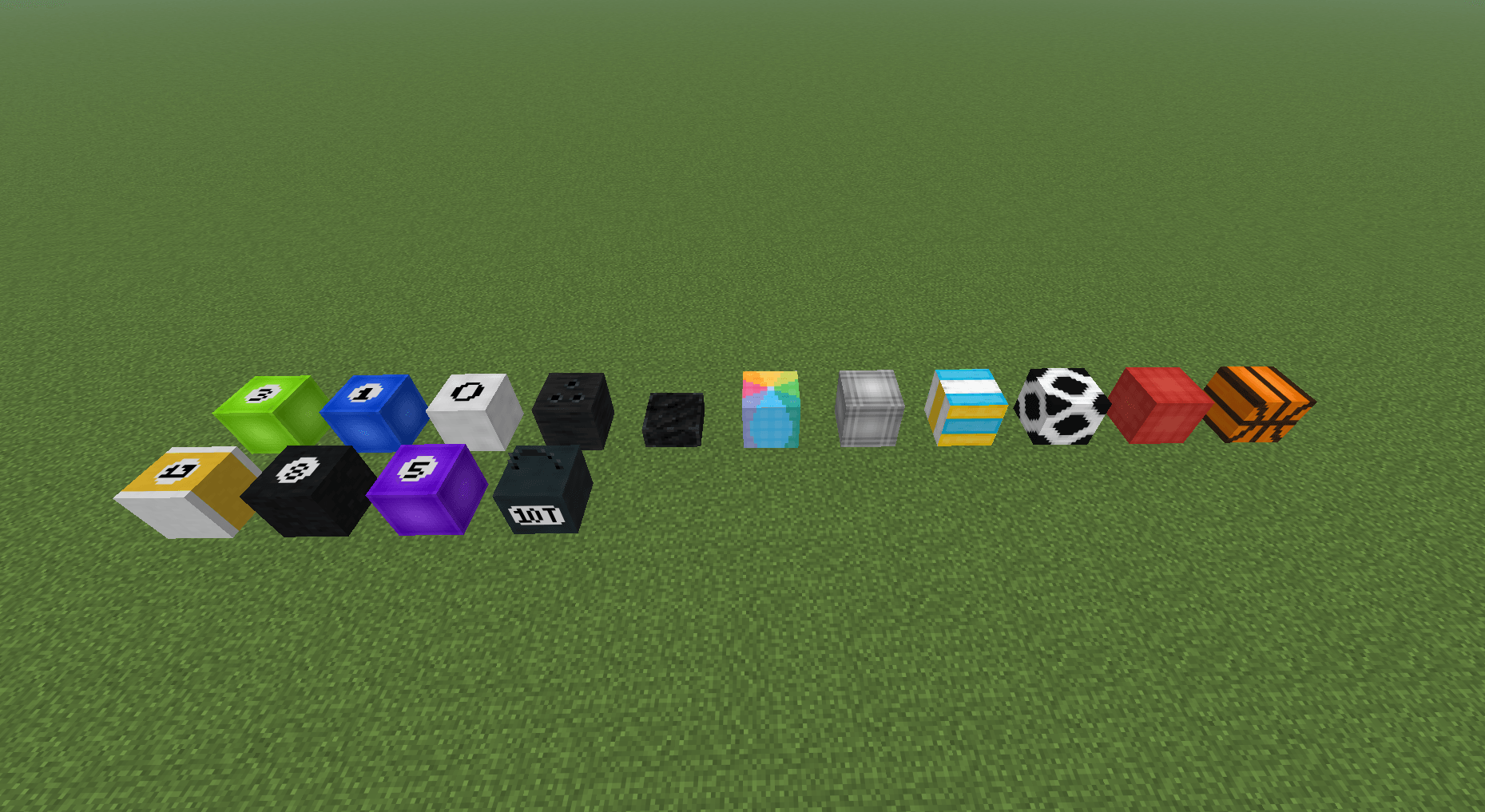
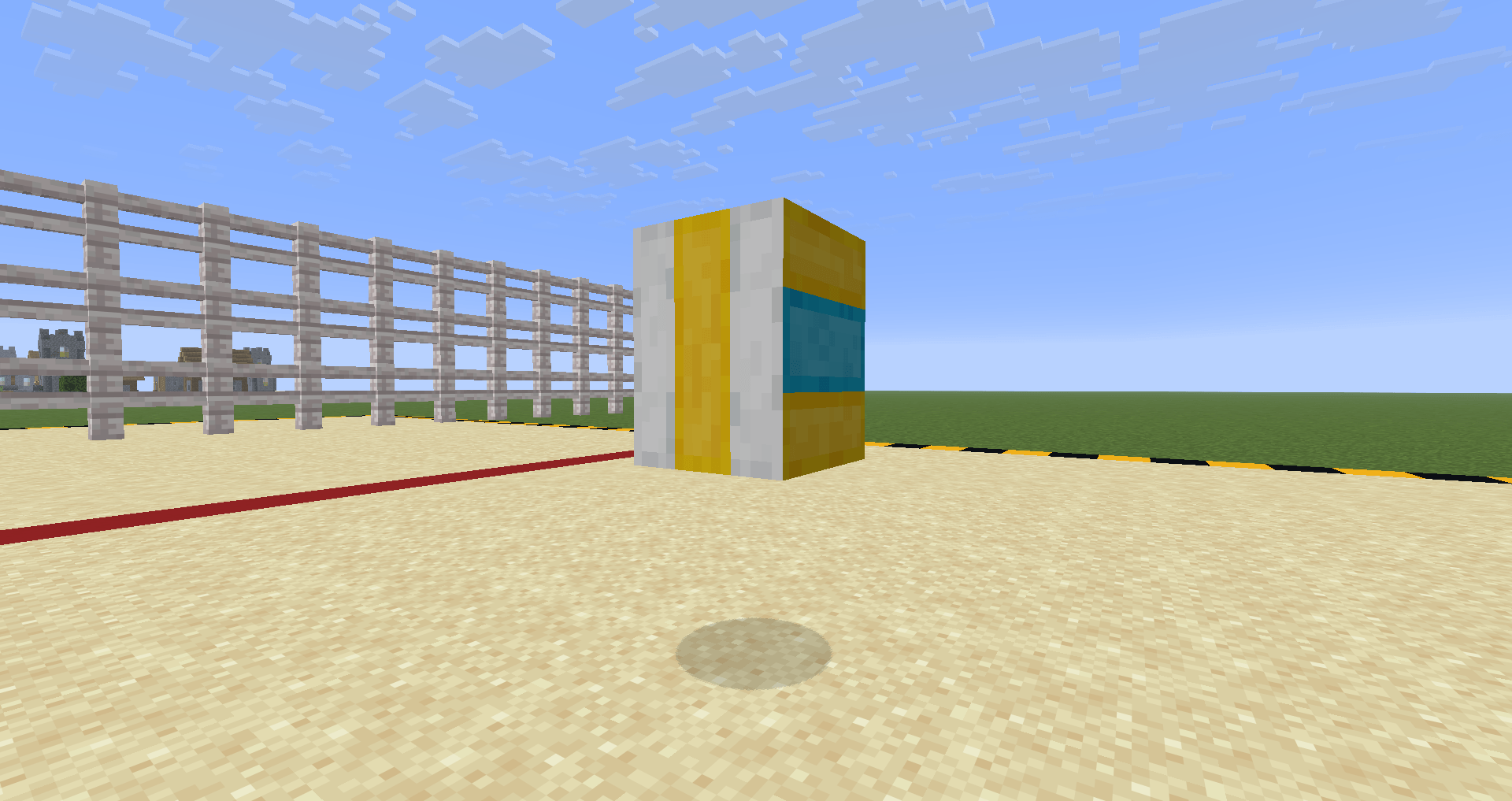
Sulfur Sport Balls is a resource pack that transforms blocks used by the Sulfur Cube into sports balls and physics-based objects.
Each block type represents a different behavior — from bouncy basketballs to heavy weights and fast-sliding hockey pucks.
This pack is designed to make the Sulfur Cube feel like a set of playable sports objects while keeping a clean vanilla-friendly style.
More ball types and variations coming soon.
Currently available:
| Archetype | Block | Ball | Done |
|---|---|---|---|
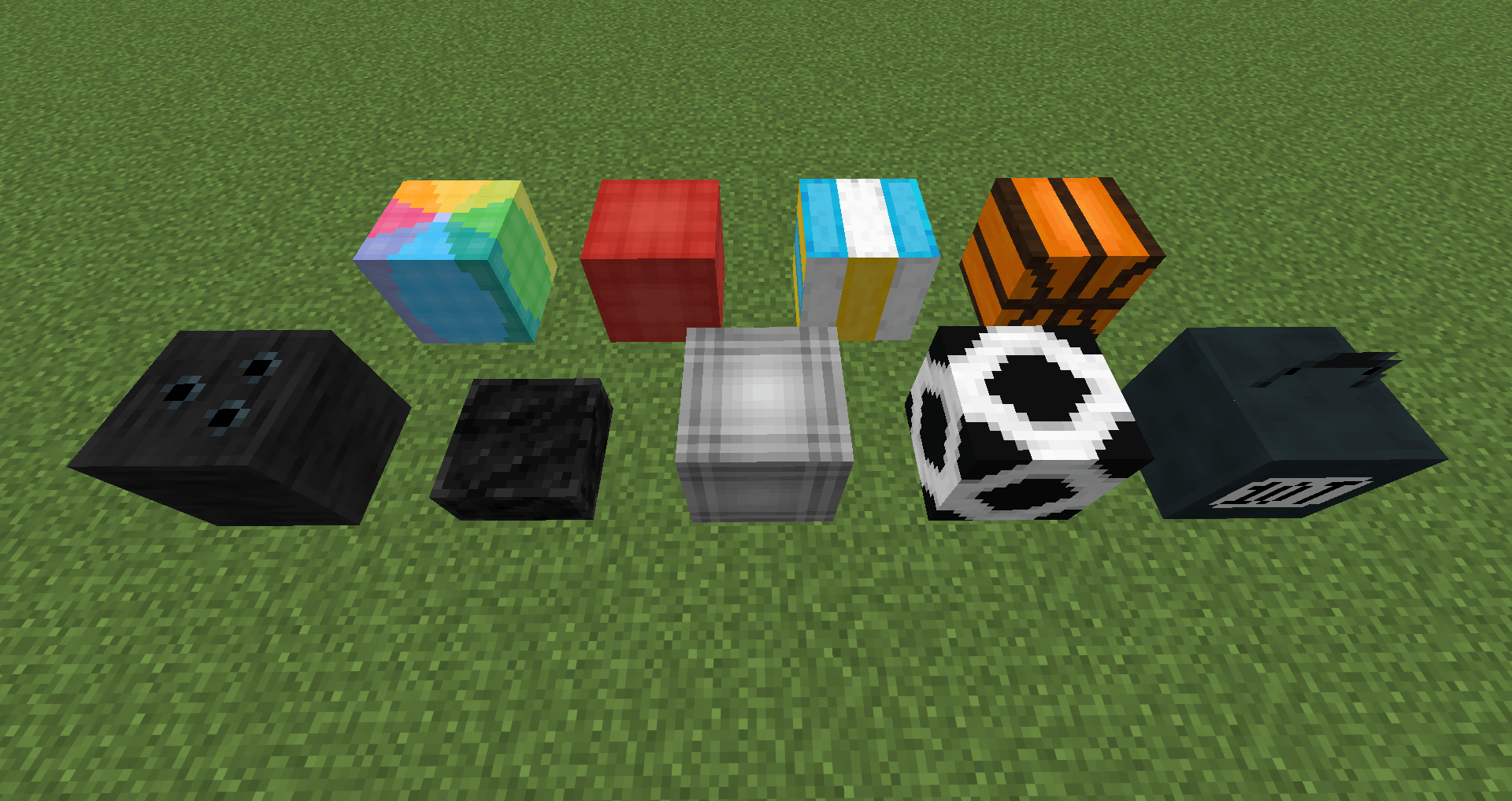
| bouncy | stripped acacia wood | Basketball | ✅ |
| bouncy | stripped mangrove wood | Dodgeball | ✅ |
| bouncy | stripped pale oak wood | Volleyball | ✅ |
| regular | cracked deepslate tiles | Football | ✅ |
| slow flat | raw iron block | Heavy Ball | ✅ |
| light | light gray wool | Soft ball | ✅ |
| fast sliding | blue ice | Hockey puck | ✅ |
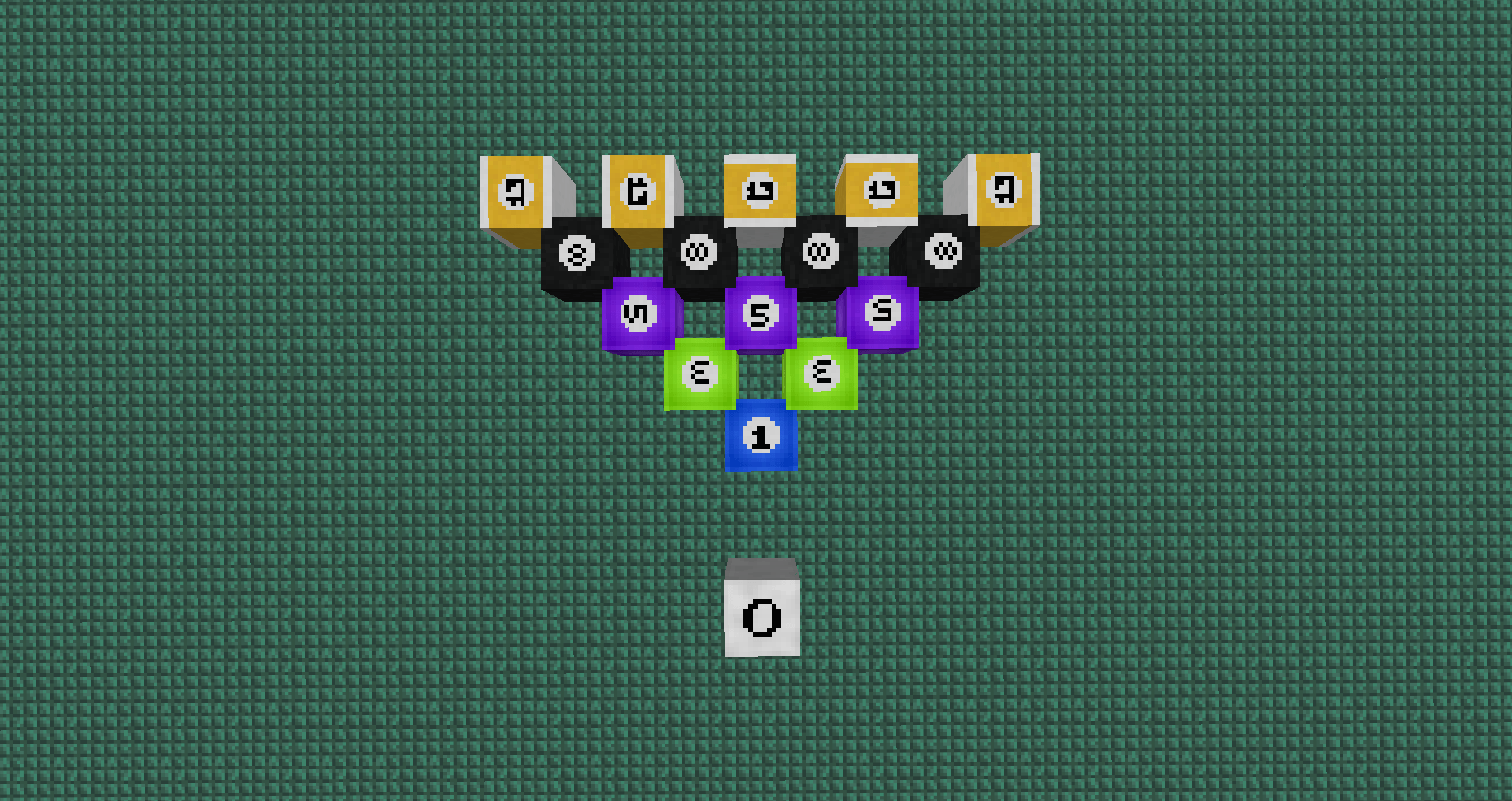
| fast sliding | packed ice | Master Billiard ball | ✅ |
| fast flat | dried kelp block | Bowling ball | ✅ |
| fast flat | dead tube coral block | Billiard ball 1 | ✅ |
| fast flat | dead brain coral block | Billiard ball 3 | ✅ |
| fast flat | dead bubble coral block | Billiard ball 5 | ✅ |
| fast flat | dead fire coral block | Billiard ball 8 | ✅ |
| fast flat | dead horn coral block | Billiard ball 13 | ✅ |
| sticky | honeycomb block | Kettlebell | ✅ |
| slow sliding | ? | ? | ❌ |
| high resistance | ? | ? | ❌ |
Plan to add: curling stone; billiard cue; hockey sticks; various types of fencing and nets and much more