Mineuniverse
Resource Packs
Sulfur Buckets

Sulfur Buckets

RESOURCE PACK
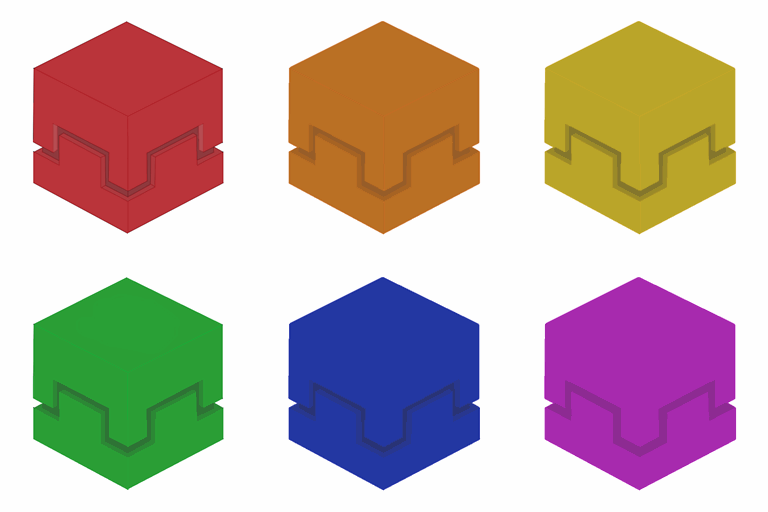
A 3D resouce pack for sulfur cube buckets
by fweigel_dev
Download Claim this project
266 downloads
0 likes
0 followers
Updated Oct 14, 2026
0 hypes
Follow0
16x Animated Miscellaneous Modern
Advertisement Remove ads with Premium →

Sulfur Buckets Title Logo

Modrinth CurseForge

Supported Version:
Minecraft 1.26.2

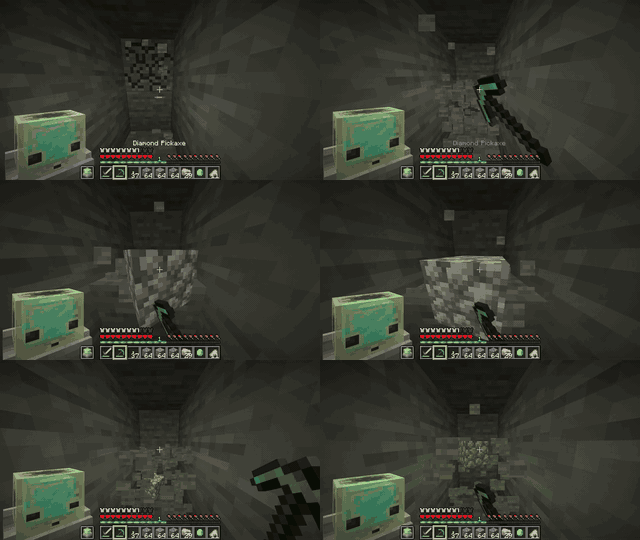
Ingame footage
Ingame Footage
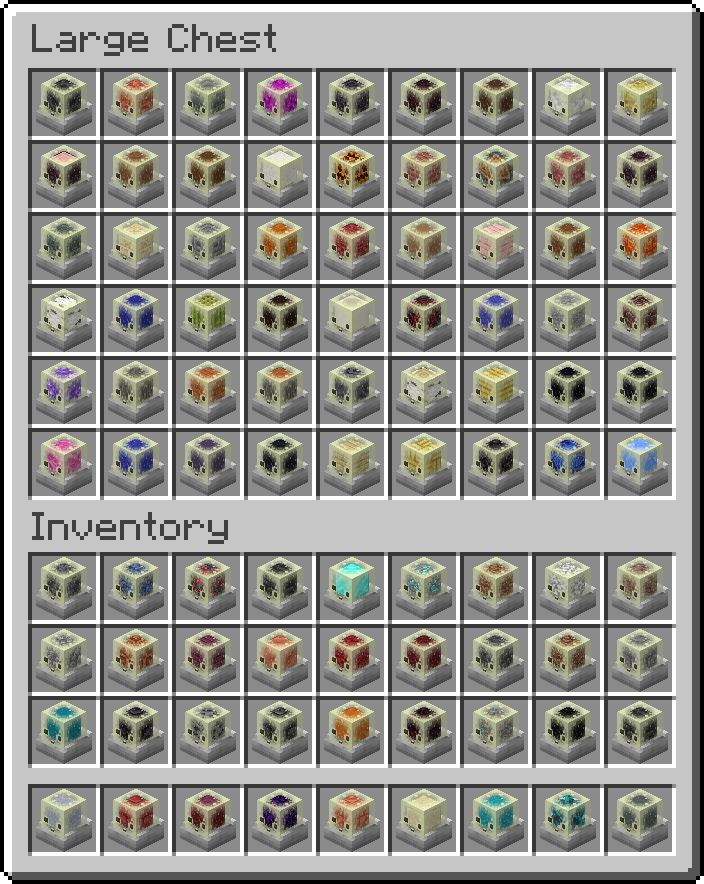
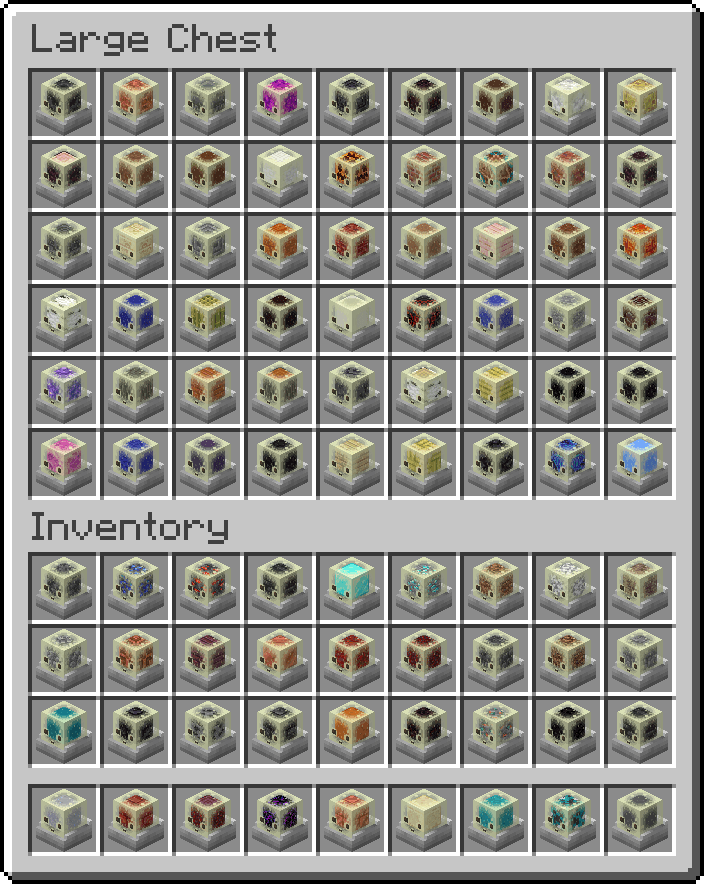
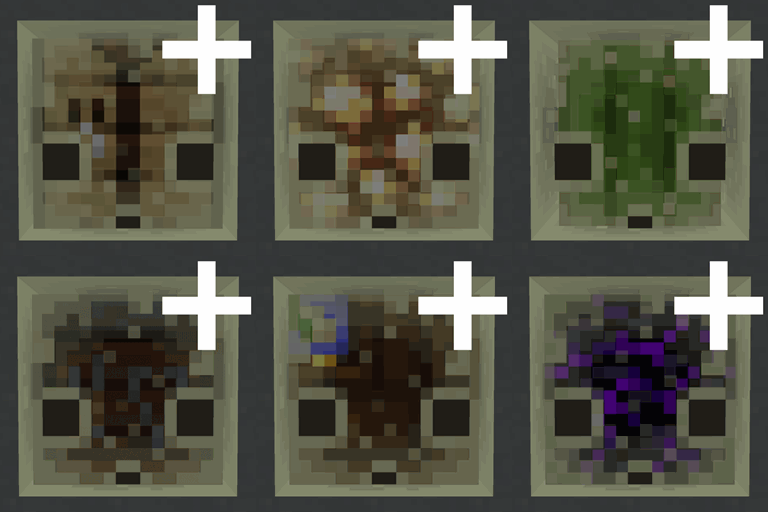
Image of inventory
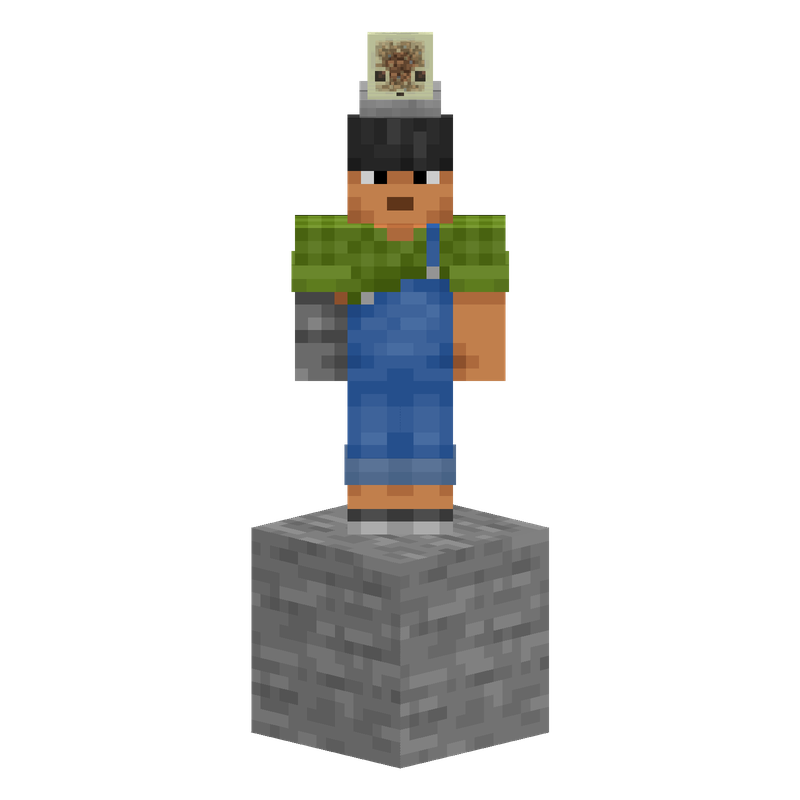
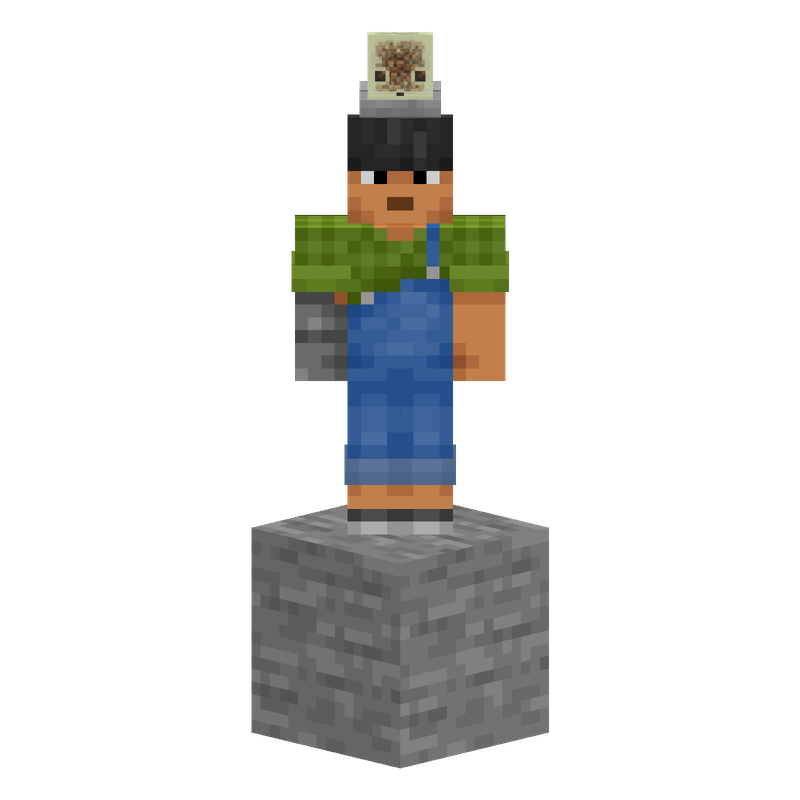
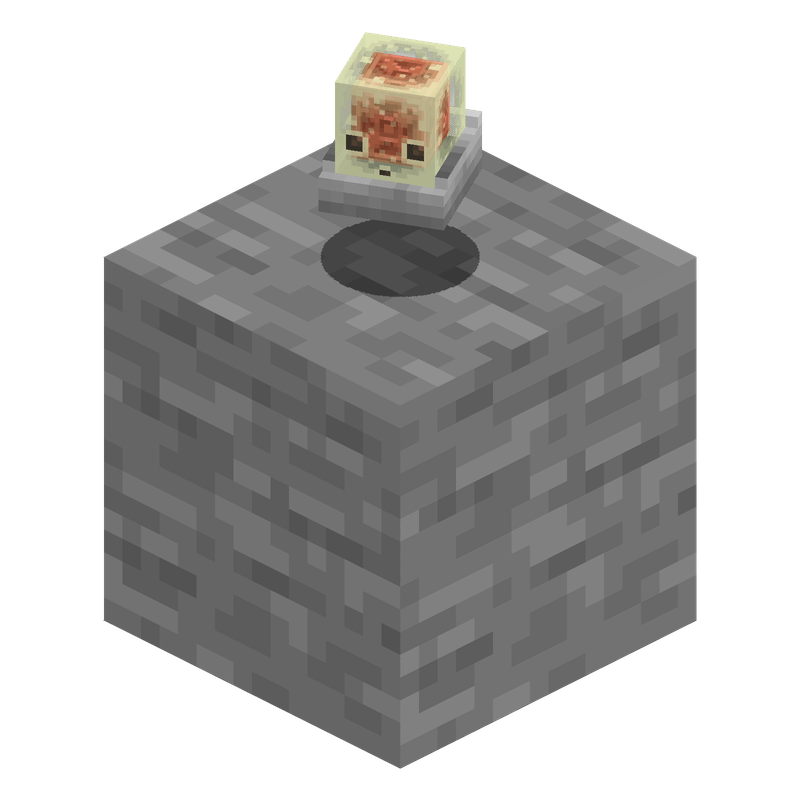
On head
On Head*
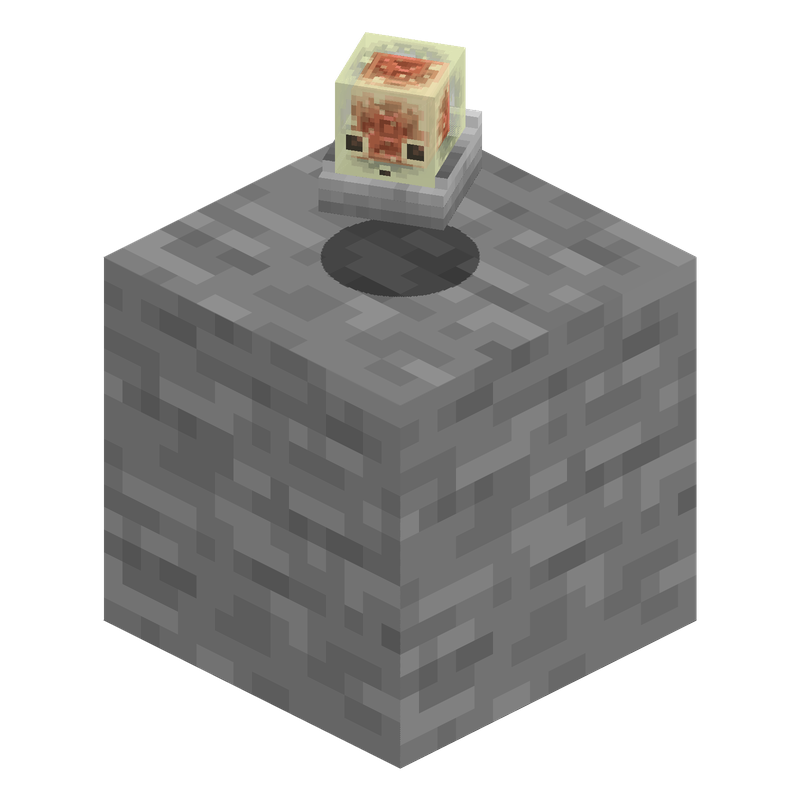
Dropped on ground
Dropped*

Decide the Pack

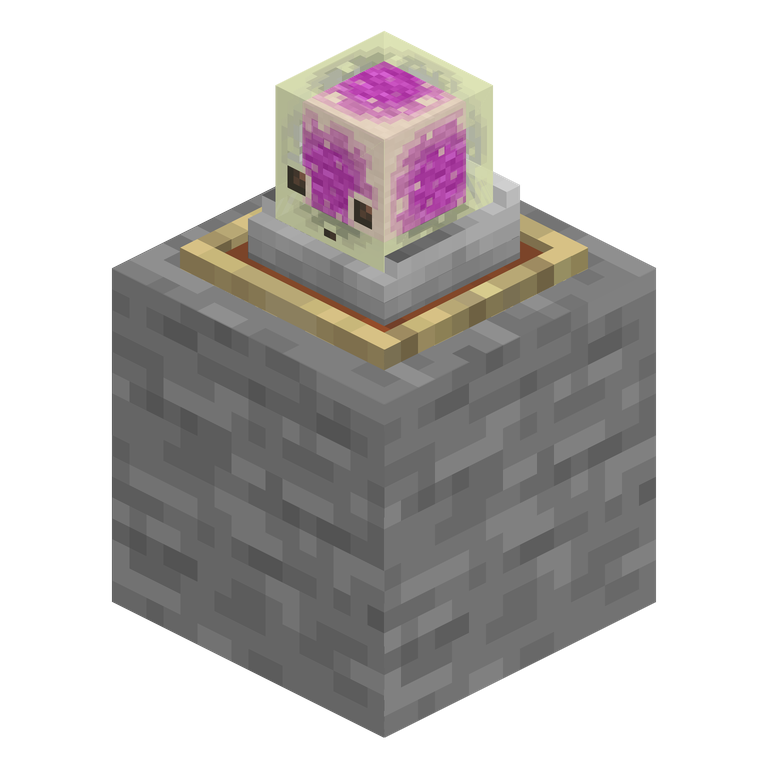
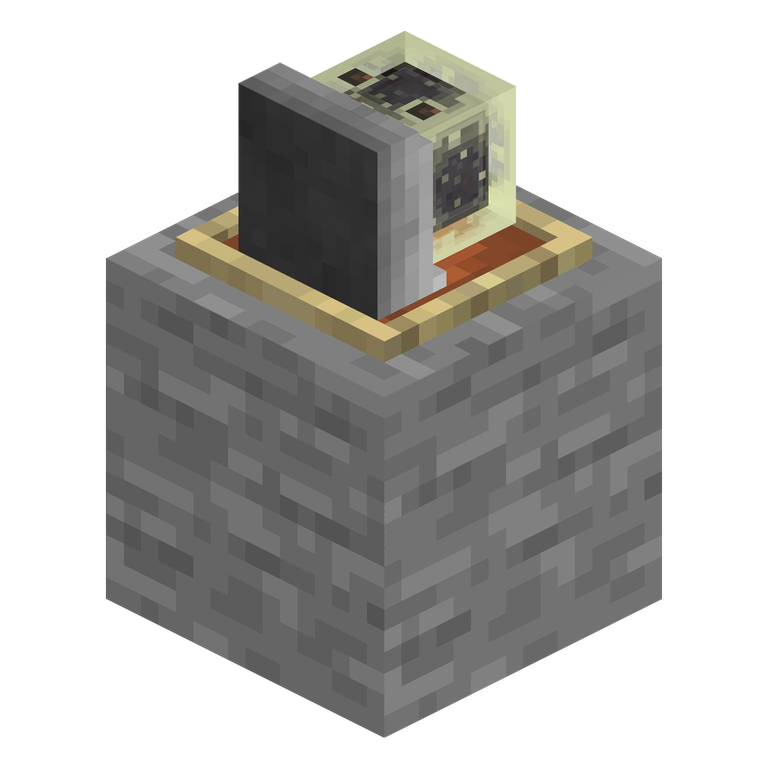
On floor default pack
Floor: Default Pack*
correct orientation
On floor wall pack
Floor: Wall Pack*
wrong orientation
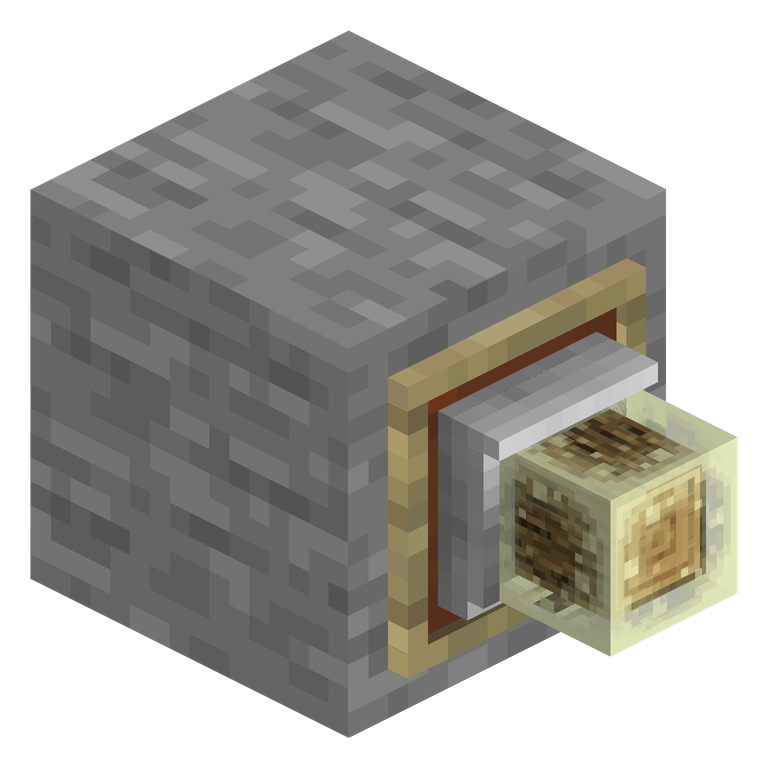
On wall default pack
Wall: Default Pack*
wrong orientation
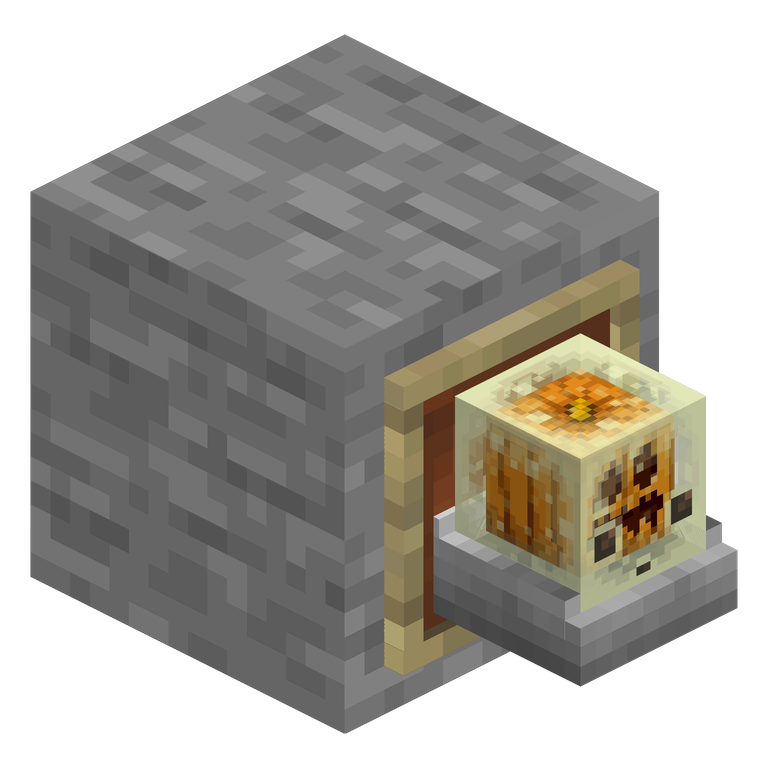
On wall wall pack
Wall: Wall Pack*
correct orientation

Why are there two resource packs?

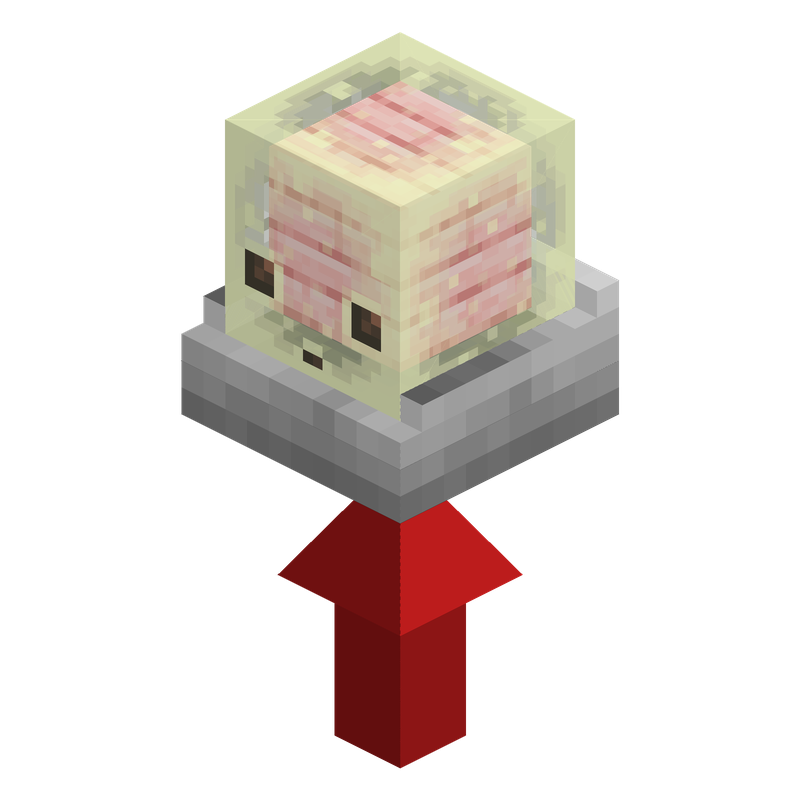
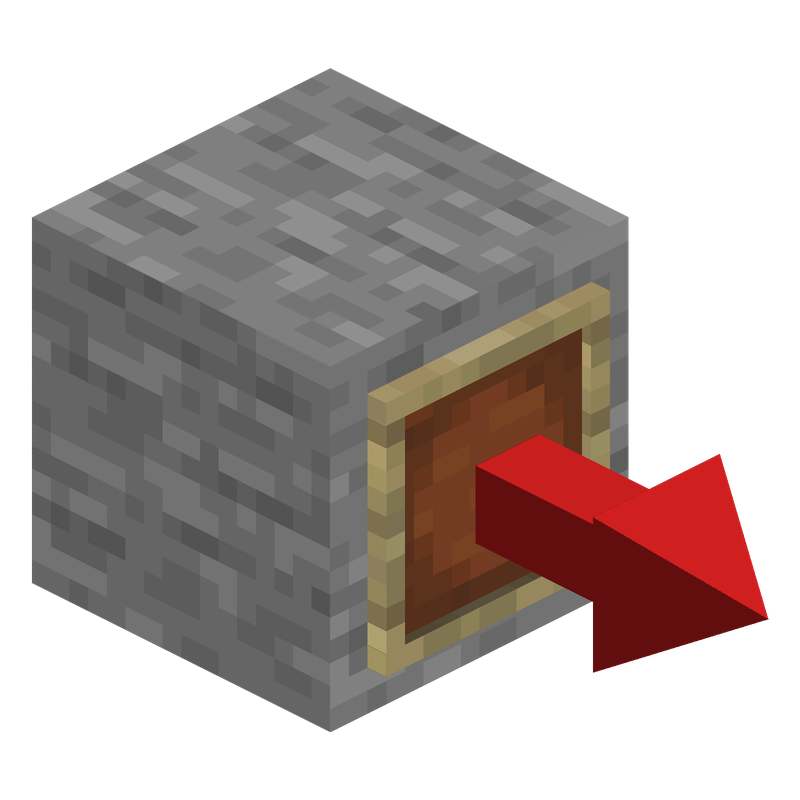
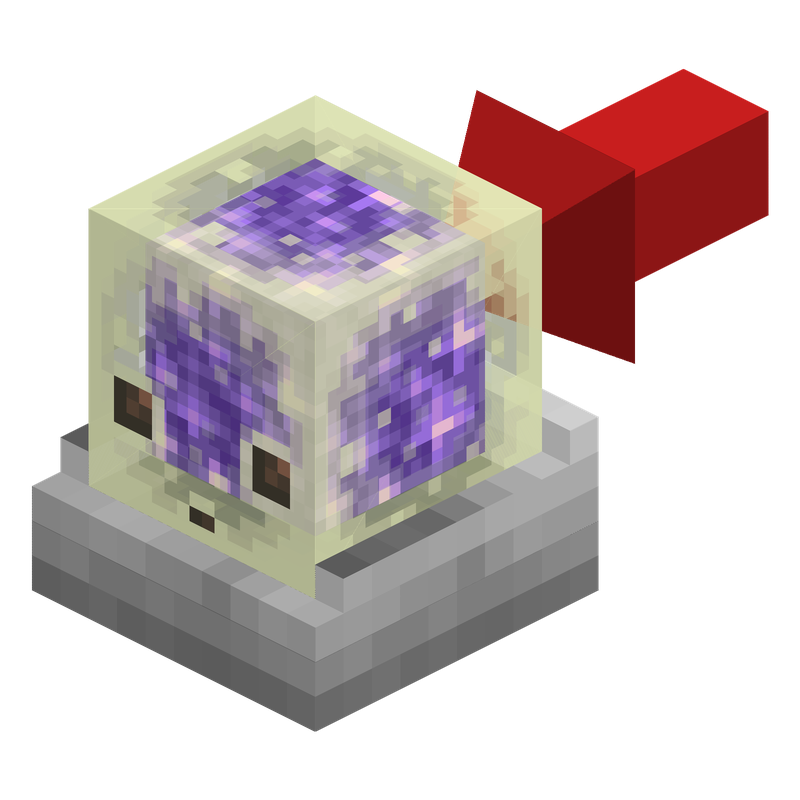
Every item frame has a red arrow: this is the direction the item frame points away from the block. The model also has one chosen direction, shown with the red arrow in the pack renders.

Minecraft rotates the model so the model arrow lines up with the item frame arrow. The Default Pack is built with the arrow coming from below the cube, so it stands correctly on floor item frames. The Wall Pack is built with the arrow coming from the side of the cube, so it faces correctly on wall item frames. One pack cannot use both attachment directions at the same time, so both versions are included.
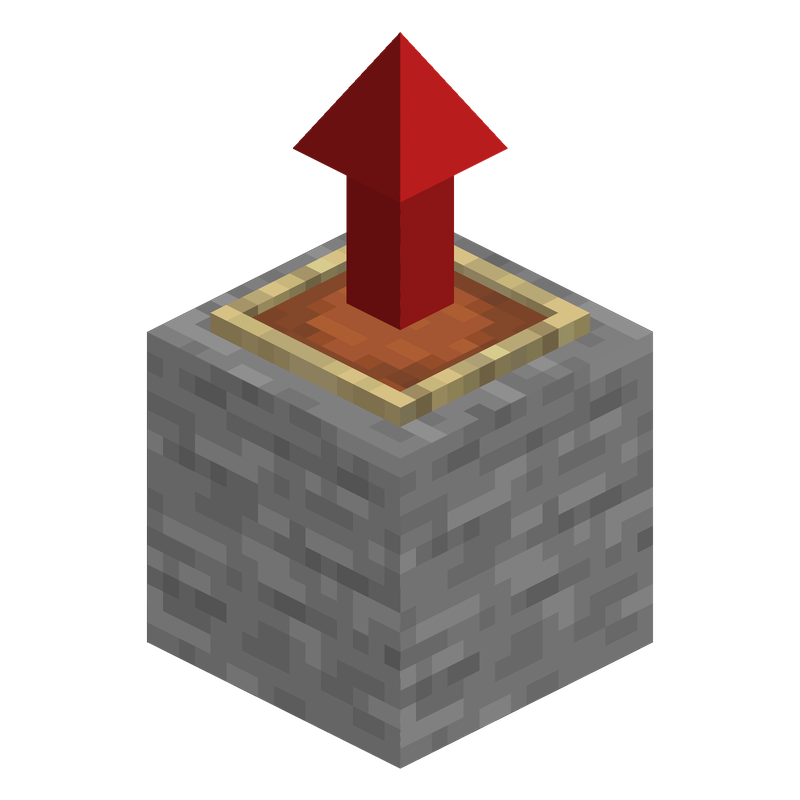
Frame arrow floor
Floor Frame*
Cube arrow default pack
Default Pack*
Frame arrow wall
Wall Frame*
Cube arrow wall pack
Wall Pack*

* All images except the ingame footage and chest screenshot are renders.

Useful Commands

Invisible item frame

/give @p item_frame[entity_data={id:"minecraft:item_frame",Invisible:true}]

Glowing invisible item frame

/give @p glow_item_frame[entity_data={id:"minecraft:glow_item_frame",Invisible:true}]

Wear a cube on your head

/item replace entity @s armor.head with minecraft:sulfur_cube_bucket[sulfur_cube_content={id:"minecraft:tnt"}]

v1.1.0-wall-variant
MC 26.3
Release 2026-09-29 Get
v1.1.0-default
MC 26.3
Release 2026-09-29 Get
v1.0.0-wall-variant
MC 26.2
Release 2026-06-21 Get
v1.0.0-default
MC 26.2
Release 2026-06-21 Get

Requirements & install

How to use this resource pack in Minecraft
Resolution
16x
Minecraft
26.2 – 26.3
Install folder
.minecraft/resourcepacks

How to install resource packs

  1. Download the resource pack .zip file (do not extract it).
  2. In Minecraft open Options → Resource Packs → Open Pack Folder.
  3. Drop the .zip into the resourcepacks folder (.minecraft/resourcepacks).
  4. Move the pack to the Selected column and click Done.
Browse more: 16x resource packs 32x resource packs 64x resource packs 128x resource packs 256x resource packs 512x+ resource packs Resource Packs for 26.3 All resource packs

More from fweigel_dev

Advertisement Remove ads with Premium →

You Might Also Like