Mineuniverse
Resource Packs
Stratospheria

Stratospheria

RESOURCE PACK
A futuristic GUI texturepack for your futuristic themed Gameplay!
by Lyron18th
Download Claim this project
3,549 downloads
0 likes
Updated Oct 14, 2026
0 hypes
16x Miscellaneous Modern
Advertisement Remove ads with Premium →

STRATOSPHERIA

Expedition 1.0.0

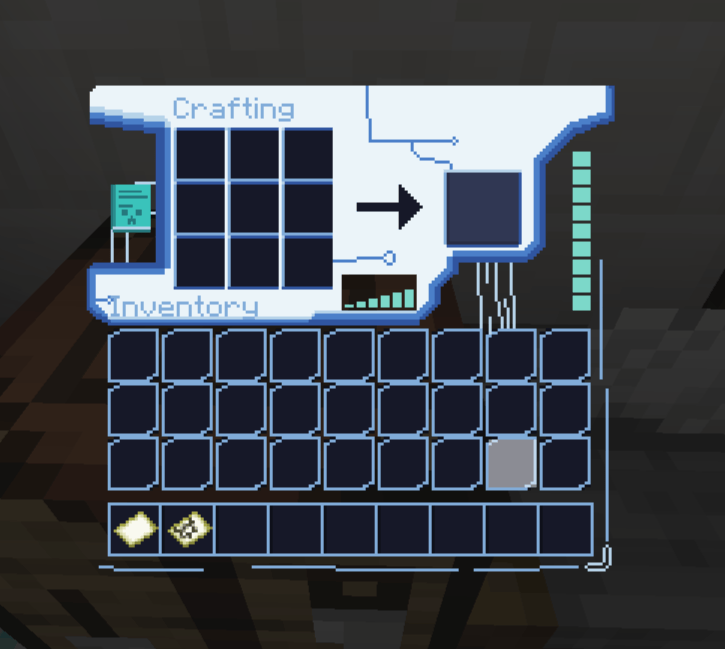
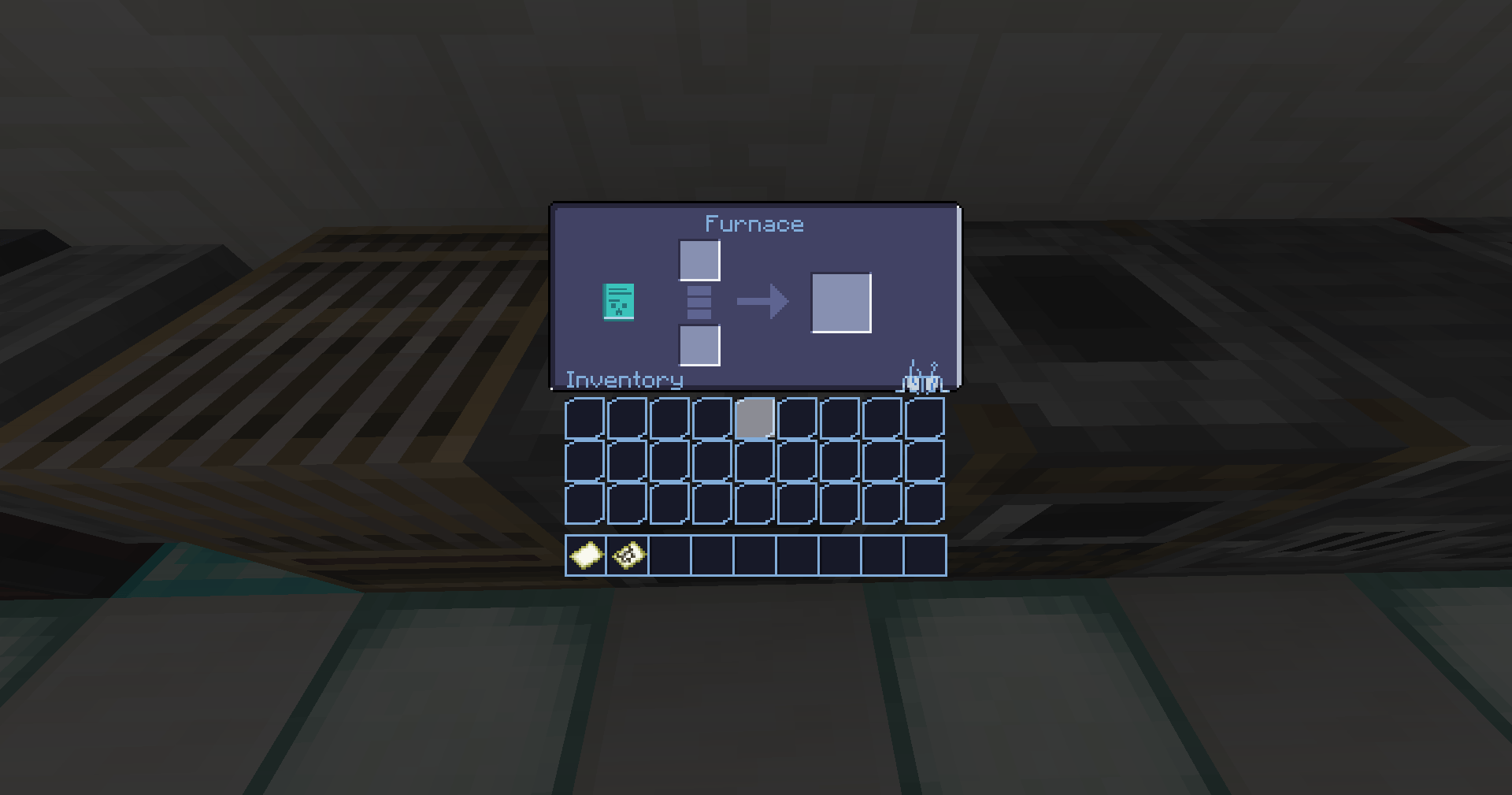
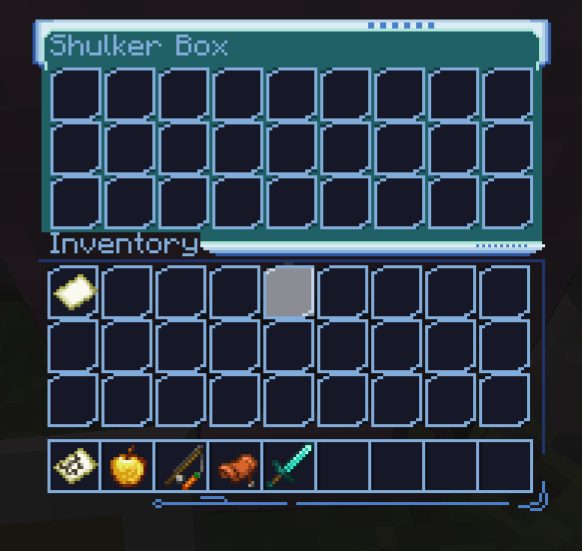
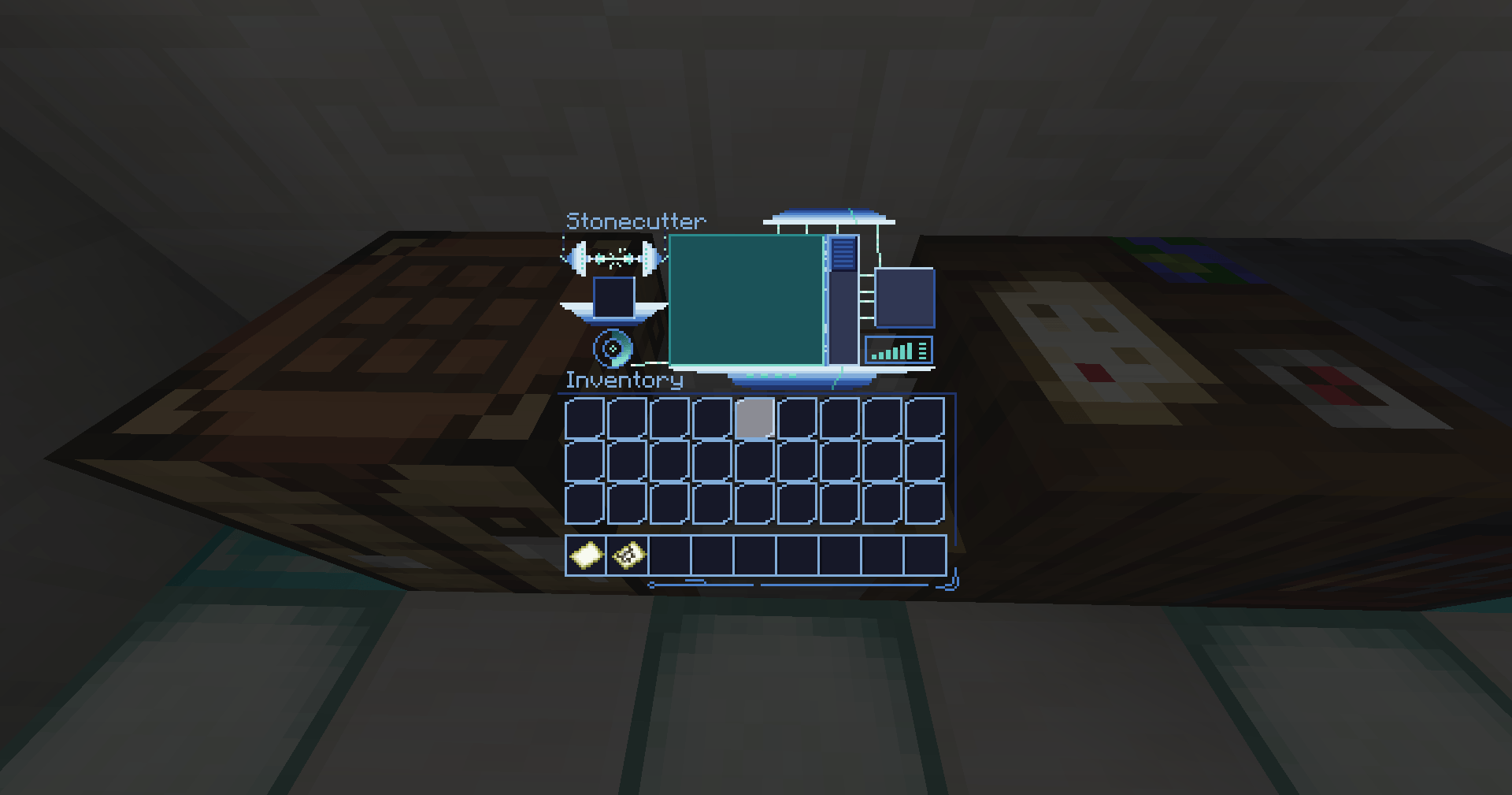
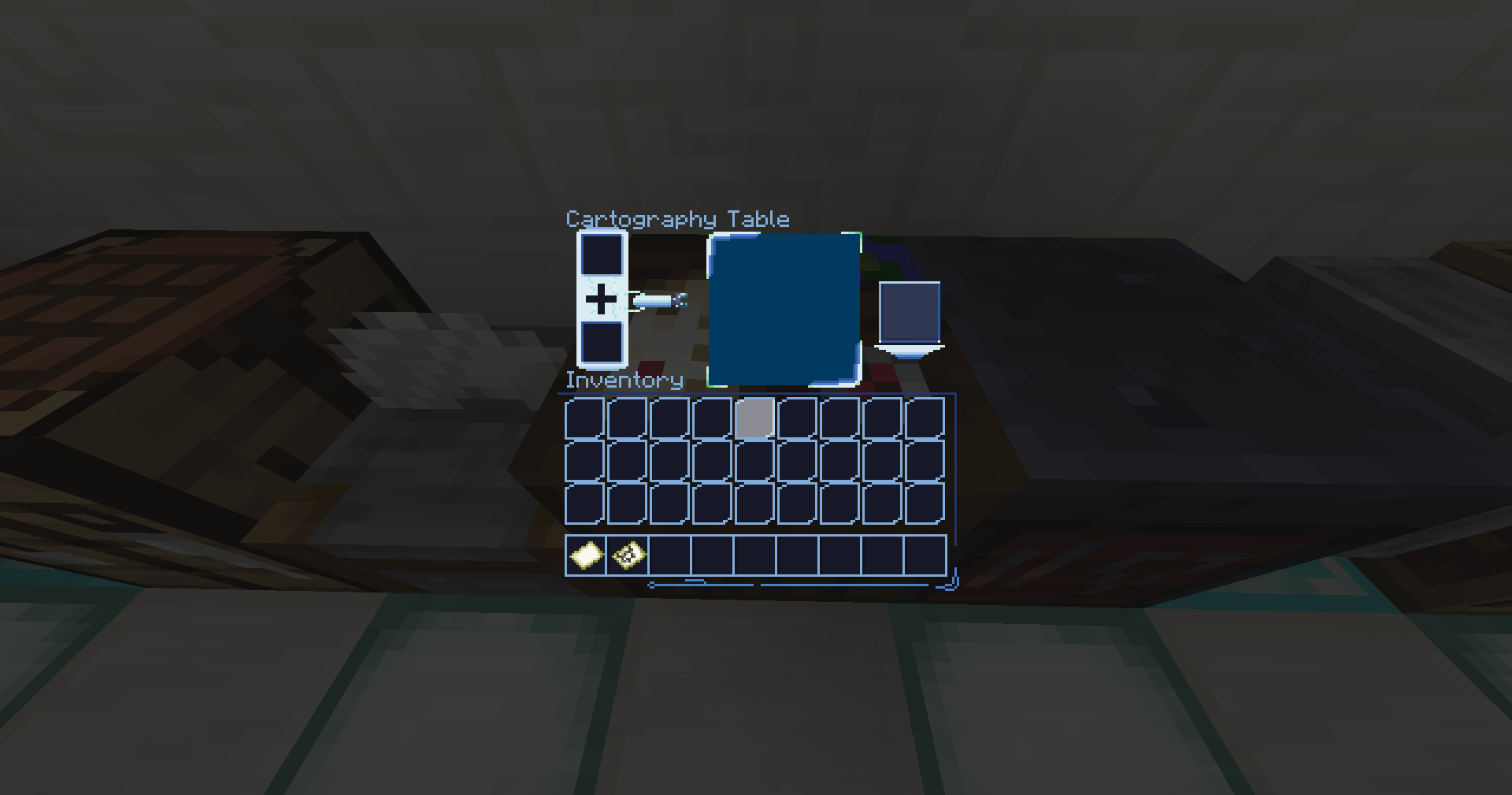
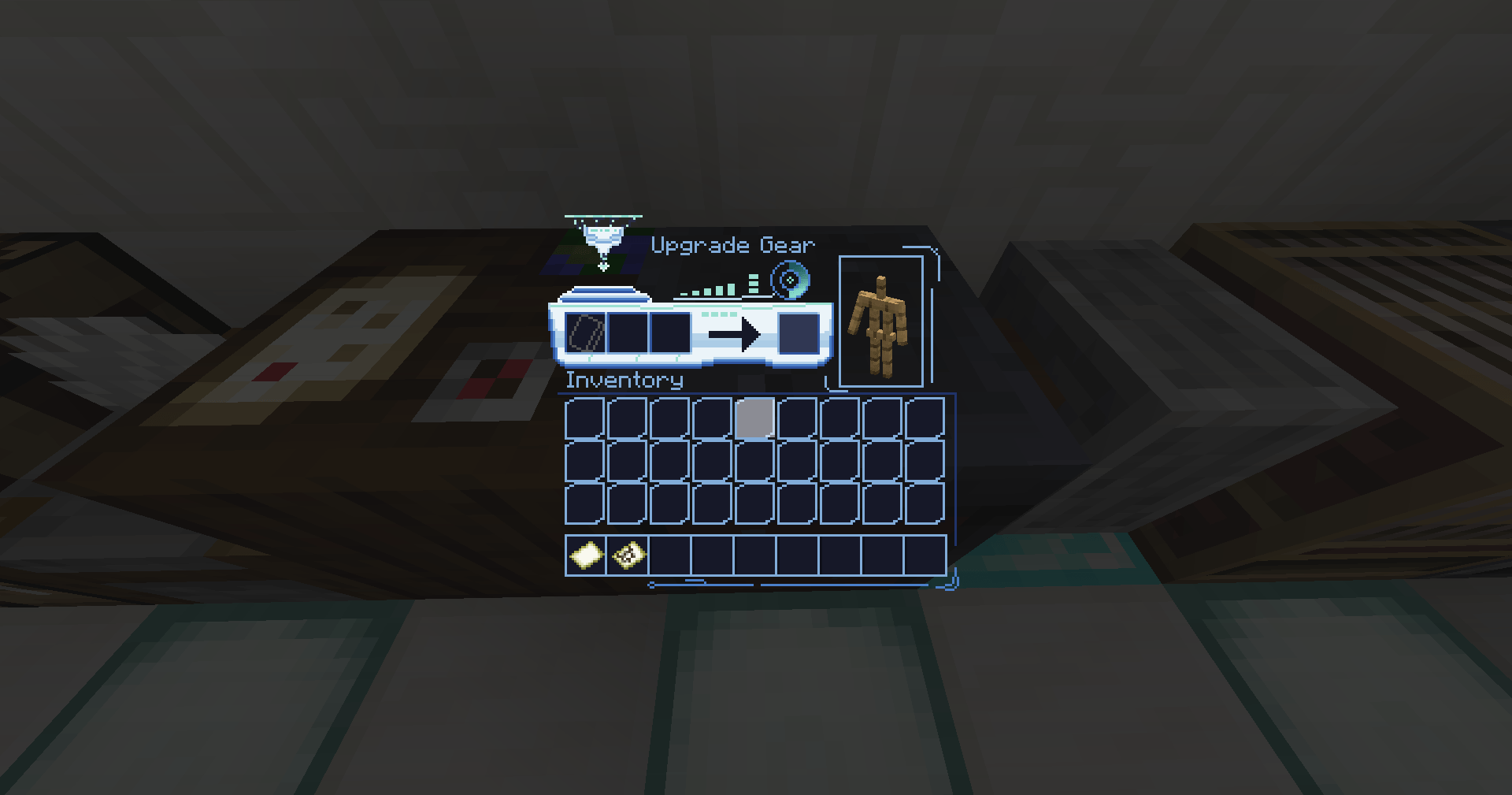
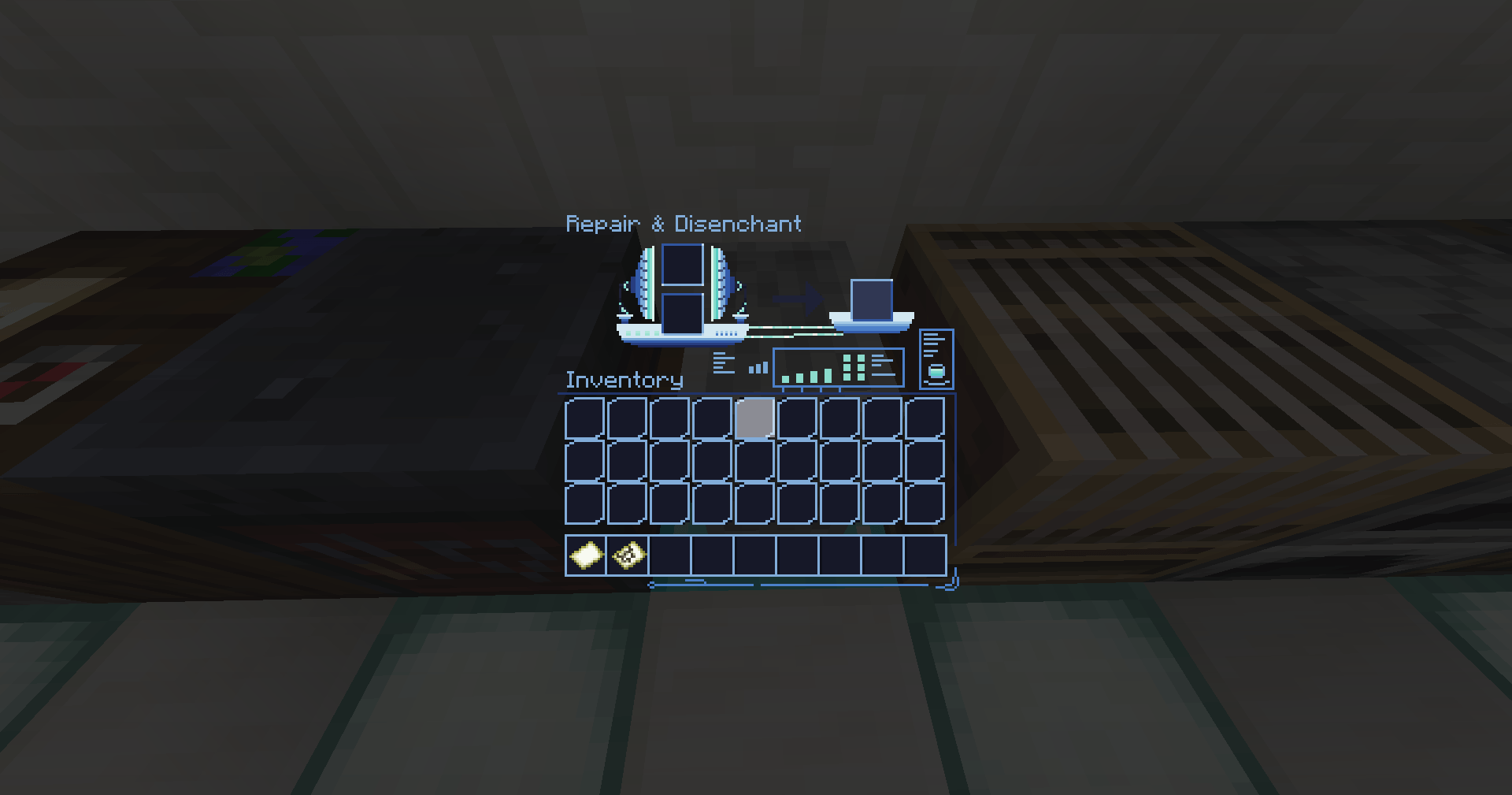
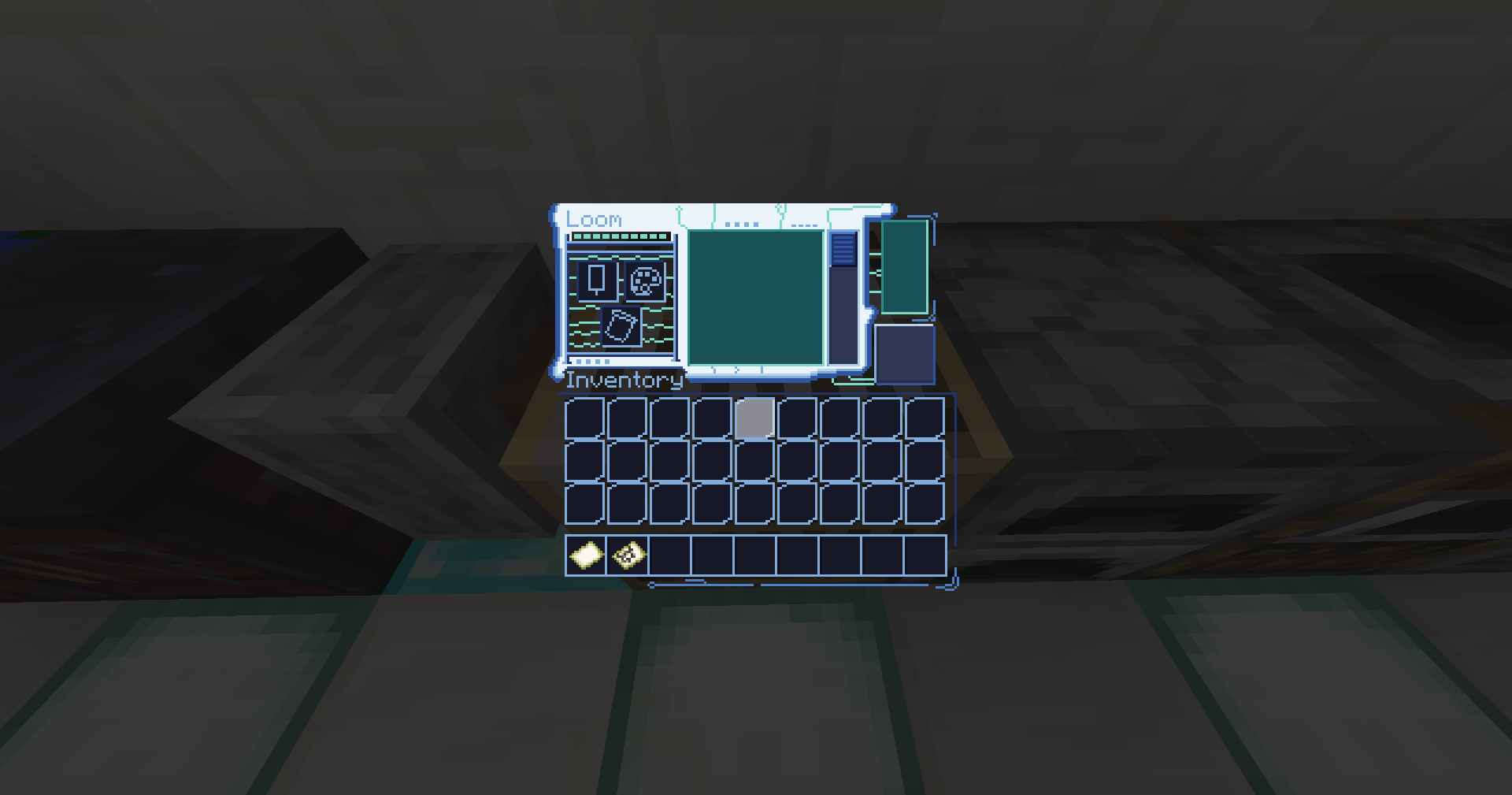
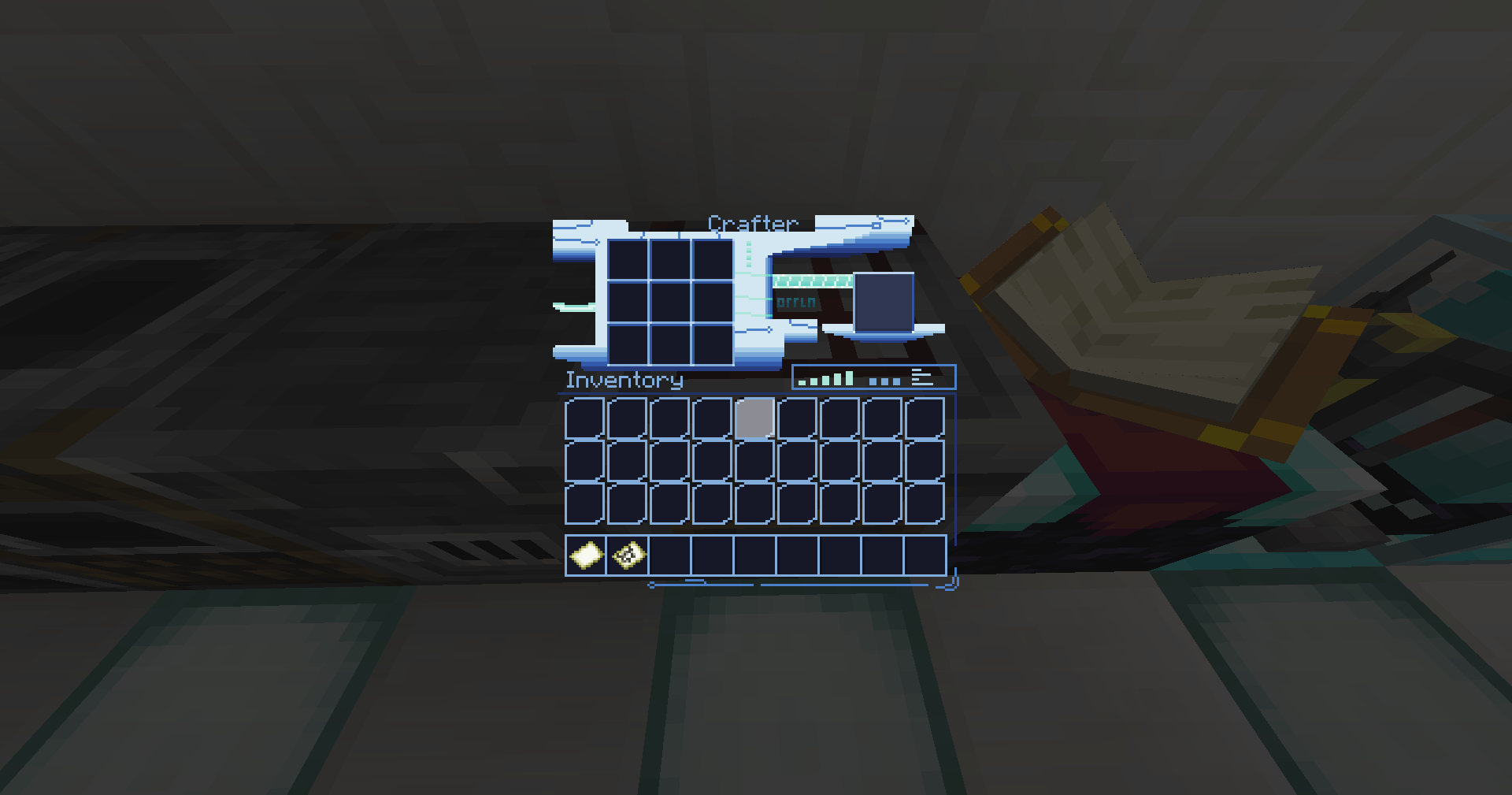
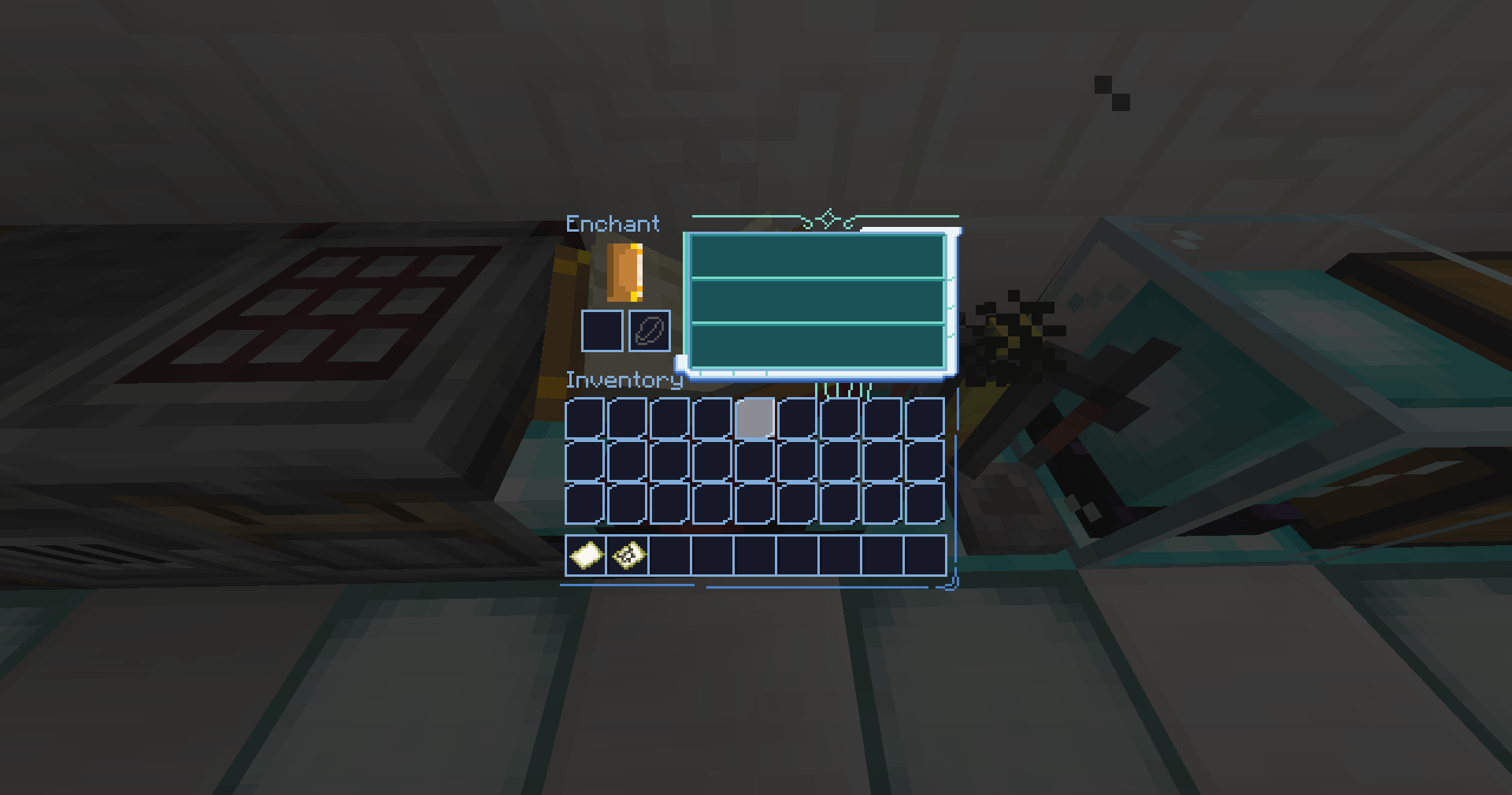
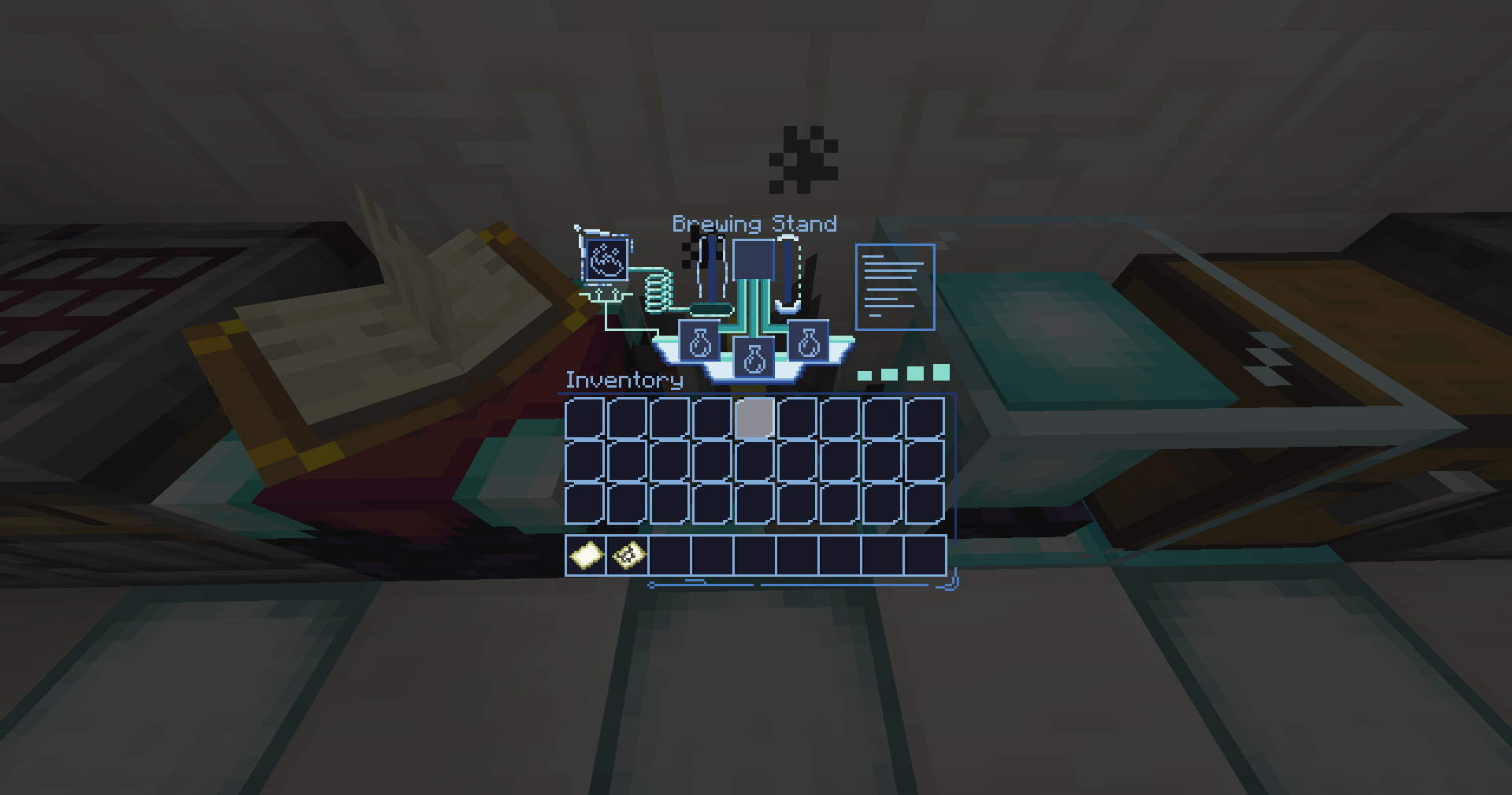
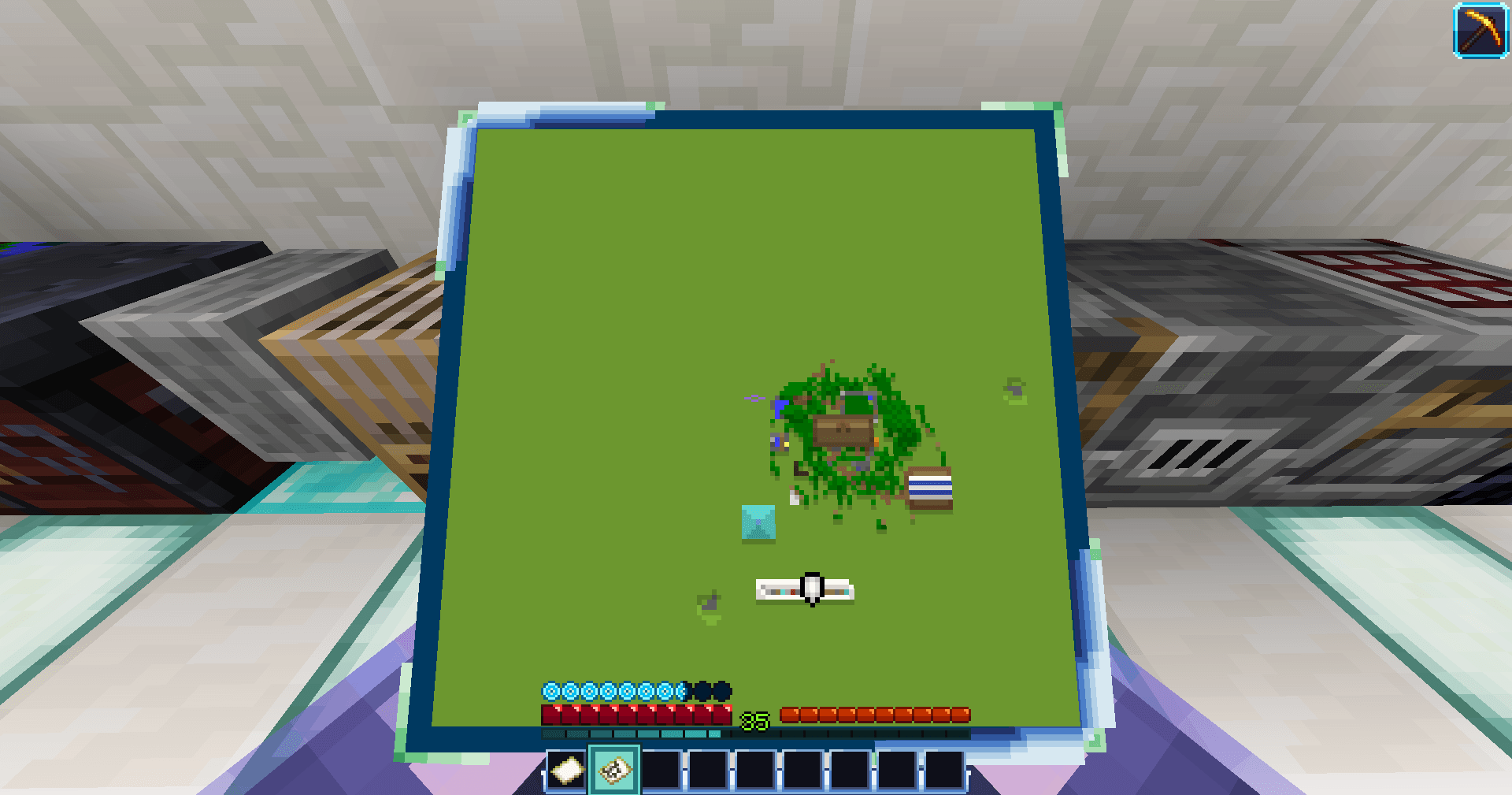
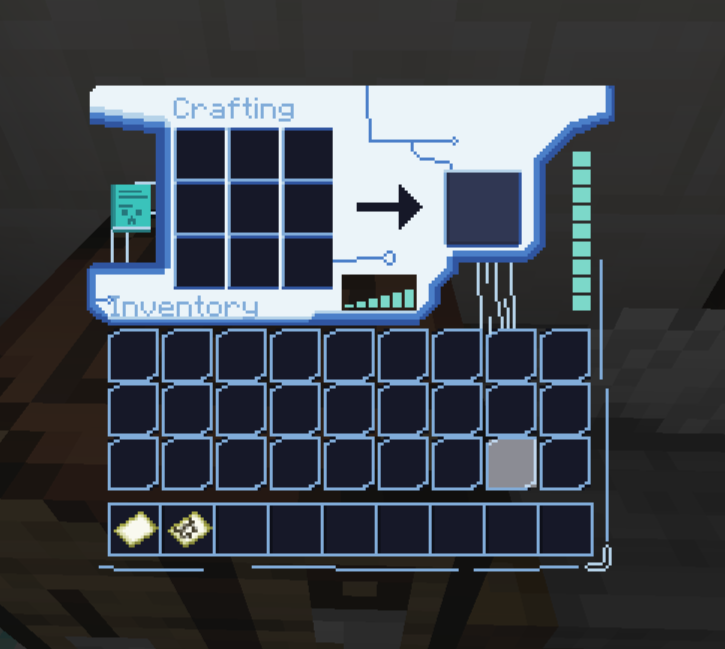
GUI Sample

FUTURISTIC THEMED GUI

In need of a futuristic with neat little pixel art for your tech adventures? This pack is for you to try out!

Stratospheria Expedition 1.0.1 will soon have Mod support available:

  • Apple Skin✅ V0.1.0
  • Thirst Was Reclaimed✅ V0.2.0
  • Curios✅ V0.3.0
  • Traveler's Backpack
  • Mekanism Tools
  • Sophisticated Backpack

…and many more soon!

======================================================================================================

KNOWN ISSUE:

White and light blue text color on Main Menu bug upon re-launching Minecraft instance. It will fix itself once you join a world or server.

Haven't found a good solution to fix this atm. FIXED ✅

StratospheriaV0.3.0.zip
MC 1.21, 1.21.1
Release 2026-09-19 Get
StratospheriaV0.2.0.zip
MC 1.21, 1.21.1
Release 2026-08-22 Get
StratospheriaV0.1.0.zip
MC 1.21, 1.21.1
Release 2026-07-31 Get
Stratospheria V0.0.2
MC 1.21, 1.21.1
Release 2026-07-11 Get
Stratospheria_0.0.1.zip
MC 1.21, 1.21.1
Release 2026-06-04 Get

Requirements & install

How to use this resource pack in Minecraft
Resolution
16x
Minecraft
1.21 – 1.21.1
Install folder
.minecraft/resourcepacks

How to install resource packs

  1. Download the resource pack .zip file (do not extract it).
  2. In Minecraft open Options → Resource Packs → Open Pack Folder.
  3. Drop the .zip into the resourcepacks folder (.minecraft/resourcepacks).
  4. Move the pack to the Selected column and click Done.
Browse more: 16x resource packs 32x resource packs 64x resource packs 128x resource packs 256x resource packs 512x+ resource packs Resource Packs for 1.21.1 All resource packs

More from Lyron18th

Advertisement Remove ads with Premium →

You Might Also Like