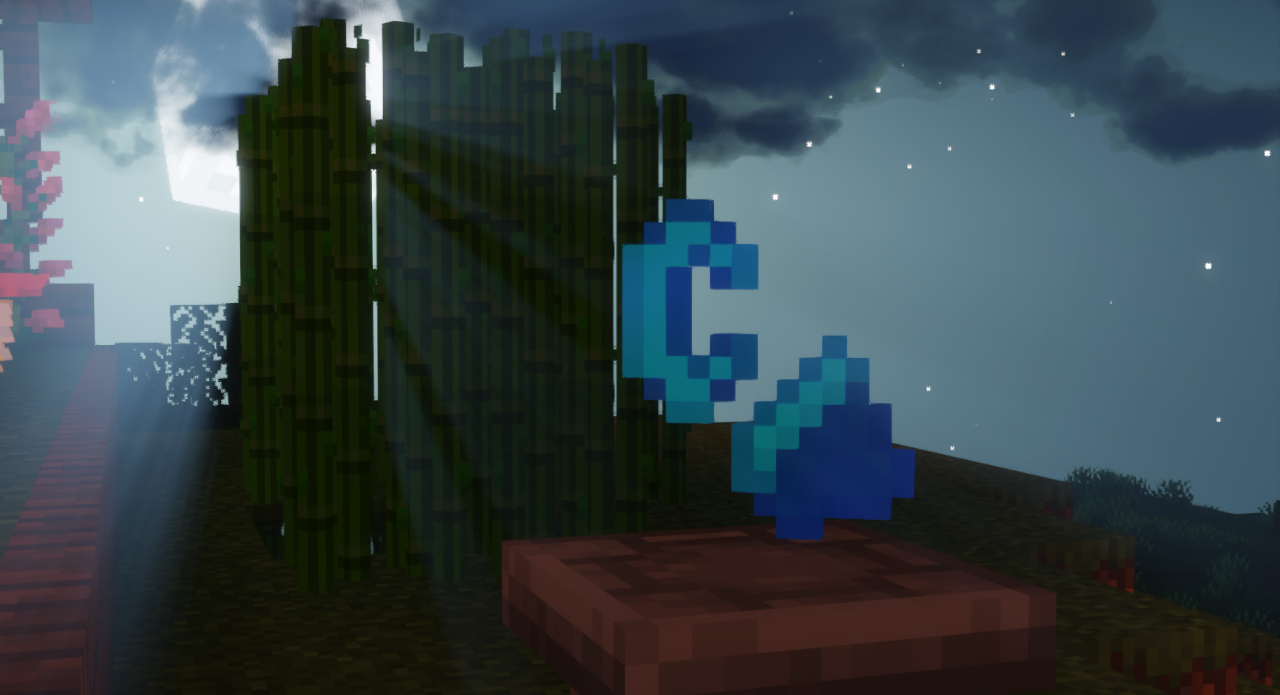
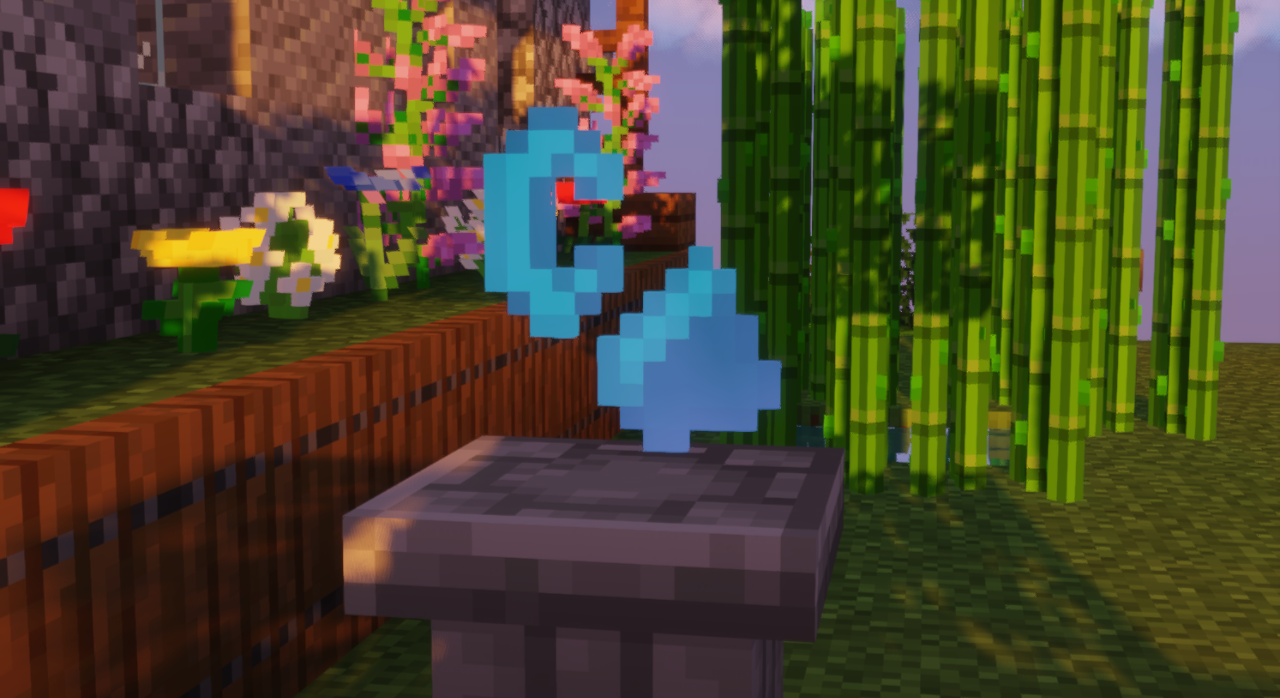
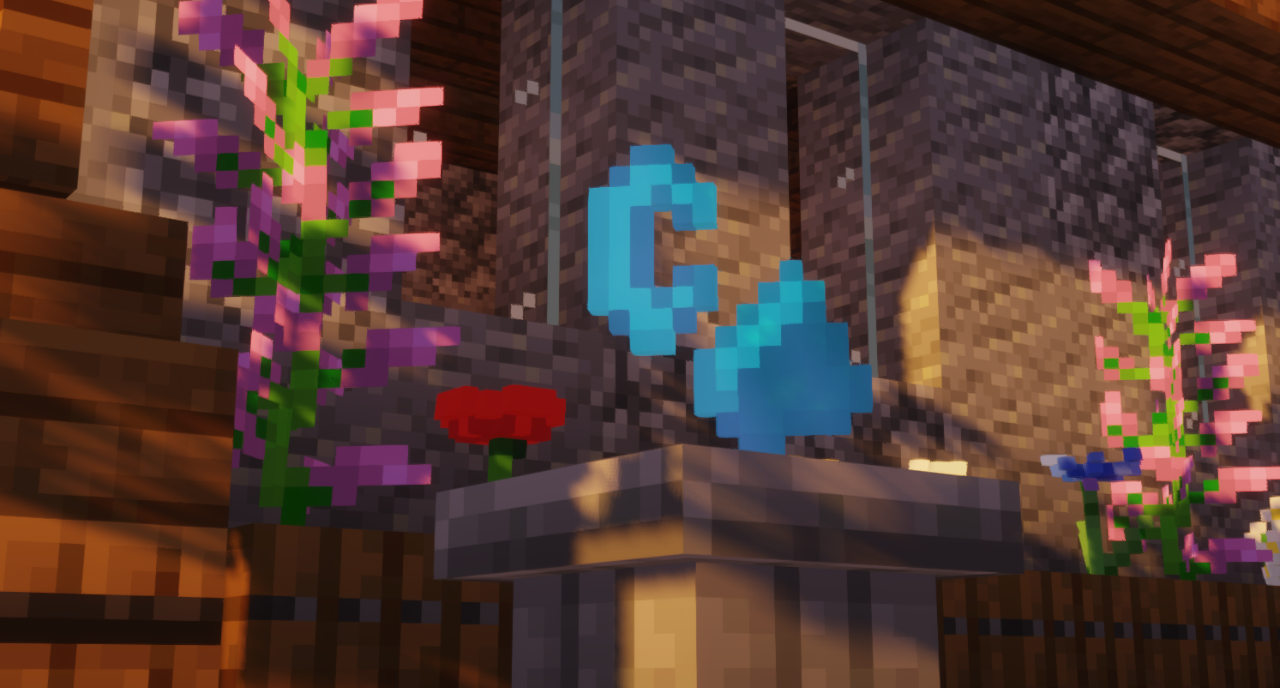
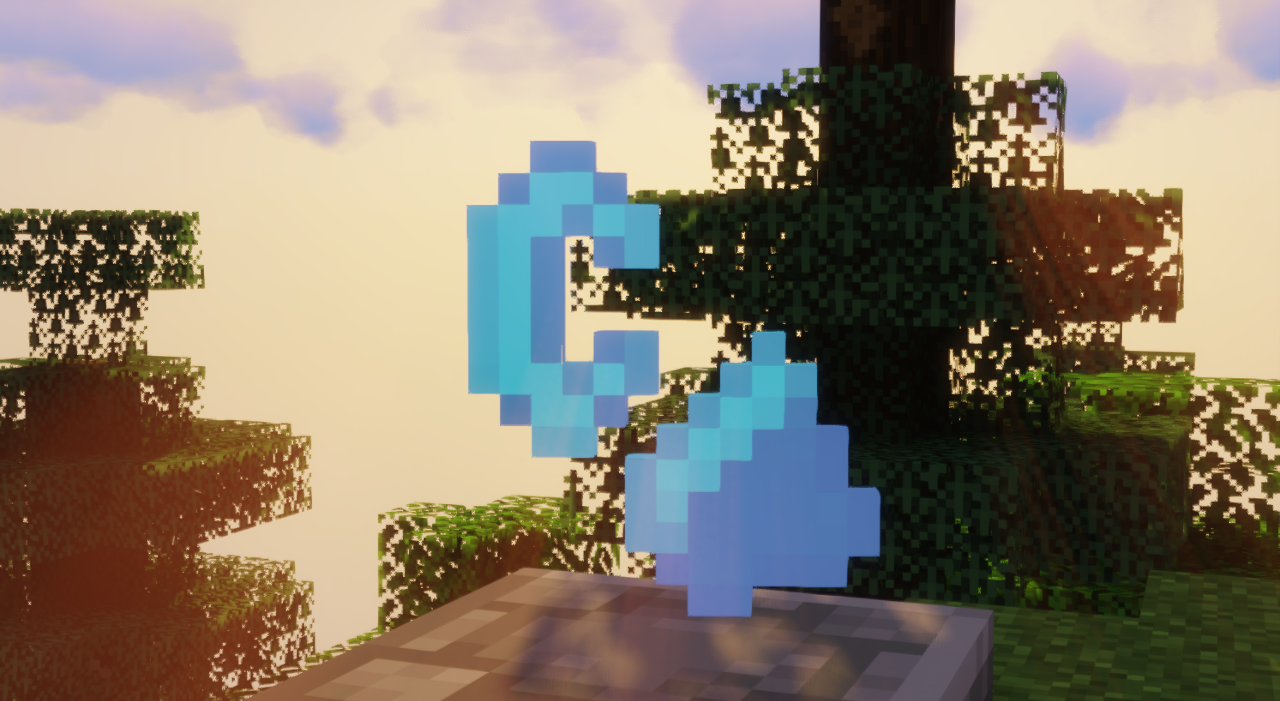
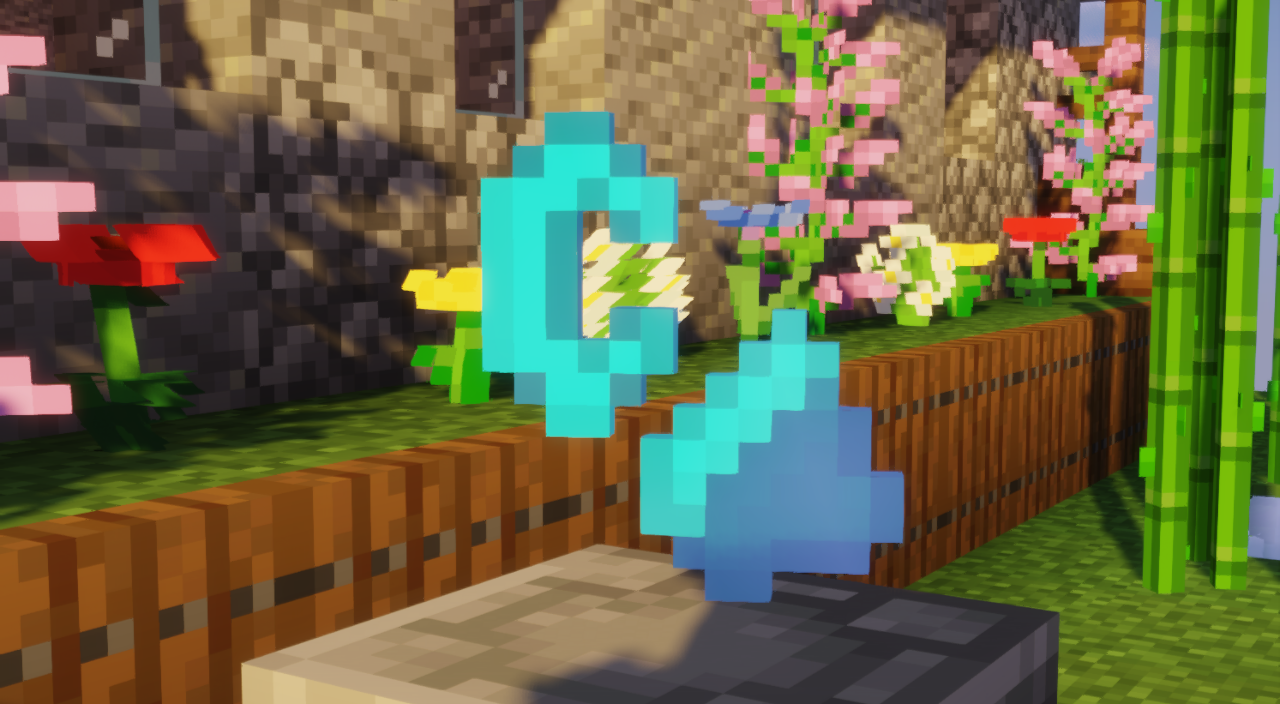
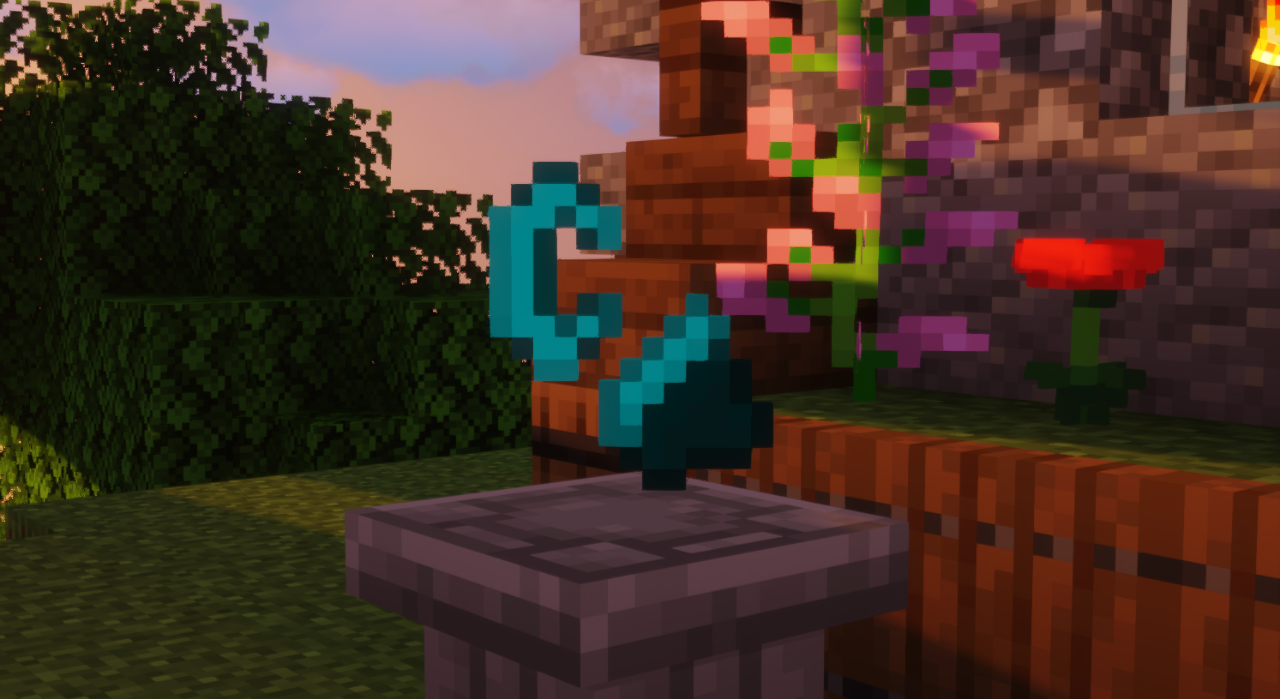
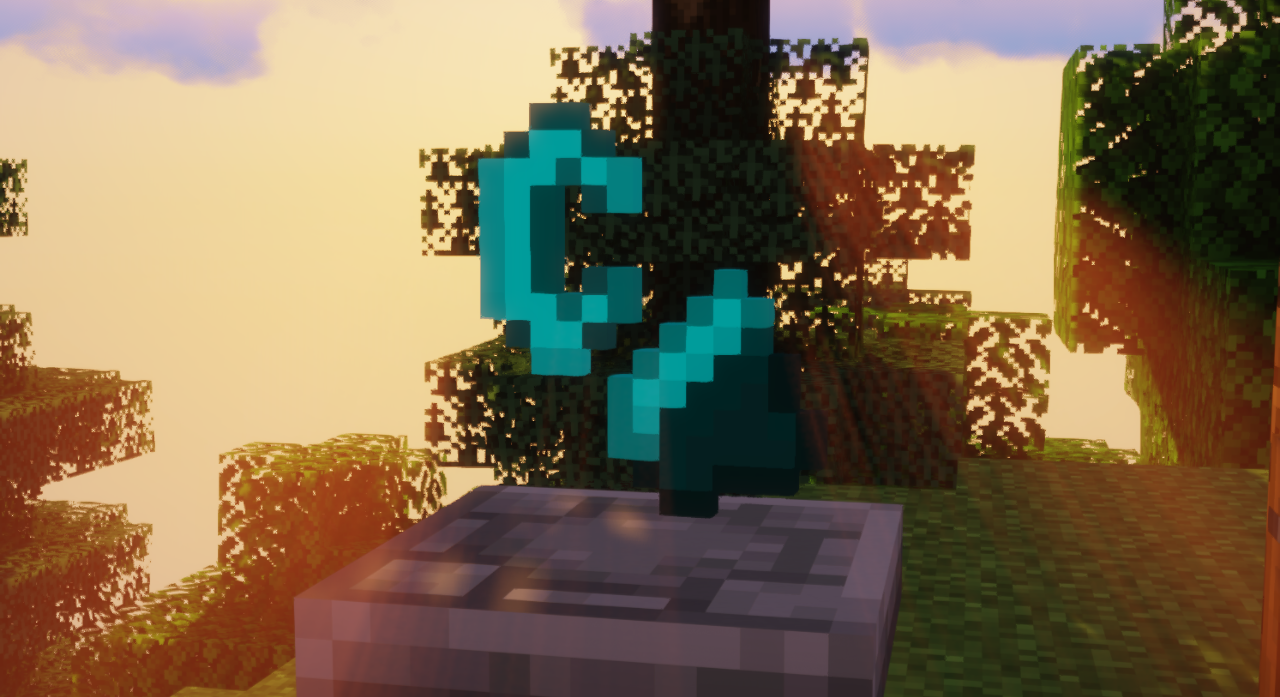
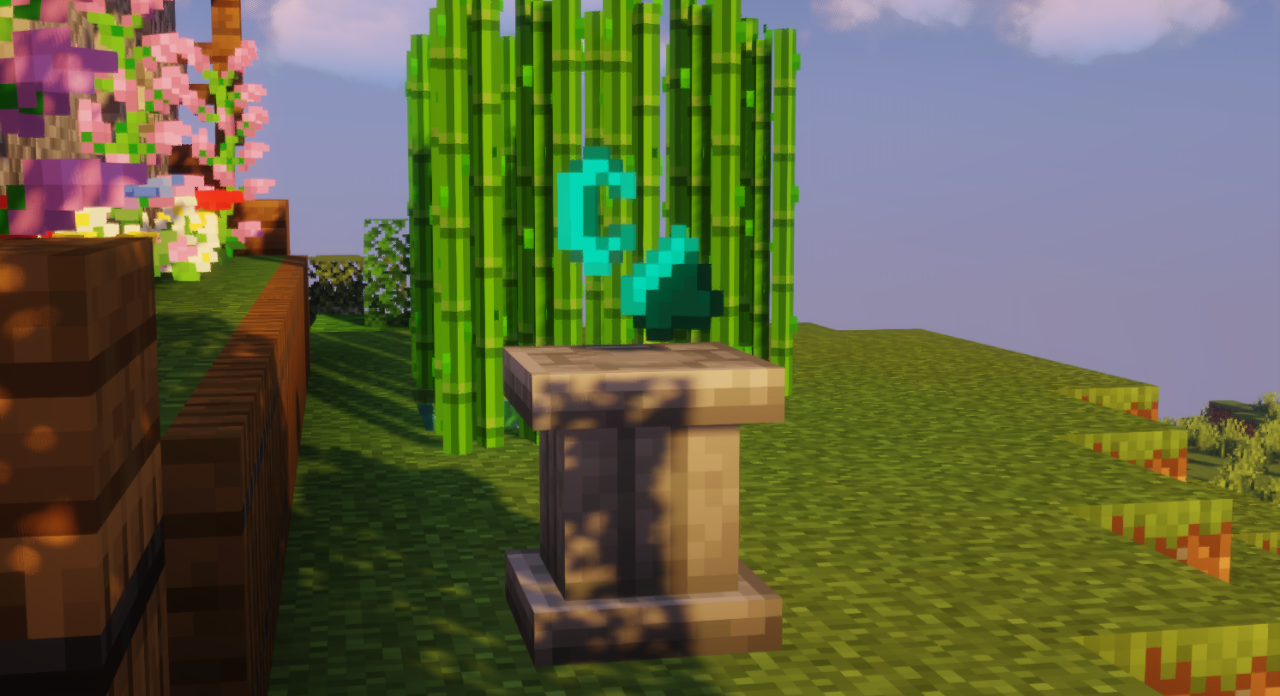
This texture pack ONLY replaces in-game object textures with Minecraft Story Mode textures.
Probably this texture pack works in newer versions, if it works for you in recent versions of the
game let me know in the comments.
NOTE: This is the first time I create a texture pack, I appreciate your understanding.
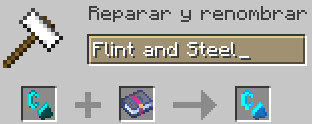
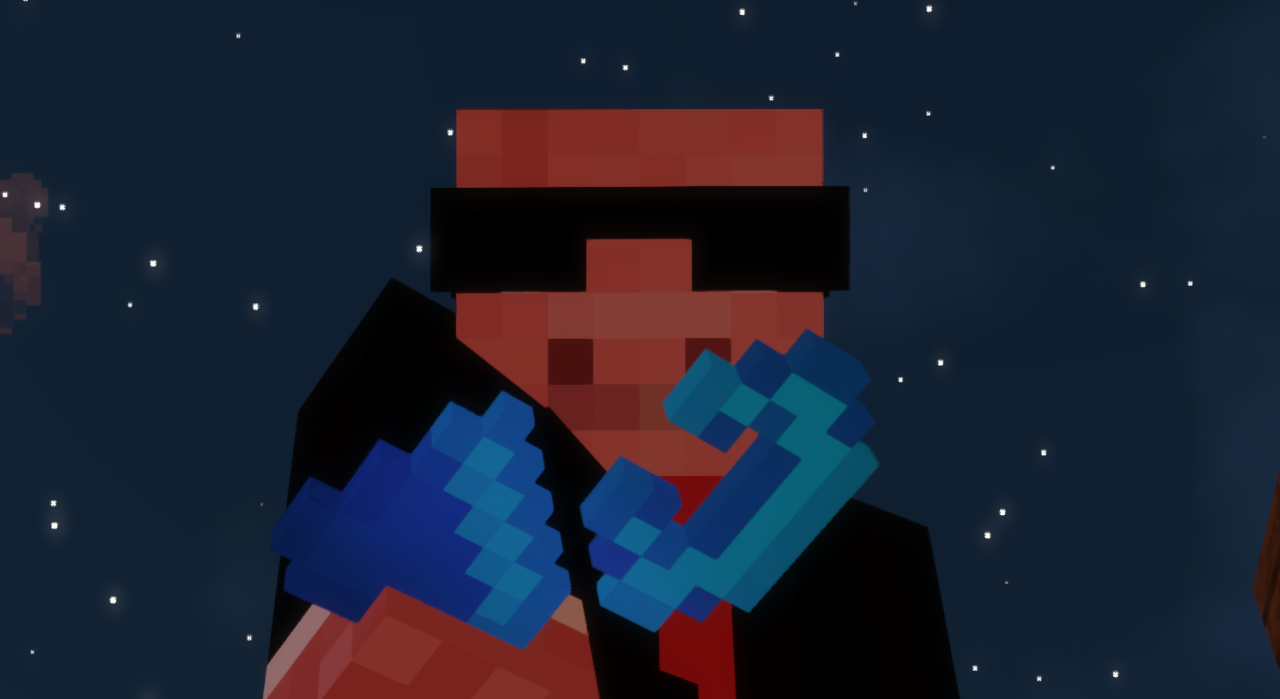
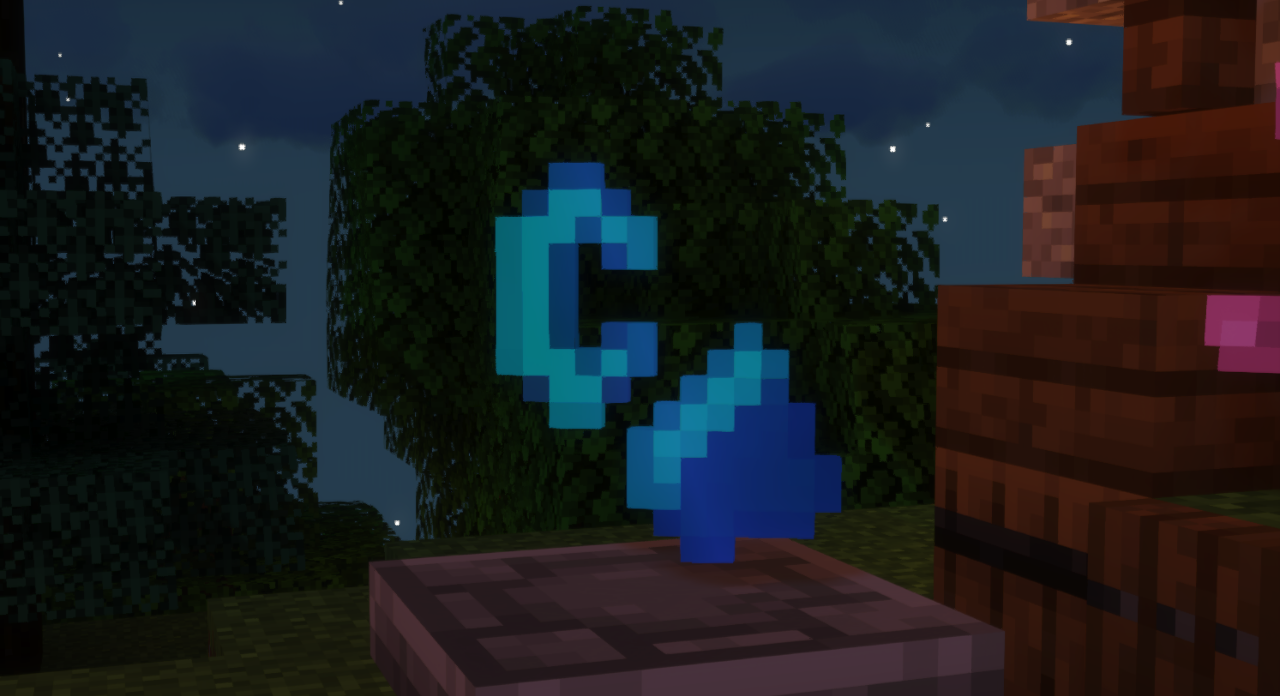
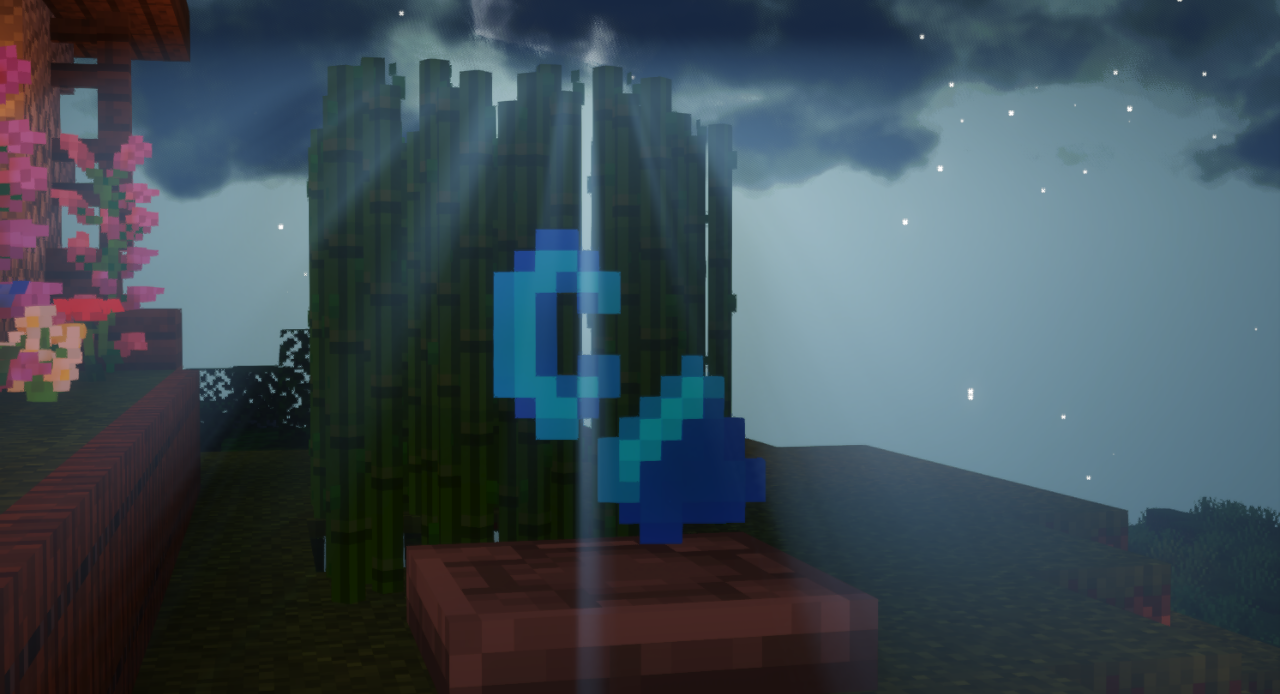
This texture pack adds "Enchanted Flint and Steel", replaces the in-game Flint and Steel texture,
and changes it to Minecraft Story Mode.
The second object that is replaced is the redstone block and the texture is changed to "Redstone Heart" (Texture only, does not emit light)
The images show an object where I placed the objects of this texture pack, that object is part of the "Supplementaries mod",
which I will leave in the following link: https://www.curseforge.com/minecraft/mc-mods/supplementaries

The texture pack is in a beta phase and may be buggy.
If you use this texture pack on any internet site, please leave the direct link to download this texture pack for free.
Thank you.
Any other errors or suggestions about what other objects I can replace, please tell me in the comments.
5/14/2023 Update
-Fixed the bug in the background of the game menu.
-Fixed the bug with the glass and panels in Optifine
-Implemented a new texture for enchantments that is more light blue to give a better view of the Enchanted Flint and Steel