Mineuniverse
Resource Packs
STONEBORN - CONSISTENCY

STONEBORN - CONSISTENCY

RESOURCE PACK
Mod support for STONEBORN Resourcepack
by AnemoiaWorks
Download Claim this project
10,842 downloads
0 likes
Updated Oct 14, 2026
0 hypes
16x Medieval Miscellaneous Mod Support Traditional
Advertisement Remove ads with Premium →

All credits go to Sindavar33 the author of the STONEBORN Resourcepack.

You obviously need the STONEBORN Resourcepack along with this so please check it out.

YOU CAN'T REDISTRIBUTE THIS WORK ON ANY OTHER COMPATIBILITY RESOURCE PACKS, THAT INCLUDES NEW GAME VERSIONS.

V0.2 Released 9/26/2022


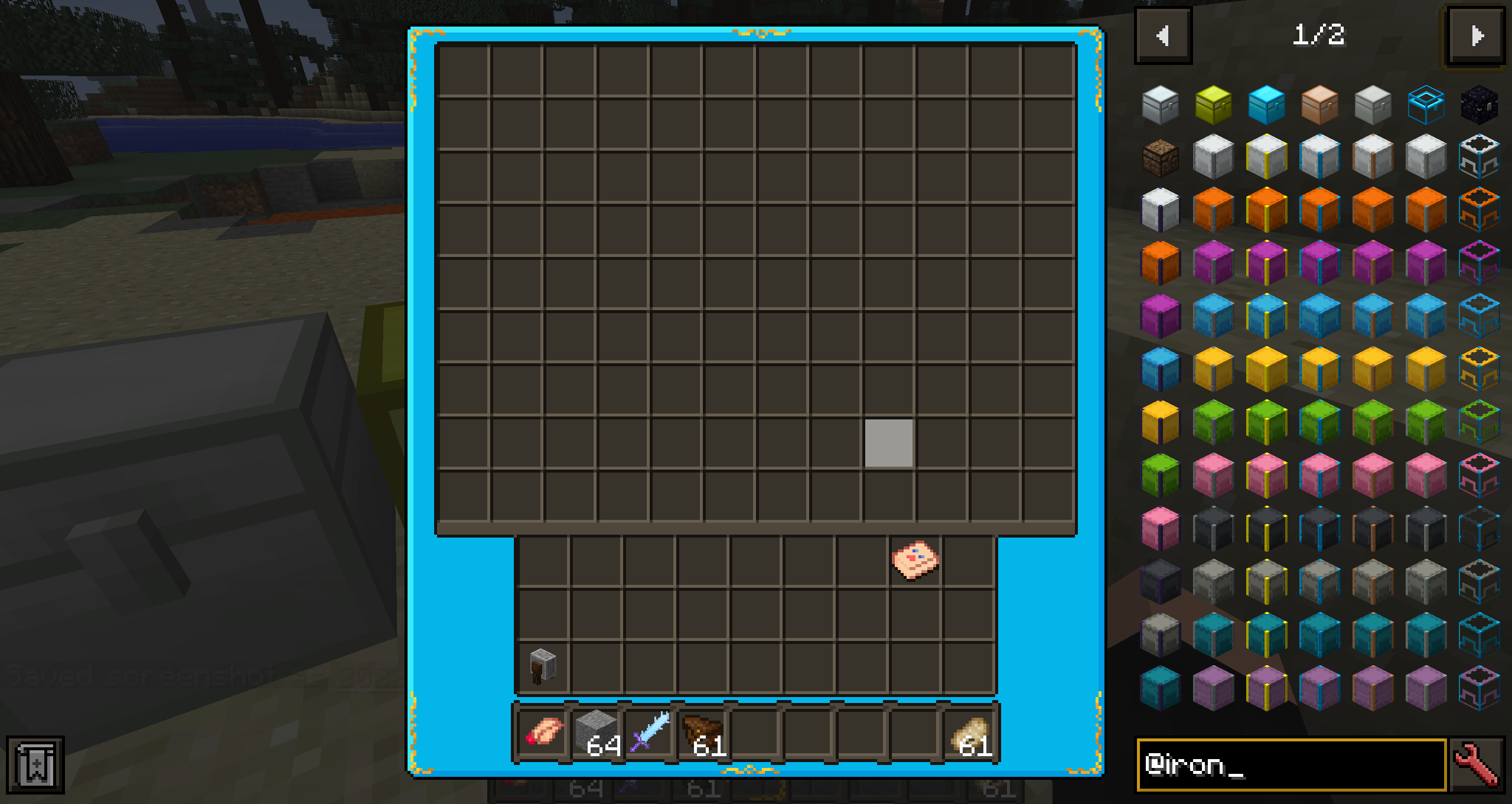
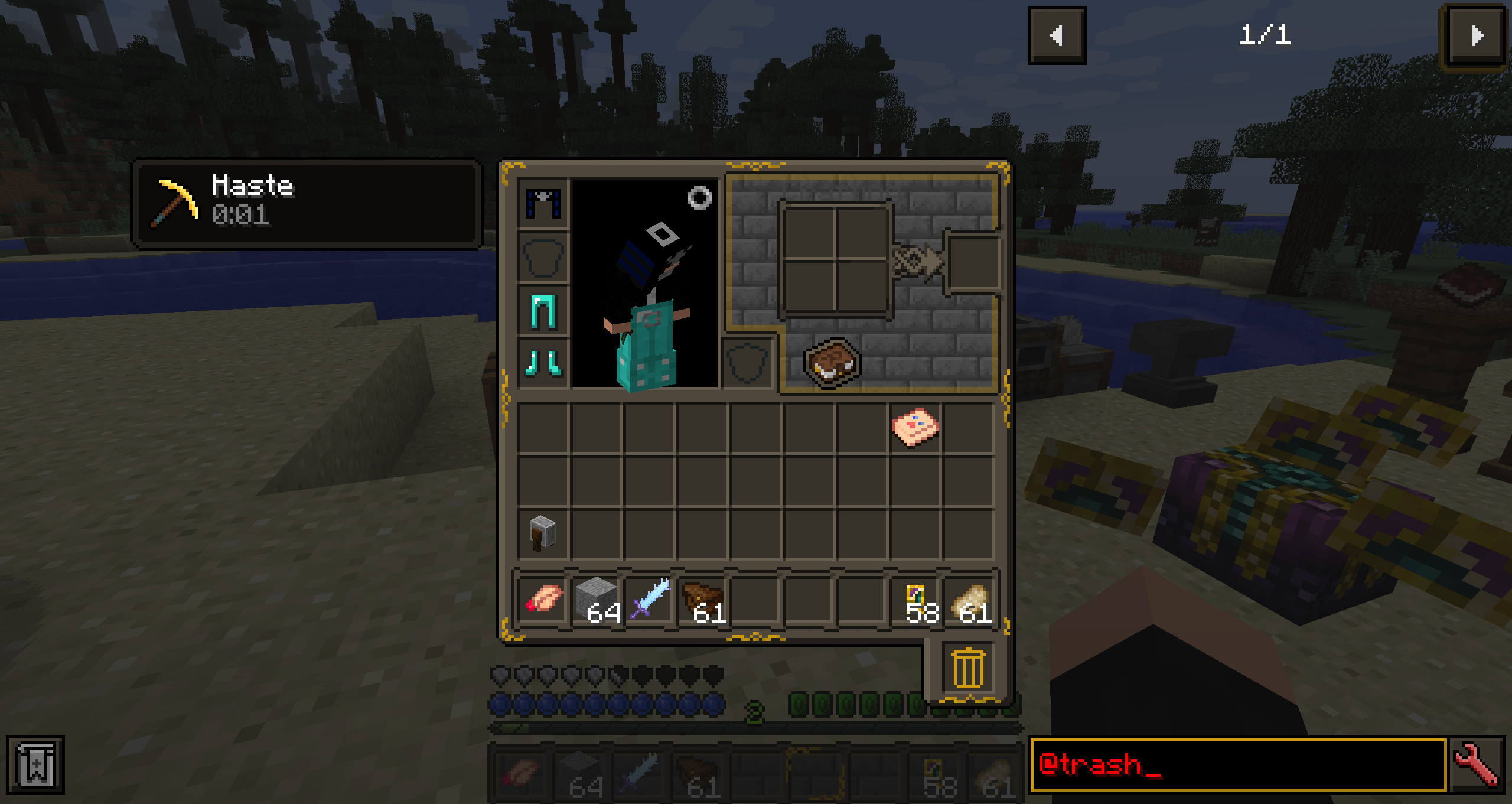
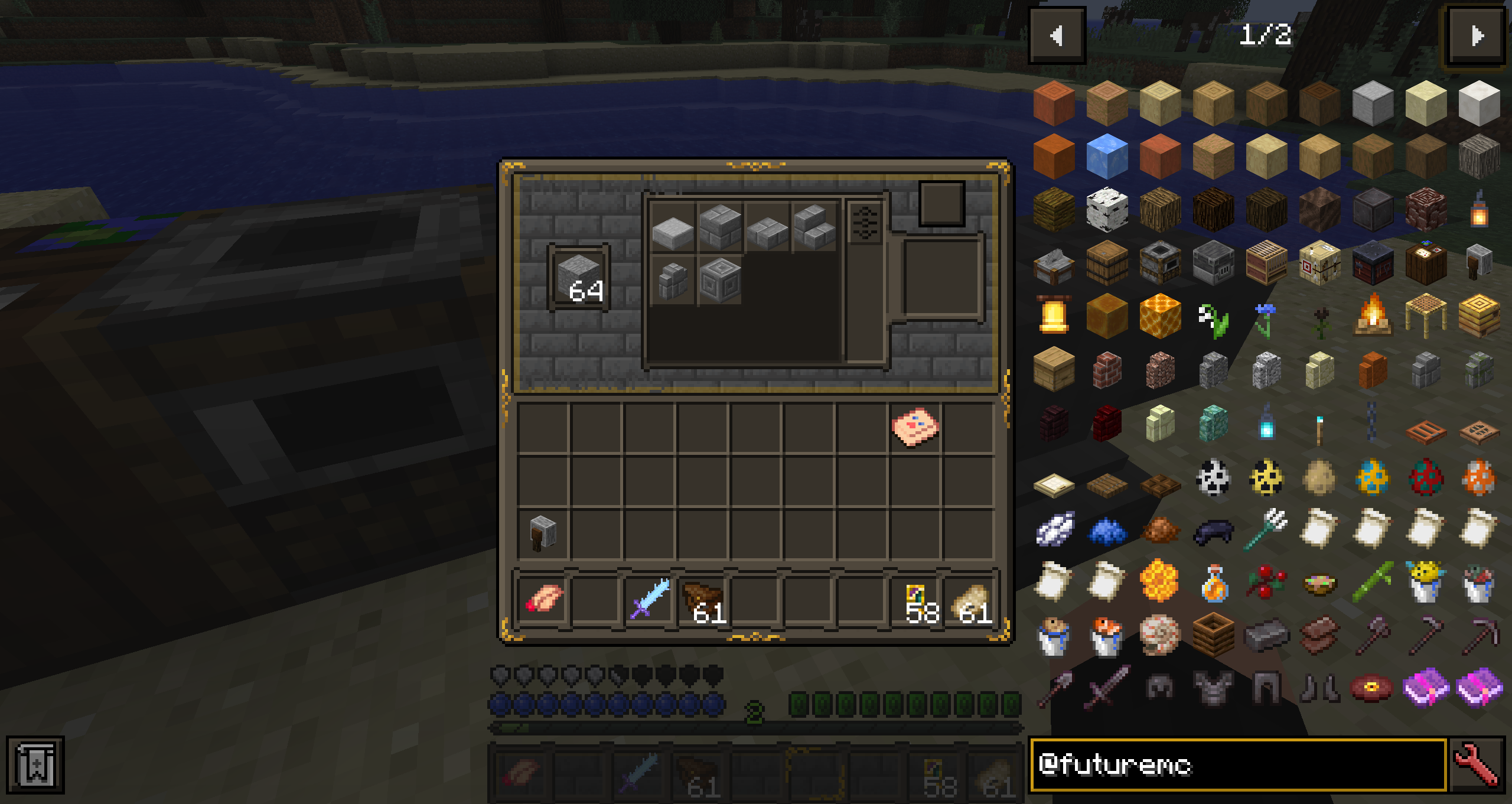
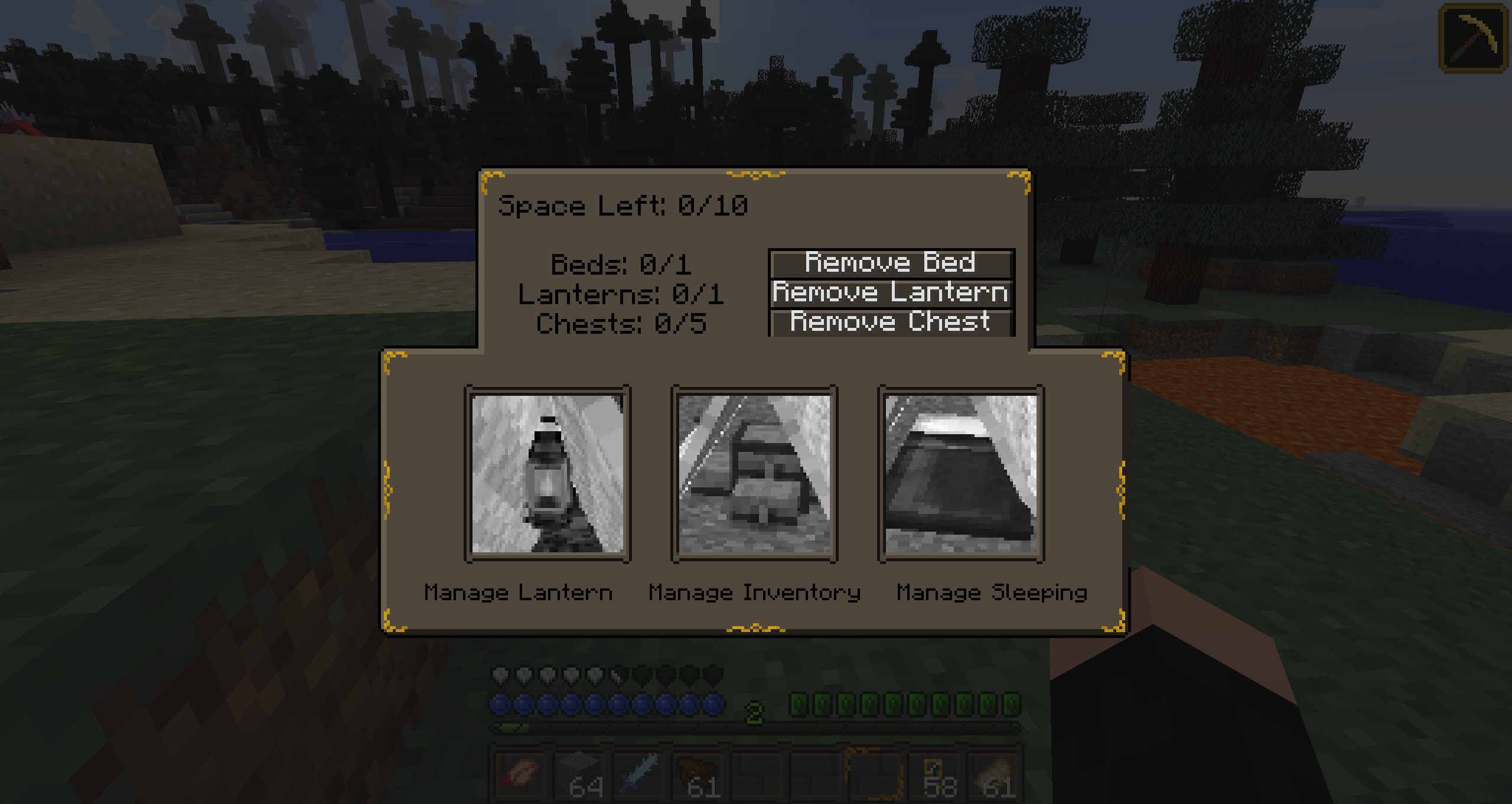
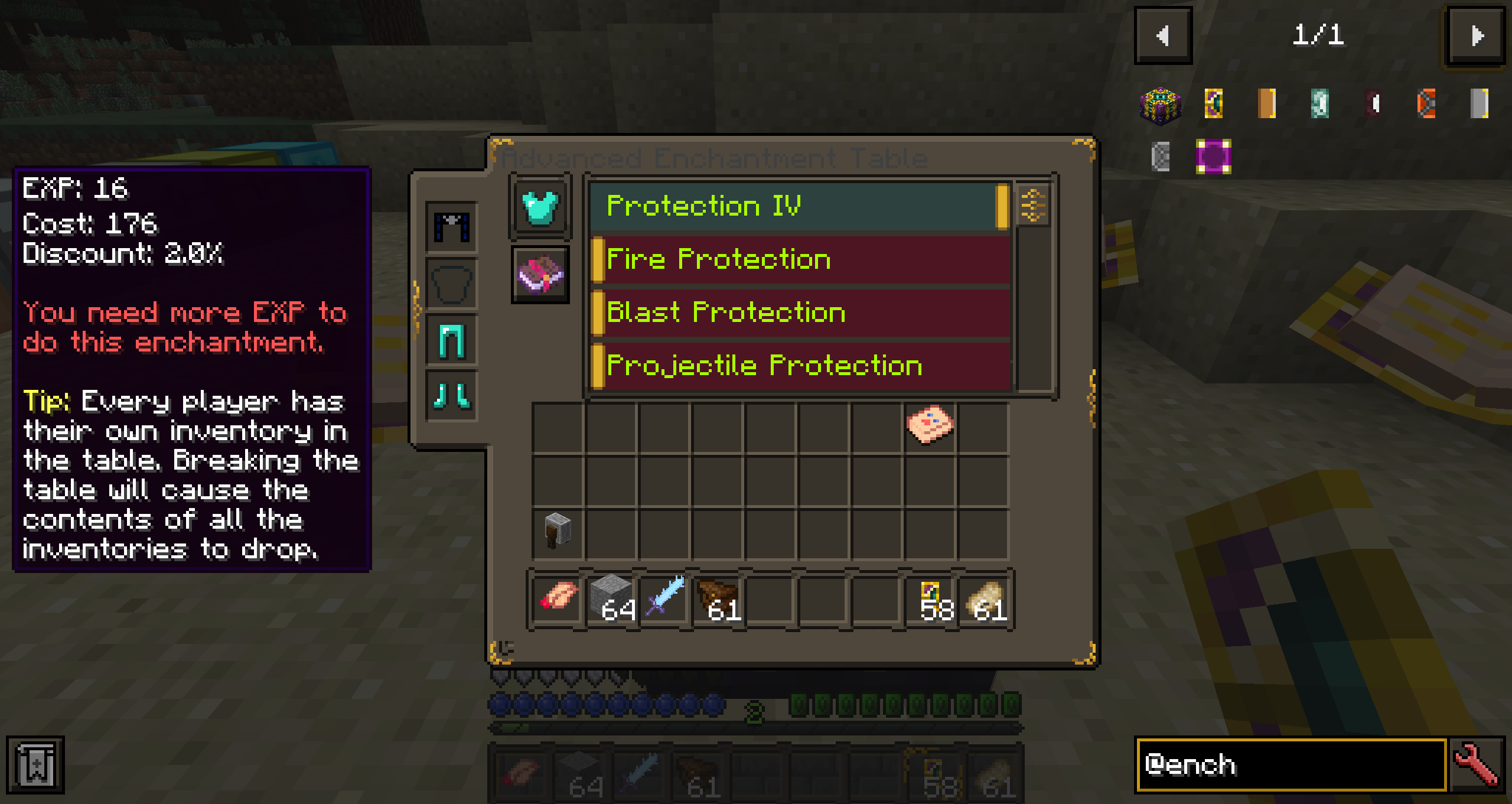
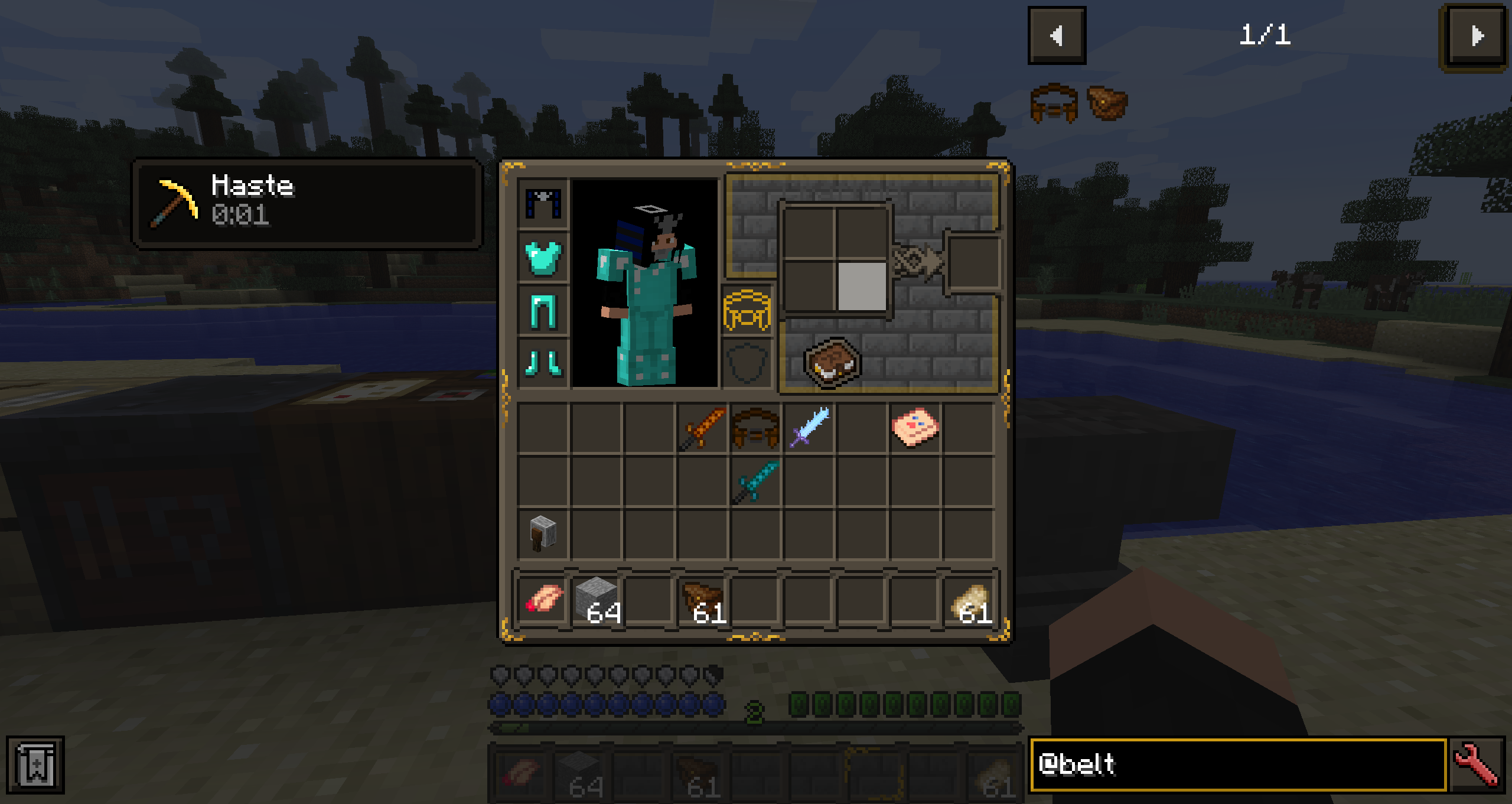
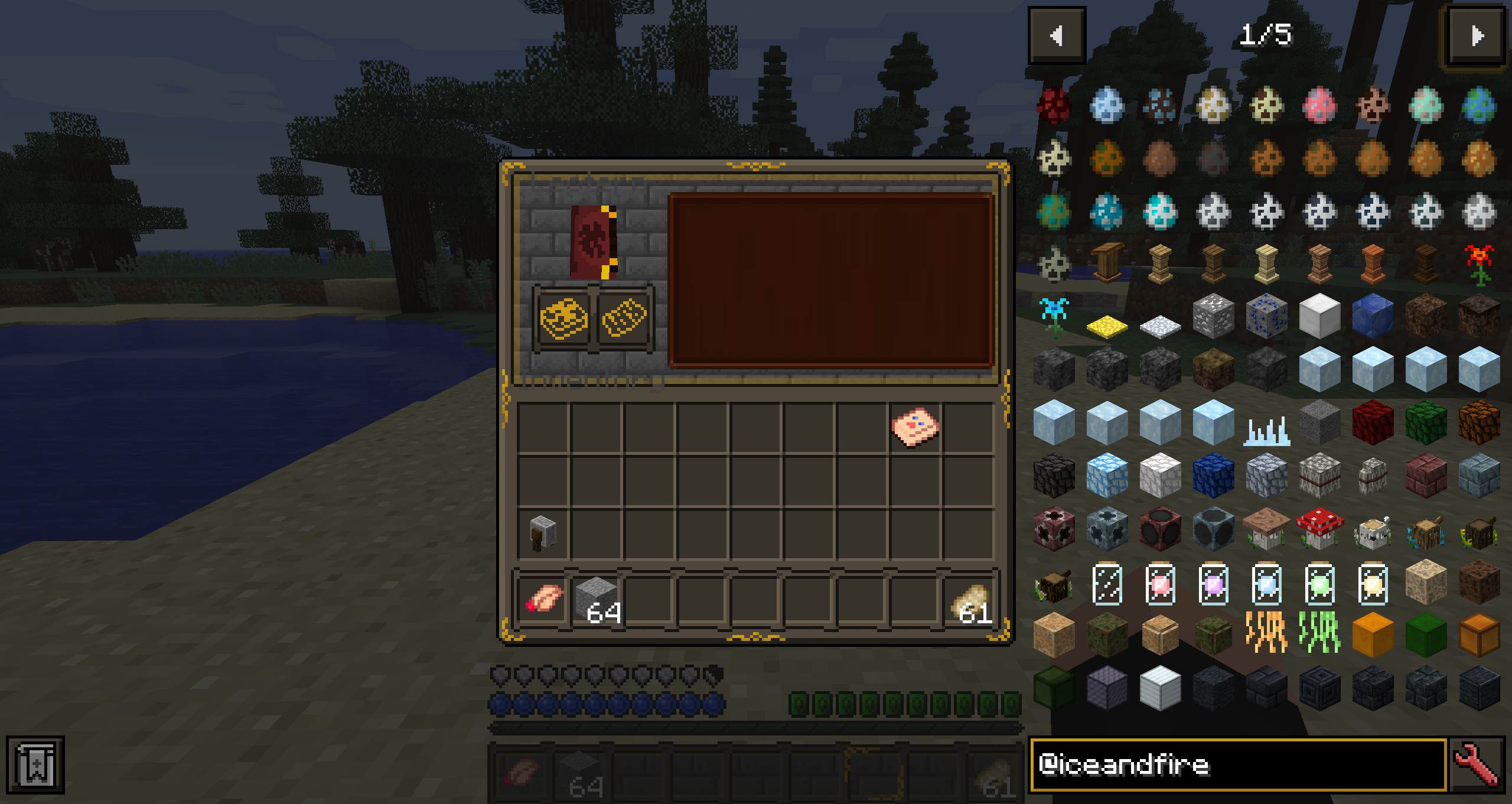
This project aims to bring Consistency between Vanilla and Modded User interfaces. For now this resource pack supports the following mods:


1.12.2


-Mantle

-Baubles

-Baubley Heart Canisters

-ChocoCraft 3

-Fossils and Archeology: Revival

-Just Enough Items (JEI)

-TrashSlot

-Ice and Fire: Dragons

-Enchanting Plus

-Future MC

-Iron Chests (V0.2 the specific chest backgrounds don't look as good as i expected, I may try something different o straight up stick with STONEBORN's color palette, let me know your opinion.)

-The Camping Mod (V0.2 There are some issues with the Inventory menu that i dont really know how to fix, but all the other UI elements are shown properly.)

-Tool Belt


9/26/2022 Added images to the gallery.


More mods coming soon, keep in mind that mostly im updating this for mods i use on my personal modpack so for now only 1.12.2 mods, however feel free to leave suggestions in the comments and i may (or may not) support the mod eventually. If you find any problems with an specific UI please leave a description of the issue and a screenshot that would help me to fix it.

 

CONSISTENCY 1.12.2-V0.2.zip
MC 1.12.2
Beta 2022-09-26 Get
STONEBORN-CONSISTENCY 1.12.2 V0.1.zip
MC 1.12.2
Alpha 2022-09-19 Get

Requirements & install

How to use this resource pack in Minecraft
Resolution
16x
Minecraft
1.12.2
Install folder
.minecraft/resourcepacks

How to install resource packs

  1. Download the resource pack .zip file (do not extract it).
  2. In Minecraft open Options → Resource Packs → Open Pack Folder.
  3. Drop the .zip into the resourcepacks folder (.minecraft/resourcepacks).
  4. Move the pack to the Selected column and click Done.
Browse more: 16x resource packs 32x resource packs 64x resource packs 128x resource packs 256x resource packs 512x+ resource packs Resource Packs for 1.12.2 All resource packs

More from AnemoiaWorks

Advertisement Remove ads with Premium →

You Might Also Like