Mineuniverse
Resource Packs
Stoik Supreme

Stoik Supreme

RESOURCE PACK
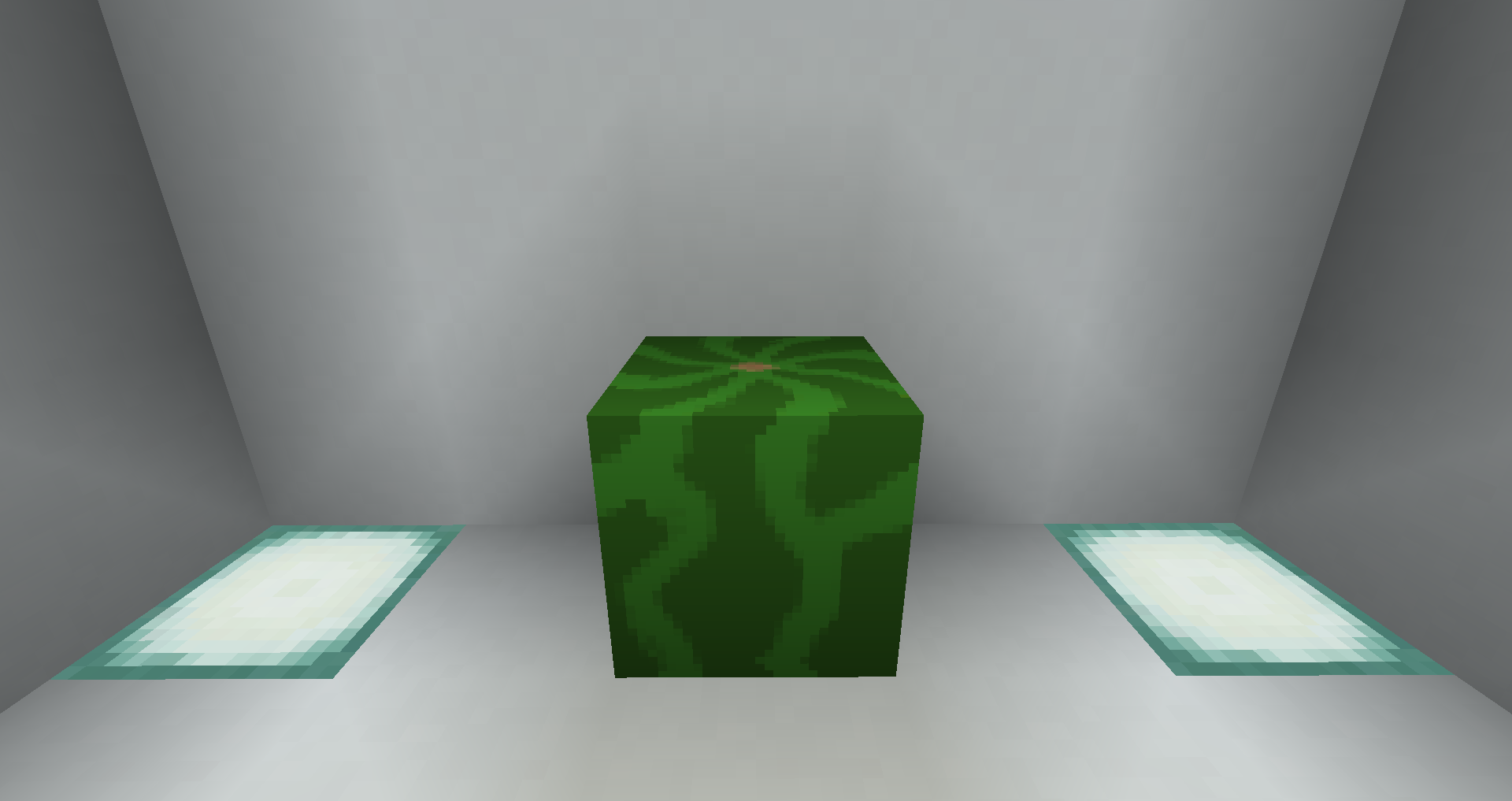
Changes Melons to Stoik!
by BurgerBob886
Download Claim this project
795 downloads
0 likes
Updated Oct 14, 2026
0 hypes
16x Animated Miscellaneous
Advertisement Remove ads with Premium →

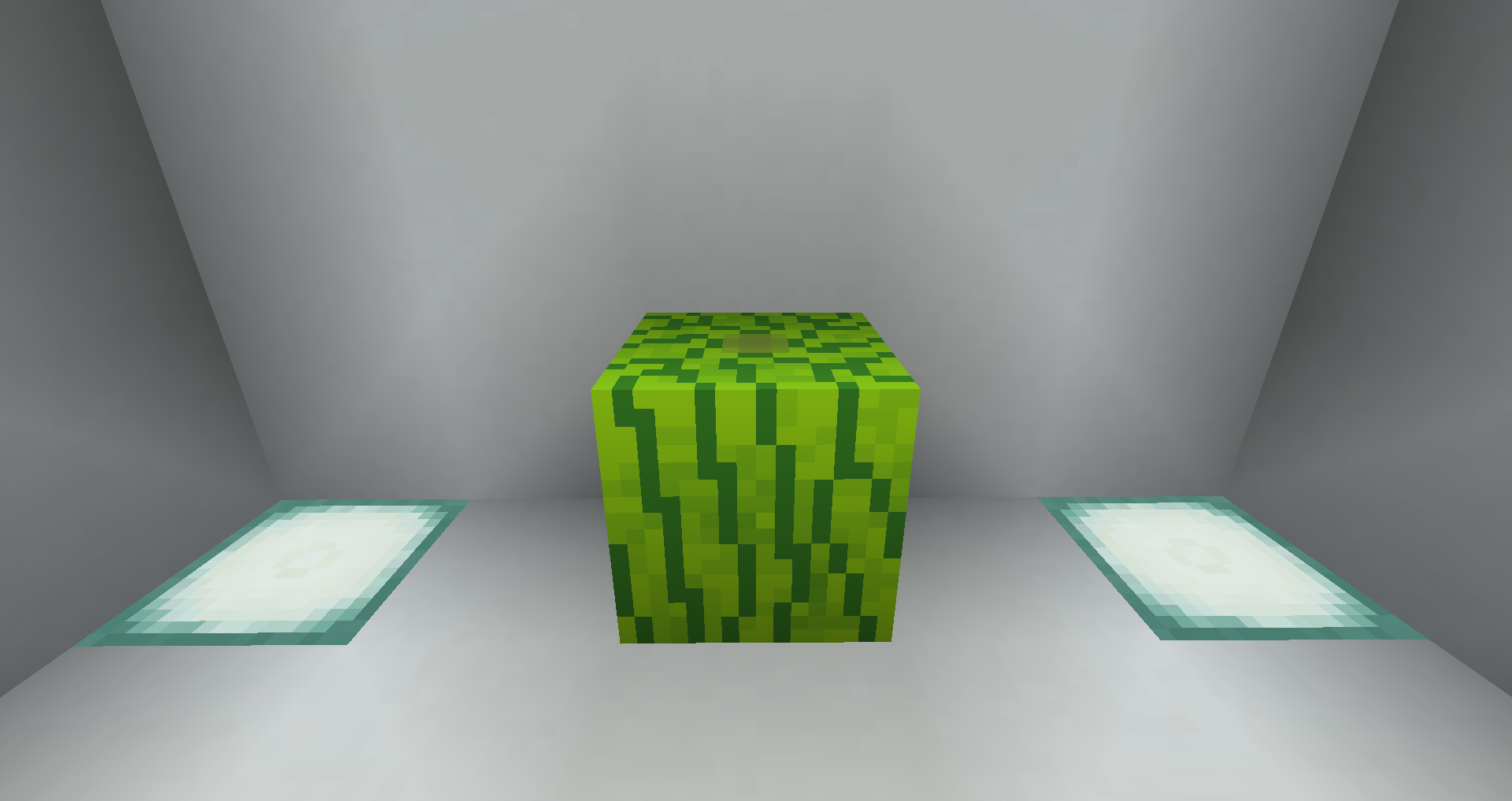
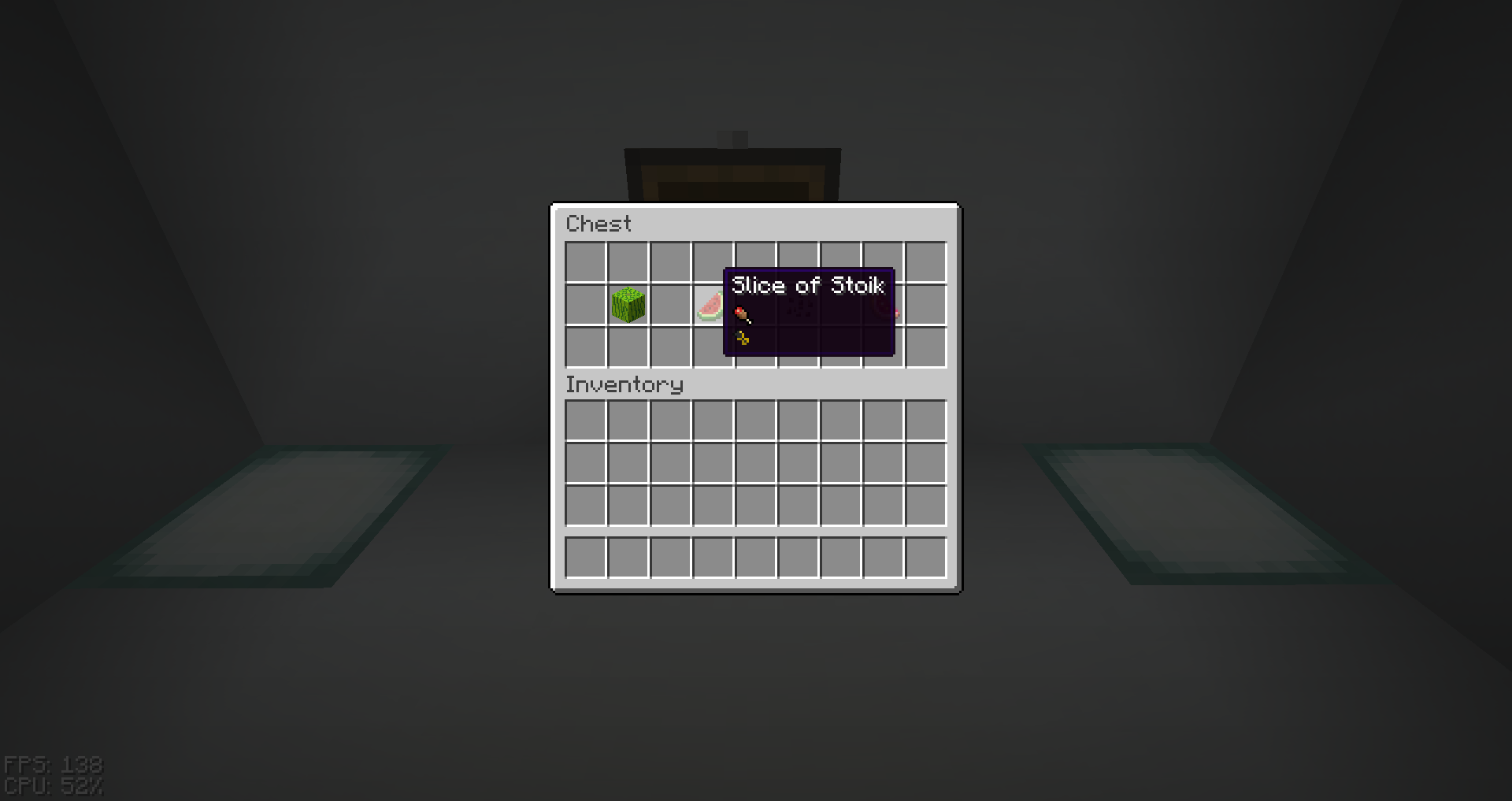
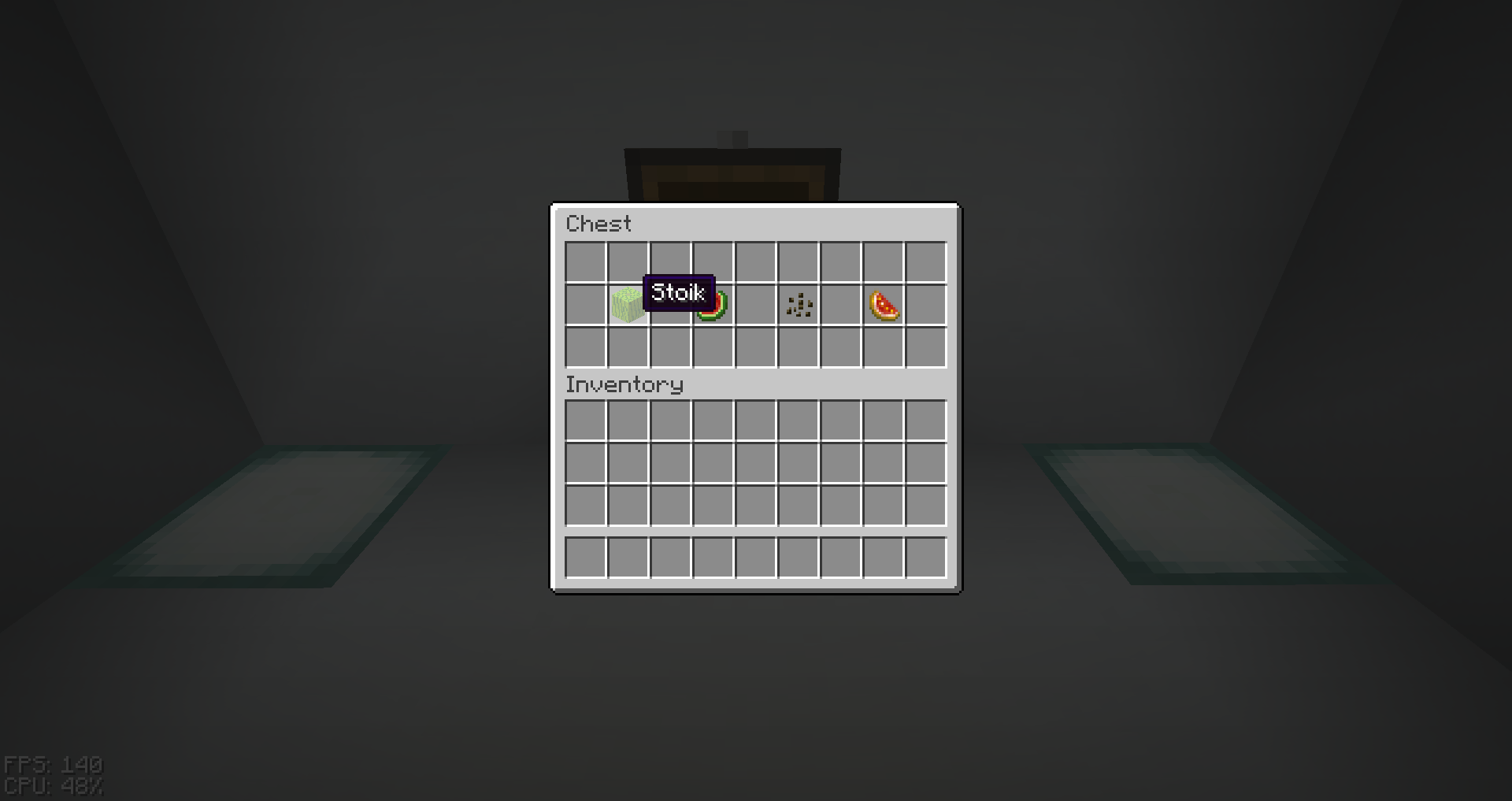
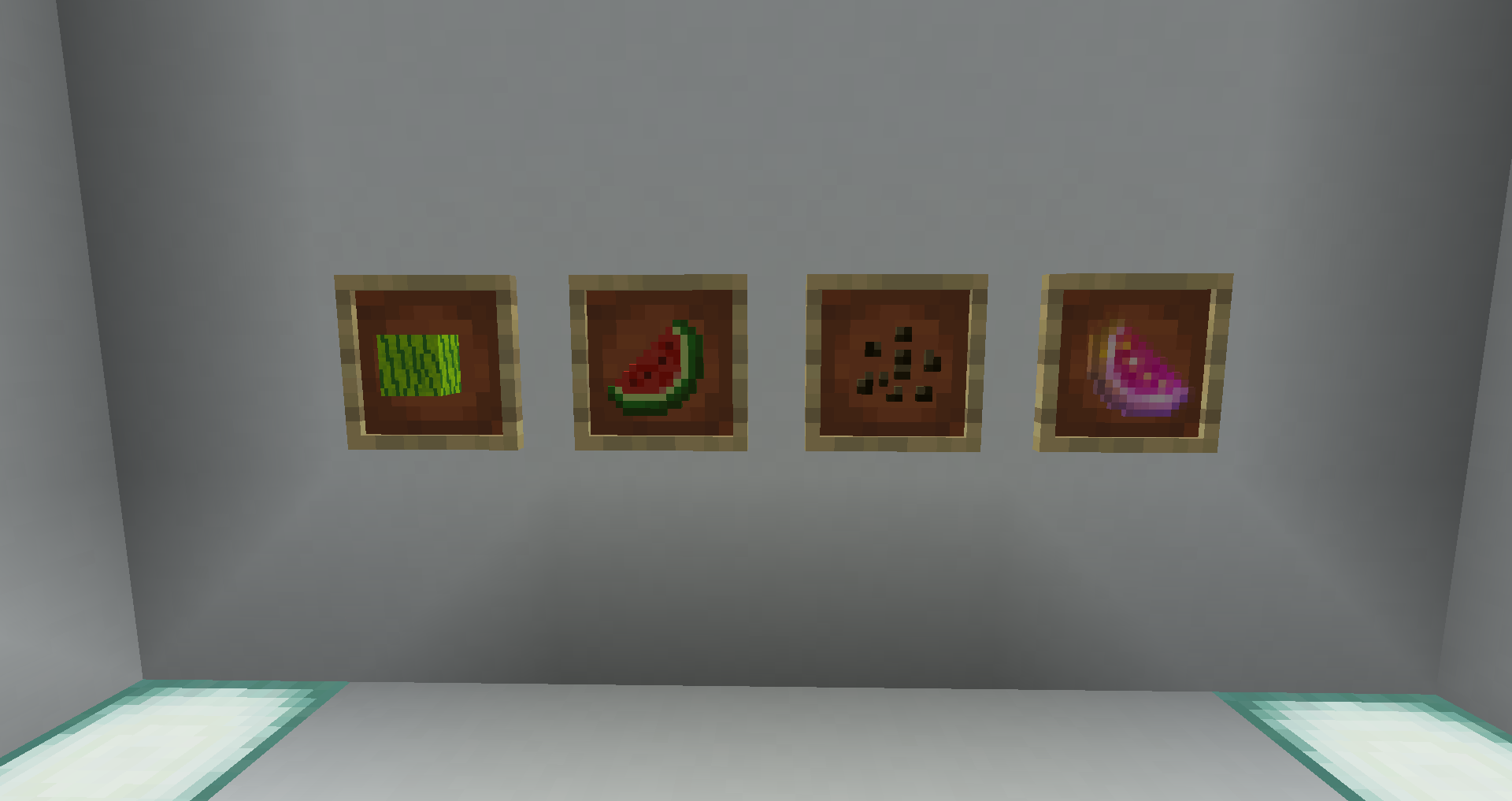
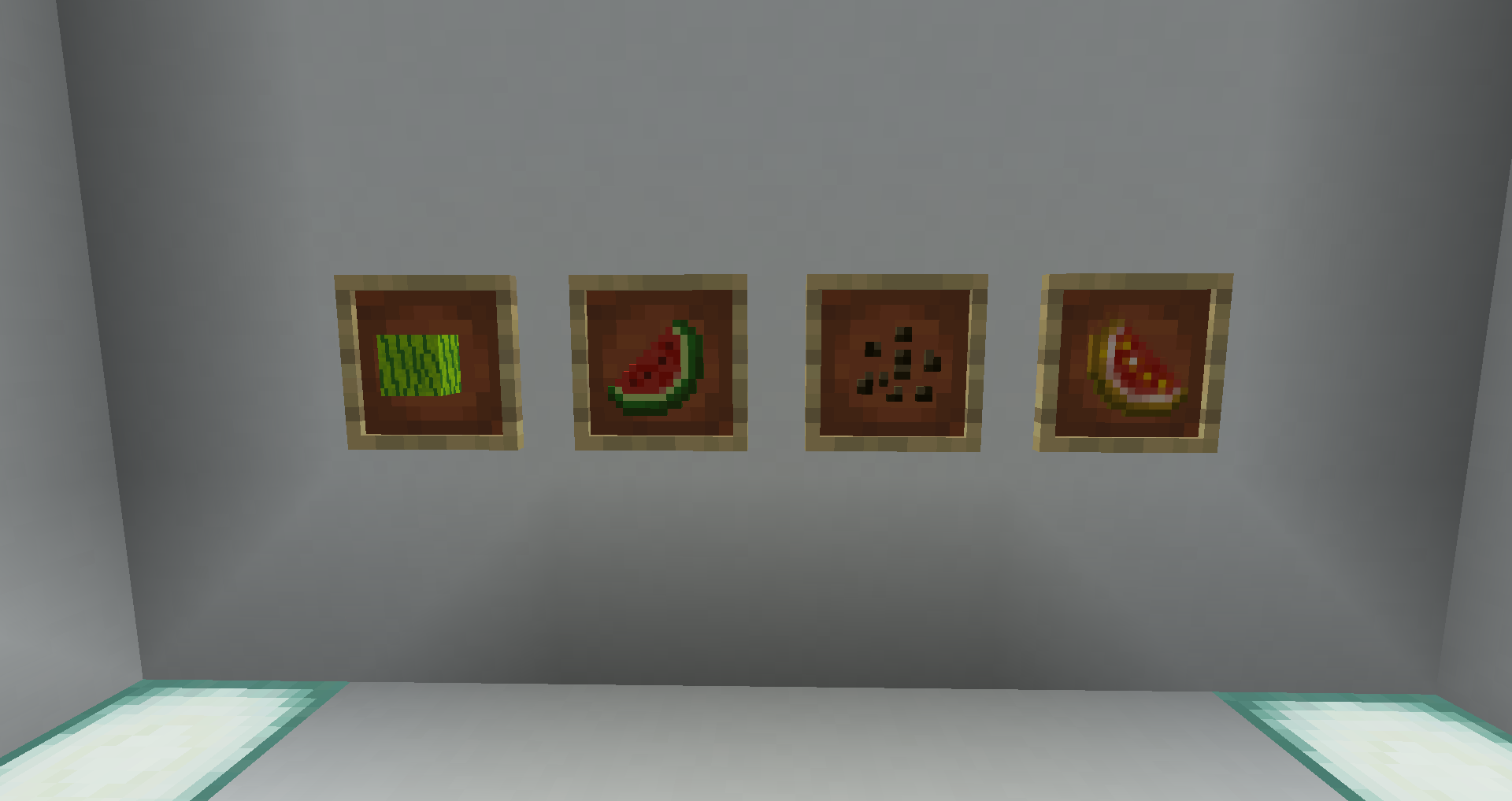
This resource pack turns your Minecraft melons into Stoik! Is there a reason for this? Who knows... 

What is Stoik you ask? It is a majestic fruit with a green shell and a juicy red inside.


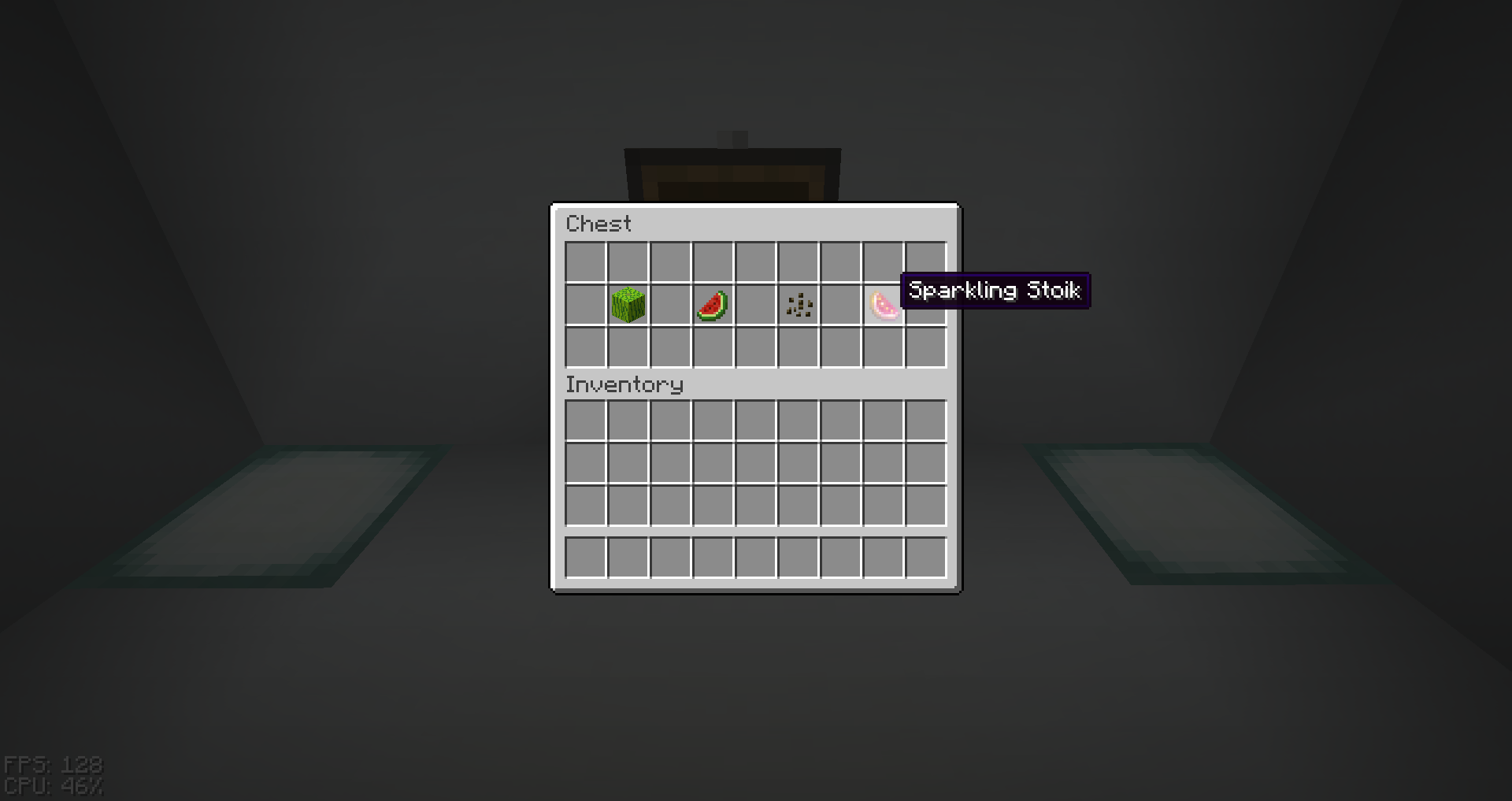
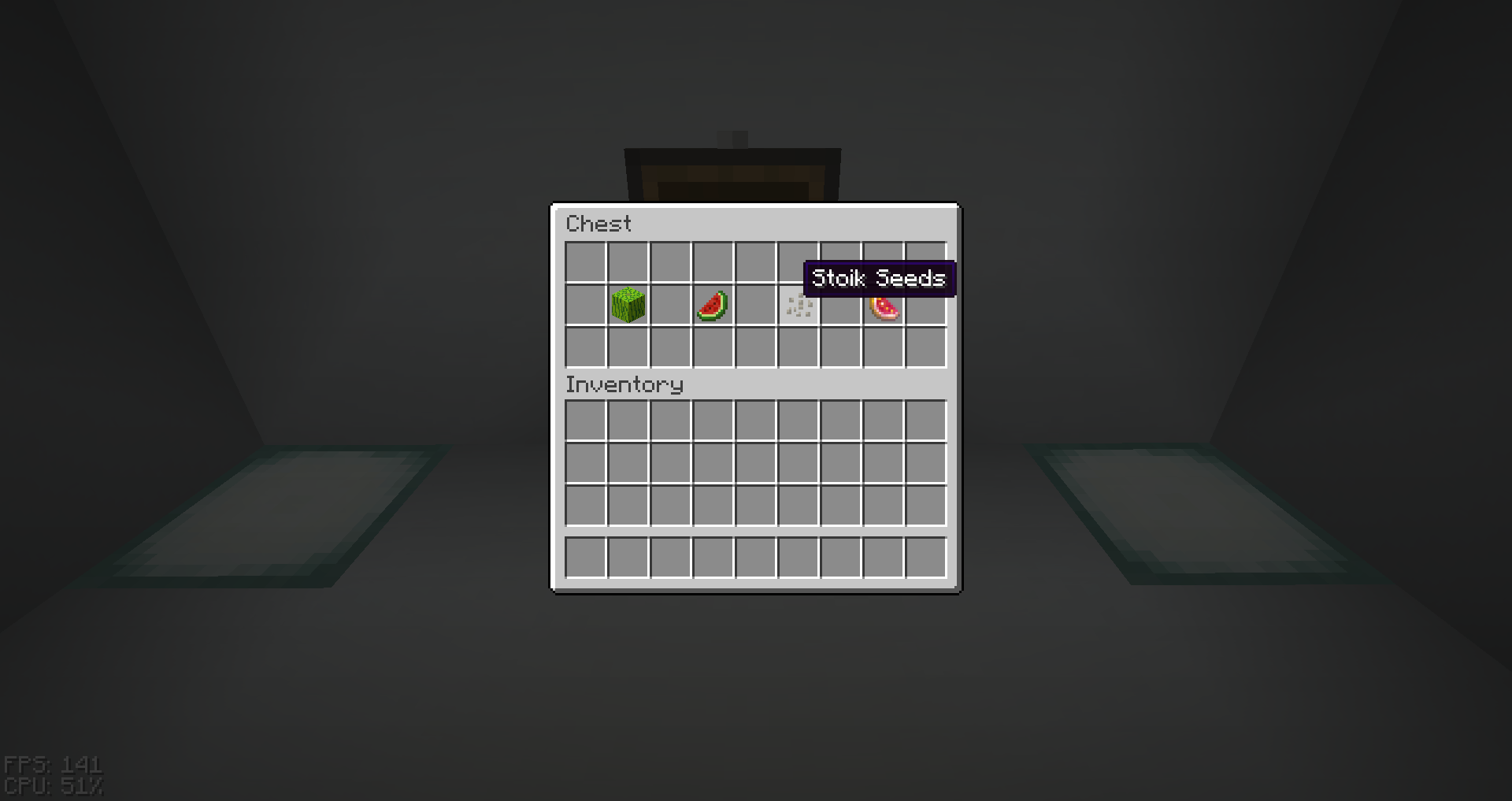
 This resourcepack, aside from changing the word melon to stoik, changes the textures of Melon blocks and Melons, and animates the Glistering Melon texture.


AVAILABLE FOR VERSIONS 1.15-1.19. CAN BE FOUND HERE.


You can use this pack for whatever you want, just dont rehost it on other websites or claim it as your own.


Unless you download it here or on my Planet Minecraft page, it is not my pack.

Stoik Supreme.zip
MC 1.20.1, 1.20
Release 2023-12-05 Get
Stoik Supreme.zip
MC 1.15, 1.15.2, 1.15.1
Release 2022-06-08 Get
Stoik Supreme.zip
MC 1.16.3, 1.16.5, 1.16.4, 1.16.2
Release 2022-06-08 Get
Stoik Supreme.zip
MC 1.17.1, 1.17
Release 2022-06-08 Get
Stoik Supreme.zip
MC 1.18.1, 1.18.2, 1.18
Release 2022-06-08 Get
Stoik Supreme.zip
MC 1.19
Release 2022-06-08 Get
Stoik Supreme.zip
MC 1.15, 1.15.2, 1.15.1
Release 2022-04-05 Get
Stoik Supreme.zip
MC 1.16.3, 1.16.5, 1.16.4, 1.16.2
Release 2022-04-05 Get
Stoik Supreme.zip
MC 1.17.1, 1.17
Release 2022-04-05 Get
Stoik Supreme.zip
MC 1.18.1, 1.18.2, 1.18
Release 2022-04-05 Get
Stoik Supreme.zip
MC 1.18.1, 1.18.2, 1.18
Release 2021-12-04 Get
Stoik Supreme.zip
MC 1.16.3, 1.16.5, 1.16.4, 1.16.2
Release 2021-12-04 Get
Stoik Supreme.zip
MC 1.16.1, 1.15, 1.16, 1.15.2, 1.15.1
Release 2021-12-04 Get
Stoik Supreme.zip
MC 1.17.1, 1.17
Release 2021-10-17 Get

Requirements & install

How to use this resource pack in Minecraft
Resolution
16x
Minecraft
1.17 – 1.20.1
Install folder
.minecraft/resourcepacks

How to install resource packs

  1. Download the resource pack .zip file (do not extract it).
  2. In Minecraft open Options → Resource Packs → Open Pack Folder.
  3. Drop the .zip into the resourcepacks folder (.minecraft/resourcepacks).
  4. Move the pack to the Selected column and click Done.
Browse more: 16x resource packs 32x resource packs 64x resource packs 128x resource packs 256x resource packs 512x+ resource packs Resource Packs for 1.20.1 All resource packs
Advertisement Remove ads with Premium →

You Might Also Like