Mineuniverse
Resource Packs
Sticks Enhanced 16x

Sticks Enhanced 16x

RESOURCE PACK
Enhanced minecraft 16x
by ThePoupyBuTers
Download Claim this project
336 downloads
0 likes
0 followers
Updated Oct 14, 2026
0 hypes
Follow0
16x Medieval Miscellaneous Modern Traditional
Advertisement Remove ads with Premium →

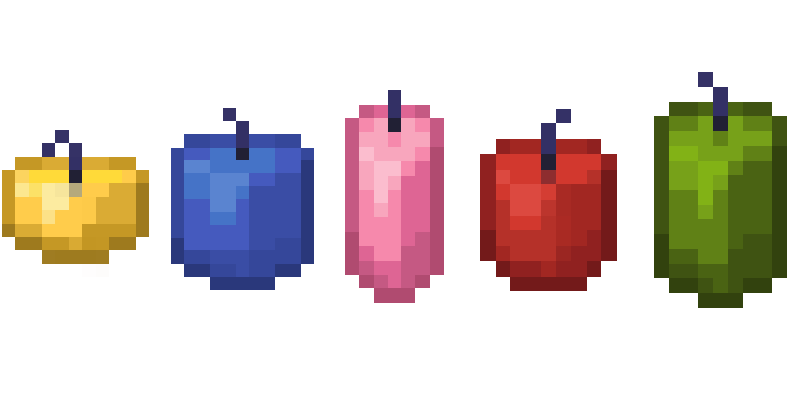
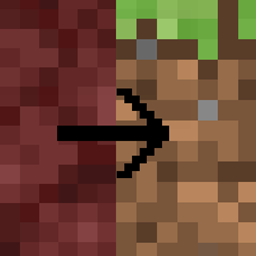
Experience Minecraft in a whole new light with our upcoming texture pack. Designed to enhance the classic vanilla aesthetic, this pack offers a fresh coat of paint for your world, preserving the familiar feel while adding a touch of visual flair. Stay tuned for updates as we bring this project to life.


Percentage complete - 3%

Textures changed currently 51.

Currently working on item retextures.

frequent updates coming.
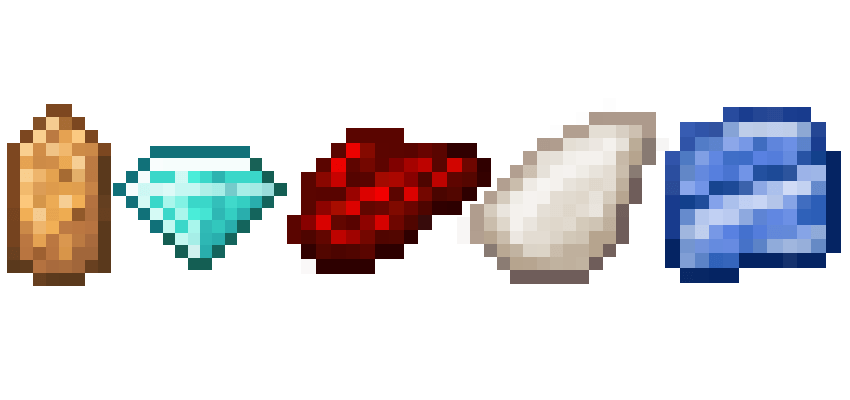


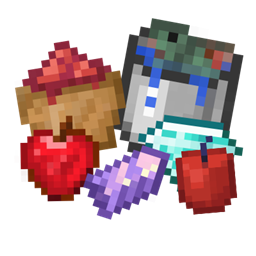
Update 1 - added in every bucket variation and a few other random items like apple and amethyst.

overall 13 new textures

Update 2 - added in every dye color.

overall 16 new textures

Update 3 - added in every candle color.

overall 17 new textures

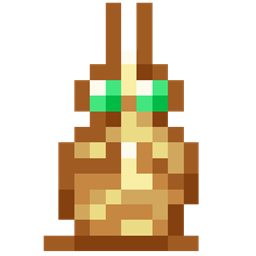
Update 4 - added new bow textures and some misc textures.

SticksEnhanced-0.055.zip
MC 1.20.2, 1.20.5, 1.20.2-Snapshot, 1.20.5-Snapshot, 1.20.3-Snapshot, 1.20.3, 1.20.1, 1.20, 1.20.6, 1.20.4, 1.20-Snapshot
Release 2024-09-02 Get
SticksEnhanced-0.05-1.20.zip
MC 1.20.2, 1.20.5, 1.20.2-Snapshot, 1.20.5-Snapshot, 1.20.3-Snapshot, 1.20.3, 1.20.1, 1.20, 1.20.6, 1.20.4, 1.20-Snapshot
Release 2024-09-01 Get
SticksEnhanced-0.04-1.20.zip
MC 1.20.1, 1.20, 1.20-Snapshot
Release 2024-08-29 Get
SticksEnhanced-0.03-1.20.zip
MC 1.20, 1.20-Snapshot
Release 2024-08-28 Get
SticksEnhanced-0.02-1.20.zip
MC 1.20.1, 1.20, 1.20-Snapshot
Release 2024-08-27 Get
SticksVanilla-0.01-1.20.zip
MC 1.20.1, 1.20, 1.20-Snapshot
Release 2024-08-26 Get

Requirements & install

How to use this resource pack in Minecraft
Resolution
16x
Minecraft
1.20.2-Snapshot – 1.20.6
Install folder
.minecraft/resourcepacks

How to install resource packs

  1. Download the resource pack .zip file (do not extract it).
  2. In Minecraft open Options → Resource Packs → Open Pack Folder.
  3. Drop the .zip into the resourcepacks folder (.minecraft/resourcepacks).
  4. Move the pack to the Selected column and click Done.
Browse more: 16x resource packs 32x resource packs 64x resource packs 128x resource packs 256x resource packs 512x+ resource packs Resource Packs for 1.20.6 All resource packs

More from ThePoupyBuTers

Advertisement Remove ads with Premium →

You Might Also Like