Mineuniverse
Resource Packs
Steve Dweller Chase Sound Tweak Discontinued

Steve Dweller Chase Sound Tweak Discontinued

RESOURCE PACK
Makes the Steve Dweller's chase sound quieter for a less overwhelming and more balanced horror experience.
by CartoonDweller777
Download Claim this project
Add a badge to your pageLink to Steve Dweller Chase Sound Tweak Discontinued from a README, website or forum post.
Preview: Badge

Badges update automatically and link to the resource pack page on MineUniverse.

672 downloads
0 likes
0 followers
Updated Oct 14, 2026
0 hypes
Follow0
16x Mod Support Modern
Advertisement Remove ads with Premium →

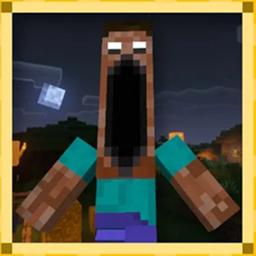
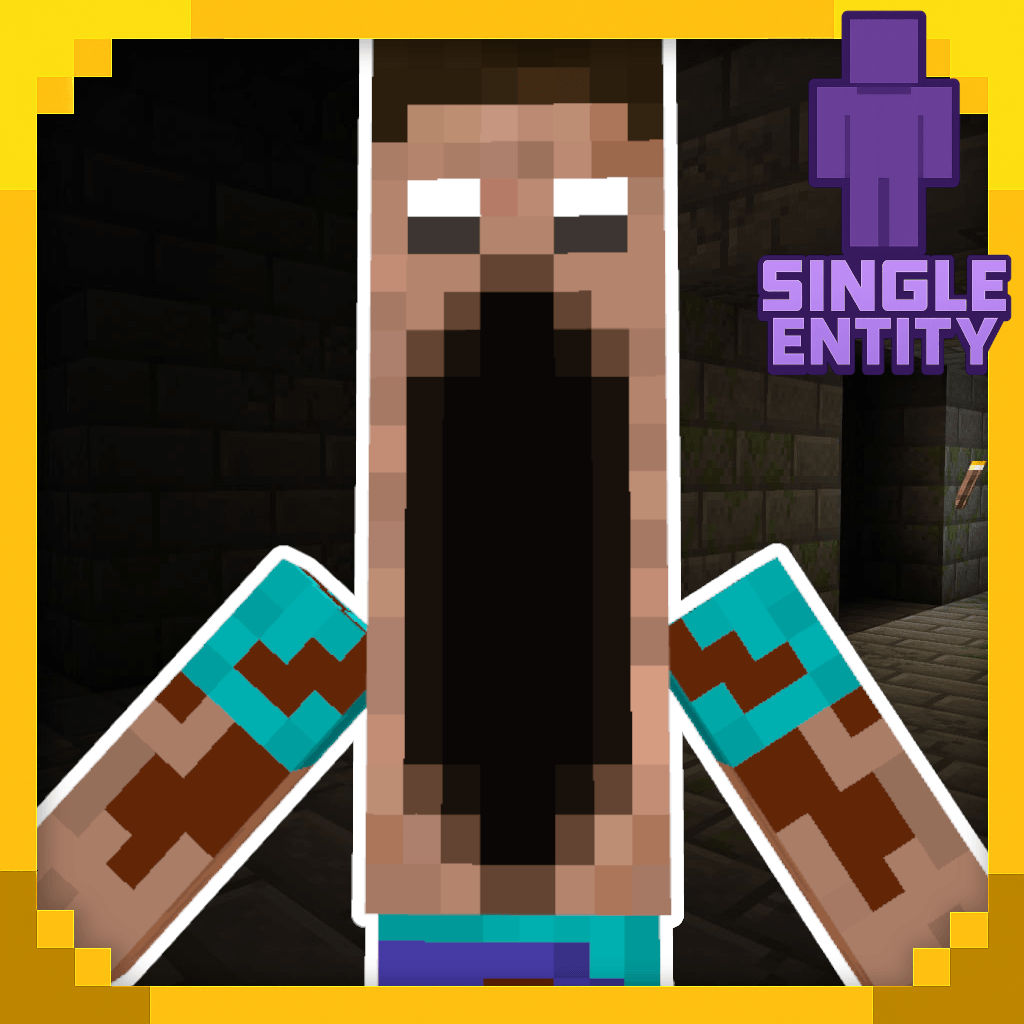
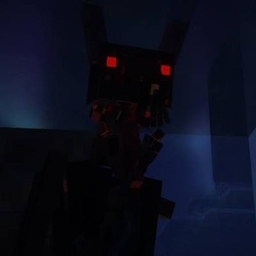
Steve Dweller: Quieter Chase is a simple resource pack that changes the Steve Dweller's chase sound to make it quieter and less loud.

This pack is made for players who enjoy the Steve Dweller but find the original chase sound too loud or overwhelming. The rest of the sounds remain unchanged.

Features

  • 🔊 Quieter Steve Dweller chase sound
  • 🎧 Less overwhelming audio
  • 👻 Keeps the original horror atmosphere
  • 📦 Easy to use as a resource pack

Only the chase sound is changed.
Louder_Cave_Noises_1.20.1_.zip
MC 1.20.1
Release 2026-09-10 Get
Louder_Cave_Noises_1.20.1_And_Quieter_Chase.zip
MC 1.20.1
Release 2026-09-10 Get
Louder_Steve_Dweller_Cavenoises_New_Icon.zip
MC 1.19.2
Release 2026-09-10 Get
Steve_Dweller_Quieter_Chase_Plus_Louder_Cave_Noises_New_Icon.zip
MC 1.19.2
Release 2026-09-10 Get
Steve_EXE_removing_annoying_sounds.zip
MC 1.19.2
Release 2026-09-09 Get
Steve_EXE_removing_annoying_sounds_1.20.1.zip
MC 1.20.1
Release 2026-09-09 Get
Louder_Steve_Dweller_Cavenoises.zip
MC 1.19.2
Release 2026-09-01 Get
Steve_Dweller_Quieter_Chase_Plus_Louder_Cave_Noises.zip
MC 1.19.2
Release 2026-09-01 Get

Requirements & install

How to use this resource pack in Minecraft
Resolution
16x
Minecraft
1.19.2 – 1.20.1
Install folder
.minecraft/resourcepacks

How to install resource packs

  1. Download the resource pack .zip file (do not extract it).
  2. In Minecraft open Options → Resource Packs → Open Pack Folder.
  3. Drop the .zip into the resourcepacks folder (.minecraft/resourcepacks).
  4. Move the pack to the Selected column and click Done.
Browse more: 16x resource packs 32x resource packs 64x resource packs 128x resource packs 256x resource packs 512x+ resource packs Resource Packs for 1.20.1 All resource packs

More from CartoonDweller777

Advertisement Remove ads with Premium →

You Might Also Like