Mineuniverse
Resource Packs
Stay True + Abnormals Compatibility Pack

Stay True + Abnormals Compatibility Pack

RESOURCE PACK
Adds compat between the Stay True resource pack and various Abnormals mods.
by WorldSalad
Download Claim this project
Add a badge to your pageLink to Stay True + Abnormals Compatibility Pack from a README, website or forum post.
Preview: Badge

Badges update automatically and link to the resource pack page on MineUniverse.

33,089 downloads
0 likes
0 followers
Updated Oct 14, 2026
0 hypes
Follow0
16x Mod Support
Advertisement Remove ads with Premium →

Stay True + Abnormals Compatibility Pack

 _________________________________________________________________


🔧Modrinth ☕Ko-Fi  🎮Discord

 _________________________________________________________________


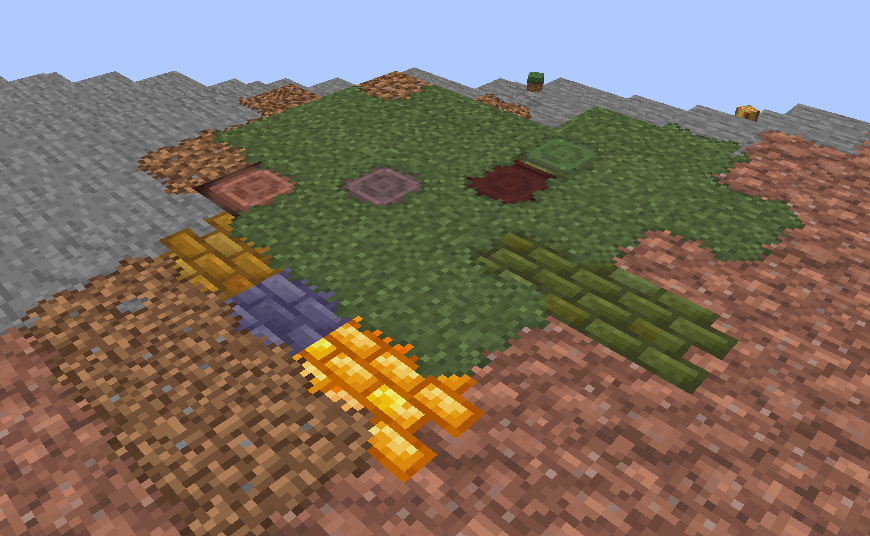
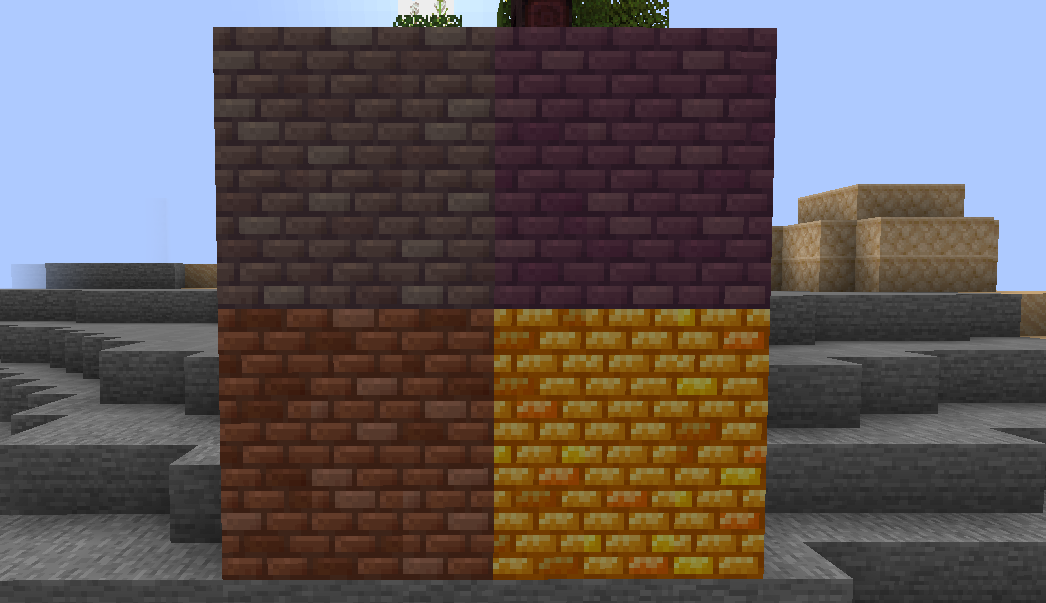
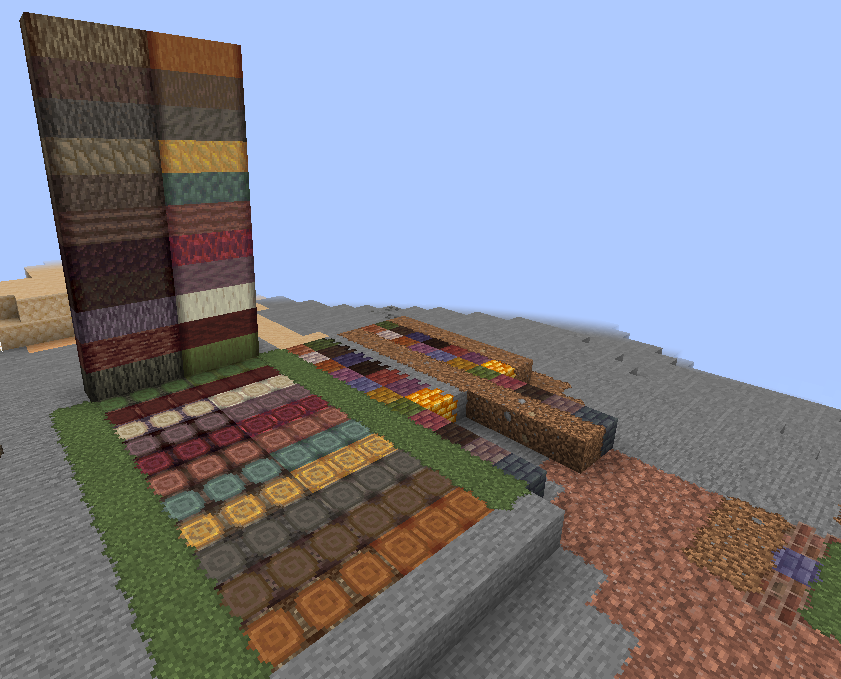
🢂 The aim of this resource pack is to provide compatability and consistency between vanilla Stay True textures and some mods by the Abnormals team.

The Stay True resource pack:

Stay True


The Abnormals mods:

Buzzier Bees

Upgrade Aquatic

Clayworks

Environmental

Autumnity

Atmospheric


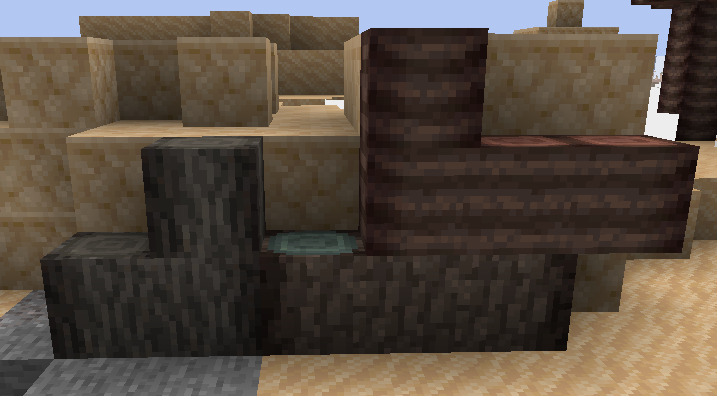
🢂 Changes textures from various Team Abnormals mods including Upgrade Aquatic, Environmental, Atmospheric, Autumnity, and Buzzier bees to be more consistent with textures in the Stay True resource pack.


💡 Info & Help

_________________________________________________________________


🢂 Ask for help and report bugs in my Discord Server


🢂 This pack still works if any of the mods are missing.


🢂 Requires the Connectedness mod (Forge, Recommended) or Optifine for connected textures and overlays.


🢂 This pack was designed with 1.18.2 in mind. However, it should work on most versions. Feel free to contact me if you experience issues with any version post-1.16


🢂 Commissioned by peteandhisbeans on discord.


Stay True Abnormals Compat 1.1
MC 1.18.1, 1.18.2, 1.18
Release 2023-07-22 Get
Stay True + Abnormals Compat.zip
MC 1.18.2
Release 2023-07-05 Get

Requirements & install

How to use this resource pack in Minecraft
Resolution
16x
Minecraft
1.18 – 1.18.2
Install folder
.minecraft/resourcepacks

How to install resource packs

  1. Download the resource pack .zip file (do not extract it).
  2. In Minecraft open Options → Resource Packs → Open Pack Folder.
  3. Drop the .zip into the resourcepacks folder (.minecraft/resourcepacks).
  4. Move the pack to the Selected column and click Done.
Browse more: 16x resource packs 32x resource packs 64x resource packs 128x resource packs 256x resource packs 512x+ resource packs Resource Packs for 1.18.2 All resource packs

More from WorldSalad

Advertisement Remove ads with Premium →

You Might Also Like