Mineuniverse
Resource Packs
Stark Contrast 16x

Stark Contrast 16x

RESOURCE PACK
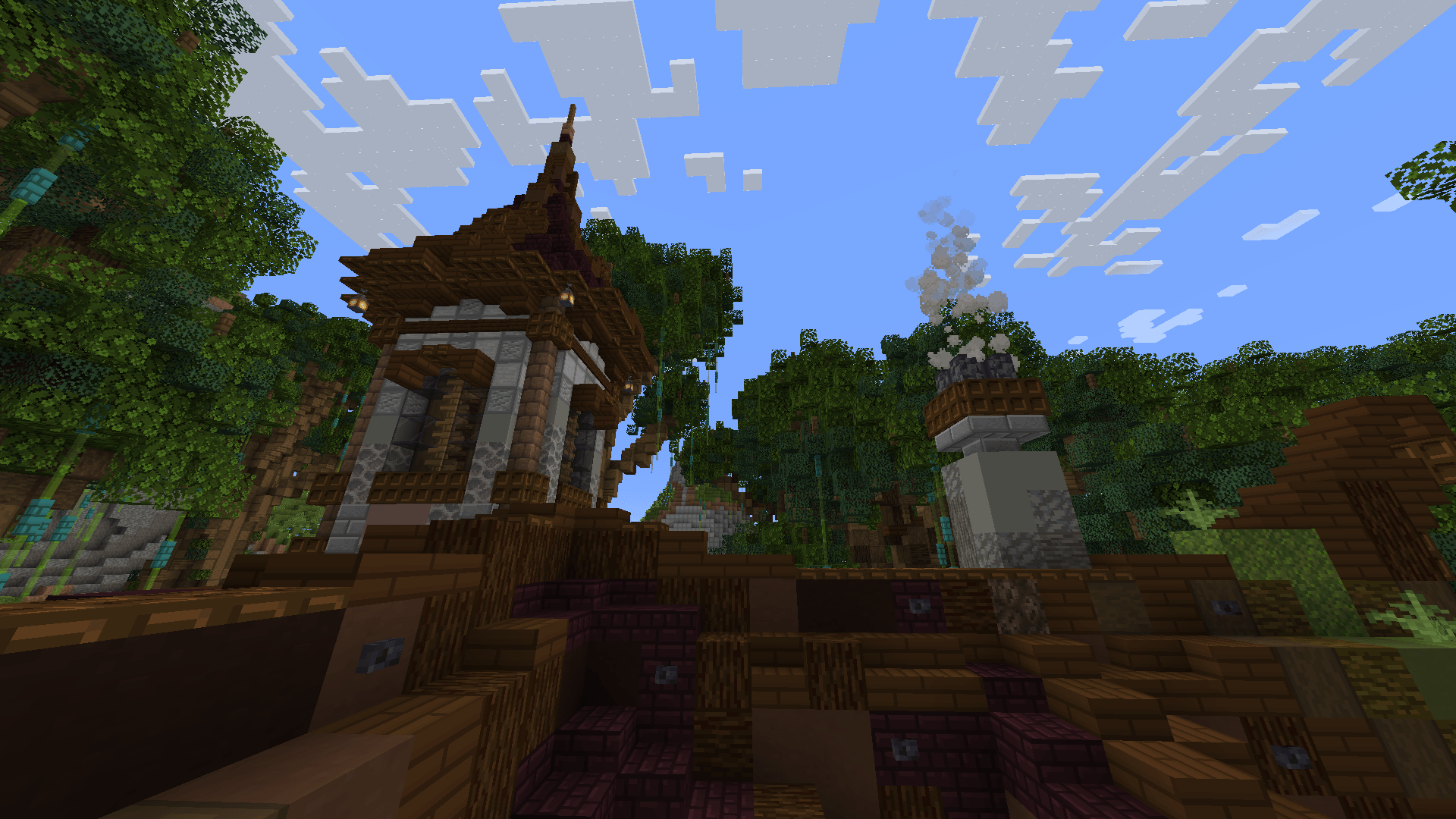
Simplistic texturepack that mainly focuses on borders and crisp contrast in blocks and entities.
by Jebusawd
Download Claim this project
153 downloads
0 likes
0 followers
Updated Oct 14, 2026
0 hypes
Follow0
16x Miscellaneous Modern Traditional
Advertisement Remove ads with Premium →

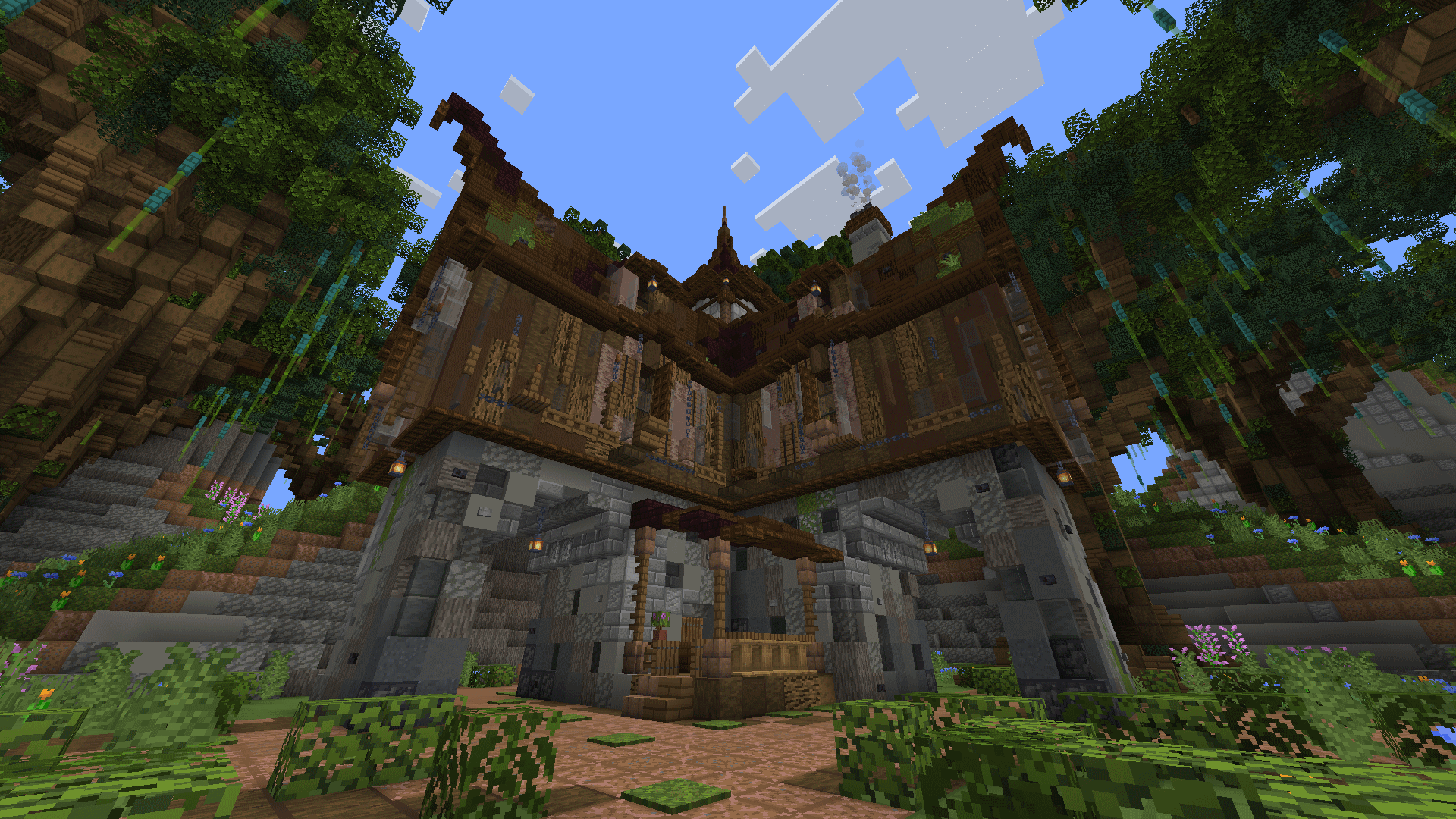
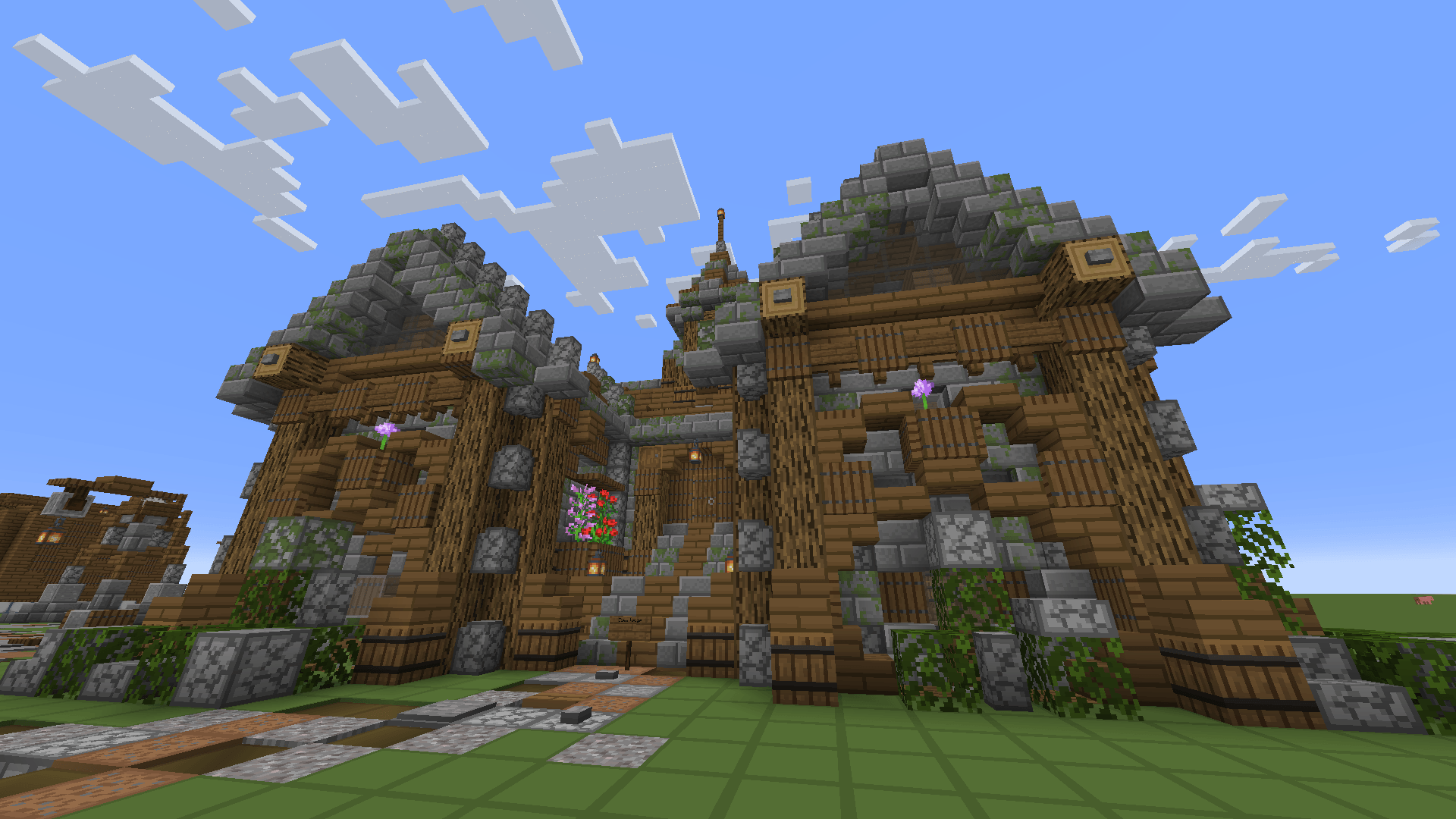
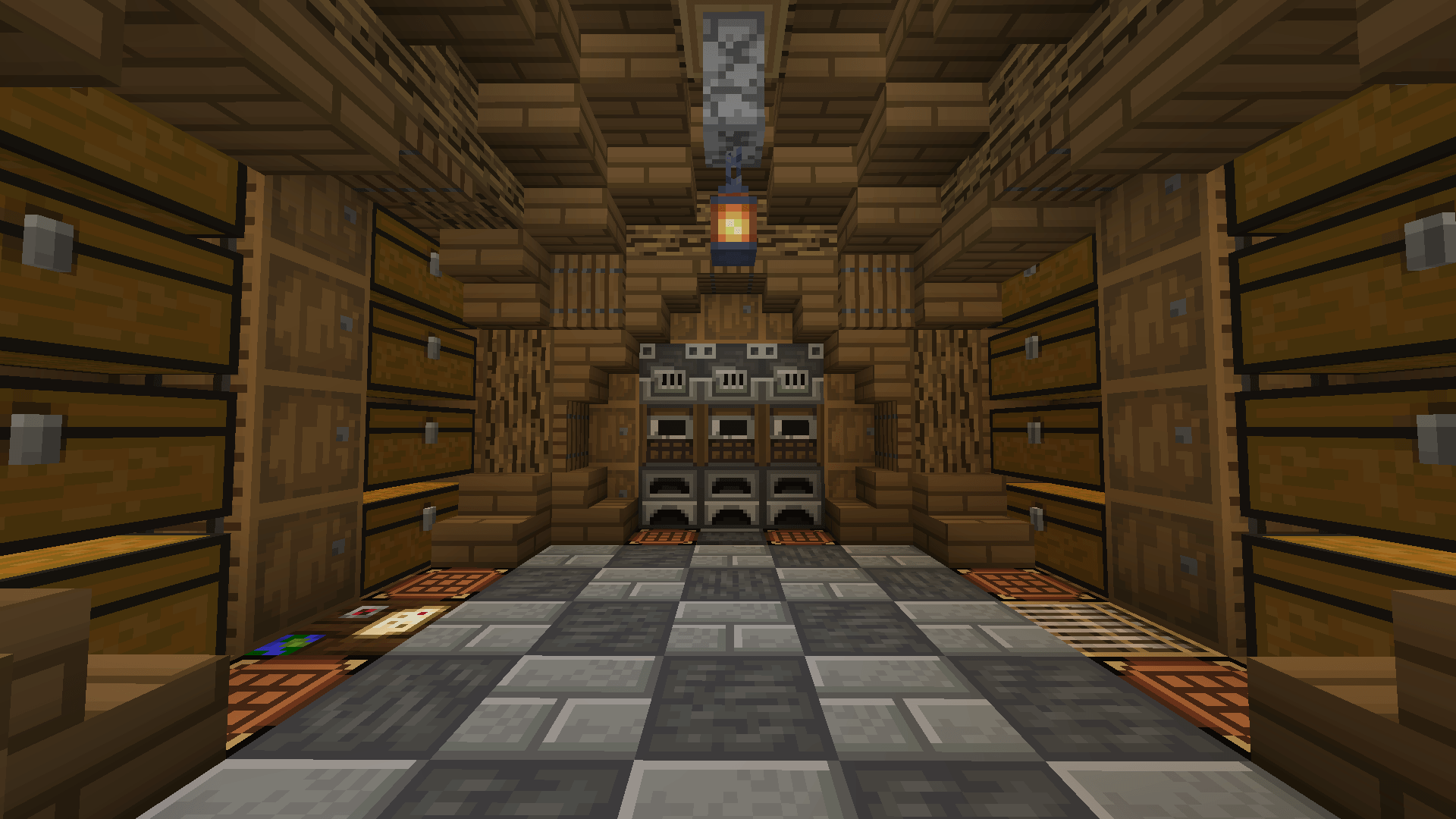
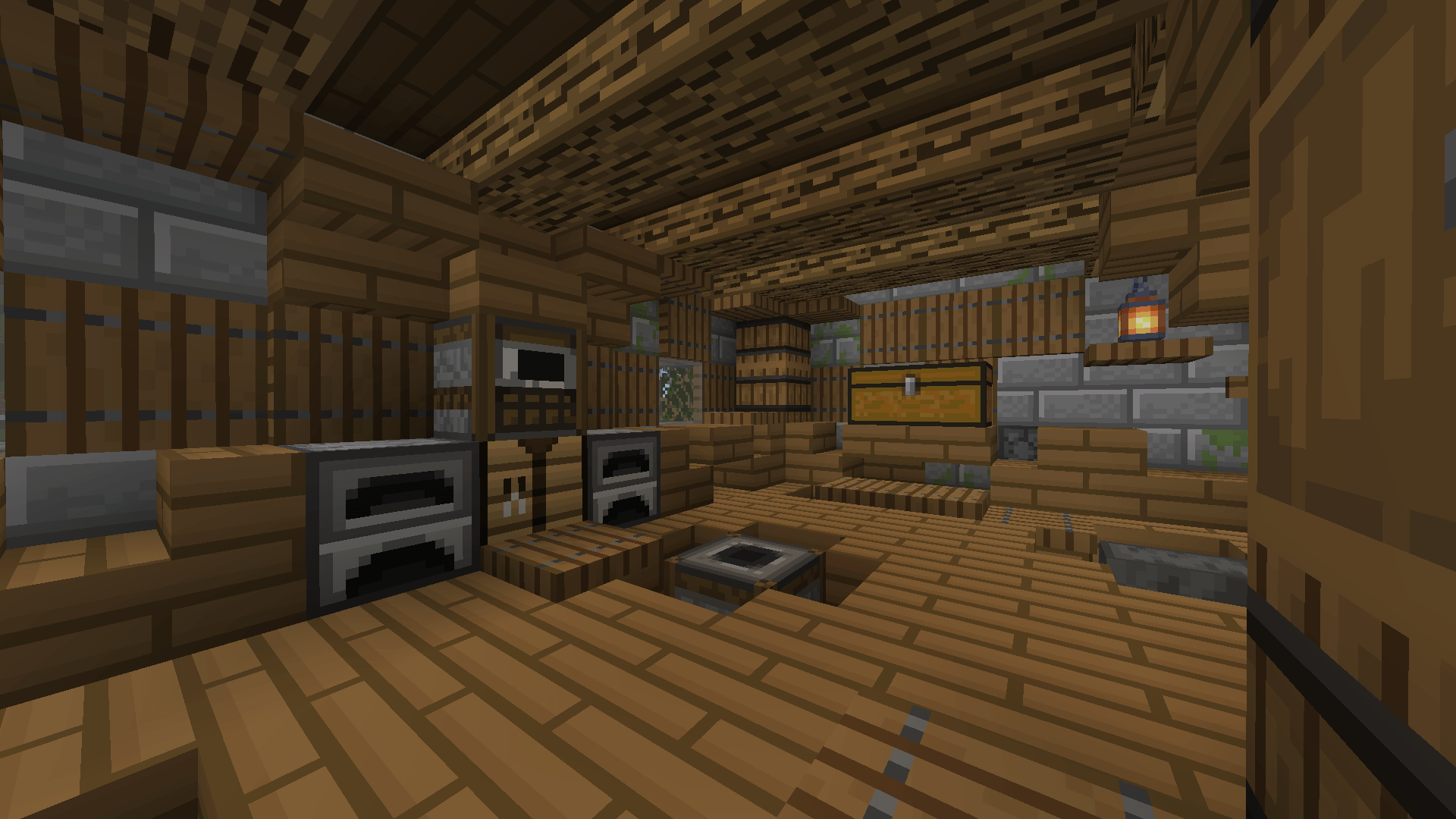
This texture pack streamlines the appearance of blocks by adding a clean border to some of them, enhancing their visual clarity. It also slightly boosts contrast, making blocks and entities stand out more vividly.

The pack is not yet complete, however it will be updated daily.


[Image credits to kendiii.2 (instagram), used with permission.]


Added Textures:

BLOCKS (202, 20%):

ALL logs and stripped logs

ALL leaves

ALL planks

ALL wood trapdoors

ALL concrete

ALL wool

ALL dirt and grass blocks

ALL ores

ALL tuff blocks

ALL nether bricks

ALL stone bricks

Stone, Granite, Diorite, Andesite

Crafting Table

Barrel

Furnace, Blast Furnace, Smoker


ENTITIES (20):

ALL chests

ALL skeleton types

ALL zombie types

Creeper and Charged Creeper

Stark Contrast 1.21.1 v1.0.2
MC 1.21, 1.21.1
Release 2024-09-04 Get
Stark Contrast 1.21.1 v1.0.1
MC 1.21, 1.21.1
Release 2024-09-01 Get

Requirements & install

How to use this resource pack in Minecraft
Resolution
16x
Minecraft
1.21 – 1.21.1
Install folder
.minecraft/resourcepacks

How to install resource packs

  1. Download the resource pack .zip file (do not extract it).
  2. In Minecraft open Options → Resource Packs → Open Pack Folder.
  3. Drop the .zip into the resourcepacks folder (.minecraft/resourcepacks).
  4. Move the pack to the Selected column and click Done.
Browse more: 16x resource packs 32x resource packs 64x resource packs 128x resource packs 256x resource packs 512x+ resource packs Resource Packs for 1.21.1 All resource packs

More from Jebusawd

Advertisement Remove ads with Premium →

You Might Also Like