Mineuniverse
Resource Packs
    Starboyz2743 PvP Pack

Starboyz2743 PvP Pack

RESOURCE PACK
A clean PvP resource pack with a modern GUI, optimized textures, and smooth visuals for the ultimate Minecraft combat experience.
by Starboyz2743
Download Claim this project
86 downloads
0 likes
0 followers
Updated Oct 14, 2026
0 hypes
Follow0
Animated Data Packs Miscellaneous
Advertisement Remove ads with Premium →

⭐ STARBOYZ2743 PvP Resource Pack

Upgrade your PvP experience with clean visuals and smooth gameplay!

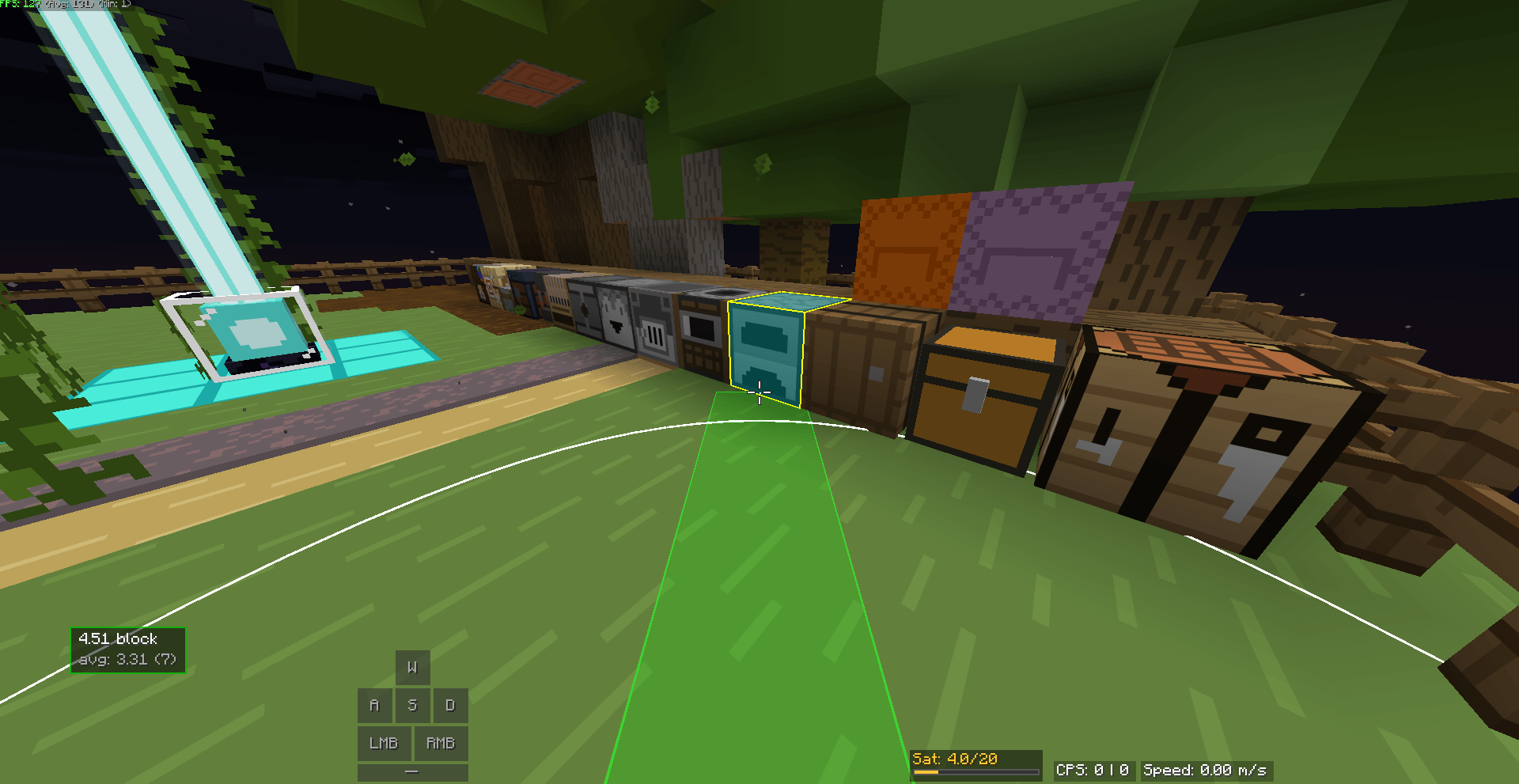
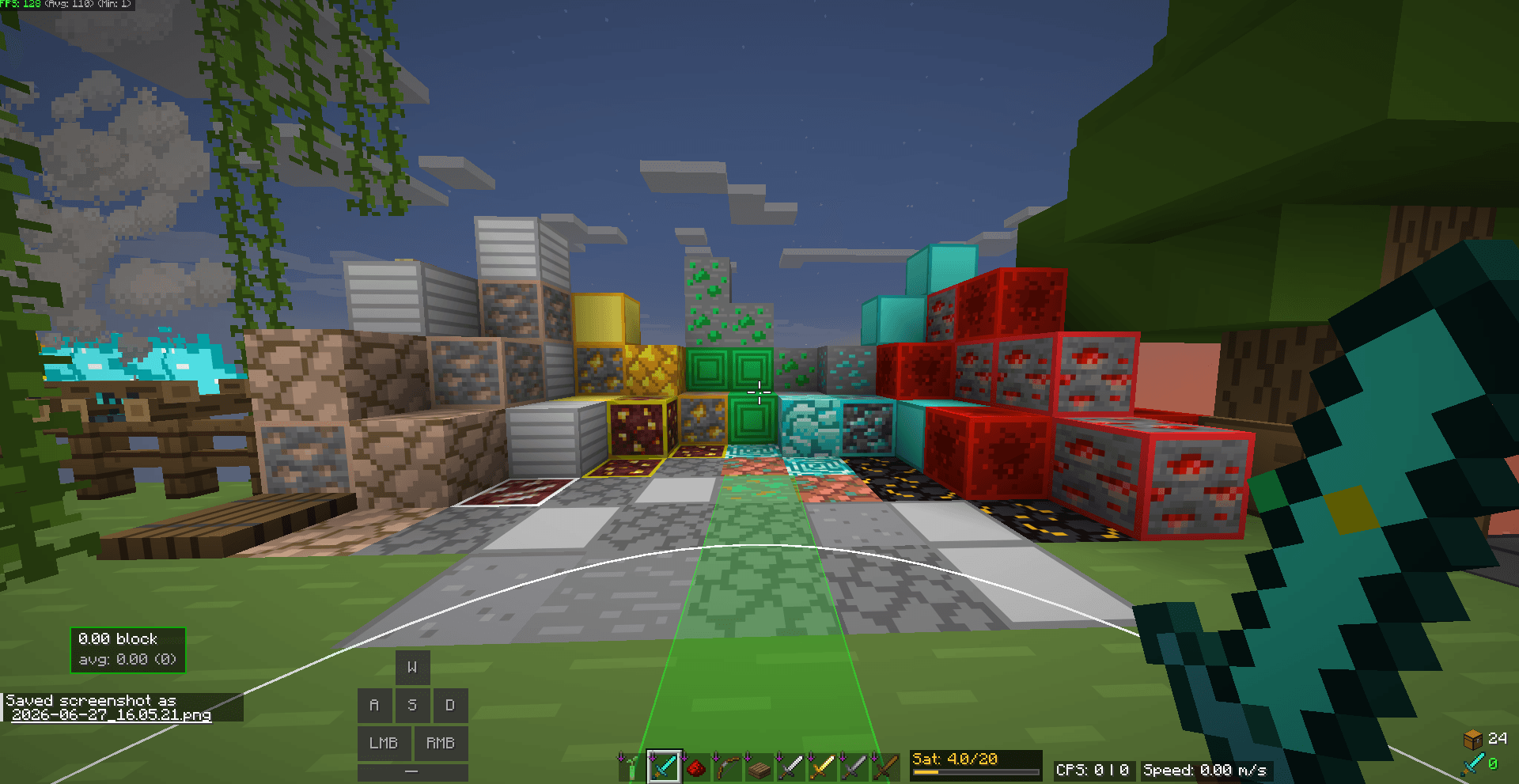
The STARBOYZ2743 PvP Resource Pack is designed for players who want a cleaner Minecraft experience without changing the game’s original feel. Every texture is optimized to help you focus during PvP while keeping the game looking fresh and modern.

✨ Features

  • ⚔️ Clean PvP textures
  • 🖥️ Minimal and easy-to-read GUI
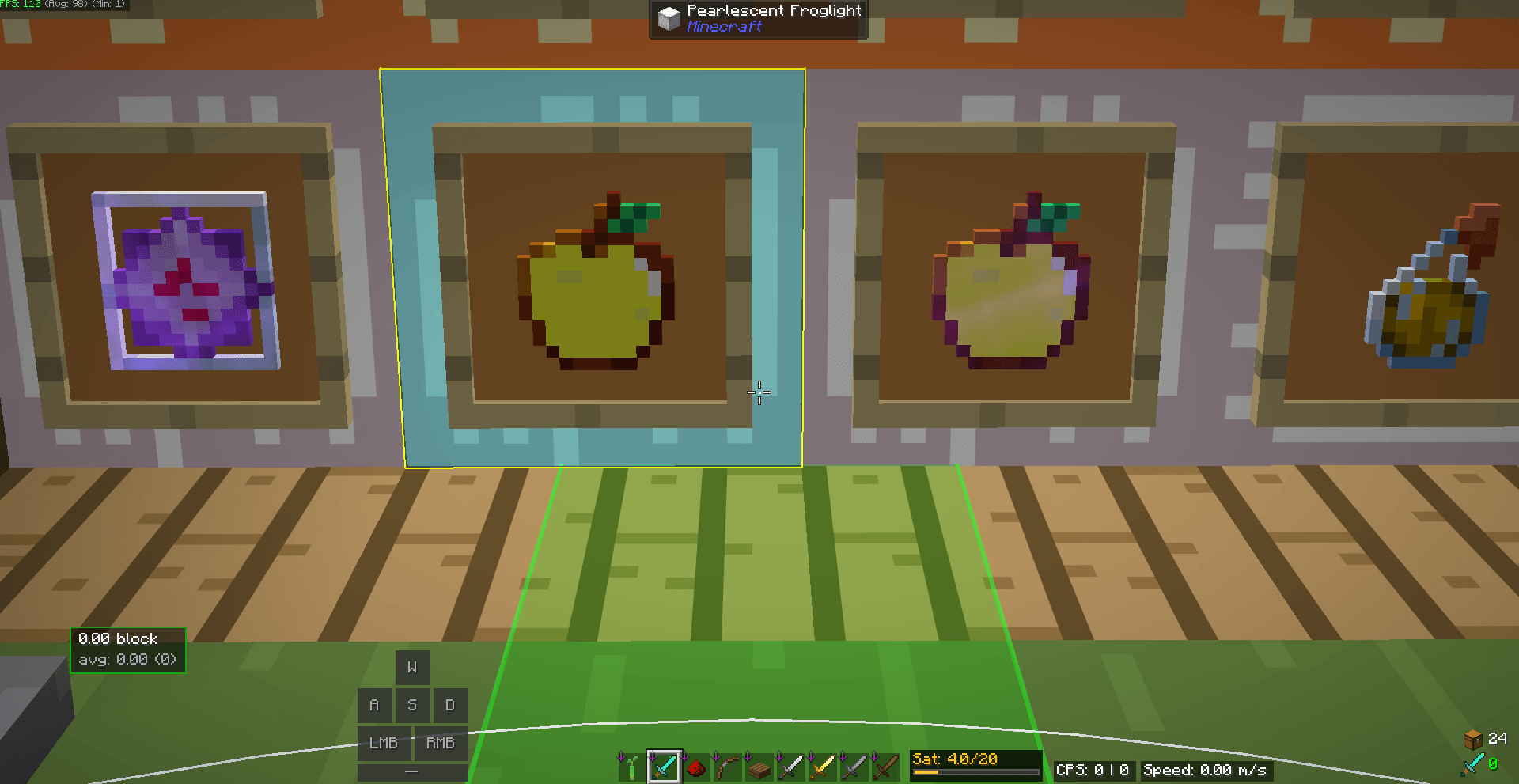
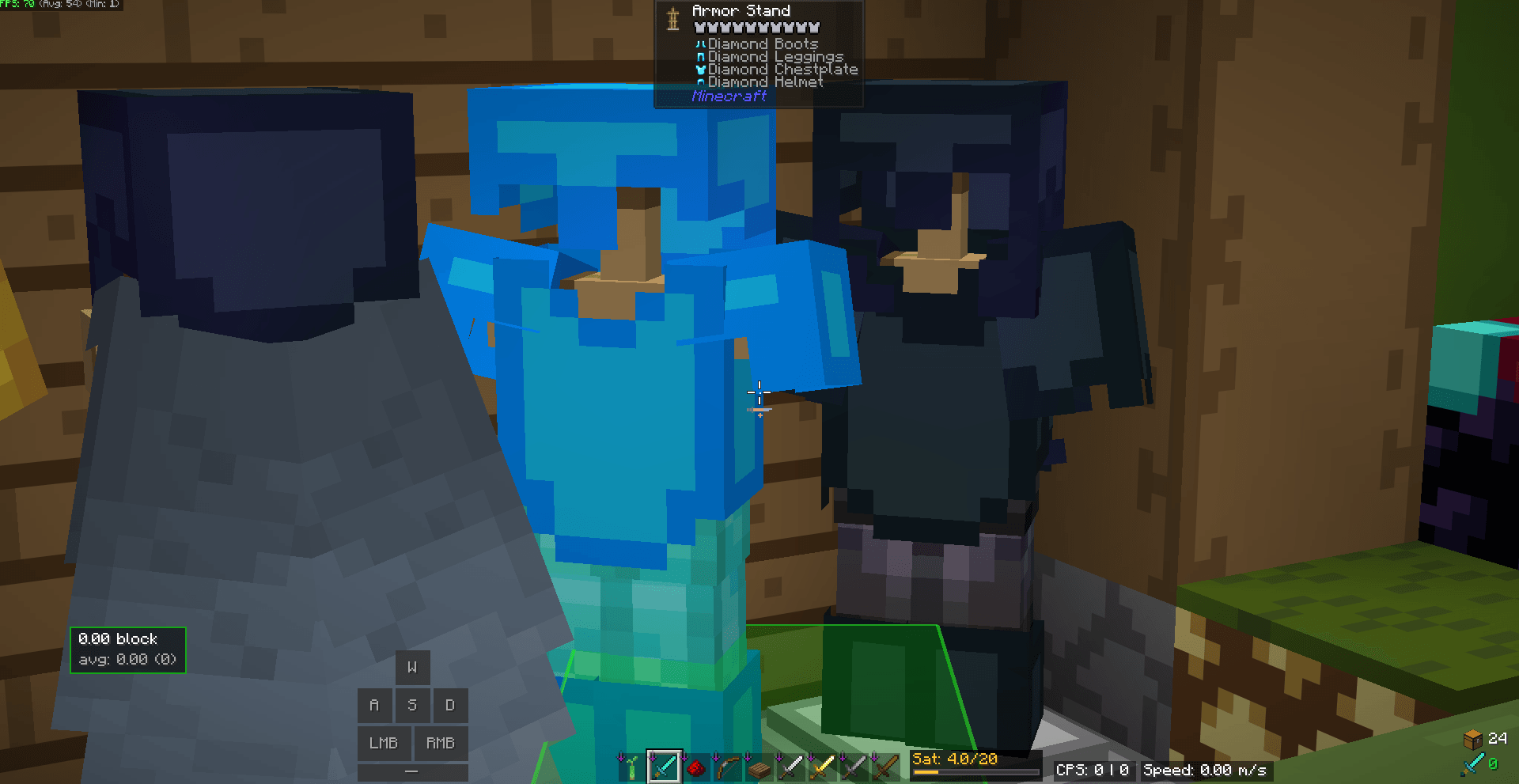
  • 💎 Bright and polished item textures
  • ❤️ Clear HUD for better visibility
  • 🚀 Lightweight and optimized for smooth performance
  • 🎮 Perfect for BedWars, SkyWars, Duels, Lifesteal, SMP, Crystal PvP, and Survival

📦 What’s Included?

  • Clean GUI
  • Improved swords and tools
  • Enhanced item textures
  • Better visibility during combat
  • PvP-friendly design

🎯 Why Choose This Pack?

Whether you’re grinding ranked PvP, playing on your favorite server, or just enjoying survival, this pack provides a clean and competitive experience while staying true to Minecraft’s style.

🛠️ Installation

  1. Download the resource pack.
  2. Move the ZIP file into your Minecraft resourcepacks folder.
  3. Open Minecraft → Options → Resource Packs.
  4. Enable STARBOYZ2743 PvP Resource Pack.
  5. Enjoy!

❤️ Support

If you enjoy this pack:

  • ⭐ Leave a Favorite on CurseForge
  • 💬 Share your feedback in the comments
  • 📤 Tell your friends about it

Your support helps me create even better resource packs!

STARBOYZ2743_Resource_Pack.zip
MC 1.21.11
Release 2026-06-27 Get

Requirements & install

How to use this resource pack in Minecraft
Resolution
Not specified
Minecraft
1.21.11
Install folder
.minecraft/resourcepacks

How to install resource packs

  1. Download the resource pack .zip file (do not extract it).
  2. In Minecraft open Options → Resource Packs → Open Pack Folder.
  3. Drop the .zip into the resourcepacks folder (.minecraft/resourcepacks).
  4. Move the pack to the Selected column and click Done.
Browse more: 16x resource packs 32x resource packs 64x resource packs 128x resource packs 256x resource packs 512x+ resource packs Resource Packs for 1.21.11 All resource packs
Advertisement Remove ads with Premium →

You Might Also Like