Mineuniverse
Resource Packs
STAR CROSSHAIR

STAR CROSSHAIR

RESOURCE PACK
PVP CROSSHAIR FOR MINECRAFT PVP
by d_de_diego_d
Download Claim this project
11,358 downloads
0 likes
0 followers
Updated Oct 14, 2026
0 hypes
Follow0
16x Animated Miscellaneous Modern
Advertisement Remove ads with Premium →

STAR CROSSHAIR

ENGLISH

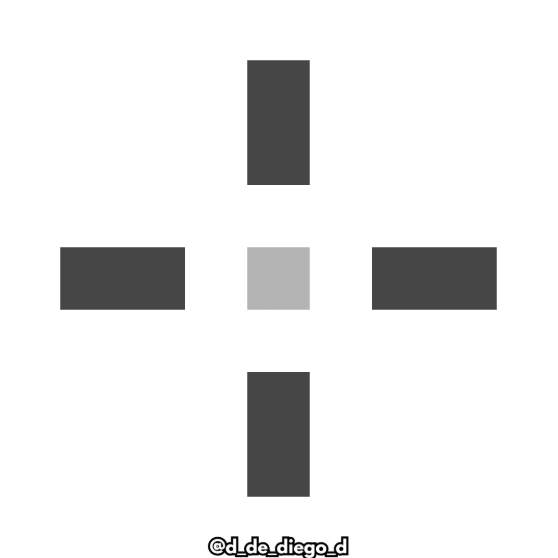
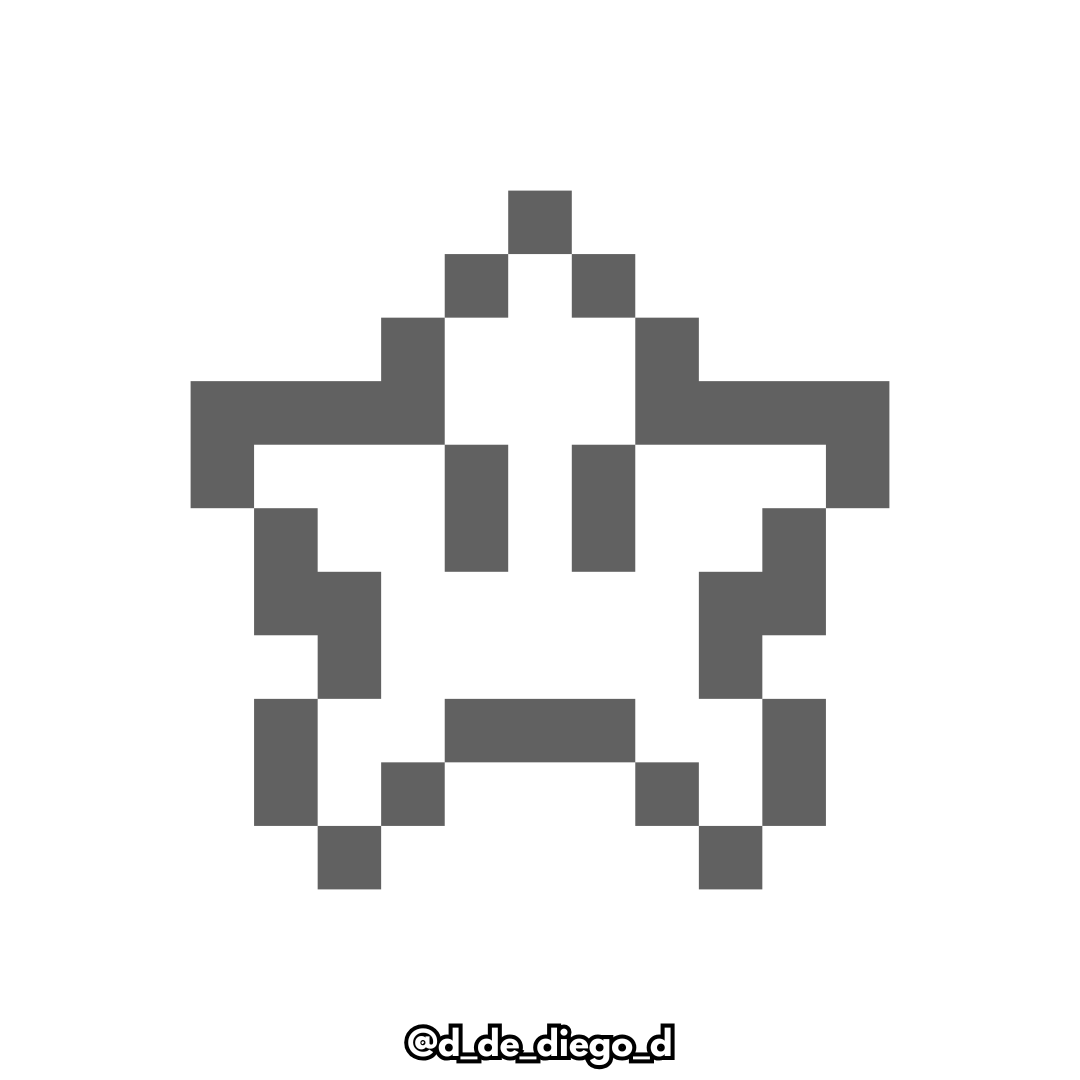
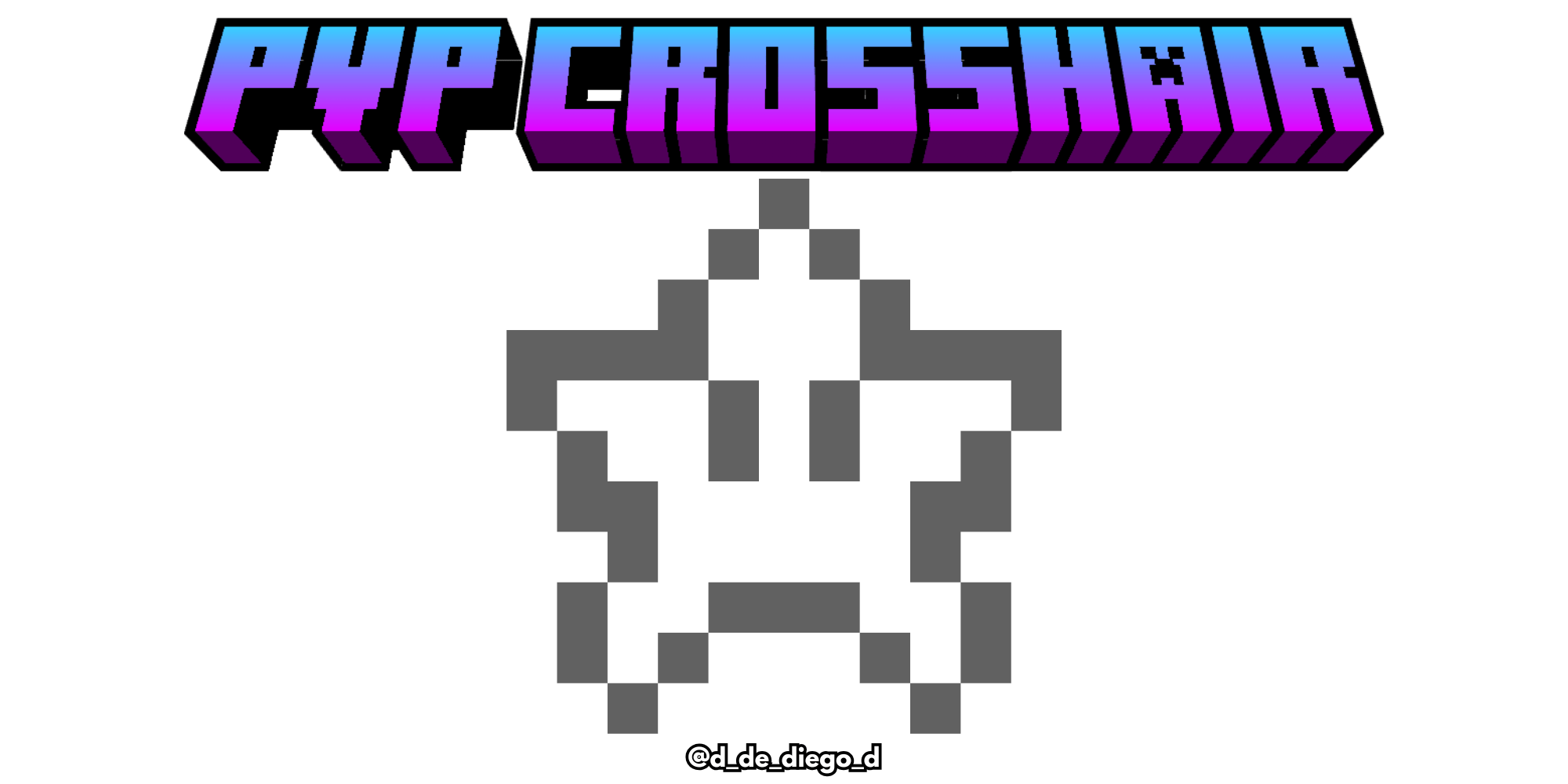
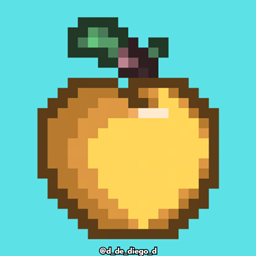
⭐ Give a retro and fun touch to your aim with the Star Crosshair! This texture pack replaces the classic look with an iconic Super Mario-style pixelated star. Ideal for fans of classic games who want to add a unique and nostalgic detail to their Minecraft experience. Precise, friendly and with a lot of style... let each shot have its own star! 🌟


Contains:


    - Custom Crosshair

MORE CROSSHAIRS:


  By @d_de_diego_d
ESPAÑOL

⭐ ¡Dale un toque retro y divertido a tu puntería con el Star Crosshair! Este texture pack reemplaza la mira clásica por una icónica estrella pixelada al estilo de Super Mario. Ideal para fans de los juegos clásicos que quieren añadir un detalle único y nostálgico a su experiencia en Minecraft. Precisa, simpática y con mucho estilo... ¡que cada disparo tenga estrella propia! 🌟


Contiene:


      - Mira customizada

MORE CROSSHAIRS:


By @d_de_diego_d

❤️ Support Me ❤️

Supplementaries Discord Support me on Patreon   Youtube Channel

                                                ⭐ Our Projects⭐

Haunted HarvestSnowy SpiritStorage LabelsGoatedMysyical Oak TreeCarpeted StairsMmmMmmMmmMmmMoyaiJeedBetter Lily PadsAdvancement FramesRandomiumSleep TightPolytoneHeartstoneMap AtlasesUniversal SawmillAmendments


© TRIDEX 2025 - All Rights Reserved

STAR CROSSHAIR 1.21.zip
MC 1.21, 1.21.5, 1.21.4, 1.21.3, 1.21.1, 1.21.2
Release 2025-06-13 Get
STAR CROSSHAIR 1.8-1.20.zip
MC 1.17.1, 1.9.1, 1.16.3, 1.13.1, 1.9.3, 1.8.7, 1.19.3, 1.20.2, 1.16.1, 1.18.1, 1.20.5, 1.9.4, 1.9.2, 1.8.4, 1.14.4, 1.14.1, 1.12.1, 1.17, 1.12, 1.14.3, 1.15, 1.16, 1.13
Release 2025-06-12 Get

Requirements & install

How to use this resource pack in Minecraft
Resolution
16x
Minecraft
1.20.2 – 1.21.5
Install folder
.minecraft/resourcepacks

How to install resource packs

  1. Download the resource pack .zip file (do not extract it).
  2. In Minecraft open Options → Resource Packs → Open Pack Folder.
  3. Drop the .zip into the resourcepacks folder (.minecraft/resourcepacks).
  4. Move the pack to the Selected column and click Done.
Browse more: 16x resource packs 32x resource packs 64x resource packs 128x resource packs 256x resource packs 512x+ resource packs Resource Packs for 1.21.5 All resource packs

More from d_de_diego_d

Advertisement Remove ads with Premium →

You Might Also Like