Mineuniverse
Resource Packs
Standalone Detailed Torch Sconce

Standalone Detailed Torch Sconce

RESOURCE PACK
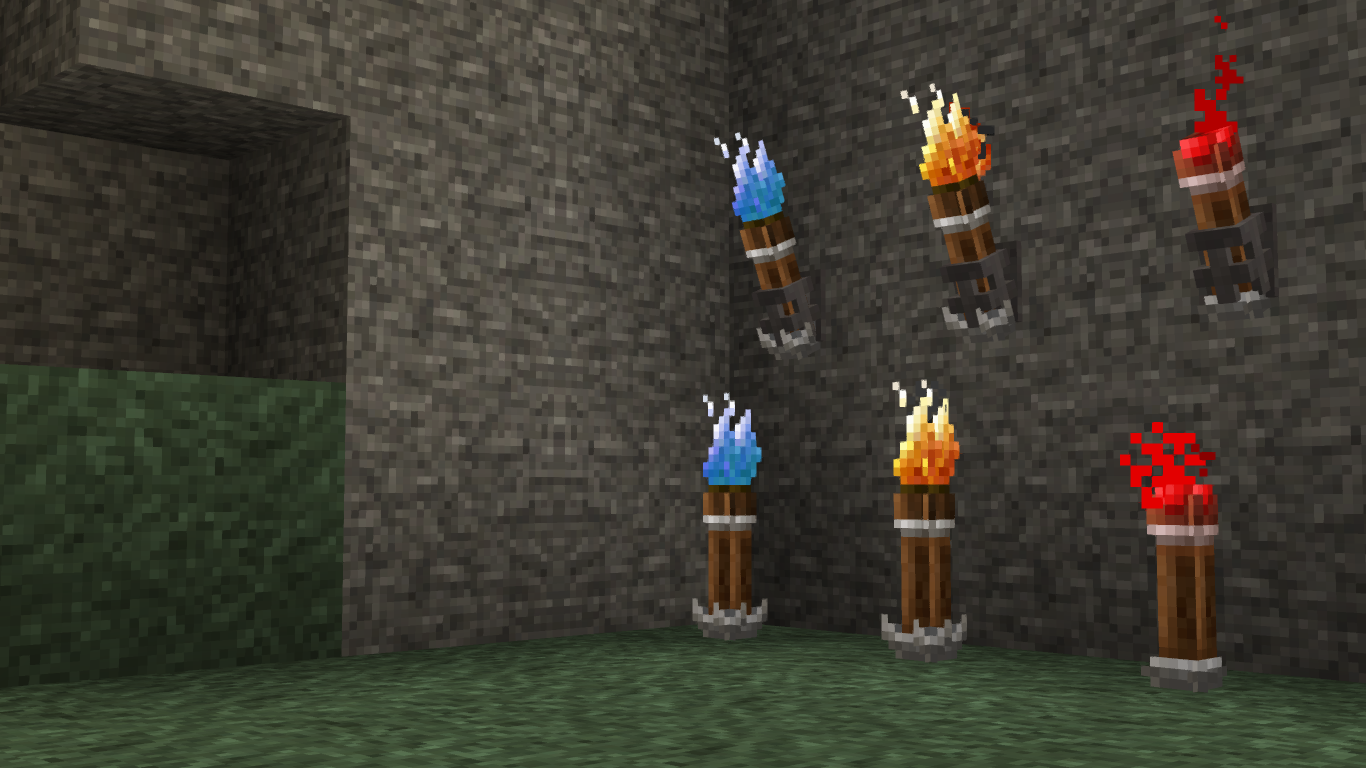
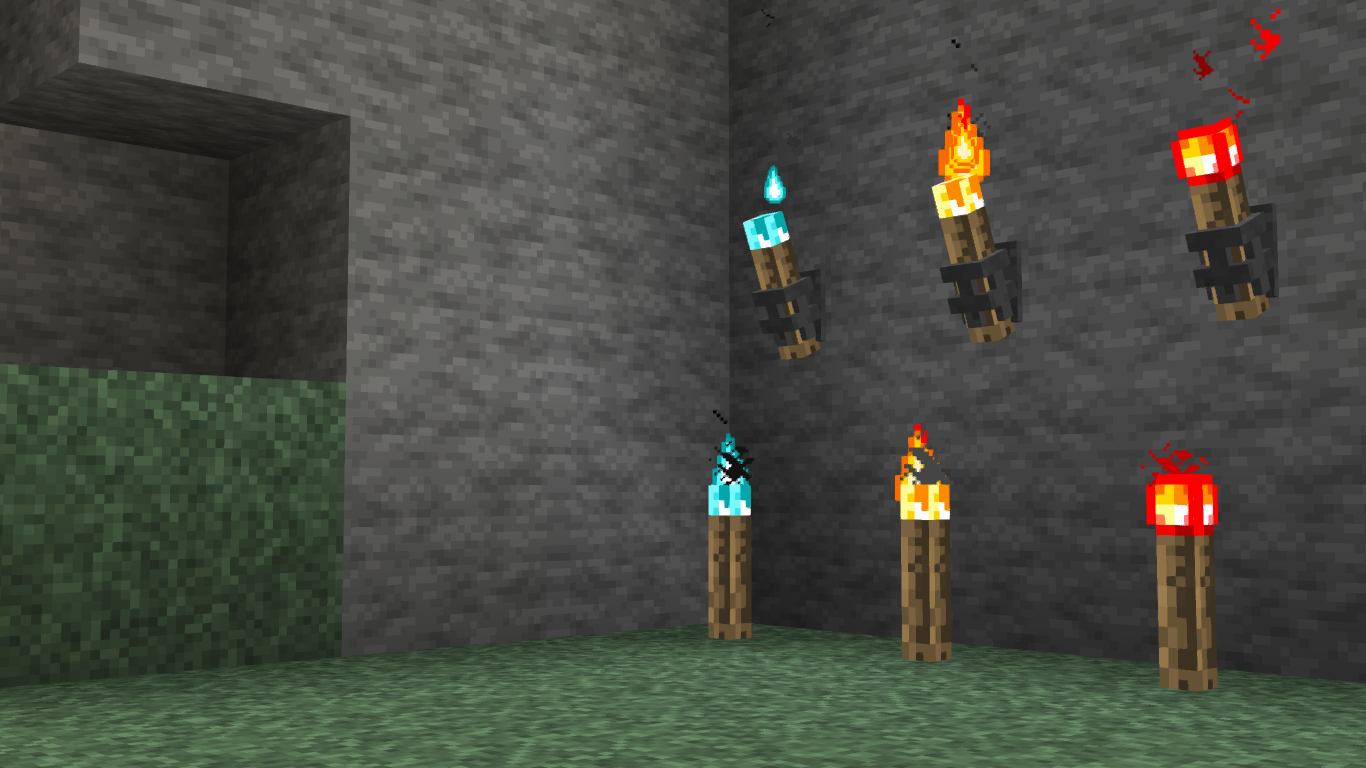
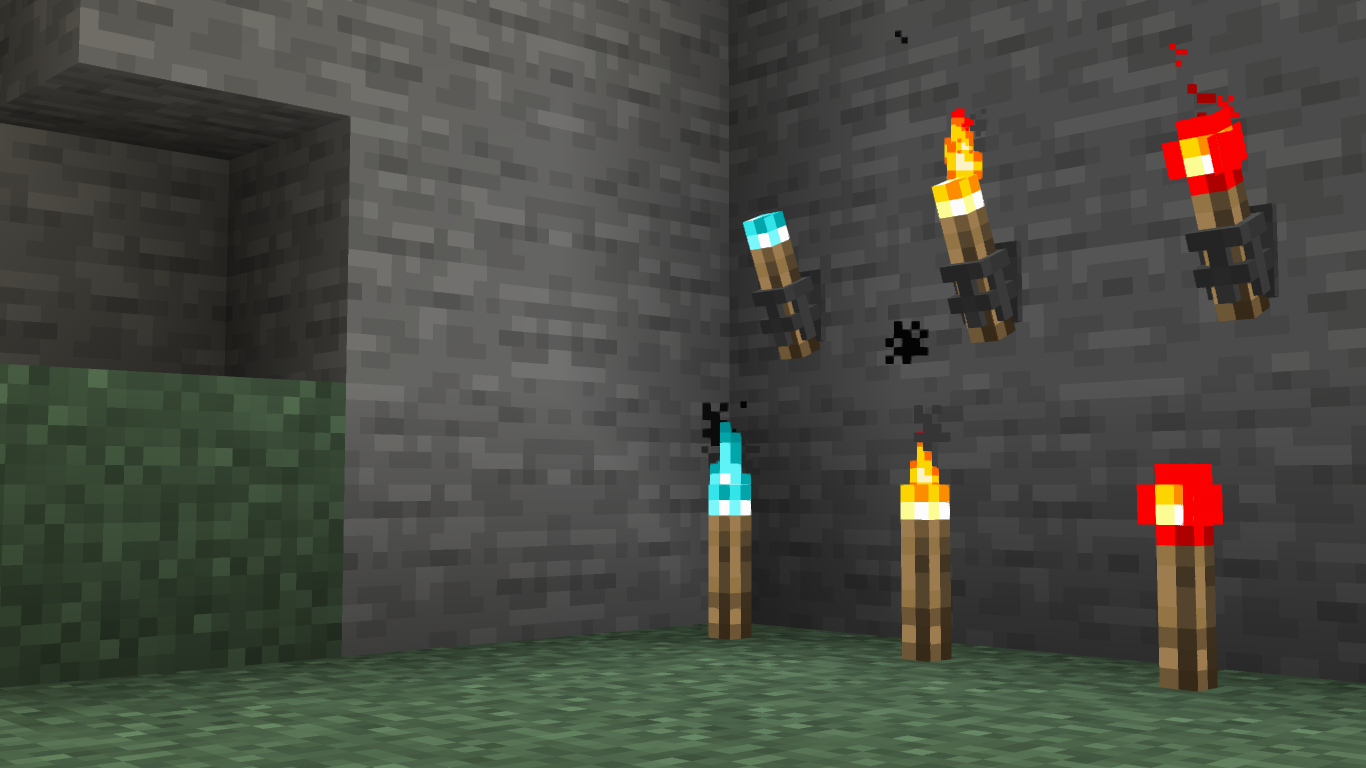
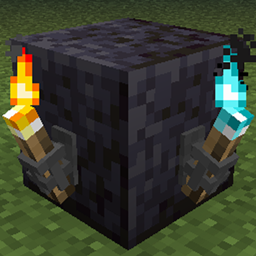
A resource pack compatible torch sconce model!
by Psidris
Download Claim this project
2,009 downloads
0 likes
0 followers
Updated Oct 14, 2026
0 hypes
Follow0
16x Medieval Traditional
Advertisement Remove ads with Premium →

Place this above any texture packs that change torch and anvil textures.

The torch and sconce inherit any torch and anvil texture (respectively) from packs listed below this one, making it compatible with most packs, but not all.

I made this cause I felt Minecraft could use a bit more of a medieval vibe, but didn't want to overwhelm the game with overly complex and detailed textures that severely change the vibe of the game (I'm looking at you Dokucraft). I was told that people liked the idea coupled with the simplicity, so I thought I'd post it here for others to use as well.

Ignore the following if you don't want to notice something that will bother you once you're aware of it:

Due to the nature of resource packs and what I had to do to make the sconce look good, the flame particle on torches is slightly offset from the actual end of the torch. Yes, it bothers me too, but I haven't found a way to fix it thus far. If you know of a solution, feel free to leave a comment.

Standalone Detailed Torch Sconce
MC 1.17.1, 1.16.3, 1.13.1, 1.16.1, 1.14.4, 1.17, 1.14.3, 1.15, 1.16, 1.13, 1.16.5, 1.15.2, 1.14, 1.16.4, 1.14.2, 1.16.2, 1.12.2, 1.13.2, 1.15.1
Release 2021-10-28 Get
Standalone Detailed Torch Sconce.zip
MC 1.16-Snapshot, 1.17.1, 1.16.3, 1.13.1, 1.15-Snapshot, 1.16.1, 1.9.4, 1.14.4, 1.14.1, 1.17, 1.14.3, 1.15, 1.16, 1.13, 1.16.5, 1.15.2, 1.14, 1.17-Snapshot, 1.16.4, 1.14.2
Release 2021-10-26 Get

Requirements & install

How to use this resource pack in Minecraft
Resolution
16x
Minecraft
1.16.1 – 1.17.1
Install folder
.minecraft/resourcepacks

How to install resource packs

  1. Download the resource pack .zip file (do not extract it).
  2. In Minecraft open Options → Resource Packs → Open Pack Folder.
  3. Drop the .zip into the resourcepacks folder (.minecraft/resourcepacks).
  4. Move the pack to the Selected column and click Done.
Browse more: 16x resource packs 32x resource packs 64x resource packs 128x resource packs 256x resource packs 512x+ resource packs Resource Packs for 1.17.1 All resource packs

More from Psidris

Advertisement Remove ads with Premium →

You Might Also Like