Badges update automatically and link to the resource pack page on MineUniverse.
"About SSL's soft textures"
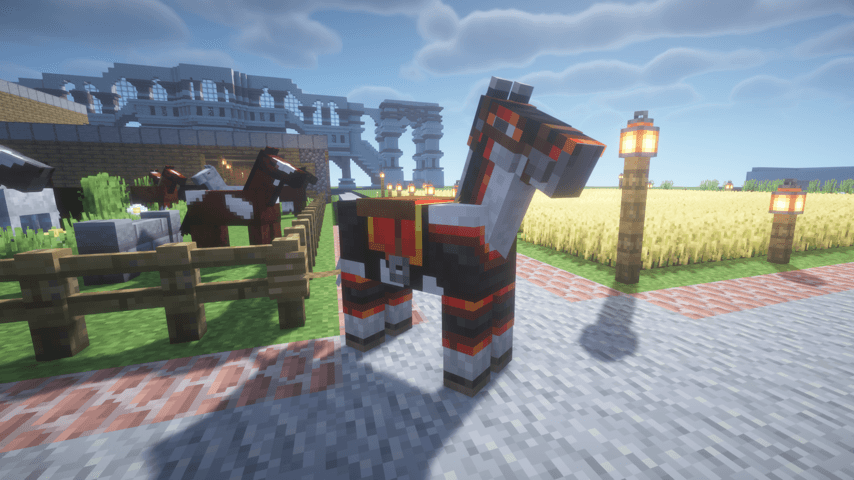
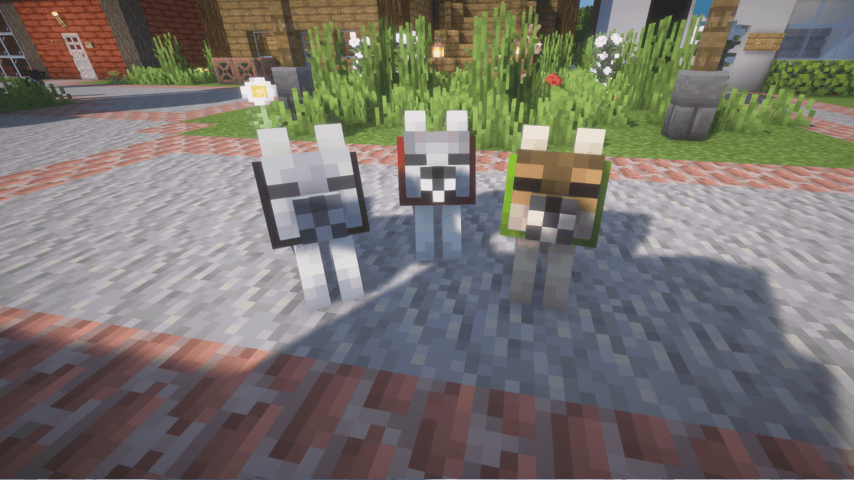
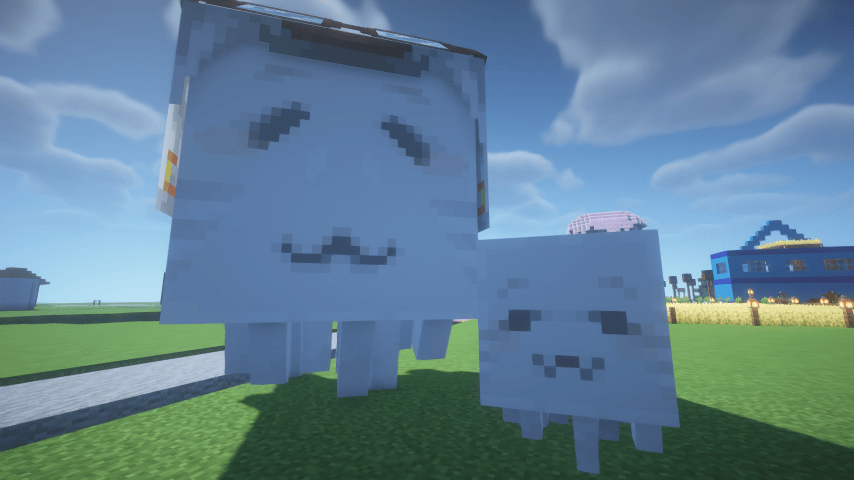
SSL's soft textures is a... resource pack that replaces Minecraft’s textures
As of now, we require and support 26.2 version Minecraft.
"Why SSL's Soft Textures?"
To be honest, I was incredibly tired of searching for resource pack.
None of them quite captured what I want.
I know there are countless resource packs out there.
But my frustration was that most of them required additional mods and often didn't support the latest game versions. This made it really difficult to enjoy a seamless and beautiful gameplay experience.
And that's why I created 'SSL's Soft Textures'.
This pack is designed to be effortlessly beautiful: It requires absolutely no extra mods, and focuses on providing a soft, warm, and immersive visual experience for all java edition user, without the hassle.
It's still work in process,
but my goal is retexturing all of minecraft textures one day.
"FAQ"
Q1. May I download the resource pack, even if we're just meeting?
A. Of course! You're welcome to download it, and I'd be absolutely glad if you enjoyed using it!
Q2. Can I redistribute the resource pack file on other sites or platforms?
A. I'm planning to upload the files on other platforms myself.
Therefore, I kindly ask that you don't redistribute my file publicly. (T_T)
However, I do understand that personal sharing between individuals is natural.
Q3. Is this resource pack compatible with OptiFine or shaders?
A. This pack doesn't require any additional mods, but it should be compatible.
We've confirmed it works well with Iris and BLS shaders.
Q4. Can I use this resource pack for my streams or YouTube videos?
A. You're allowed to use it for broadcasts!
However, please make sure to clearly credit the resource pack's source and owner with a link.
Otherwise, I won't create any more.
Q5. When is the next update?
A. It's difficult to give a definite answer to this question.
I'm going to update it freely, at my own pace.
Please keep in mind that updates might suddenly stop one day.
Thank you for understanding!