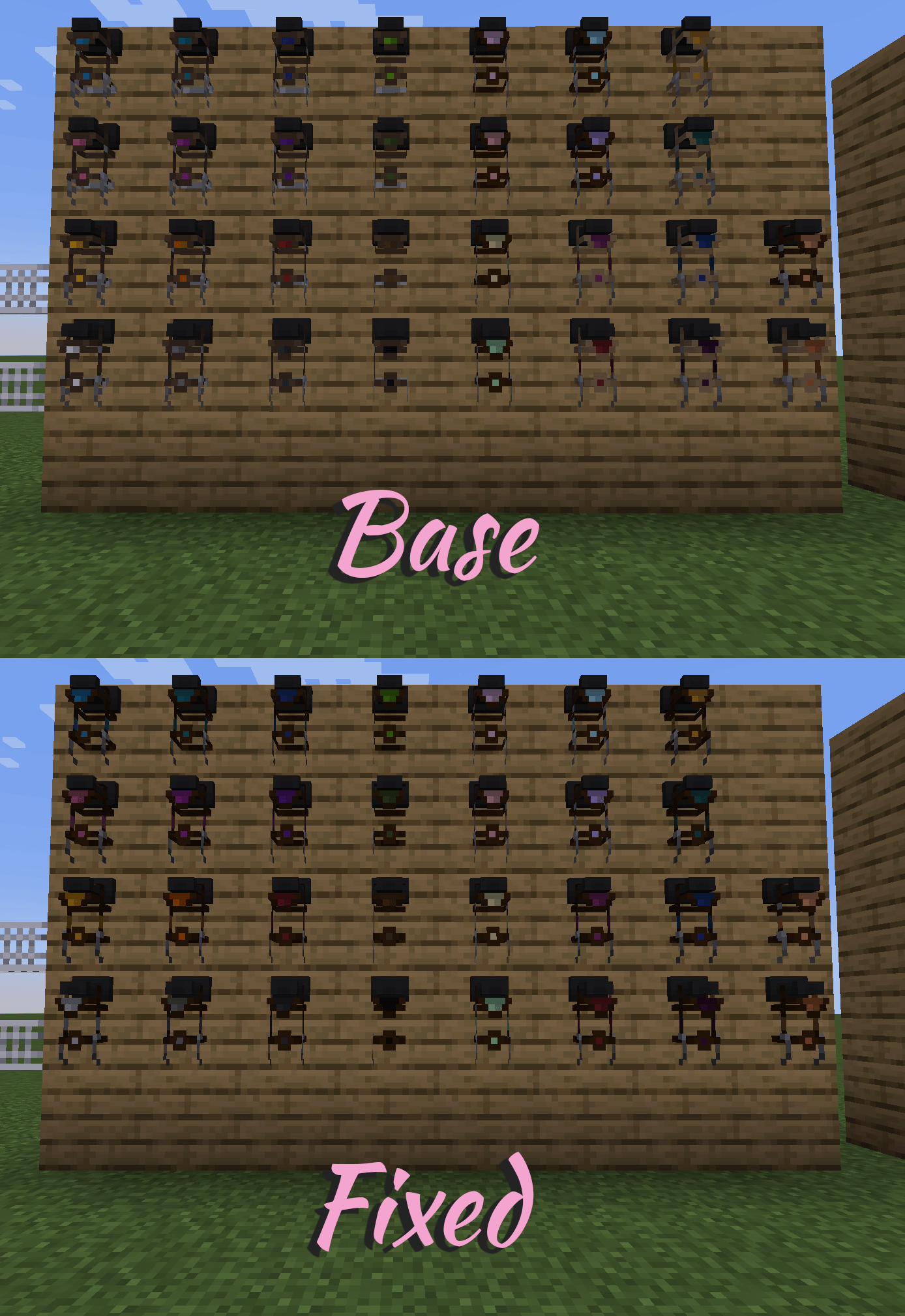
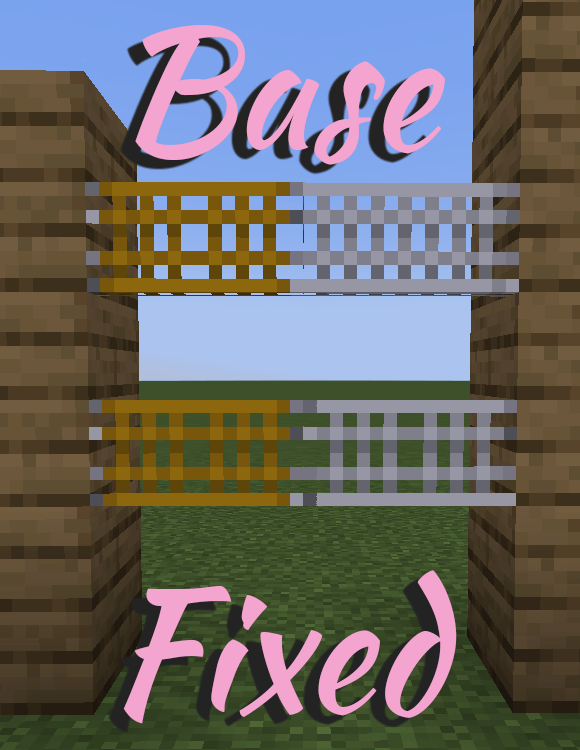
Squeaky Clean is a lightweight texture patch designed to bring visual consistency between SWEM and Tre’s Tack Shop. This pack fixes mismatched textures, adjusts tack colors, and refreshes key assets to make your stable setups look smooth, polished, and unified.
✅ Web Guard Rider White – now properly matches all other Web Guards
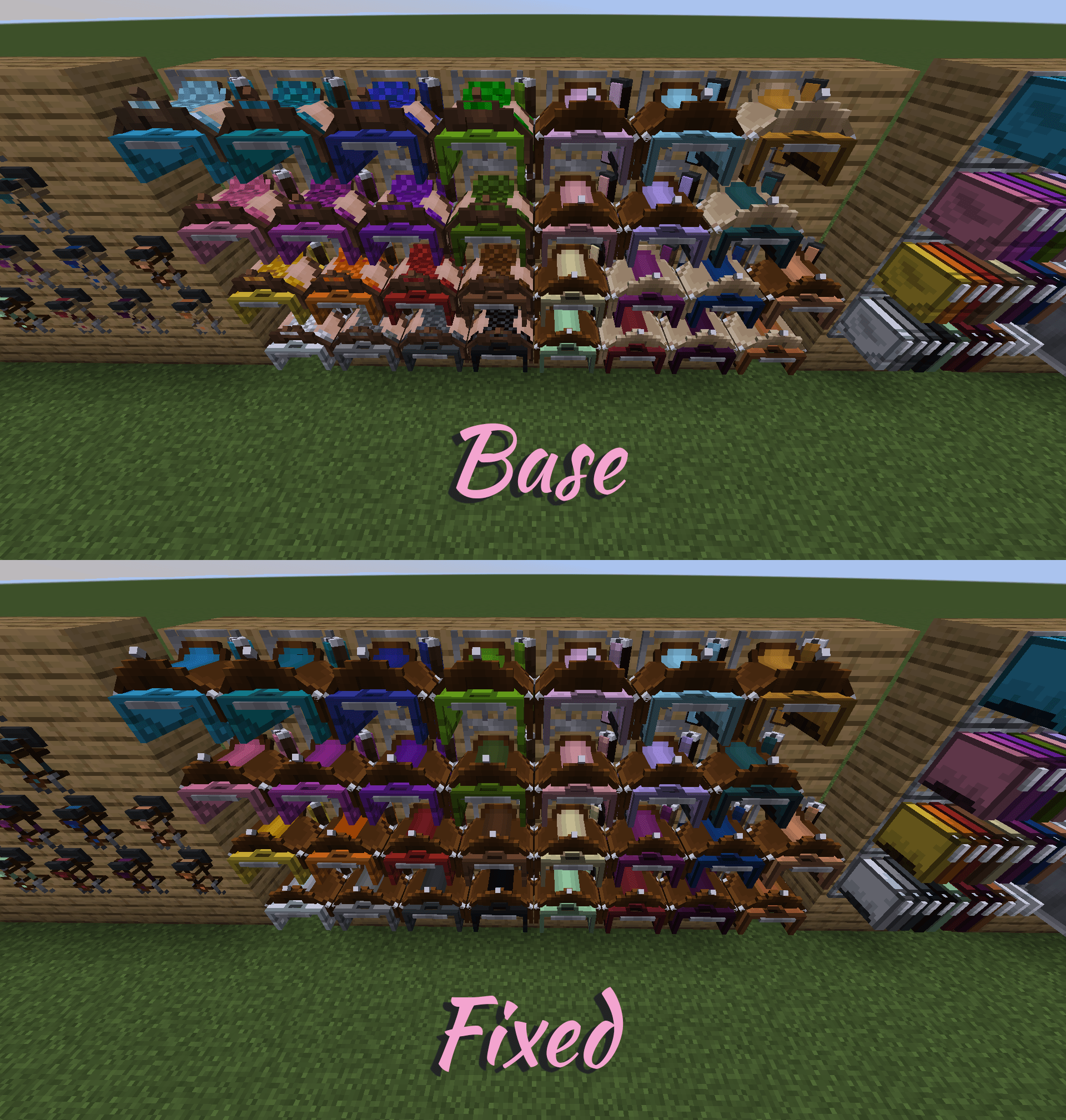
✅ Amethyst, Elven, Sultan, and Withered Armors and Saddles – corrected rack textures
✅ Tre’s Tack Shop Halters – adjusted to match SWEM’s Solid Style
✅ Western Blanket – retextured to fit Tre’s Tack Shop aesthetic
✅ SWEM & Tre's Light Leather Western Breast Collars – recolored to match Tre’s Dark Leather Tack Shop Style
✅ Western Leg Wraps – restyled for Tre’s Tack Shop consistency
✅ SWEM & Tre's Light Leather Western Saddles – updated to match Tre’s Dark Leather set
✅ SWEM & Tre's Light Leather Western Bridles – recolored for unified tone
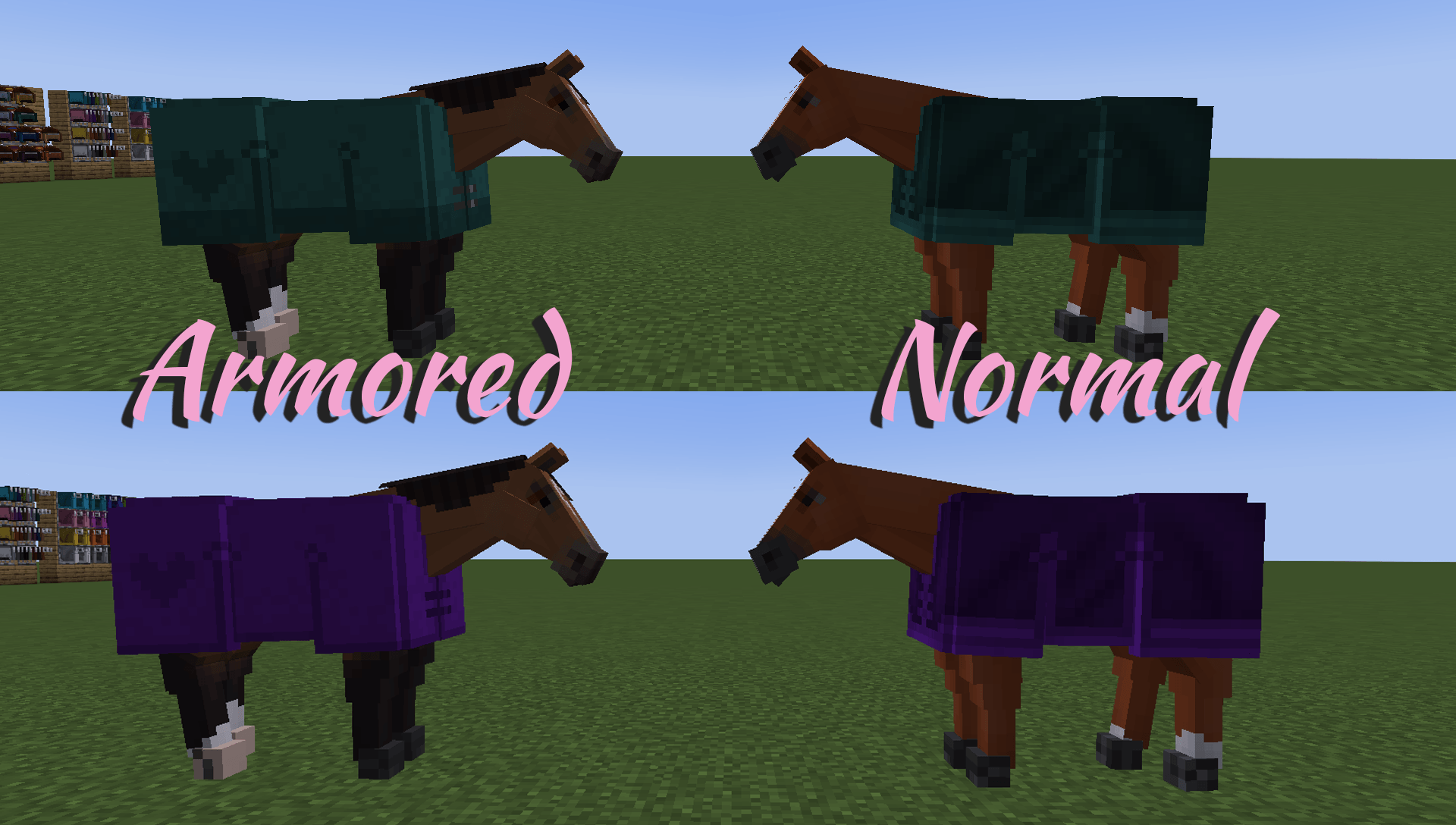
✅ Normal Pasture Blankets – updated to match SWEM Style
✅ Armored Pasture Blankets – retextured to align with Tre’s Tack Shop Style
✅ Mothfet's – a sleek recolor of the workbench
Minecraft Version: 1.20.1
Required Mod: Star Worm Equestrian, Tre's Tack Shop, Star Worm Decor
See Image Tab.
Original textures by Star Worm Equestrian Team, Moon_Flower, kyraltre
Deco Work Bench Retexture created by Mothfet
Tack Remixing by RileyCasper
Minor Fixes created by RileyCasper
You may:
Use this pack in modpacks with credit and a link back to this page.
You may not:
Reupload or modify these textures for redistribution without permission.