Mineuniverse
Resource Packs
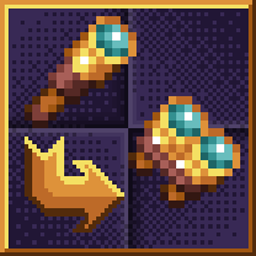
Spyglass into Binoculars

Spyglass into Binoculars

RESOURCE PACK
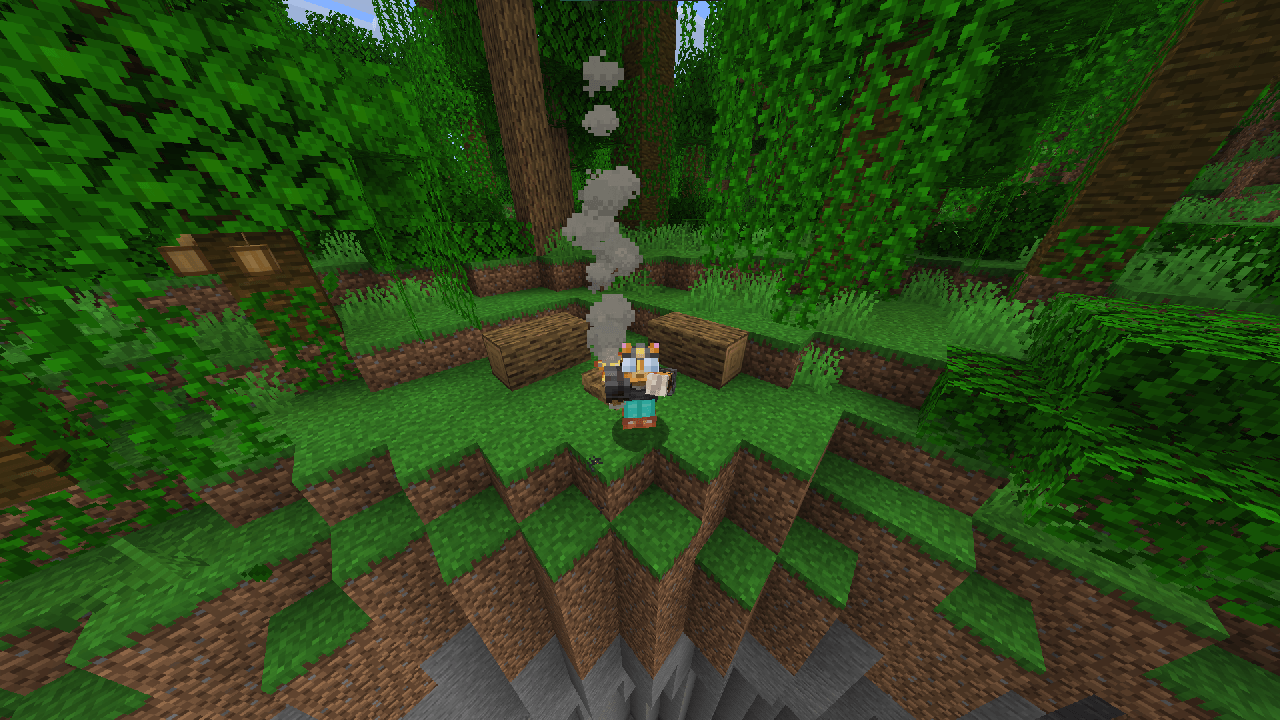
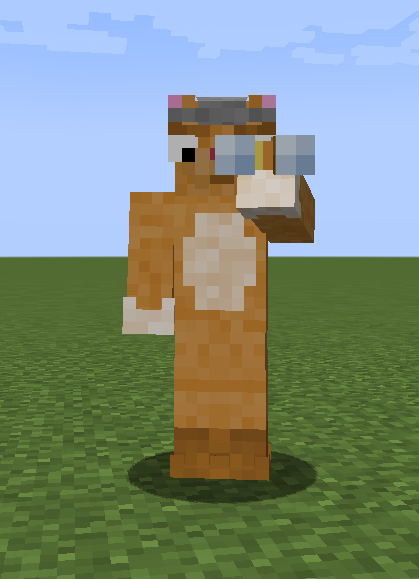
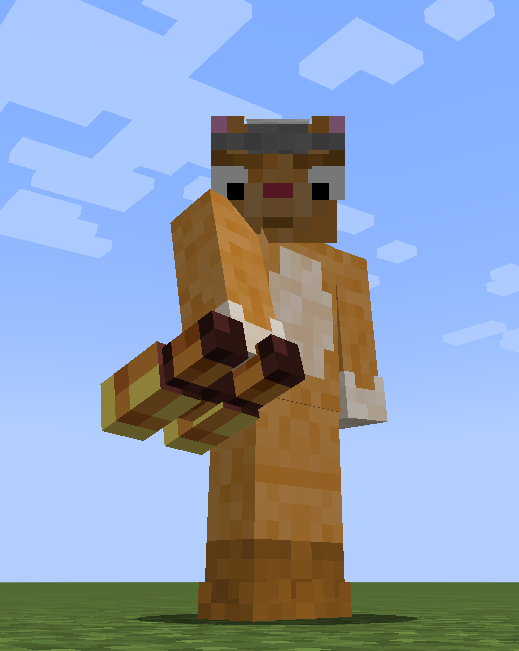
Turns spyglass into binoculars
by GibbDev
Download Claim this project
Add a badge to your pageLink to Spyglass into Binoculars from a README, website or forum post.
Preview: Badge

Badges update automatically and link to the resource pack page on MineUniverse.

41,627 downloads
0 likes
0 followers
Updated Oct 14, 2026
0 hypes
Follow0
16x Miscellaneous Steampunk
Advertisement Remove ads with Premium →

Turns spyglass into binoculars! yeah! I wrote that 3 times already.


So. As Mojang does everything as always there are 2 little things I cant change.

1st: Binoculars cant be adjusted well for both right hand and left hand when they are attached to ya face due to Mojang assigning that not to model state But YEAH, hardcoding that. yep. again. FIXED IN NEW VERSION! I finally came around and fixed it! Ever since 1.21.4 item model defenitions exist and now its possible to provide separate model for offhand Binoculars

2nd: Due to the same hardcoding nature of Mojang they hardcoded spyglass First person view image to be 1:1 ratio and it cant be widened. At least I dont know how to edit shaders and all vanilla solutions that do that dont work for me so idk


Other than that everything is ok

NO MORE DISOCRD!

Have a nice day!

Binoculars Pack 1.21
MC 1.21.6-snapshot, 1.21.8, 1.21.5, 1.21.4, 1.21.5-Snapshot, 1.21.6, 1.21.7, 1.21.9-snapshot, 1.21.9, 1.21.10, 1.21.11-snapshot, 1.21.11
Release 2026-01-22 Get
Binoculars Pack 1.19
MC 1.20.2-Snapshot, 1.19-Snapshot, 1.19.3, 1.20.2, 1.19.4, 1.19.4-Snapshot, 1.20.1, 1.20, 1.20-Snapshot, 1.19.1, 1.19.2, 1.20.3-Snapshot, 1.20.3, 1.19, 1.19.3-Snapshot
Release 2022-11-12 Get
Binoculars Pack 1.18
MC 1.18.1, 1.18.2, 1.18, 1.18-Snapshot
Release 2021-12-15 Get
Binoculars Pack 1.17
MC 1.17.1, 1.17, 1.17-Snapshot
Release 2021-05-31 Get

Requirements & install

How to use this resource pack in Minecraft
Resolution
16x
Minecraft
1.21.6 – 1.21.11
Install folder
.minecraft/resourcepacks

How to install resource packs

  1. Download the resource pack .zip file (do not extract it).
  2. In Minecraft open Options → Resource Packs → Open Pack Folder.
  3. Drop the .zip into the resourcepacks folder (.minecraft/resourcepacks).
  4. Move the pack to the Selected column and click Done.
Browse more: 16x resource packs 32x resource packs 64x resource packs 128x resource packs 256x resource packs 512x+ resource packs Resource Packs for 1.21.11 All resource packs

More from GibbDev

Advertisement Remove ads with Premium →

You Might Also Like