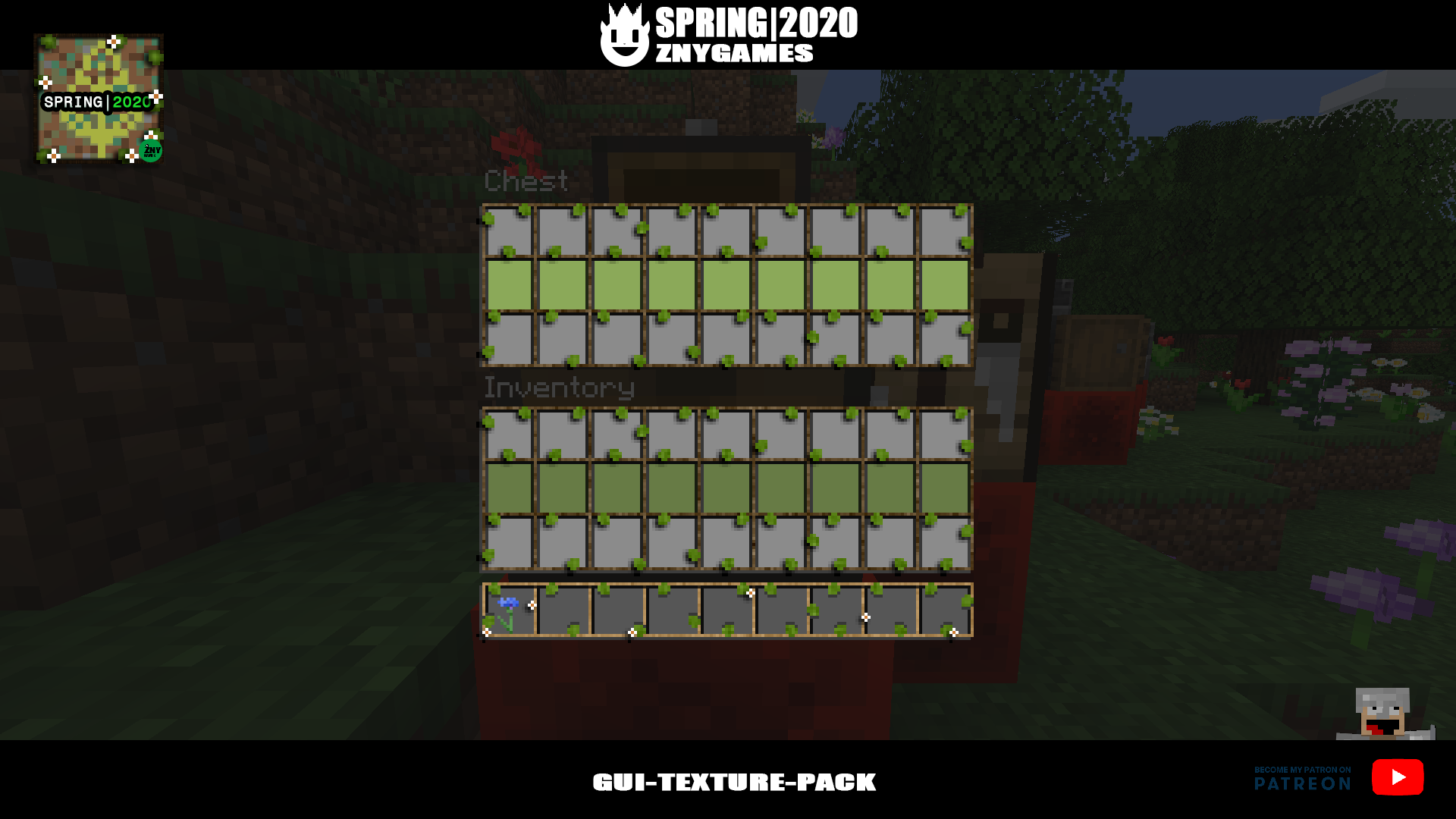
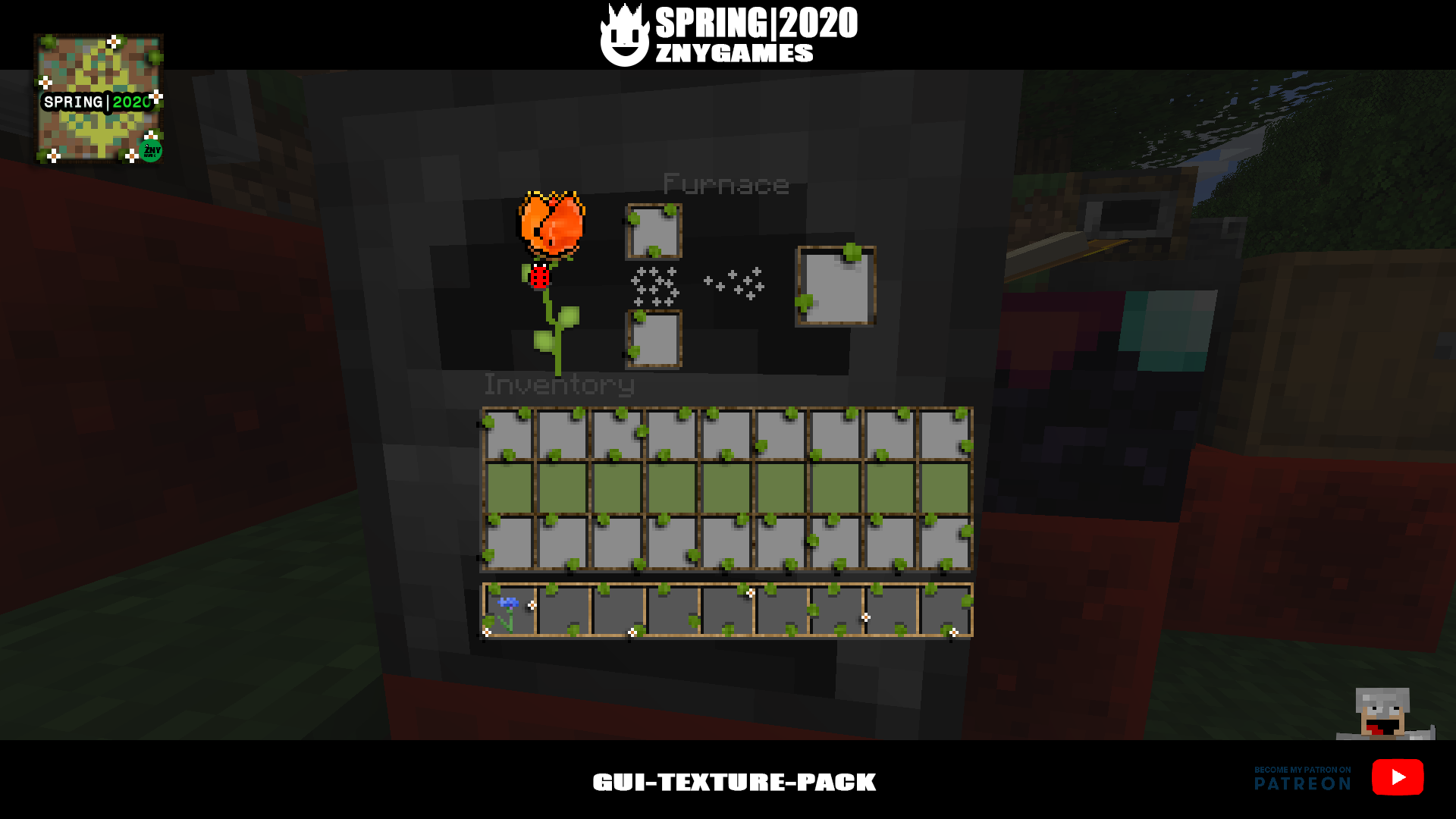
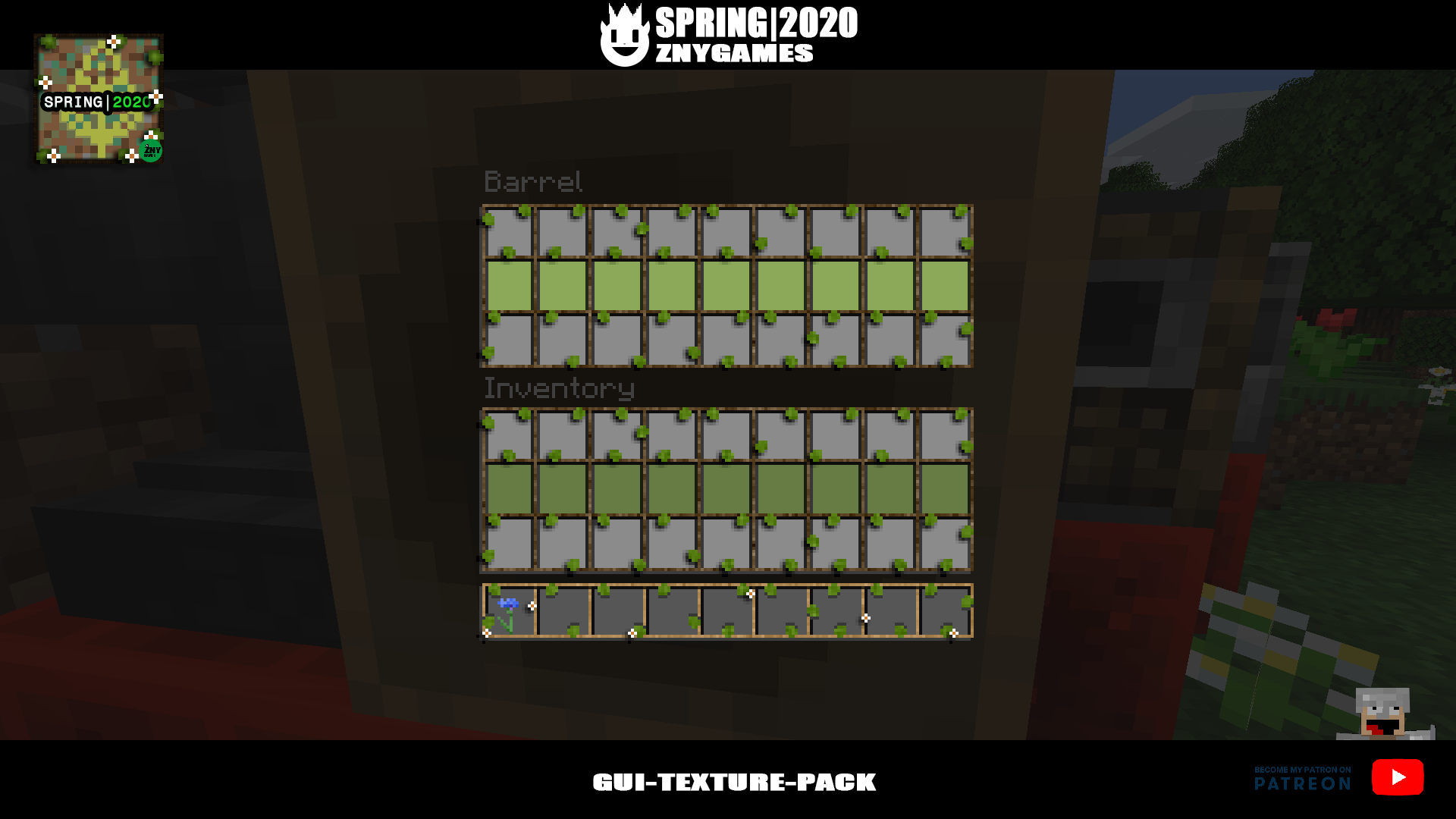
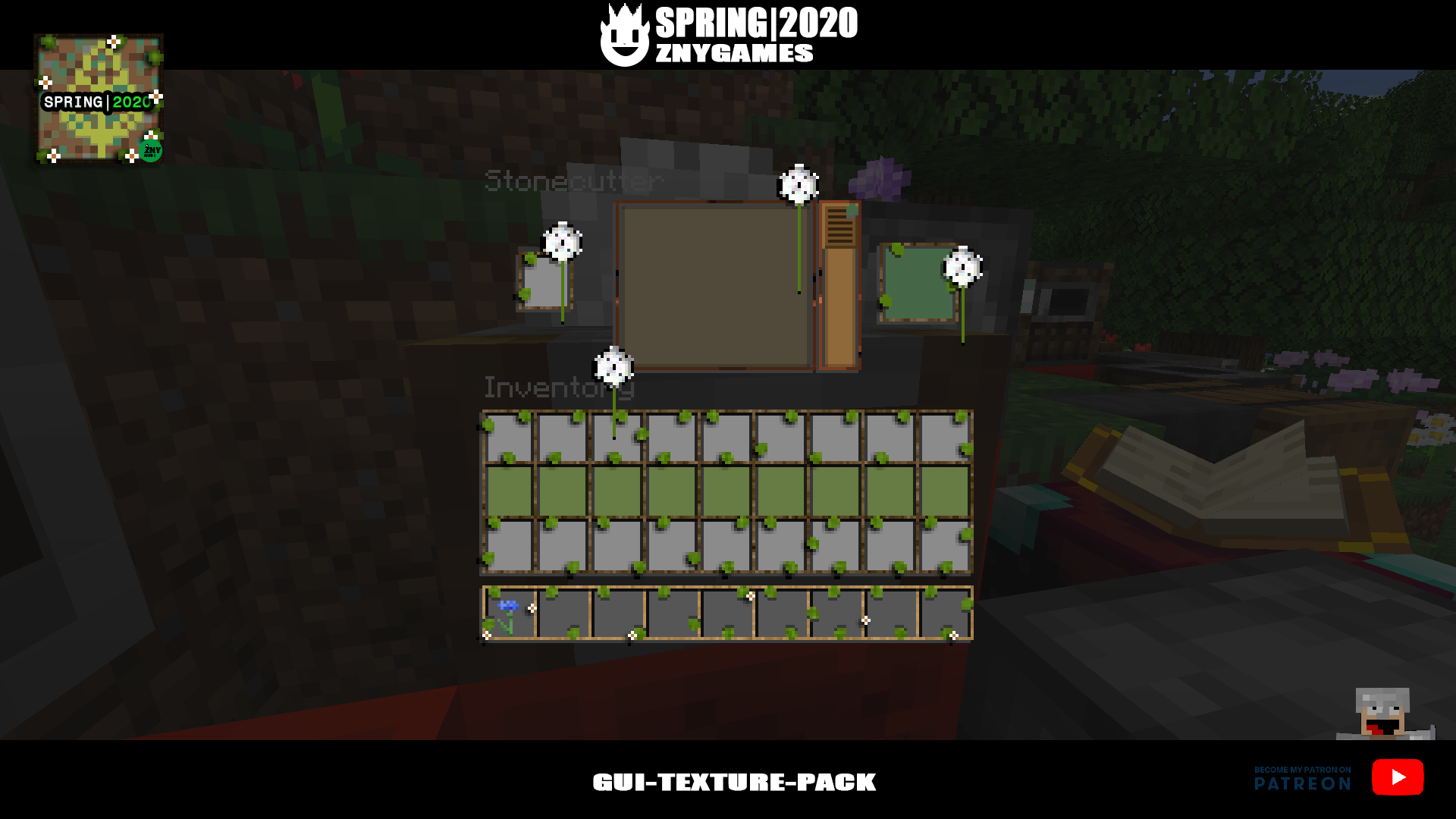
Badges update automatically and link to the resource pack page on MineUniverse.
ENG:
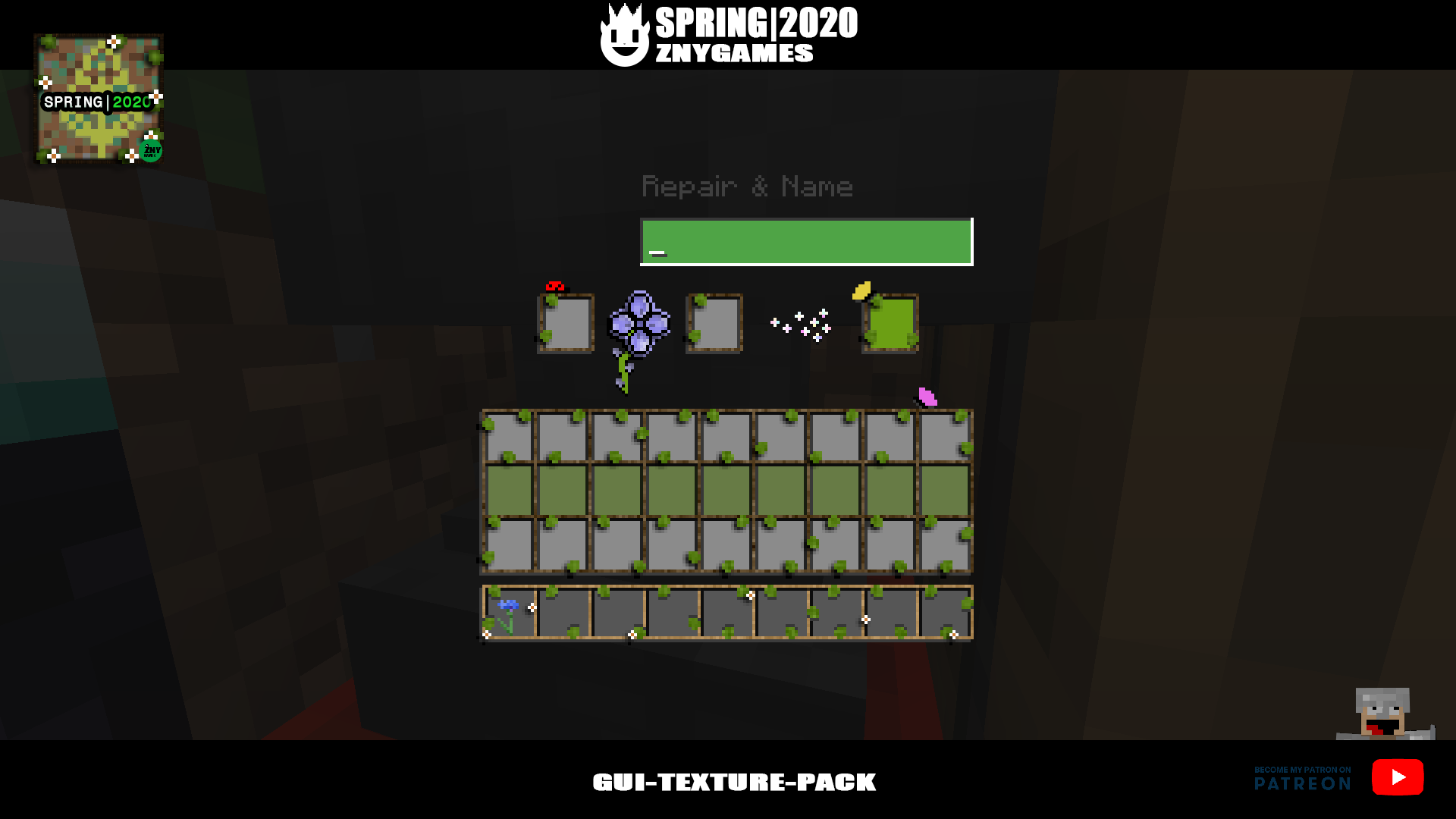
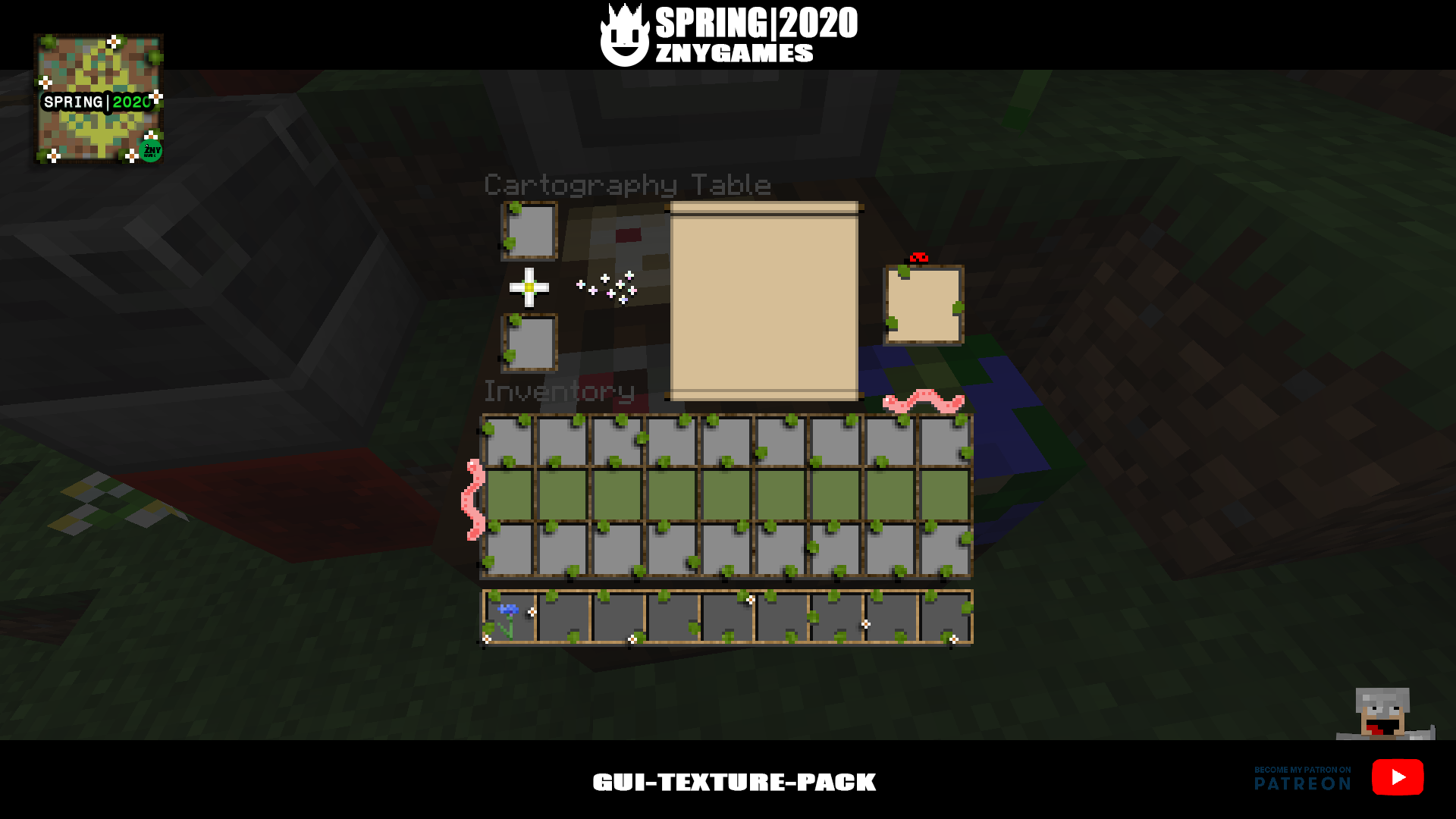
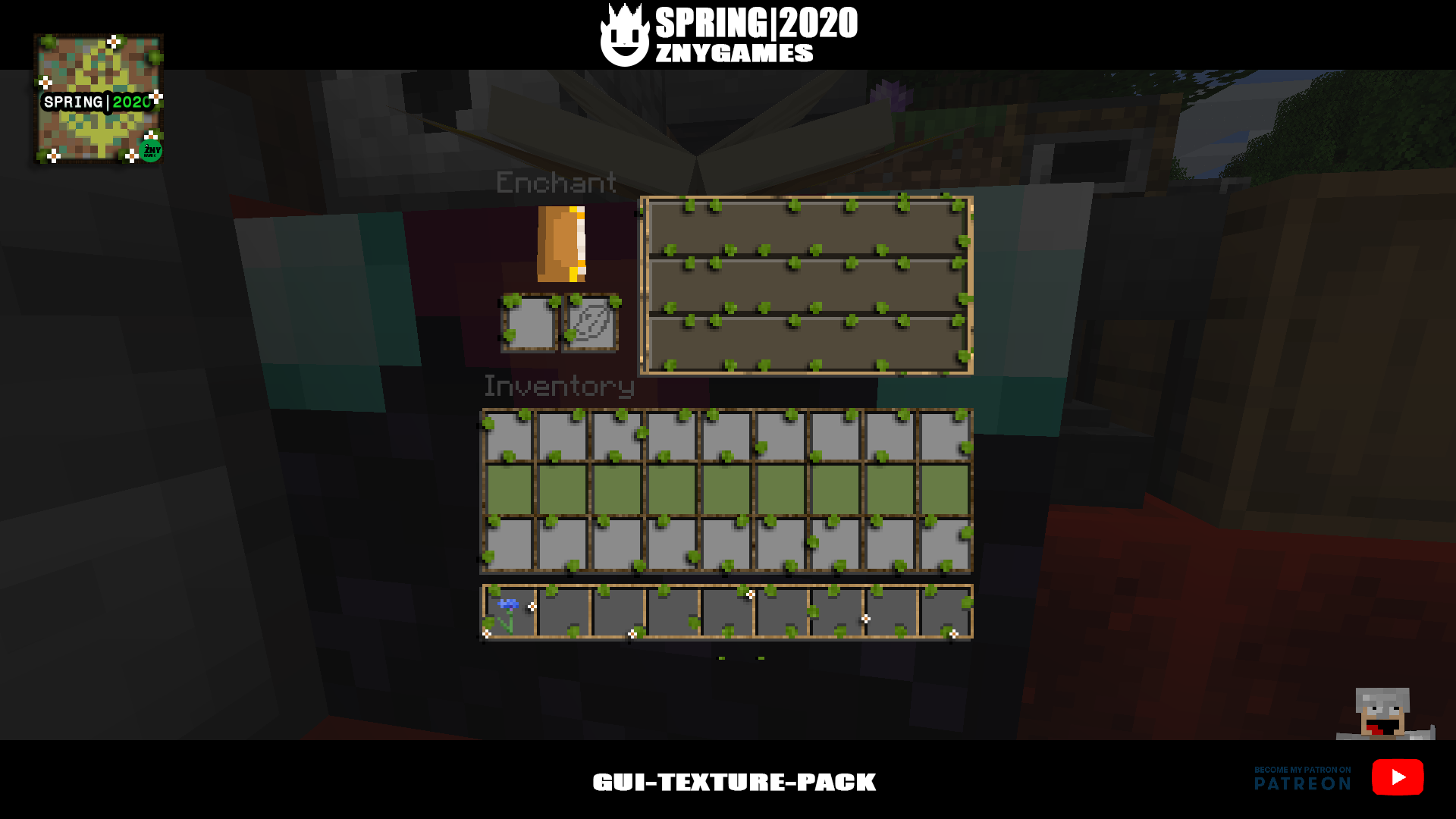
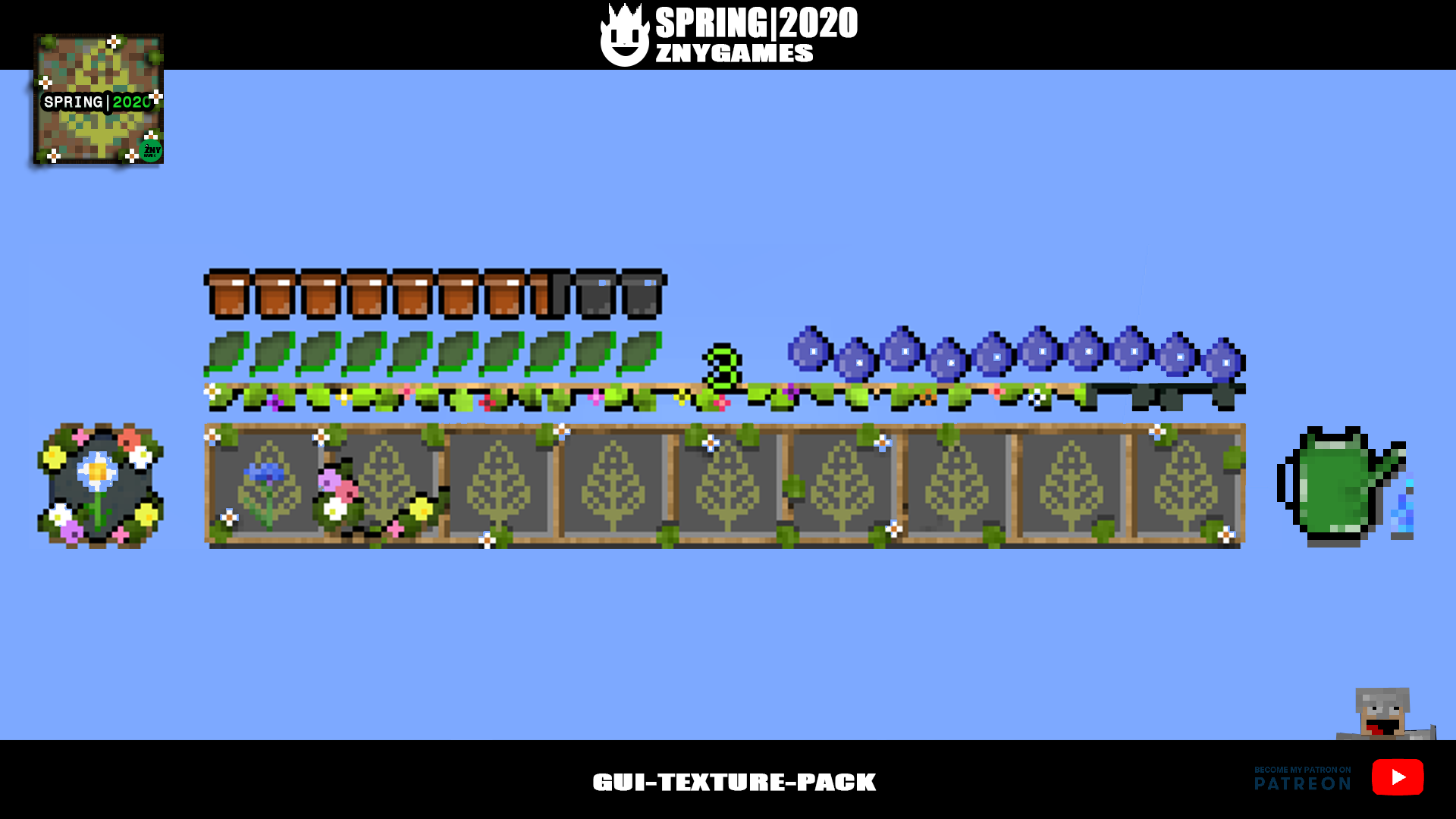
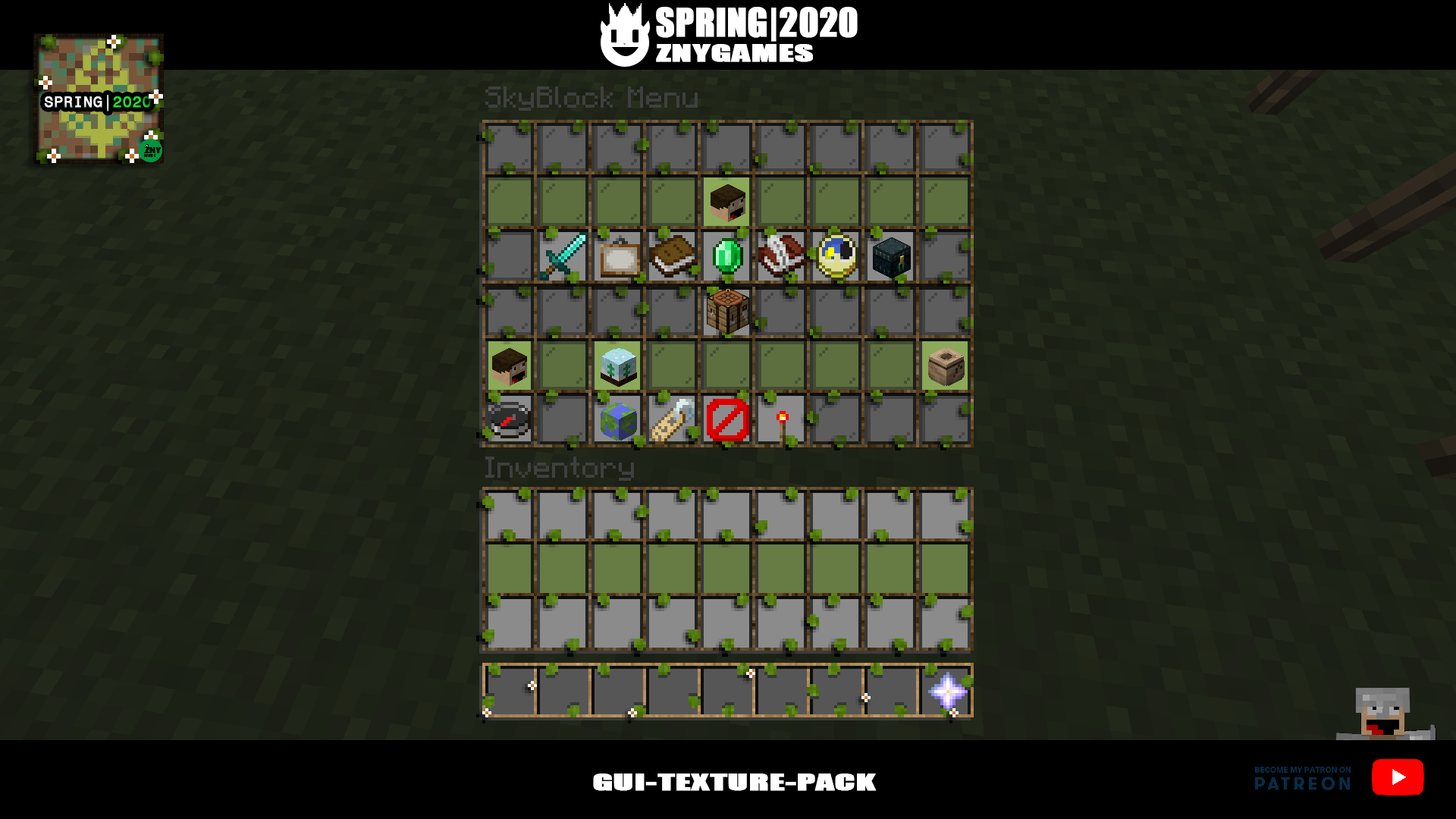
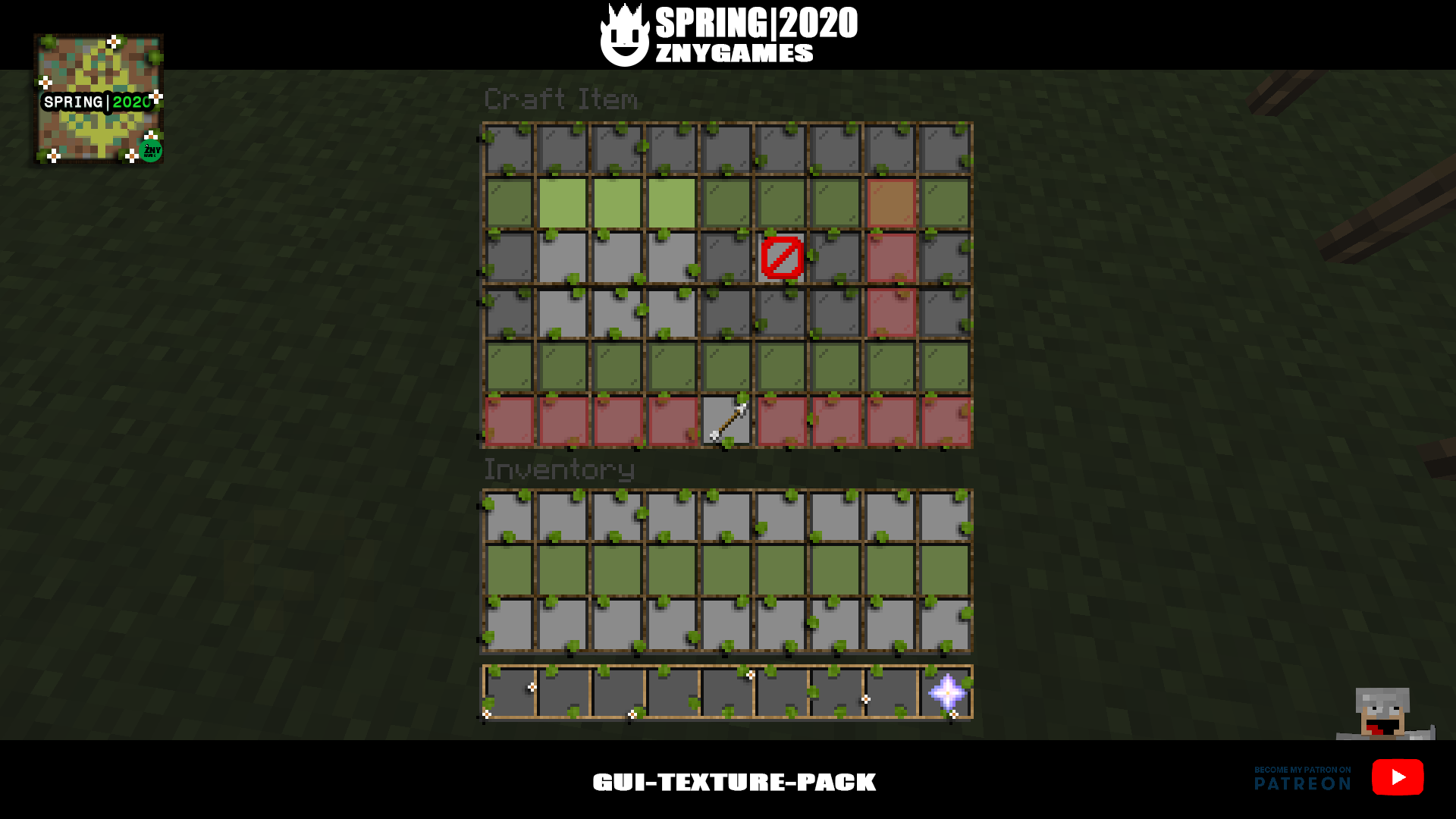
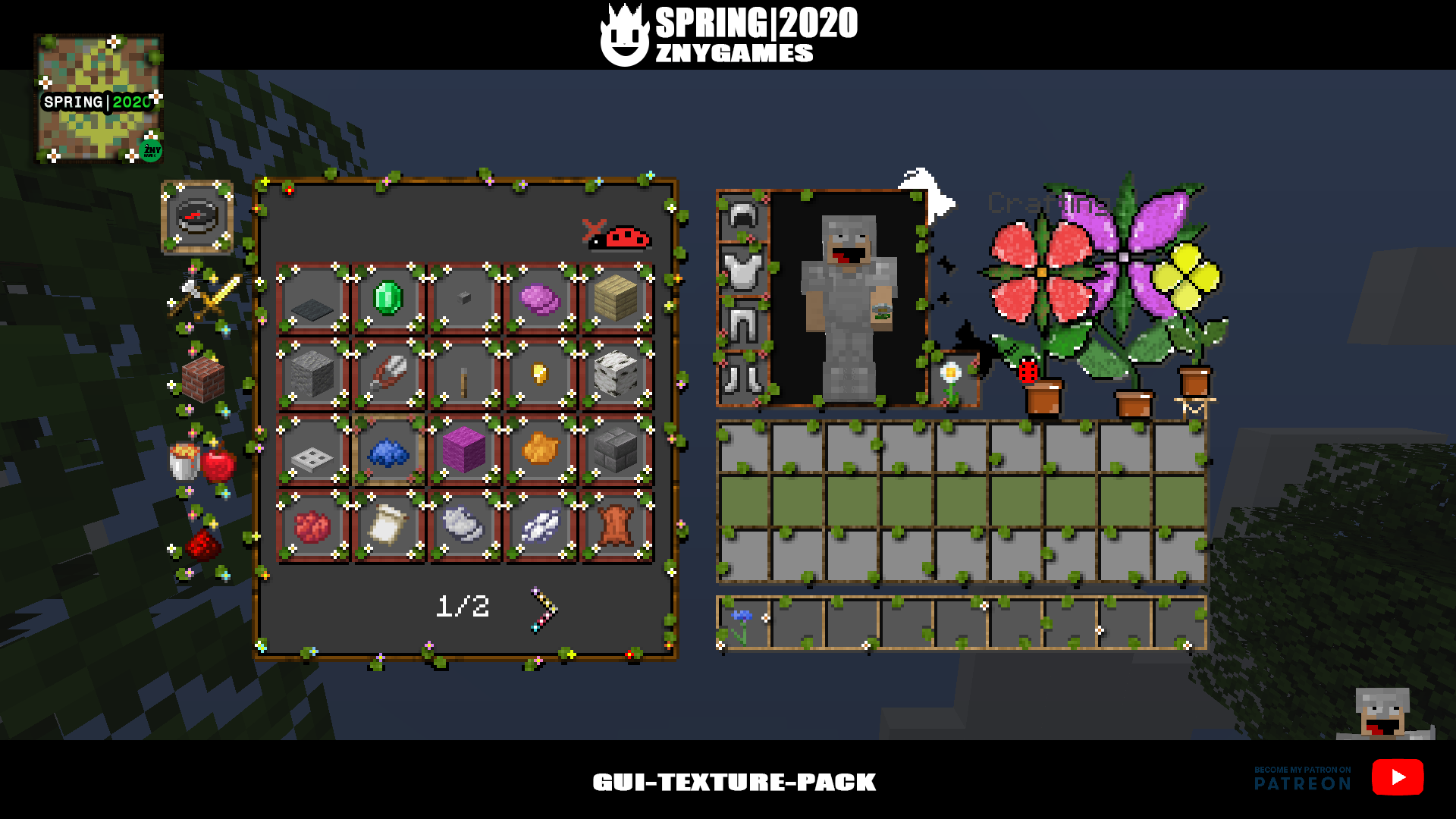
Spring 2020🌻🌼🌷 is a GUI texture pack for Minecraft 1.15.x. Hub, XP bar, inventory and many more features have been changed. The entire GUI folder has been edited. See INFO: png. You can use the GUI pack in creative, spectator, hardcore and survival mode and SkyBlock. Enjoy spring and have fun with it.
DE:
Frühling 2020 ist ein GUI-Texture-Pack für Minecraft 1.15.x. Hub, XP-Bar, Inventory und mehr wurden geändert. Der komplette GUI-Ordner wurde bearbeitet. Siehe unter INFO: png. Das GUI-Texture-Pack kann im Surviaval,Hardcore,Creative und SkyBlock genutzt werden. Genießt den Frühling und viel Spaß damit.
🌼🌼🌻🌻🌷🌷🌼🌼🌻🌻🌷🌷🌼🌼🌻🌻🌷🌷
💝 VISIT ME:
Patreon members also get a small gift of extra textures. Visit the following Link: https://www.patreon.com/znygames
(っ^▿^)۶🍸🌟🍺٩(˘◡˘ )
🎁DOWNLOAD:
Download "Full-Texture-Pack":
- GUI: Spring 2020: https://www.patreon.com/znygames
🤖INFO:
GUI-Texture-Pack for Minecraft 1.15.x / Minecraft 1.14.x
.zip-pack: 2,1 MB
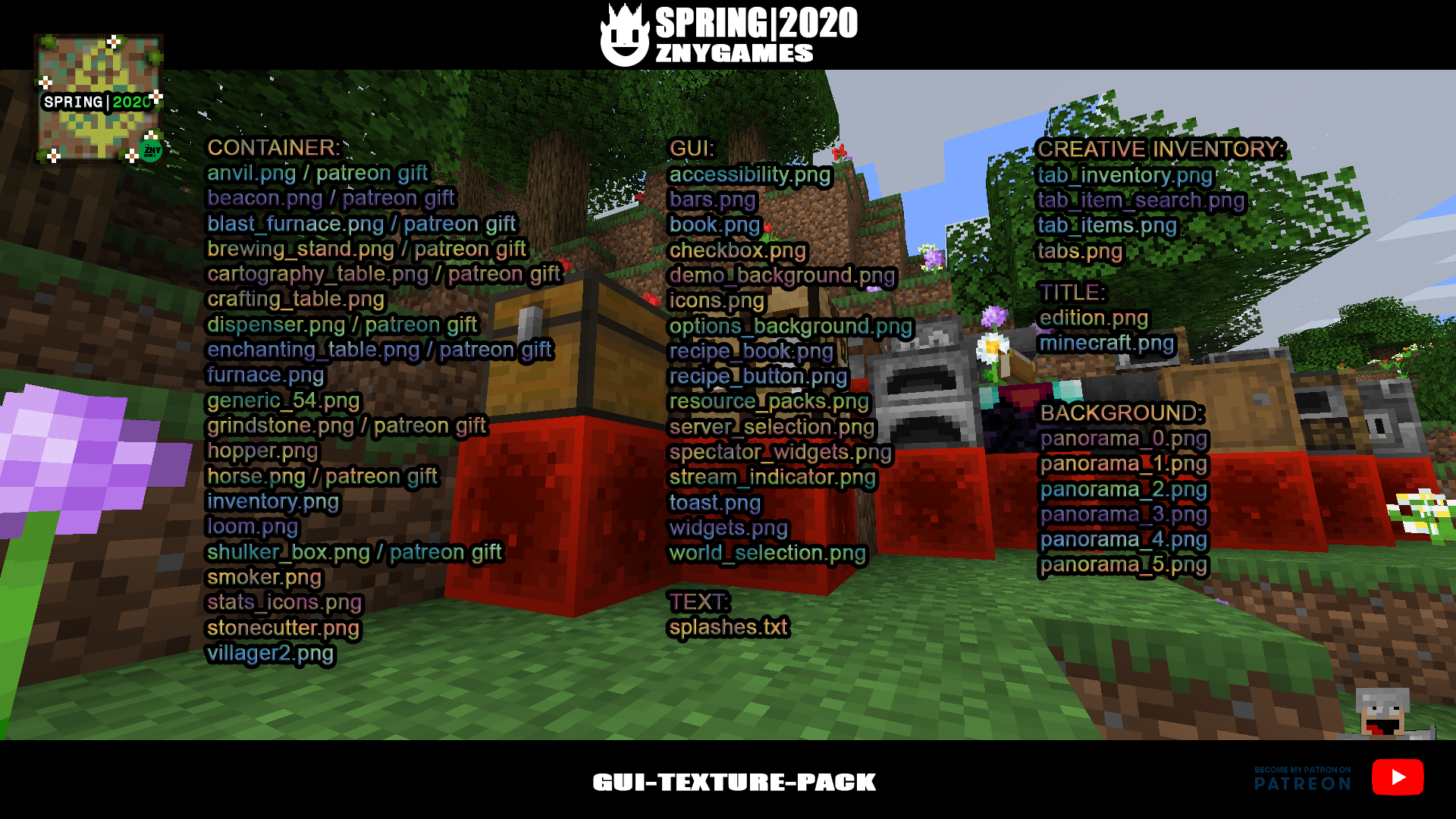
🤪.png:
GUI:
accessibility.png
bars.png
book.png
checkbox.png
demo_background.png
icons.png
options_background.png
recipe_book.png
recipe_button.png
resource_packs.png
server_selection.png
spectator_widgets.png
stream_indicator.png /not includet
toast.png /not includet
widgets.png
world_selection.png
CONTAINER:
anvil.png / patreon gift
beacon.png / patreon gift
blast_furnace.png / patreon gift
brewing_stand.png / patreon gift
cartography_table.png / patreon gift
crafting_table.png
dispenser.png / patreon gift
enchanting_table.png / patreon gift
furnace.png
generic_54.png
grindstone.png / patreon gift
hopper.png
horse.png / patreon gift
inventory.png
loom.png
shulker_box.png / patreon gift
smoker.png
stats_icons.png
stonecutter.png
villager2.png
CREATIVE INVENTORY:
tab_inventory.png
tab_item_search.png
tab_items.png
tabs.png
TITLE:
edition.png
minecraft.png
BACKGROUND:
panorama_0.png
panorama_1.png
panorama_2.png
panorama_3.png
panorama_4.png
panorama_5.png
TEXT:
splashes.txt
🕹️INSTALL:
1) Download GUI-Texture-Pack
2) Extract the file and copy the extracted folder
3) Start Minecraft and click on "Options".
4) Click "Secure Package".
5) Click "Open Folder"
6) Insert spring2020-1.15.x-patreon in the opened window
🎹MUSIC/ VIDEO:
Dreamwalking by | e s c p | https://escp-music.bandcamp.com
Music promoted by https://www.free-stock-music.com
Attribution 4.0 International (CC BY 4.0)
https://creativecommons.org/licenses/by/4.0/
https://freesound.org/people/cameronmusic/sounds/138419/
https://freesound.org/people/RHumphries/sounds/1938/