Mineuniverse
Resource Packs
Sprightly

Sprightly

RESOURCE PACK
A vanilla+ and slightly toony texture pack
by Ash_Art02
Download Claim this project
Add a badge to your pageLink to Sprightly from a README, website or forum post.
Preview: Badge

Badges update automatically and link to the resource pack page on MineUniverse.

117 downloads
0 likes
0 followers
Updated Oct 14, 2026
0 hypes
Follow0
16x Miscellaneous Traditional
Advertisement Remove ads with Premium →


Sprightly on CurseForge is no longer being worked on/may receive very slow updates. Sprightly is frequently updated and is upheld on Modrinth, so you may download it and its addons there! (The place of download does not affect how Sprightly works or looks in any way, shape, or form)


A vanilla+ and slightly toony texture pack


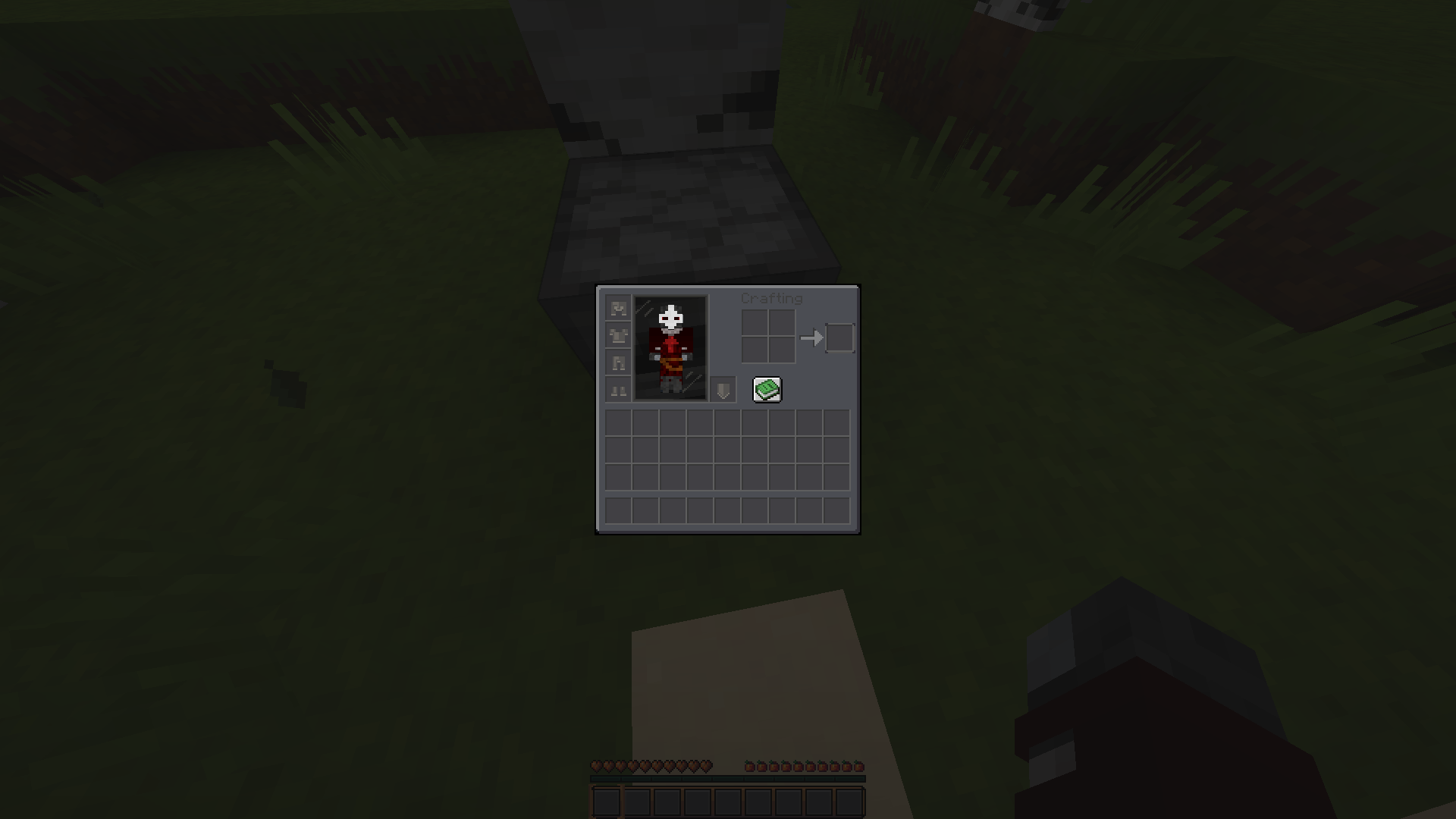
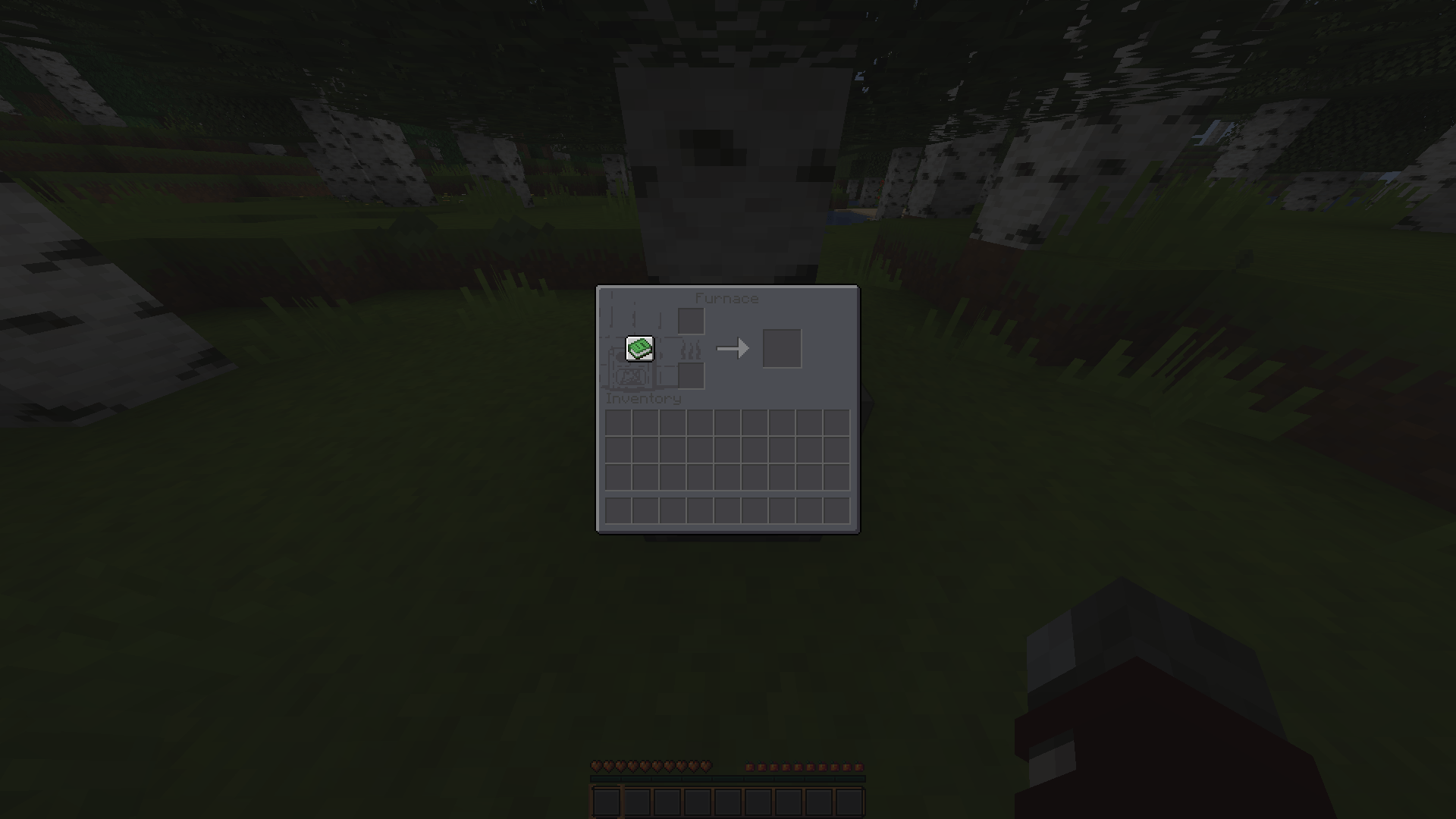
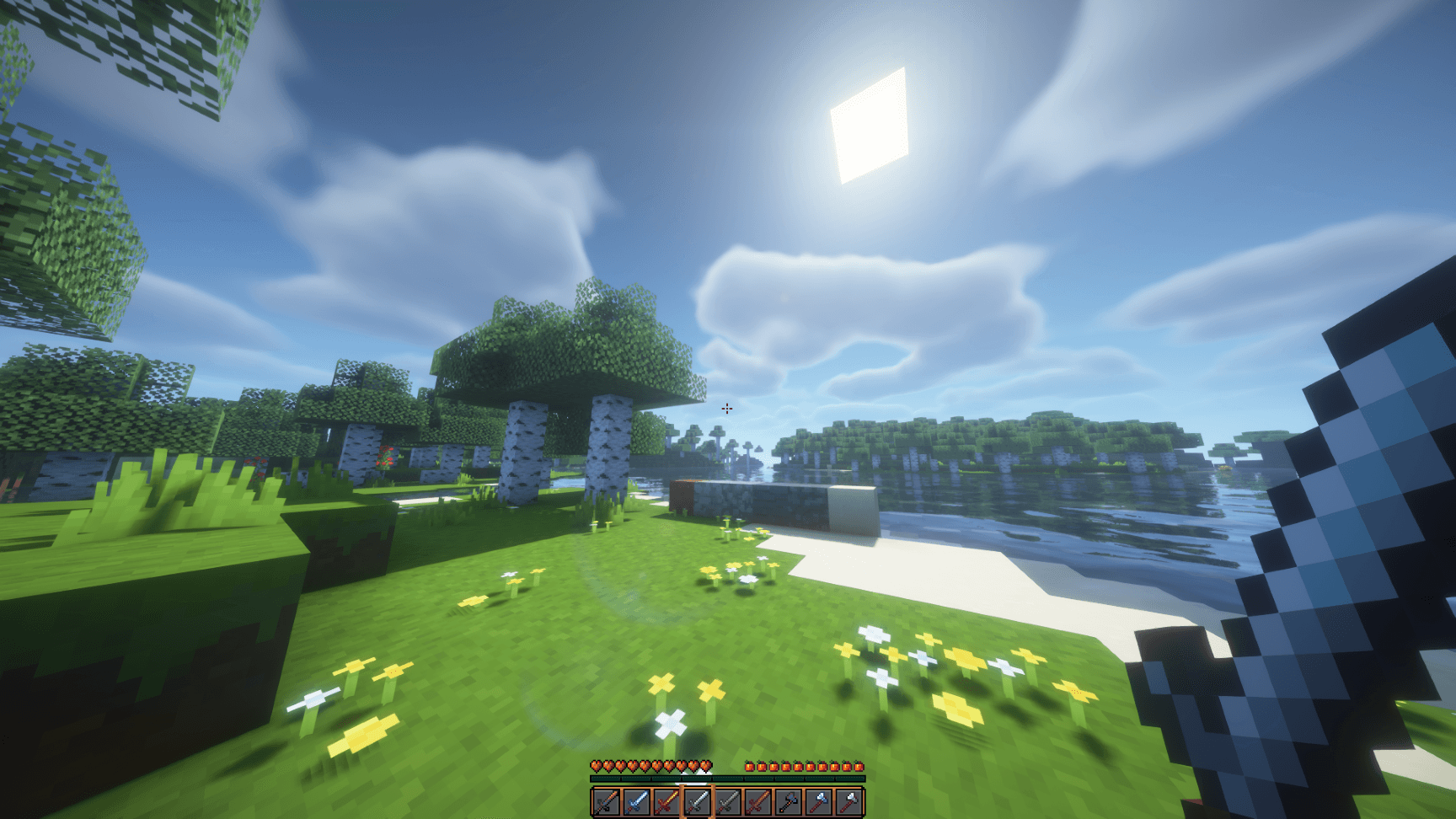
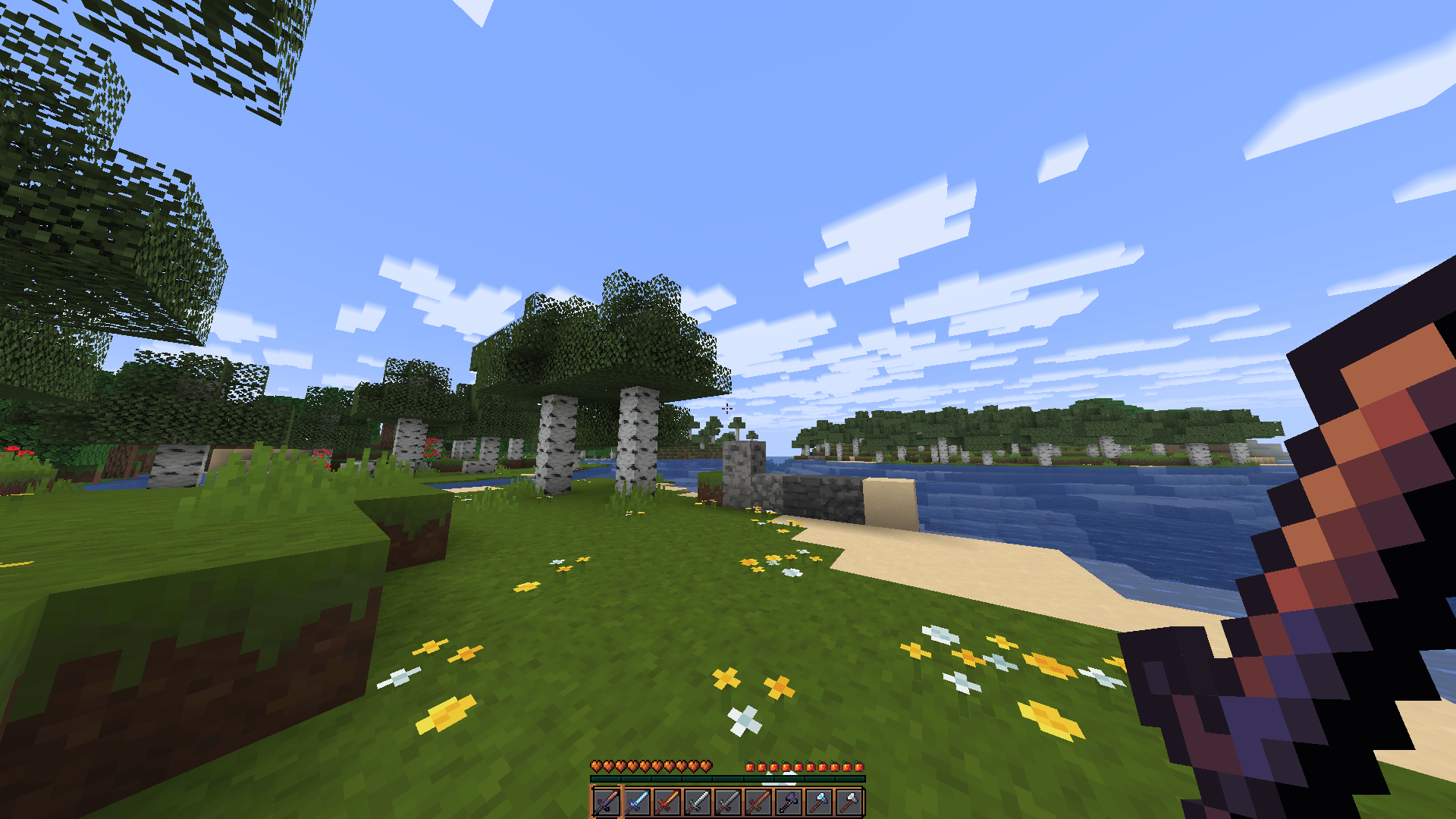
Sprightly is a smooth texture pack, made with love and a toony approach.
Sprightly gets rid of any "sharp", noisy textures, and makes Minecraft feel fresh, calm, and more lively. (This doesn't mean it couldn't be used for something like PvP :) )


Small (not all) feature description:
Sprightly adds: A smooth, clean dark mode theme for all GUIs (if it's not dark, I'm working on it)

Sprightly adds: less obstructive items (for example, shields are lowered)

Sprightly adds: fresh new textures that integrate with most, if not all, vanilla/other textures 

Sprightly adds: Mod integration (for example, integration with AppleSkin) 

And of course, much more, and much more to come!

This texture pack is in early development as of now, so do not expect a full overhaul just yet, but it is still a great pack that integrates very well, even with vanilla Minecraft or other texture packs!


If you have any problems, questions, etc., or just want to be a part of the community, join the Discord, and I will do my best to answer or help with anything you have to ask.


Inspired by other packs like: "Whimscape", "Resprited", "Mandalas dark mode", "Bare bones", and many more amazing texture packs. (even some shaders)

Sprightly 26.12
MC 1.21.2-Snapshot, 1.21, 1.21.6-snapshot, 1.20.5-Snapshot, 1.21.1-Snapshot, 1.20.2, 1.21.8, 1.20.5, 1.21.5, 1.21.4, 1.21.5-Snapshot, 1.20.6, 1.21.1, 1.21.6, 1.21.3, 1.21.7, 1.20.4
Release 2026-06-21 Get
sprightly 2.0.0
MC 1.21.2-Snapshot, 1.21, 1.21.6-snapshot, 1.20.2-Snapshot, 1.20.5-Snapshot, 1.21.1-Snapshot, 1.20.2, 1.21.8, 1.20.5, 1.21.5, 1.21.4, 1.21.5-Snapshot, 1.20.6, 1.21.1, 1.21.6, 1.21.3
Release 2026-04-11 Get
sprightly 1.0.0
MC 1.21.2-Snapshot, 1.21, 1.21.6-snapshot, 1.20.2-Snapshot, 1.20.5-Snapshot, 1.21.1-Snapshot, 1.20.2, 1.21.8, 1.20.5, 1.21.5, 1.21.4, 1.21.5-Snapshot, 1.20.6, 1.21.1, 1.21.6, 1.21.3
Release 2026-04-09 Get
sprightly-alpha
MC 1.21.2-Snapshot, 1.21, 1.21.6-snapshot, 1.20.2-Snapshot, 1.20.5-Snapshot, 1.21.1-Snapshot, 1.20.2, 1.21.8, 1.20.5, 1.21.5, 1.21.4, 1.21.5-Snapshot, 1.20.6, 1.21.1, 1.21.6, 1.21.3
Release 2026-04-08 Get

Requirements & install

How to use this resource pack in Minecraft
Resolution
16x
Minecraft
1.21.3 – 1.21.8
Install folder
.minecraft/resourcepacks

How to install resource packs

  1. Download the resource pack .zip file (do not extract it).
  2. In Minecraft open Options → Resource Packs → Open Pack Folder.
  3. Drop the .zip into the resourcepacks folder (.minecraft/resourcepacks).
  4. Move the pack to the Selected column and click Done.
Browse more: 16x resource packs 32x resource packs 64x resource packs 128x resource packs 256x resource packs 512x+ resource packs Resource Packs for 1.21.8 All resource packs

More from Ash_Art02

Advertisement Remove ads with Premium →

You Might Also Like