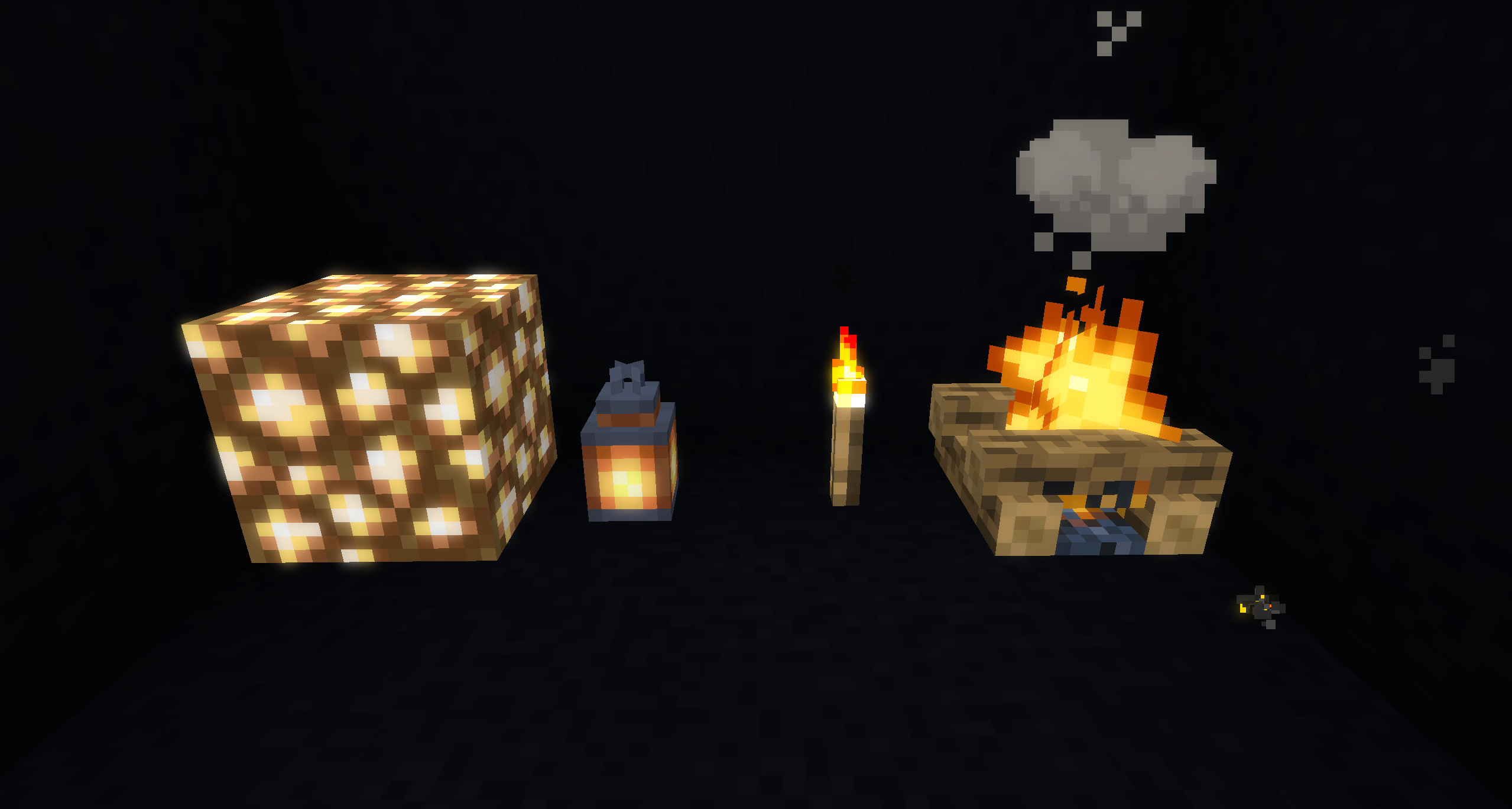
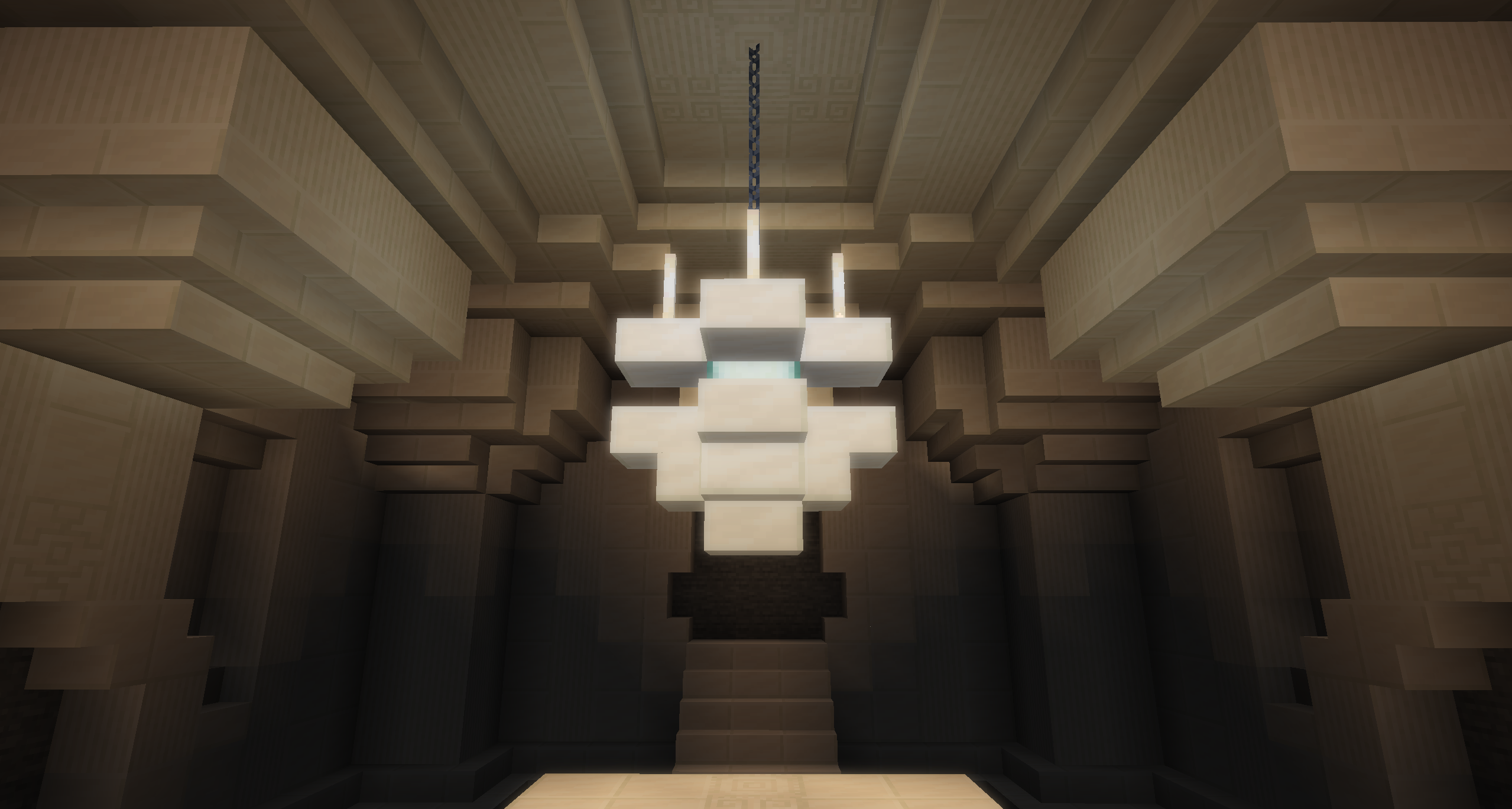
What does this resource pack do?
Spidew's Bloom Shaders is a small resource pack which adds the 'Bloom' post-processing effect to Minecraft using vanilla shaders.
What is Bloom?
Bloom is a common post-processing effect used in a wide variety of games to add a glow effect to bright surfaces and light sources.
Currently Minecraft lacks any bloom effect outside of Optifine shader packs, but this resource pack makes the effect available in vanilla Minecraft, and it even works in snapshots!
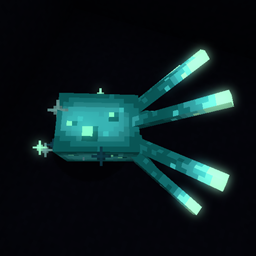
To see what Bloom actually does, here are some images of a Glow Squid with and without Bloom:
Without Bloom:

With Bloom: (The Glow Squid has never been more beautiful!)

What does this do for Minecraft?
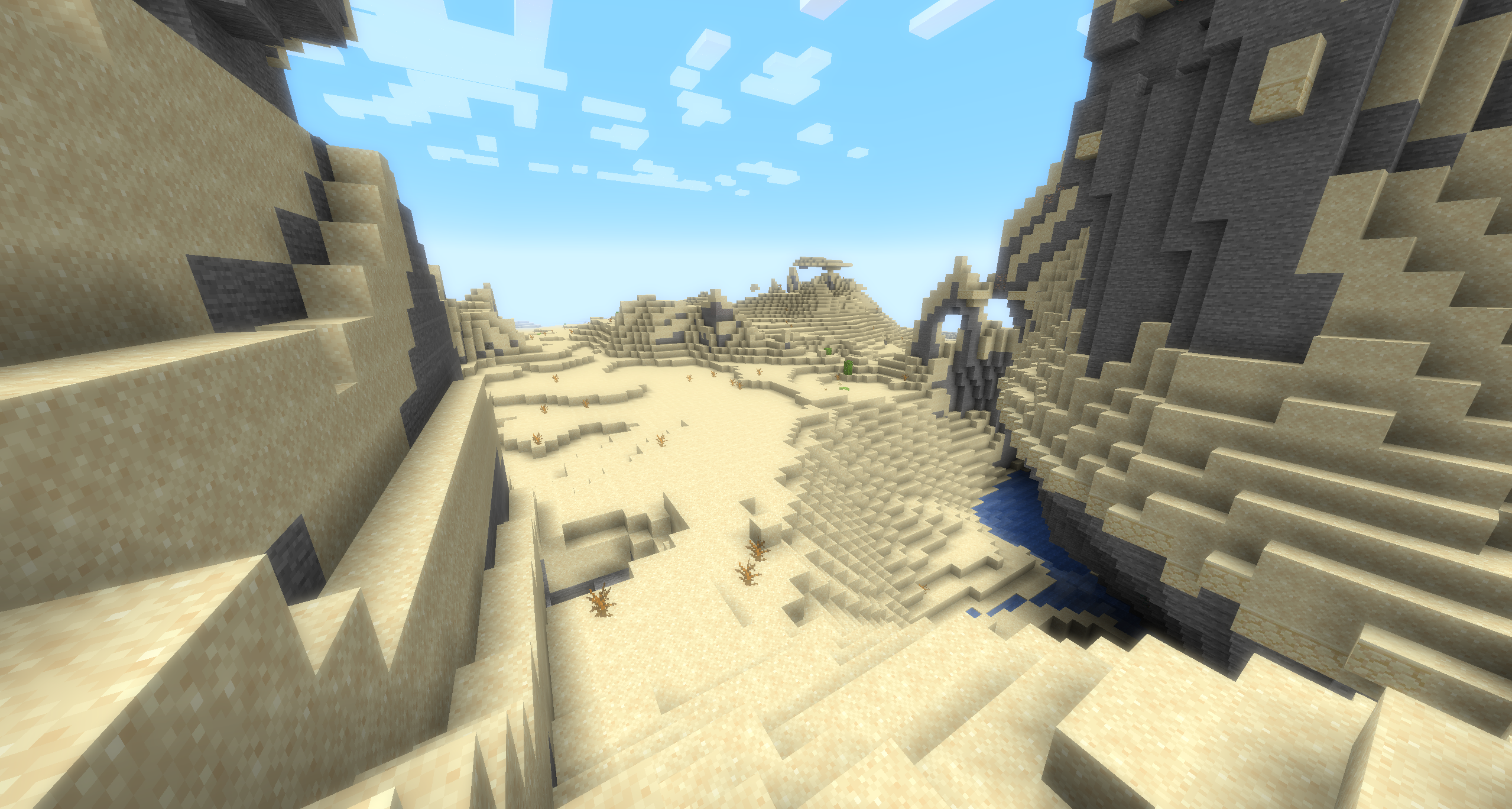
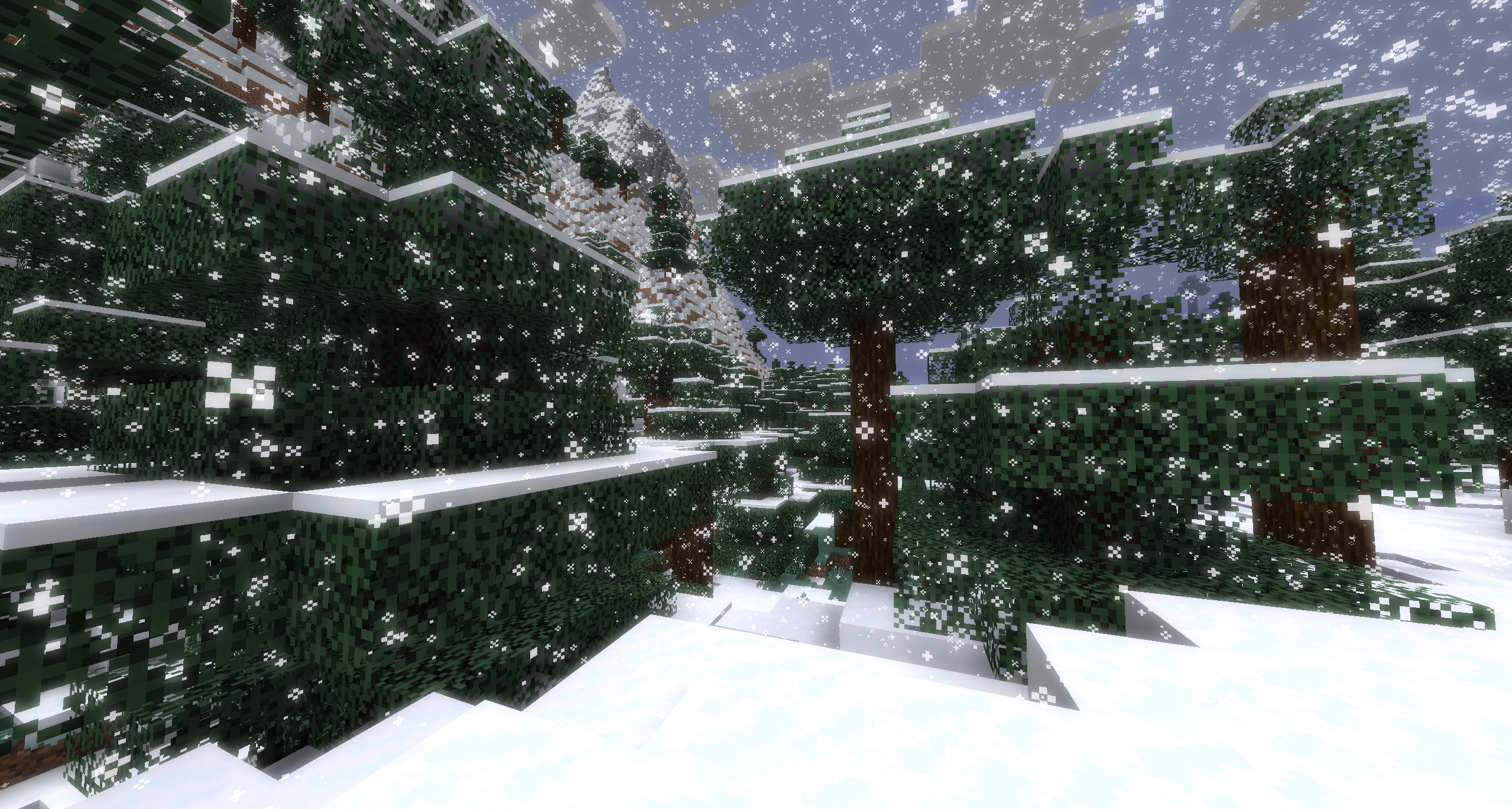
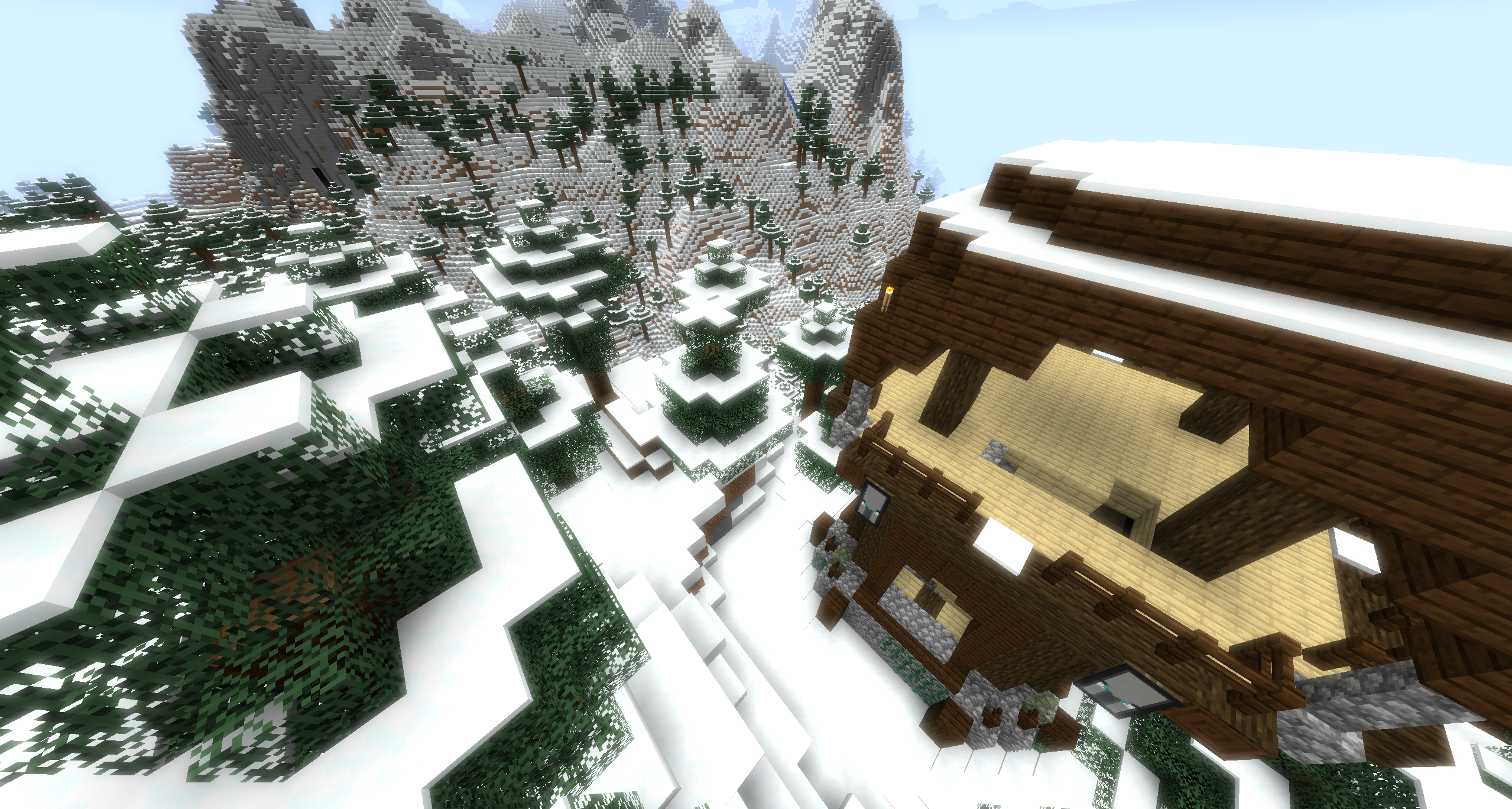
The Bloom effect is especially noticeable in Desert and snowy biomes during the day, and can also be observed on light sources and other well-lit and lightly colored surfaces.
The Bloom is especially pronounced when there is a strong contrast in the environment between bright surfaces and their backgrounds or adjacent surfaces, such as the Glow Squid on Black Concrete.
How do I use it?
This is a resource pack, so it can be installed like any other by dropping the .zip file into .minecraft/resourcepacks/
Due to the way Minecraft's rendering pipeline works, you will need to enable Fabulous! graphics for the Bloom to work.
I'm making improvements, but I need some help!
I've been working on an experimental version of the bloom shader which produces are far more pronounced effect.
Bright objects now have a bigger glow which is more intense at the centre and fades naturally with distance.
Here's a comparison between the current version available for download, and the experimental version:
Current Version:
Experimental:

But there's a problem: Currently I have no way to distinguish between objects which should, and should not glow.
This is because I'm not given enough information by Minecraft to use in my shaders.
Because of this limitation, things like this happen with the experimental shaders:
This is where I need help. I have a few posts on feedback.minecraft.net detailing features I need to solve this problem, and some other lesser issues.
If you would like to help out, please upvote these 3 posts:
https://feedback.minecraft.net/hc/en-us/community/posts/5218450832653-Java-Edition-Resource-Pack-Shaders-Core-Shader-Custom-Render-Targets
https://feedback.minecraft.net/hc/en-us/community/posts/5218350126221-Java-Edition-Resource-Pack-Shaders-Scaled-Post-Render-Targets
https://feedback.minecraft.net/hc/en-us/community/posts/5218420263437-Java-Edition-Resource-Pack-Shaders-Custom-Render-Target-Format
If these posts are upvoted enough, it will show enough community interest in improving Minecraft's vanilla shader functionality and grab Mojang's attention, and help me make these experimental shaders playable!
Thank you very much :D