IMPORTANT
Requires Optifine - Uses Optifine Dynamic Lighting
Doesn't work if not enabled on launch. It won't work on first launch so enable it and relaunch the game with it enabled and it will work. (I don't know why I guess optifine doesn't detect it sorry for the inconvenience)
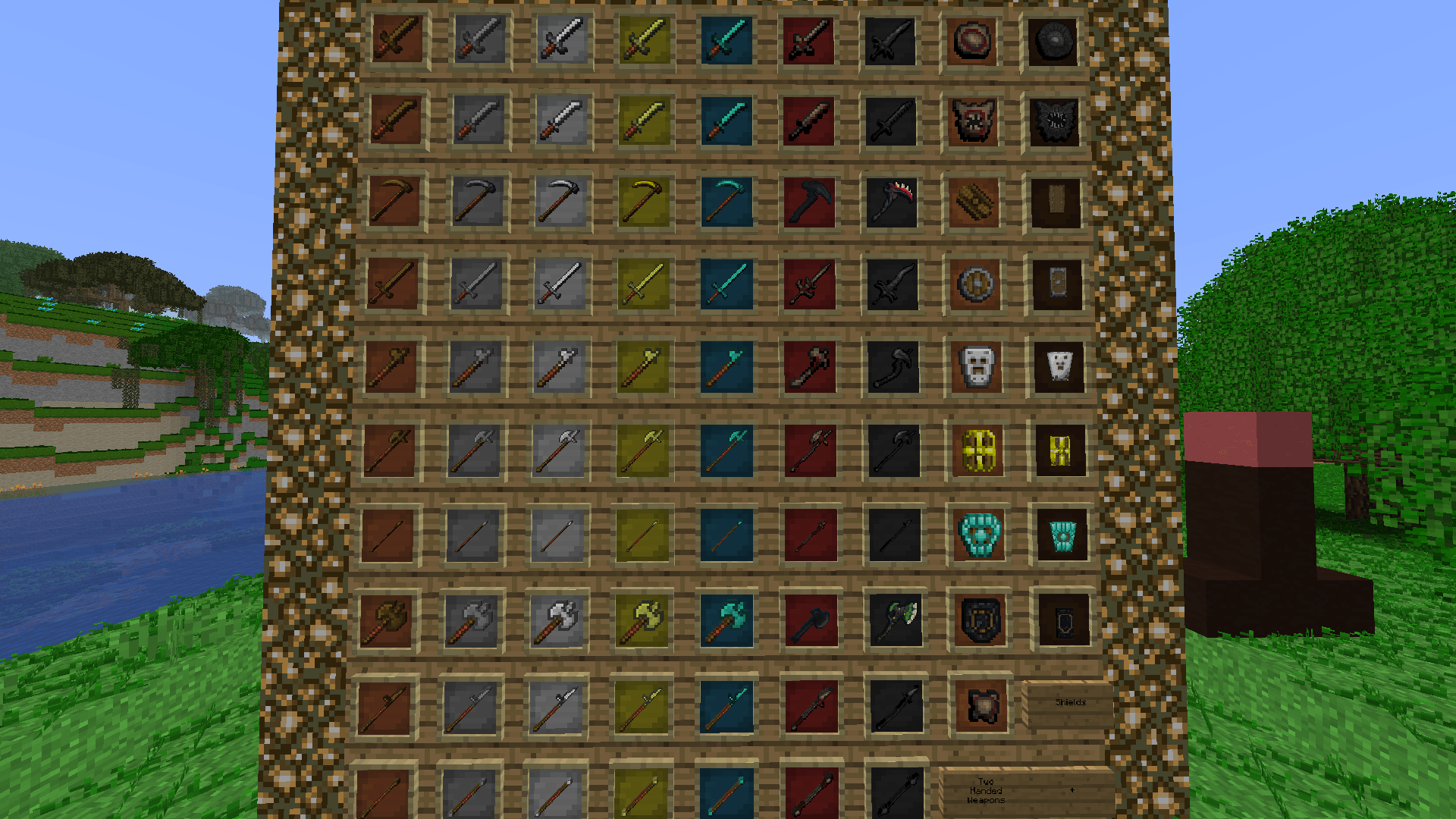
I always wanted a mod that just made the players always have dynamic lighting so I could hold a shield but never found any so I tried my best to make my own. I sadly cannot make items glow without making mobs that hold them glow so I just made items from Spartan Weaponry and some addons glow. (Two handed weapons, shields and bows) to avoid overlap.
Compatibilities:
Spartan Weaponry
Spartan Shields
Scape and Spartan: Parasites
Let me know if you want me to add compatibility for other Spartan addons.
You can use this as a template to make your own items glow:
To do this just make a folder in the assets folder named the mod id of the items you want to make glow and in that folder put a dynamic_lights.properties file
format: "items=itemname:1-15"
"entities=entityname:1-15"
example: "items=lit_torch:15 lit_lantern:10"
1-15 is the light level just put a space between each item and make sure they are all from the same mod
Tested and working on 1.12.2 and most likely works on other versions (Try for yourself and let me know)