Mineuniverse
Resource Packs
Soviet's Optimised Pack

Soviet's Optimised Pack

RESOURCE PACK
Minor Adjustments and Game Optimization in one small pack!
by realsovietseal
Download Claim this project
557 downloads
0 likes
Updated Oct 14, 2026
0 hypes
16x Miscellaneous
Advertisement Remove ads with Premium →


The Soviet's Optimised Pack conatins a variety of tweaks and slight modifications to Vanilla, including:


  • Shorter Grass
  • Lower Shield
  • Lower Fire
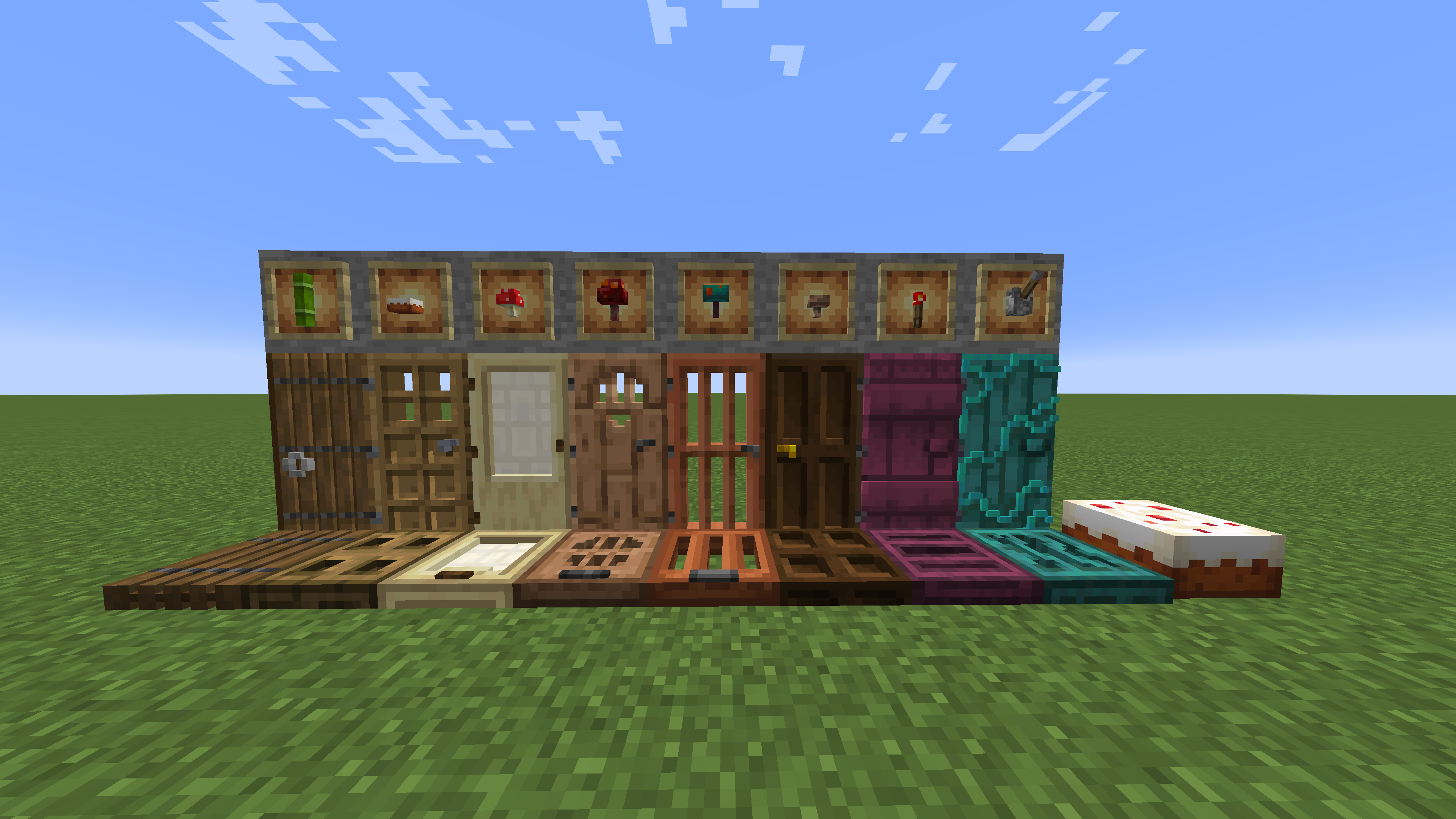
  • Removal of Cherry from Cake
  • HD Shield Banners
  • Clear Water
  • Quiter Game Noise (Enderman, Minecart, Pistons and Other Redstone, etc)
  • 3D Items (Chains, Bookshelves, Trapdoors, etc)
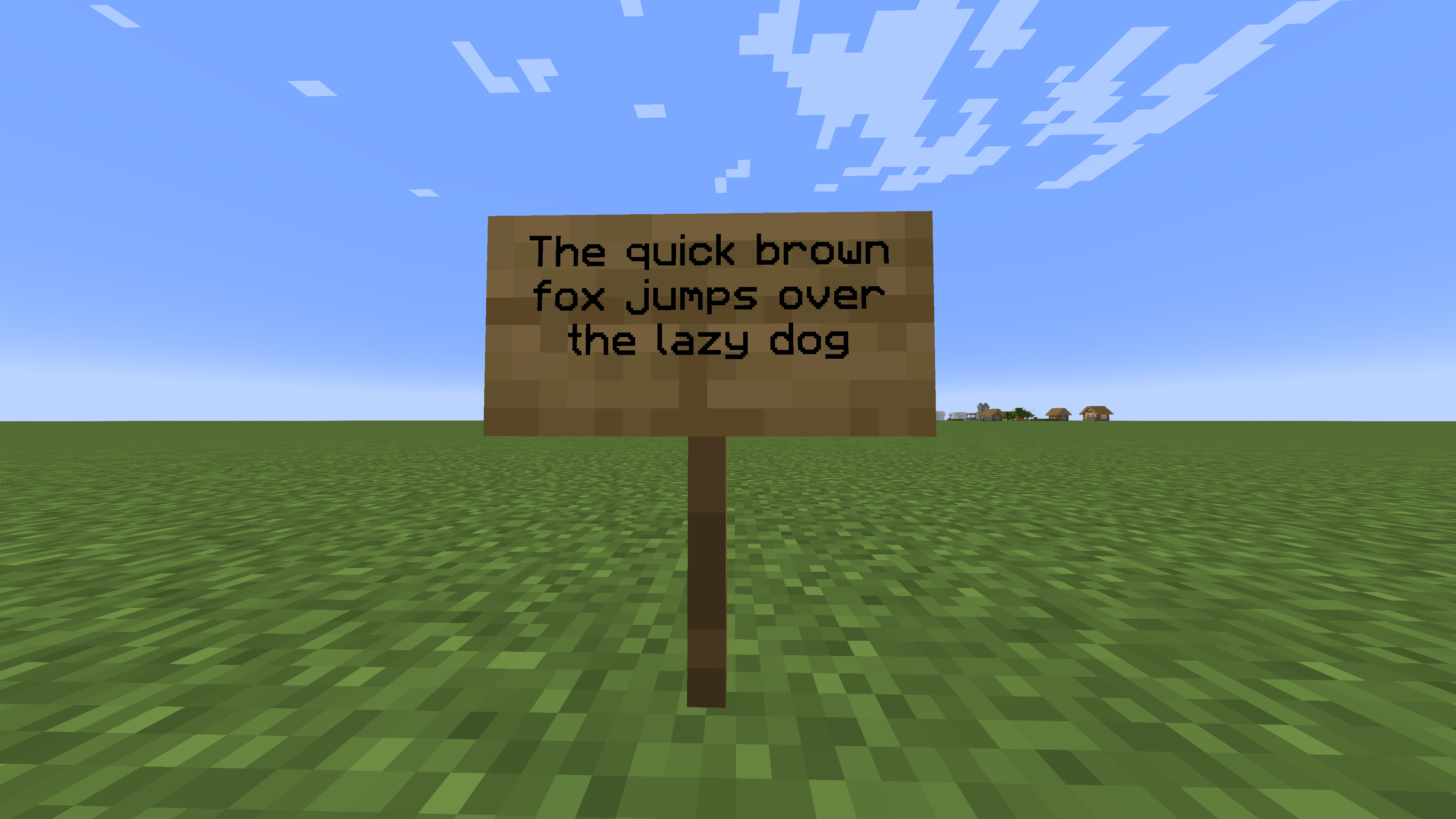
  • More Defined Font
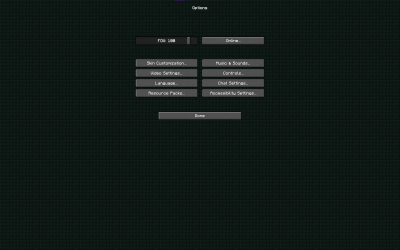
  • Custom Background (Dark Prismarine)
  • Dark UI
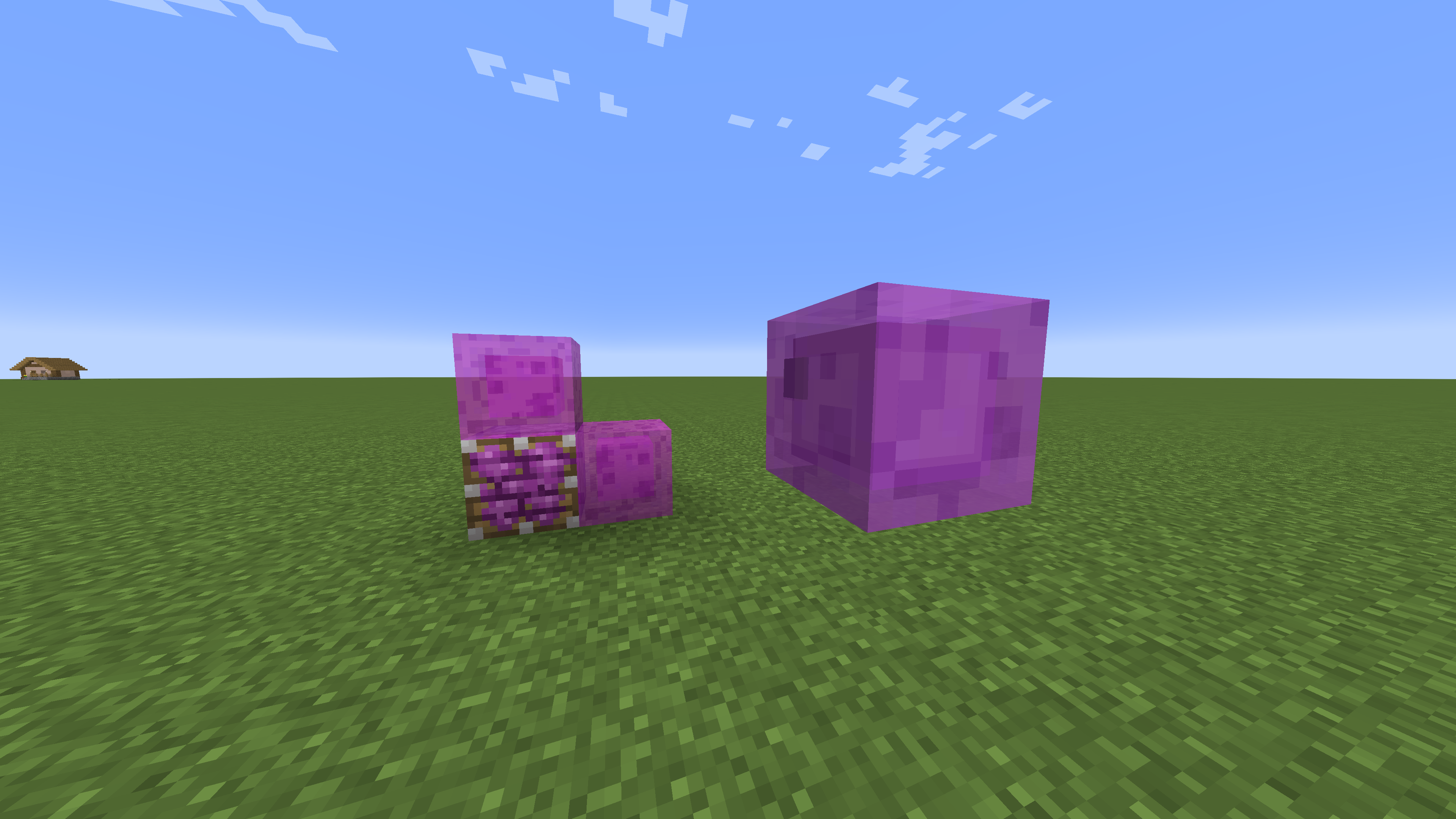
  • Magenta Slimes
  • Brewing Guide
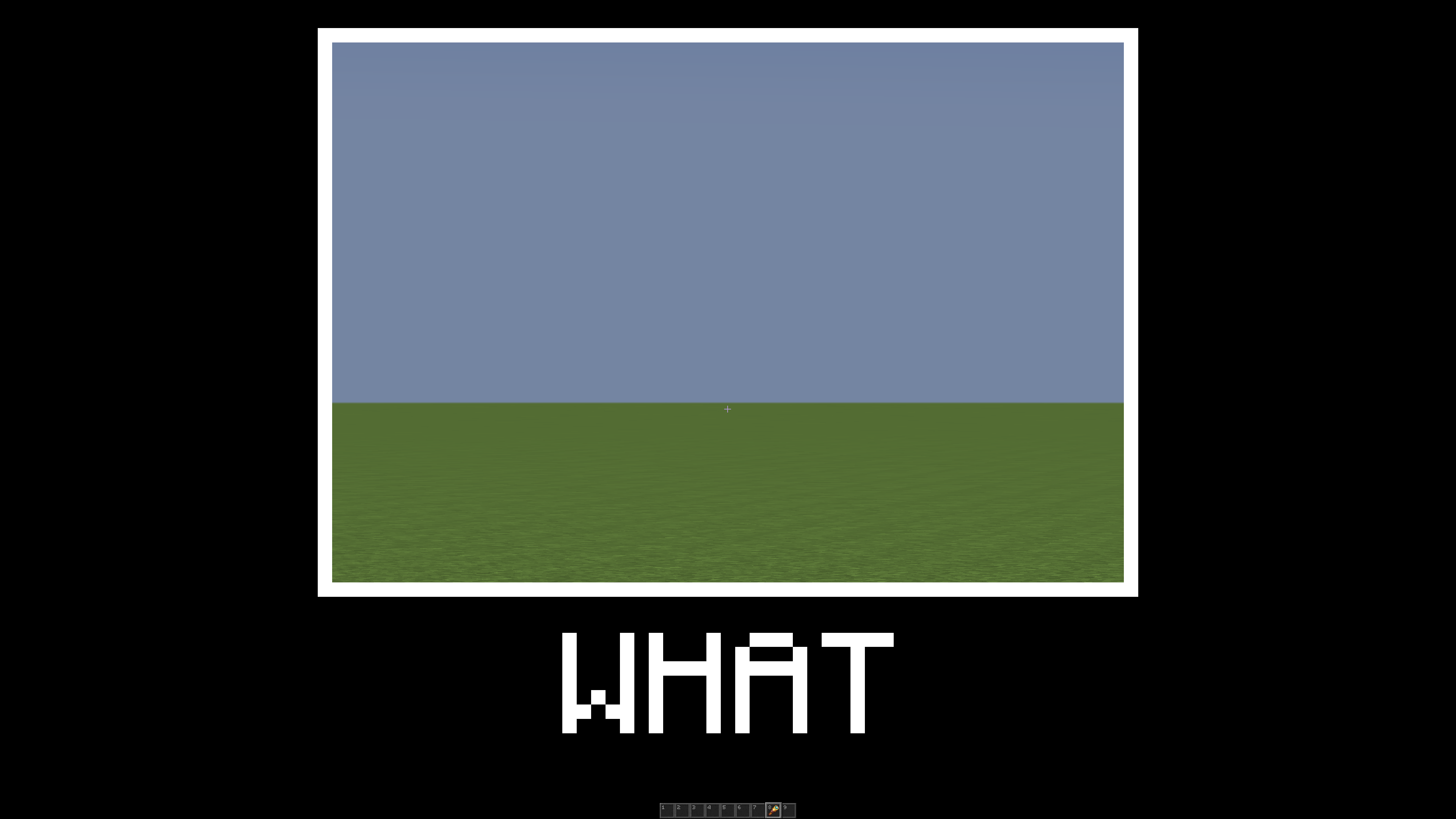
  • Spyglass 'WHAT' Meme
  • Pixel Fixes for Entites
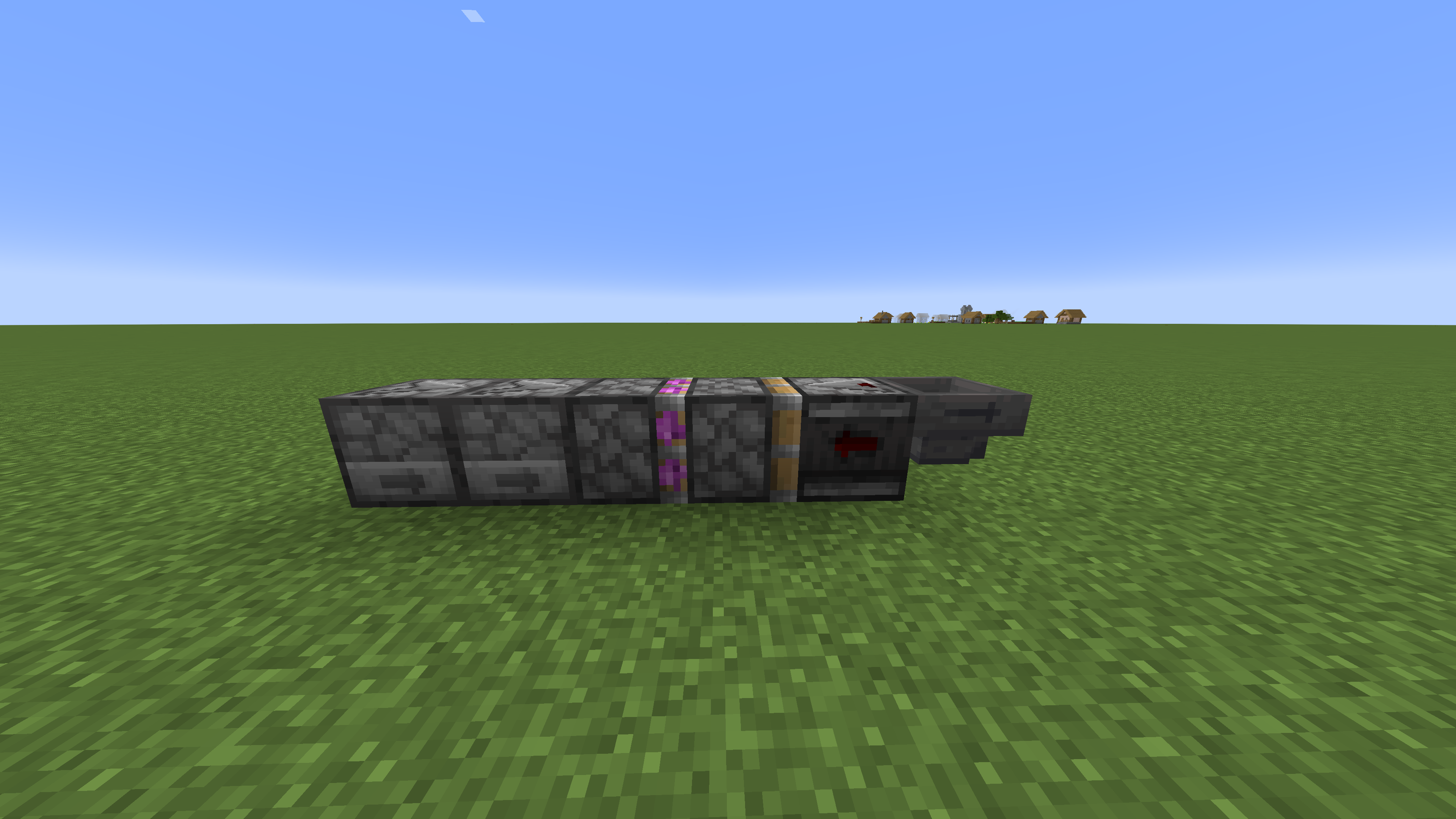
  • Borderless Block Modifications (Glass, Tinted Glass, Stained Glass, Iron Blocks)
  • Directional Block Additions (Observers, Pistons, Sticky Pistons)
  • Updated Mine Progress Bar
  • and a few more minor additions...

    This pack plans to add more in the future for more 3D Items, modified entites and more.
Soviet's Pack v1.1.zip
MC 1.18.1
Release 2022-01-26 Get

Requirements & install

How to use this resource pack in Minecraft
Resolution
16x
Minecraft
1.18.1
Install folder
.minecraft/resourcepacks

How to install resource packs

  1. Download the resource pack .zip file (do not extract it).
  2. In Minecraft open Options → Resource Packs → Open Pack Folder.
  3. Drop the .zip into the resourcepacks folder (.minecraft/resourcepacks).
  4. Move the pack to the Selected column and click Done.
Browse more: 16x resource packs 32x resource packs 64x resource packs 128x resource packs 256x resource packs 512x+ resource packs Resource Packs for 1.18.1 All resource packs
Advertisement Remove ads with Premium →

You Might Also Like