Mineuniverse
Resource Packs
Soulbound GUI

Soulbound GUI

RESOURCE PACK
Futuristic Interface, HUD Overhaul, Quality of Life improvements
by Amynta_
Download Claim this project
1,033 downloads
0 likes
Updated Oct 14, 2026
0 hypes
32x Font Packs Miscellaneous Mod Support Modern
Advertisement Remove ads with Premium →

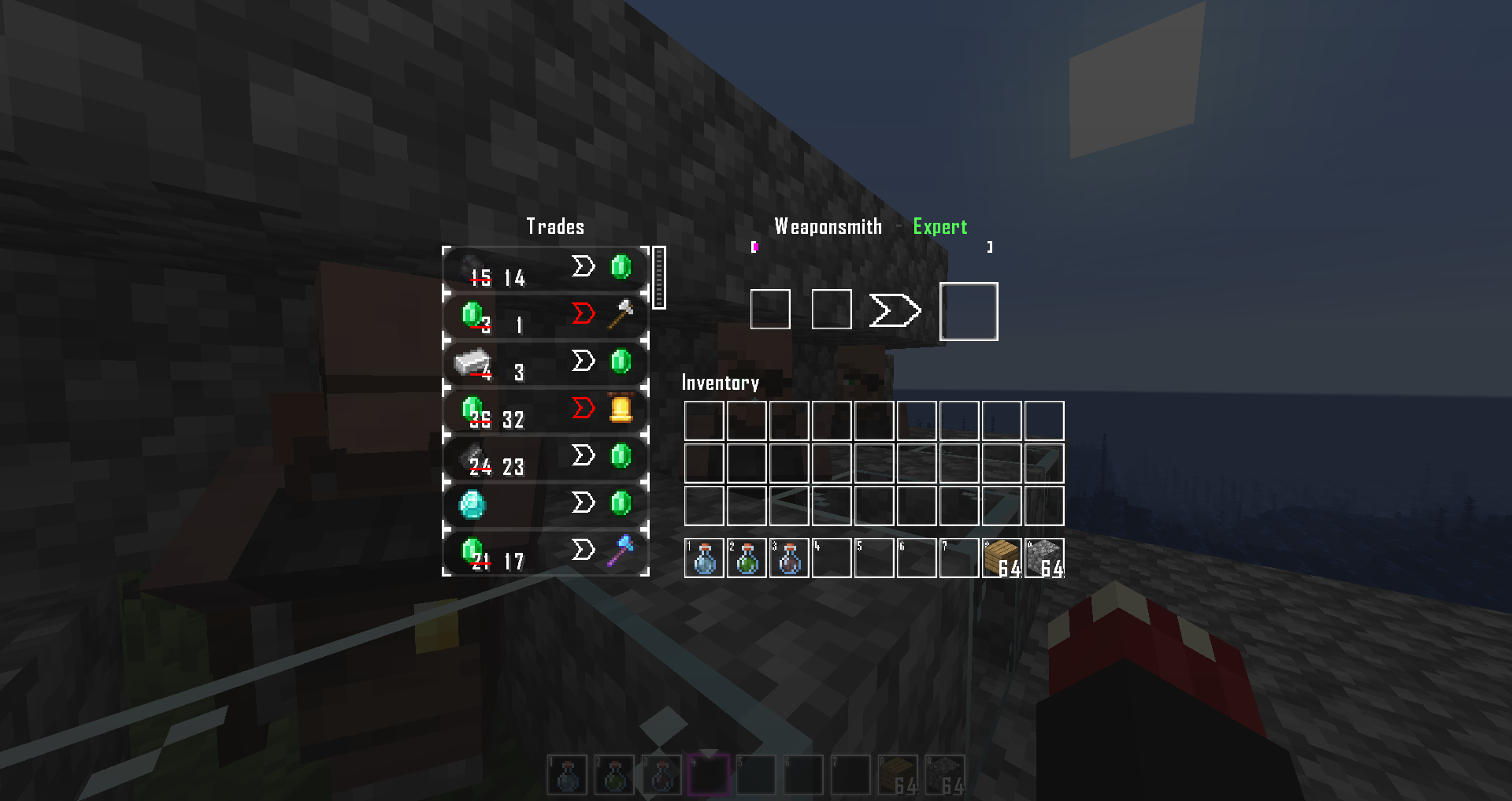
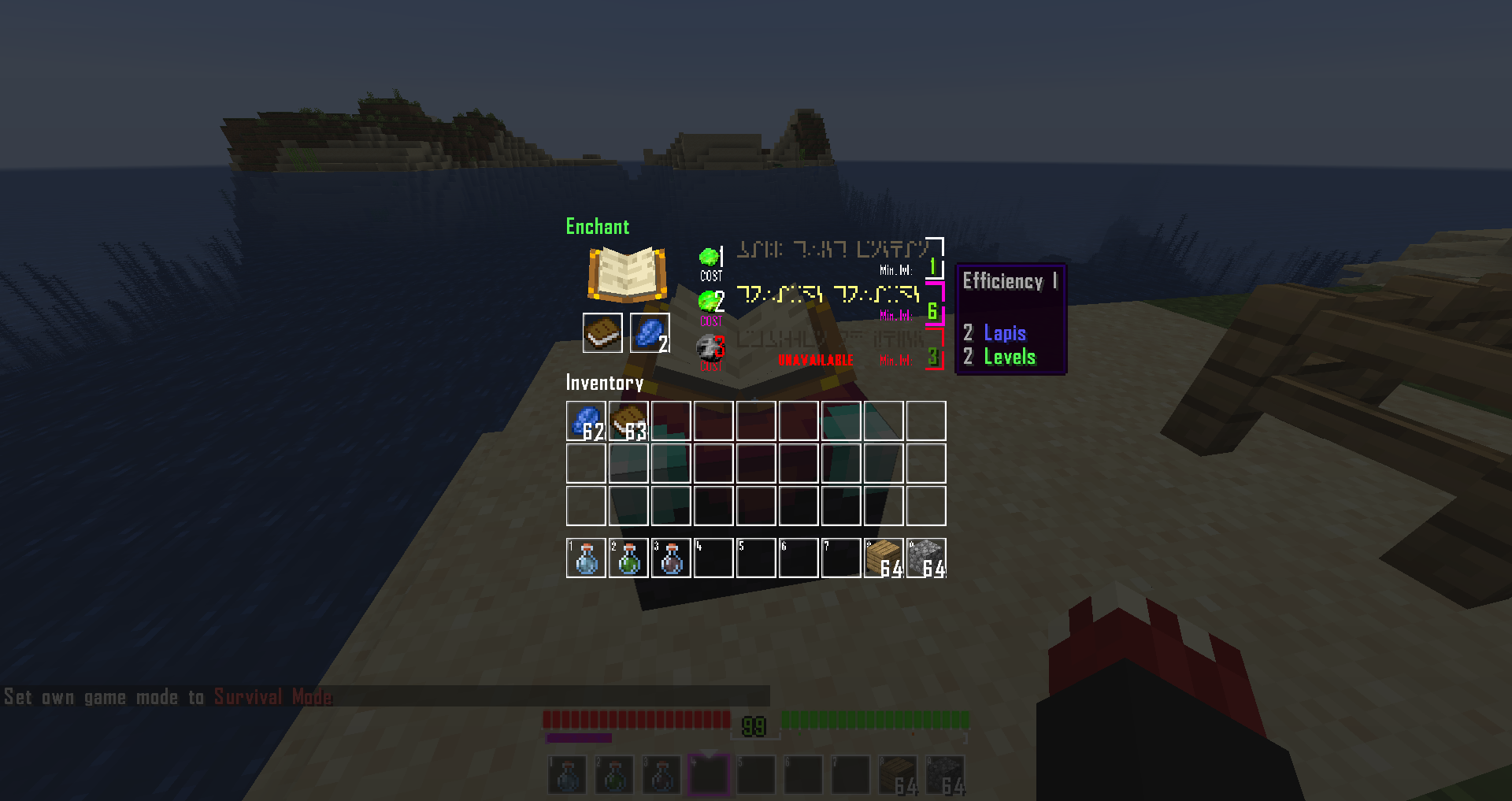
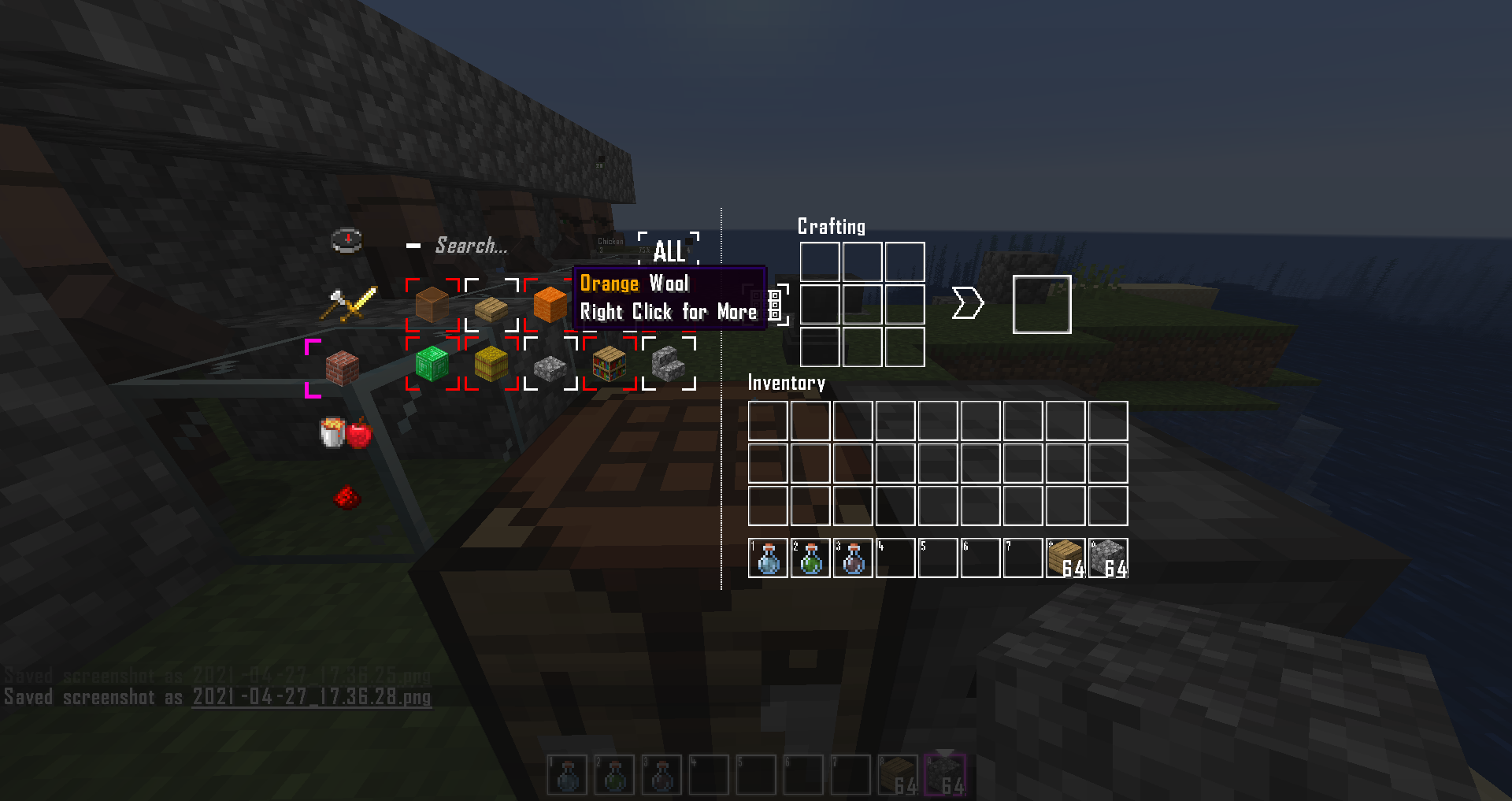
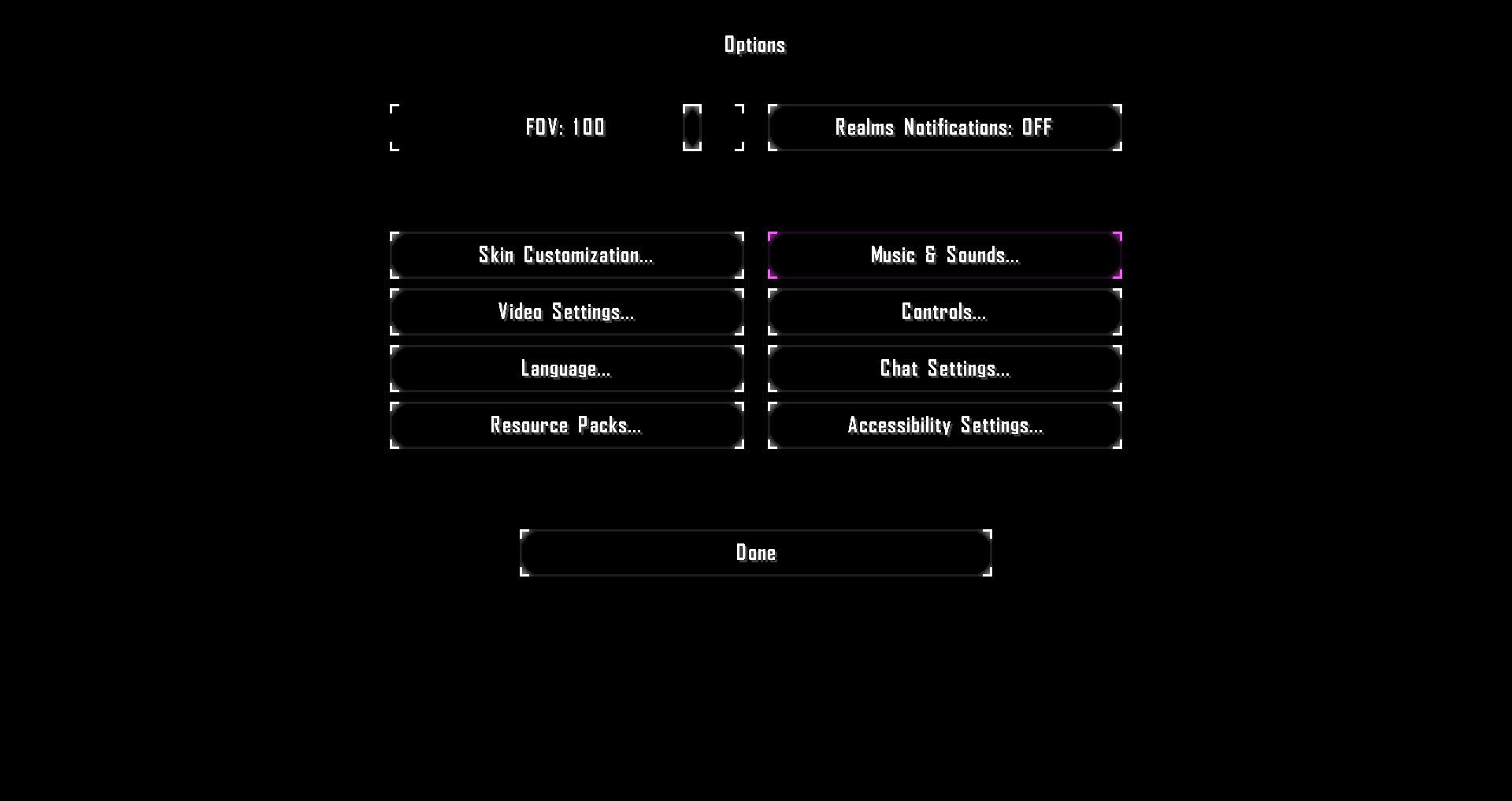
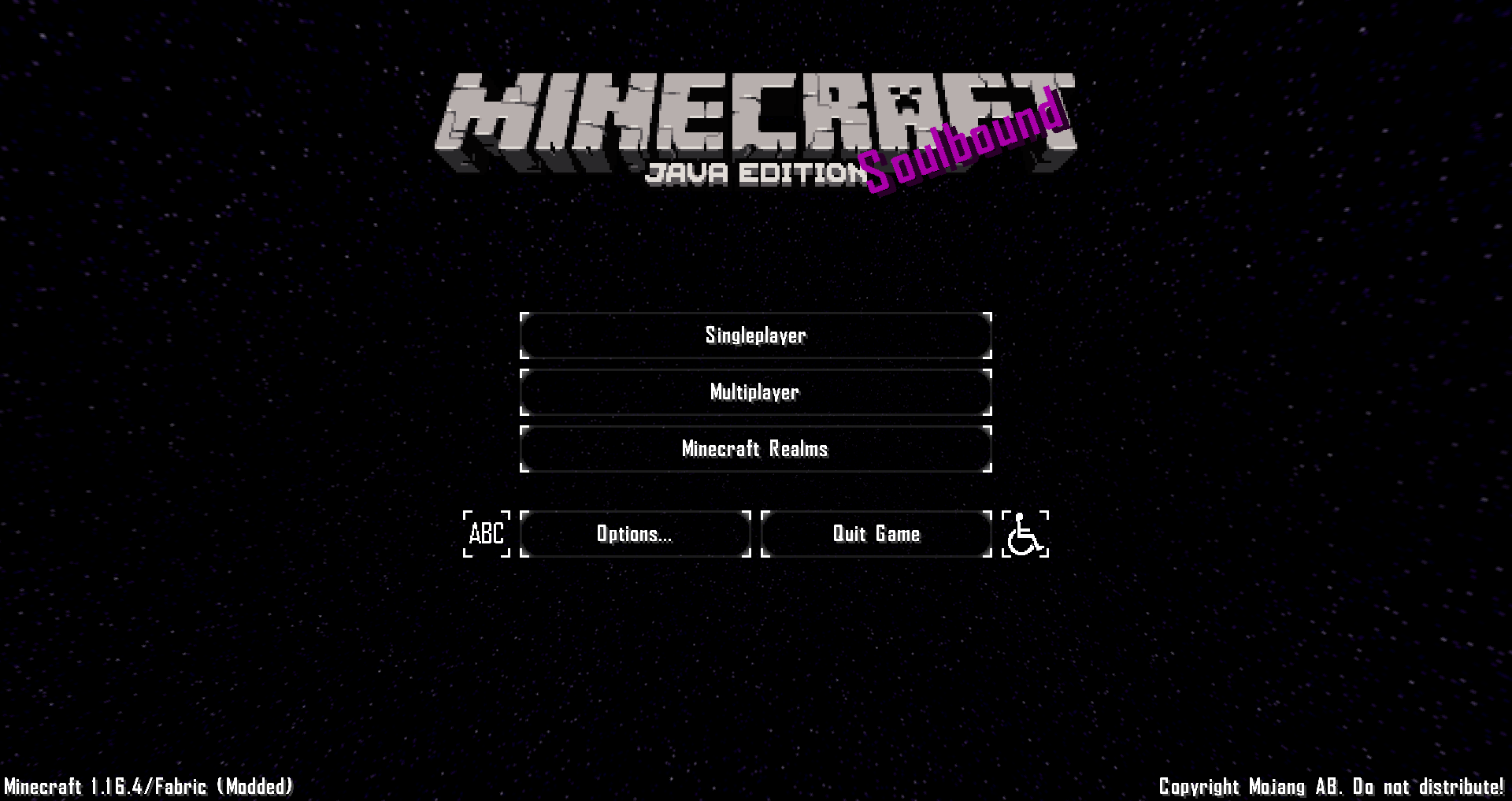
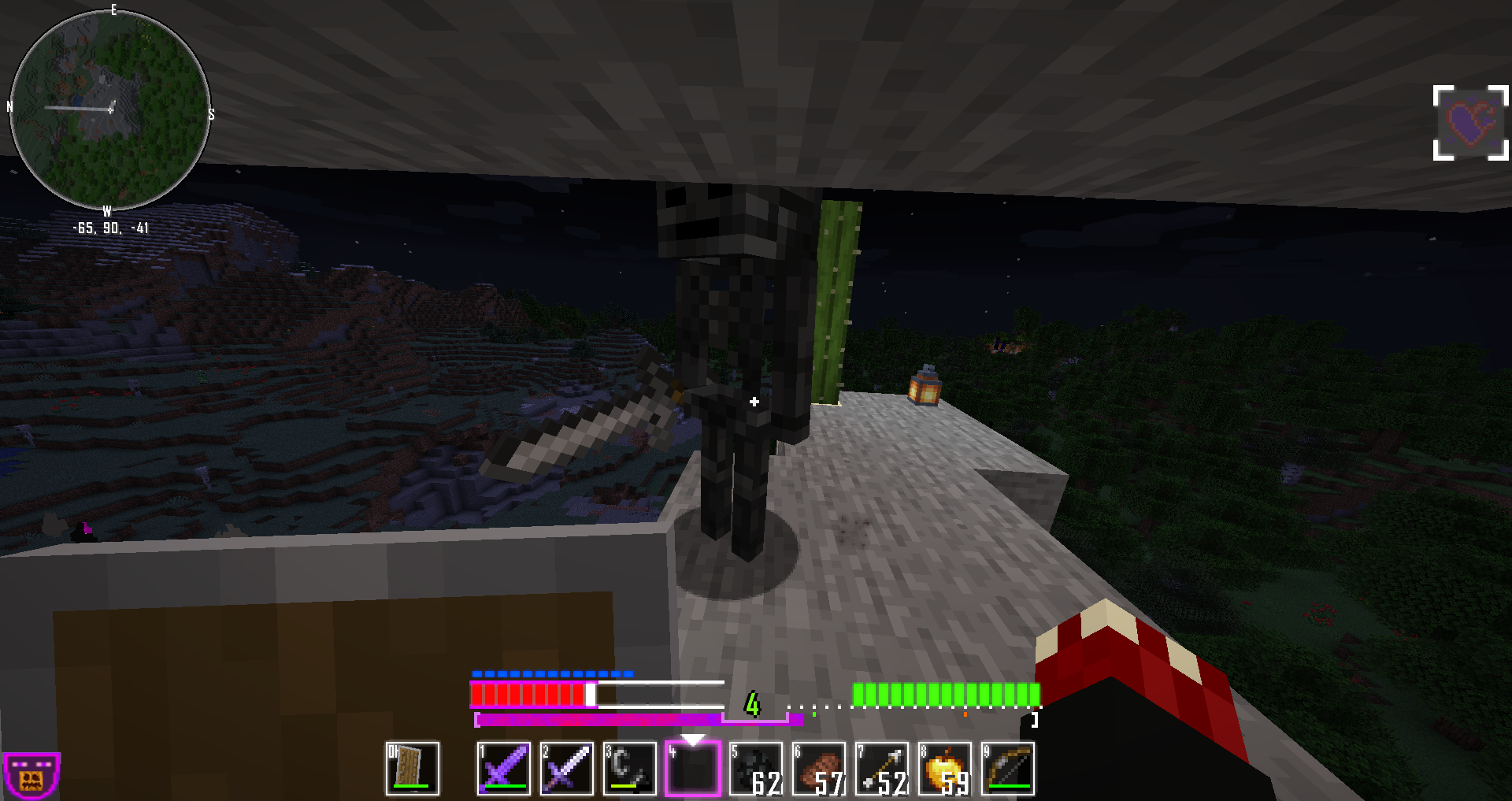
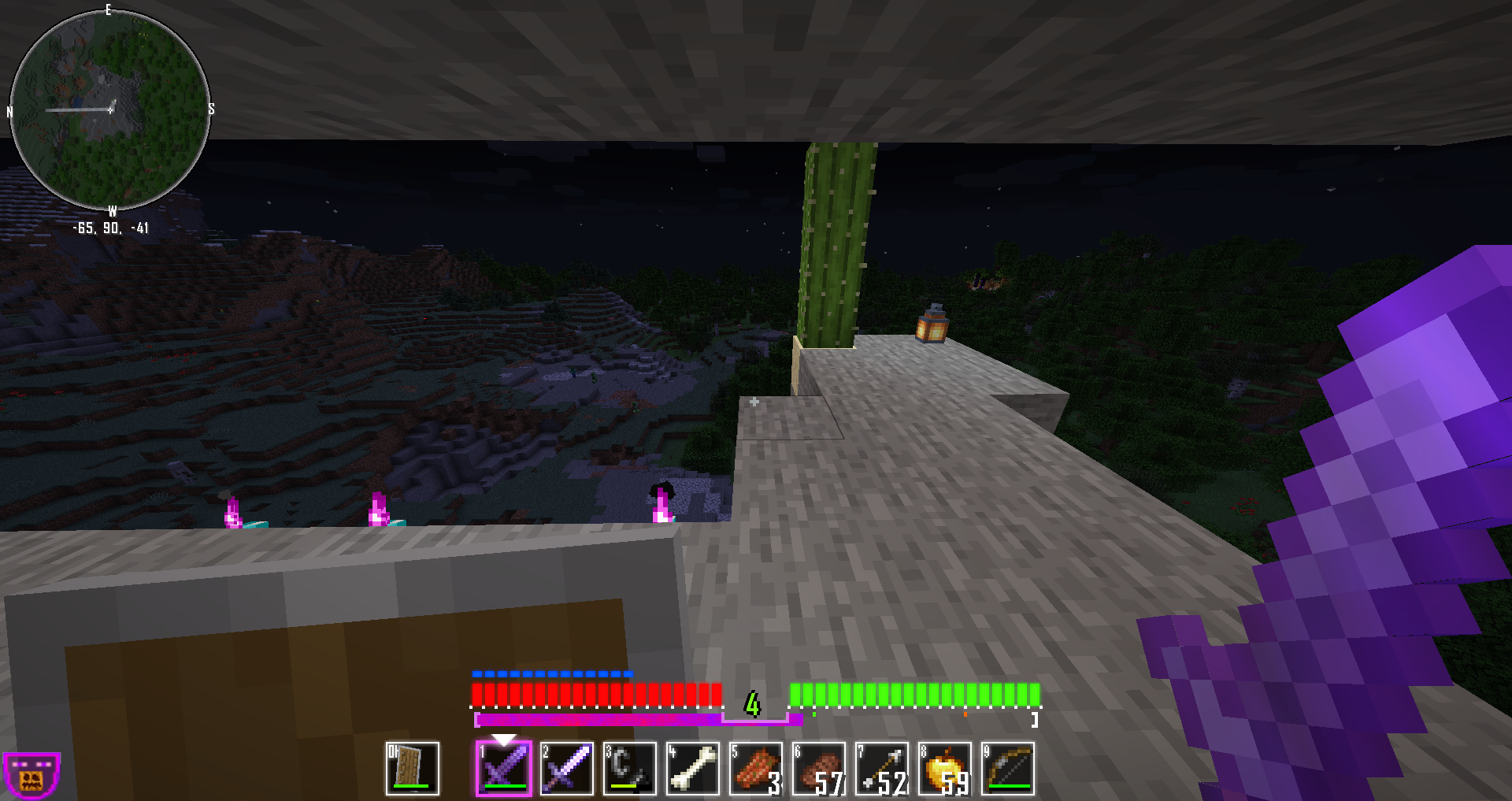
This Resourcepack replaces most of Minecraft's menus and interfaces with a more simple, transparent and futuristic look and feel, all inspired by the game Freelancer!

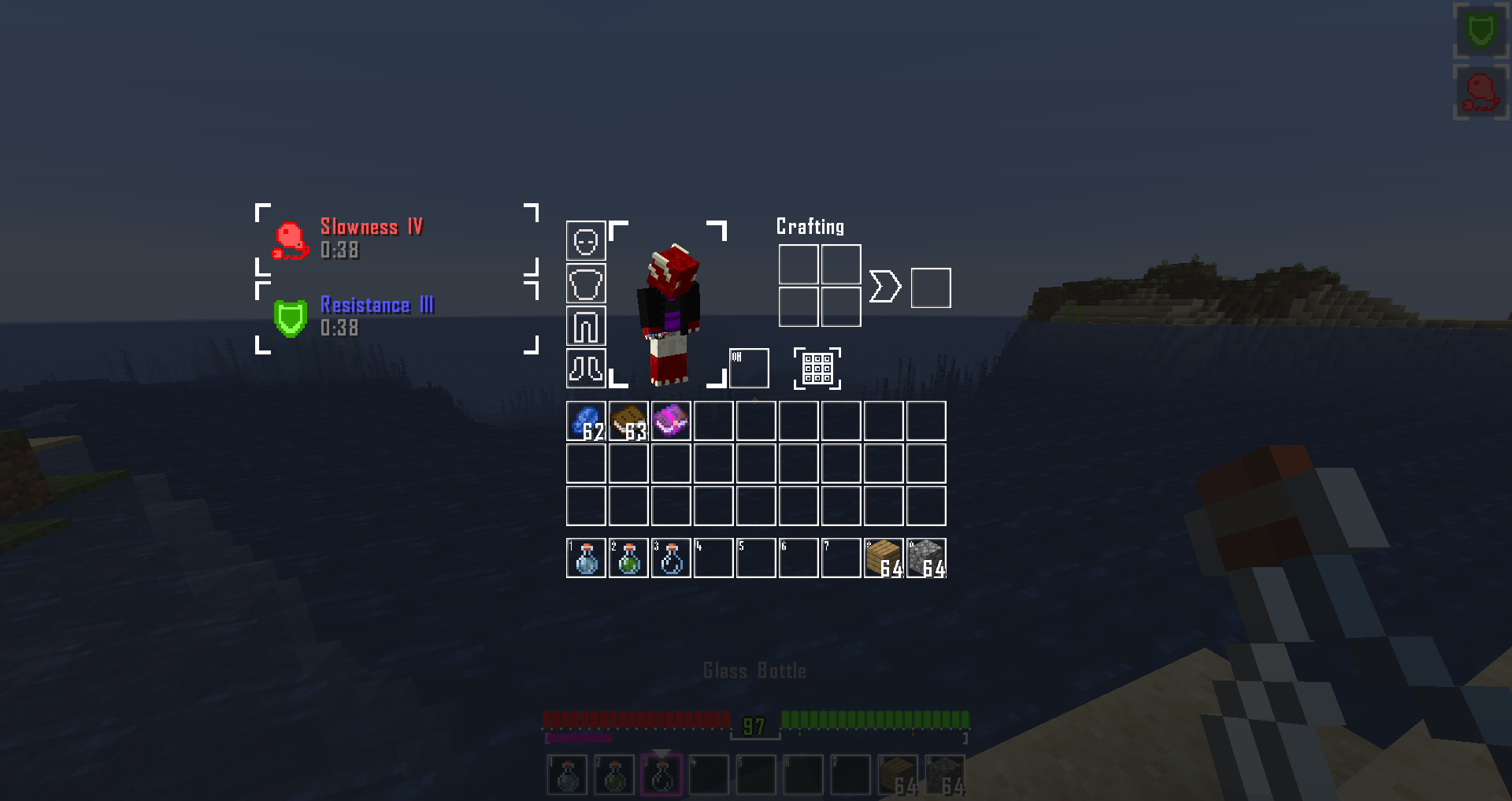
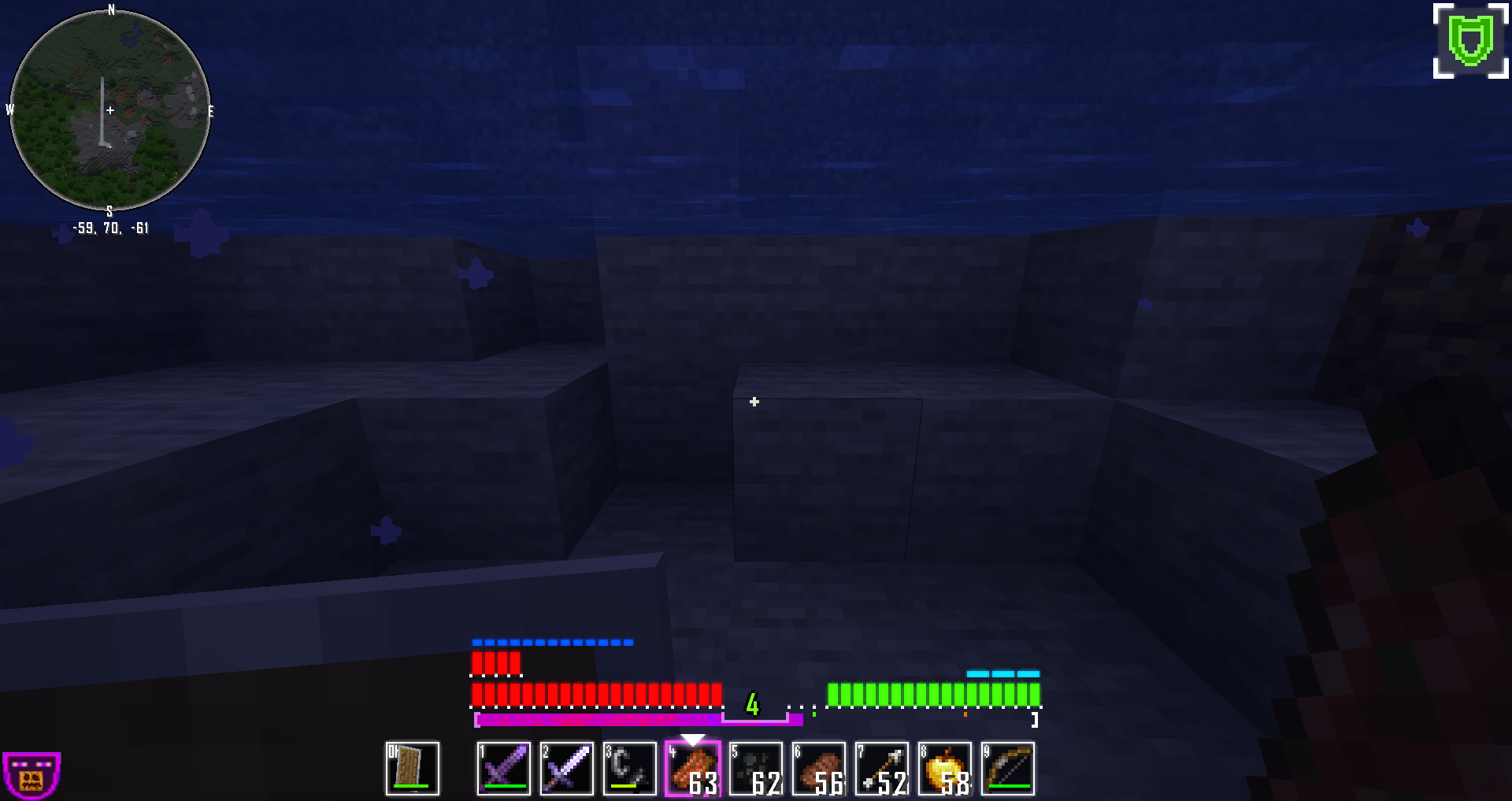
Most importantly however, the HUD is made to look like a proper, futuristic HUD, including some glowy bits, some quality-of-life improvements, as well as proper health- and hunger bars, rather than hearts and meat.

1.2 Update

Downloads


Important

Servers that add a boss life bar at the top of the screen, and certain UI elements added by mods can lead to the transparency completely shitting the bed, sadly. There is an optional module available for download, which you can enable in such scenarios, so that you can still see what's going on.

Nothing else I can really do about that, sorry.

[ Transparency Fix Download ]


Features:

- Futuristic, glowy, unobstructive HUD and interface

- Agency FB font!

- All 20 health and hunger points are displayed as single bars

- Armor points displayed as smaller, blue bars

- Little markers under hunger bar for sprinting and regeneration threshold

- Wither, poison and hunger effects are made less annoying and obstructive in the HUD

- New interface-click SFX, xp-gain and level-up SFX, and achievement-SFX >> all based on Freelancer!

- COLORFUL, streamlined text depending on context, without going over the top!  (Only implemented with en_US !)

- Bad humor

- Support for the AppleSkin saturation meter.


Includes optional music module to turn Minecraft's soundtrack into Freelancer's! Embrace those early 2000s sci-fi tunes.

Music Module Download (118mb in size - completely optional !)

SB GUI - 1.2 BLUE
MC 1.16.5
Release 2022-10-11 Get
SB GUI - 1.2 CYAN
MC 1.16.5
Release 2022-10-11 Get
SB GUI - 1.2 GREEN
MC 1.16.5
Release 2022-10-11 Get
SB GUI - 1.2 ORANGE
MC 1.16.5
Release 2022-10-11 Get
SB GUI - 1.2 PURPLE
MC 1.16.5
Release 2022-10-11 Get
SB GUI - 1.2 RED
MC 1.16.5
Release 2022-10-11 Get
SB GUI - 1.2 YELLOW
MC 1.16.5
Release 2022-10-11 Get
Soulbound GUI [1.1] [1.16.5]
MC 1.16.3, 1.16.1, 1.16, 1.16.5, 1.16.4, 1.16.2
Release 2021-04-28 Get
Soulbound Music Module [1.2] [1.16.5]
MC 1.16.3, 1.16.1, 1.16, 1.16.5, 1.16.4, 1.16.2
Beta 2021-04-28 Get
Soulbound Transparency Fix [1.2] [1.16.5]
MC 1.16.3, 1.16.1, 1.16, 1.16.5, 1.16.4, 1.16.2
Alpha 2021-04-28 Get
Soulbound GUI [1.0] [1.16.4]
MC 1.16.3, 1.16.1, 1.16, 1.16.4, 1.16.2
Release 2021-01-05 Get

Requirements & install

How to use this resource pack in Minecraft
Resolution
32x
Minecraft
1.16 – 1.16.5
Install folder
.minecraft/resourcepacks

How to install resource packs

  1. Download the resource pack .zip file (do not extract it).
  2. In Minecraft open Options → Resource Packs → Open Pack Folder.
  3. Drop the .zip into the resourcepacks folder (.minecraft/resourcepacks).
  4. Move the pack to the Selected column and click Done.
Browse more: 16x resource packs 32x resource packs 64x resource packs 128x resource packs 256x resource packs 512x+ resource packs Resource Packs for 1.16.5 All resource packs
Advertisement Remove ads with Premium →

You Might Also Like