REQUIRES OPTIFINE!! ⚠️google translator was used to do the part in english, sorry for the mistakes⚠️
Para colocar o totem com sua skin/To place the totem with your skin:
assets>minecraft>textures>item>remova o arquivo que está escrito "totem_of_undying">Coloque sua skin>renomeia para "totem_of_undying"
assets>minecraft>textures>item>remove the file that says "totem_of_undying">Put your skin>rename it to "totem_of_undying
Texturas:
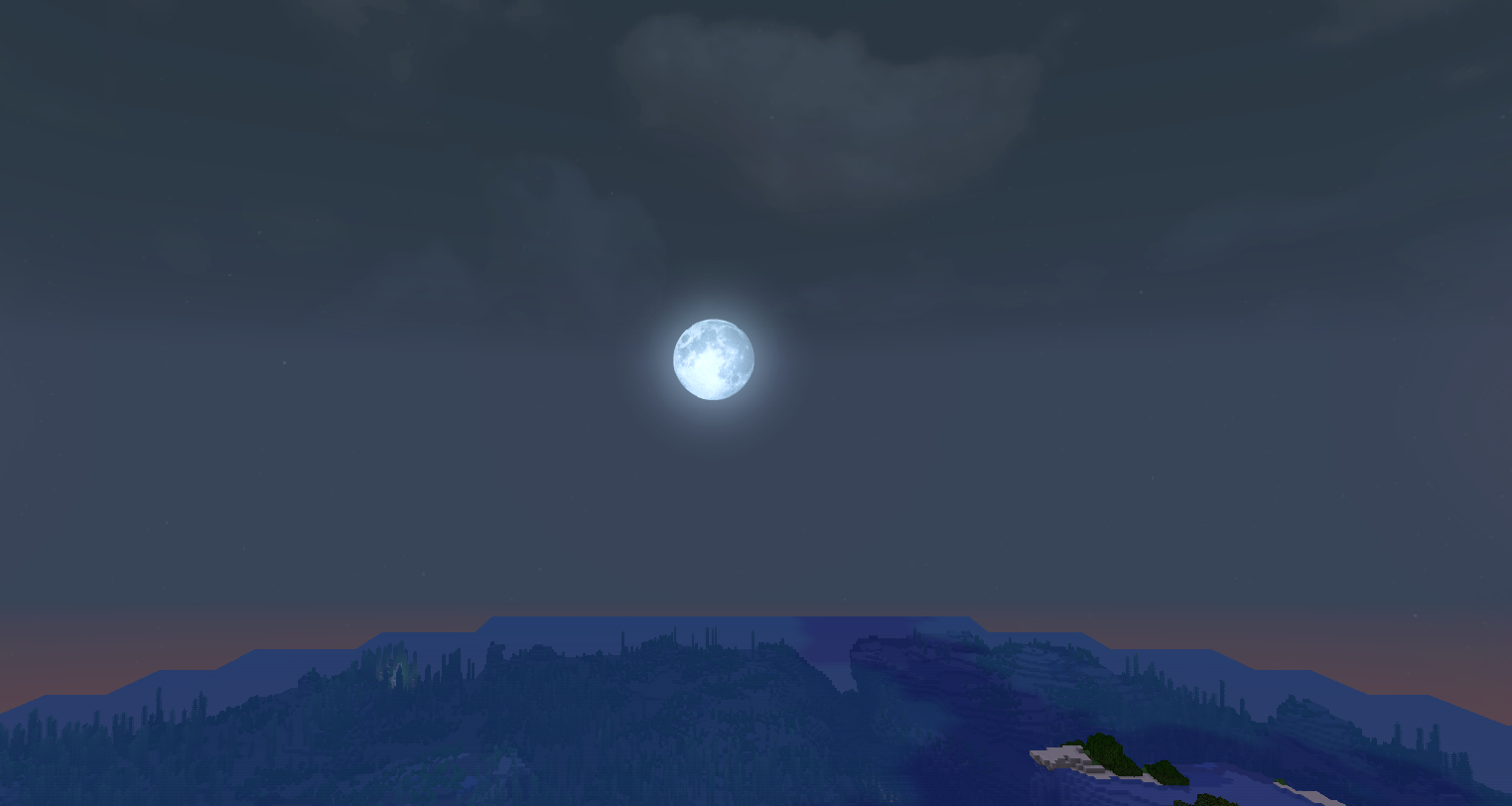
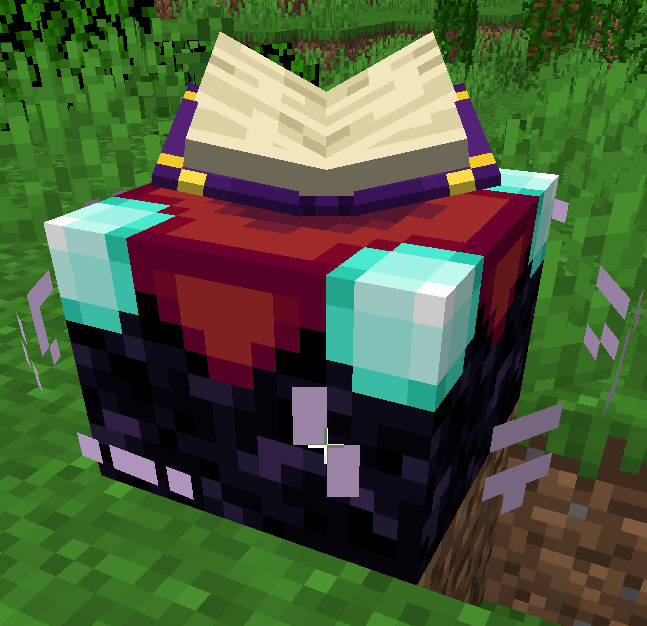
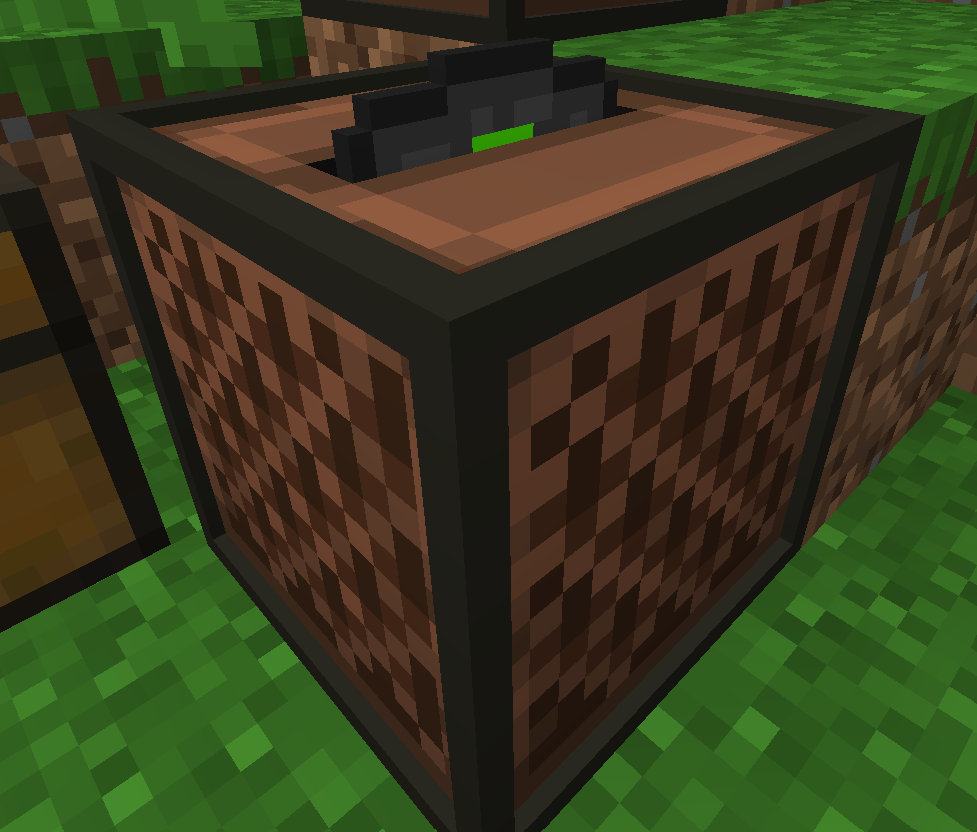
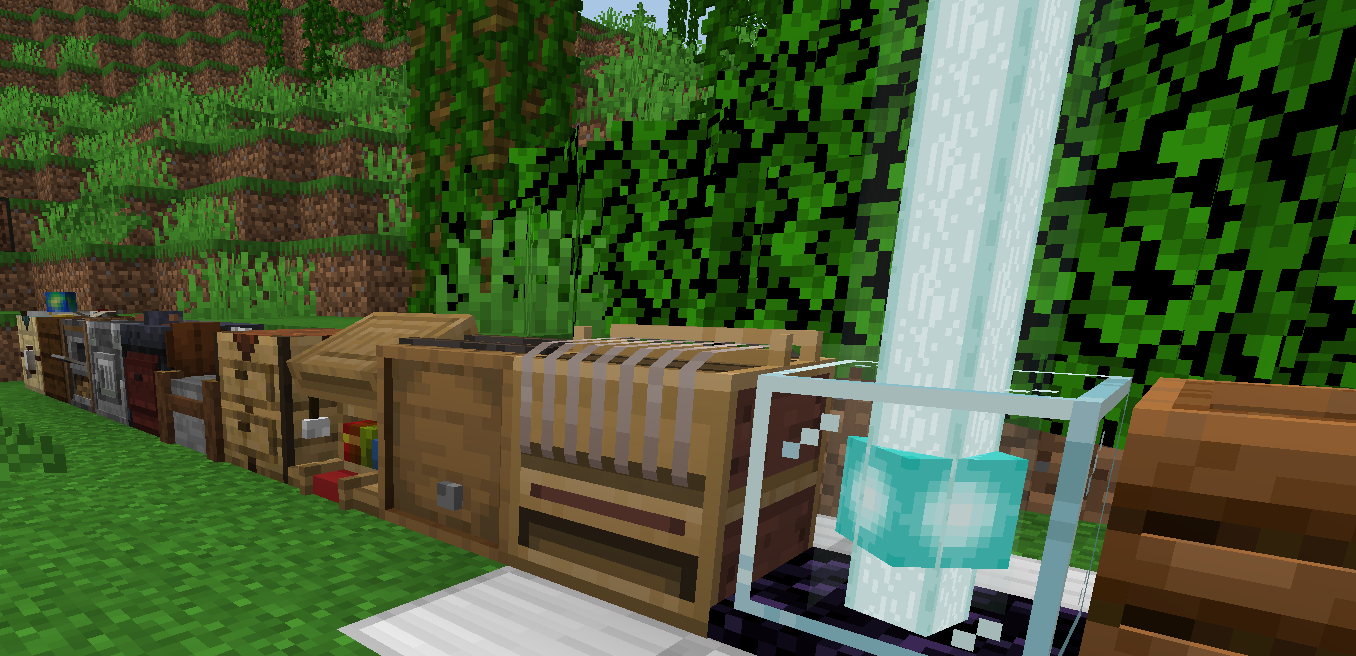
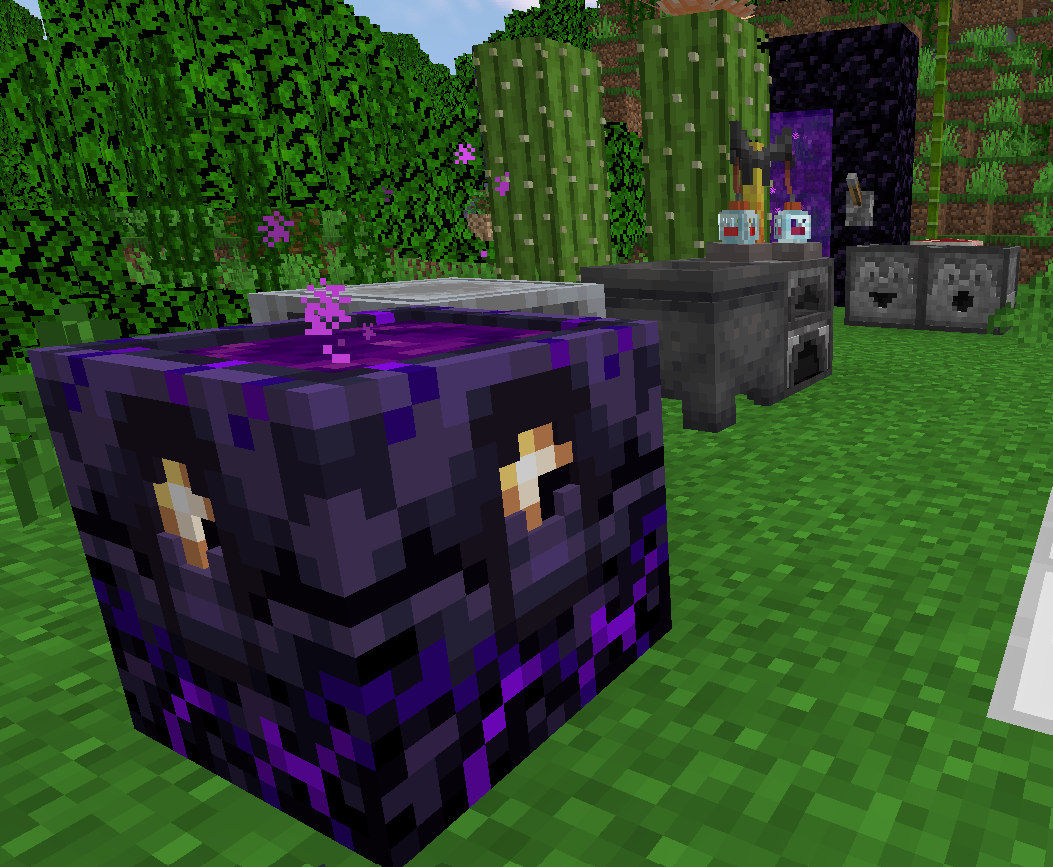
-Totem customizado-Som do totem customizado-Fogo baixo (da tela)-Abóbora transparente (visão)-Marcador para os banners-Ver quanto a comida alimenta-Variações para a terra-Variações para o tijolo-Variações para os cogumelos-Estrelas (animação)-Diferença da semente de abóbora e melancia (plantado)-Melhor iluminação das tochas-Flores vermelhas no golem de ferro-Animação da fogueira no inventário-Retira o fundo da fogueira (não acesa)-Variações para as estantes de livro-Mesas de trabalhos 3D-Lâmpadas, tochas, velas e lanternas 3D-trilhos, portas, cactos, camas e correntes 3D-Liberador, ejetor e observador 3D-Toca discos e disco 3D (ao colocar o disco no toca discos)-variações de posição nas lâmpadas e velas (no mínimo 2)-Nova animação da mesa de encantamento-Animação das flores, gramas-Animação das folhas-Madeira de carvalho escura mais escura-Céu mais realista/Bonito-Som dos discos personalizados-Outras coisa..
Textures:
-Custom totem -Custom totem sound -Low fire (from the screen) -Transparent pumpkin (vision) -Marker for the banners -See how much food feeds - Variations for Earth - Variations for the brick - Variations for the mushrooms -Stars (animation) - Difference of pumpkin seed and watermelon (planted) -Improved torch lighting -Red flowers on the iron golem -Inventory bonfire animation -Remove the bottom of the bonfire (not lit) - Variations for the bookcases - 3D work tables - 3D lamps, torches, candles and lanterns - 3D rails, doors, cacti, beds and chains -Releaser, ejector and 3D observer -Plays discs and 3D disc (when placing the disc in the turntable) - position variations in lamps and candles (minimum 2) -New enchantment table animation -Animation of flowers, grasses-Animation of the leaves - Darker dark oak wood-More realistic/Beautiful sky -Sound of custom discs -Other things..
Hats
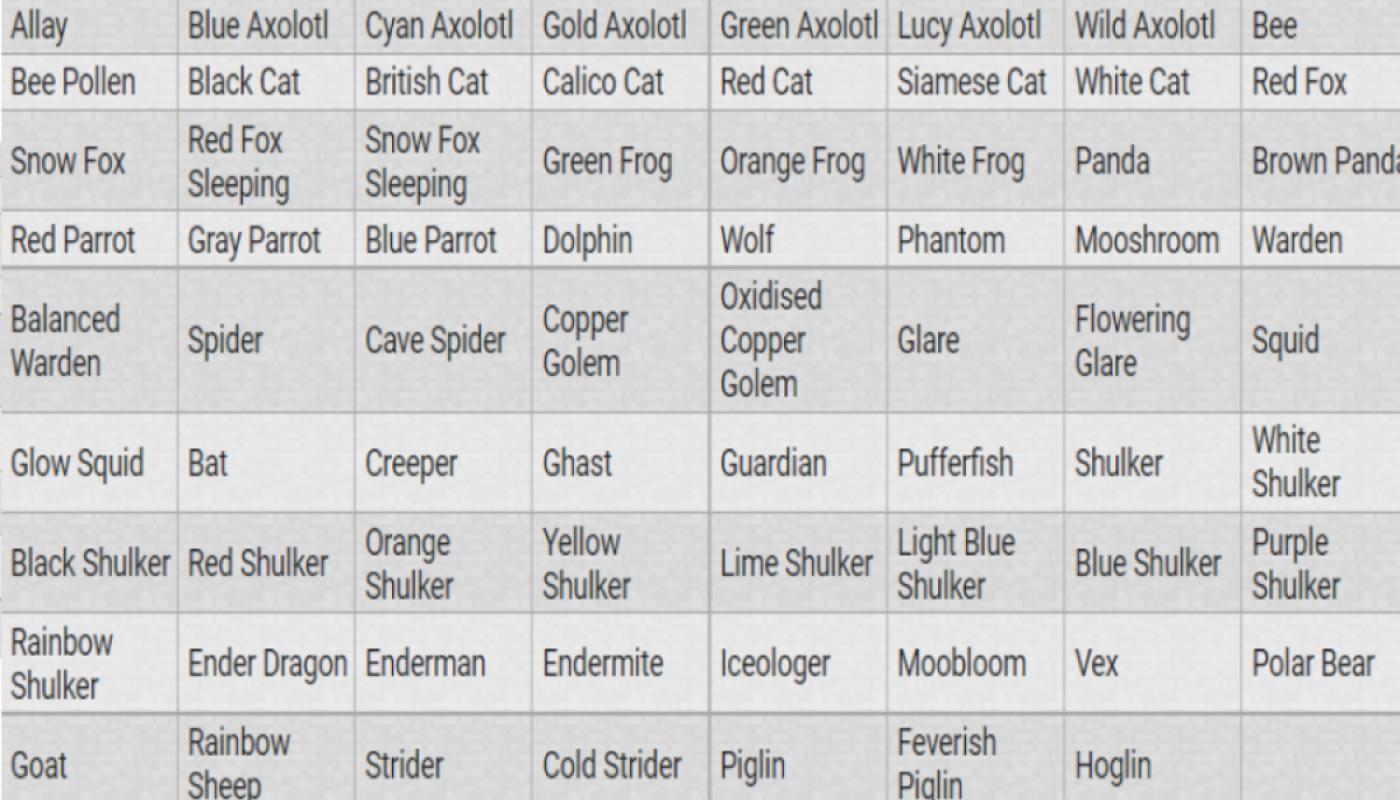
Para obter um modelo de mob, você precisa pegar uma abóbora esculpida e renomear com bigorna para nome de mob. Todos os nomes estão listados na tabela em "images" (o "(beta) Solanum tuberosum texture" não tem).
To get a mob model, you need to take a carved pumpkin and rename it with an anvil to mob name. All names are defined in the table under "images" (the "(beta) Solanum tuberosum texture" does not have)