Mineuniverse
Resource Packs
SoItsTotems

SoItsTotems

RESOURCE PACK
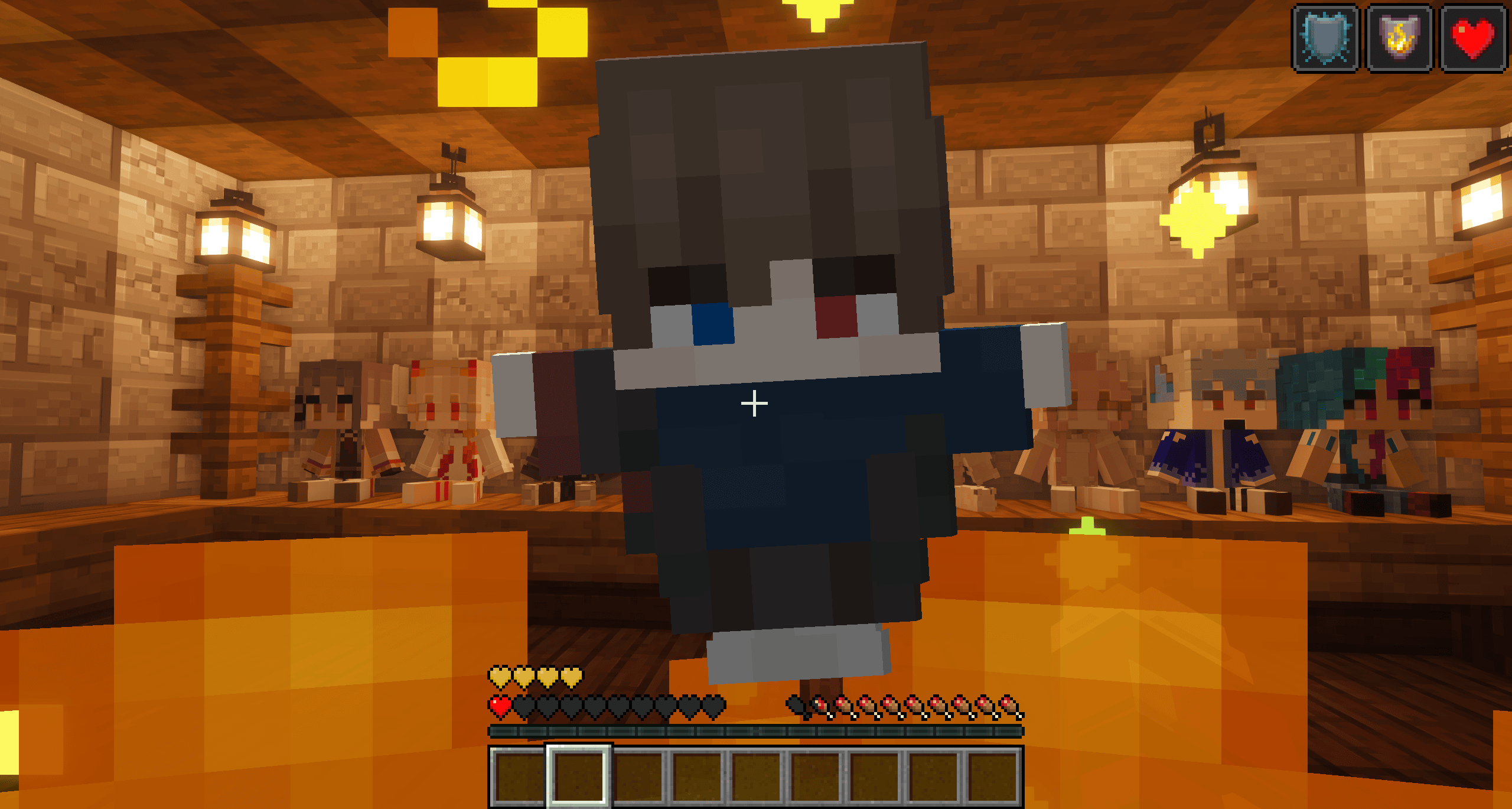
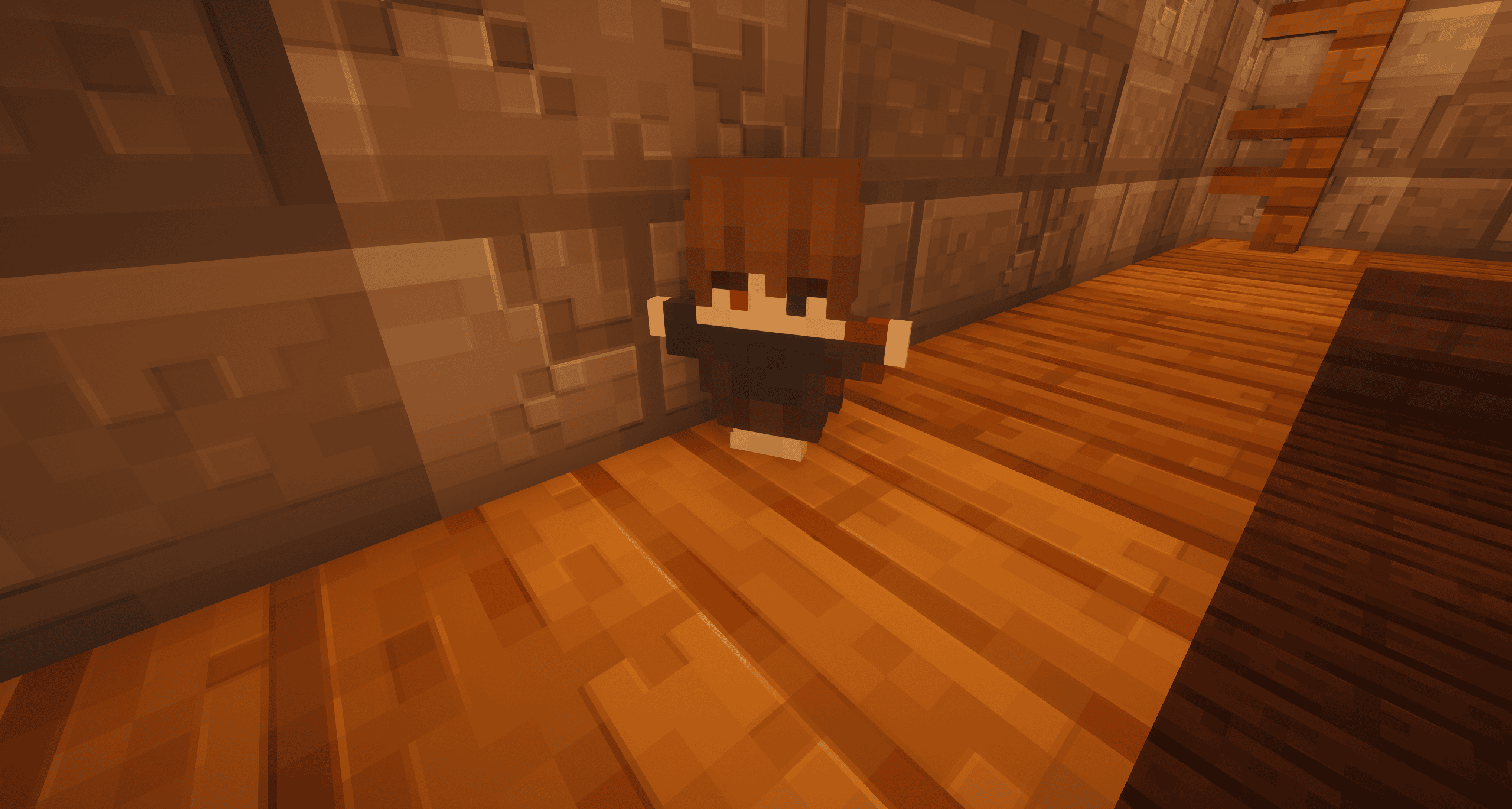
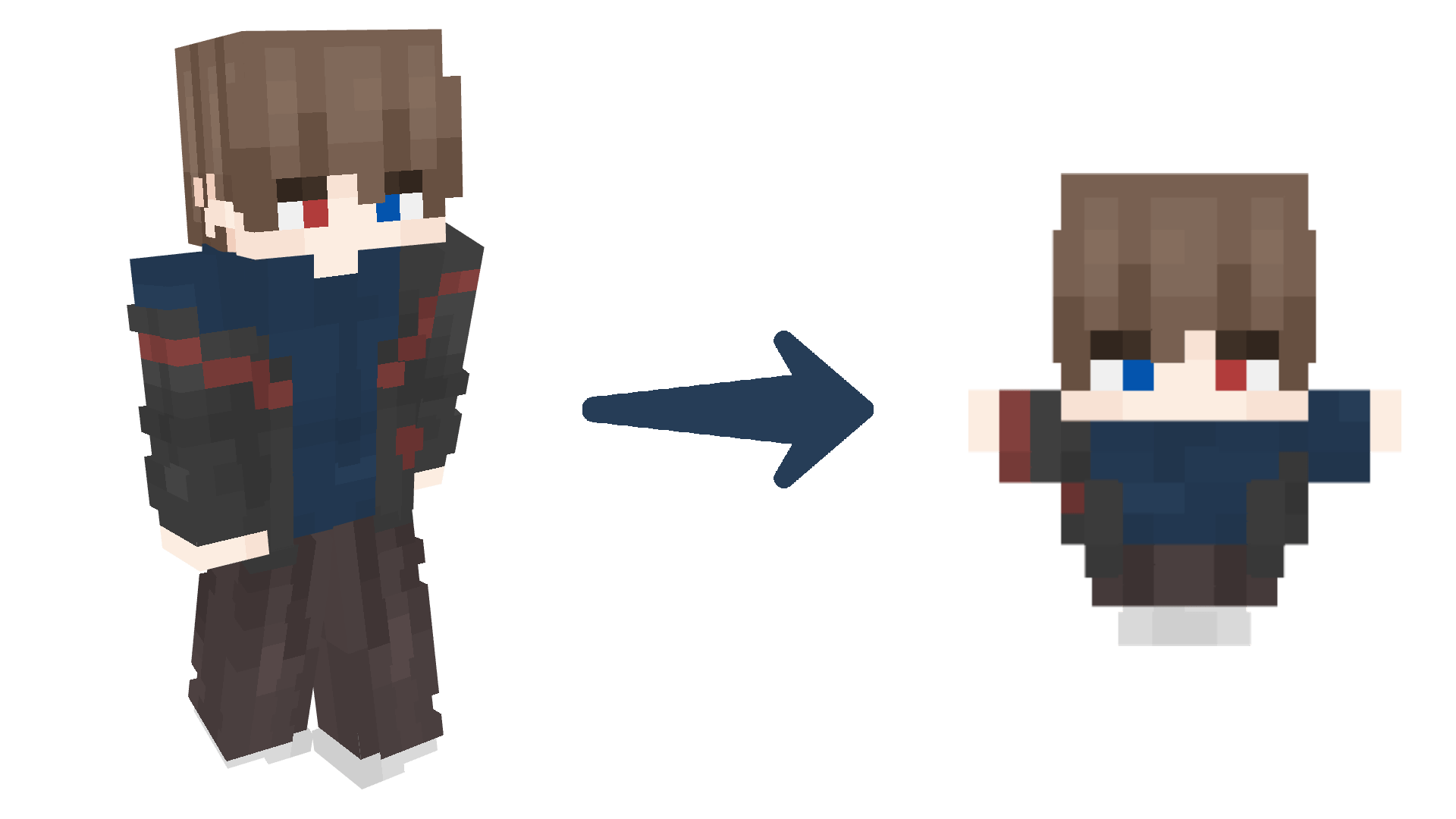
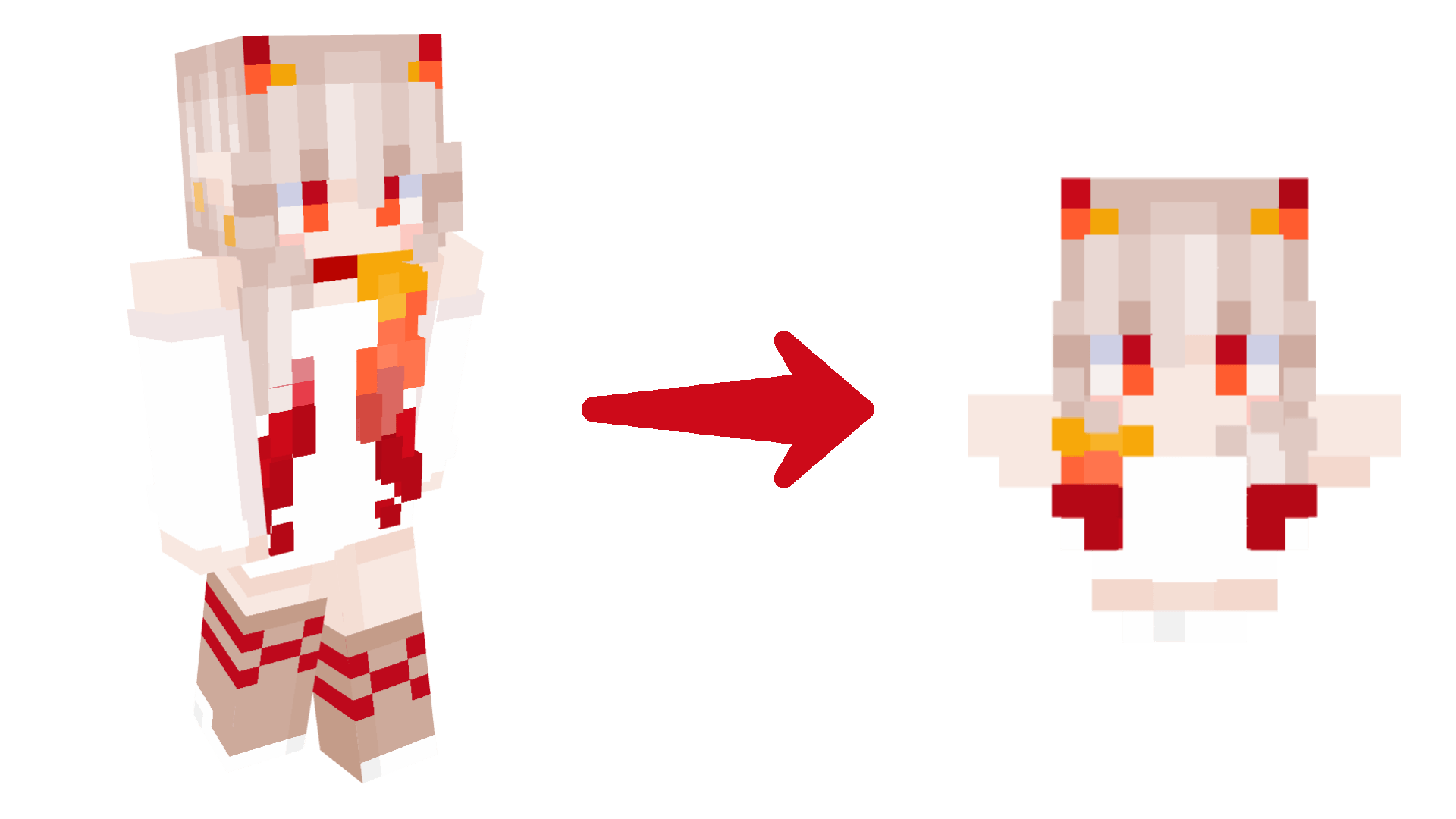
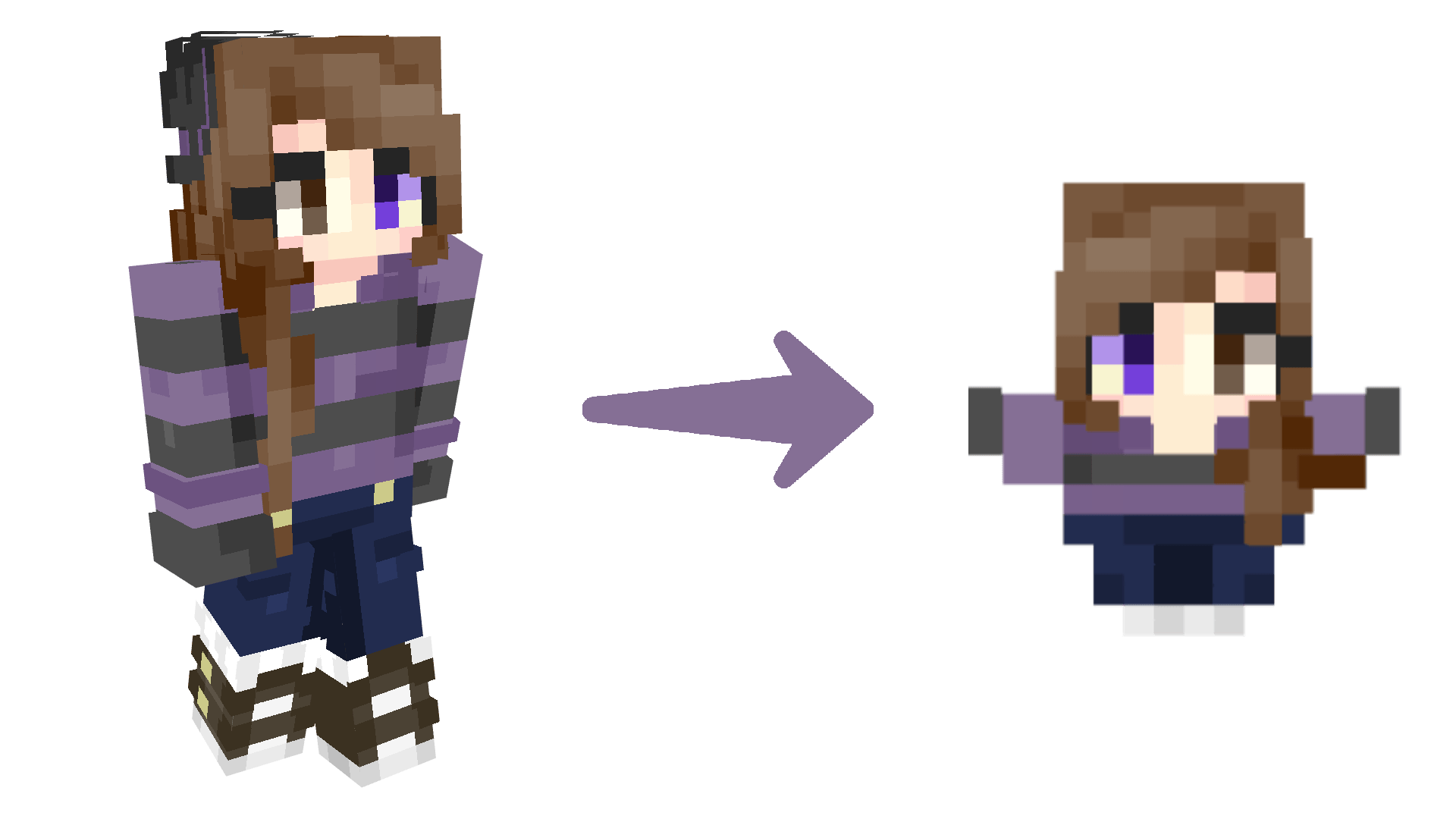
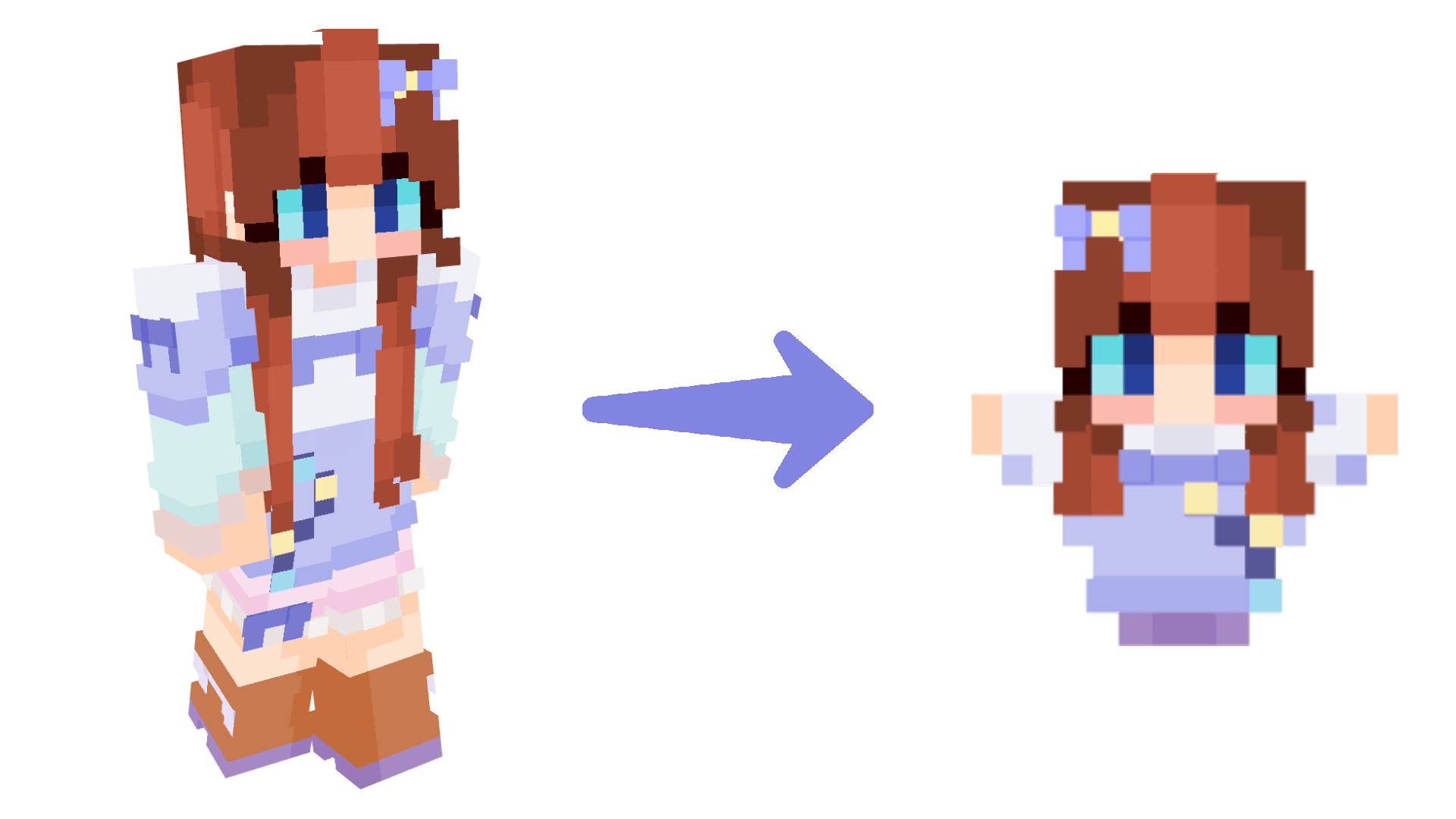
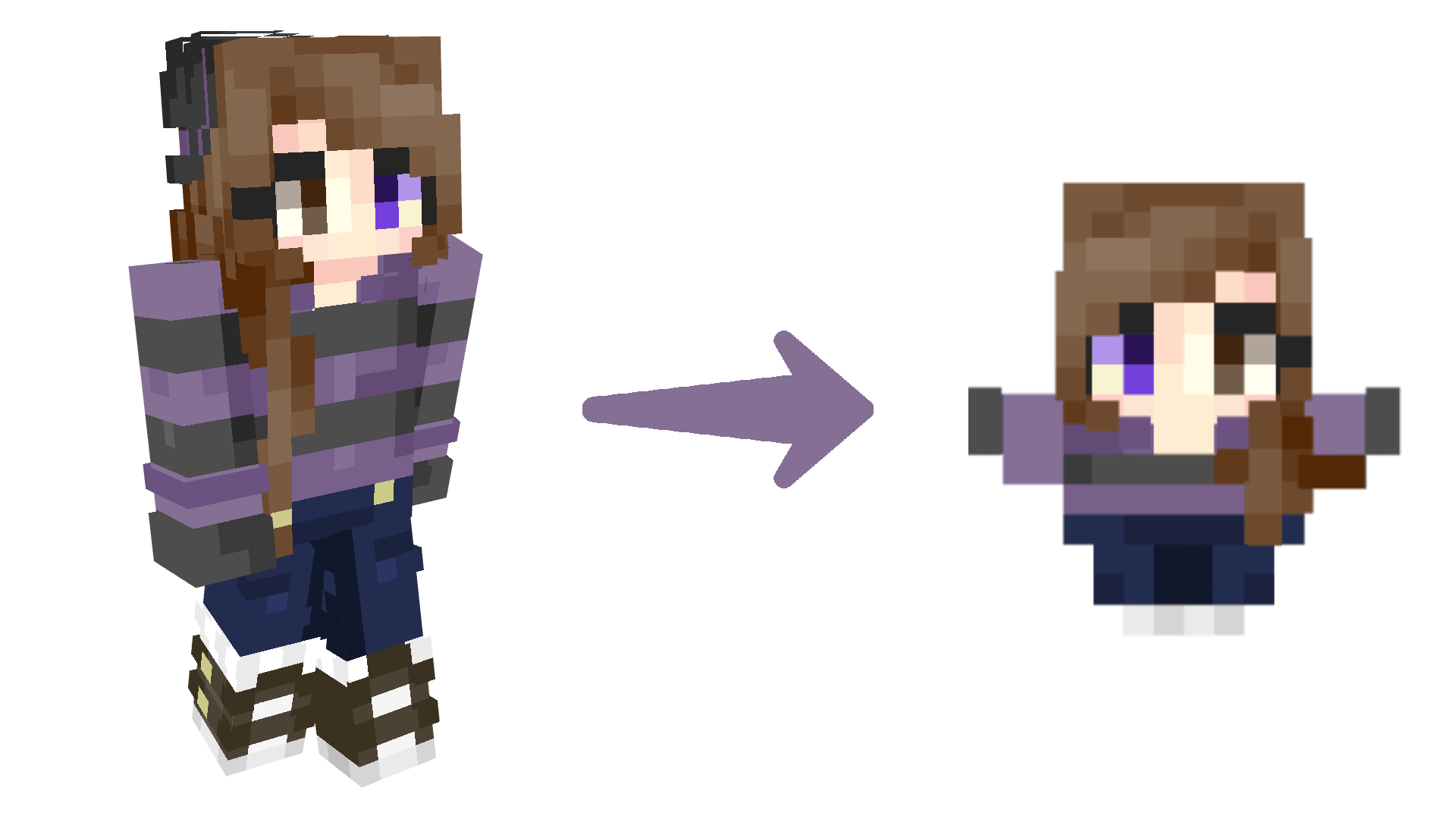
By adding your own skin to the resource pack, the totem of undying will update into a custom model and with your skin!
by SoItsDragon
Download Claim this project
2,419 downloads
0 likes
Updated Oct 14, 2026
0 hypes
32x Miscellaneous Mod Support Traditional
Advertisement Remove ads with Premium →

Logo

About

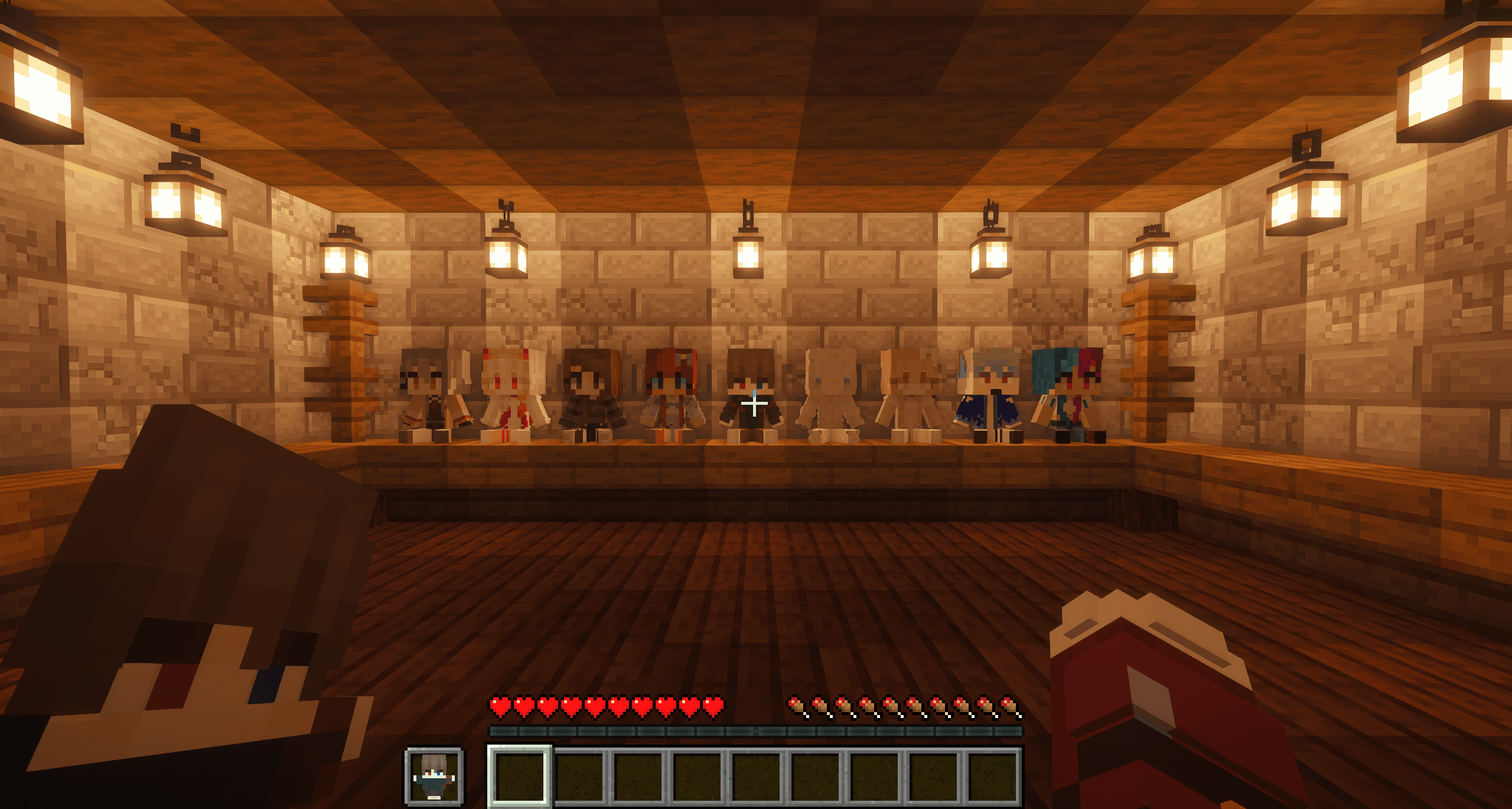
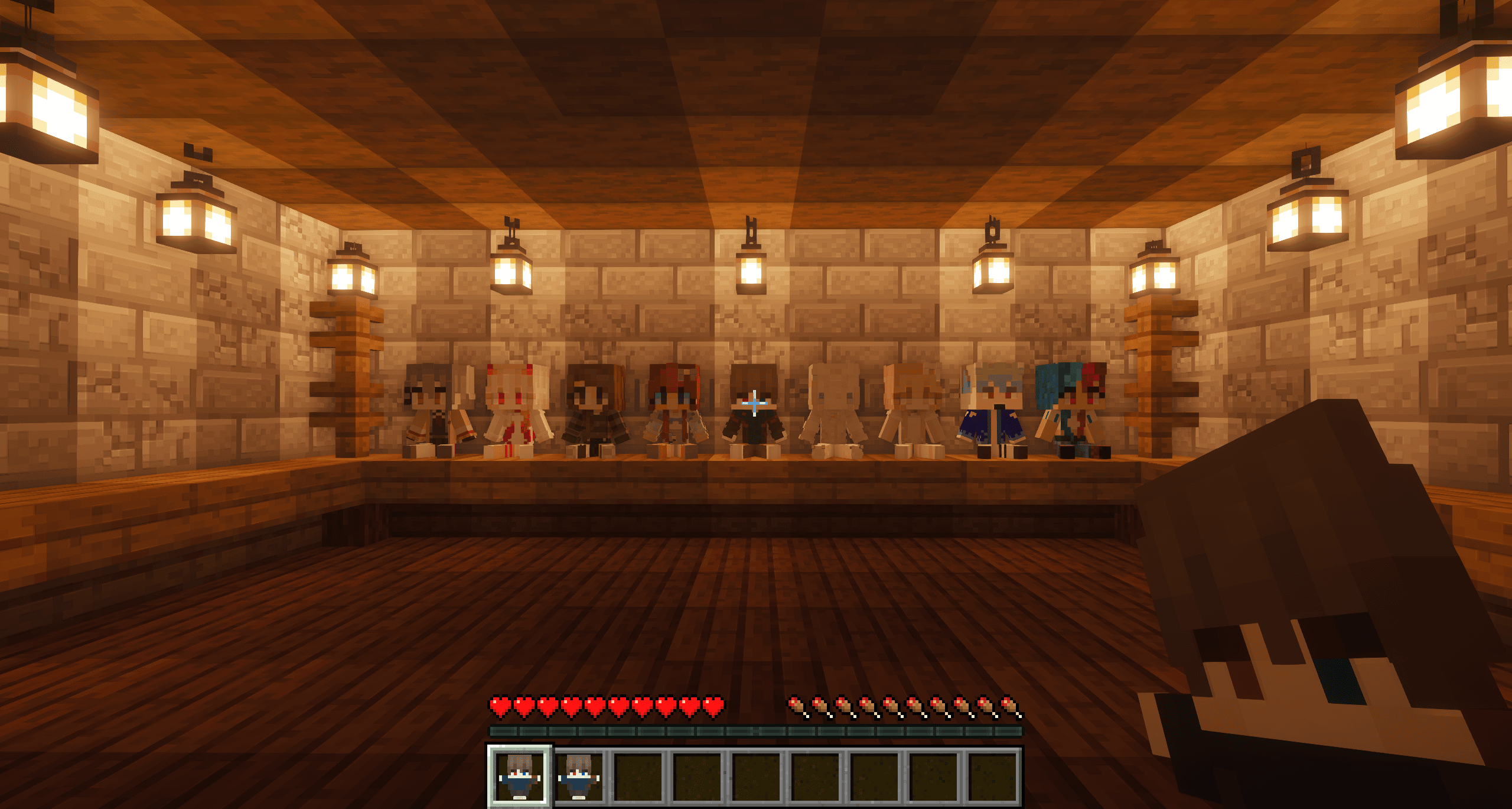
SoItsPlushies adds new plushies of SoItsDragon and his friends more to come. Check them out in the Gallery.

Getting Started

Finding any colored wool will unlock recipes for the plushies. Every plushable is crafted shapelessly from the color of wool for who you'd like to craft. Every recipe is unlocked in your recipe book once you find a piece of wool.

Support

If you want to suggest anything, report a bug, or vote on future packs, then join my discord and you can message me in there. I will usually respond very quickly.


Check out my other mods here!

SoIts Totems v1.1.1
MC 1.21, 1.21.8, 1.21.5, 1.21.4, 1.21.1, 1.21.6, 1.21.3, 1.21.7, 1.21.2, 1.21.9, 1.21.10, 1.21.11, 26.1, 26.1.1, 26.1.2
Release 2026-04-27 Get
§c§lSoIts Totems §7v1.1.0.zip
MC 1.21, 1.21.8, 1.21.5, 1.21.4, 1.21.1, 1.21.6, 1.21.3, 1.21.7, 1.21.2, 1.21.9, 1.21.10, 1.21.11
Release 2025-12-25 Get

Requirements & install

How to use this resource pack in Minecraft
Resolution
32x
Minecraft
1.21.7 – 26.1.2
Install folder
.minecraft/resourcepacks

How to install resource packs

  1. Download the resource pack .zip file (do not extract it).
  2. In Minecraft open Options → Resource Packs → Open Pack Folder.
  3. Drop the .zip into the resourcepacks folder (.minecraft/resourcepacks).
  4. Move the pack to the Selected column and click Done.
Browse more: 16x resource packs 32x resource packs 64x resource packs 128x resource packs 256x resource packs 512x+ resource packs Resource Packs for 26.1.2 All resource packs

More from SoItsDragon

Advertisement Remove ads with Premium →

You Might Also Like