Mineuniverse
Resource Packs
Snap 16x | FPS Boost & PvP Edit

Snap 16x | FPS Boost & PvP Edit

RESOURCE PACK
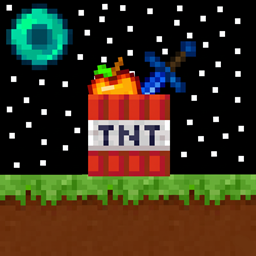
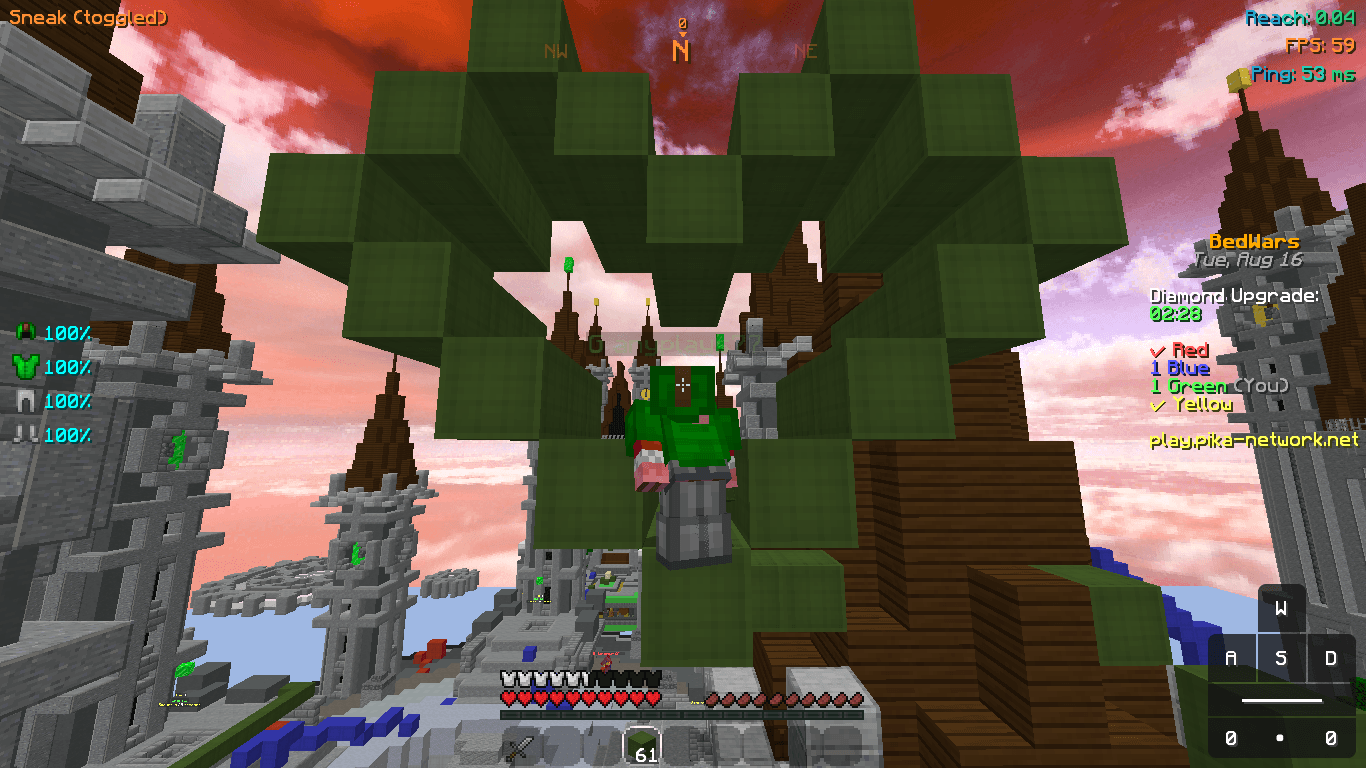
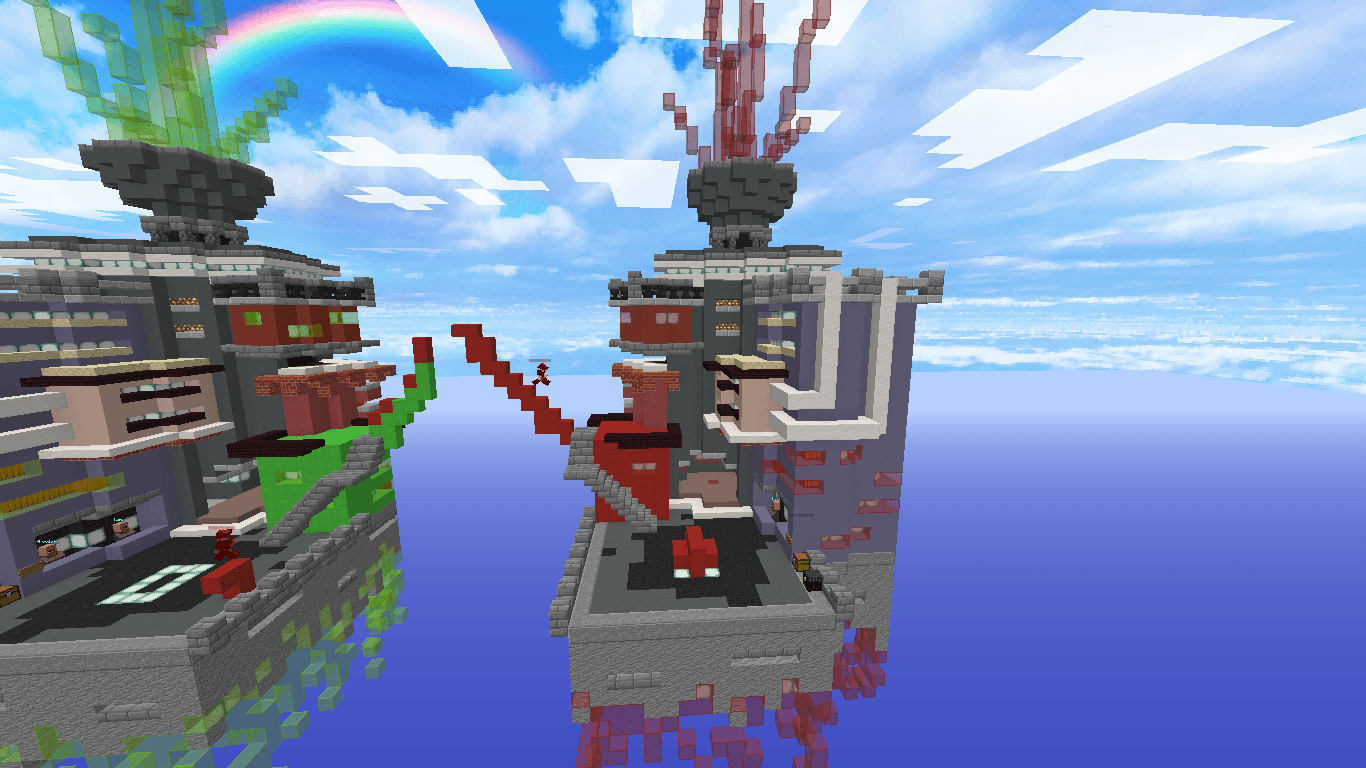
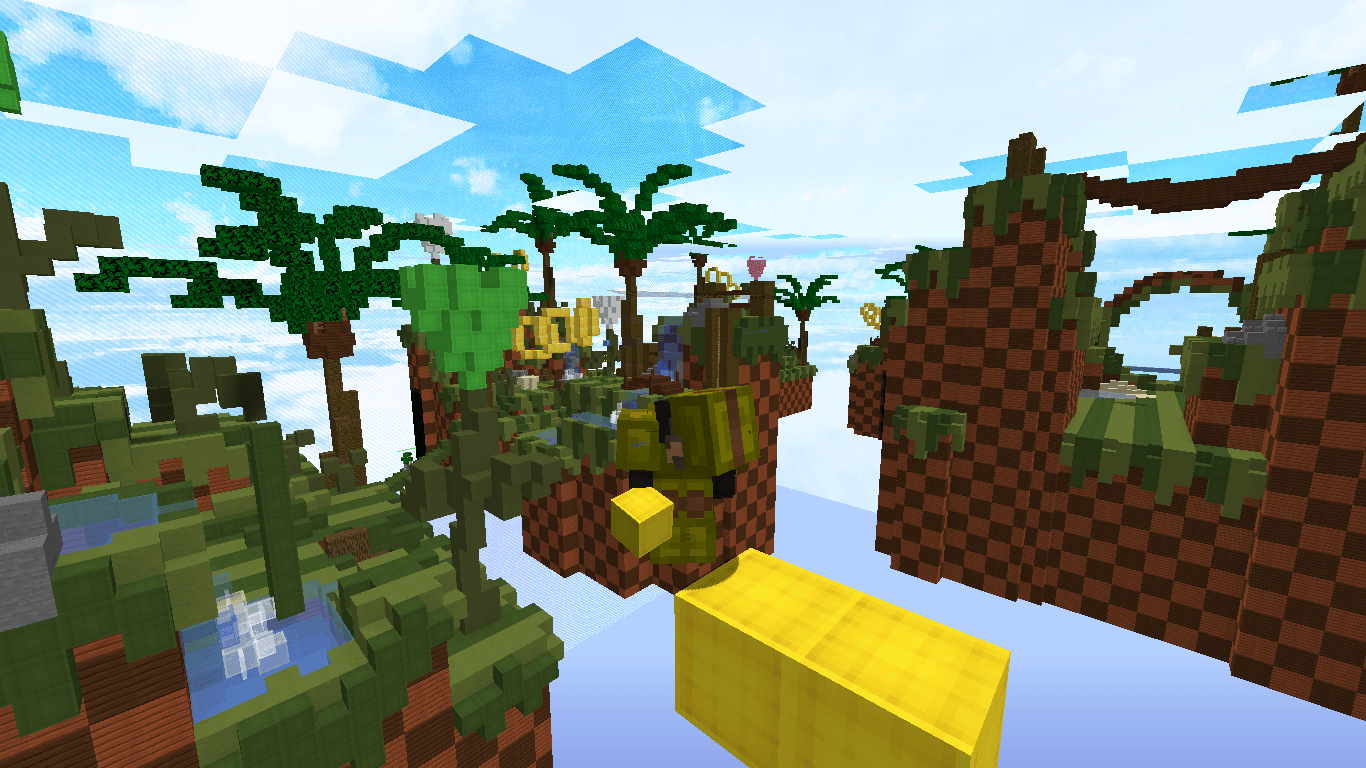
Snap 16x | Ultimate PvP & FPS Boost ⚑ Maximize your FPS on 1.8.9! βš”οΈ Features: Short Swords, Low Fire, Clear GUI & Outlined Ores. πŸš€ Built for BedWars, SkyWars & PotPvP. πŸ’Ž Clean 16x textures for peak performance. Pure speed. No lag.
by anyplays
Download Claim this project
10,329 downloads
0 likes
0 followers
Updated Oct 14, 2026
0 hypes
Follow0
16x
Advertisement Remove ads with Premium →

⚑ Snap 16x – Ultimate PvP & Performance Boost

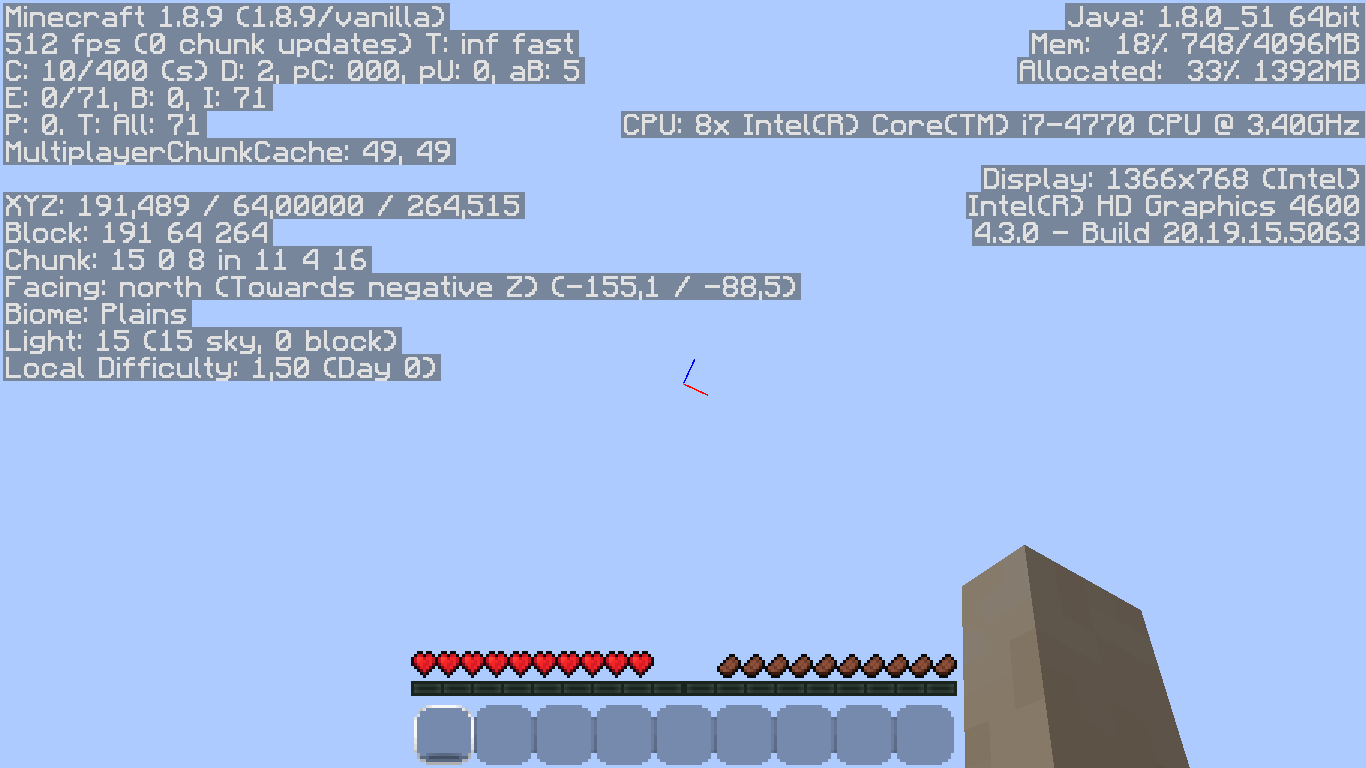
Experience lightning-fast responsiveness with Snap 16x, a resource pack built from the ground up for Minecraft 1.8.9. As the name suggests, this pack is all about "snappy" performance, clean visuals, and maximizing your frame rate in the heat of battle.

Whether you're a BedWars sweat or a PotPvP veteran, Snap 16x delivers the competitive edge you need.


πŸš€ Why choose Snap 16x?

  • Maximum FPS Boost: High-performance 16x textures designed to keep your game running at peak           frames, even on low-end PCs.
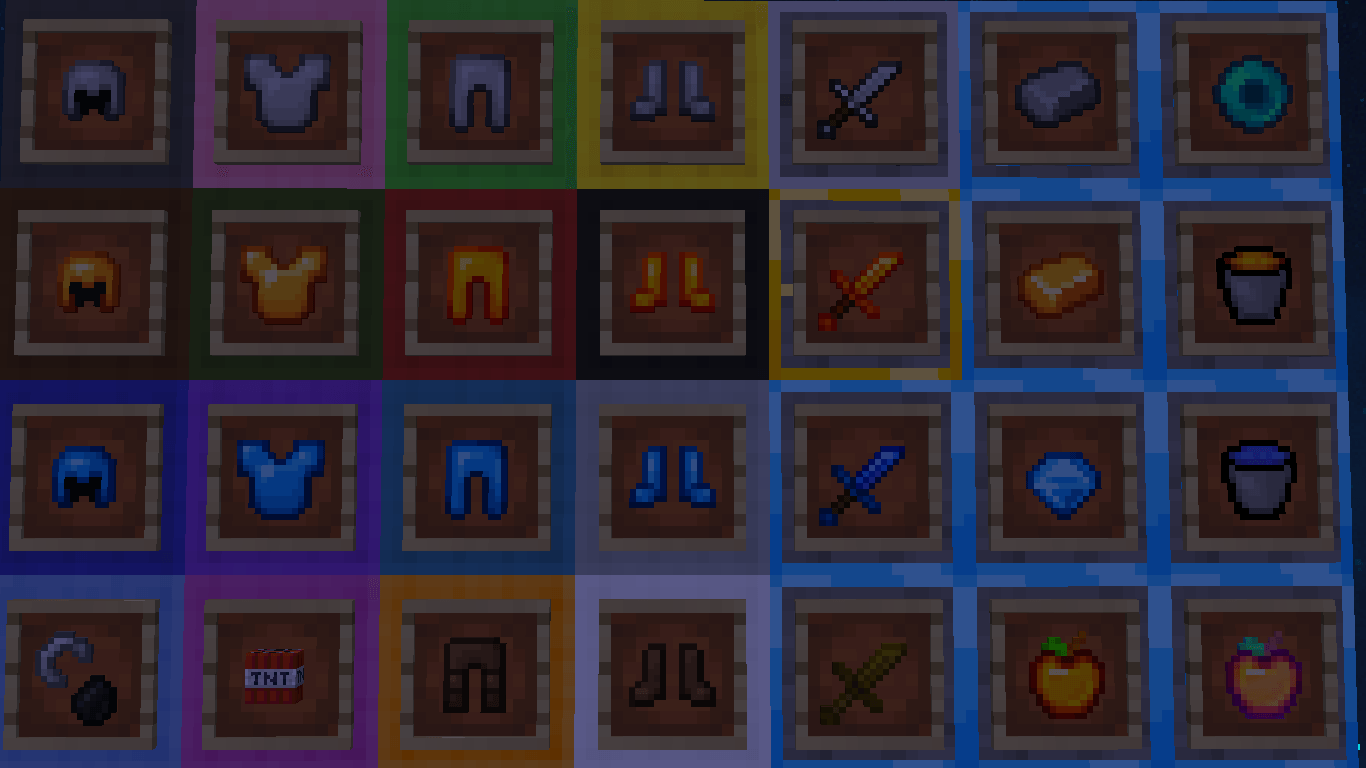
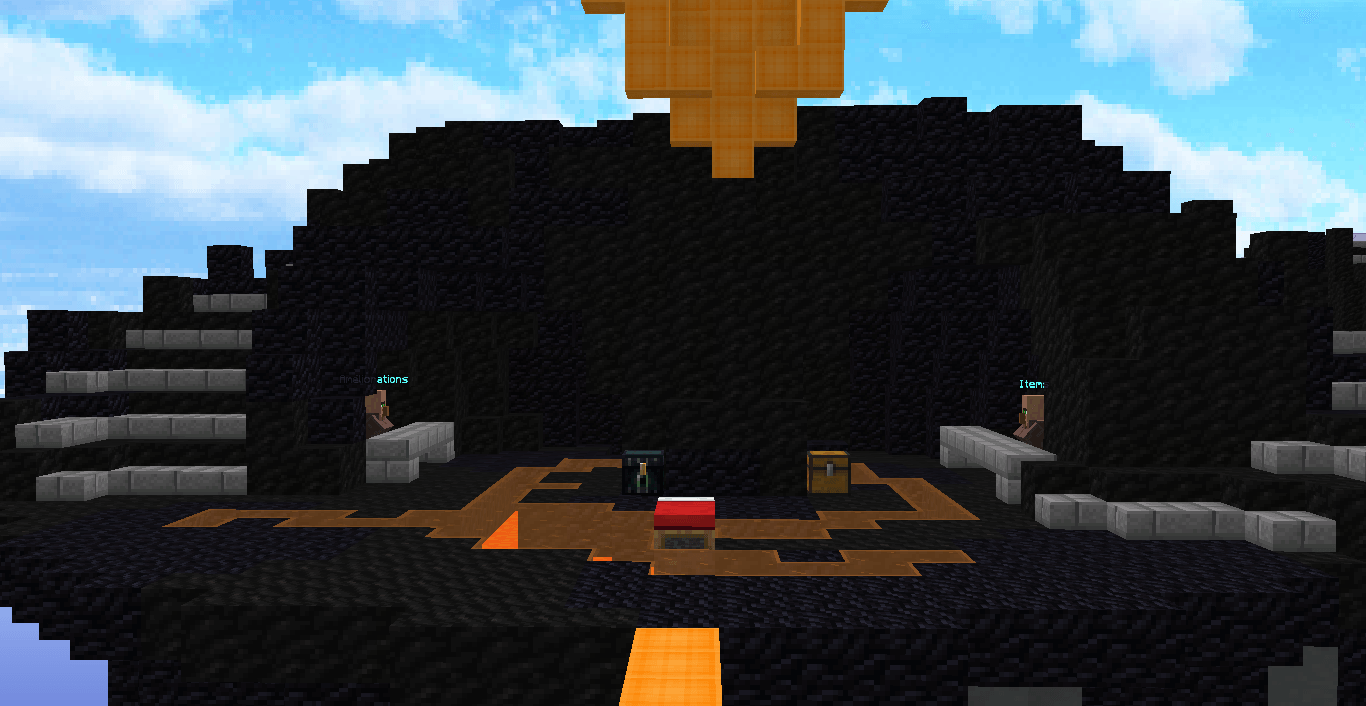
  • Combat Clarity: Features Low Fire and Short Swords to ensure nothing blocks your view during a combo.
  • Snappy GUIs: Transparent containers and a clean, minimalist hotbar for a modern and non-intrusive look.
  • Precision Ores: Clearly outlined ores for quick identification in UHC or SkyWars mining phases.
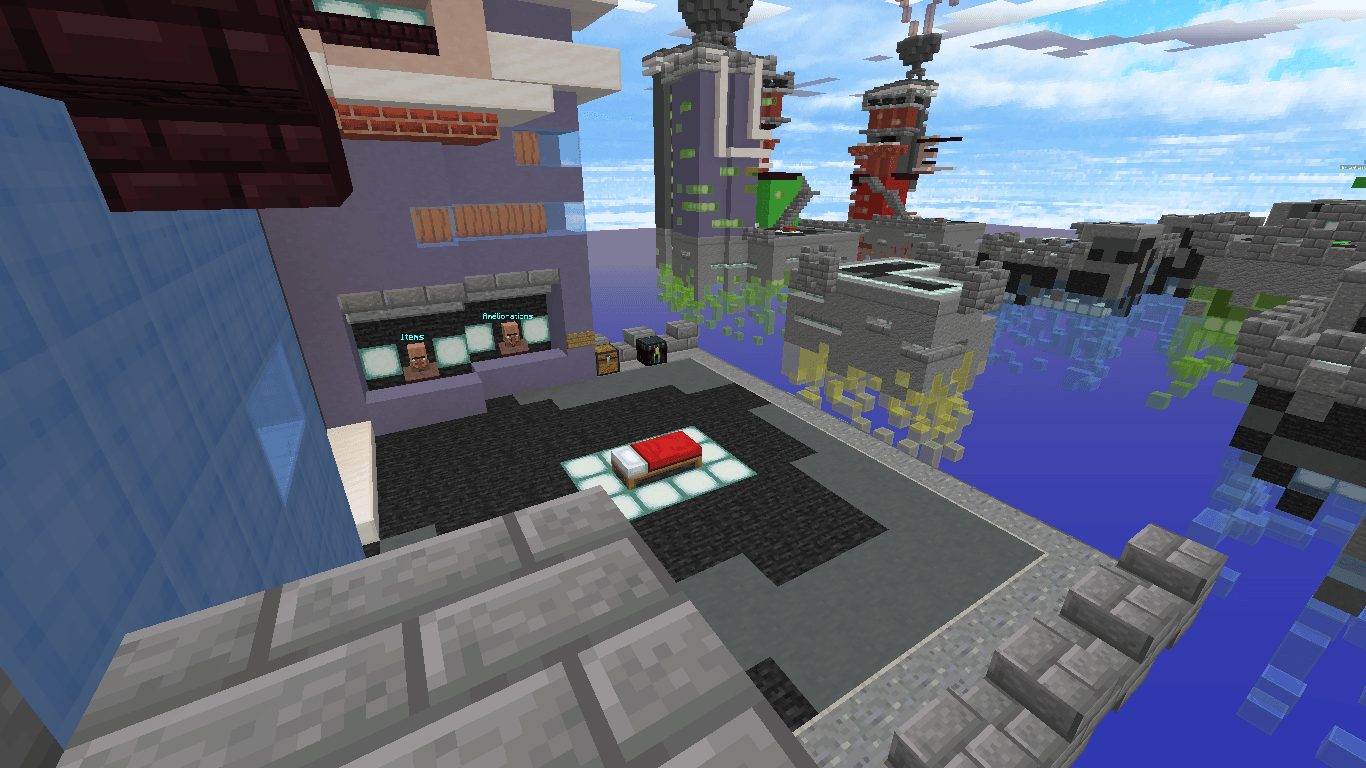
  • Vibrant Visuals: Optimized color palettes that make players and items pop against the environment. 

πŸ“Έ Quick Start

  1. Optifine Required: To enjoy the custom sky and full optimizations, please use Optifine 1.8.9.

  2. Install: Drop the Snap 16x.zip into your resourcepacks folder.

  3. Play: Select the pack and enjoy the smoothest PvP experience in Minecraft.

Note: Snap 16x is specifically tuned for the 1.8.9 combat mechanics.

snap 16x
MC 1.8.9
Release 2025-12-25 Get

Requirements & install

How to use this resource pack in Minecraft
Resolution
16x
Minecraft
1.8.9
Install folder
.minecraft/resourcepacks

How to install resource packs

  1. Download the resource pack .zip file (do not extract it).
  2. In Minecraft open Options β†’ Resource Packs β†’ Open Pack Folder.
  3. Drop the .zip into the resourcepacks folder (.minecraft/resourcepacks).
  4. Move the pack to the Selected column and click Done.
Browse more: 16x resource packs 32x resource packs 64x resource packs 128x resource packs 256x resource packs 512x+ resource packs Resource Packs for 1.8.9 All resource packs
Advertisement Remove ads with Premium →

You Might Also Like