Mineuniverse
Resource Packs
Smoothness

Smoothness

RESOURCE PACK
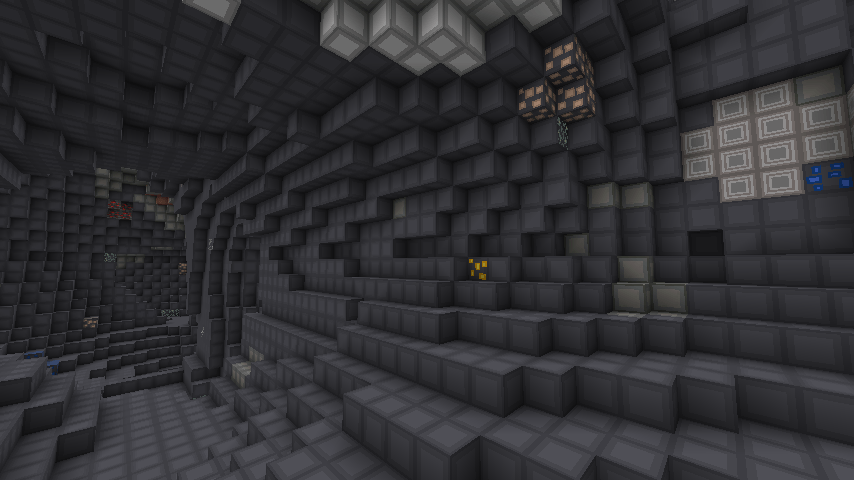
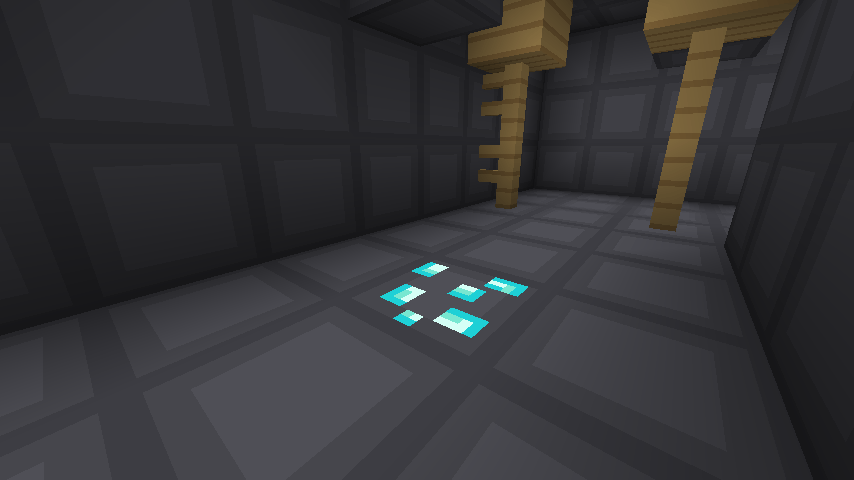
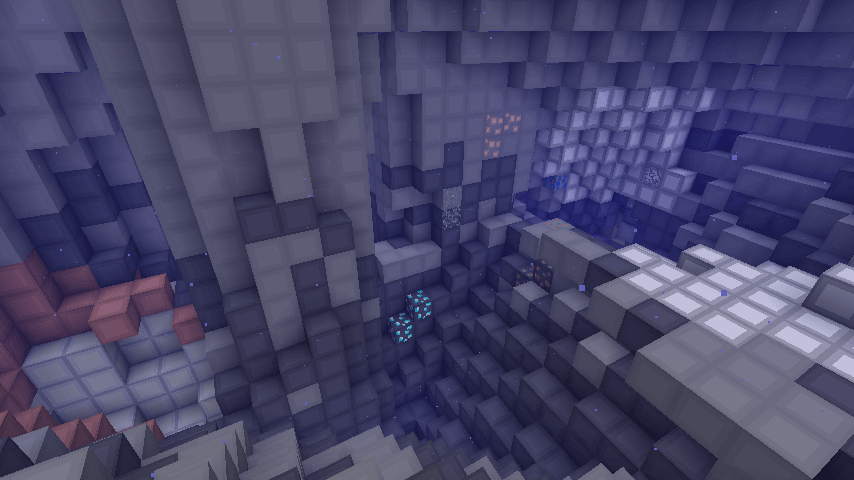
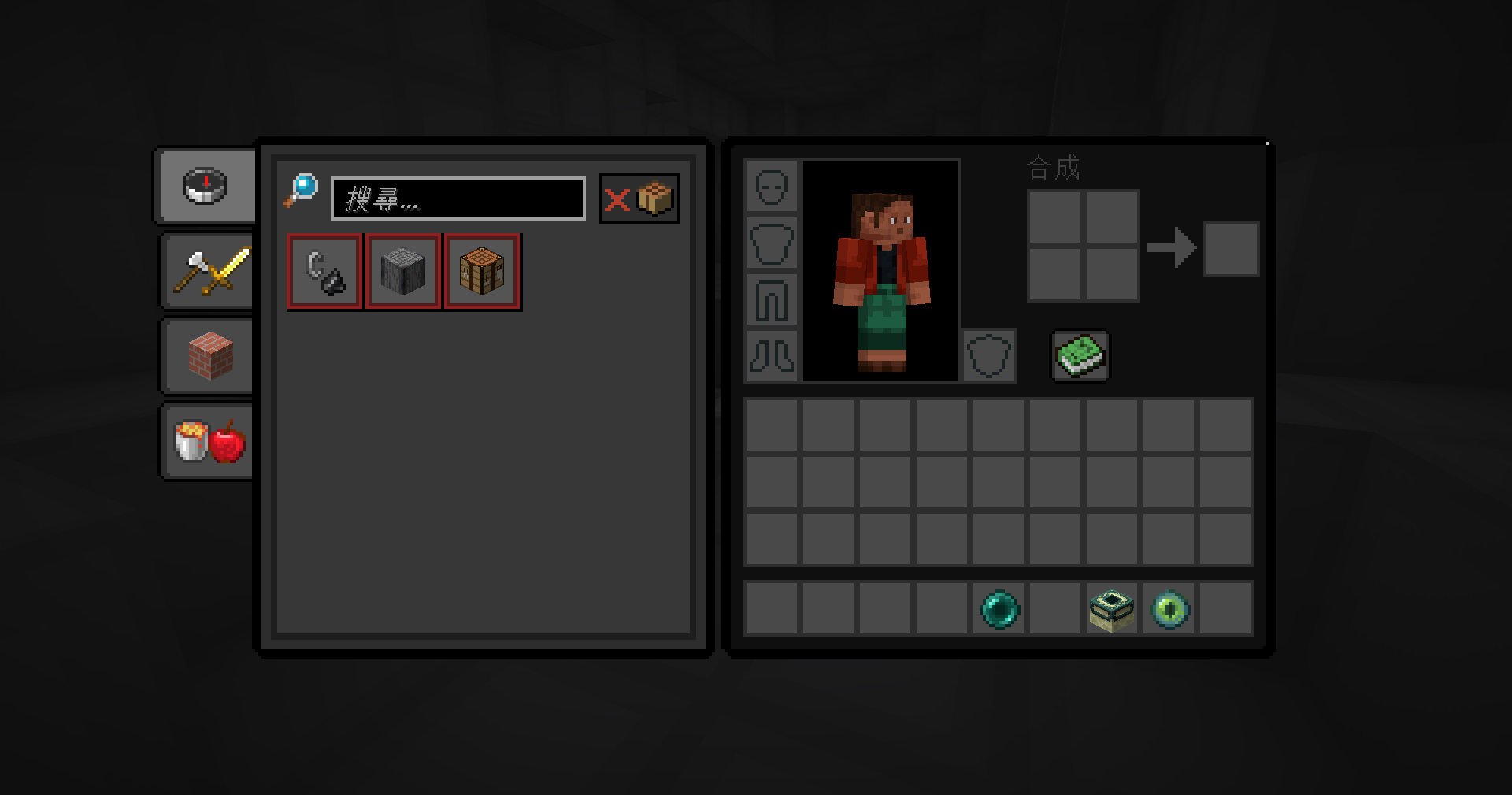
A smooth block with a dark GUI.
by EdenCheng
Download Claim this project
820 downloads
0 likes
0 followers
Updated Oct 14, 2026
0 hypes
Follow0
16x Miscellaneous Traditional
Advertisement Remove ads with Premium →

modrinth
Recommend downloading from Modrinth (because I often forget CurseForge)


Use resource packs with minimized color usage as much as possible.

More versions will be provided in the future.

I am unable to fix the animation issue with the game's starting interface. If anyone has information about it, please reply to me.

Versions above 1.20.2 have issues with button and GUI textures. The block textures are generally fine. We'll work on fixing this problem as soon as possible.

English feedback:https://forms.gle/tj8gkuAbzpZfX9S58


盡量減少用色的資源包

未來將支援更多版本

遊戲開始介面的動畫問題我無法修復,知道的朋友可以回復我

1.20.2 以上的版本有按鈕、GUI 材質的問題,方塊紋理大致上正常,未來會盡快補上這一個問題

中文反饋:https://forms.gle/UC8jw4gFSicXhUKZA

1.21.5~6-07
MC 1.21.6-snapshot, 1.21.5, 1.21.6
Release 2025-06-20 Get
1.21.4-1.21.5-06 upload
MC 1.21.5, 1.21.4, 1.21.5-Snapshot
Release 2025-06-20 Get
1.20.1-04
MC 1.20.1
Release 2024-04-06 Get
1.20.2~4-01
MC 1.20.2, 1.20.3, 1.20.4
Beta 2024-04-06 Get

Requirements & install

How to use this resource pack in Minecraft
Resolution
16x
Minecraft
1.20.2 – 1.21.6
Install folder
.minecraft/resourcepacks

How to install resource packs

  1. Download the resource pack .zip file (do not extract it).
  2. In Minecraft open Options → Resource Packs → Open Pack Folder.
  3. Drop the .zip into the resourcepacks folder (.minecraft/resourcepacks).
  4. Move the pack to the Selected column and click Done.
Browse more: 16x resource packs 32x resource packs 64x resource packs 128x resource packs 256x resource packs 512x+ resource packs Resource Packs for 1.21.6 All resource packs

More from EdenCheng

Advertisement Remove ads with Premium →

You Might Also Like