Mineuniverse
Resource Packs
Smooth Pixels Texture Pack

Smooth Pixels Texture Pack

RESOURCE PACK
Smooth Pixels is a pack of simple and beautiful textures for your Minecraft world.
by MattePlay20
Download Claim this project
13,254 downloads
0 likes
Updated Oct 14, 2026
0 hypes
16x Miscellaneous
Advertisement Remove ads with Premium →

Smooth Pixels Texture Pack – Simplify and Beautify Your Game ✨

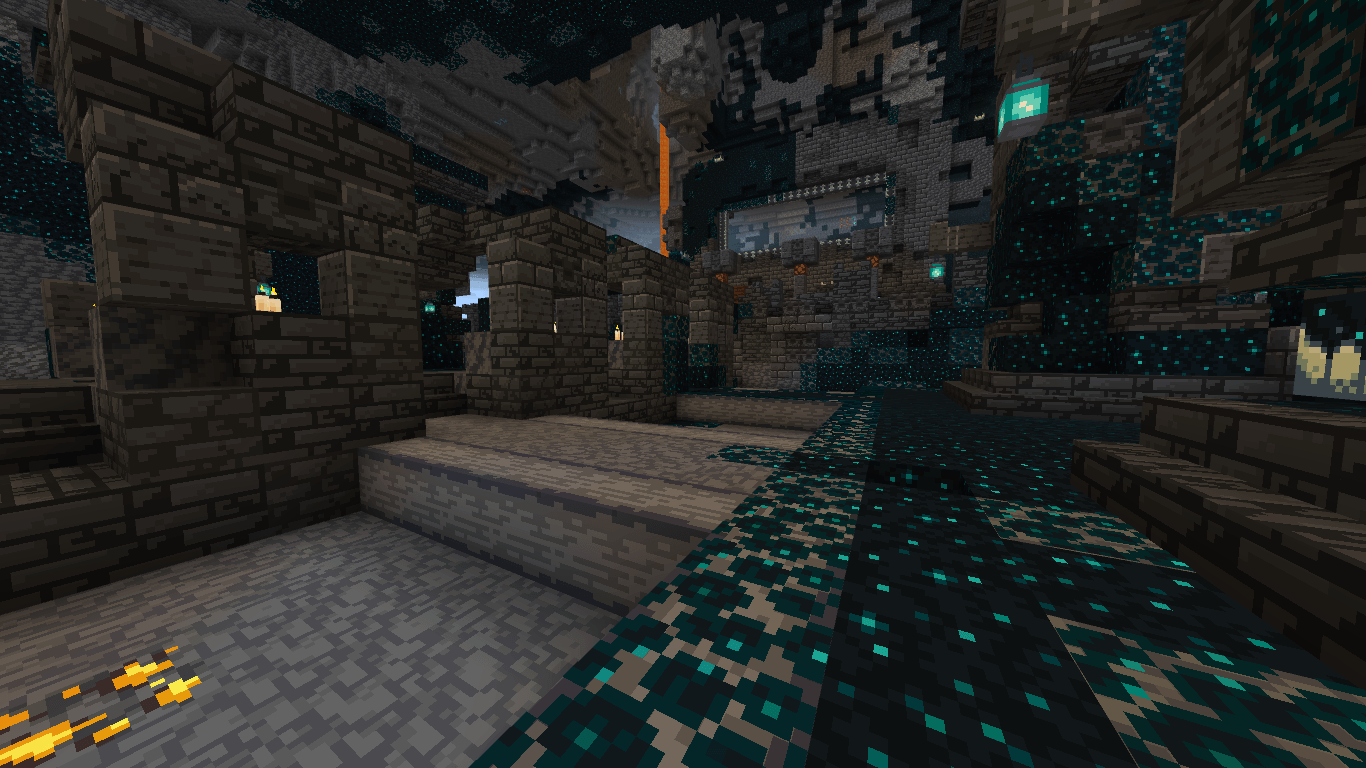
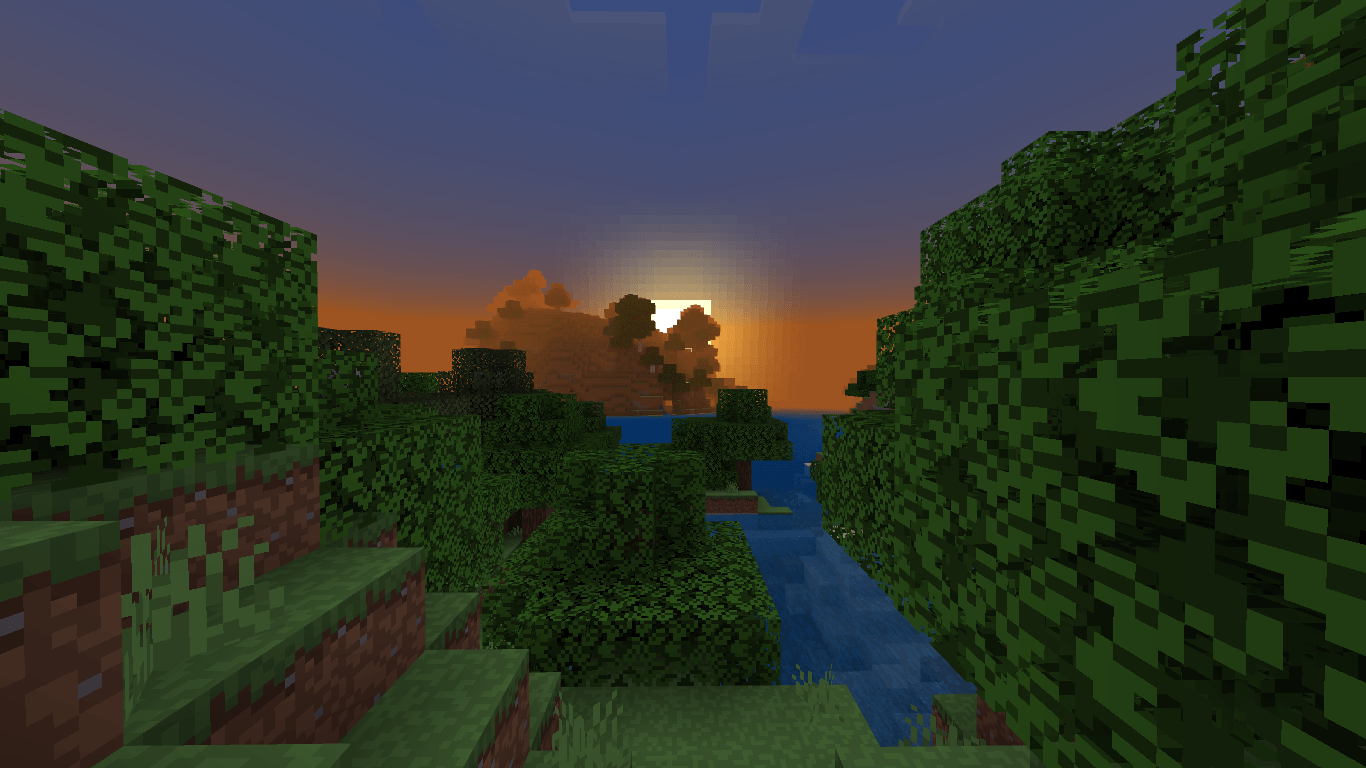
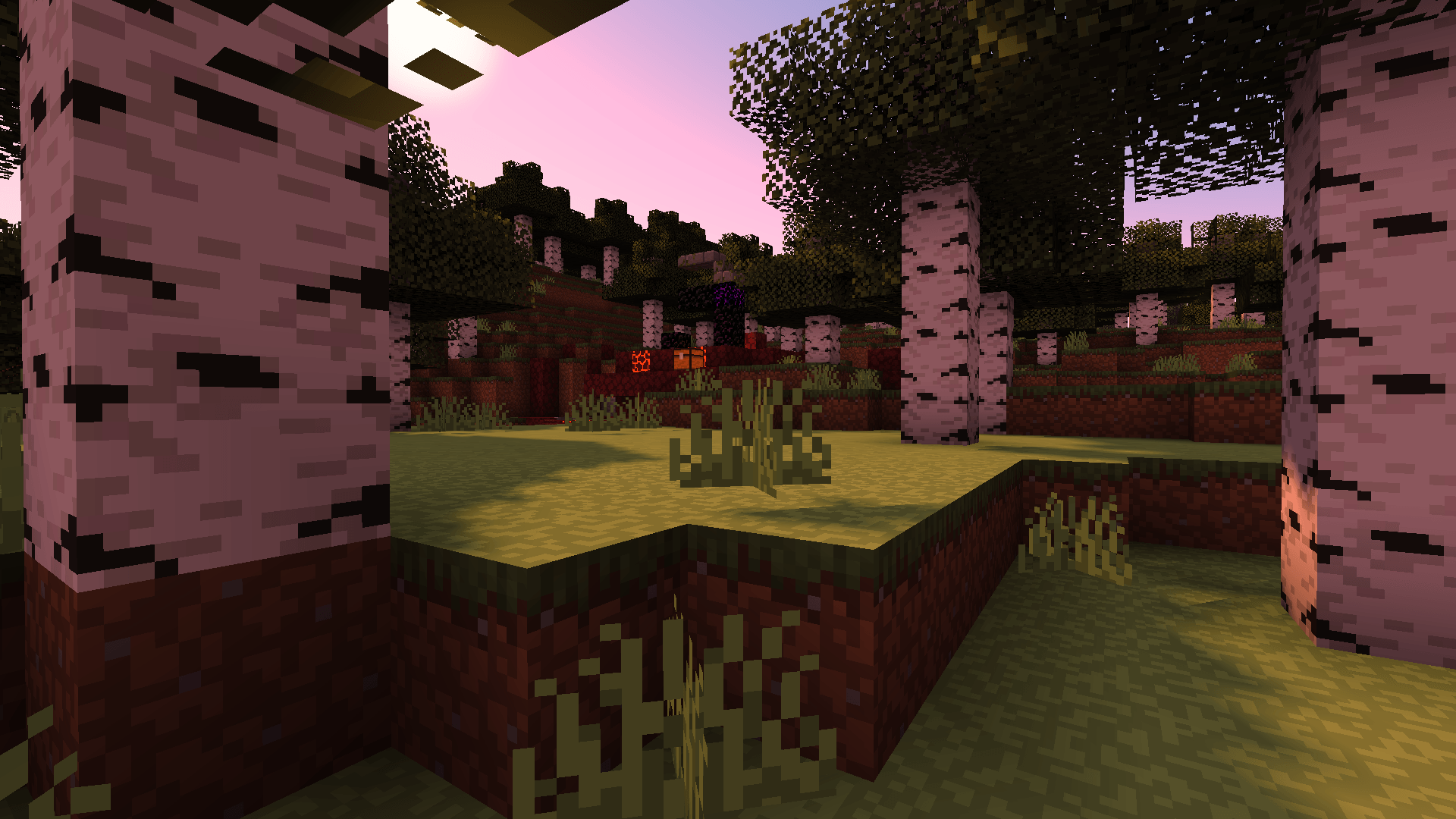
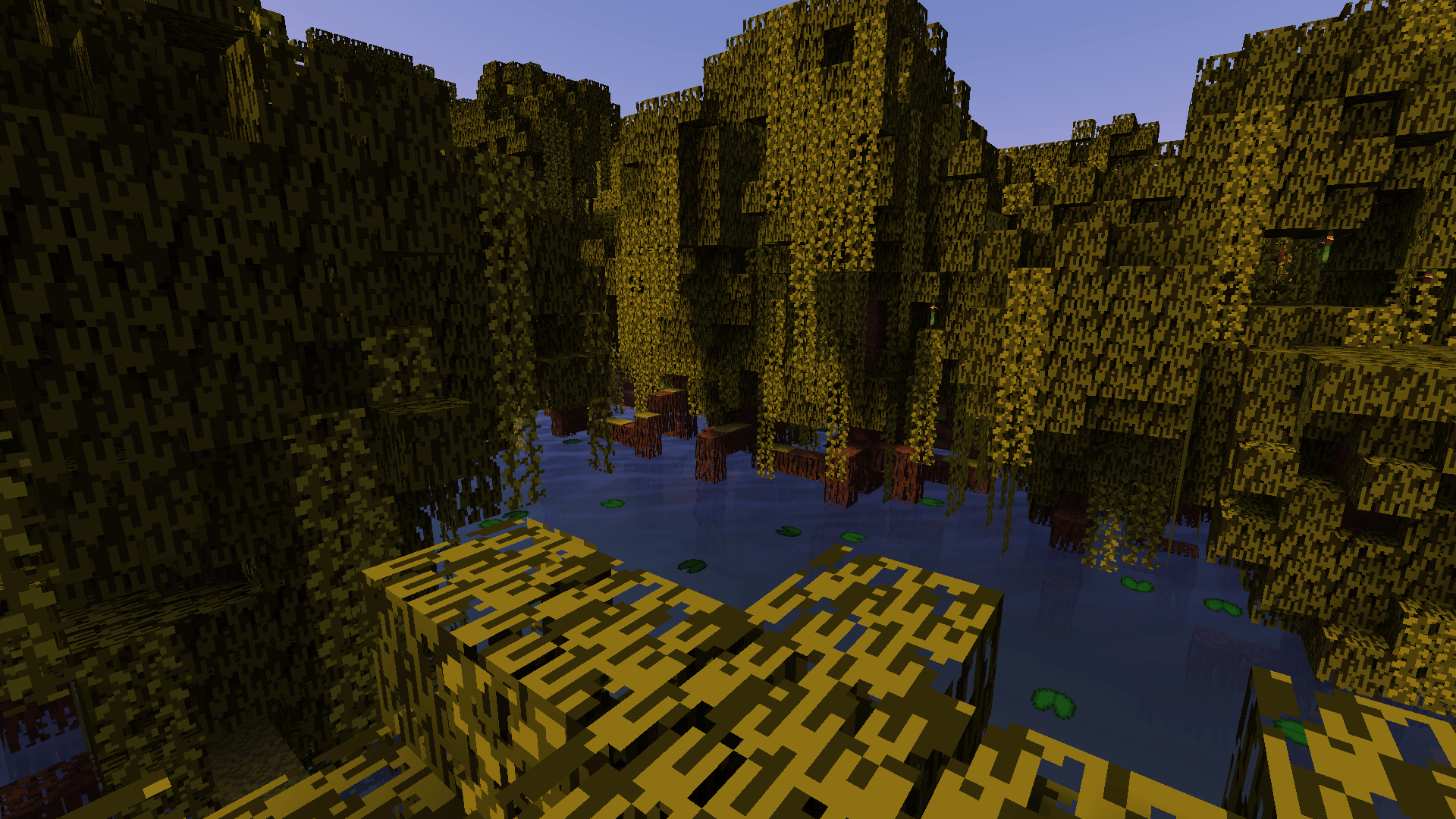
Give your world a fresh new look without losing the essence of the game with Smooth Pixels Texture Packs. This texture pack unifies the different shades of default blocks and elements, creating a cleaner, more cohesive, and visually appealing experience. 

Single Pixels has been renamed to Smooth Pixels Texture Pack

🎨 Minimalism without losing identity – Keep the game’s spirit with a refined touch.

🌍 Unified tones – Say goodbye to messy textures and enjoy a smoother experience.

✨ Beauty in simplicity – Highlight important details without distractions.


Whether you're a detail-oriented builder or just want a more pleasant experience, Smooth Pixels Texture Packs will transform your world while staying true to its original charm.

If you have found bugs in the Texture Pack, you can let me know on my Discord Server, I would greatly appreciate it! ^.^ (https://discord.gg/9qcEYNHQWw)

If you would like to donate something to help me continue developing Smooth Pixels, I would really appreciate it. :3

Not convinced?

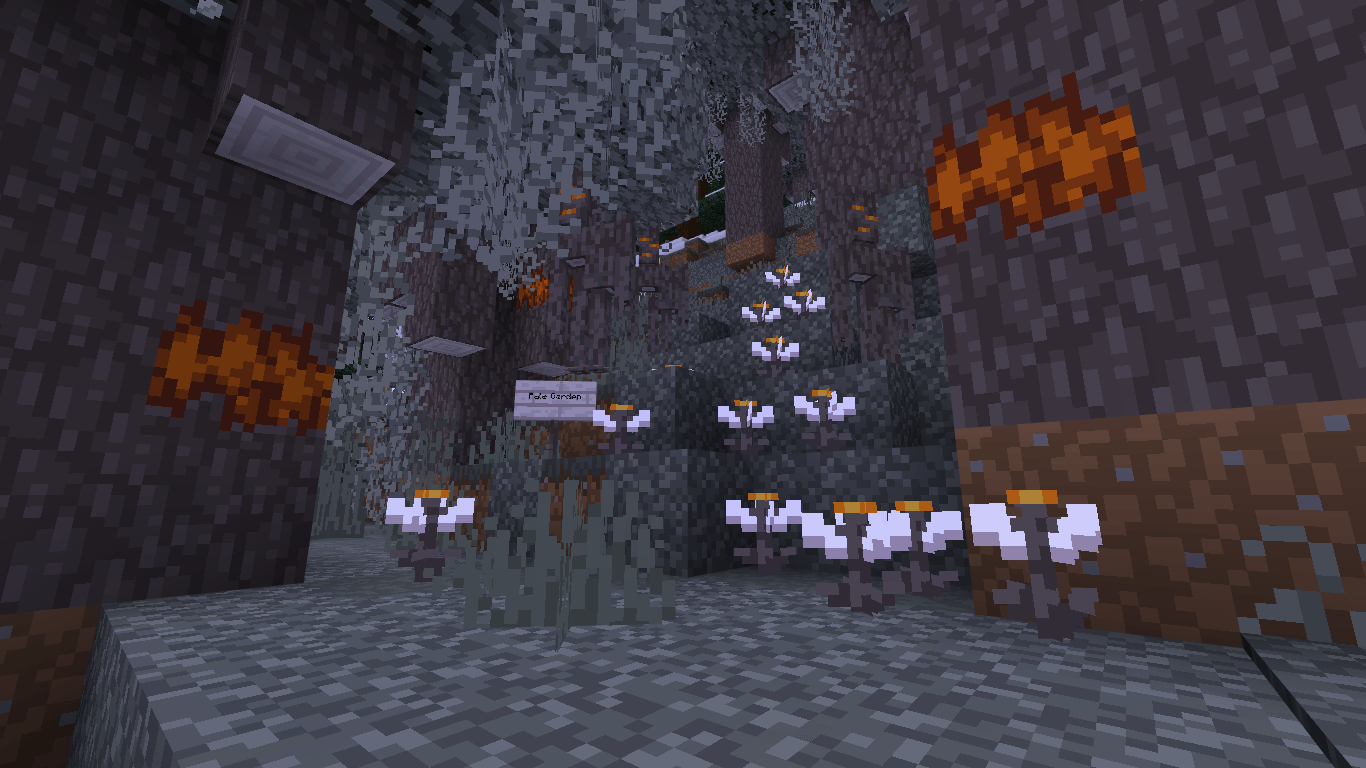
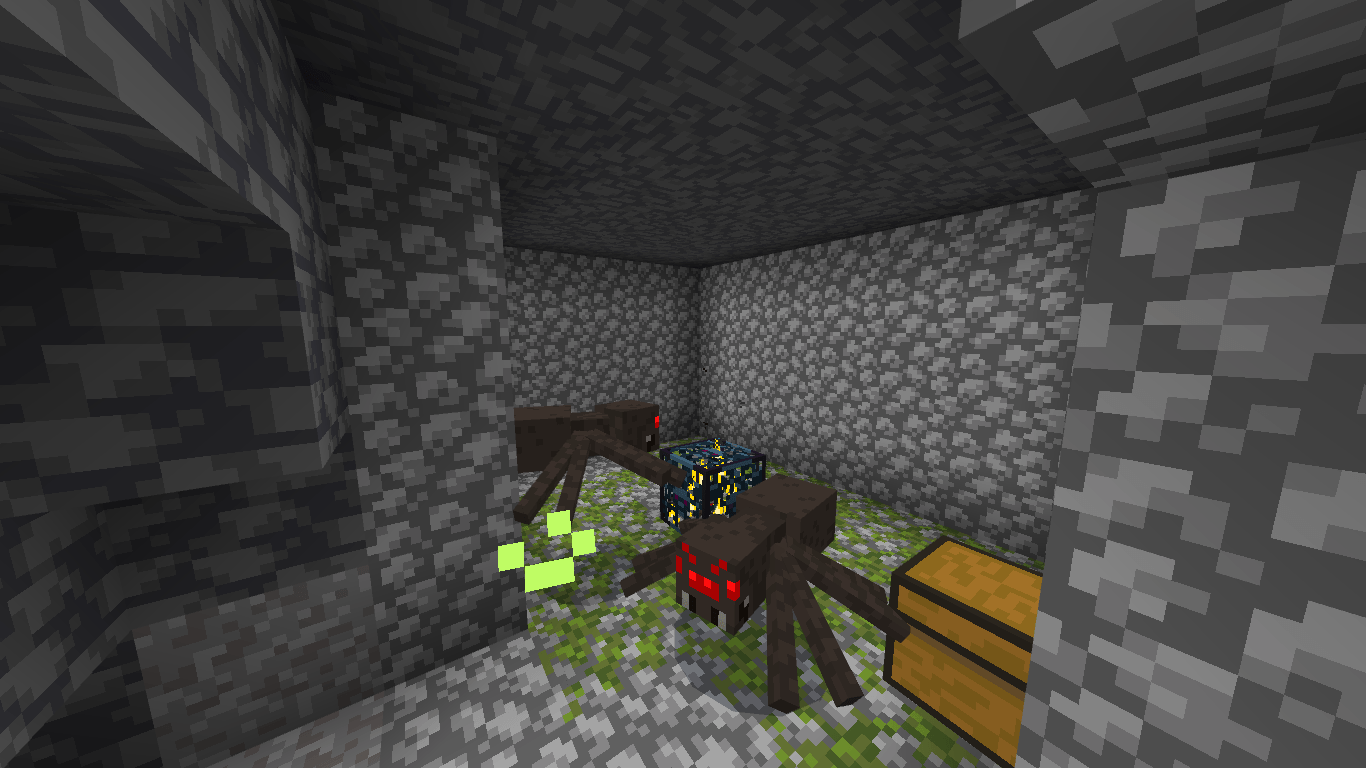
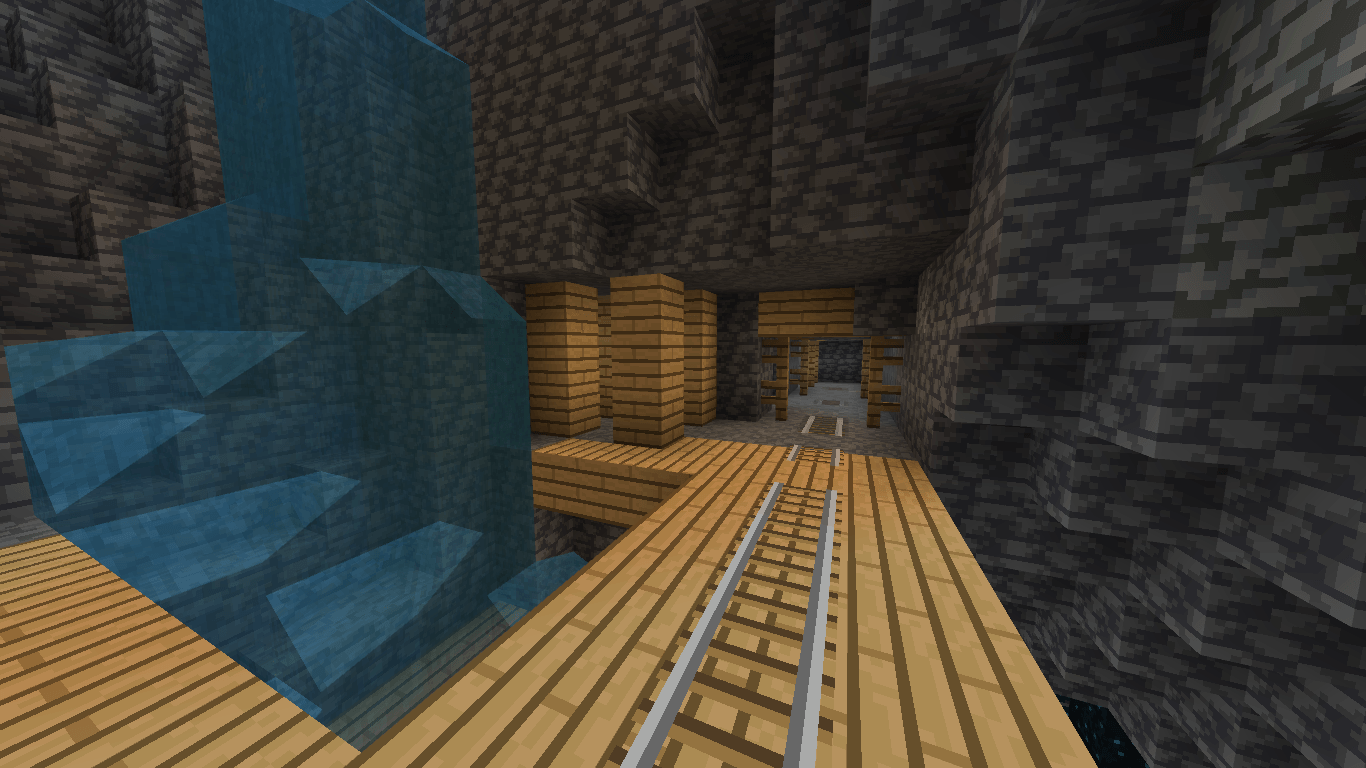
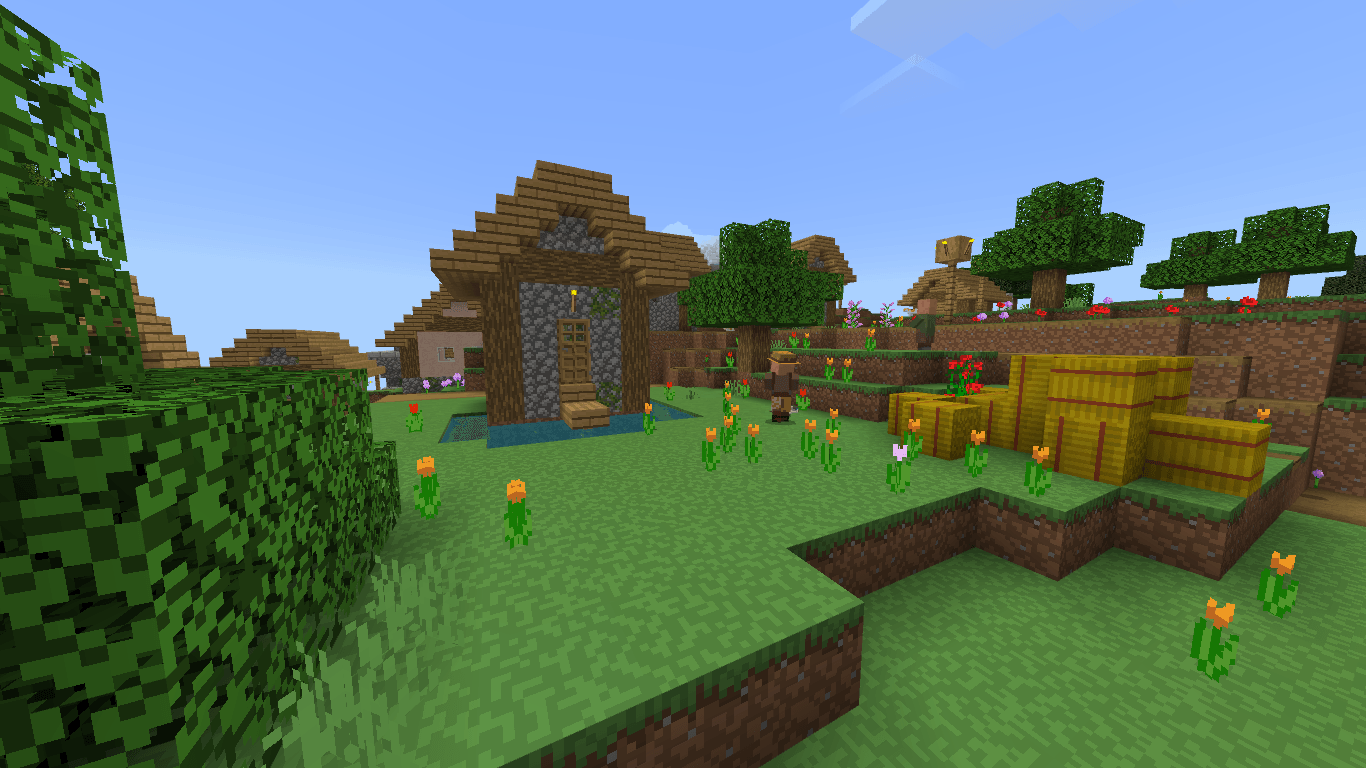
If you still haven't been able to convince you, here are some images of what your game would be like with the resource pack activated.

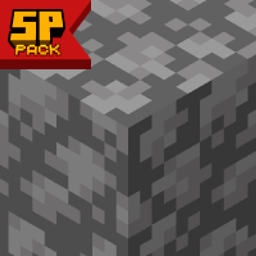
 

Smooth Pixels Pack 26.3
MC 26.3
Release 2026-09-16 Get
Smooth Pixels Pack 26.2
MC 26.1, 26.2
Release 2026-06-17 Get
Smooth Pixels Pack 1.21.11
MC 1.21.11
Release 2025-12-12 Get
Smooth Pixels Pack 1.21.9
MC 1.21.9
Release 2025-10-05 Get
Smooth Pixels Pack 1.21.8
MC 1.21.8
Release 2025-08-13 Get

Requirements & install

How to use this resource pack in Minecraft
Resolution
16x
Minecraft
1.21.8 – 26.3
Install folder
.minecraft/resourcepacks

How to install resource packs

  1. Download the resource pack .zip file (do not extract it).
  2. In Minecraft open Options → Resource Packs → Open Pack Folder.
  3. Drop the .zip into the resourcepacks folder (.minecraft/resourcepacks).
  4. Move the pack to the Selected column and click Done.
Browse more: 16x resource packs 32x resource packs 64x resource packs 128x resource packs 256x resource packs 512x+ resource packs Resource Packs for 26.3 All resource packs
Advertisement Remove ads with Premium →

You Might Also Like