Mineuniverse
Resource Packs
Smooth_ Glass

Smooth_ Glass

RESOURCE PACK
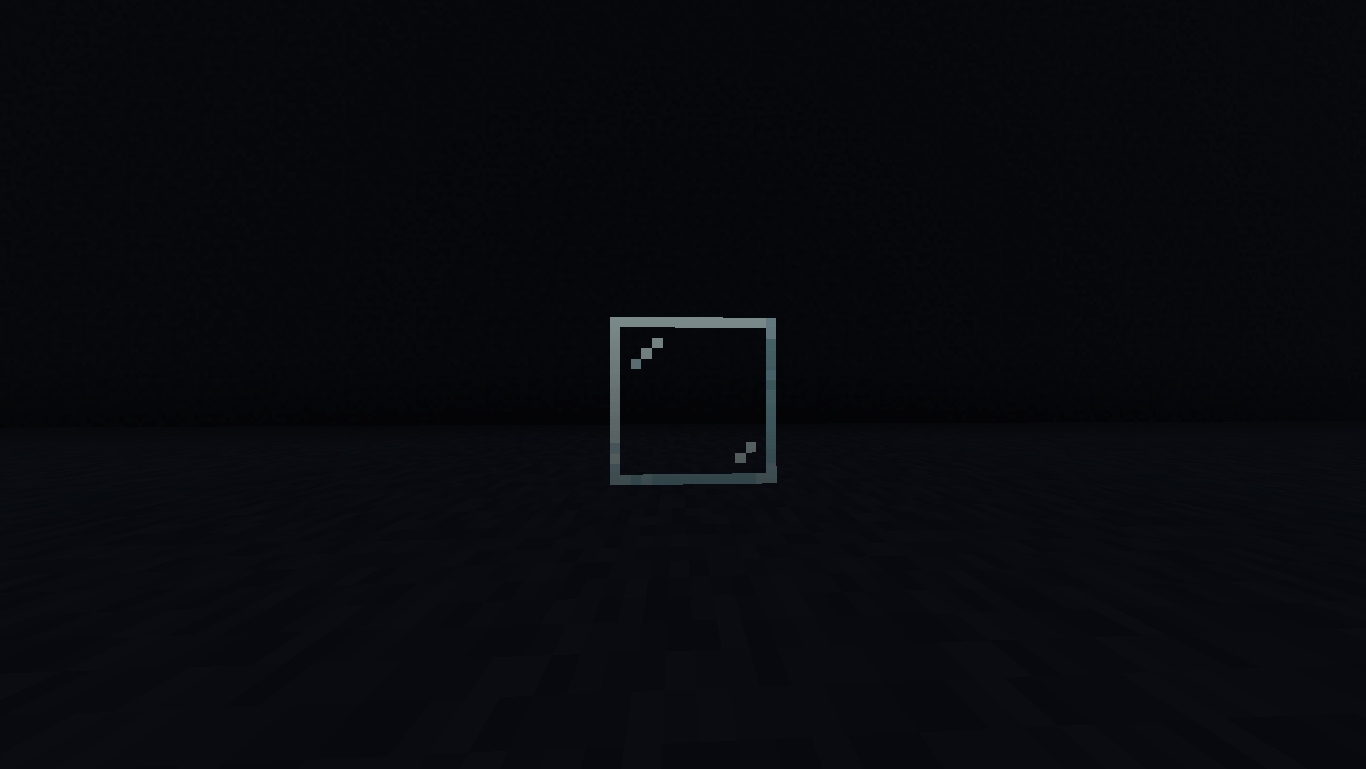
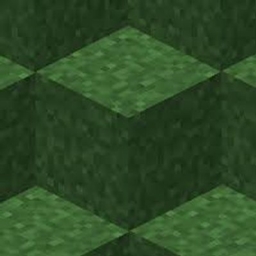
Enjoy crystal-clear views with **Cleaner Glass**! This vanilla-friendly resource pack removes distracting glass streaks and borders while keeping Minecraft's original style intact.
by Deadlox_Gaming0
Download Claim this project
1,583 downloads
0 likes
0 followers
Updated Oct 14, 2026
0 hypes
Follow0
16x Mod Support Modern Photo Realistic Traditional
Advertisement Remove ads with Premium →

Cleaner Glass

Tired of glass textures blocking your beautiful builds? Cleaner Glass gives Minecraft a cleaner, more polished look by reducing the distracting lines and borders on glass blocks while staying true to the vanilla aesthetic.

Whether you're building a modern house, a massive base, an aquarium, or a greenhouse, this pack lets you enjoy clear views without changing the rest of the game's art style.

Features

  • ✨ Cleaner, less distracting glass textures
  • 🎮 100% vanilla-friendly appearance
  • 🏠 Perfect for modern builds and large windows
  • 🔍 Improves visibility through glass
  • ⚡ Lightweight with no performance impact
  • 📦 Easy to install and compatible with most resource packs

If you're looking for a simple visual upgrade that keeps Minecraft feeling like Minecraft, Cleaner Glass is the perfect choice.

Thank you for downloading! If you enjoy the pack, consider leaving a favorite or review—it helps the project grow and supports future updates

Cleaner Glass.zip
MC 1.16.3, 1.16-Snapshot, 1.17.1, 1.21.2-Snapshot, 1.21, 1.21.6-snapshot, 1.16.1, 1.18.1, 1.20.2-Snapshot, 1.20.5-Snapshot, 1.16, 1.19-Snapshot, 1.21.1-Snapshot, 1.16.5, 1.20.2, 1.19.4
Release 2026-07-01 Get

Requirements & install

How to use this resource pack in Minecraft
Resolution
16x
Minecraft
1.19.4 – 1.21.6-snapshot
Install folder
.minecraft/resourcepacks

How to install resource packs

  1. Download the resource pack .zip file (do not extract it).
  2. In Minecraft open Options → Resource Packs → Open Pack Folder.
  3. Drop the .zip into the resourcepacks folder (.minecraft/resourcepacks).
  4. Move the pack to the Selected column and click Done.
Browse more: 16x resource packs 32x resource packs 64x resource packs 128x resource packs 256x resource packs 512x+ resource packs Resource Packs for 1.21.6-snapshot All resource packs

More from Deadlox_Gaming0

Advertisement Remove ads with Premium →

You Might Also Like