Mineuniverse
Resource Packs
Slimmer Player Model - A subpack for Slightly Better Mobs

Slimmer Player Model - A subpack for Slightly Better Mobs

RESOURCE PACK
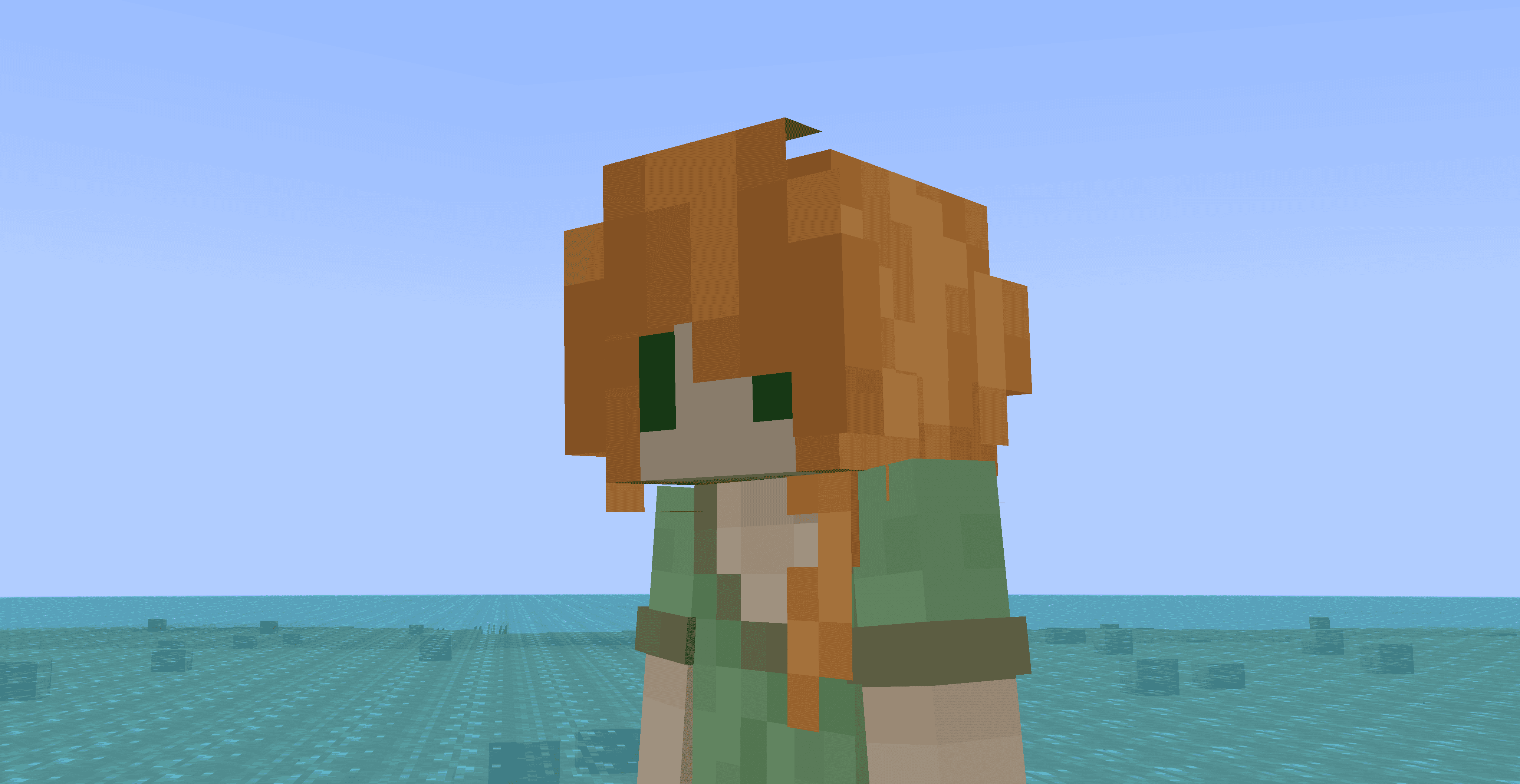
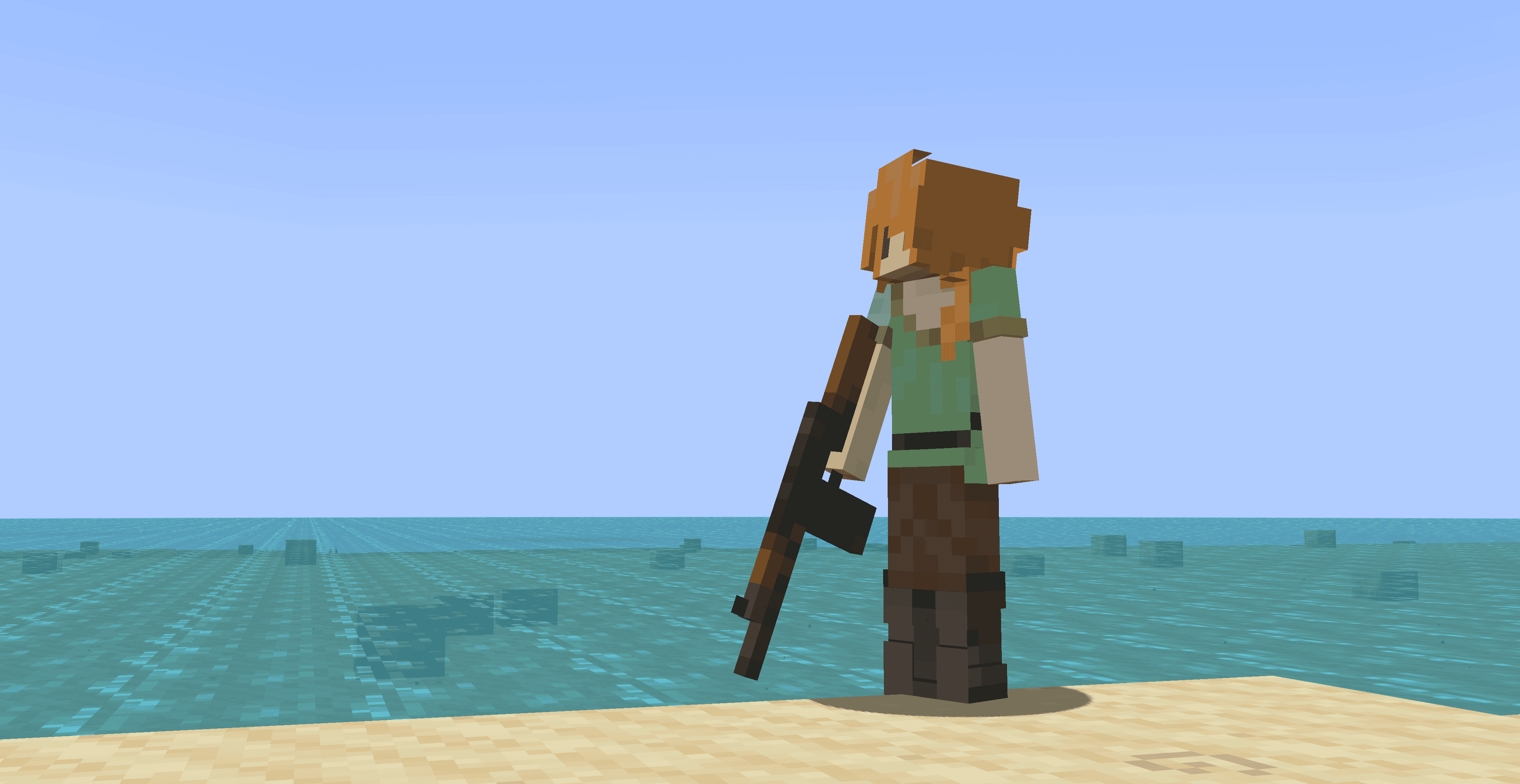
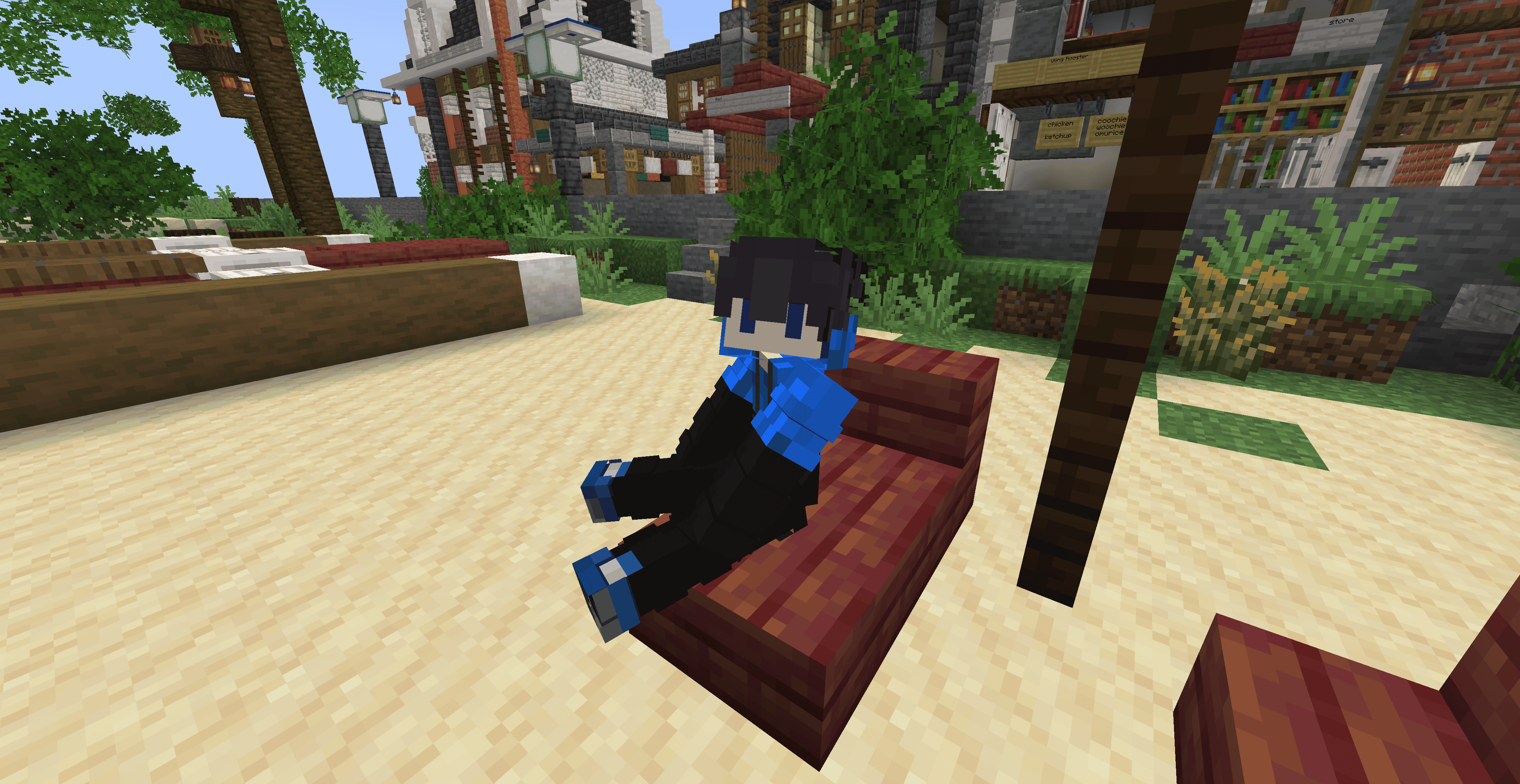
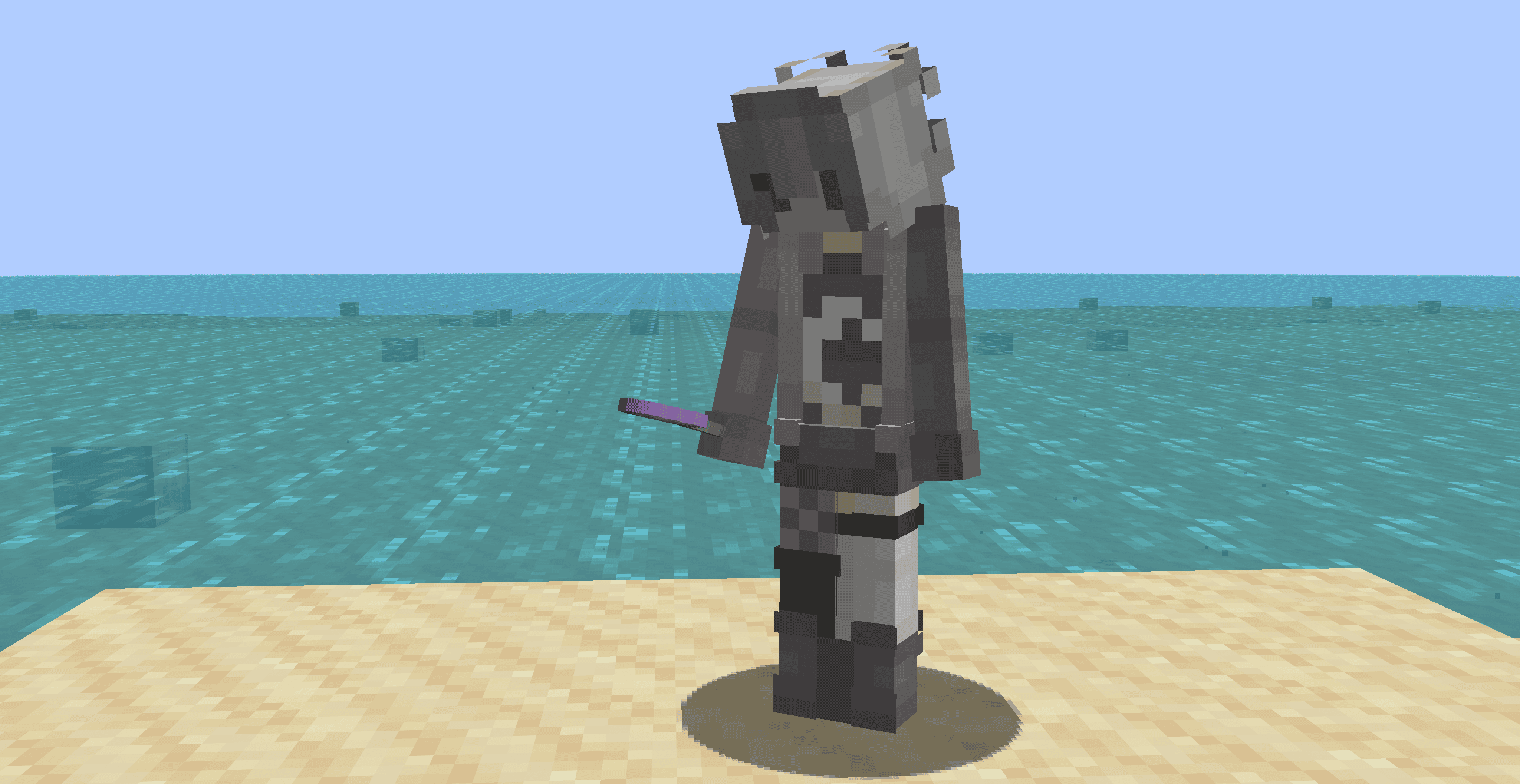
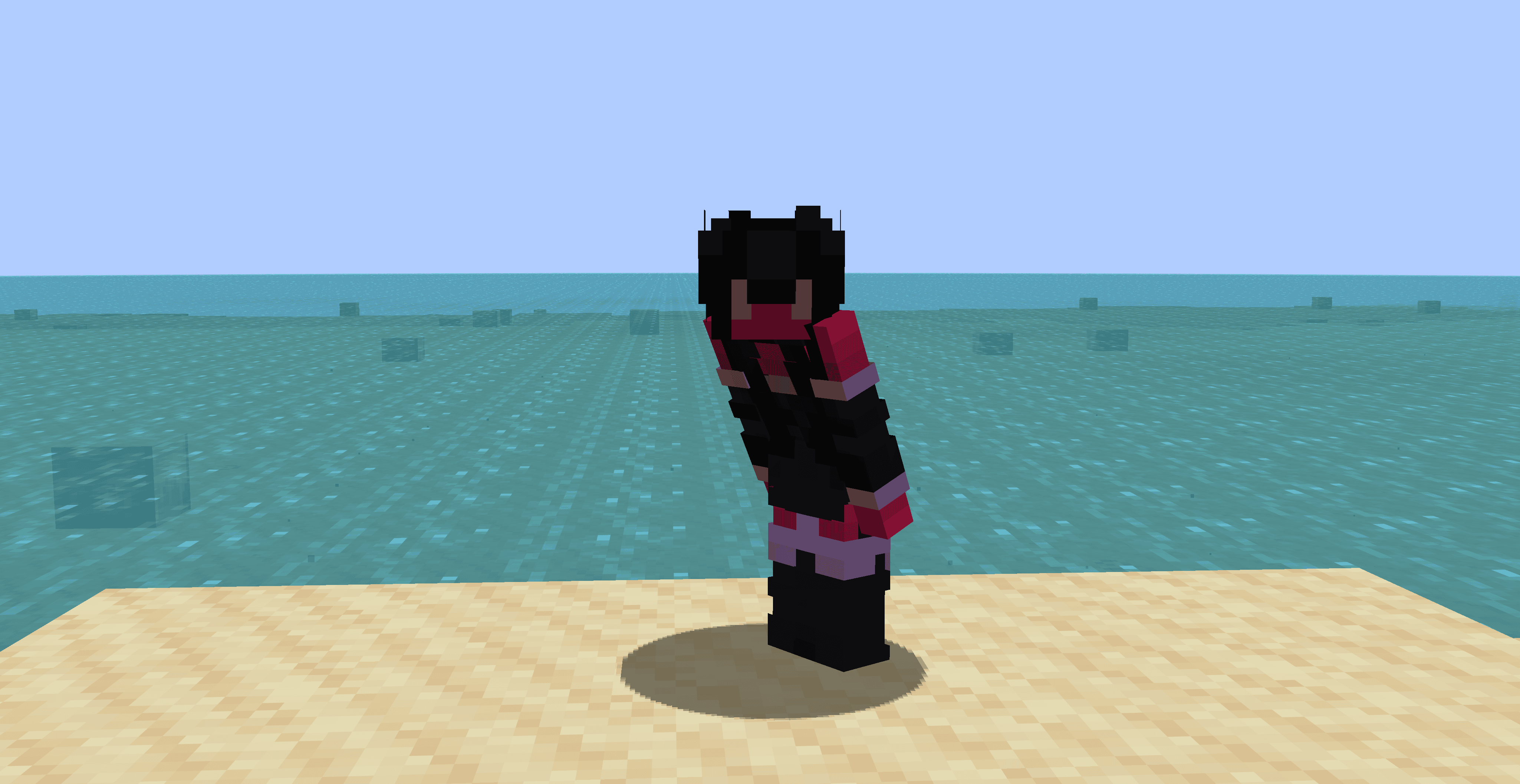
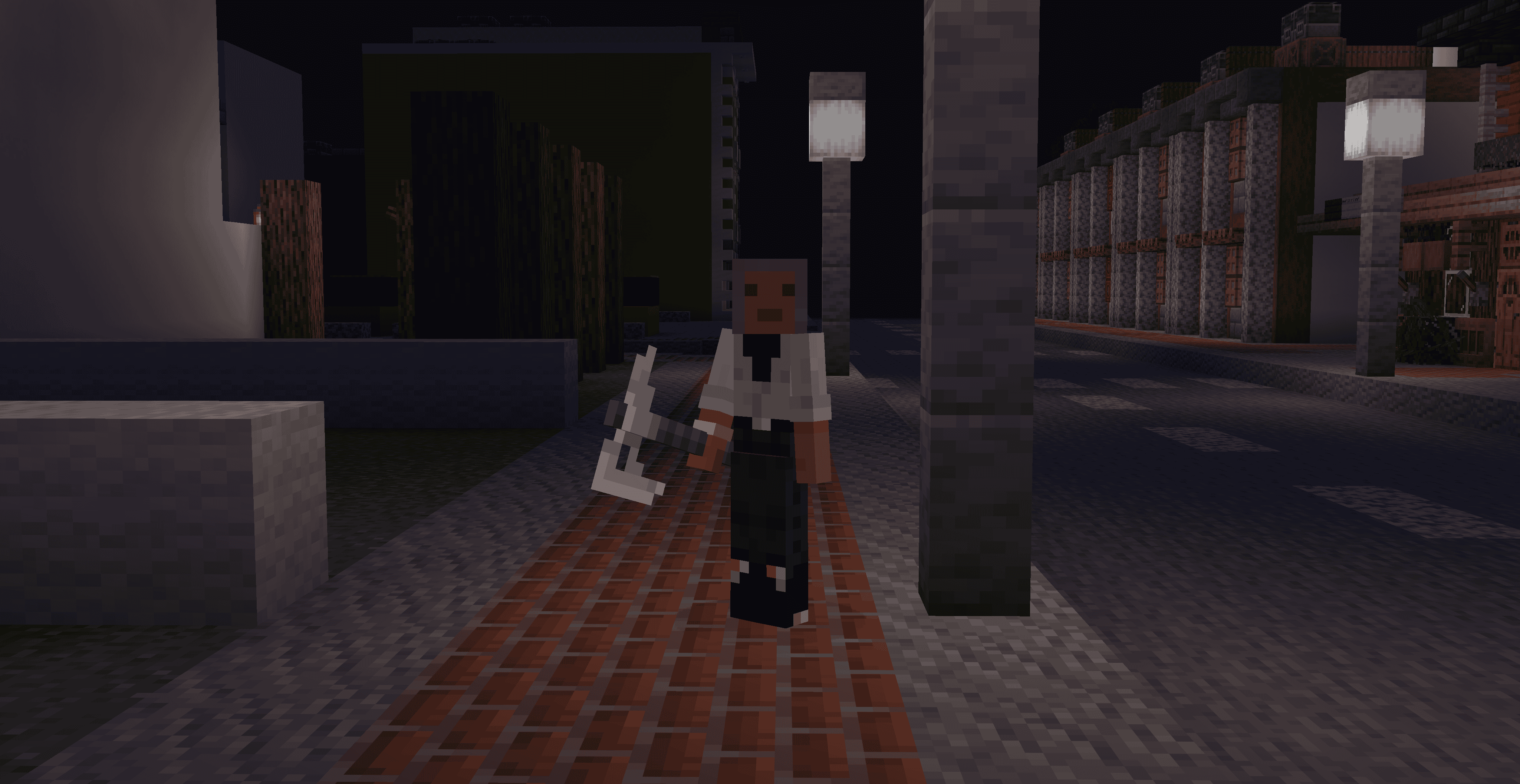
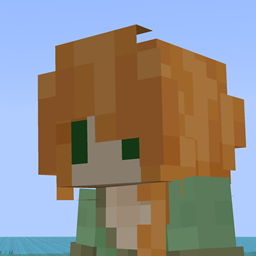
Makes the player model even more slimmer.
by CmdrMCNuggets
Download Claim this project
Add a badge to your pageLink to Slimmer Player Model - A subpack for Slightly Better Mobs from a README, website or forum post.
Preview: Badge

Badges update automatically and link to the resource pack page on MineUniverse.

1,111 downloads
0 likes
0 followers
Updated Oct 14, 2026
0 hypes
Follow0
16x Animated Miscellaneous Traditional
Advertisement Remove ads with Premium →

[Requires Entity Model Features mod and Entity Texture Features mod]

https://www.curseforge.com/minecraft/mc-mods/entity-model-features

https://www.curseforge.com/minecraft/mc-mods/entity-texture-features-fabric

https://www.curseforge.com/minecraft/mc-mods/nopackcompatcheck

This pack is a player model resource pack that makes the player model more slimmer. This is a child pack of Slightly Better Mobs, a pack about making the mobs slimmer or taller, and make the fantasy mobs more abstract or unique models.

The player model is also designed to make sure it works on most skins, though, there are some skins that will not work well with this pack aesthetically, but i mean, this pack is more of fleshing out a concept.

In the future updates, zombies and skeletons will be covered.


If you think this is too horrendous, how about you come up with something while making it pixel consistent to the blocks they are standing on, and if you cant, theres no other solutions. Ive tried to remodel this many times.

SlimmerPlayerModel.zip
MC 1.21, 1.20.2, 1.21.8, 1.20.5, 1.21.5, 1.21.4, 1.20.1, 1.20.6, 1.21.1, 1.21.6, 1.21.3, 1.21.7, 1.20.4, 1.20.3, 1.21.2, 1.21.9, 1.21.10, 1.21.11, 26.1
Release 2026-03-12 Get

Requirements & install

How to use this resource pack in Minecraft
Resolution
16x
Minecraft
1.21.5 – 26.1
Install folder
.minecraft/resourcepacks

How to install resource packs

  1. Download the resource pack .zip file (do not extract it).
  2. In Minecraft open Options → Resource Packs → Open Pack Folder.
  3. Drop the .zip into the resourcepacks folder (.minecraft/resourcepacks).
  4. Move the pack to the Selected column and click Done.
Browse more: 16x resource packs 32x resource packs 64x resource packs 128x resource packs 256x resource packs 512x+ resource packs Resource Packs for 26.1 All resource packs

More from CmdrMCNuggets

Advertisement Remove ads with Premium →

You Might Also Like