Mineuniverse
Resource Packs
Slightly Improved

Slightly Improved

RESOURCE PACK
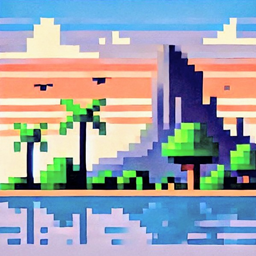
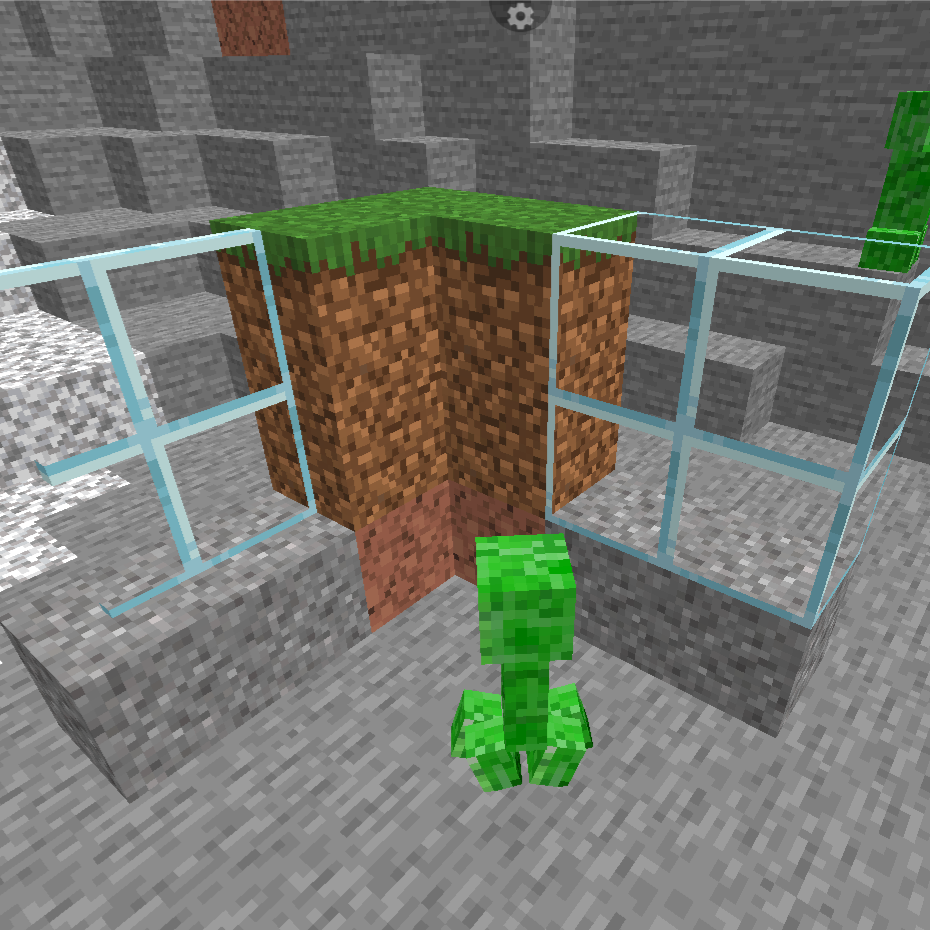
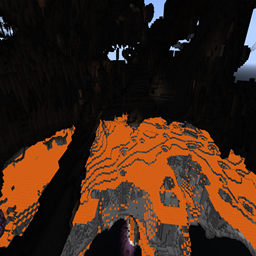
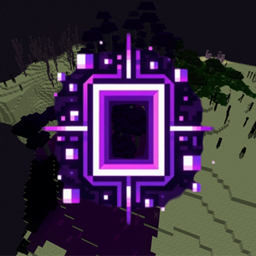
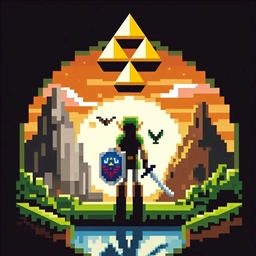
A Resource Pack for Vanilla Minecraft that Overhauls and improves the current textures of blocks, entities and items to give a better experience.
by Tucky143
Download Claim this project
347 downloads
0 likes
Updated Oct 14, 2026
0 hypes
16x Miscellaneous
Advertisement Remove ads with Premium →

The Vanilla Experience is a meticulously crafted resource pack that breathes new life into the classic Minecraft aesthetic. This pack offers a fresh, yet familiar, overhaul of some of Minecraft's iconic textures, providing a refined visual experience without straying too far from the original charm that players know and love. From enhanced block details to more vibrant and immersive environments, The Vanilla Experience is perfect for those who want to rediscover the beauty of Minecraft with a polished touch. Dive into a world that feels both nostalgically familiar and excitingly new with The Vanilla Experience.

Enjoy the stunning visuals as you explore your favorite biomes, build epic structures, and embark on adventures with a renewed sense of wonder. Whether you're a veteran player or new to the game, The Vanilla Experience will enhance your journey in the most delightful way.

Thanks to MCreator for providing the delightful interface used for making this pack.

Slightly Improved 1.1
MC 1.20.2, 1.21.2-Snapshot, 1.21, 1.20.5, 1.20.2-Snapshot, 1.20.5-Snapshot, 1.21.1-Snapshot, 1.21.4, 1.20.3-Snapshot, 1.20.3, 1.20.1, 1.20, 1.20.6, 1.20.4, 1.21-Snapshot, 1.21.3
Release 2025-02-02 Get
Slightly Improved 1.0.1
MC 1.19.3, 1.20.2, 1.21.2-Snapshot, 1.21, 1.19.4-Snapshot, 1.20.5, 1.20.2-Snapshot, 1.20.5-Snapshot, 1.19.4, 1.21.1-Snapshot, 1.21.4, 1.19.2, 1.20.3-Snapshot, 1.20.3, 1.20.1, 1.20
Release 2024-12-15 Get
Slightly Improved
MC 1.19.3, 1.20.2, 1.21, 1.20.5, 1.19.4, 1.21.4, 1.19.2, 1.20.3, 1.20.1, 1.20, 1.20.6, 1.20.4, 1.21.3, 1.21.1, 1.21.2
Release 2024-12-11 Get

Requirements & install

How to use this resource pack in Minecraft
Resolution
16x
Minecraft
1.21-Snapshot – 1.21.4
Install folder
.minecraft/resourcepacks

How to install resource packs

  1. Download the resource pack .zip file (do not extract it).
  2. In Minecraft open Options → Resource Packs → Open Pack Folder.
  3. Drop the .zip into the resourcepacks folder (.minecraft/resourcepacks).
  4. Move the pack to the Selected column and click Done.
Browse more: 16x resource packs 32x resource packs 64x resource packs 128x resource packs 256x resource packs 512x+ resource packs Resource Packs for 1.21.4 All resource packs

More from Tucky143

Advertisement Remove ads with Premium →

You Might Also Like