Yes you read the description right.
If you read it, that is.
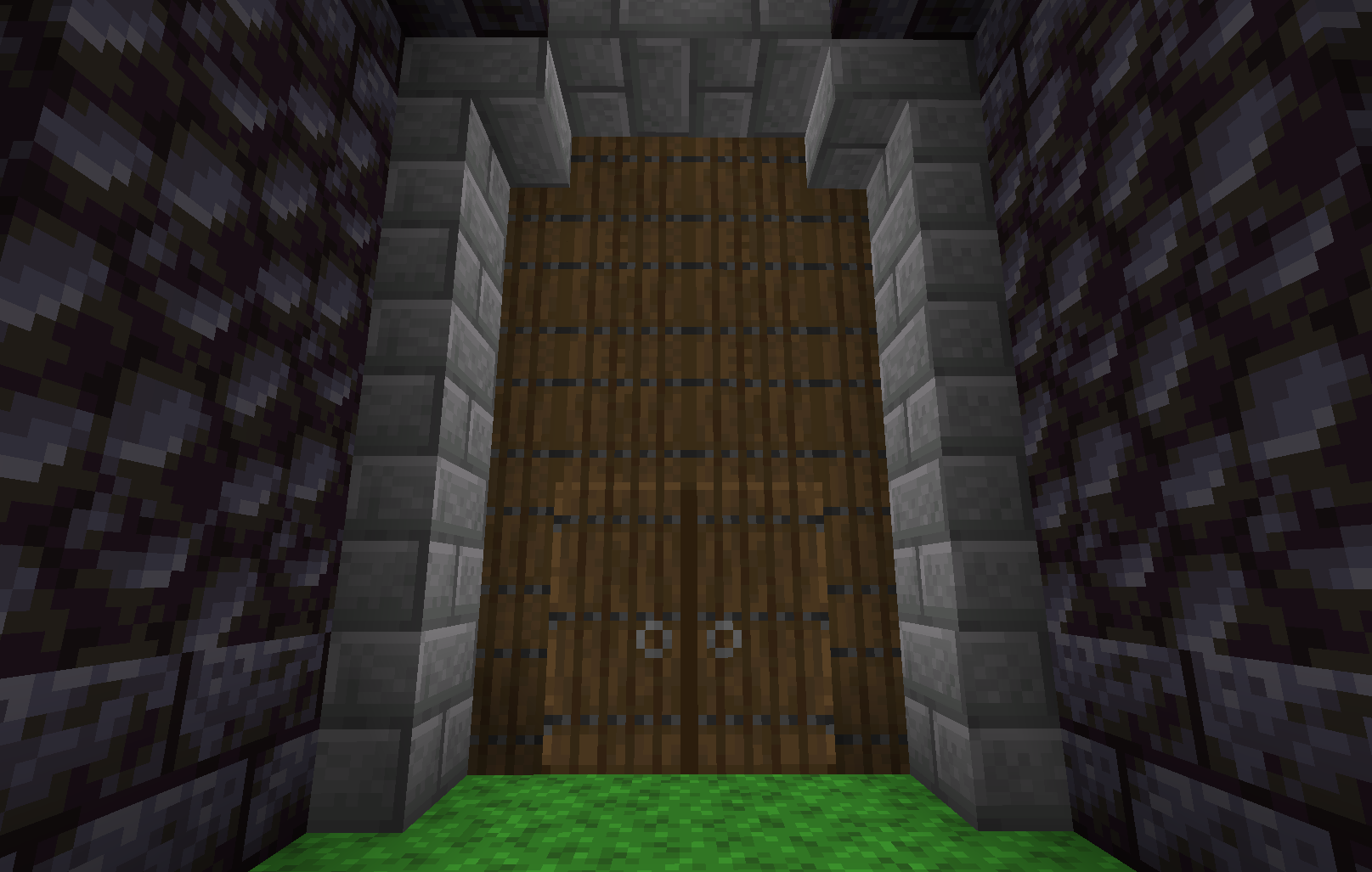
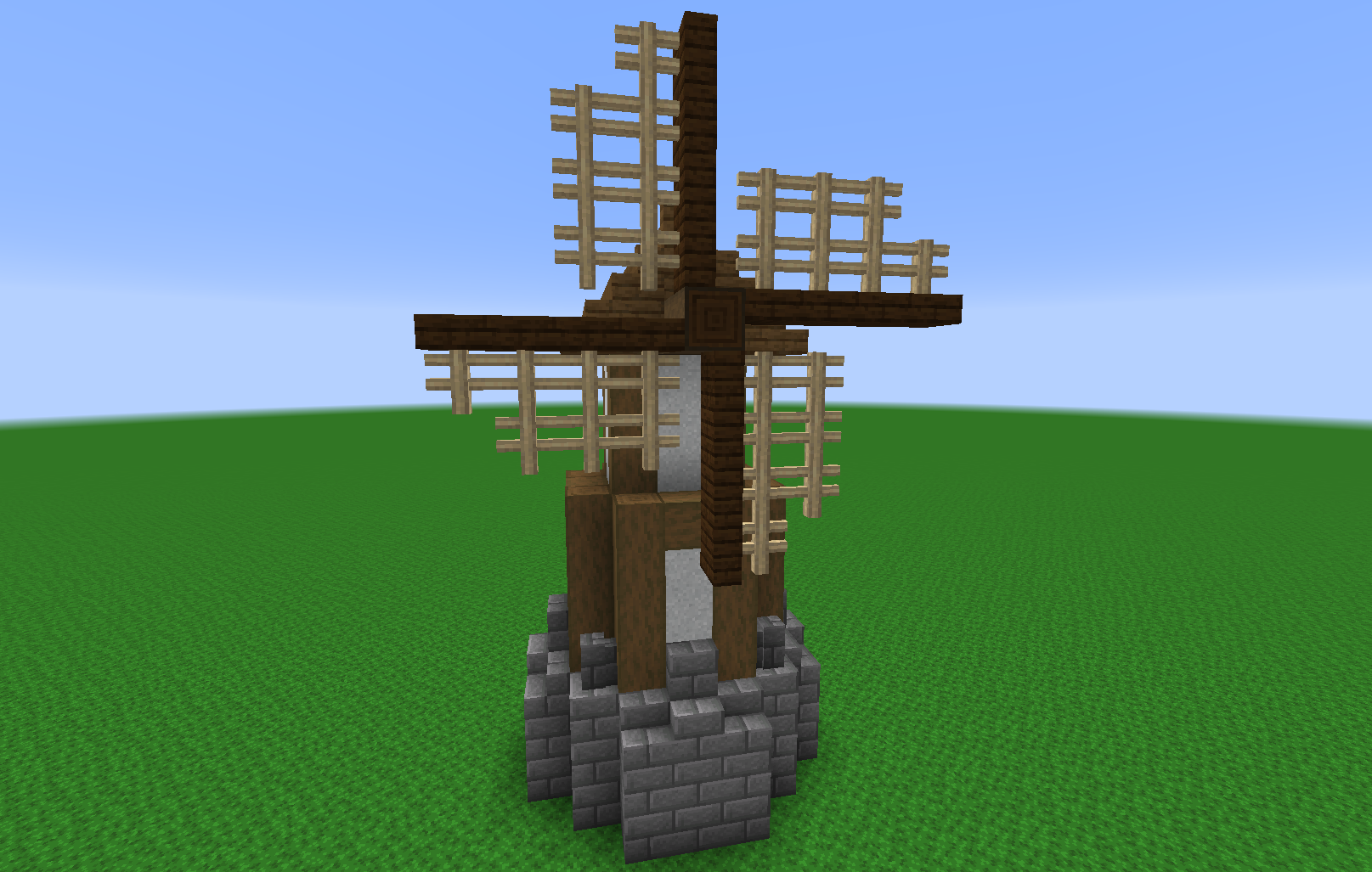
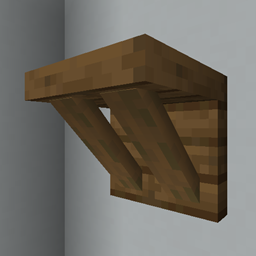
This RESOURCE PACK adds vertical slabs to the game, kind of.
It technically doesn't add new blocks, that's impossible, BUT it does add new models for unused blockstates in existing blocks, AKA walls!
Using the debug stick, you can change the states of blocks, the blockstates, if you will. This pack makes it so specific blockstates show up as vertical slabs!
If "up" is false, and whatever side you want is either "short" or "tall," and the opposite side is "none," it will appear as a vertical slab!
If you've been here before the date 7/16/2020, you will know that this pack wasn't originally called Slabn't! (or if you just... look at the files tab...) Congrats! You're a veteran of vertical slabs!
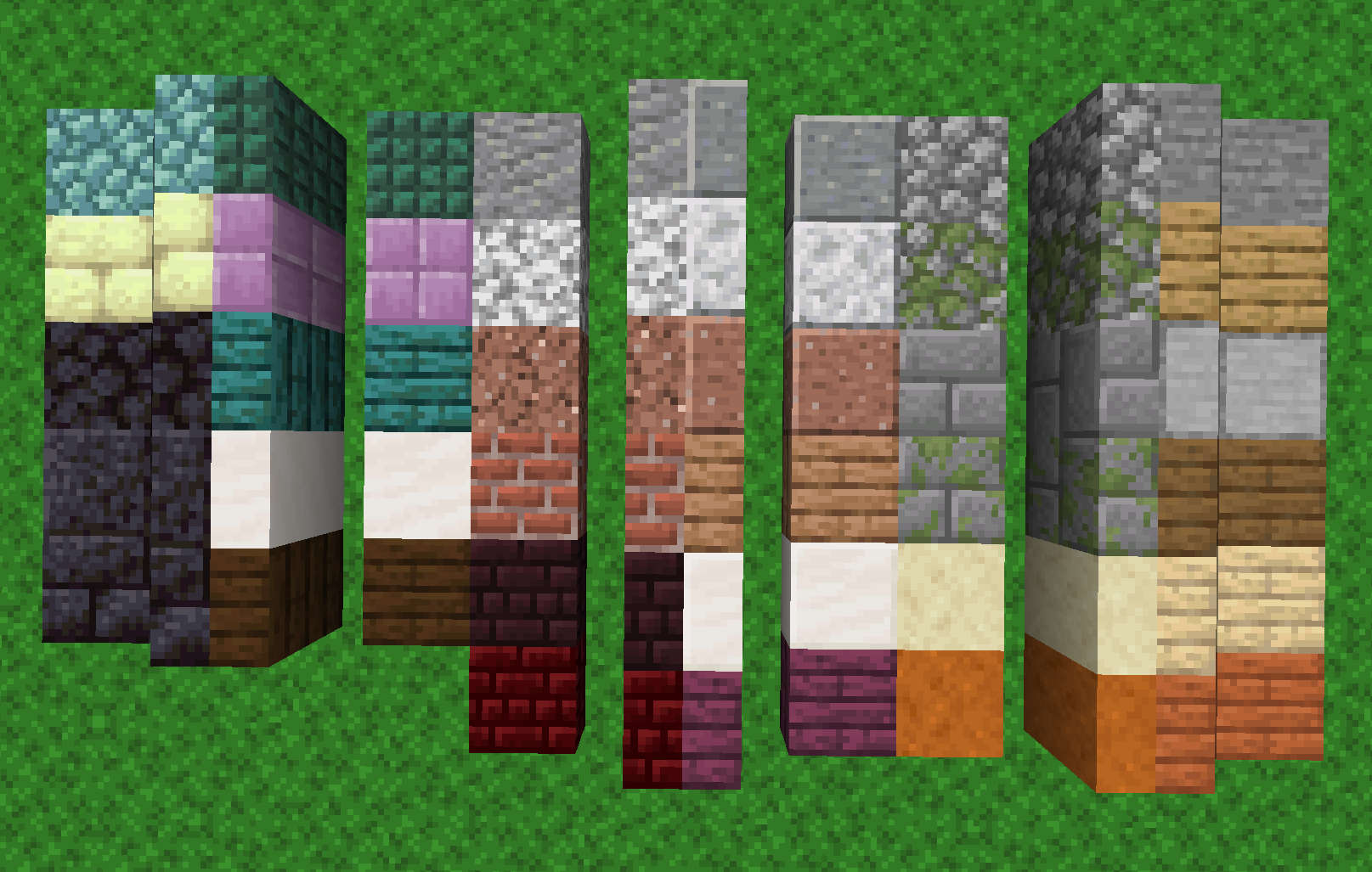
For everyone else, this pack was called "Wall Slabs" before now, and due to the updates to walls in 1.16, that version doesn't work anymore. BUT, also thanks to the changes to 1.16, the new version of the pack has TWICE AS MANY SLABS as would have been possible without them! That means most slabs in the game now have vertical slab variants through this pack! You can see which walls go to what slabs in the Images tab.
Feel free to use this in videos, on servers, make addons, etc, whatever!... so long as you credit me somewhere that isn't hidden or hard to get to, please.
Q&A:
Here's the section with common questions, and my answers!
Q: Will you backpo-
A: No. Just no. Why are you stuck in the past? The future is where it's at!
Q: Can there be a version that doesn't use the debug stick?
A: No. The debug stick is 100% necessary, and therefore this is only usable in creative mode. Otherwise I would need to replace existing, used blockstates, which can ruin existing builds, something I'd rather not do.
Q: Can I use this on Bedrock Edition?
A: No. Bedrock is very different from Java when it comes to resource packs, and this one is specifically formatted for Java. Not only that, but Bedrock doesn't allow custom block models (yet), so not only is this pack for the wrong version, it is physically impossible to make this for Bedrock.
Q: Can I use this with ___ resource pack?
A: FINALLY something I can say YES to! This pack doesn't change any existing models or textures, so as long as the pack in question doesn't change any wall blockstates, this pack should be 100% compatible!
Q: It isn't working! What's wrong?!
A: Chances are you didn't read and are doing it wrong, this doesn't change slabs at all. It changes WALLS, so they LOOK LIKE SLABS. You need to use a debug stick on a wall, not on a slab.