Mineuniverse
Resource Packs
Skyla's PvP Pack [Original]

Skyla's PvP Pack [Original]

RESOURCE PACK
A Minecraft PvP Texture Pack
by Winter_Owl
Download Claim this project
Add a badge to your pageLink to Skyla's PvP Pack [Original] from a README, website or forum post.
Preview: Badge

Badges update automatically and link to the resource pack page on MineUniverse.

1,747 downloads
0 likes
0 followers
Updated Oct 14, 2026
0 hypes
Follow0
16x Miscellaneous
Advertisement Remove ads with Premium →


NOTES:
-This pack was commissioned by my brother.
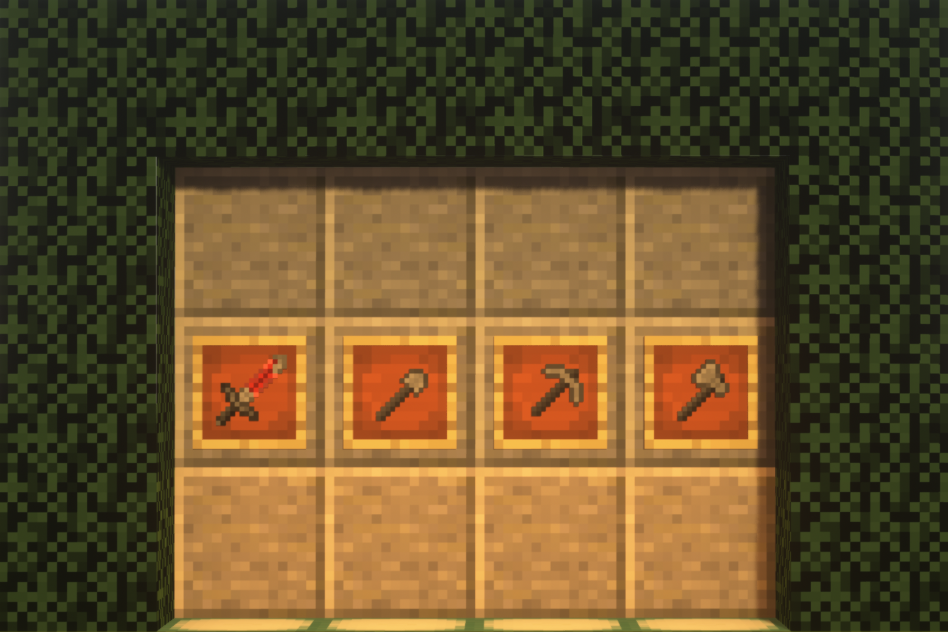
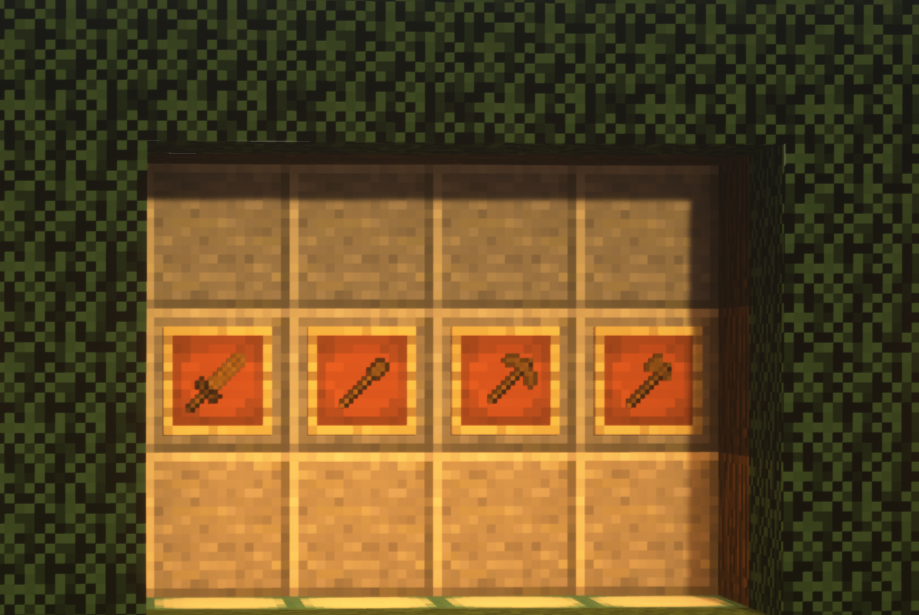
-This pack is a simple PvP pack, don't expect anything more.
-There were many other iterations of the pack before release.
-This Texture pack should work in previous versions of Minecraft.
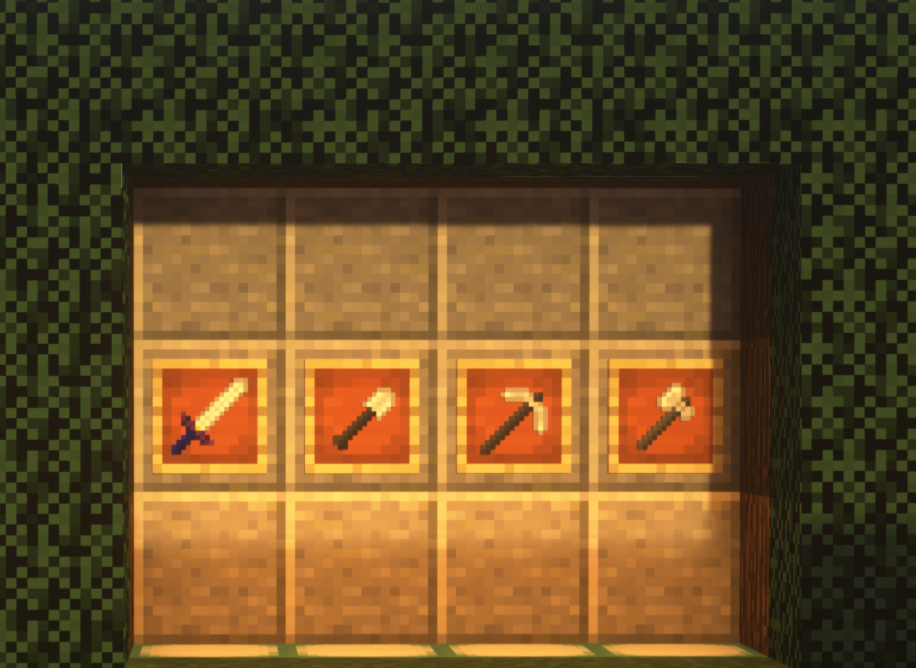
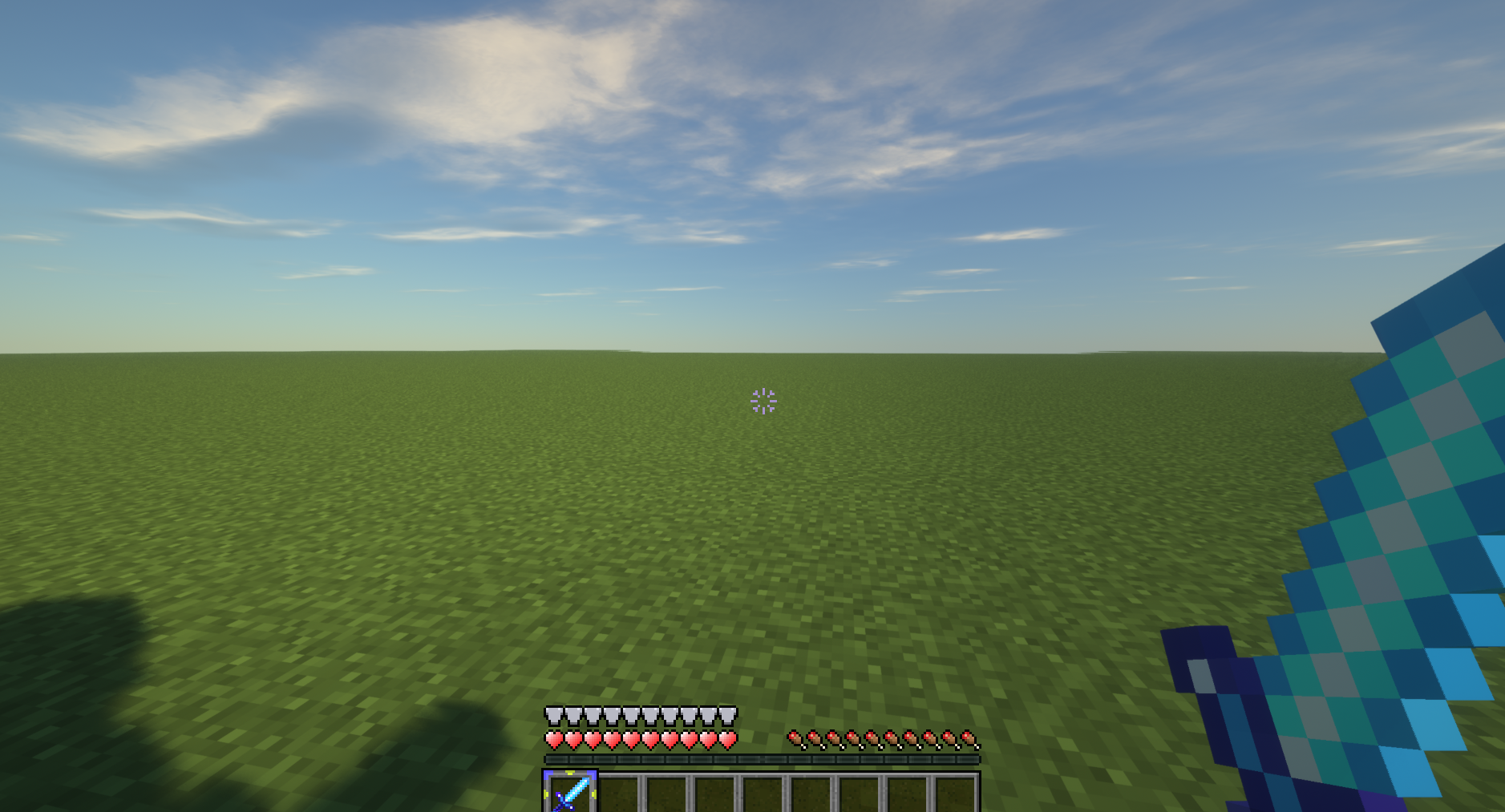
-Iron Sword is in a Master Sword style.
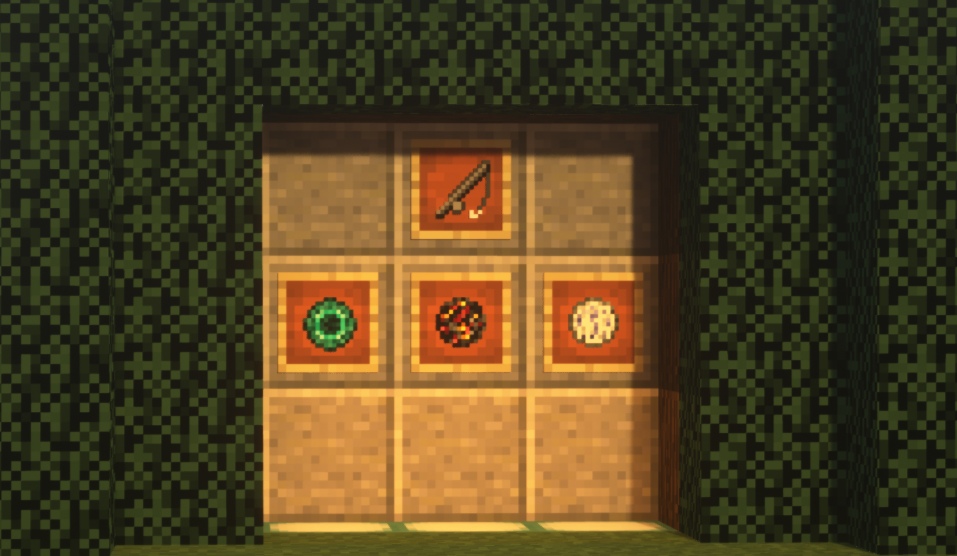
-Snowball packs a punch.
-Snowflake Crosshair

Installing Optifine is optional, but recommended.

1. Download the pack from one of the links above.
2. Start Minecraft.
3. Go to Options -> Resource Packs.
4. Click Open resource pack folder.
5. Place the pack you downloaded in this folder.
6. Select the pack from the Resource Packs menu.
7. Enjoy!

 
ADDITIONAL CREDIT:
I'd like to thank my brother for helping me with the help in the media dept. such as the banner and artwork.
You can subscribe to him on YouTube HERE

If you'd like to see anything added to the pack leave a comment with your ideas!
If you are planning to add this onto another site please LINK TO THIS PAGE FOR THE DOWNLOAD

 

Skyla's Bedwars Pack 1.1
MC 1.8.7, 1.8.4, 1.8.8, 1.8-Snapshot, 1.8.3, 1.8.6, 1.8, 1.8.2, 1.8.5, 1.8.9, 1.8.1
Alpha 2020-04-17 Get
Skyla's PVP Pack.zip
MC 1.7.6, 1.8.7, 1.7.4, 1.7.7, 1.7.5, 1.8.4, 1.7.9, 1.8.8, 1.7.2, 1.8-Snapshot, 1.8.3, 1.8.6, 1.7.8, 1.7.10, 1.8, 1.8.2, 1.8.5, 1.8.9, 1.8.1
Release 2020-04-15 Get

Requirements & install

How to use this resource pack in Minecraft
Resolution
16x
Minecraft
1.8.2 – 1.8.9
Install folder
.minecraft/resourcepacks

How to install resource packs

  1. Download the resource pack .zip file (do not extract it).
  2. In Minecraft open Options → Resource Packs → Open Pack Folder.
  3. Drop the .zip into the resourcepacks folder (.minecraft/resourcepacks).
  4. Move the pack to the Selected column and click Done.
Browse more: 16x resource packs 32x resource packs 64x resource packs 128x resource packs 256x resource packs 512x+ resource packs Resource Packs for 1.8.9 All resource packs
Advertisement Remove ads with Premium →

You Might Also Like