Mineuniverse
Resource Packs
Sky Island

Sky Island

RESOURCE PACK
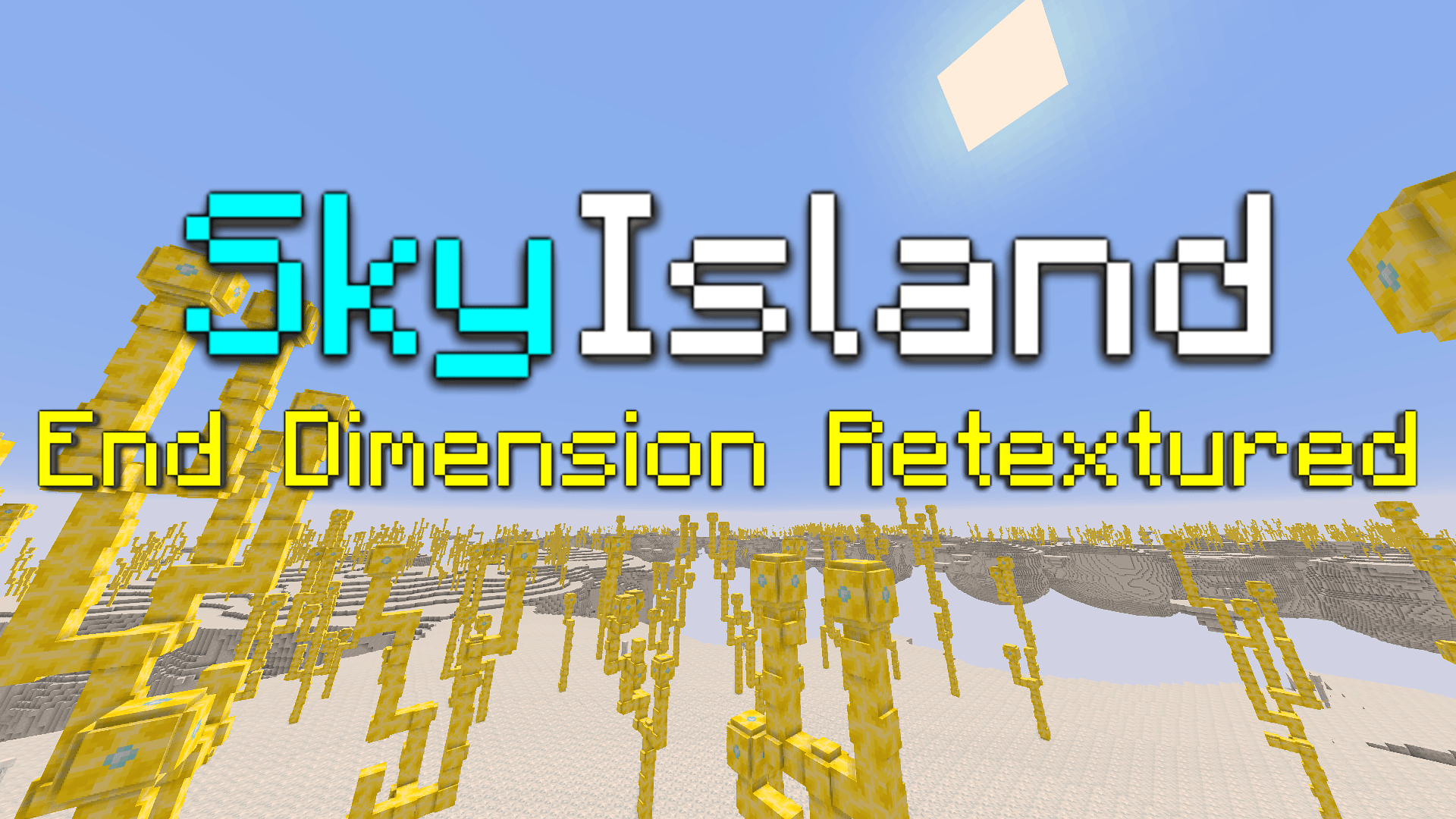
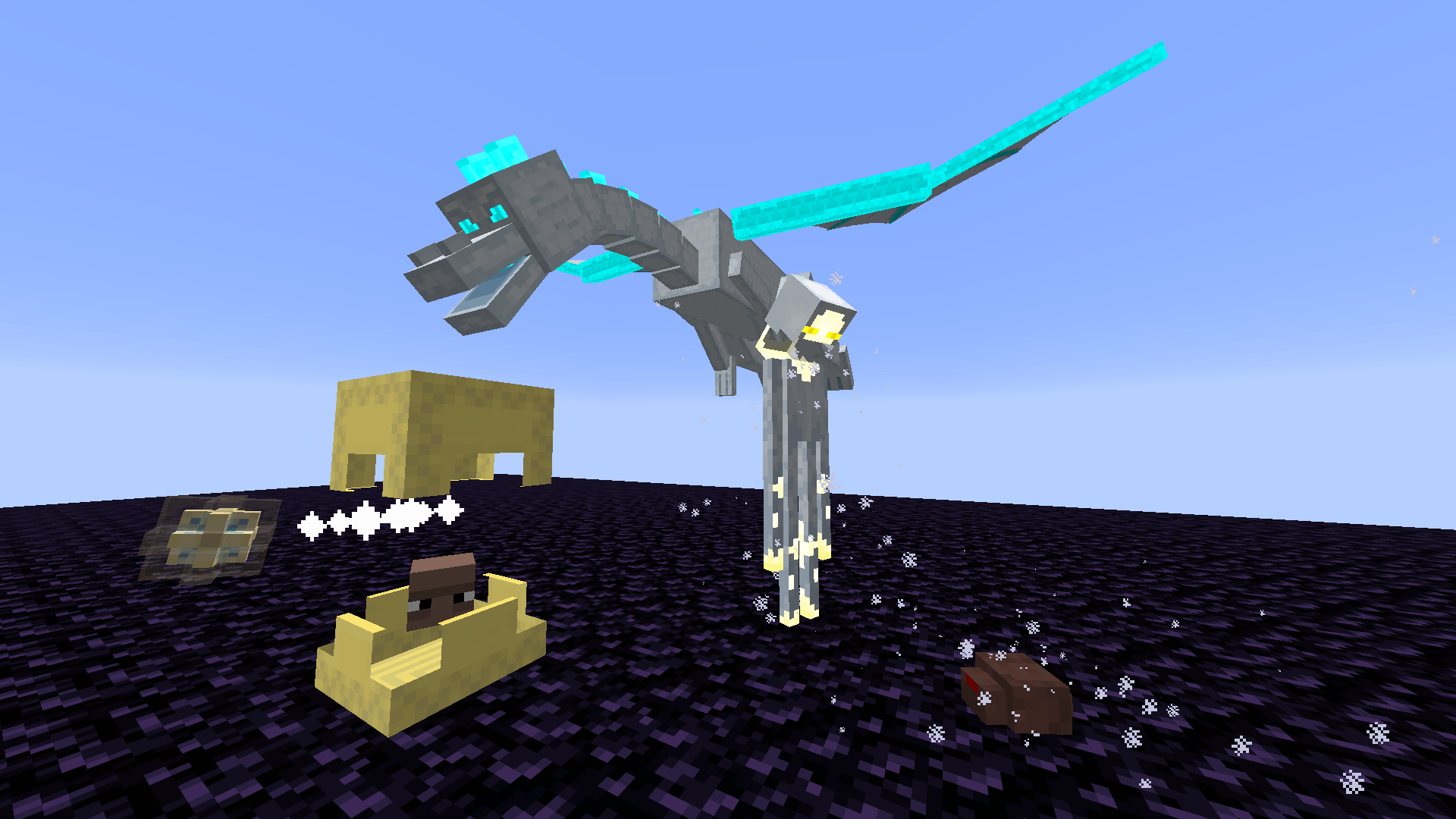
"Lighten up the end with this pack." Retextures and slightly alters The End into a divinely themed dimension.
by guideman
Download Claim this project
431 downloads
0 likes
Updated Oct 14, 2026
0 hypes
Data Packs Miscellaneous
Advertisement Remove ads with Premium →

Note (Only for v1.0)

REQUIRES OptiFine

The uploaded file comes with the datapack. Look for the additional file of the uploaded pack before downloading and there you will find its datapack

Sky Island Pack

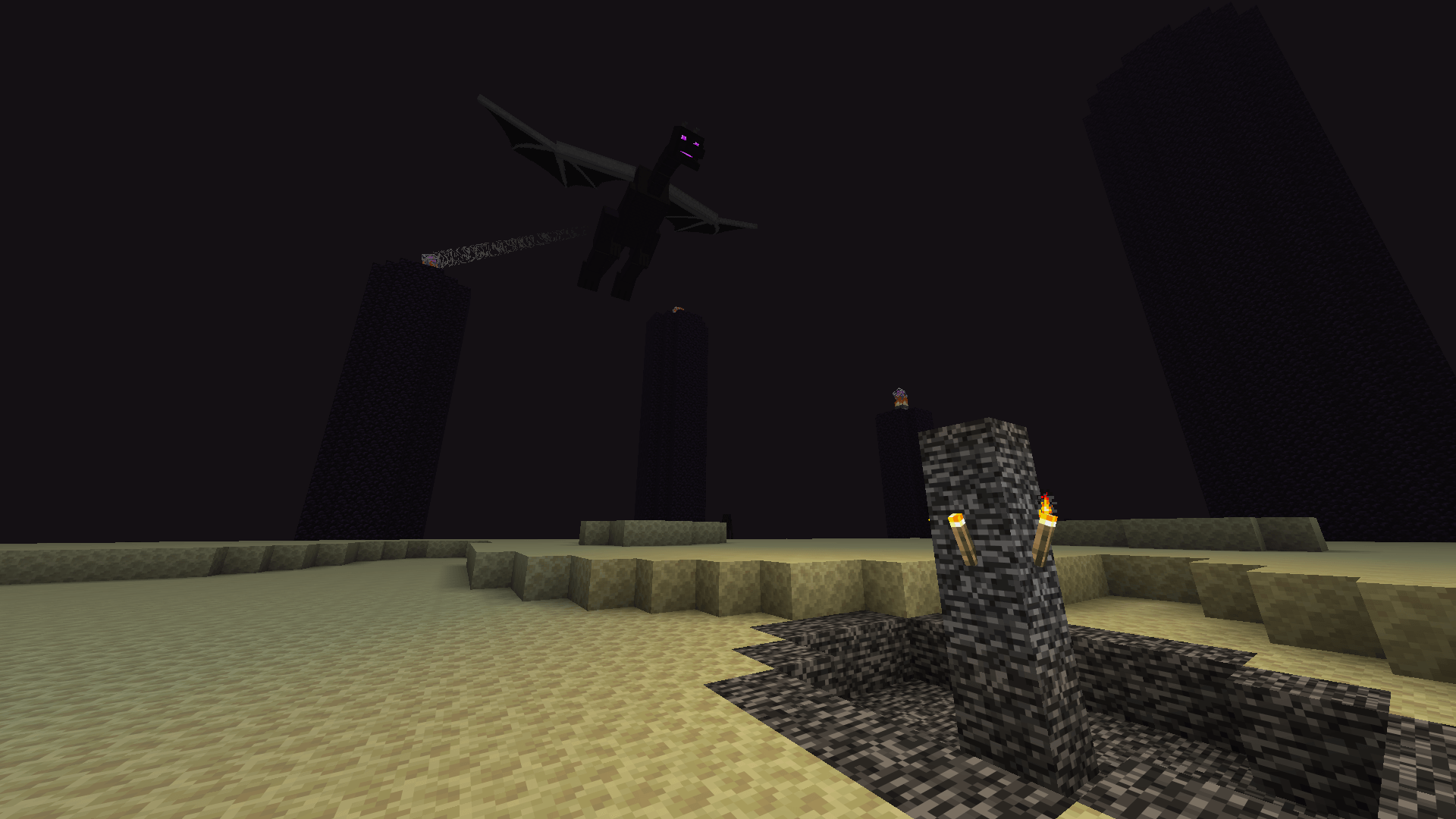
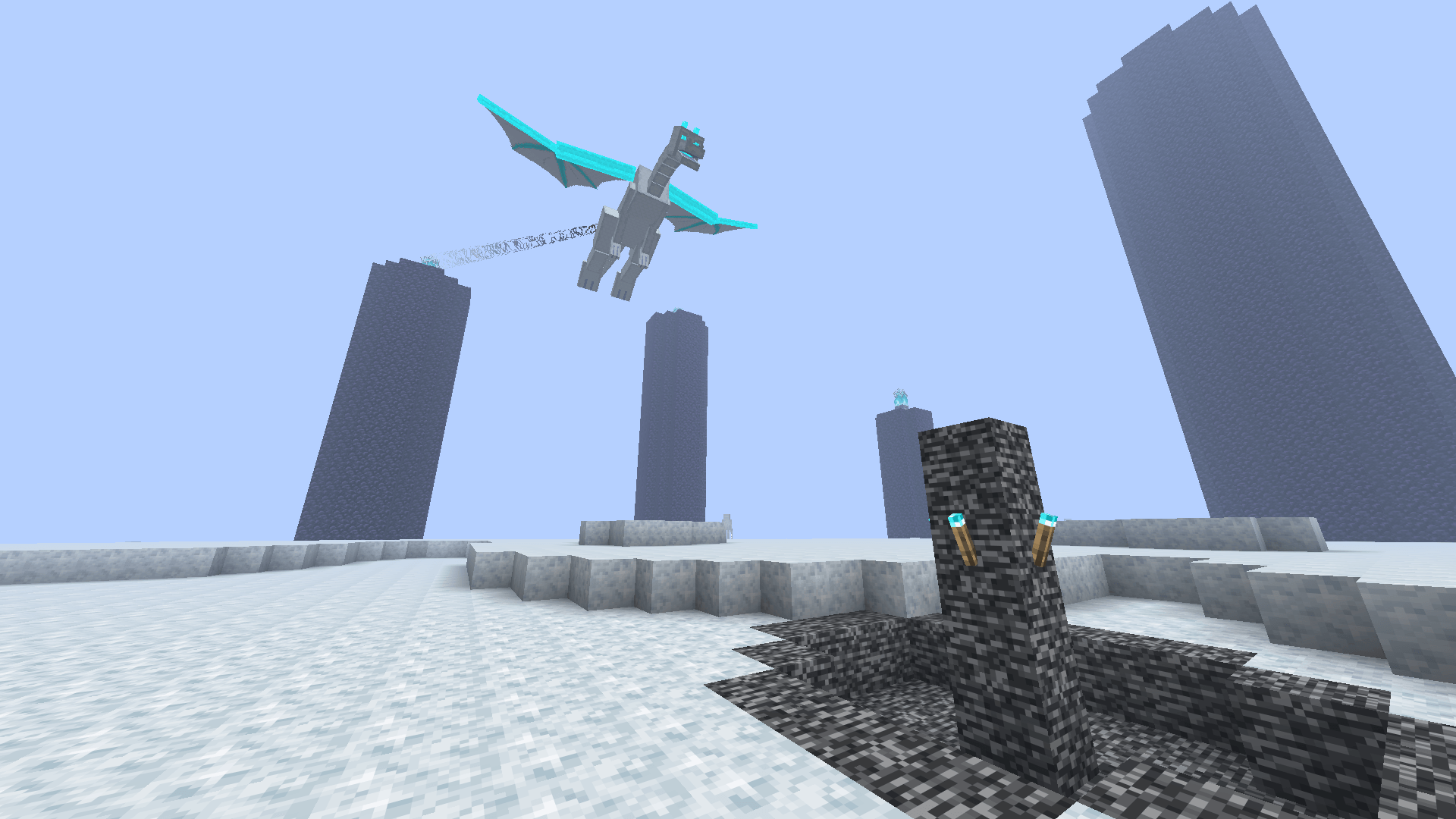
This pack basically retextures The End and related items, turning it into The Sky Dimension. It gives you a different experience of Minecraft's concept of "the end", a dimension with divine and somewhat heavenly vibes in contrast to the eerie and mysterious nature of the original End Dimension. Sky dimension lets you feel eternity rather than uncertainty in exploring it.

Changes

To specify, here is the list of changes in the game

Texture

Dimension

  • End Sky

Blocks and Items

  • End Stone, End Stone Bricks, and Variants
  • Purpur Block and Variants
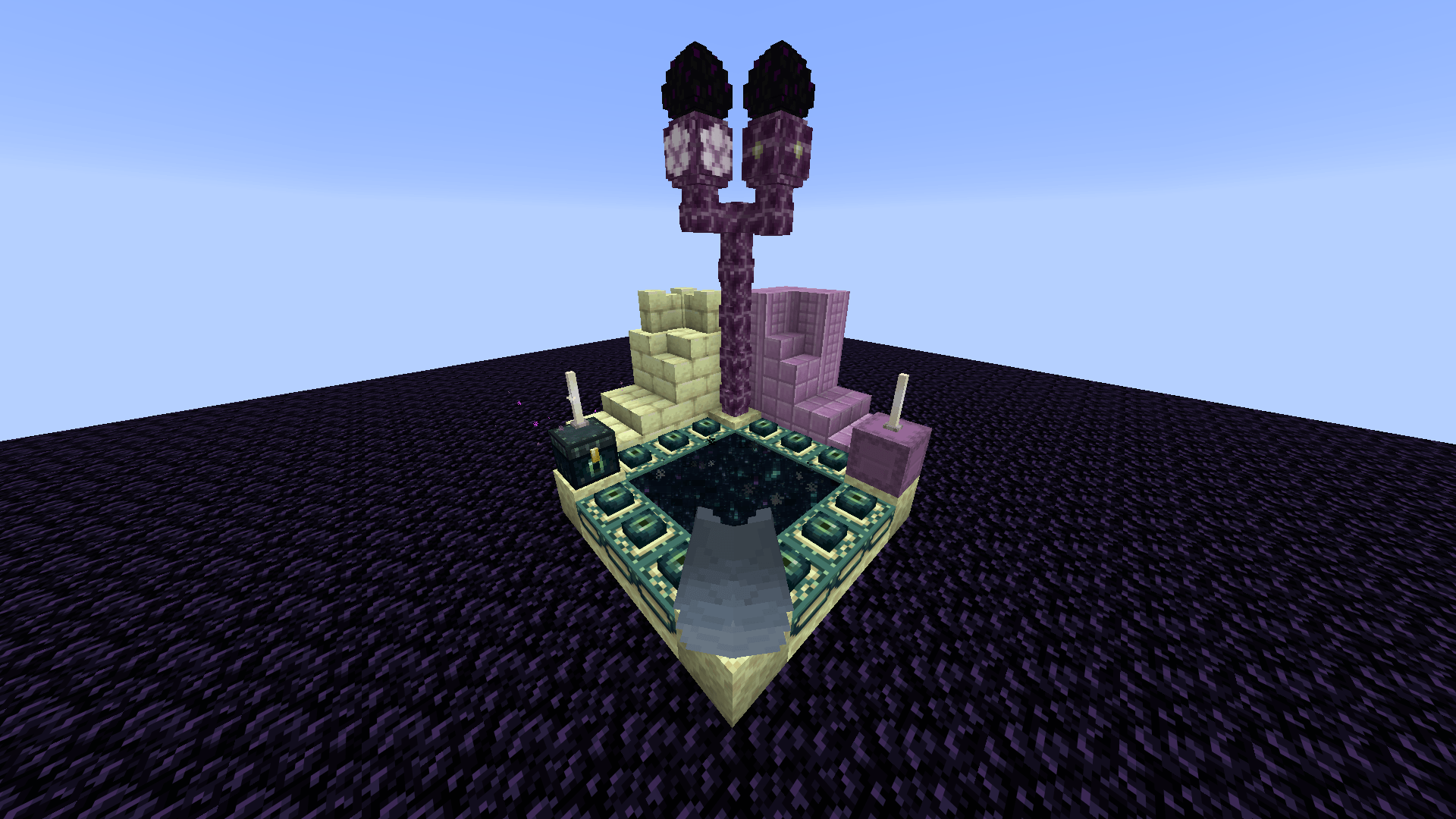
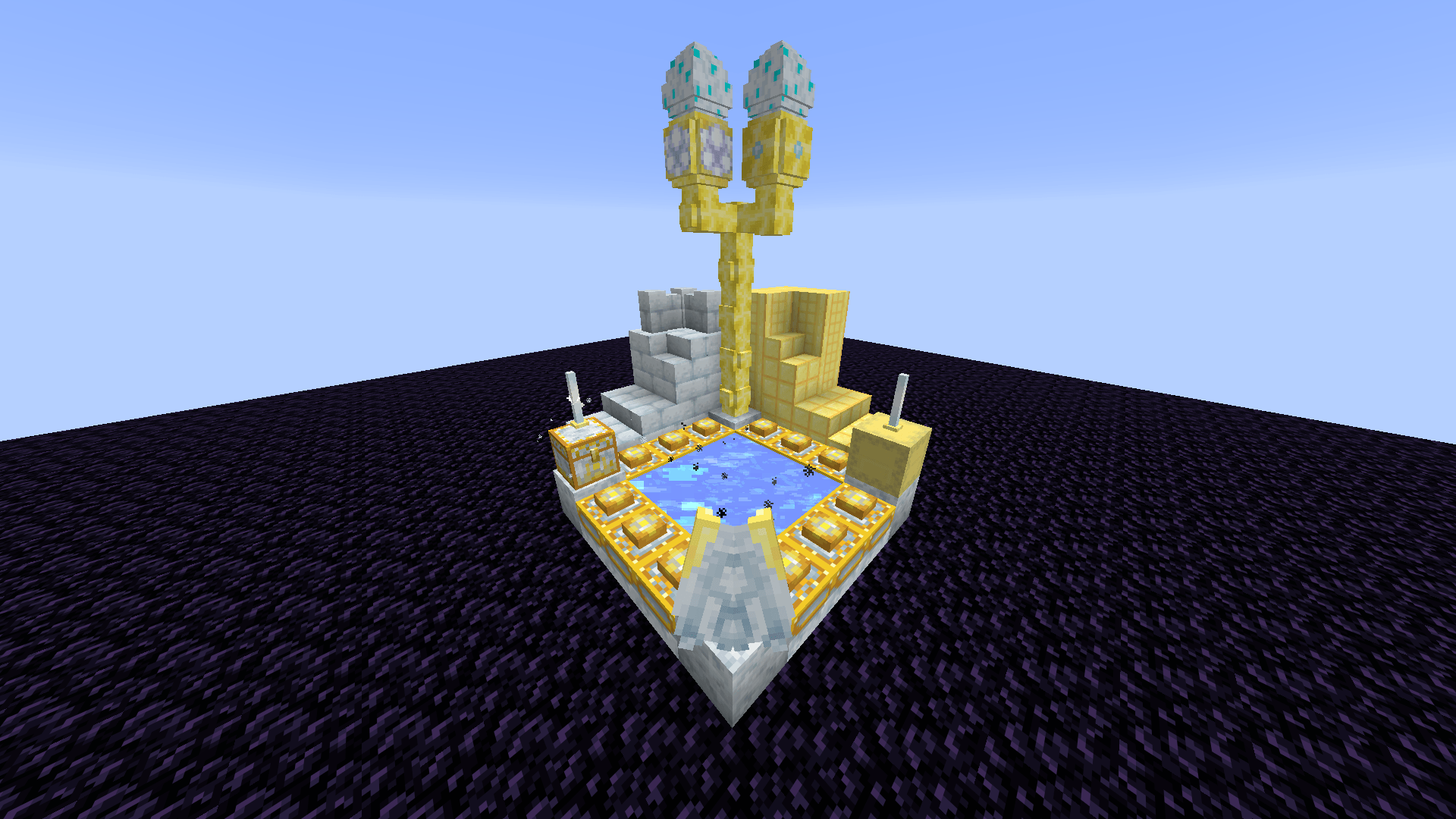
  • Whole End Portal
  • Chorus Plant
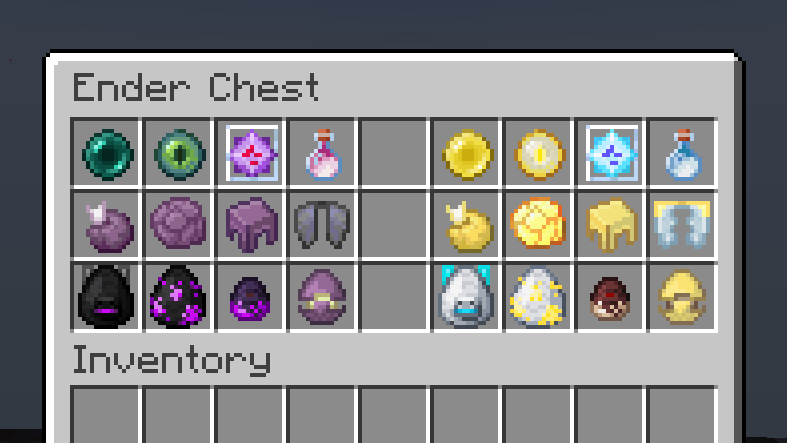
  • Ender Chest
  • Shulker Shell
  • Dragon Head
  • End Rod
  • Elytra
  • End Crystal

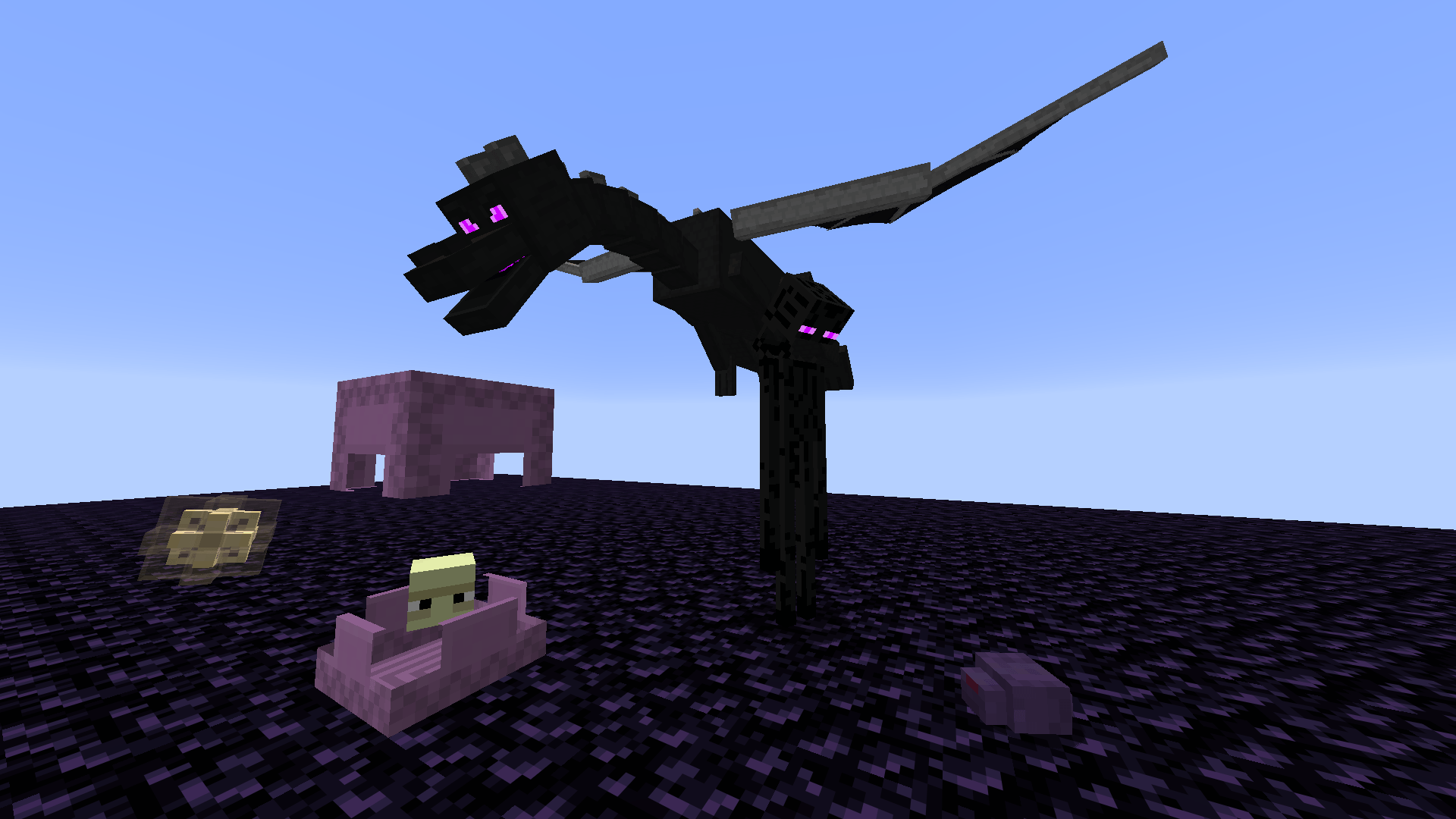
Mobs

  • Enderman
  • Endermite
  • Ender Dragon
  • Shulker

Structure

End Fountain

  • Replaced the Torch with Soul Torch

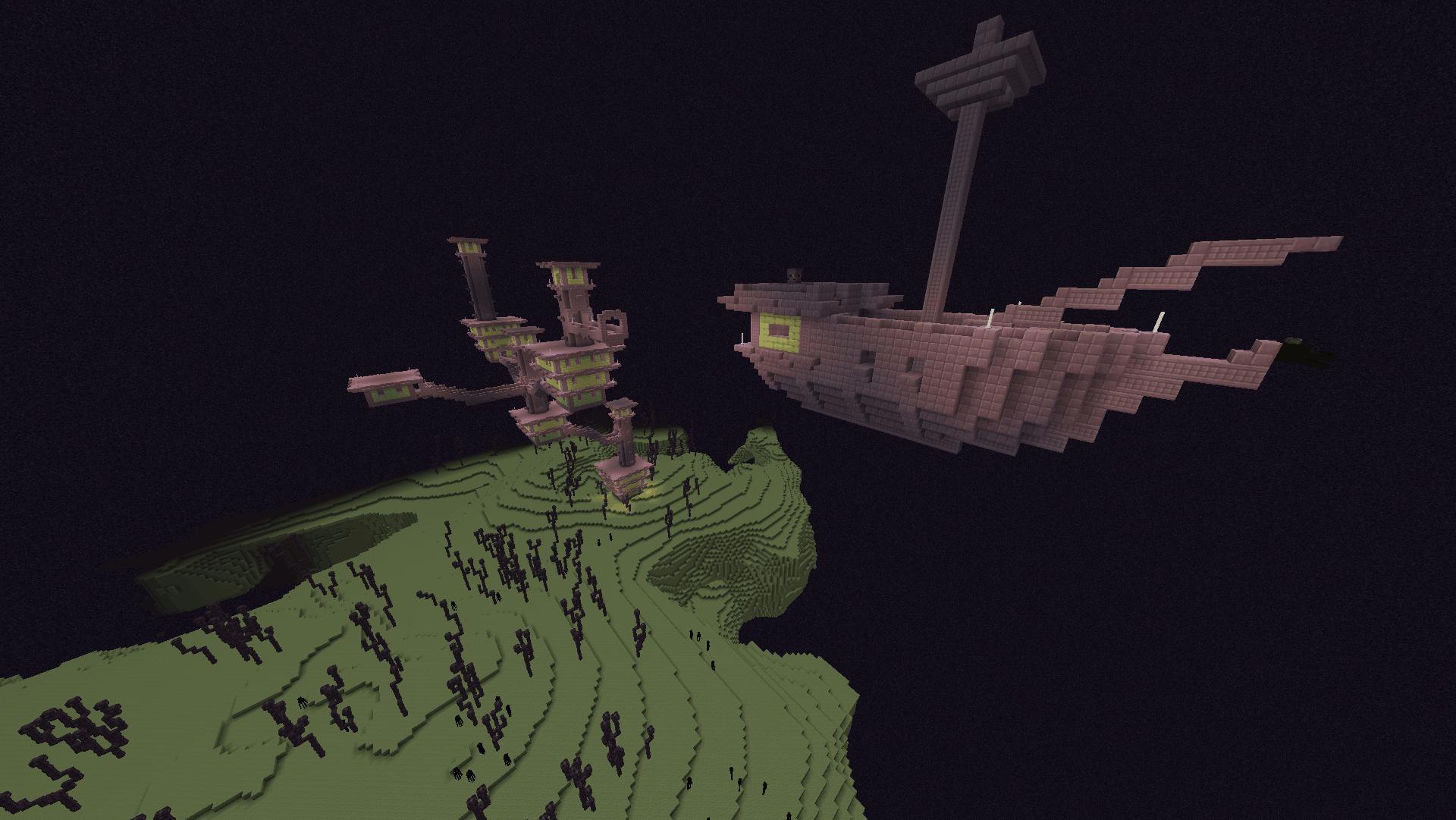
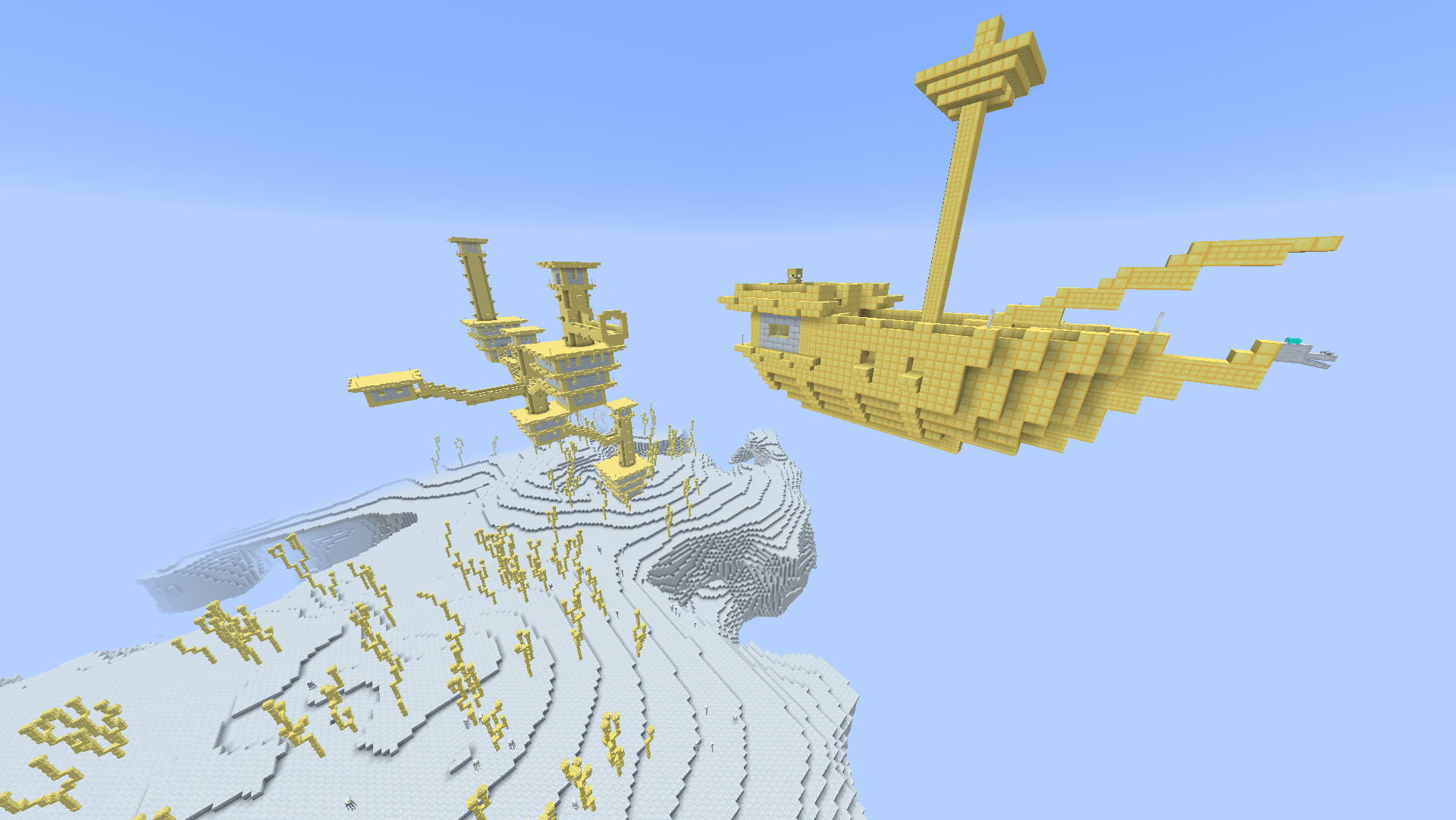
End City/Ship

  • Replaced banners to match the aesthetic
  • Changed the color of windows to yellow

Others

End Crystals

  • When placed in The End, produce soul fire instead

Optional Features

  • Recolors particles for enderman and endermite (nether portal particles affected)

Supported mods for optional features

  • OptiFine for the meantime. I will edit this once I finish testing other mods like colormatic and recolor

From the Creator,

Note that I'm not an artist of any related kind nor a coder, so I wouldn't assure this as quality content. Rather, I want to bring my imagination to life, and I want to share this to you, especially pack creators, to give new ideas. If you do so, let me see. And by the way, these textures turned out to be so since I really put some lore behind each. Thank you

v1.1
MC 26.2
Release 2026-09-24 Get
v1.1
MC 26.3
Release 2026-09-24 Get
v1.0 (resource and data in one file)
MC 1.21.9, 1.21.10
Release 2026-05-29 Get
v1.0 (resource and data in one file)
MC 1.21.11
Release 2026-05-29 Get
v1.1
MC 1.21.11
Release 2026-05-29 Get
v1.1
MC 26.1, 26.1.1, 26.1.2
Release 2026-05-29 Get
v1.0
MC 1.21.9, 1.21.10
Release 2026-01-16 Get
v1.0
MC 1.21.11
Release 2026-01-16 Get

Requirements & install

How to use this resource pack in Minecraft
Resolution
Not specified
Minecraft
1.21.9 – 26.3
Install folder
.minecraft/resourcepacks

How to install resource packs

  1. Download the resource pack .zip file (do not extract it).
  2. In Minecraft open Options → Resource Packs → Open Pack Folder.
  3. Drop the .zip into the resourcepacks folder (.minecraft/resourcepacks).
  4. Move the pack to the Selected column and click Done.
Browse more: 16x resource packs 32x resource packs 64x resource packs 128x resource packs 256x resource packs 512x+ resource packs Resource Packs for 26.3 All resource packs
Advertisement Remove ads with Premium →

You Might Also Like