Mineuniverse
Resource Packs
Sky Inventory

Sky Inventory

RESOURCE PACK
Nice Blue Sky in your inventory without needing any mods.
by NotSKCraft
Download Claim this project
3,350 downloads
0 likes
0 followers
Updated Oct 14, 2026
0 hypes
Follow0
16x Miscellaneous
Advertisement Remove ads with Premium →

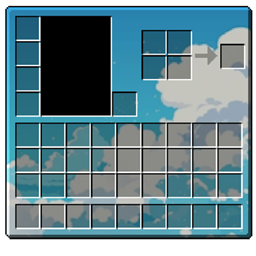
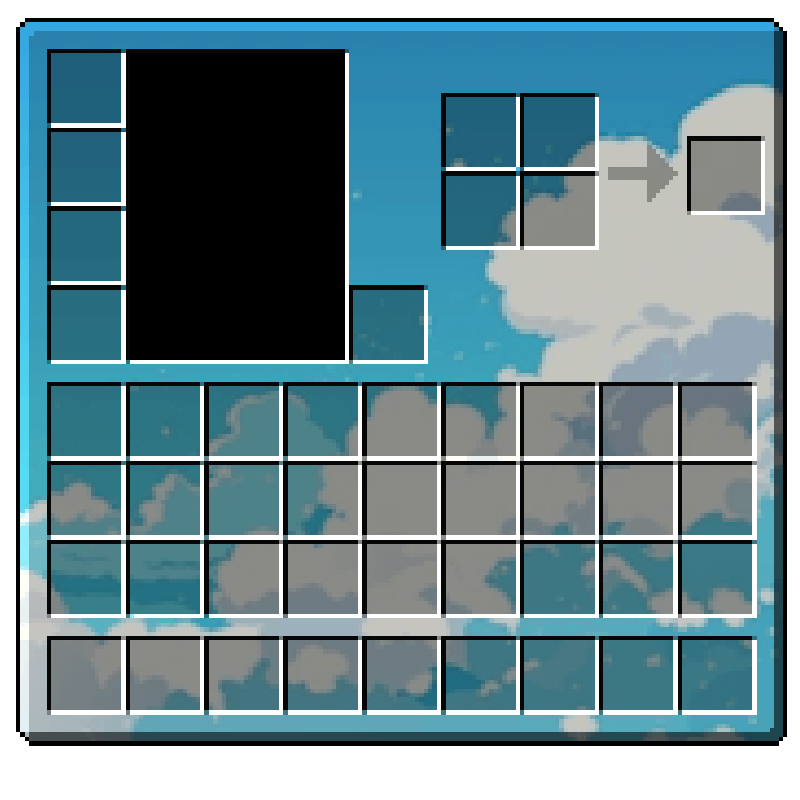
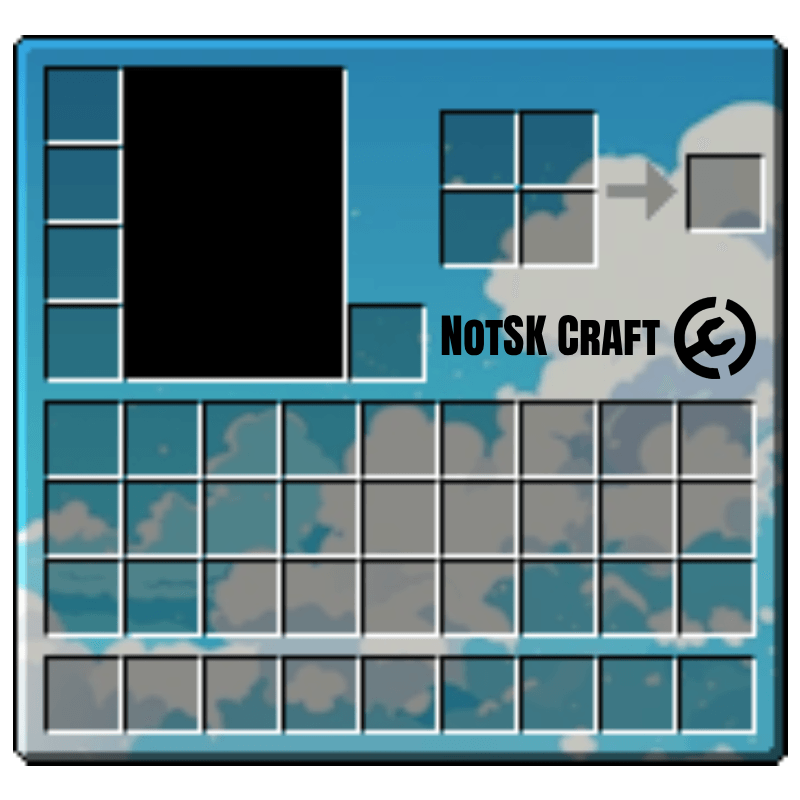
Sky-Themed Inventory GUI

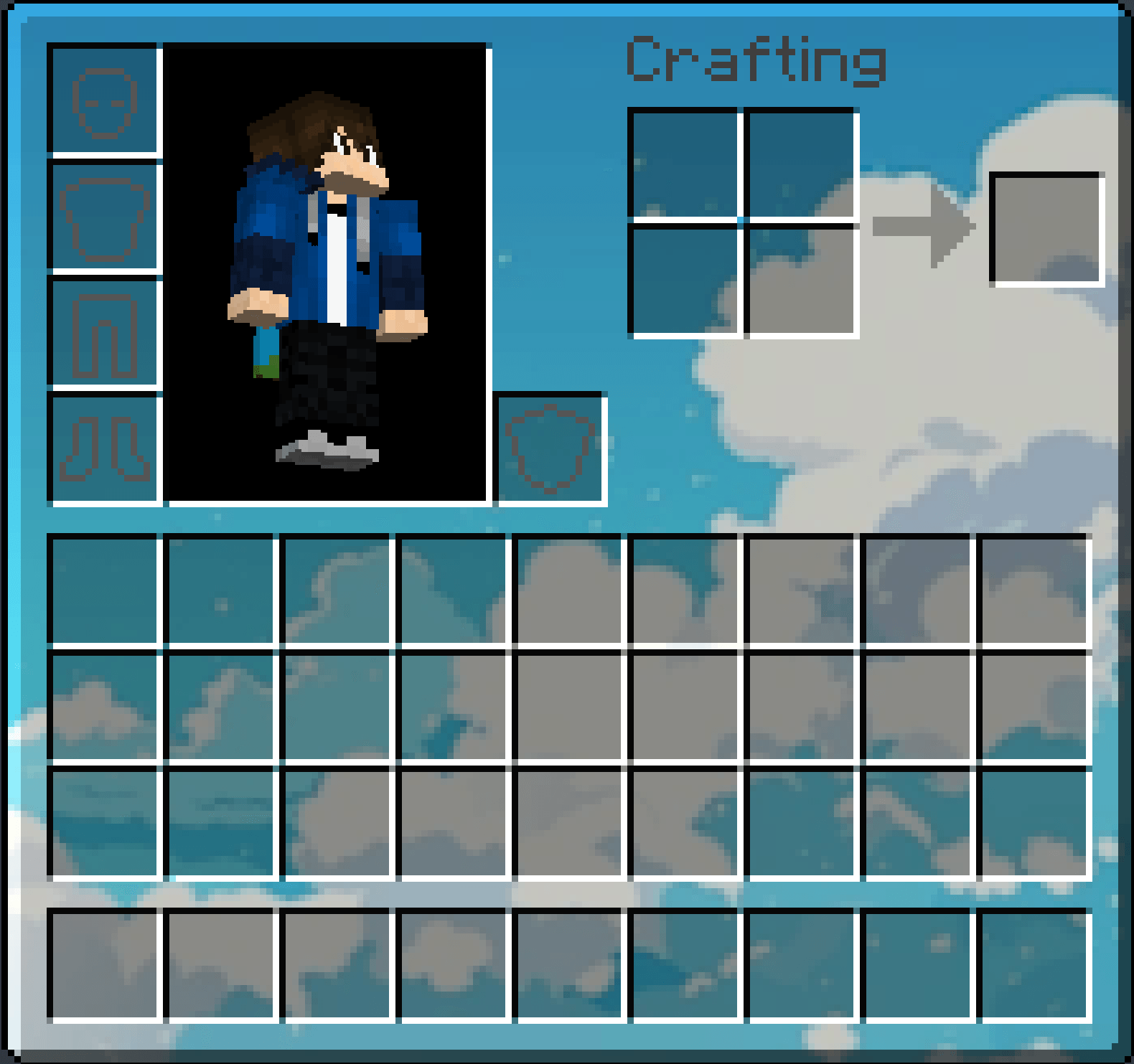
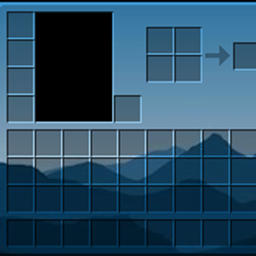
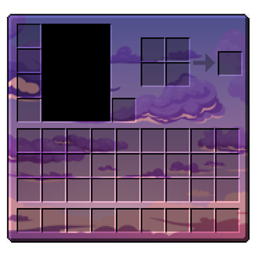
Give your Minecraft interface a fresh and calming look with this sky-inspired inventory GUI. Featuring a soft blue gradient with fluffy clouds, this design replaces the default inventory background with something much more relaxing and visually appealing.

Perfect for players who prefer a minimal yet aesthetic UI, this pack keeps all slots clear and easy to navigate while enhancing the overall vibe of the game.

✨ Features

  • Clean and modern sky-themed background
  • Soft cloud visuals for a relaxing experience
  • Maintains full visibility of inventory slots
  • Lightweight and performance-friendly
  • Compatible with standard gameplay (no clutter)

📦 Compatibility

Should work with most vanilla-based/Modded setups and modpacks. Works with most resource packs (may override GUI textures)


⚠️ Important:

  • The recepie book icon is adjusted to show on hover, to enhance the look of ths resource pack.
  • To access the recepie book icon you can simply take you cursor to where the recepie icon is usually present then you will be able to see it.

🖼️ Images

How inv look in game

1.21.2-1.21.8 bs.zip
MC 1.21.8, 1.21.5, 1.21.4, 1.21.6, 1.21.3, 1.21.7, 1.21.2
Release 2026-03-26 Get
1.21.9-1.21.10 bs.zip
MC 1.21.9, 1.21.10
Release 2026-03-26 Get
1.21.11 - 26.3.zip
MC 1.21.11, 26.1, 26.1.1, 26.1.2, 26.2, 26.3
Release 2026-03-26 Get

Requirements & install

How to use this resource pack in Minecraft
Resolution
16x
Minecraft
1.21.9 – 26.3
Install folder
.minecraft/resourcepacks

How to install resource packs

  1. Download the resource pack .zip file (do not extract it).
  2. In Minecraft open Options → Resource Packs → Open Pack Folder.
  3. Drop the .zip into the resourcepacks folder (.minecraft/resourcepacks).
  4. Move the pack to the Selected column and click Done.
Browse more: 16x resource packs 32x resource packs 64x resource packs 128x resource packs 256x resource packs 512x+ resource packs Resource Packs for 26.3 All resource packs

More from NotSKCraft

Advertisement Remove ads with Premium →

You Might Also Like