Mineuniverse
Resource Packs
Skulls on Hazards

Skulls on Hazards

RESOURCE PACK
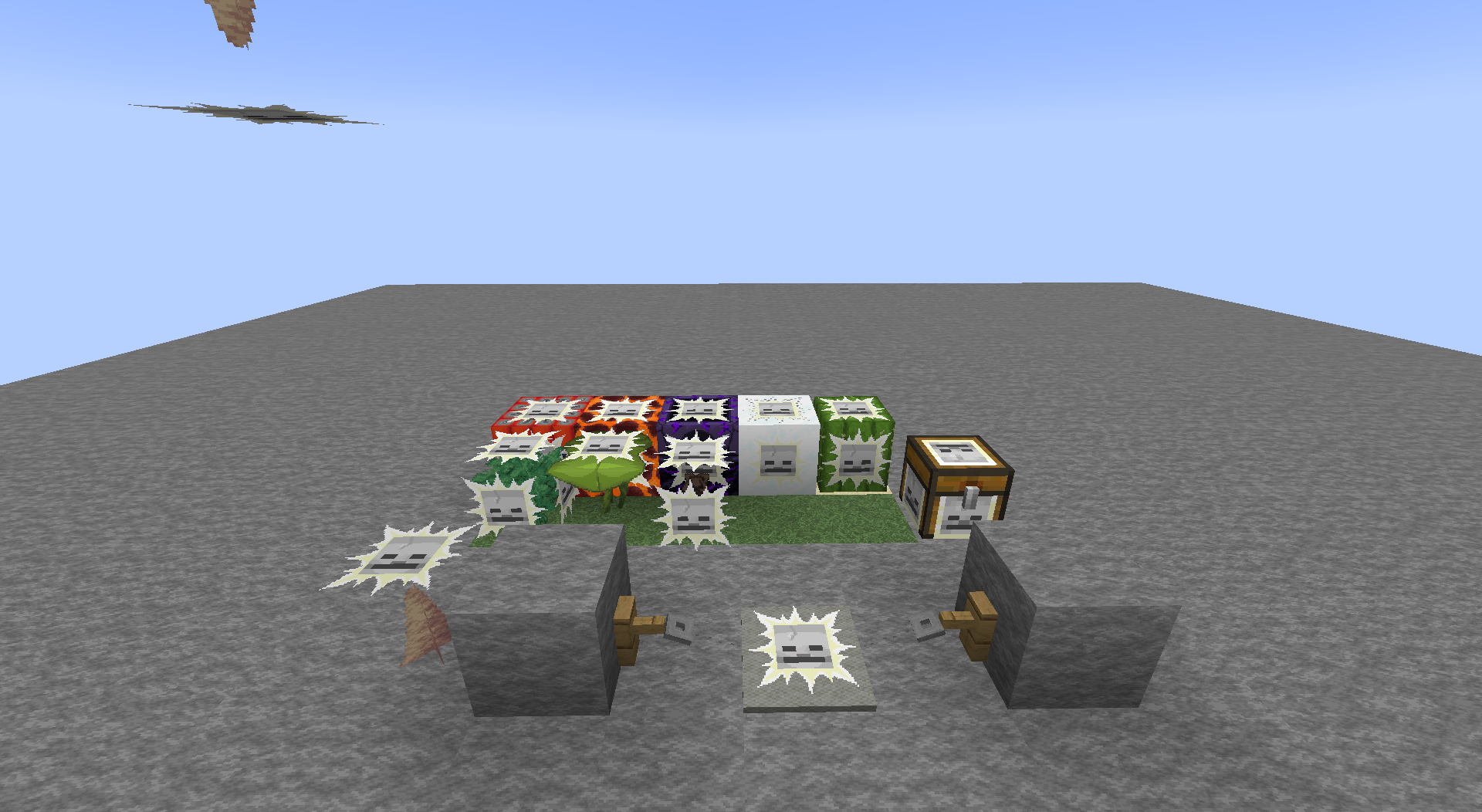
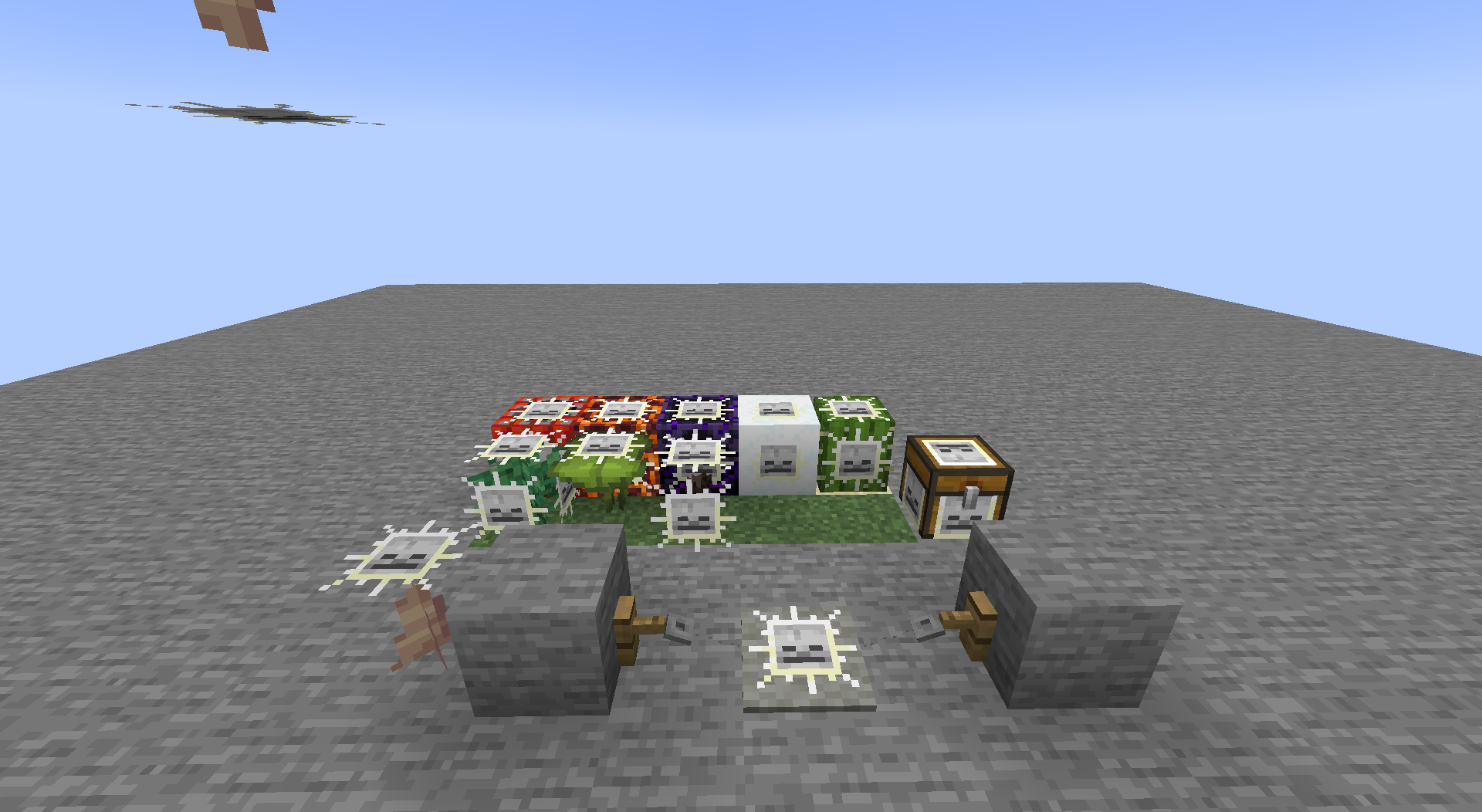
Shows skulls on potentially hazardous blocks. Works with any resource pack!
by robotkoer
Download Claim this project
1,335 downloads
0 likes
0 followers
Updated Oct 14, 2026
0 hypes
Follow0
16x Animated Miscellaneous Mod Support
Advertisement Remove ads with Premium →

Been away from Minecraft and are not sure what all those new blocks do? Get this pack and you'll know exactly which ones to avoid!

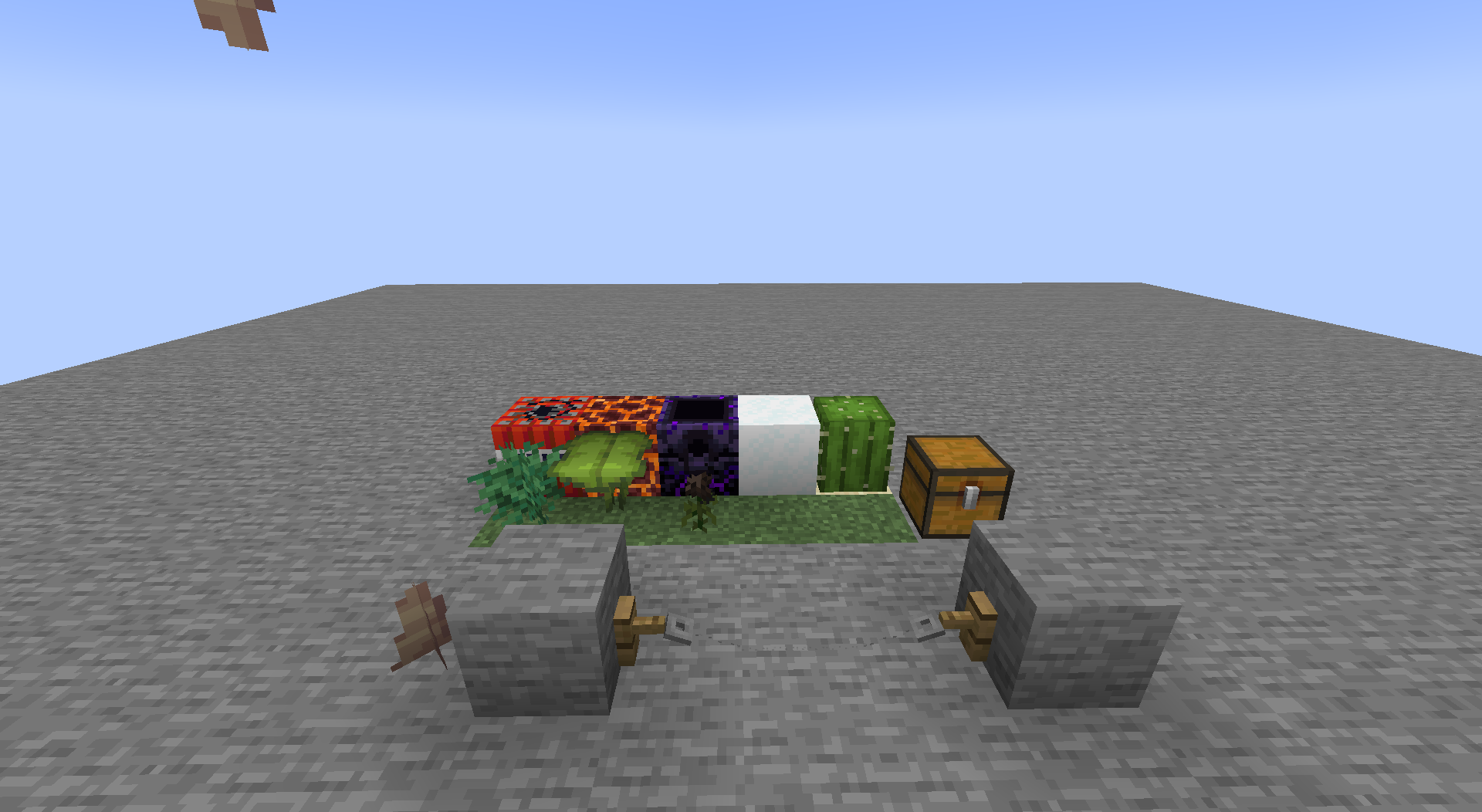
This resource pack shows, which blocks could be hazardous to you by adding a skull overlay (glowing effect icon). It works with any resource pack (set this one as topmost), but you do need Fabulously Optimized, Continuity or OptiFine.

This pack works on

  • TNT
  • Magma Block
  • Respawn Anchor (Overworld and End)
  • Powder Snow
  • Trapped Chest (fixed textures)
  • Sweet Berry Bush (without berries)
  • Big Dripleaf (inactive top layer)
  • Pointed Dripstone (top/bottom tips)
  • Wither Rose
  • Cactus
  • Tripwire (hooked)
  • Sculk Sensor (inactive)
  • Sculk Shrieker (summonable)
  • (Suspicious) Sand, red sand, (suspicious) gravel without a supporting block

FAQ:

  • Q: It doesn't work at all!
    • A: You need Fabulously Optimized, Continuity or OptiFine. Make sure it is set as the topmost resource pack. It may not work if any other resource pack changes the block/item models.
  • Q: I don't see skulls, I see something else!
    • A: Your resource pack creator has decided to change it then ¯\_(ツ)_/¯
  • Q: Some blocks are still not supported!
    • A: Yes, I skipped some blocks to prevent making the worlds too ugly. These include: (soul) fire, lava, (soul) campfire, End Crystal, TNT minecart, beds (for Nether, End), pressure plates and buttons.
  • Q: What about the ores?
  • Q: What about some other blocks?
  • Q: I want to know about infested blocks!
    • A: Check my profile.
  • Q: Please backport to...
    • A: Nah.
  • Q: Bedrock support?
    • A: No, I don't think the block models work the same there...

1.20.6
MC 1.20.5, 1.20.6
Release 2024-06-01 Get
1.20.4
MC 1.20.3, 1.20.4
Release 2023-12-14 Get
1.20.2
MC 1.20.2
Release 2023-10-15 Get
1.20
MC 1.20.1, 1.20, 1.20-Snapshot
Release 2023-05-12 Get
1.19 v2
MC 1.19.2, 1.19.1, 1.19
Release 2023-03-04 Get
1.19.3 v2
MC 1.19.3
Release 2023-03-04 Get
1.19.4
MC 1.19.4
Release 2023-03-04 Get
1.19.3
MC 1.19.3
Beta 2023-01-14 Get
Skulls on Hazards
MC 1.19-Snapshot, 1.19.2, 1.19.1, 1.19
Release 2022-07-03 Get
Skulls on Hazards
MC 1.17.1, 1.17, 1.17-Snapshot
Release 2022-03-30 Get
Skulls on Hazards
MC 1.18.1, 1.18.2, 1.18, 1.18-Snapshot
Release 2022-03-30 Get

Requirements & install

How to use this resource pack in Minecraft
Resolution
16x
Minecraft
1.20-Snapshot – 1.20.6
Install folder
.minecraft/resourcepacks

How to install resource packs

  1. Download the resource pack .zip file (do not extract it).
  2. In Minecraft open Options → Resource Packs → Open Pack Folder.
  3. Drop the .zip into the resourcepacks folder (.minecraft/resourcepacks).
  4. Move the pack to the Selected column and click Done.
Browse more: 16x resource packs 32x resource packs 64x resource packs 128x resource packs 256x resource packs 512x+ resource packs Resource Packs for 1.20.6 All resource packs

More from robotkoer

Advertisement Remove ads with Premium →

You Might Also Like