Mineuniverse
Resource Packs
Skin Totem 3D Edition

Skin Totem 3D Edition

RESOURCE PACK
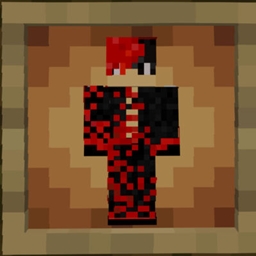
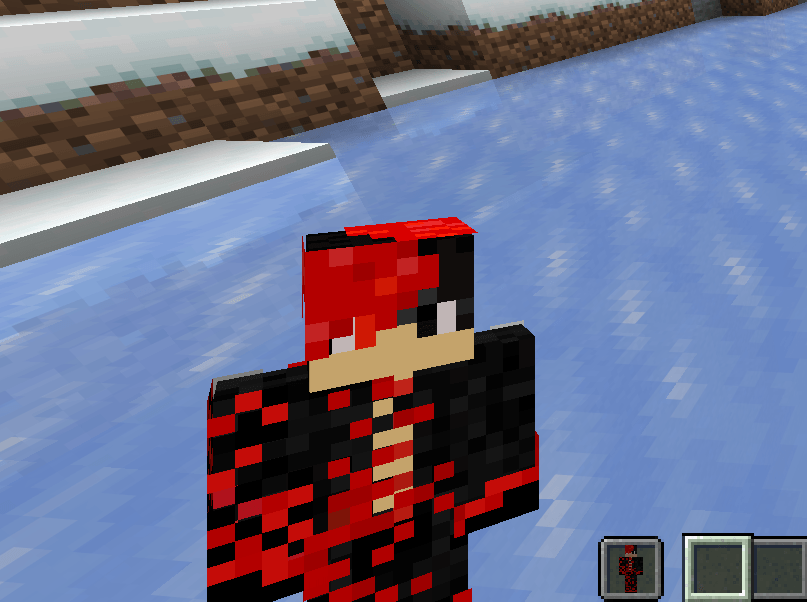
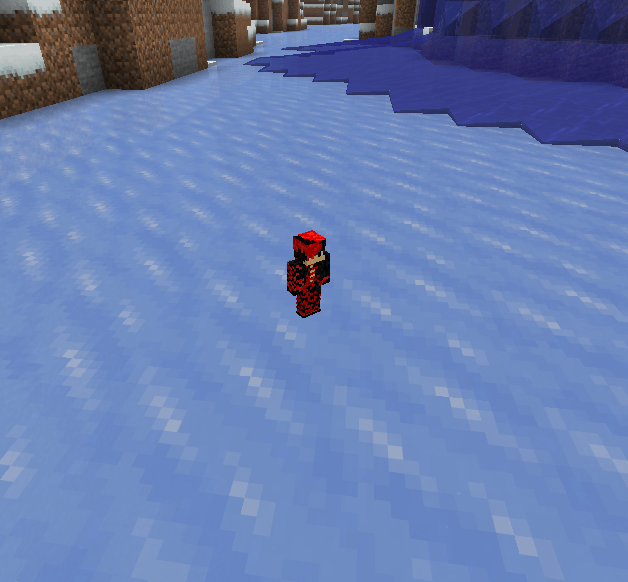
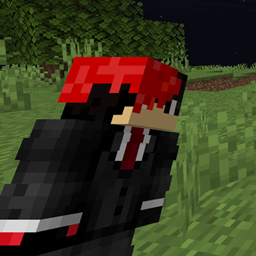
Skin Totem replaces the Totem of Undying with your own Minecraft skin! When you cheat death, it’s your face that brings you back. Perfect for flexing your style, making friends laugh, or adding a personal touch to your survival saves.
by Deavelo
Download Claim this project
Add a badge to your pageLink to Skin Totem 3D Edition from a README, website or forum post.
Preview: Badge

Badges update automatically and link to the resource pack page on MineUniverse.

12,696 downloads
0 likes
0 followers
Updated Oct 14, 2026
0 hypes
Follow0
16x Mod Support
Advertisement Remove ads with Premium →

Skin Totem is a simple Minecraft resource pack that replaces the Totem of Undying with your own Minecraft skin! Now, when you cheat death, it’s your own face that saves the day. Perfect for adding personality, laughs, or a custom touch to your survival experience.


📦 Features

1.Replaces Totem of Undying with your player skin

2.Works in all Minecraft versions that support custom resource packs

3.Great for content creators, SMPs, and personal flair

4.Lightweight — no performance impact

5.3D skin totem


🛠️ How to Install

  1. Download and unzip the resource pack

  2. Go to:
    assets > minecraft > textures > item

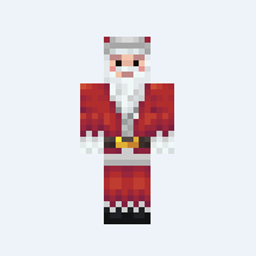
  3. Replace the placeholder file named skin.png with your Minecraft skin

  4. Make sure the file is named exactly: skin.png

  5. Re-zip the folder (opional but put eveything into a folder if you dont Re-zip) and move it to your resourcepacks folder

  6. Launch Minecraft, go to Options > Resource Packs, and enable Skin Totem

✅ Done! Now your totem wears your skin.

Skin-Totem 3D Edition.zip
MC 1.16.3, 1.13.1, 1.16-Snapshot, 1.17.1, 1.21.2-Snapshot, 1.21, 1.21.6-snapshot, 1.15-Snapshot, 1.16.1, 1.18.1, 1.20.2-Snapshot, 1.20.5-Snapshot, 1.14.3, 1.15, 1.16, 1.13
Release 2026-02-15 Get
Skin-Totem.zip
MC 1.16.3, 1.13.1, 1.16-Snapshot, 1.17.1, 1.21.2-Snapshot, 1.21, 1.21.6-snapshot, 1.15-Snapshot, 1.16.1, 1.18.1, 1.20.2-Snapshot, 1.20.5-Snapshot, 1.14.3, 1.15, 1.16, 1.13
Release 2025-05-19 Get

Requirements & install

How to use this resource pack in Minecraft
Resolution
16x
Minecraft
1.16.3 – 1.21.6-snapshot
Install folder
.minecraft/resourcepacks

How to install resource packs

  1. Download the resource pack .zip file (do not extract it).
  2. In Minecraft open Options → Resource Packs → Open Pack Folder.
  3. Drop the .zip into the resourcepacks folder (.minecraft/resourcepacks).
  4. Move the pack to the Selected column and click Done.
Browse more: 16x resource packs 32x resource packs 64x resource packs 128x resource packs 256x resource packs 512x+ resource packs Resource Packs for 1.21.6-snapshot All resource packs

More from Deavelo

Advertisement Remove ads with Premium →

You Might Also Like