Built for one thing: seeing what matters, faster, with zero clutter.
Full FPS-friendly overhaul — every block texture is flattened and simplified into a clean, low-detail 32×32 style. Less visual noise on screen means better performance and less distraction mid-fight.
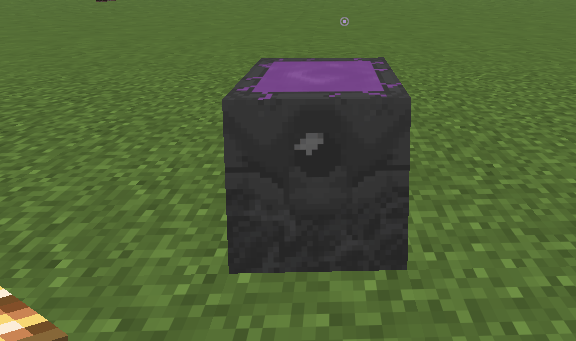
Instant charge readability on Respawn Anchors — no more squinting at subtle glow differences. Uncharged is pure black; the moment you drop in a single glowstone, the entire anchor flips to a bright, unmistakable light purple. You'll always know at a glance if an anchor is live.
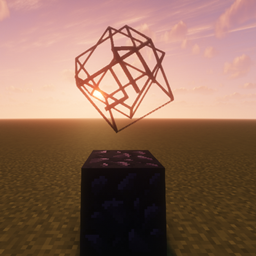
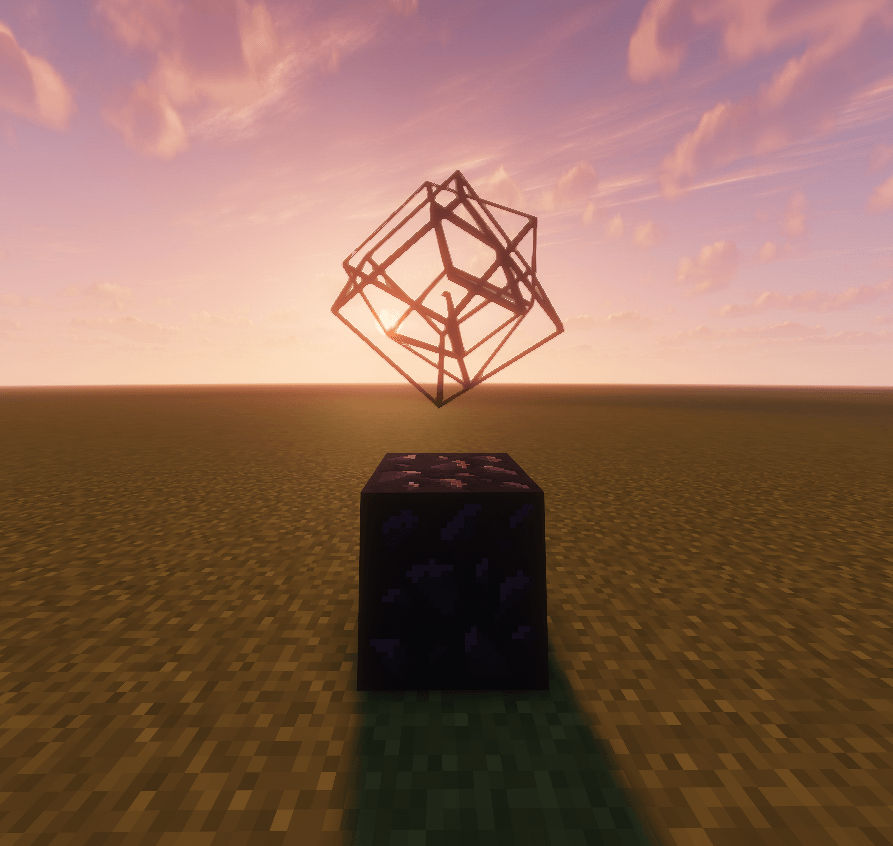
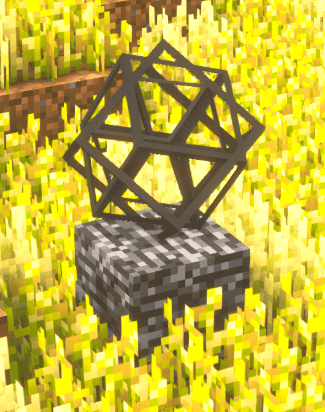
Black wireframe End Crystal — the crystal is stripped down to a sharp, minimal black outline instead of a busy textured model, so it's way easier to track crystals in ground/hand render during PvP without them blending into the environment.
1-pixel fire — fire no longer eats half your screen. It's reduced to a thin yellow line at the base of the block, so you can actually see your target through the flames.
Glowing green Totem pop — Totems of Undying now pulse with a dark, saturated green outline so they're immediately visible in your hotbar/inventory when it matters most.
Clean, flat wool & key blocks — solid, distraction-free wool colors plus simplified obsidian, glowstone, and a textured moss-style grass block, all unified in the same low-detail aesthetic.
Custom branded look — its own icon and pack identity (sky-blue background, yellow wool centerpiece) so it's instantly recognizable in your resource pack list.