Mineuniverse
Resource Packs
Simply More Animations (For Simply Swords)

Simply More Animations (For Simply Swords)

RESOURCE PACK
Animated Weapon Textures for the Simply Swords Mod by Sweenuss. Made for those who like their diamonds shiny!
by LockoutGamingRJ
Download Claim this project
Add a badge to your pageLink to Simply More Animations (For Simply Swords) from a README, website or forum post.
Preview: Badge

Badges update automatically and link to the resource pack page on MineUniverse.

9,707 downloads
0 likes
0 followers
Updated Oct 14, 2026
0 hypes
Follow0
16x Animated Miscellaneous Mod Support
Advertisement Remove ads with Premium →

Datapack Banner Image


Animated Textures for the Simply Swords Mod

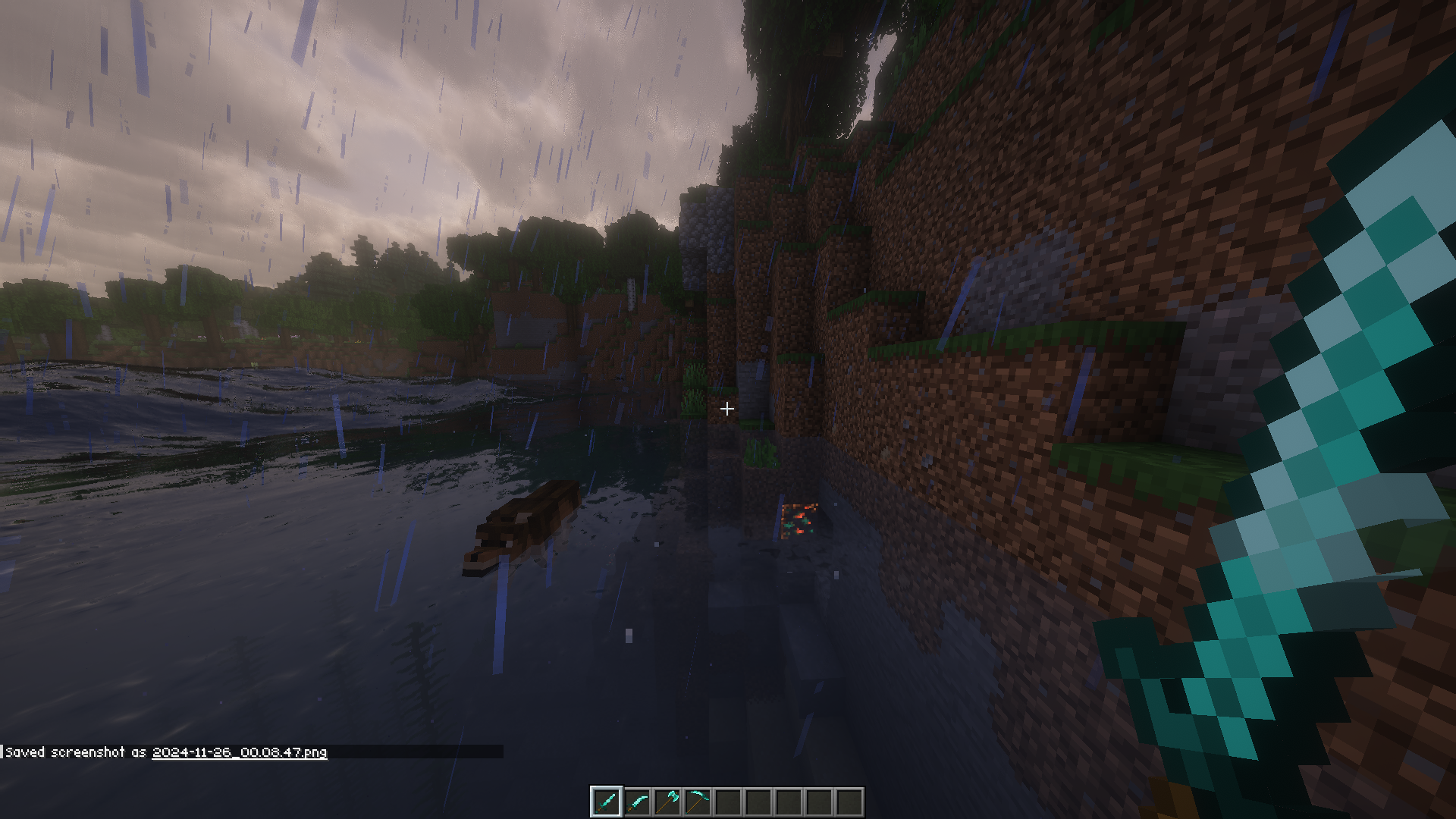
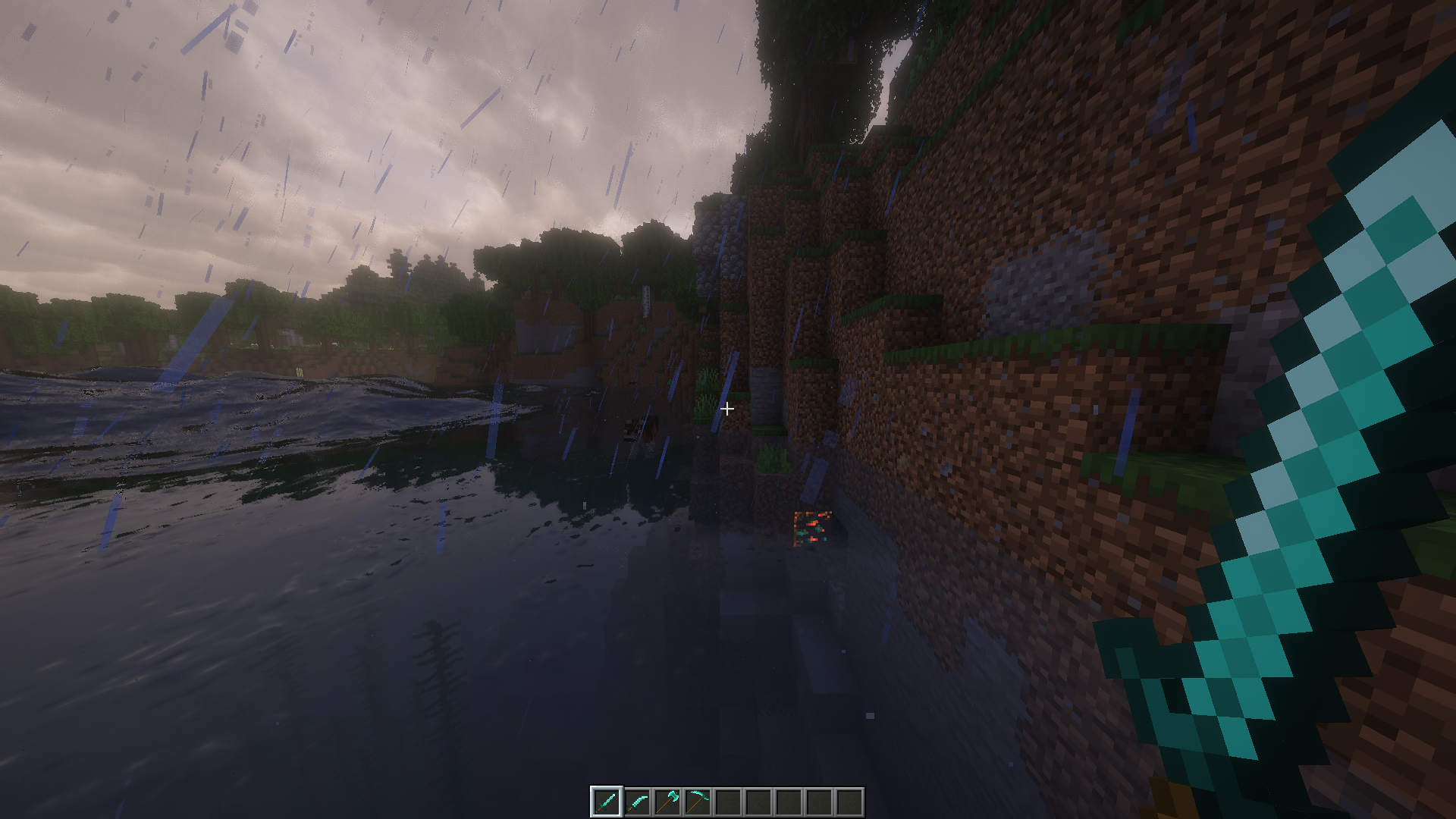
Enhances the Diamond weapons from the Simply Swords mod by sweenuss with additional animated textures, giving your weapons that extra sparkle and flair!

Made for those who like their diamond stuff to shine!


This pack is inspired by the weapon animations in Animated Textures by RaptorFugueu.

While using both Simply Swords and Raptor's Animated Textures, I noticed the diamond weapons lacked the extra glitter and flair of the vanilla diamond weapon textures included in Raptor's pack.

Problem solved! ✨


Video demonstration: Click here for Imgur Video Showcase


An Animated Resource Pack for additional weapons from the Simply More addon by Rosemary_Thyme is also in development. Keep an eye out if you enjoy this pack and want animated textures for those weapons too!


  • I am not affiliated with sweenuss, RaptorFugueu, or their mods.
  • This is an independently developed resource pack meant only to enhance the textures of items provided in those mods.
  • I do not claim ownership of any substantial content from the original mods; I am the creator only of the new animated textures.

  • Should work on almost any version of Minecraft — ignore version warnings.
  • Simply Swords is required for this resource pack to function.

Happy Battling! ⚔️

Simply More Animations (For Simply Swords).zip
MC 1.20.1
Release 2024-11-05 Get

Requirements & install

How to use this resource pack in Minecraft
Resolution
16x
Minecraft
1.20.1
Install folder
.minecraft/resourcepacks

How to install resource packs

  1. Download the resource pack .zip file (do not extract it).
  2. In Minecraft open Options → Resource Packs → Open Pack Folder.
  3. Drop the .zip into the resourcepacks folder (.minecraft/resourcepacks).
  4. Move the pack to the Selected column and click Done.
Browse more: 16x resource packs 32x resource packs 64x resource packs 128x resource packs 256x resource packs 512x+ resource packs Resource Packs for 1.20.1 All resource packs

More from LockoutGamingRJ

Advertisement Remove ads with Premium →

You Might Also Like