Mineuniverse
Resource Packs
Simplistic Warrior

Simplistic Warrior

RESOURCE PACK
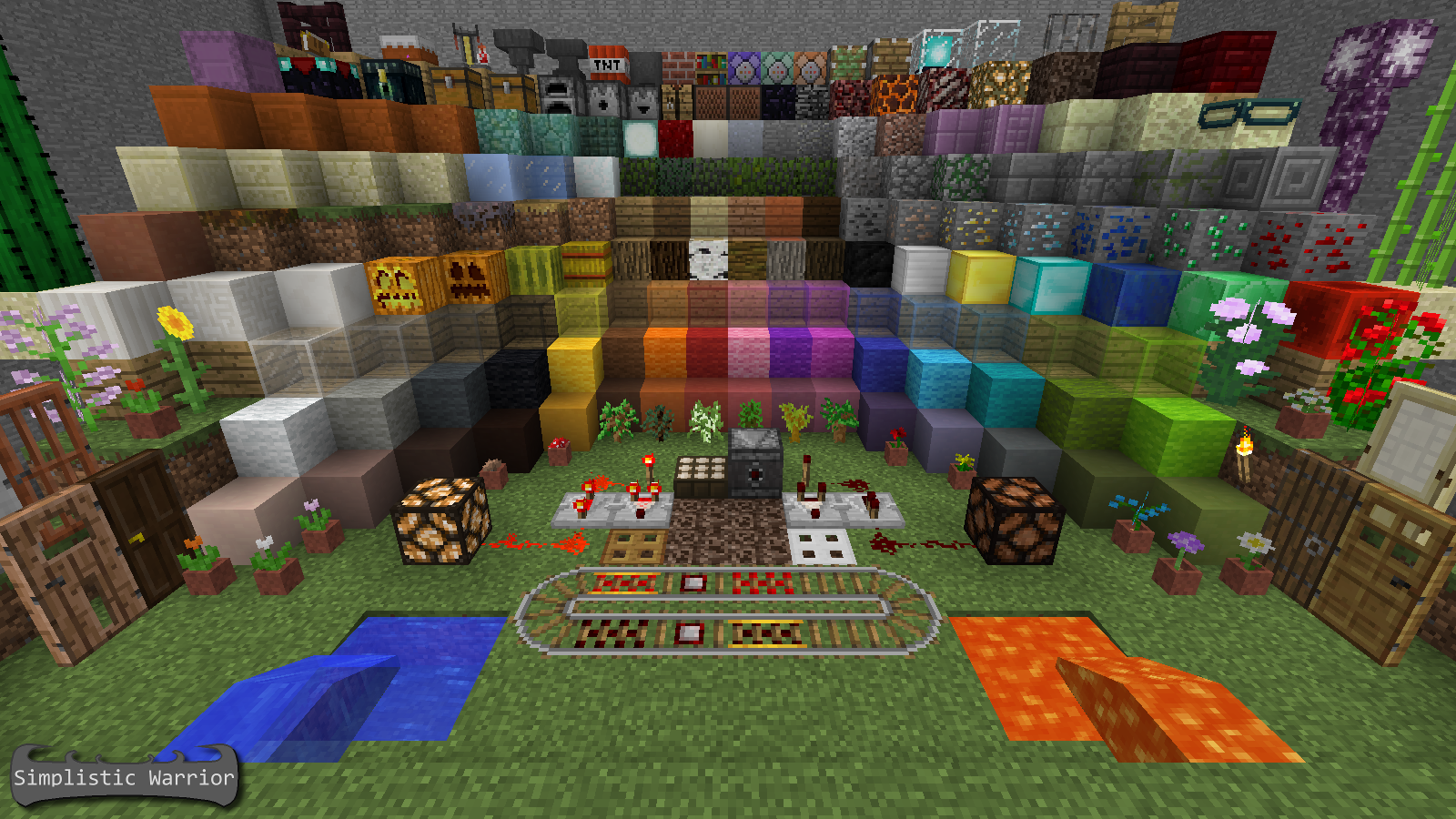
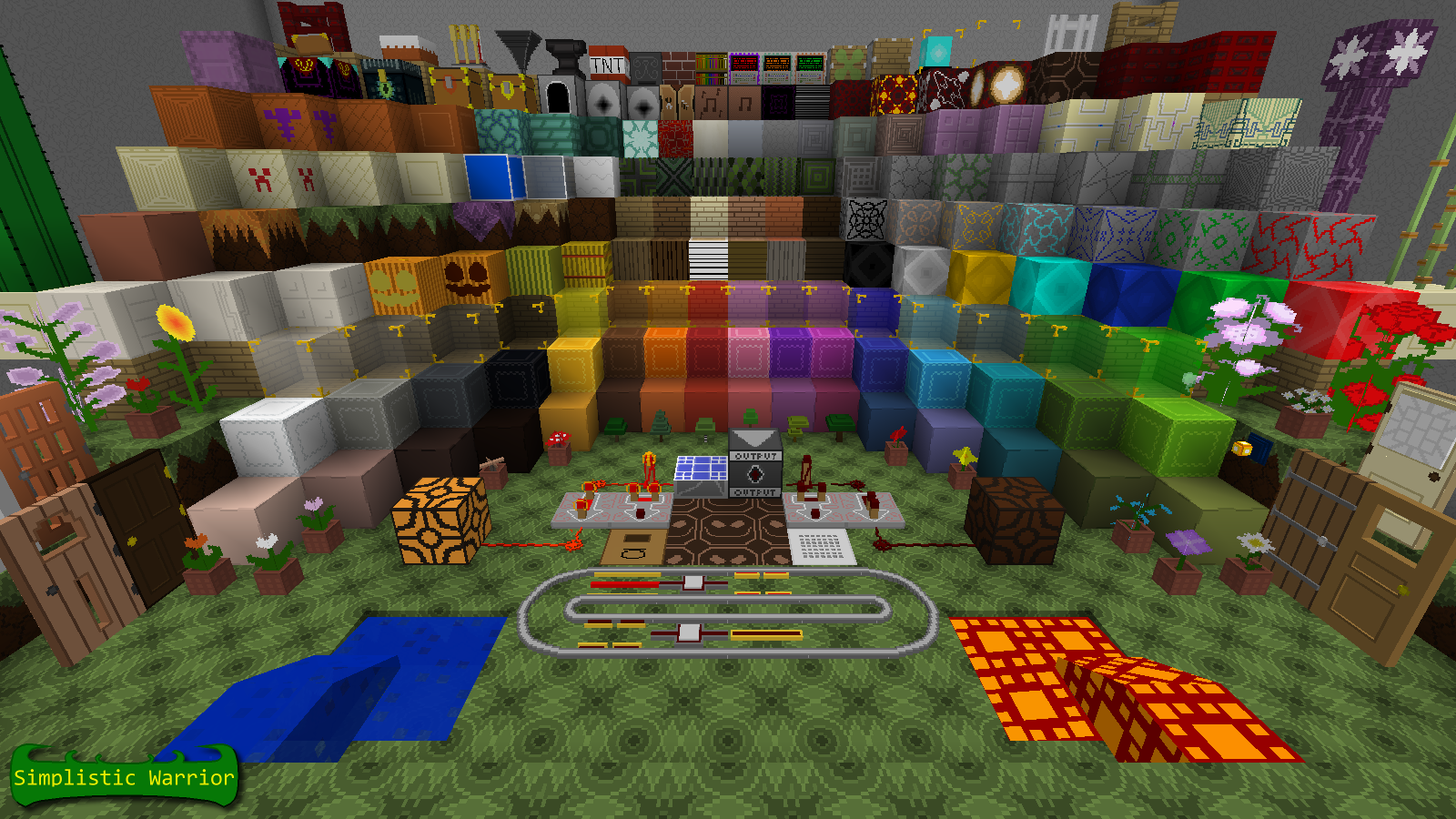
Simplistic x32 Resource Pack with Models
by UltraNeros
Download Claim this project
2,434 downloads
0 likes
Updated Oct 14, 2026
0 hypes
32x Animated
Advertisement Remove ads with Premium →

dexcription_1

description_2

Changelog Below :

SWCraft_Changelog

Here's an Installation Guide :

Steps To Download-
Step 1 : Click on the download link at the right -->
Step 2 : And it should begin to download
Step 3 : Enjoy!

Steps To Install (Simple)-
Step 1 : Run Minecraft.
Step 2 : Click on "Options".
Step 3 : Click on "Resource Packs".
Step 4 : Click on "Open resource pack folder"
Step 5 : Paste the pack and your done!

Steps To Install (Advanced)-
Step 1 : Press WinKey+R.
Step 2 : Type "%appdata%" (Without the quotes) In the window that pops up.
Step 3 : Open ".minecraft" folder.
Step 4 : Open "resourcepacks" folder.
Step 5 : Paste the file into that folder, and your ready to go! (Select from "Resource Packs" in minecraft options)

(Optional) : Extract the file to that folder, this will remove ".zip" tag from being shown in your resource pack selection.

description_3

Website Button Planet Minecraft Button Minecraft Forums Button

Footer

Simplistic Warrior MC 1.16 (v0.5.8)
MC 1.16-Snapshot, 1.16.3, 1.16.1, 1.16, 1.16.2
Release 2020-09-27 Get
Simplistic Warrior MC 1.15 (v0.5.3)
MC 1.15-Snapshot
Release 2019-12-04 Get
Simplistic Warrior MC 1.14 (v0.5.3)
MC 1.14.4, 1.14.1, 1.14.3, 1.14, 1.14.2, 1.14-Snapshot
Release 2019-12-03 Get
Simplistic Warrior MC1.13 (v1)
MC 1.13, 1.13-Snapshot
Release 2018-08-22 Get
Simplistic Warrior 1.12v2
MC 1.10.2, 1.11, 1.10, 1.10.1, 1.11.1, 1.11.2, 1.12-Snapshot
Release 2017-04-18 Get
Simplistic Warrior for Minecraft 1.9
MC 1.9.1, 1.9.3, 1.8.7, 1.9.4, 1.9.2, 1.8.4, 1.8.8, 1.8.3, 1.8.6, 1.8, 1.8.2, 1.9, 1.8.5, 1.8.9, 1.8.1
Beta 2016-11-03 Get

Requirements & install

How to use this resource pack in Minecraft
Resolution
32x
Minecraft
1.14.3 – 1.16.3
Install folder
.minecraft/resourcepacks

How to install resource packs

  1. Download the resource pack .zip file (do not extract it).
  2. In Minecraft open Options → Resource Packs → Open Pack Folder.
  3. Drop the .zip into the resourcepacks folder (.minecraft/resourcepacks).
  4. Move the pack to the Selected column and click Done.
Browse more: 16x resource packs 32x resource packs 64x resource packs 128x resource packs 256x resource packs 512x+ resource packs Resource Packs for 1.16.3 All resource packs
Advertisement Remove ads with Premium →

You Might Also Like