Mineuniverse
Resource Packs
SimpleGUI

SimpleGUI

RESOURCE PACK
Simple minimalistic and super clean UI resourcepack.
by Svrve
Download Claim this project
642 downloads
0 likes
Updated Oct 14, 2026
0 hypes
16x Modern
Advertisement Remove ads with Premium →


You can buy monthly subscription to get faster updates on KO-FI


About

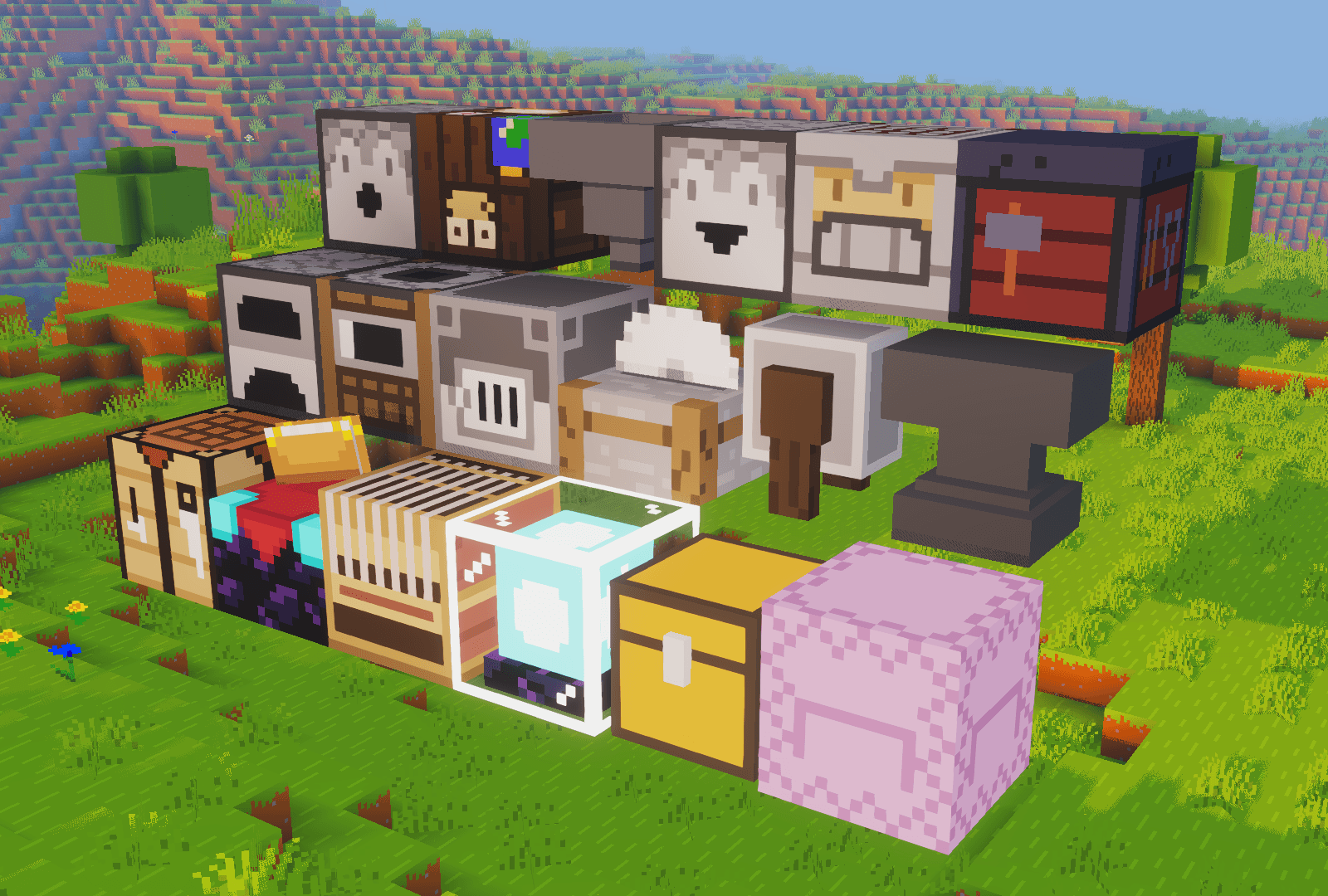
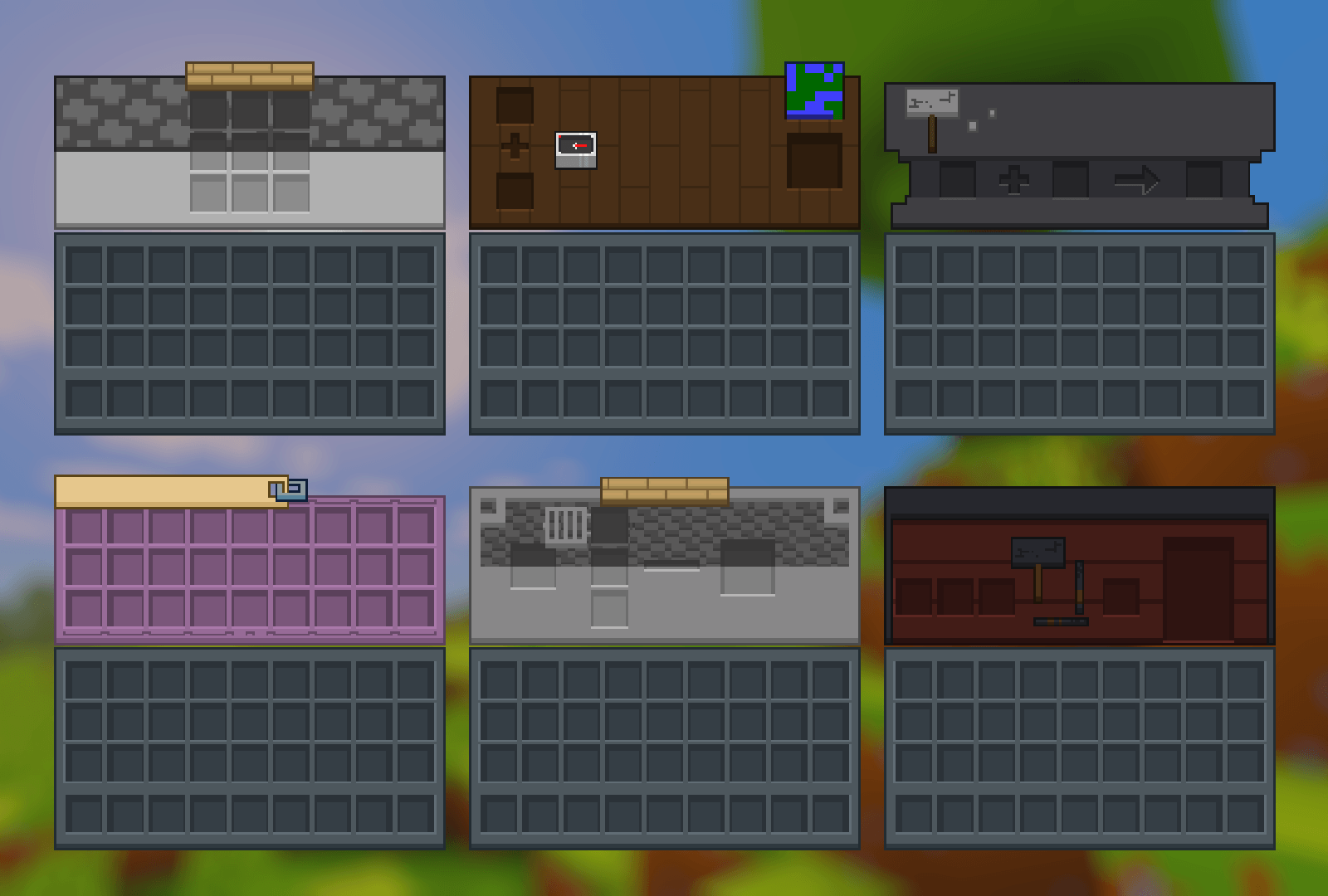
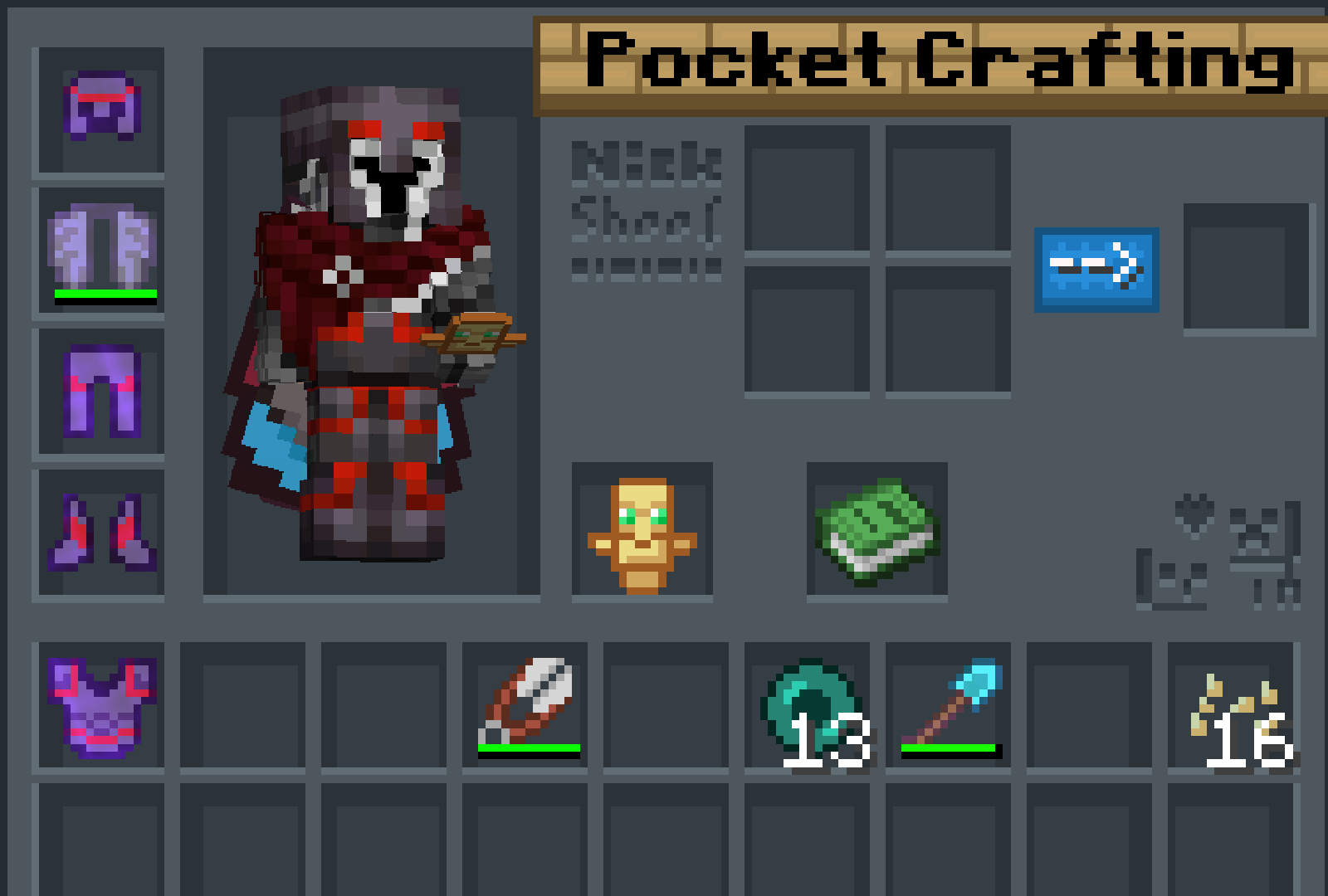
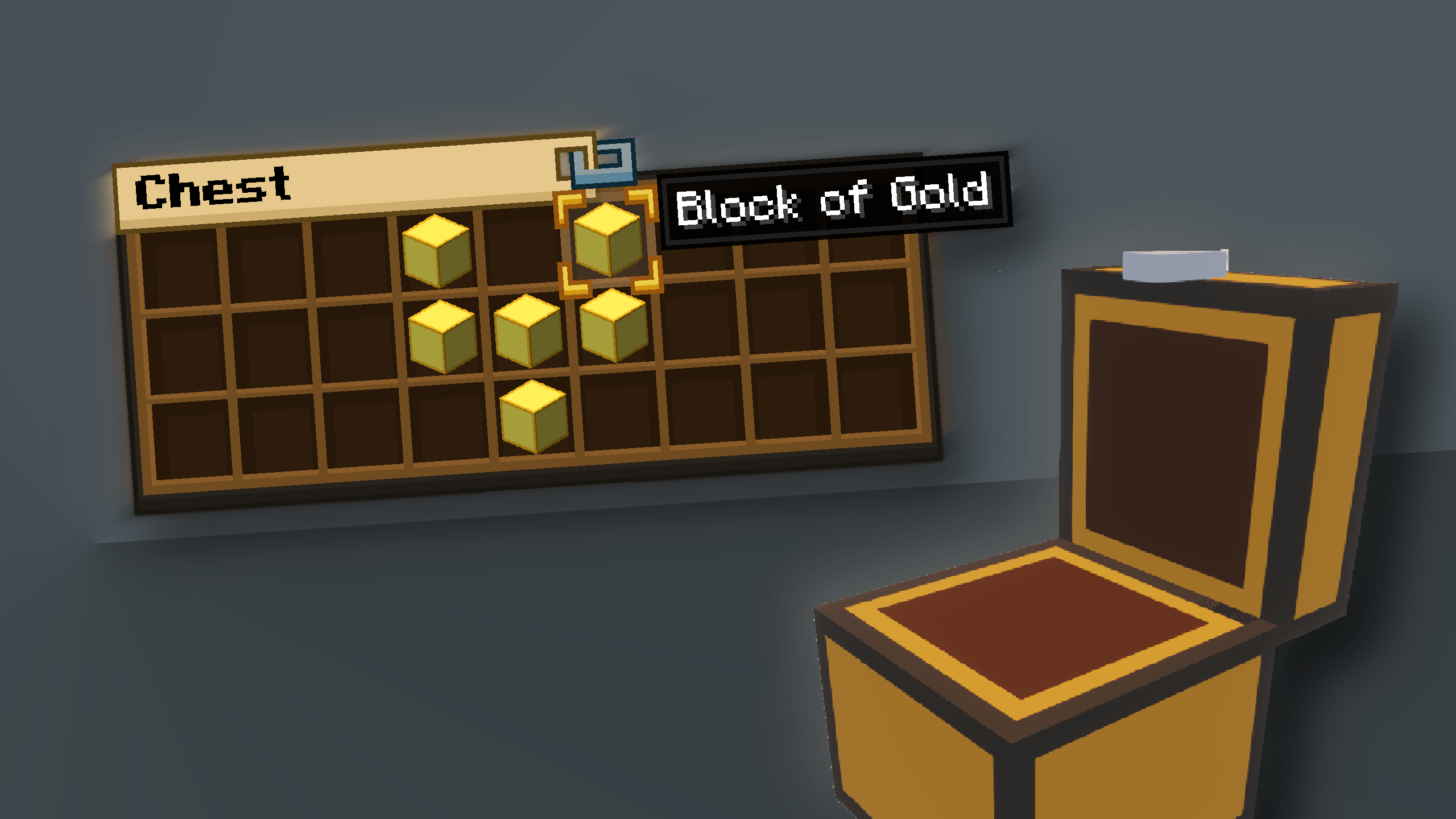
This pack is all about making UI as clean and minimalistic as possible. If you ever played on Bare Bones before you probably know what I'm aiming for (btw those two packs work so well together).

For now I'm testing bottom view point shading — let me know how you like it. Before installing, you can check the gallery for in-game screenshots.

I will try making updates **at least once a month**. No mods required (for now).


FAQ

How to install resource packs?
There are a lot of tutorials on YouTube that explain this better than me. Just download from trusted sites like Modrinth or CurseForge, then drag the file into the folder that opens after clicking "Open Pack Folder" in Minecraft.

Can I use some textures from SimpleGUI in my pack?
As long as it's not distributed — yes. If you want to publish it, just ask me first.

Will you add compatibility with mods?
Yes — I plan to add support for popular mods as add-ons.


Lists

Containers
1. Anvil
2. Beacon
3. Blast Furnace
4. Brewing Stand
5. Cartography Table
6. Crafter
7. Crafting Table
8. Dispenser / Dropper
9. Enchanting Table
10. Furnace
11. Gamemode Switcher
12. Chests
13. Grindstone
14. Hopper
15. Horse
16. Donkey
17. Llama
18. Inventory
19. Creative Inventory
20. Loom
21. Nautilus
22. Shulker Box
23. Smithing
24. Smoker
25. Stonecutter
26. Villager


Plans for future
1. Improve crafting table, loom and villager textures
2. Listening to your feedback
3. Redo recipe book
4. Fix inconsistencies

 

SimpleGUI v26.4.3
MC 1.21.2-Snapshot, 1.21, 1.21.6-snapshot, 1.20.2-Snapshot, 1.20.5-Snapshot, 1.21.1-Snapshot, 1.20.2, 1.21.8, 1.20.5, 1.21.5, 1.21.4, 1.21.5-Snapshot, 1.20.1, 1.20, 1.20.6
Release 2026-04-19 Get
SimpleGUI v26.4.2
MC 1.21.2-Snapshot, 1.21, 1.21.6-snapshot, 1.21.1-Snapshot, 1.21.8, 1.21.5, 1.21.4, 1.21.5-Snapshot, 1.21.1, 1.21.6, 1.21.3, 1.21.7, 1.21-Snapshot, 1.21.4-Snapshot, 1.21.2
Release 2026-04-18 Get
SimpleGUI v26.4.1
MC 1.21.2-Snapshot, 1.21, 1.21.6-snapshot, 1.21.1-Snapshot, 1.21.8, 1.21.5, 1.21.4, 1.21.5-Snapshot, 1.21.1, 1.21.6, 1.21.3, 1.21.7, 1.21-Snapshot, 1.21.4-Snapshot, 1.21.2
Release 2026-04-13 Get
SimpleGUI v26.4.0
MC 1.21.2-Snapshot, 1.21, 1.21.6-snapshot, 1.21.1-Snapshot, 1.21.8, 1.21.5, 1.21.4, 1.21.5-Snapshot, 1.21.1, 1.21.6, 1.21.3, 1.21.7, 1.21-Snapshot, 1.21.4-Snapshot, 1.21.2
Release 2026-04-11 Get

Requirements & install

How to use this resource pack in Minecraft
Resolution
16x
Minecraft
1.21.4-Snapshot – 1.21.8
Install folder
.minecraft/resourcepacks

How to install resource packs

  1. Download the resource pack .zip file (do not extract it).
  2. In Minecraft open Options → Resource Packs → Open Pack Folder.
  3. Drop the .zip into the resourcepacks folder (.minecraft/resourcepacks).
  4. Move the pack to the Selected column and click Done.
Browse more: 16x resource packs 32x resource packs 64x resource packs 128x resource packs 256x resource packs 512x+ resource packs Resource Packs for 1.21.8 All resource packs

More from Svrve

Advertisement Remove ads with Premium →

You Might Also Like