Mineuniverse
Resource Packs
Simple Weapons Mipmaps Compatibility Patch

Simple Weapons Mipmaps Compatibility Patch

RESOURCE PACK
The patсh for InfernalEclipse's "Simple Weapons for Better Combat" mod and Optifine
by holypatch
Download Claim this project
865 downloads
0 likes
0 followers
Updated Oct 14, 2026
0 hypes
Follow0
32x Medieval Miscellaneous Mod Support
Advertisement Remove ads with Premium →


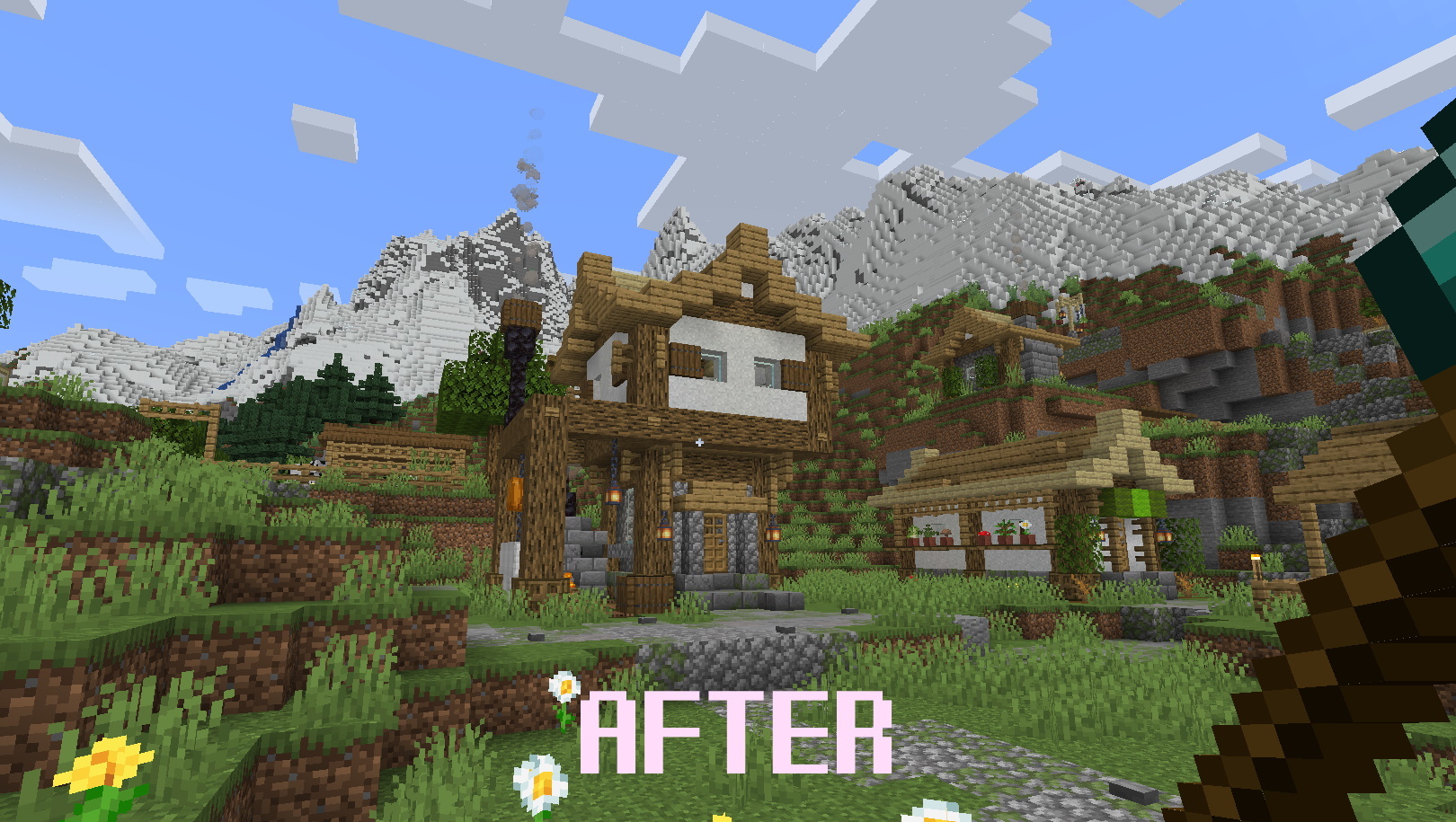
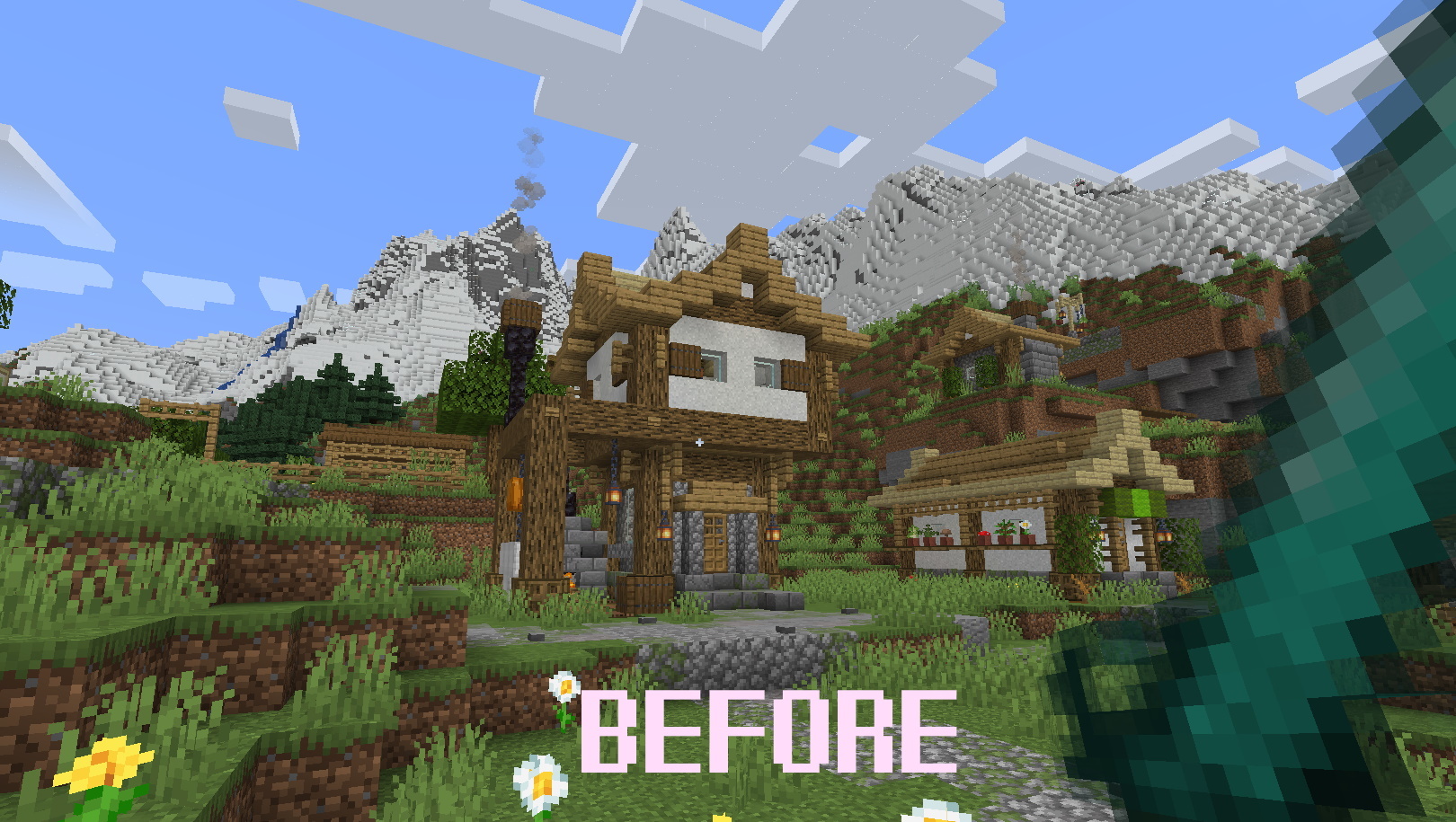
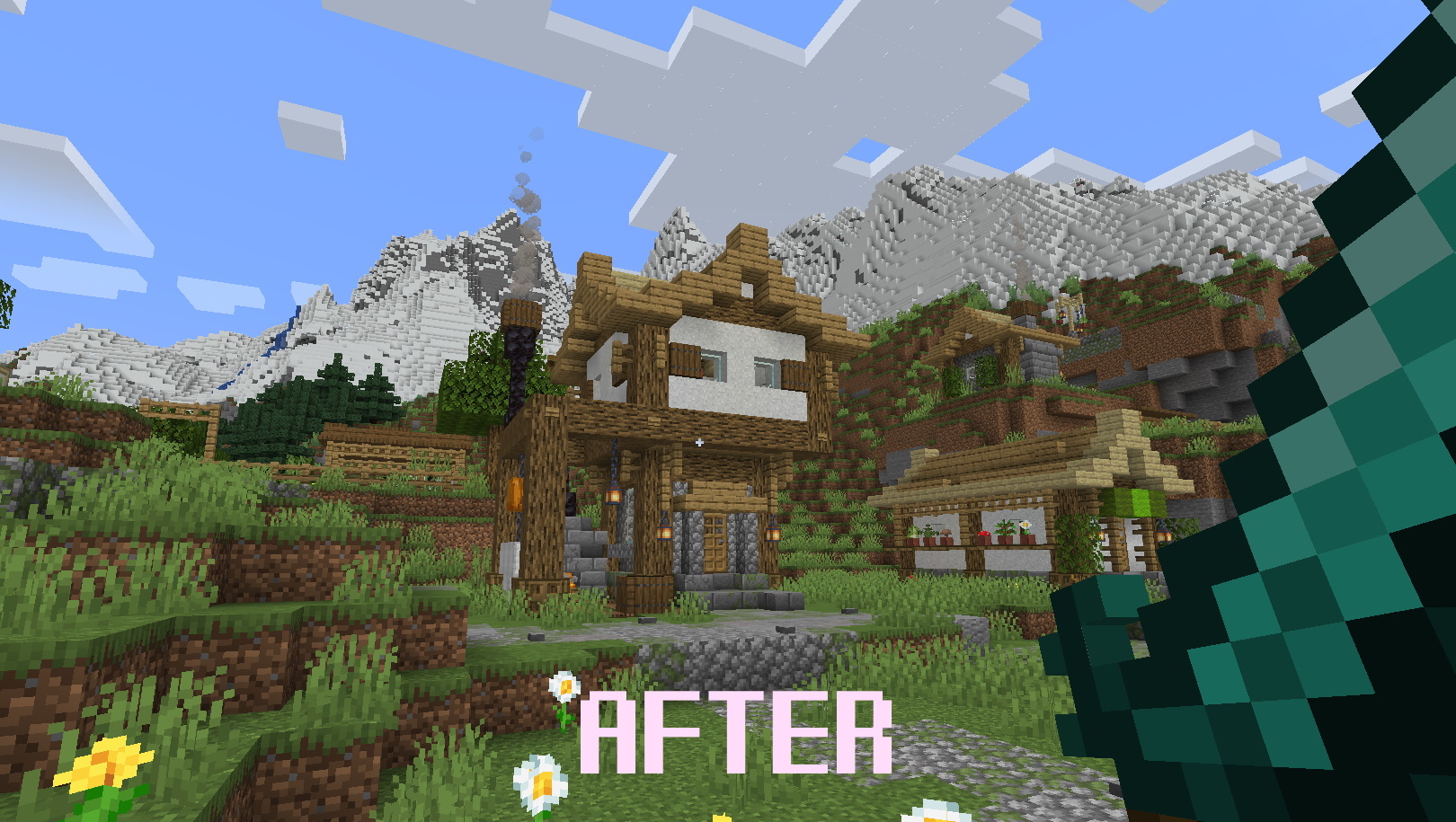
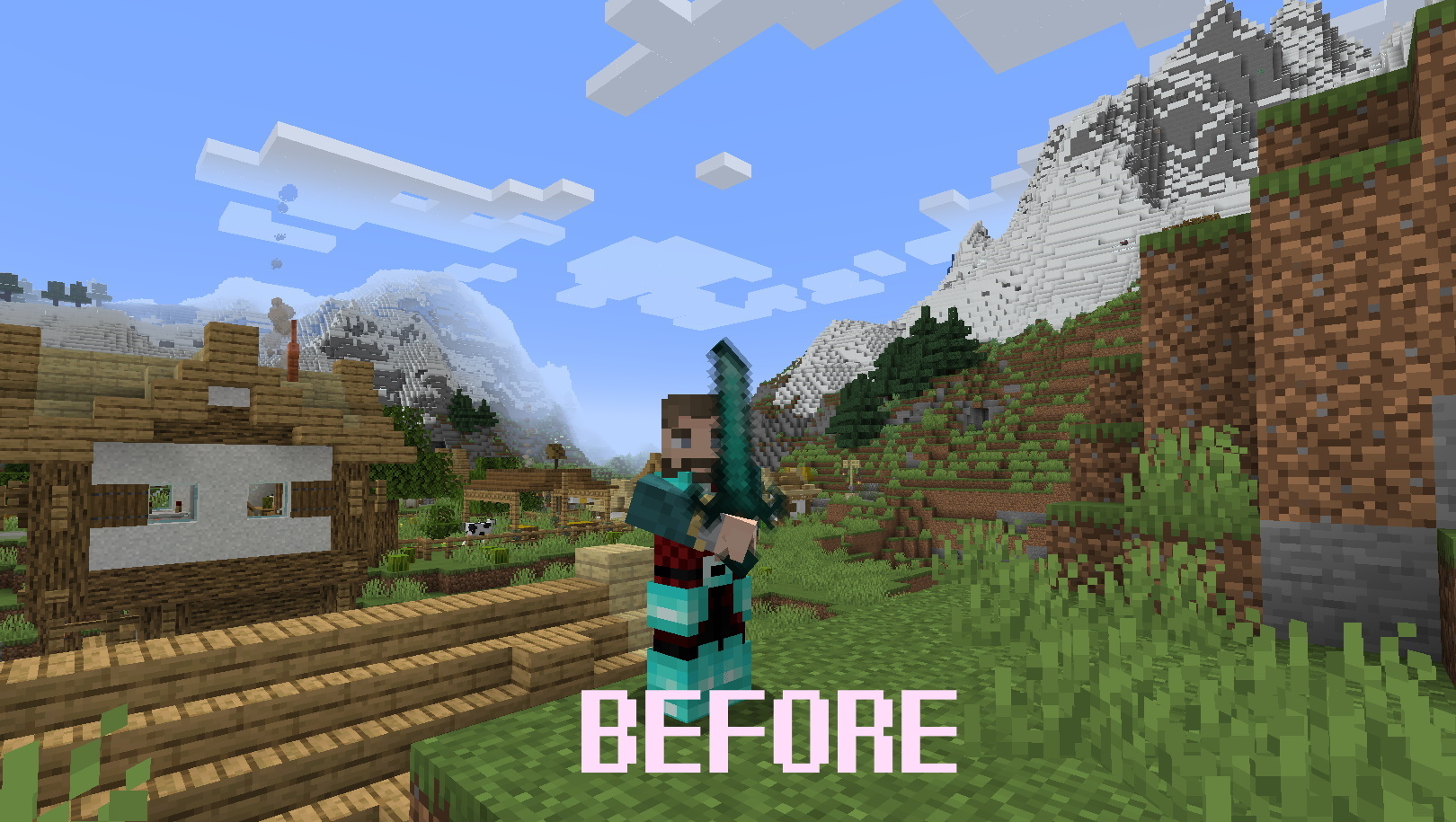
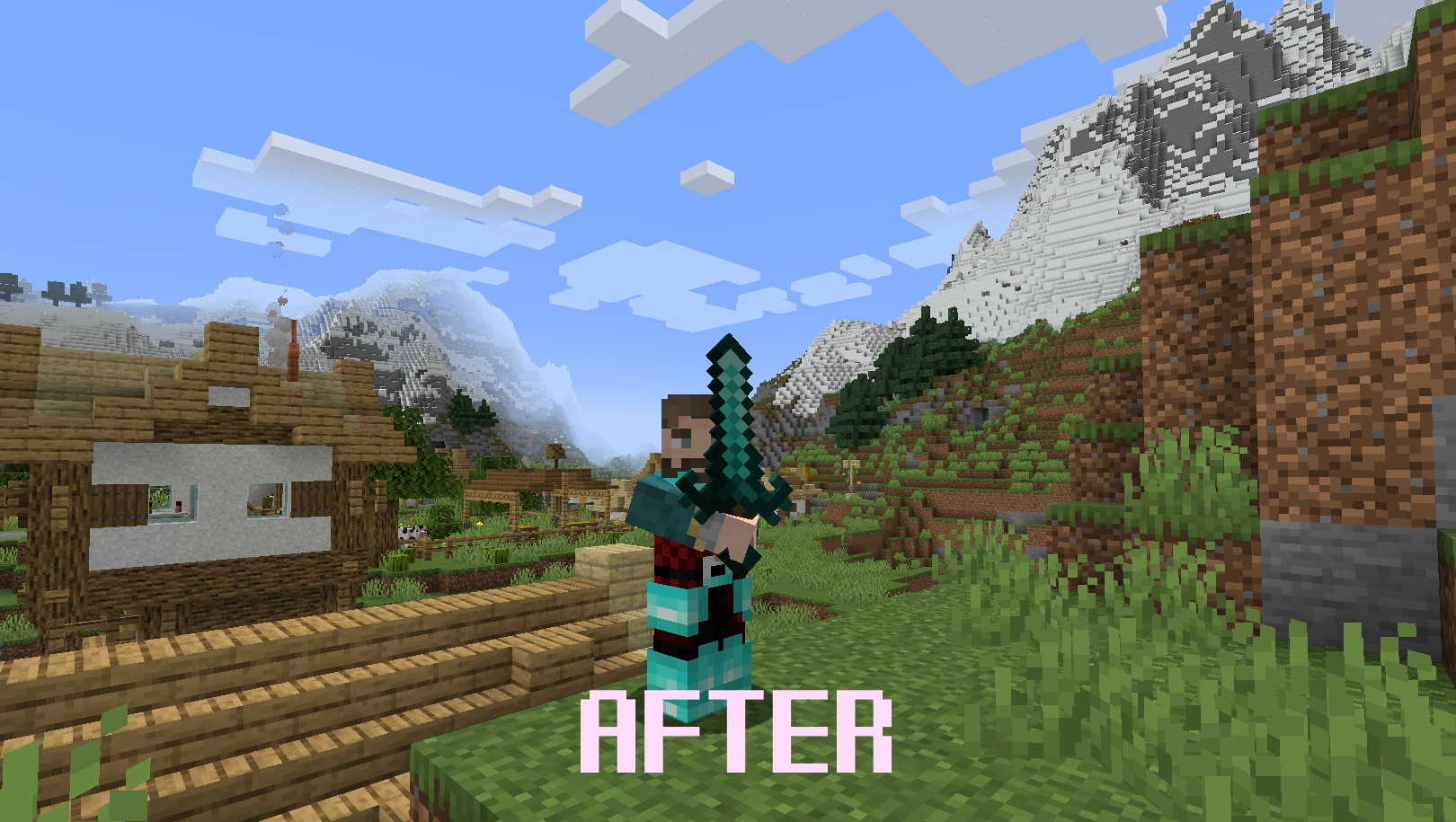
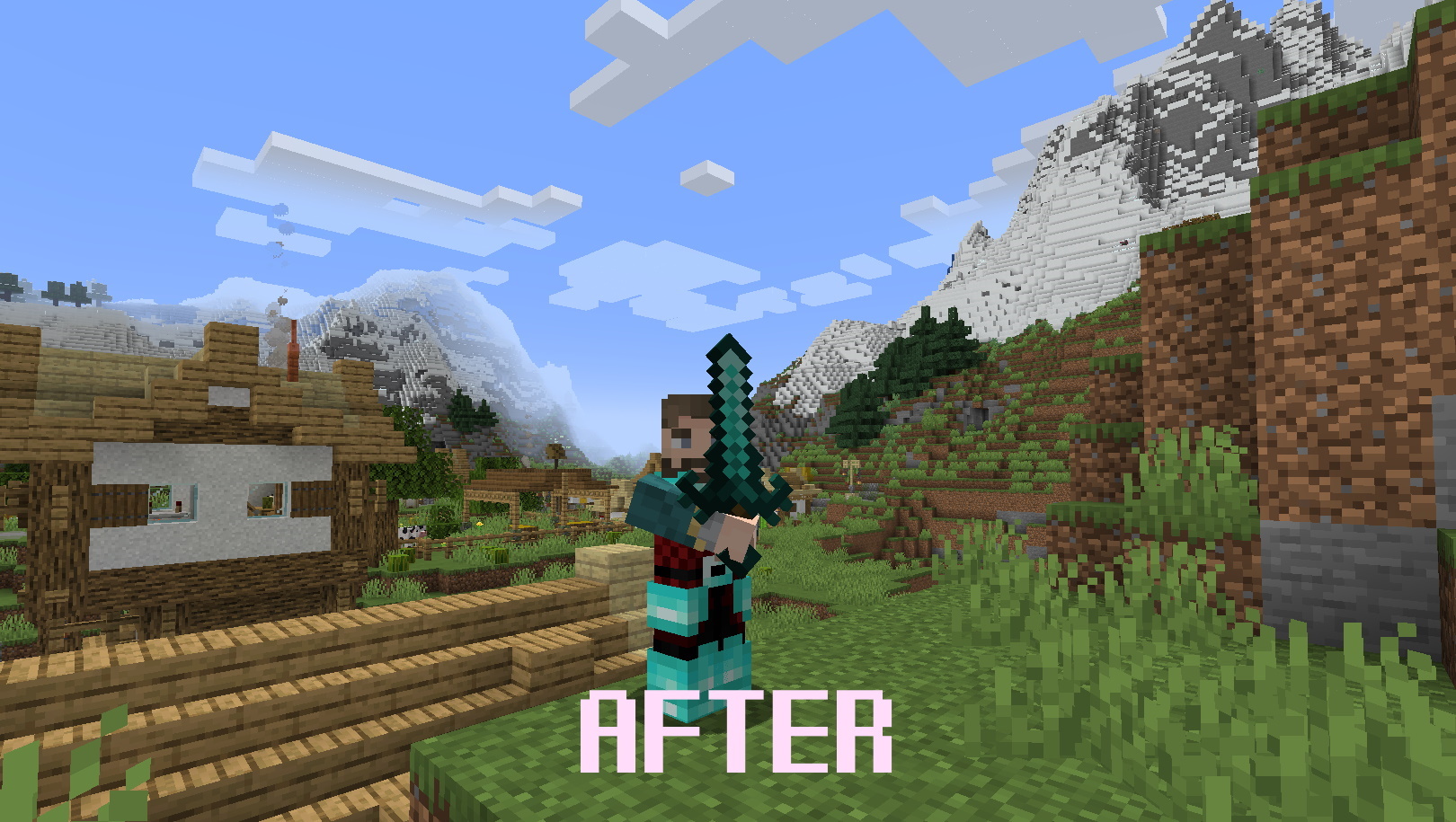
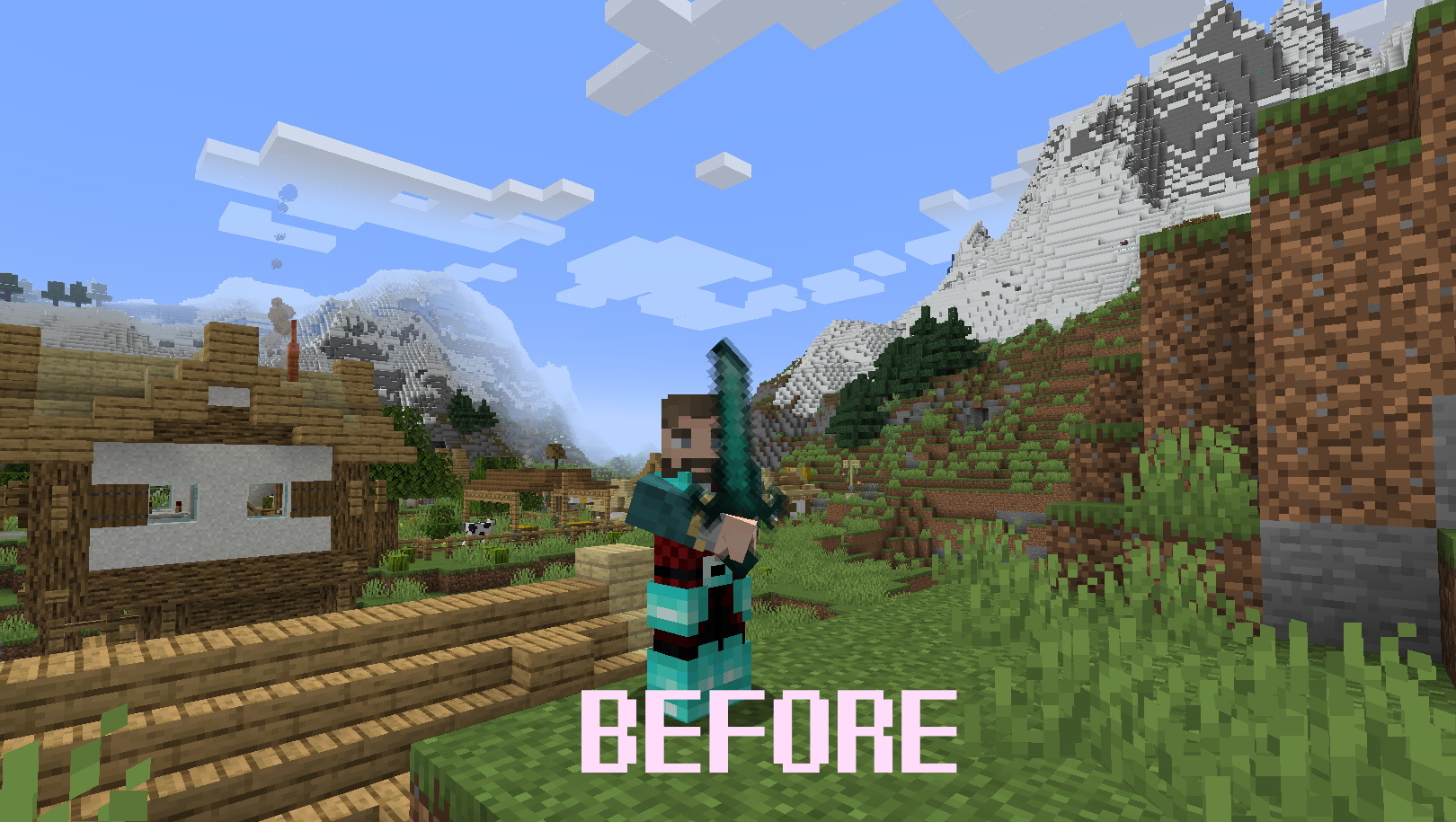
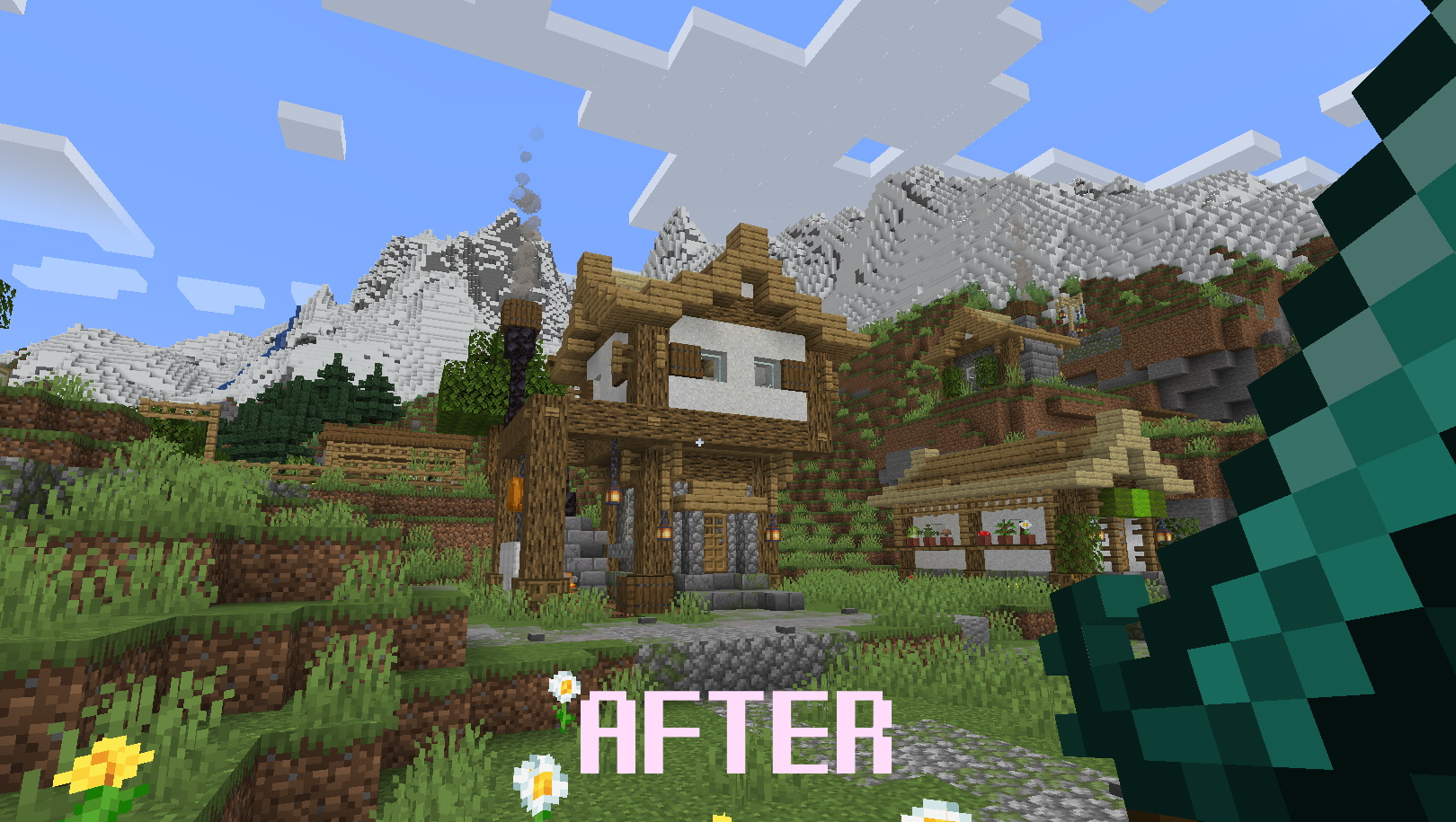
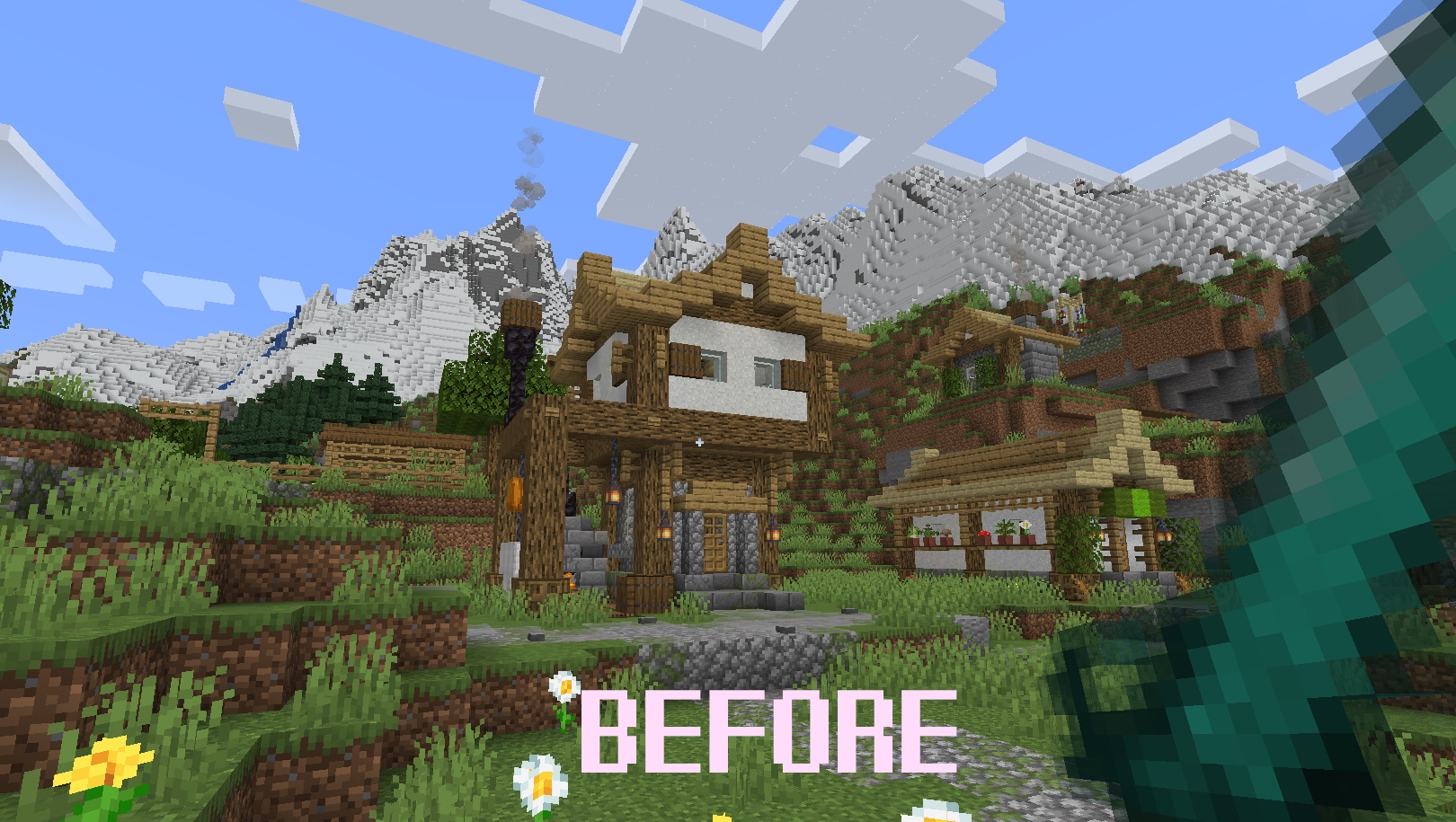
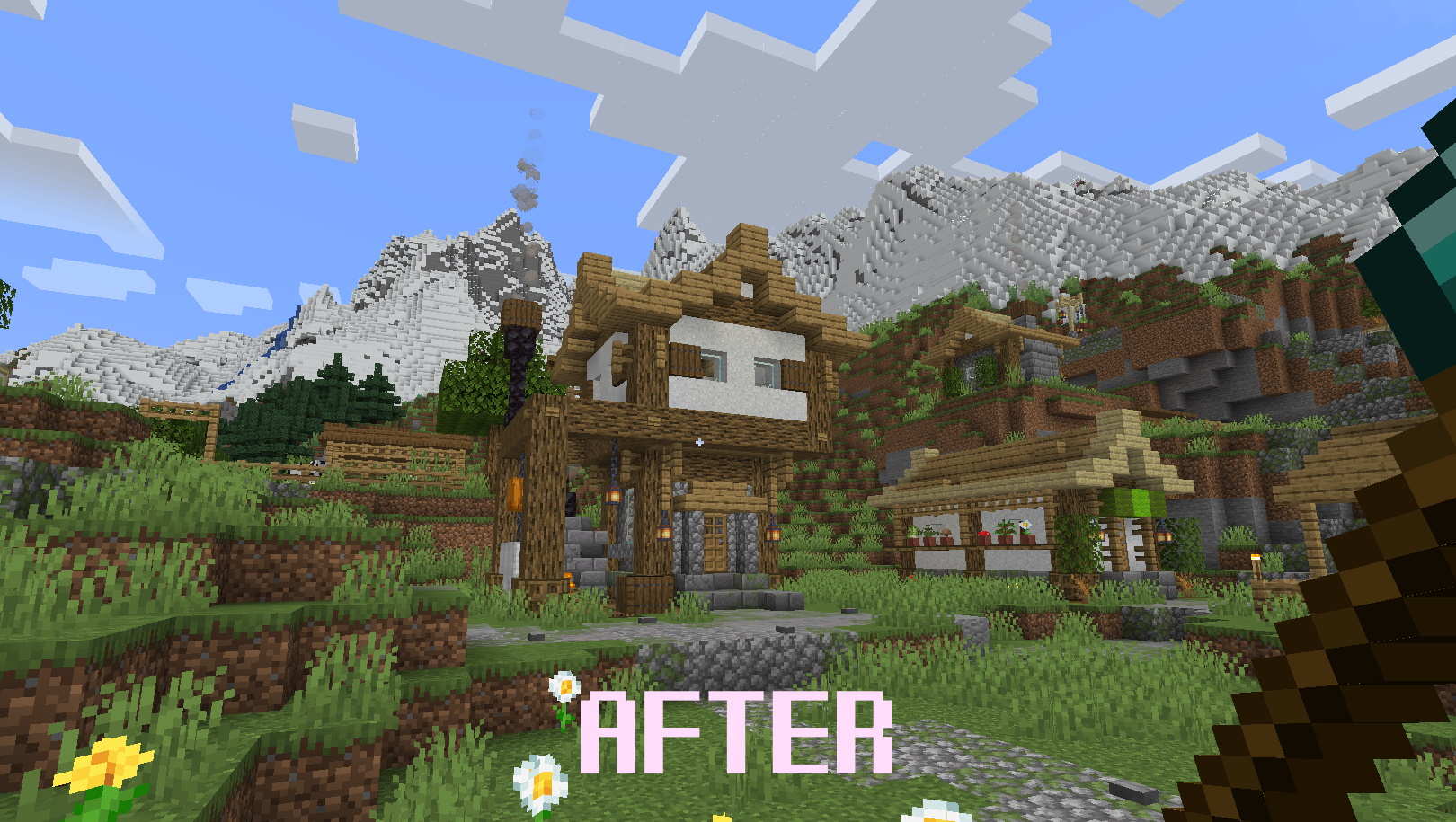
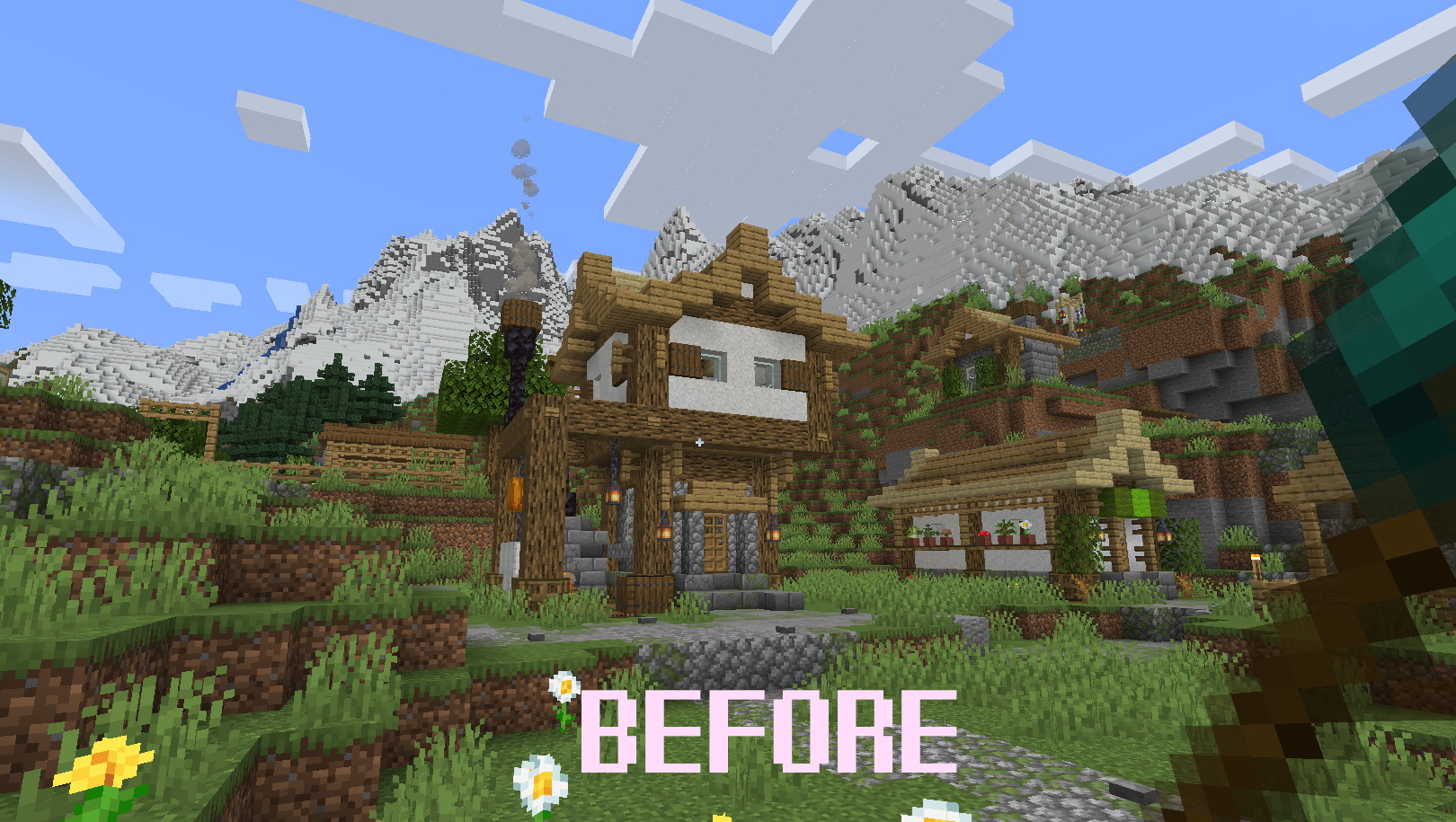
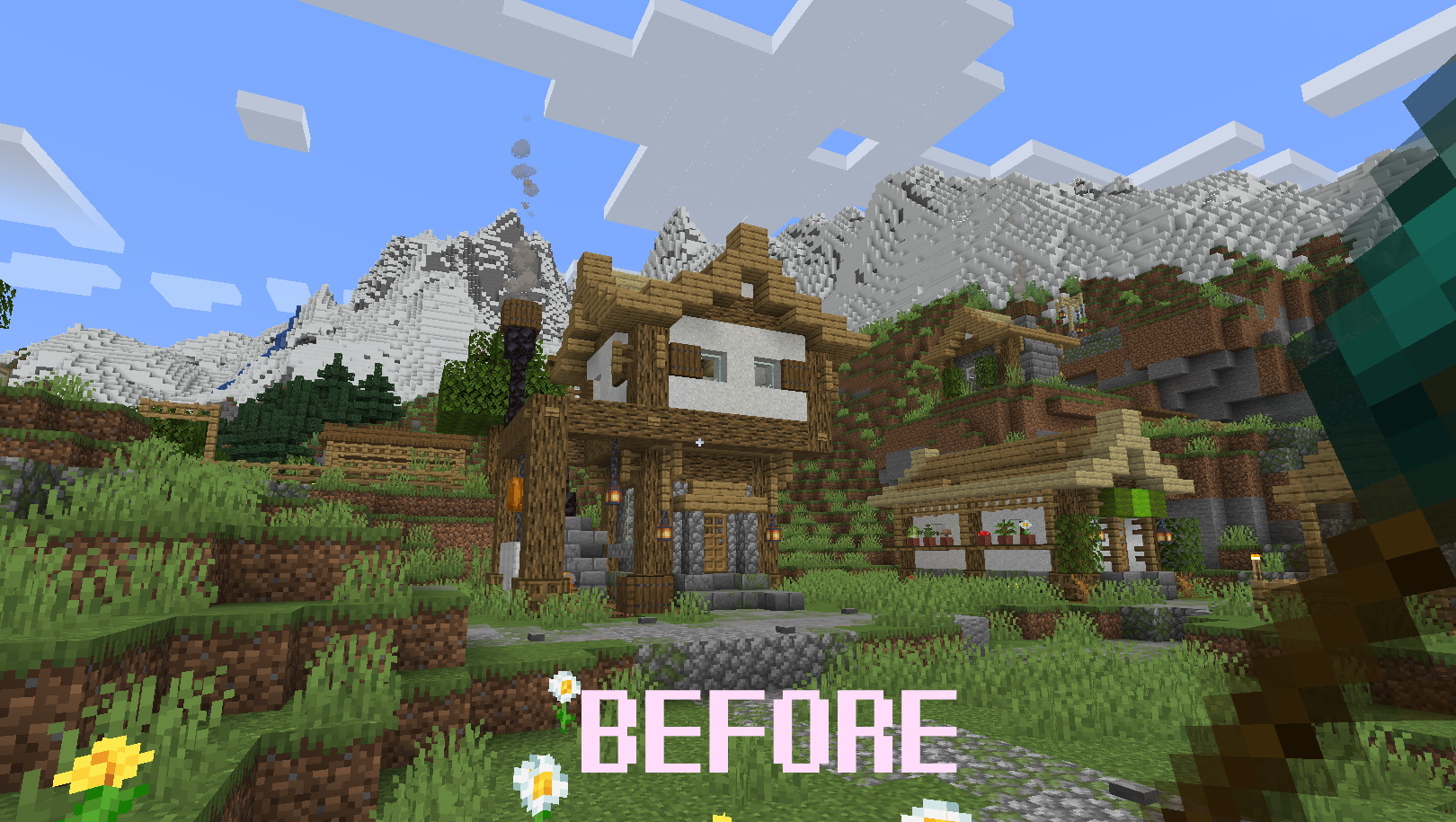
This resource pack is a patсh for InfernalEclipse's "Simple Weapons for Better Combat" mod and Optifine. If you want to use Optifine with Mipmaps and Anti-Aliasing with this cool mod, install it.
It must work with 1.18.x and 1.19.x versions of Minecraft

Original mod is here: Simple weapons for better combat by InfernalEclipse


Installation:
1. Open the /.minecraft/resourcepacks folder
2. Add the Simple_Weapons_mipmaps_CP.zip to the folder.
3. Run Minecraft
4. Go to Options in menu
5. Select "Resource Packs..."
6. Add the Resource Pack from the left to right menu
7. Push the "Done" button


Finished:
+ Stone (Minecraft textures)
+ Iron (Minecraft textures)
+ Diamond (Minecraft textures)
+ Netherite (Minecraft textures)
+ Adamantite (Enlightened End mod)
+ Warden (Deeper and Darker mod)
+ Corinthium (Simple Corinthium mod)
+ Electrum (Oreganized mod)
+ Pendorite (Oh The Biomes You'll Go mod)


Future Updates:
- Other compatible mods with "Simple Weapons for Better Combat" mod


P.S. You can publish the Resource Pack on other websites, just don't forget to give a link to the original page on CurseForge. I will update only CurseForge version!


Screens:
 

Simple Weapons Mipmaps CP v2.0 (for 1.3.5+)
MC 1.18.1, 1.19-Snapshot, 1.18.2, 1.19.2, 1.19.1, 1.18, 1.18-Snapshot, 1.19
Release 2023-01-23 Get
Simple Weapons Mipmaps CP v1.5
MC 1.18.1, 1.19-Snapshot, 1.18.2, 1.19.2, 1.19.1, 1.18, 1.18-Snapshot, 1.19
Release 2023-01-19 Get
Simple_Weapons_and_Optifine_Compatibility_Patch_v1.0.zip
MC 1.18.1, 1.19-Snapshot, 1.18.2, 1.19.2, 1.19.1, 1.18, 1.18-Snapshot, 1.19
Release 2023-01-17 Get
Simple Weapons Mipmaps CP v1.1
MC 1.18.1, 1.19-Snapshot, 1.18.2, 1.19.2, 1.19.1, 1.18, 1.18-Snapshot, 1.19
Release 2023-01-17 Get

Requirements & install

How to use this resource pack in Minecraft
Resolution
32x
Minecraft
1.18-Snapshot – 1.19.2
Install folder
.minecraft/resourcepacks

How to install resource packs

  1. Download the resource pack .zip file (do not extract it).
  2. In Minecraft open Options → Resource Packs → Open Pack Folder.
  3. Drop the .zip into the resourcepacks folder (.minecraft/resourcepacks).
  4. Move the pack to the Selected column and click Done.
Browse more: 16x resource packs 32x resource packs 64x resource packs 128x resource packs 256x resource packs 512x+ resource packs Resource Packs for 1.19.2 All resource packs
Advertisement Remove ads with Premium →

You Might Also Like