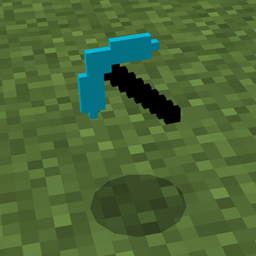
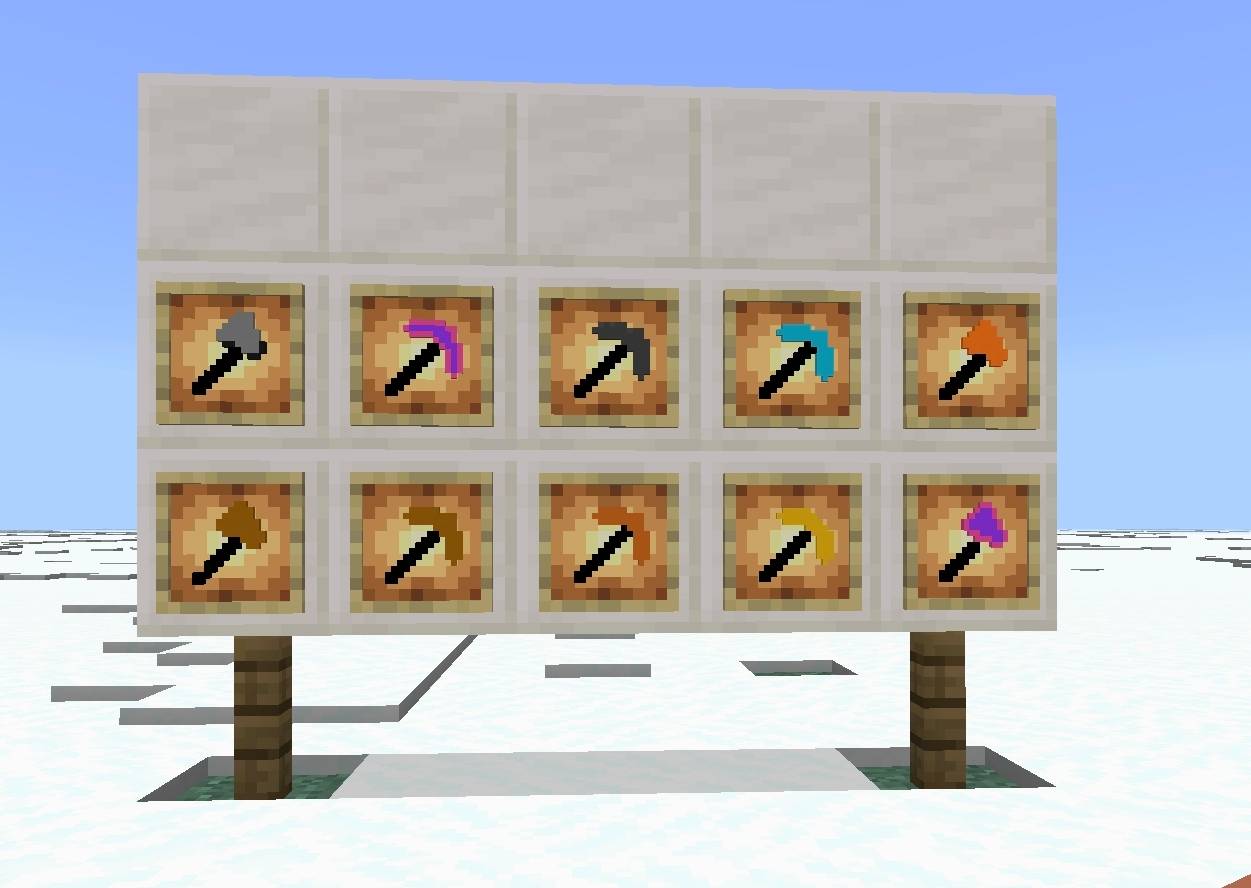
Simple Tools is a resource pack that gives Minecraft tools a clean, simple, and refreshed look while preserving the original vanilla style. Instead of completely redesigning every tool, this pack focuses on making them look smoother, more consistent, and easier to recognize without changing Minecraft's classic feel.
Whether you're mining deep underground, gathering resources, or building your next project, Simple Tools provides a lightweight visual upgrade that fits naturally into the game.
✨ Features
⛏️ Redesigned All Tools
🎨 Clean and minimalist pixel-art style
🌈 Unique appearance for each tool material
🎮 Vanilla-friendly design
⚡ Lightweight and performance-friendly
🔄 Regular updates and improvements
🎯 Why Choose Simple Tools?
Many resource packs completely replace Minecraft's original style, but Simple Tools takes a different approach. Every texture is carefully redesigned to feel like it belongs in vanilla Minecraft while offering a cleaner and more polished appearance.
The goal is to improve the look of your tools without making them feel out of place.
📦 Compatibility
✅ Minecraft Java Edition
✅ Supports modern Minecraft versions
✅ Works with most resource packs that don't replace tool textures
🚧 Future Plans
Simple Tools will continue receiving updates. Future versions may include:
Better texture polishing
More visual improvements
Additional tool refinements
Higher consistency across all items
Community-requested improvements
❤️ Feedback
This project is actively maintained. If you find a bug or have suggestions for future updates, feel free to leave a comment. Your feedback helps make Simple Tools even better!
Thank you for downloading Simple Tools. Enjoy a cleaner Minecraft experience while keeping the familiar vanilla style!